How we make this list: we compare pricing pages, product documentation and public user reviews. Ratings come from G2, Capterra or Trustpilot, with the date we checked them.
Key takeaways
- TalentLMS is the safest first mobile LMS for a small or mid sized team, with a free plan, paid tiers from 119 dollars a month, and an app that mirrors the web version.
- SC Training from SafetyCulture is built for frontline and deskless workers, with phone first micro lessons, offline completion, and a free tier for up to 10 users.
- 360Learning turns internal experts into course authors from phones and desktops alike at 8 dollars per user per month.
- Mobile is the delivery channel, not the outcome: completion depends on short lessons, manager follow up, and protected time, not on the app alone.
Quick comparison
| Tool | Best for | Starting price | Free plan |
|---|
 TalentLMS TalentLMS | First LMS for small and mid sized teams | $119 per month | Yes |
 SC Training (SafetyCulture) SC Training (SafetyCulture) | Frontline and deskless microlearning | Free | Yes |
 360Learning 360Learning | Expert led collaborative learning | $8 per user per month | No |
 Docebo Docebo | Enterprise learning across audiences | See website | No |
 Moodle Moodle | Open source control and full app customisation | Free | Yes |
 LearnUpon LearnUpon | Separate portals per audience | See website | No |
 iSpring Learn iSpring Learn | Fast course creation with mobile delivery | See website | No |
 Litmos Litmos | Rapid deployment with a large content library | See website | No |
Is your product missing or out of date?
We review this list regularly. Vendors can request a listing, send updated pricing or ask about featured placement.
#1TalentLMS
Best for: First LMS for small and mid sized teams4.6/5 on
G2 (813 reviews, checked Oct 2026)
Visit talentlms.com
Starting price$119 per month
Free planYes
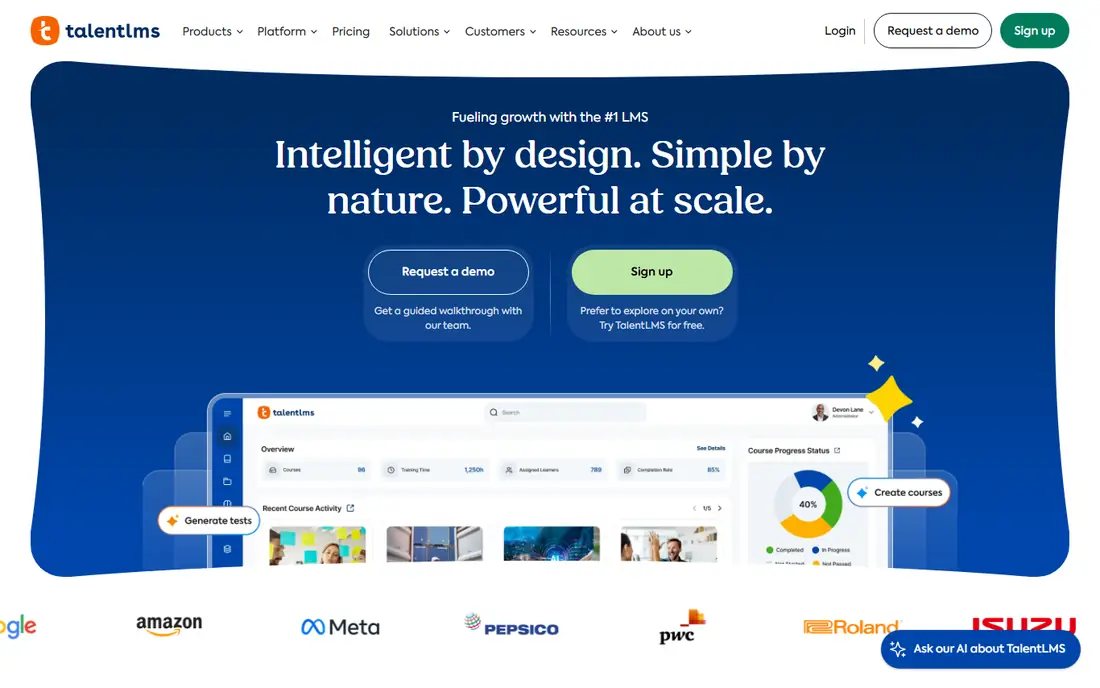
What we like- TalentLMS is the default recommendation for a first corporate LMS because setup takes hours and the mobile app mirrors the web experience closely, so field staff learn one interface. The free plan covers 5 users and 10 courses, Core costs 119 dollars a month billed annually for up to 40 users, and plans add gamification, branches for different audiences, and an AI assisted course builder. SCORM support, certificates, and learning paths cover standard corporate training needs.
Watch out for- Reporting is basic against Docebo or Absorb, and advanced features sit in higher tiers. The pricing bands step up with users, so verify which band your headcount lands in before budgeting. Teams that pass a few hundred learners with complex multi audience rules tend to outgrow it and face a migration they could have avoided by choosing bigger at the start.
Starting priceFree
Free planYes
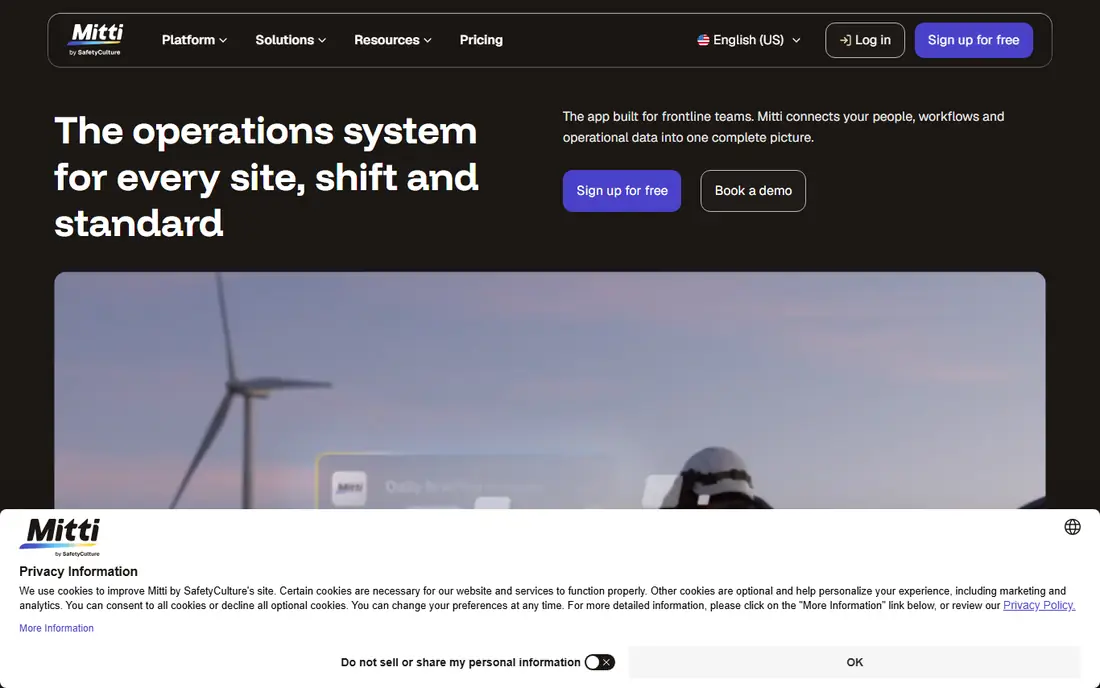
What we like- SC Training, formerly EdApp, was designed phone first for workers who never sit at a desk: lessons are short, spaced, and built from templates, with a library of more than 1,000 free editable courses and AI conversion of documents into lessons. Learners can complete courses offline and sync progress later, which suits sites, warehouses, and field crews. It is free for up to 10 users, and its link to SafetyCulture inspections means a failed check can generate a refresher course directly.
Watch out for- Paid tiers are per seat for everyone on the plan rather than per active learner, according to its current pricing notes, so costs jump when a whole workforce must be enrolled for occasional training. The micro format suits procedures and refreshers better than deep technical programmes. Reporting and enterprise administration trail the full LMS platforms here.
Starting price$8 per user per month
Free planNo
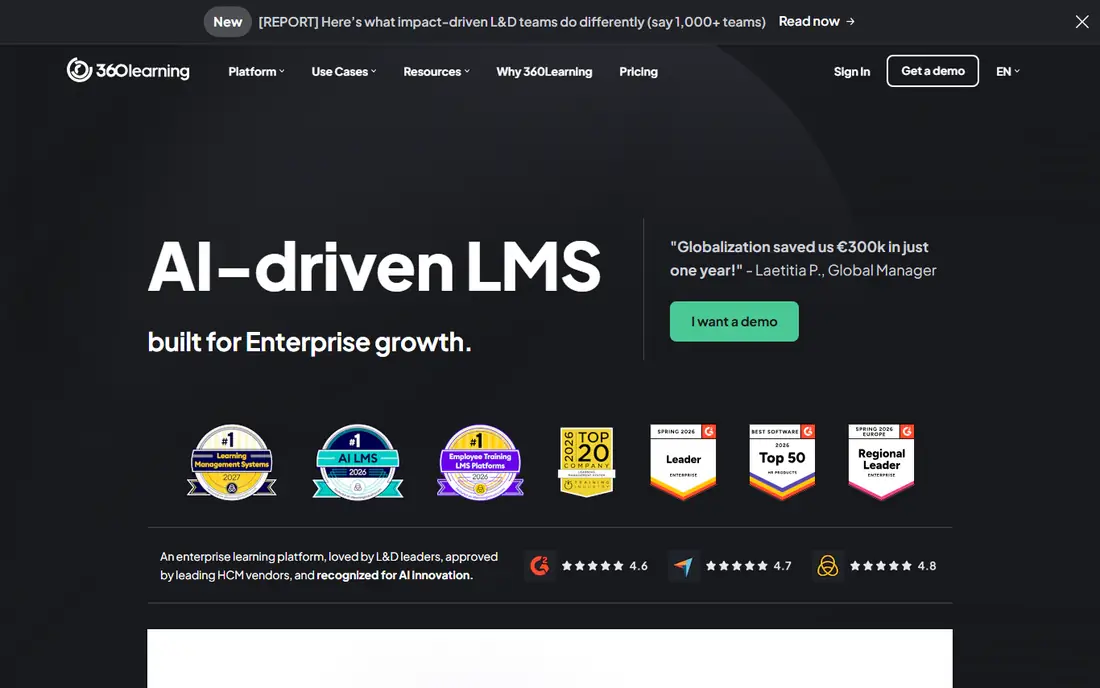
What we like- 360Learning is built around collaborative authoring: subject experts create courses from their phone or desktop with co authors, feedback loops, and reaction tools, which keeps content close to the work. Pricing starts at 8 dollars per user per month for smaller teams, with quote based pricing above set sizes. Its mobile app carries the same creation and consumption experience, so a team lead can publish a procedure update from the floor.
Watch out for- The model depends on internal experts having time and willingness to author, which collapses in cultures where knowledge sharing is not rewarded. Traditional SCORM first programmes fit less naturally than in TalentLMS or Docebo. Above the published team sizes the price becomes a negotiation, so model growth before signing.
#4Docebo
Best for: Enterprise learning across audiences4.3/5 on
G2 (752 reviews, checked Oct 2026)
Visit docebo.com
Starting priceSee website
Free planNo
What we like- Docebo is the enterprise option here, serving employees, customers, and partners from one system with AI assisted tagging, skills, and personalised feeds, and a mobile app that supports branded experiences for each audience. It integrates deeply with HR systems and Salesforce, and its automation handles enrolment rules at a scale smaller tools cannot. For organisations above roughly 250 learners running formal programmes, this is the weight class to buy in.
Watch out for- Pricing is quote only on annual contracts, with buyer reported starting points around 25,000 dollars a year, plus implementation commonly budgeted at 15 to 25 percent of the first year contract. The admin experience is dense and needs a dedicated owner. Small teams will pay enterprise money for capacity they never touch.
#5Moodle
Best for: Open source control and full app customisation4.3/5 on
Capterra (3,389 reviews, checked Oct 2026)
Visit moodle.org
Starting priceFree
Free planYes
What we like- Moodle is the open source LMS the education world runs on, and its official app gives learners offline access to courses, grades, and messages, with push notifications through hosted services. The software is free, plugin choice is enormous, and organisations with technical staff can shape it to almost any process, on their own servers or through MoodleCloud hosting from modest annual fees. No vendor can take the platform away, which matters for long training records.
Watch out for- Free software is not free to run: hosting, updates, security, and an administrator's time are real costs, and the default interface needs design work to feel modern on a phone. Moodle Workplace, the corporate edition with multi tenancy, is a separate commercial product from Moodle partners. Support is community and partner based rather than a single vendor's help desk.
#6LearnUpon
Best for: Separate portals per audience4.5/5 on
G2 (262 reviews, checked Oct 2026)
Visit learnupon.com
Starting priceSee website
Free planNo
What we like- LearnUpon's strength is portals: one platform runs separate, branded learning environments for staff, customers, and partners, each with its own catalogue and reporting, and its mobile access carries the portal experience to phones. Implementation and support draw consistent praise in buyer reviews, which matters because multi audience rollouts fail on service more than features. Integrations with Salesforce and HR systems are mature.
Watch out for- Pricing is quote based in recent listings, with third party guides reporting starting points near 599 dollars a month, so small single audience teams pay for structure they do not need. Authoring is oriented to assembling and delivering content rather than creating rich interactive courses inside the tool. The app experience follows the portal rather than leading with a phone first design like SC Training.
#7iSpring Learn
Best for: Fast course creation with mobile delivery4.6/5 on
G2 (113 reviews, checked Oct 2026)
Visit ispring.com
Starting priceSee website
Free planNo
What we like- ISpring Learn pairs an LMS with one of the strongest authoring toolkits in this list, turning PowerPoint material into interactive courses with quizzes, role plays, and video, then delivering them through its mobile app with offline viewing. It suits companies whose training starts life as slide decks and subject expert knowledge. Reporting covers completion and assessment detail well for compliance programmes.
Watch out for- Published per user prices conflict between iSpring's regional pages and third party guides, at roughly 4 to 7 dollars per user per month depending on band and billing, so get a written quote for your headcount before budgeting. The authoring strength is Windows and PowerPoint centric, which can strand Mac based content teams. Pricing bands by user count make occasional learner economics worth checking.
#8Litmos
Best for: Rapid deployment with a large content library4.3/5 on
G2 (698 reviews, checked Oct 2026)
Visit litmos.com
Starting priceSee website
Free planNo
What we like- Litmos deploys fast, with a clean learner interface, a mobile app with offline course access, and a large off the shelf content library covering compliance and soft skills, which shortens the road from purchase to first completions. Built in authoring covers simple courses without extra tools. For a company that needs training live this quarter with minimal project staff, Litmos is built for that brief.
Watch out for- Pricing is quote based and per user, and the library content that speeds deployment is licensed, so check renewal terms for the courses your teams complete. Advanced reporting and automation trail Docebo at enterprise scale. Ownership has changed over its history, and buyers should confirm the current product roadmap during evaluation.
How we chose
We judged platforms on the phone experience first: native apps, offline completion with sync, push reminders, micro lesson design, and whether creating content from a phone is possible, then on standard LMS duties such as SCORM support, enrolment automation, and audit ready records. Pricing was taken from published pages where they exist, with quote based platforms marked see website and reported figures labelled as reports. We excluded consumer course marketplaces, since they sell content to individuals rather than platforms to employers, and pure video apps with no tracking or records.
Start with your learners' reality. If most staff have no desk or company email, the platform must work with phone numbers, short lessons, and offline sync, which points to SC Training or TalentLMS, and your pilot should run on the actual devices and signal conditions of a real site. If your learners are office based and the need is expert knowledge sharing, 360Learning's authoring model fits better. If you train customers and partners as well as staff, portal structure decides, which points to LearnUpon or Docebo.
Run a pilot with real content before any annual signature: one genuine course, fifty real learners, and completion and quiz data reviewed with their managers. Check the pricing model against your usage shape, since per registered user billing punishes seasonal and occasional learners while per active user models punish nothing but are harder to forecast. Confirm records export in standard formats so a future migration does not strand your compliance history. Finally, plan the human side: who owns content updates, who chases overdue learners, and what time staff are given to train. Platforms differ, but completion is a management outcome before it is a software feature. Prices are October 2026 published and reported figures.
Frequently asked questions
What makes a learning platform mobile first rather than just having an app?
Design order. A mobile first platform builds lessons, navigation, and assessments for a small screen and short sessions, then adapts up to desktop; a desktop LMS with an app shrinks long pages onto a phone. Offline download with progress sync, push reminders, and sign in that works without a corporate email address are the practical tests, and SC Training was designed around them from the start.
Can learners complete training offline?
On several platforms here, yes. SC Training, Moodle's app, iSpring, and Litmos support downloading courses and syncing completion when a connection returns, which matters for sites, travel, and field work. Verify the exact behaviour in a pilot, particularly for SCORM packages and assessments, since some content types still need a live connection to record results.
How much does a mobile LMS cost?
From nothing to enterprise contracts. SC Training and Moodle start free, TalentLMS publishes paid plans from 119 dollars a month, 360Learning charges 8 dollars per user per month at small scale, and Docebo and LearnUpon are quote based, with reported enterprise starts in the tens of thousands per year for Docebo. Always model your full learner count, including occasional learners, against the vendor's billing model.
What is SCORM and does my platform need it?
SCORM is the long standing standard for packaging e-learning content so it plays in any compliant LMS and reports completion and scores. If you buy courses from content libraries or keep existing course packages, your platform needs SCORM support, which every platform here has in some form. Newer standards such as xAPI track richer activity, including offline and app based events, and are worth asking about for mobile programmes.
Will a mobile platform raise completion rates on its own?
Not by itself. Phones remove the access excuse, and short lessons with push reminders do lift completion, but the durable gains come from relevant content, lessons short enough for real shifts, managers who follow up, and time protected for training. Treat the platform as removing friction, then manage completion like any other operational target.
Sources we checked (0)
Is your product missing or out of date?
We review this list regularly. Vendors can request a listing, send updated pricing or ask about featured placement.

Shihab Mia · Founder, Rankite
Shihab has 5+ years in B2B and SaaS SEO. He writes Rankite's software buying guides from pricing pages, documentation and public user reviews. More about Shihab.