How we make this list: we compare pricing pages, product documentation and public user reviews. Rankite is independent; if a vendor ever pays for a featured spot, that listing is clearly labeled Partner.

Key takeaways
- SOLIDWORKS is the mainstream choice for mechanical design, with the largest user base and training ecosystem.
- Siemens NX and CATIA serve the high end: automotive, aerospace, and complex assemblies.
- PTC Creo and Autodesk Inventor are the established alternatives with deep parametric modeling heritage.
- Onshape brings CAD to the browser with real-time collaboration and no IT overhead.
- Solid Edge offers a free Community Edition, the only genuinely free professional option on this list.
Quick comparison
| Tool | Best for | Starting price | Free plan |
|---|
 SOLIDWORKS SOLIDWORKS | mainstream mechanical product design | See website | No |
 Autodesk Inventor Autodesk Inventor | Autodesk-based engineering workflows | See website | Free trial |
 PTC Creo PTC Creo | rigorous parametric design control | See website | No |
 Siemens NX Siemens NX | complex products and integrated CAD/CAM/CAE | See website | Free trial |
 CATIA CATIA | automotive, aerospace, and Class A surfacing | See website | No |
 Onshape Onshape | distributed teams that want CAD in a browser | See website | No |
 Solid Edge Solid Edge | affordable Siemens CAD with synchronous technology | See website | Yes |
Is your product missing or out of date?
We review this list regularly. Vendors can request a listing, send updated pricing or ask about featured placement.
The best mechanical engineering software
Starting priceSee website
Free planNo
SOLIDWORKS is the default answer in mechanical engineering for the same reason it has been for 25 years: more engineers know it than any other 3D CAD package. Owned by Dassault Systèmes since 1997, it covers parts, assemblies, drawings, sheet metal, weldments, molds, and plastics with parametric modeling that most engineers find the most approachable of the major systems.
The ecosystem is the real product. Need a simulation study? SOLIDWORKS Simulation is built in. Need data management? SOLIDWORKS PDM. Need CAM? Integrated options exist. Need to hire? SOLIDWORKS skills are the most common in the job market, and training resources are everywhere. An estimated 7.5 million users mean your suppliers and customers probably speak the same file format.
The trade-offs are platform and pricing. SOLIDWORKS is Windows only, and commercial pricing is quote-based through resellers rather than published. Dassault Systèmes has been steering the brand toward the 3DEXPERIENCE platform and cloud-connected workflows, which long-time desktop users view with mixed feelings. For mainstream mechanical design, though, it remains the safe choice.
What we like- The largest user community and training ecosystem in mechanical CAD
- Intuitive parametric modeling that new engineers learn fast
- Broad simulation, PDM, and CAM add-ins
Watch out for- Windows only
- Quote-based pricing through resellers
- Large assemblies can strain performance
Starting priceSee website
Free planFree trial
Autodesk Inventor is the mechanical CAD workhorse of the Autodesk portfolio. It provides parametric, direct, freeform, and rules-based design with integrated tools for machine design, sheet metal, frame design, tube and pipe, and cable and harness. Built-in simulation covers stress and frame analysis, and iLogic lets engineers automate product configuration with rules instead of manual modeling.
The strategic case is the Autodesk ecosystem. Shops already using AutoCAD, Vault, or Fusion get a unified workflow with shared data and consistent licensing. AnyCAD interoperability means Inventor opens SOLIDWORKS, CATIA, and STEP files without translation, which matters when suppliers send whatever format they prefer. A 30-day free trial lets teams evaluate properly.
The limits are familiar: Windows only, subscription licensing with no perpetual option, and simulation that handles everyday analysis but not the advanced multiphysics of dedicated CAE. For machine builders and industrial equipment manufacturers in the Autodesk world, Inventor is the natural home.
What we like- Strong parametric, direct, and rules-based design in one package
- ILogic design automation for configurable products
- AnyCAD works with SOLIDWORKS files without translation
Watch out for- Windows only
- Subscription-only licensing
- Simulation depth trails dedicated CAE tools
#3
PTC Creo
Best for: rigorous parametric design control
Visit ptc.com
Starting priceSee website
Free planNo
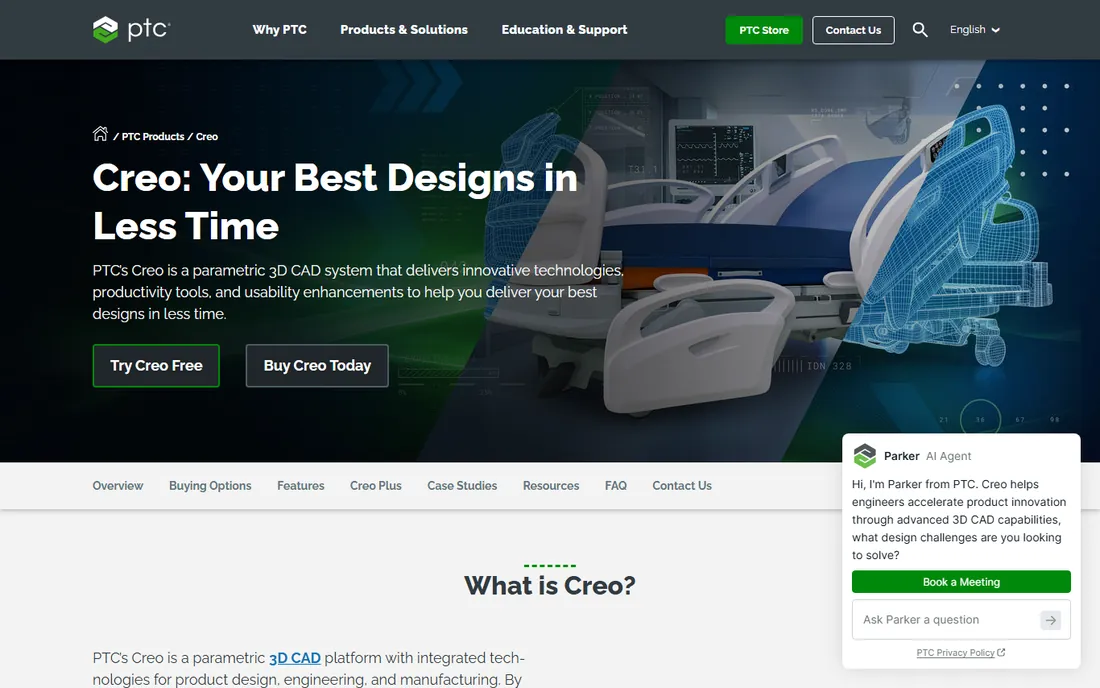
Creo is the descendant of Pro/ENGINEER, the software that invented parametric modeling in the late 1980s. PTC rebuilt it as Creo in 2011, and it remains the choice for engineers who want the strictest control over design intent: every dimension, relation, and parameter driving the model with full associativity from concept through NC toolpaths.
The strengths are discipline and scale. Creo handles massive assemblies well, its surfacing tools are excellent, and the integration with PTC's Windchill PLM gives large organizations end-to-end product lifecycle management. Generative design, additive manufacturing, and simulation are built into the same environment. Companies with complex, highly engineered products stay loyal for decades.
The honest catch is approachability. Creo rewards expertise and punishes casual use; new engineers take longer to become productive than with SOLIDWORKS. Pricing is quote-based and aimed at professional budgets. For organizations where design rigor matters more than ease of learning, Creo is the connoisseur's choice.
What we like- The original parametric modeler with unmatched design intent control
- Strong large-assembly performance
- Deep integration with Windchill PLM
Watch out for- The interface has a learning curve for newcomers
- Quote-based pricing
- Smaller community than SOLIDWORKS
Starting priceSee website
Free planFree trial
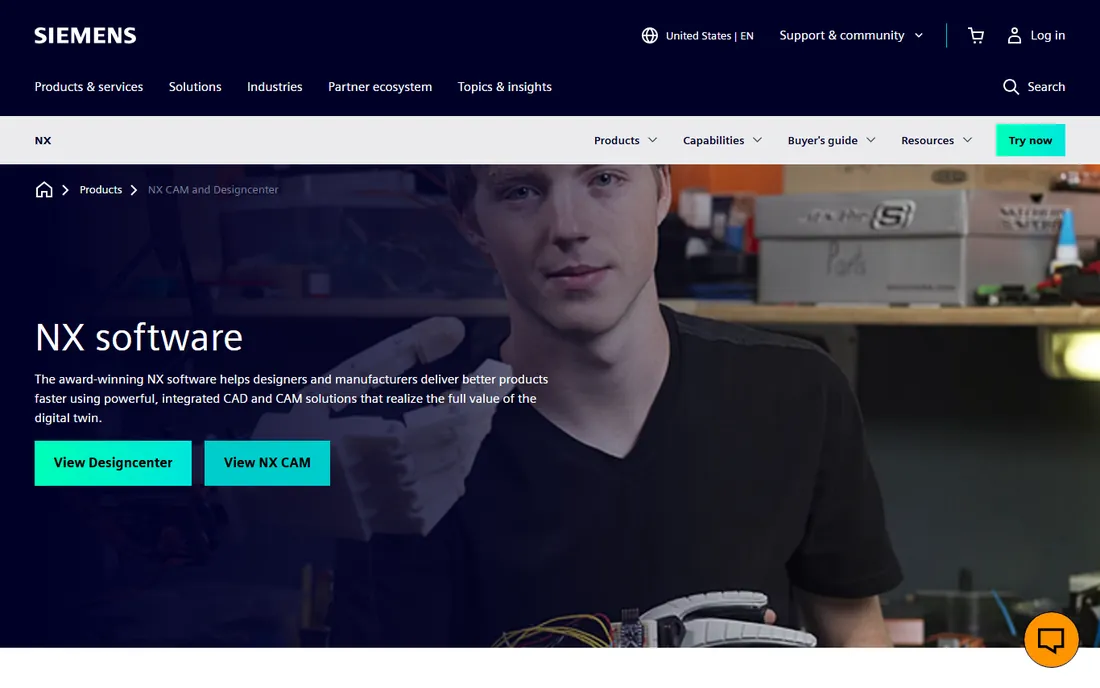
Siemens NX, formerly Unigraphics, is the high-end integrated platform: CAD, CAM, CAE, and PLM in one system, used for everything from automotive powertrains to aerospace structures. It handles the largest, most complex assemblies in the industry with parametric, direct, and facet-based modeling, advanced surfacing, and built-in simulation covering structural, thermal, flow, and motion.
The differentiators are integration and flexibility. NX CAM programs the machines that make the parts NX designed. Synchronous technology lets engineers edit imported geometry from any CAD system without a feature history. The native connection to Teamcenter keeps global teams on one source of truth. Recent releases add AI assistance with an engineering copilot and continuous cloud-connected updates.
This is enterprise software with enterprise costs and enterprise implementation. A small job shop does not need NX; a multinational designing aircraft does. Siemens also offers NX X as cloud-connected SaaS tiers for teams that want the capability without the traditional infrastructure.
What we like- One platform for CAD, CAM, CAE, and PLM
- Exceptional large-assembly and surfacing capability
- Synchronous technology for editing imported geometry
Watch out for- Enterprise pricing and implementation
- Significant training investment
- Overkill for simple part design
#5
CATIA
Best for: automotive, aerospace, and Class A surfacing
Visit 3ds.com
Starting priceSee website
Free planNo

CATIA is Dassault Systèmes' flagship: the CAD system behind most of the world's cars and aircraft. Where SOLIDWORKS serves the broad market, CATIA serves the top of it, with advanced surfacing for Class A automotive bodies, composites design, electrical systems, and full systems engineering on the 3DEXPERIENCE platform.
The capability ceiling is the highest here. CATIA handles entire vehicle and aircraft programs with thousands of engineers working concurrently, managing everything from styling surfaces to manufacturing simulation. Knowledgeware automation captures engineering rules and replays them across designs. If your customer is an automotive or aerospace OEM, CATIA is often not a choice but a requirement.
The price of admission is steep: enterprise licensing, extensive training, and deep commitment to the Dassault ecosystem. Small and mid-size companies rarely buy CATIA directly; they encounter it as the OEM's mandated system. For everyone else on this list, CATIA is the benchmark they are measured against.
What we like- The industry standard for automotive and aerospace OEMs
- Unmatched surfacing and systems engineering
- Deep 3DEXPERIENCE platform integration
Watch out for- The most expensive and complex option here
- Requires serious training investment
- Supplier lock-in to the Dassault ecosystem
Starting priceSee website
Free planNo
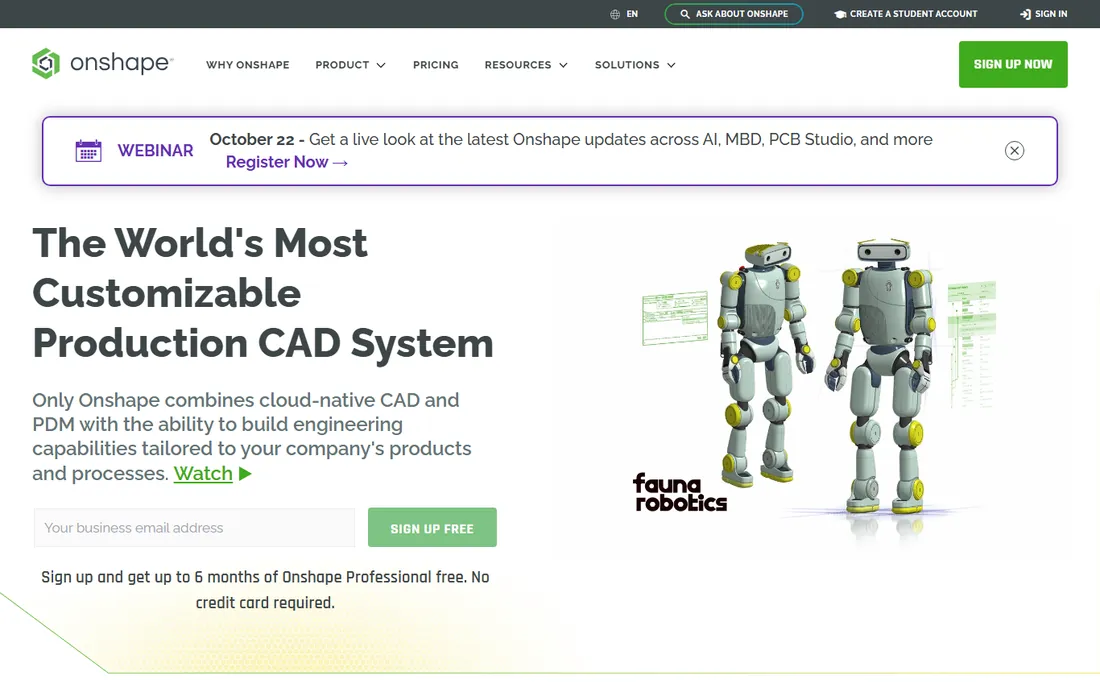
Onshape, acquired by PTC, is the most radical product on this list: professional mechanical CAD delivered as pure SaaS. It runs in any modern browser on any device, with compute handled in the cloud. Multiple engineers edit the same design simultaneously, with built-in PDM providing version control, branching, and merging borrowed from software development.
The workflow advantages are real. No installations, no license servers, no lost files, no "which version is current" arguments. Sharing a design is a link, not a file transfer. Updates arrive continuously without IT involvement. For startups, distributed teams, and education, the removal of IT friction is transformative. Recent additions include AI design assistance and cloud-native model-based definition.
The trade-offs are connectivity and depth. Onshape needs the internet, and its advanced surfacing and large-assembly performance do not yet match the desktop leaders. It is also firmly professional software with professional pricing. But for teams that value collaboration over raw modeling power, it is the future arriving early.
What we like- Full CAD in a web browser with no installation
- Real-time collaboration like Google Docs
- Built-in PDM with versioning and branching
Watch out for- Requires internet access
- Surfacing and advanced features trail desktop leaders
- PTC's pricing targets professional teams
Starting priceSee website
Free planYes
Solid Edge is Siemens' mainstream CAD offering, positioned as the accessible sibling to NX. It provides parametric and synchronous modeling, assemblies, drafting, sheet metal, and simulation in tiered packages from the affordable Design and Drafting edition up to the full-featured Premium. Synchronous technology, shared with NX, lets engineers directly edit imported geometry without history trees.
The standout is the free Community Edition: full professional 3D CAD for makers, hobbyists, and students at no cost, with the usual non-commercial restrictions and watermarked drawings. Siemens also offers free 2D Drafting software. For learning, prototyping, and evaluation, no other vendor on this list gives away this much.
Commercially, Solid Edge competes directly with SOLIDWORKS and Inventor at typically lower price points, with quote-based licensing. The 2026 release, rebranded Designcenter Solid Edge, adds AI-assisted features including a design copilot. For cost-conscious teams that want Siemens technology without NX budgets, it deserves a look.
What we like- Free Community Edition for non-commercial use
- Synchronous technology edits any geometry fast
- Tiered packages from affordable to full-featured
Watch out for- Windows only
- Smaller ecosystem than SOLIDWORKS
- Free edition files cannot open in commercial versions
How we chose
We selected the seven CAD platforms that dominate mechanical engineering purchasing decisions: the mainstream leader, the Autodesk and PTC alternatives, the two high-end systems, the cloud-native challenger, and the value Siemens option. We focused on 3D mechanical CAD rather than pure simulation tools. Pricing is quote-based across the professional tier, so we marked those "See website." We verified each product is current and actively developed. We did not test any software hands-on.
Matching CAD software to your team
Start with your industry's gravity. Automotive and aerospace suppliers often must use CATIA or NX because their OEM customers mandate it. General manufacturing, machinery, and consumer products give you a free choice, where SOLIDWORKS, Inventor, Creo, and Solid Edge compete. Check what your customers and suppliers use before falling in love with a feature list.
Consider your team's skills and hiring market. SOLIDWORKS engineers are the easiest to find and the fastest to onboard. Creo and NX demand more training but reward it on complex products. Onshape changes the IT equation entirely for distributed teams. The software your current engineers already know is worth more than a marginally better feature set they would need months to learn.
Evaluate the total platform, not just the modeler. Modern CAD purchases include PDM, simulation, CAM, and collaboration. Dassault Systèmes pushes the 3DEXPERIENCE platform, PTC pairs Creo with Windchill and Onshape, Siemens pairs NX and Solid Edge with Teamcenter, and Autodesk bundles Inventor with Vault and Fusion. The ecosystem decision outlasts any single release's features.
The cloud question
Onshape proved professional CAD can live in a browser, and every vendor is responding with cloud-connected offerings: 3DEXPERIENCE SOLIDWORKS, NX X, Designcenter X Solid Edge, and Autodesk's cloud workflows. The benefits are real: no IT overhead, automatic updates, anywhere access, and built-in collaboration.
The concerns are equally real. Regulated industries worry about data residency and ITAR compliance. Shops with unreliable internet cannot depend on a browser. And subscription-only cloud licensing means you never own the software. Evaluate cloud CAD against your specific constraints rather than the industry hype cycle.
When to look beyond traditional CAD
Some engineering work has moved to adjacent tools. Generative design and topology optimization, available in Creo, NX, and Fusion, automate structural exploration that used to take weeks. Model-based definition embeds manufacturing information in the 3D model instead of 2D drawings, a shift Onshape and others now support natively.
Simulation-led design is the bigger trend. Instead of designing then validating, engineers simulate early and often inside the CAD environment. Every tool here includes some simulation; the question is depth. If your products live or die on thermal, fluid, or structural performance, budget for dedicated CAE alongside CAD rather than expecting the built-in tools to cover everything.
Frequently asked questions
What is the best CAD software for mechanical engineers?
SOLIDWORKS is the most widely used and the safest default for general mechanical design. Siemens NX and CATIA lead in automotive and aerospace. PTC Creo and Autodesk Inventor are strong alternatives with deep parametric heritage. Onshape suits distributed teams, and Solid Edge offers the best value with a free edition.
How much does mechanical engineering software cost?
Professional CAD is quote-based and typically runs several thousand dollars per seat per year including maintenance. Autodesk publishes some pricing; most others sell through resellers. Budget for training, implementation, and PDM alongside the licenses. Solid Edge Community Edition and Onshape's free tier are the no-cost entry points.
Is SOLIDWORKS still the industry standard?
For mainstream mechanical design, yes. It has the largest user base, the most training resources, and the deepest hiring pool. At the high end, NX and CATIA dominate automotive and aerospace. SOLIDWORKS' own future is increasingly cloud-connected through the 3DEXPERIENCE platform, which is worth understanding before you buy.
Can I use CAD software on a Mac?
Onshape runs in any browser including on Macs. The desktop leaders (SOLIDWORKS, Inventor, Creo, NX, CATIA, Solid Edge) are Windows only, though some users run them in virtualization or Boot Camp-style setups. If Mac is a hard requirement, Onshape is the serious professional option.
What is the difference between CAD, CAM, and CAE?
CAD (computer-aided design) creates the 3D models. CAM (computer-aided manufacturing) generates the CNC toolpaths to make them. CAE (computer-aided engineering) simulates performance through analysis like FEA and CFD. NX integrates all three natively; the others pair CAD with add-ins or separate products.
Should a startup choose cloud CAD like Onshape?
Often yes. Onshape eliminates IT overhead, license management, and file chaos, letting small teams collaborate instantly from anywhere. The trade-offs are internet dependence and less depth in advanced surfacing. For early-stage product development with distributed teams, the collaboration benefits usually outweigh the limitations.
Sources we checked (7)
- https://en.wikipedia.org/wiki/Solidworks
- https://en.wikipedia.org/wiki/PTC_Creo
- https://en.wikipedia.org/wiki/Siemens_NX
- https://en.wikipedia.org/wiki/Onshape
- https://en.wikipedia.org/wiki/Solid_Edge
- https://www.autodesk.com/uk/products/inventor/overview
- https://www.engineering.com/siemens-launches-solid-edge-2026-with-ai-design-copilot/
Is your product missing or out of date?
We review this list regularly. Vendors can request a listing, send updated pricing or ask about featured placement.

Shihab Mia · Founder, Rankite
Shihab has spent more than a decade helping SaaS and e-commerce brands grow through search. He writes Rankite's software buying guides from pricing pages, documentation and public user reviews. More about Shihab.