How we make this list: we compare pricing pages, product documentation and public user reviews. Rankite is independent; if a vendor ever pays for a featured spot, that listing is clearly labeled Partner.
Key takeaways
- VirtualDJ's buy page claims millions of licensed users, and its free Home version plus stem separation make it the easiest start for live mashups.
- Rekordbox is the only DJ app here with fully public pricing: free plan, Core at $10 per month, Creative at $15, Professional at $30.
- Traktor Pro 4 ($149) is the one-time-purchase pick for DJs who refuse subscriptions.
- For studio-built mashups rather than live blends, Ableton Live and FL Studio (both free trials) are the production-grade choices.
Quick comparison
| Tool | Best for | Starting price | Free plan |
|---|
 VirtualDJ VirtualDJ | Live mashups with AI stem separation on any controller | See website | Yes (free Home version) |
 Serato DJ Serato DJ | Club-standard live blending with rock-solid stability | See website | Yes (Serato DJ Lite free) |
 djay djay | Casual mashups on phones, tablets and Macs | See website | Yes (free version) |
 Traktor Traktor | DJs who want a powerful one-time purchase | $149 (Traktor Pro 4) | Free trial |
 Rekordbox Rekordbox | Pioneer DJ users who want clear, public pricing | $10/month (Core plan) | Yes (free plan) |
 Mixxx Mixxx | Free, open-source DJ mixing with no strings | Free (open source) | Yes |
 Ableton Live Ableton Live | Building polished studio mashups track by track | See website | Free trial |
 FL Studio FL Studio | Beat-driven mashups with lifetime free updates | See website | Free trial |
Is your product missing or out of date?
We review this list regularly. Vendors can request a listing, send updated pricing or ask about featured placement.
The best mashup software
A mashup lives in two places: the DJ booth, where two tracks blend live, and the studio, where vocals from one song sit on the instrumental of another as a finished file. The software splits the same way. The first six tools are DJ applications for live blending with key matching, tempo sync and stem separation. The last two are production studios for building mashups track by track. Pick your side first.
#1
VirtualDJ
Best for: Live mashups with AI stem separation on any controller
Visit virtualdj.com
Starting priceSee website
Free planYes (free Home version)
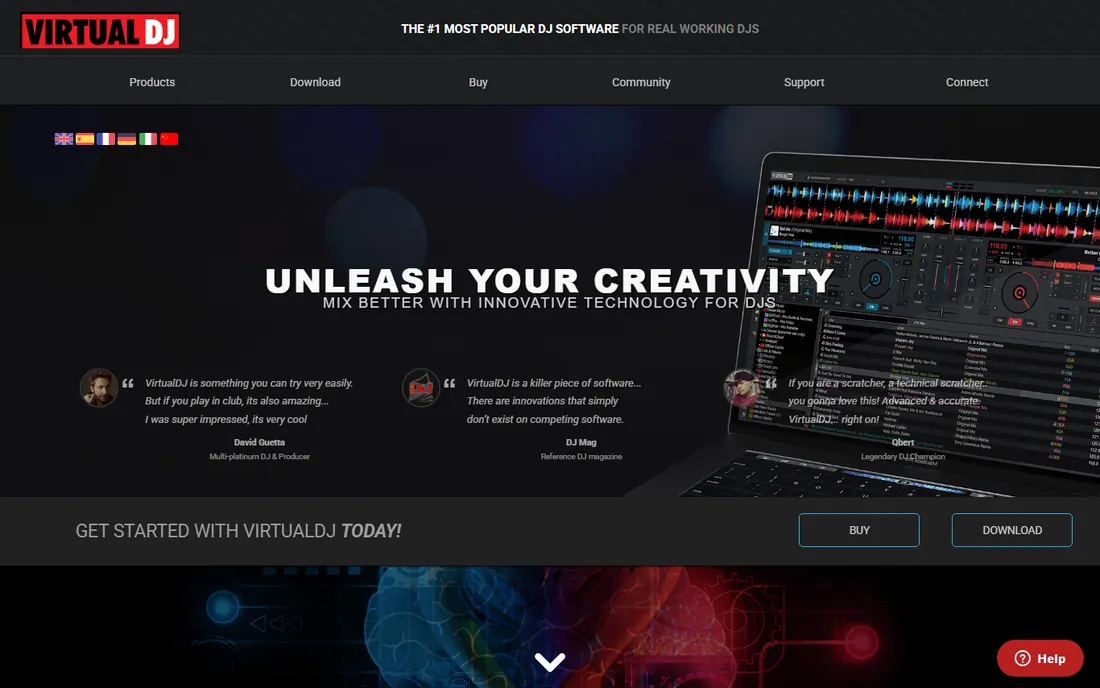
VirtualDJ is the most approachable way to mash up live. Load two tracks, and the software matches tempo and key; the stem separation then lets you pull the vocal from one and the instrumental from another in real time, which is the core mashup move. It runs on modest laptops and talks to almost any controller, so beginners can start with whatever gear they have.
The free Home version is genuinely usable for practice, with the limits clearly stated: audio branding on the output and no paid gigs. Going pro means buying a license, though the buy page emphasizes add-on subscriptions (karaoke, video, pools) more than the base price. For learning the craft free, nothing else is this complete.
What we like- Free Home version for non-commercial use
- Modern AI stem separation splits vocals, drums and instruments live
- Works with nearly every DJ controller on the market
Watch out for- The free Home version adds audio branding and cannot be used at paid gigs
- The Pro license pricing is not clearly shown on the buy page
#2
Serato DJ
Best for: Club-standard live blending with rock-solid stability
Visit serato.com
Starting priceSee website
Free planYes (Serato DJ Lite free)

Serato is what you see in the DJ booth at major clubs, and that reputation rests on stability: it does not crash mid-set. For mashups, the stems features separate track elements cleanly, and the effects and cue-point workflow suit the quick blends mashup DJs live on. Serato DJ Lite gives beginners the core mixing experience free.
The pricing page leans on the free Lite download without showing Pro prices, so budget blind or contact them. Serato also pairs tightly with specific hardware, which is great if you own it and limiting if you do not. For serious live mashup work where reliability matters, it remains the benchmark.
What we like- The industry standard for performance DJing, trusted on big stages
- Serato DJ Lite is free and covers the fundamentals
- Excellent stems implementation for isolating vocals and drums
Watch out for- Pro pricing is not shown on the pricing page
- The full Pro feature set assumes compatible hardware
Starting priceSee website
Free planYes (free version)
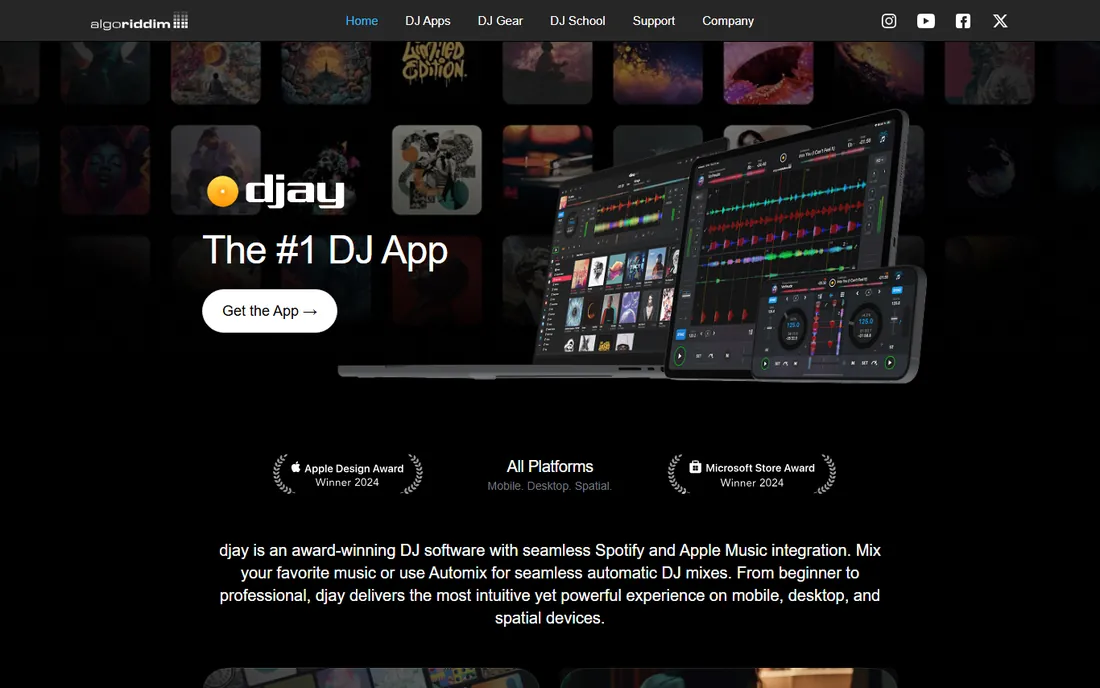
djay is the mashup tool for people who do not own DJ gear. It runs on a phone or tablet, the interface is visual and forgiving, and Neural Mix separates stems with a tap. Automix can even blend a playlist hands-free, which is party-trick territory but fun. The free version covers learning the basics.
Serious DJs will outgrow it: the effects, mapping and performance depth trail the pro apps. And the Pro subscription price is not on the product page. But as a first step, especially on mobile, djay makes mashing up feel like play rather than homework.
What we like- The most beginner-friendly DJ app here, running on iOS, Android, Mac and Windows
- Clean automix and Neural Mix stem separation
- Free version to learn on
Watch out for- Pro subscription pricing is not shown on the product page
- Less depth than Serato or Traktor for advanced performance
Starting price$149 (Traktor Pro 4)
Free planFree trial
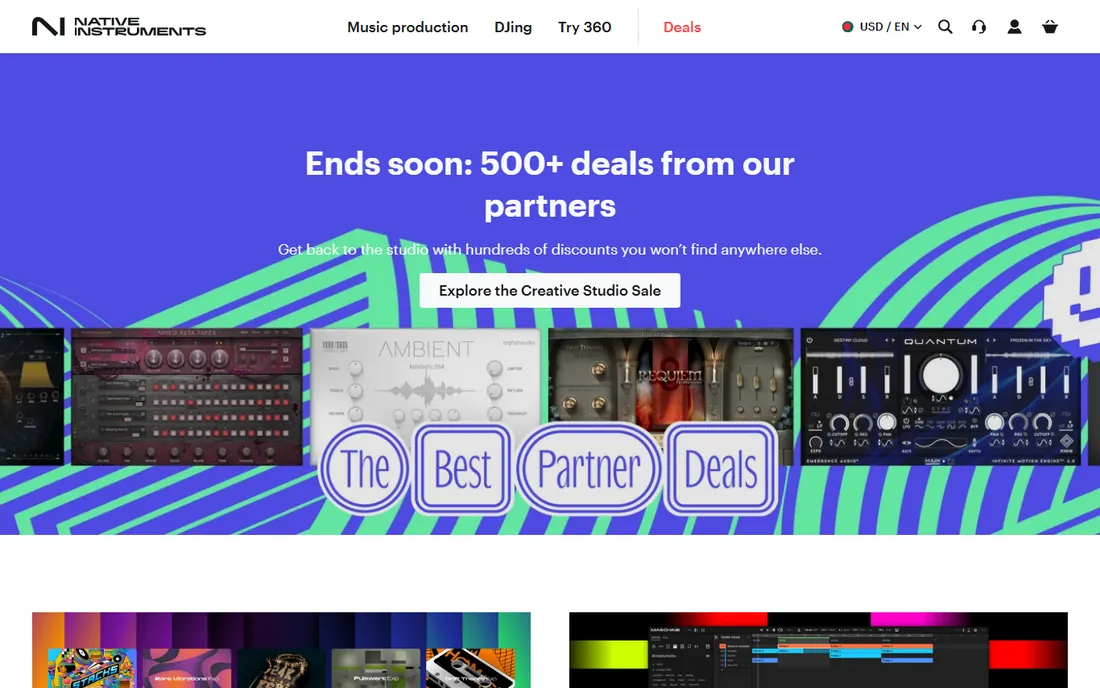
Traktor Pro 4 costs $149 once, and that sentence alone distinguishes it. The remix decks are made for mashup-style performance: trigger loops, one-shots and stems across decks while effects morph the blend. Native Instruments' hardware integration is tight if you use their controllers.
The trade is ecosystem. Fewer controllers are Traktor-certified than Serato or Rekordbox units, and the interface has a learning curve that casual users bounce off. For the dedicated bedroom or club DJ who wants to buy once and own it, Traktor is the principled choice.
What we like- A $149 one-time license with no subscription
- Deep remix decks and effects built for creative blending
- Free trial to test with your controller
Watch out for- Smaller ecosystem than Serato or Rekordbox, with fewer compatible controllers
- The interface rewards commitment
Starting price$10/month (Core plan)
Free planYes (free plan)
Rekordbox wins the transparency award in this category. Every plan is priced on the page: a free tier for starting out, Core at $10 per month for playing on varied hardware, Creative at $15 for performance features, Professional at $30 for the full package with cloud tools. No other DJ app here is this upfront.
It is built for the Pioneer ecosystem, which dominates clubs, so the hardware pairing is the point. The free plan covers library management and basic DJing; performance features need a paid tier. For DJs on Pioneer controllers or CDJs who want honest pricing, this is the straightforward pick.
What we like- Transparent pricing: free, Core $10/month, Creative $15/month, Professional $30/month
- The native software for Pioneer DJ hardware
- Strong track analysis, cloud library and DVS support
Watch out for- The best experience assumes Pioneer gear
- The free plan is genuinely limited for performance use
#6
Mixxx
Best for: Free, open-source DJ mixing with no strings
Visit mixxx.org
Starting priceFree (open source)
Free planYes
Mixxx proves that free DJ software can be real software. It mixes, syncs, detects keys, loops and cues across four decks, maps to many controllers, and costs nothing forever. For a beginner learning to blend tracks, it teaches the same fundamentals as the paid apps.
What it lacks is the AI era: no stem separation, which is now central to creative mashing up. The interface is functional rather than beautiful. Pair it with free tracks and practice, and upgrade to a stem-capable app when your ideas outgrow two-deck blending.
What we like- Completely free with no tiers, accounts or branding
- Supports a wide range of controllers
- Active development with modern features like key detection
Watch out for- No stem separation to match the commercial apps
- The interface and polish trail the paid competition
#7
Ableton Live
Best for: Building polished studio mashups track by track
Visit ableton.com
Starting priceSee website
Free planFree trial
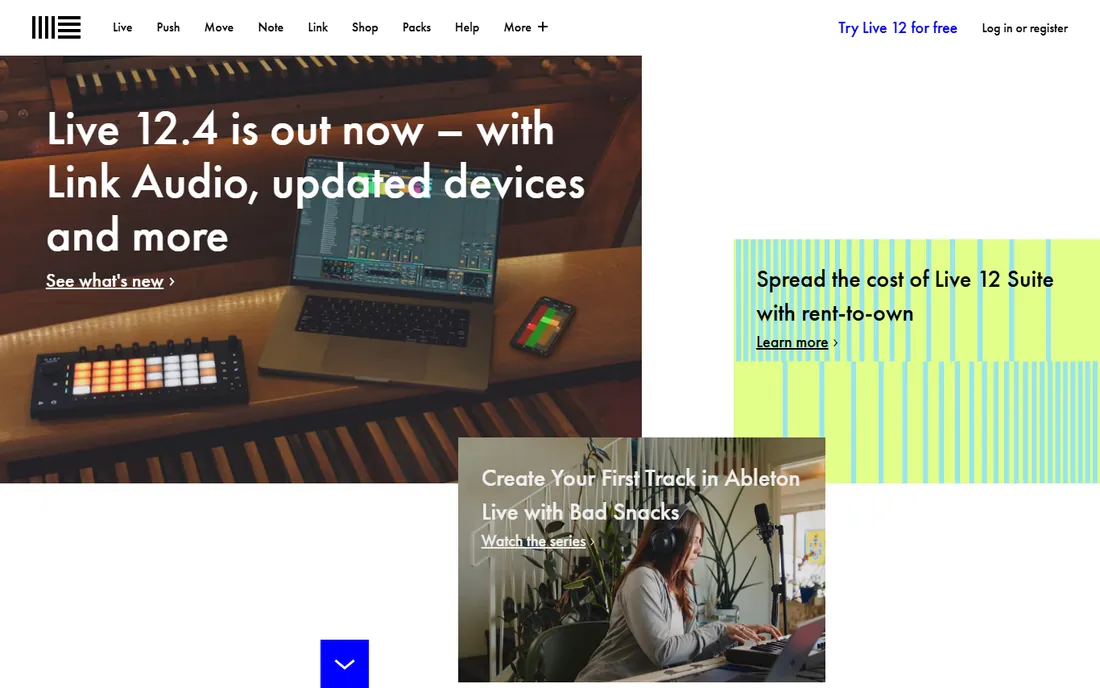
Ableton Live is where studio mashups are born. The warping engine time-stretches any vocal to any tempo without chipmunk artifacts, which is the technical heart of mashing up. Drop an acapella and an instrumental into session view, warp both, and audition combinations in minutes. Producers have built careers on exactly this workflow.
It is production software, not DJ software: expect to learn arrangement, warping and mixing. The shop page offers a free trial, but plan prices were not visible in our check, so confirm before budgeting. For finished, releasable mashups rather than live blends, Ableton is the professional standard.
What we like- The definitive tool for warping vocals onto new instrumentals
- Session view is built for trying combinations fast
- Enormous sound and effect library for production
Watch out for- Pricing is not shown on the shop page excerpt we could read
- The learning curve is real for non-producers
Starting priceSee website
Free planFree trial
FL Studio's lifetime free updates remain unmatched: one purchase covers every future release of your edition, forever. For mashups built like beats, chopping vocals over new instrumentals in the step sequencer, it is fast and fun, with a huge included sound library. The trial lets you explore before paying.
The pricing page did not render prices in our check, so verify the current edition prices. And FL's pattern-based workflow clicks for producers more than for live DJs. For studio mashups with a hip-hop or electronic flavor, it is a strong, economical long-term pick.
What we like- Lifetime free updates: buy once, get every future version of your edition
- The step sequencer and playlist suit beat-style mashup building
- A generous free trial
Watch out for- Plan prices were not visible on the pricing page in our check
- The workflow suits beatmakers more than traditional DJs
How we chose
We started with the searches mashup makers actually run: mashup software, DJ software for mashups, app to blend songs together. For each candidate we opened the vendor's homepage and pricing page, and recorded what the vendor itself publishes. We compared live-blending and studio-production features against public reviews and practitioner discussion, kept tools that are actively developed, and split the list honestly between DJ apps and DAWs. Where a price could not be verified on the vendor's own page, we wrote "See website" instead of guessing.
Live blending vs studio building: pick your side
The two mashup workflows need different software, and buying the wrong kind wastes months. Live blending (VirtualDJ, Serato, djay, Traktor, Rekordbox, Mixxx) mixes whole tracks in real time: you beatmatch, key-match and crossfade, with stems letting you isolate vocals and drums on the fly. The result exists only in the performance, unless you record the set. This is the DJ path, and it rewards practice and controller skills.
Studio building (Ableton Live, FL Studio) constructs the mashup as a file: warp the vocal, rebuild the instrumental, arrange, mix and export a finished track you can upload. It takes longer per mashup but produces something permanent and releasable. Many serious mashup artists do both: sketch combinations live in a DJ app, then rebuild the winners in a DAW. Start with the side that matches how you want to share the result.
Copyright: the conversation you cannot skip
Mashups live in a legal gray area that buyers should understand before publishing. Blending tracks for private practice or a live set is generally tolerated; uploading a mashup built from commercial recordings to YouTube, Spotify or TikTok without permission risks takedowns and strikes, because you are distributing other people's copyrighted recordings.
The practical rules: keep practice private, expect platform content-ID systems to claim or block uploads, and know that "giving credit" is not a license. Some mashup artists clear samples or work with royalty-free source material. None of the software here changes the legal picture; it only changes how good the blend sounds. Make great mashups, but publish them with open eyes.
Frequently asked questions
What software do DJs use to make mashups?
For live mashups, VirtualDJ (free Home version), Serato DJ, Traktor ($149), Rekordbox (from $10/month) and djay. For studio-built mashups, Ableton Live and FL Studio. The DJ apps blend in real time; the DAWs build a finished file.
Can I make mashups for free?
Yes. VirtualDJ Home, Serato DJ Lite, Mixxx and djay's free version all blend tracks for free, and Ableton and FL Studio offer free trials. Mixxx is the only fully free, open-source option with no limitations.
What is stem separation and why does it matter for mashups?
Stem separation uses AI to split a finished track into vocals, drums, bass and instruments. It matters because the classic mashup move is taking the vocal from one song and the instrumental from another, which used to require studio acapellas. VirtualDJ, Serato, djay and Rekordbox all include it.
Do I need a DJ controller to start?
No. Every DJ app here works with mouse and keyboard, and djay runs on phones. A controller improves the experience enormously once you are committed, but learn the software first and buy hardware second.
Can I upload my mashups to YouTube or Spotify?
Technically yes, legally risky. Uploading mashups made from commercial recordings without permission can trigger copyright claims, takedowns or strikes. Platforms' content-ID systems detect the source material automatically. Treat mashups as practice and live material unless you clear the rights.
Sources we checked (8)
- https://www.virtualdj.com/buy/index.html
- https://serato.com/dj/pricing
- https://www.algoriddim.com/djay-pro
- https://www.native-instruments.com/en/products/traktor/
- https://rekordbox.com/en/plan/
- https://mixxx.org/
- https://www.ableton.com/en/shop/live/
- https://www.image-line.com/fl-studio/
Is your product missing or out of date?
We review this list regularly. Vendors can request a listing, send updated pricing or ask about featured placement.

Shihab Mia · Founder, Rankite
Shihab has spent more than a decade helping SaaS and e-commerce brands grow through search. He writes Rankite's software buying guides from pricing pages, documentation and public user reviews. More about Shihab.