How we make this list: we compare pricing pages, product documentation and public user reviews. Rankite is independent; if a vendor ever pays for a featured spot, that listing is clearly labeled Partner.
Key takeaways
- Koha costs nothing in license fees, but self-hosting takes real technical skill; paid hosting and support run into the thousands per year.
- Libib Pro is $9 a month and TinyCat starts at $3 a month, making both realistic for small collections that need circulation without an enterprise contract.
- Follett Destiny is the default in US K-12 districts, but its pricing is quote-based and it makes the least sense outside of schools.
- Open-source or not, every option here lives or dies on data migration, so get your MARC records in order before you sign anything.
- None of the enterprise vendors publish prices; plan on a sales conversation for Follett, SirsiDynix, Ex Libris, OCLC, and Alexandria.
Quick comparison
| Tool | Best for | Starting price | Free plan |
|---|
 Koha Koha | Full-featured ILS with no license fees | Free (open source) | Yes |
 Follett Destiny Follett Destiny | US K-12 school districts | See website | No |
 SirsiDynix Symphony SirsiDynix Symphony | Public and academic libraries operating at scale | See website | No |
 Ex Libris Alma Ex Libris Alma | Academic and research libraries managing print, electronic, and digital collections | See website | No |
 Libib Libib | Small collections that need simple lending | $9/month (Libib Pro) | Yes (Basic plan) |
 TinyCat TinyCat | Tiny libraries with under 20,000 items | $3/month (up to 500 items) | Yes (personal use) |
 OCLC Wise OCLC Wise | US public libraries focused on community engagement | See website | No |
 Alexandria Alexandria | School libraries that want a gentle learning curve | See website | No |
Is your product missing or out of date?
We review this list regularly. Vendors can request a listing, send updated pricing or ask about featured placement.
The best library management software
Starting priceFree (open source)
Free planYes
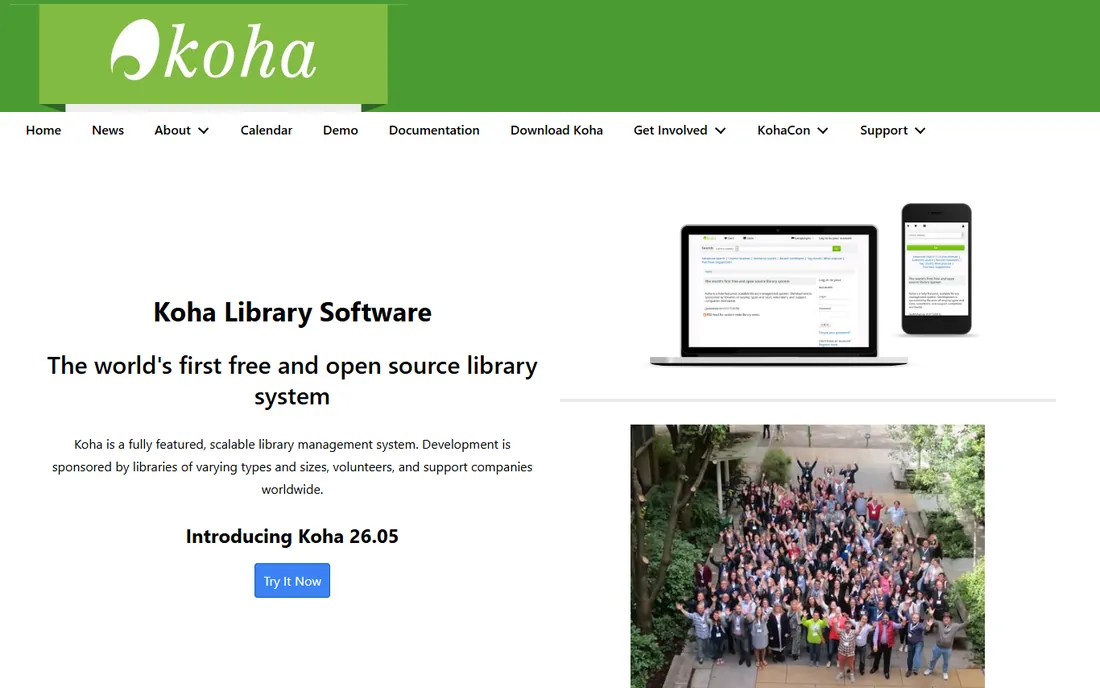
Koha calls itself the world's first free and open-source library system, and it backs that up with a genuinely complete feature set. MARC cataloging, circulation, acquisitions, serials, patron management, and a public catalog all ship in the box, and development is sponsored by libraries and support companies around the world. For a library with IT staff or a consortium willing to host it, Koha can run a serious operation without a single license dollar.
The honest catch is that "free" stops at the download. You either maintain the server yourself, which means Linux, MariaDB, and regular upgrades, or you pay a vendor for hosting, installation, training, and support. Those contracts are quoted per library and collection size, and they add up fast. Koha is the right call when you have technical resources and want control. If you don't, price the hosted quotes the same way you would any commercial bid.
What we like- Complete ILS with cataloging, circulation, acquisitions, serials, and a public OPAC
- No per-seat or license fees
- Large global community and a market of commercial support vendors
Watch out for- Self-hosting demands Linux and database skills
- Hosted support quotes vary widely and can reach several thousand dollars a year
Starting priceSee website
Free planNo
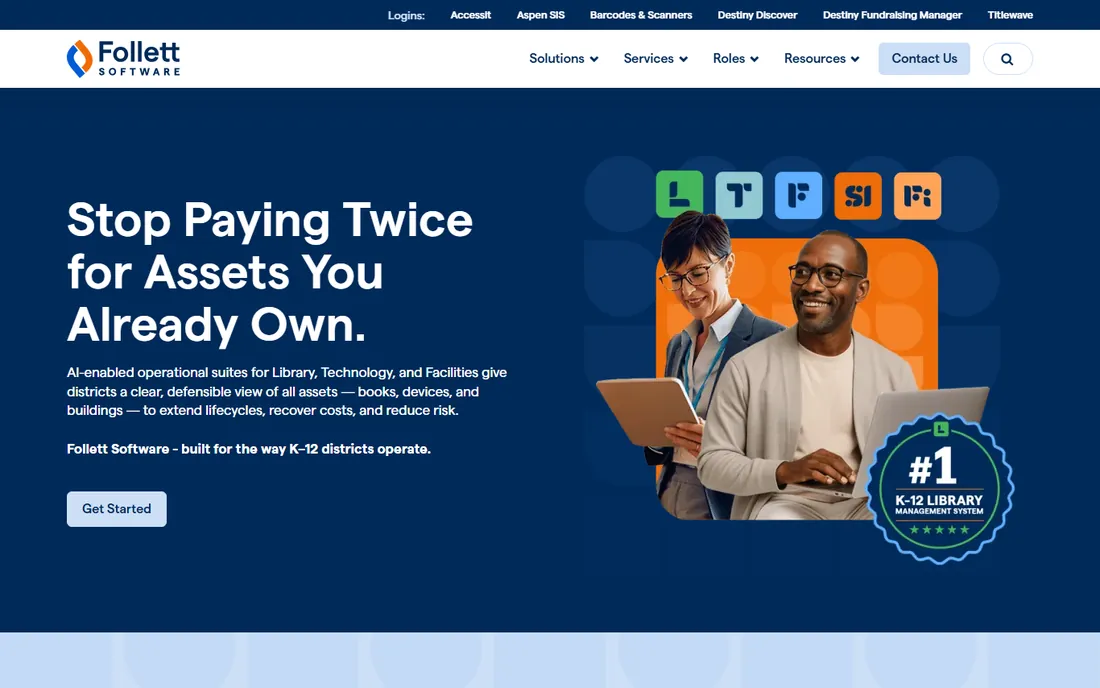
If your library sits inside a US school district, you have probably already used Follett Destiny. It is the standard: circulation, cataloging, searching, and reporting across every school in a district, plus single sign-on through SAML, LDAP, or Google Workspace for Education and direct connections to e-book platforms like OverDrive and MackinVIA. Follett has been selling to schools since the 1980s, and its sales and support teams understand district procurement.
The tradeoff is scope and price opacity. Destiny is sold on annual contracts quoted per district, and Follett does not publish numbers, so a small library cannot even ballpark the cost without a sales call. Outside of K-12 it is overkill: the district-level features you would be paying for have no use in a standalone collection. Choose it when you are a school district. Look elsewhere when you are not.
What we like- Purpose-built for school libraries with single sign-on, e-book integrations, and district-wide management
- Used by more than 60,000 schools
- Strong track record in K-12 purchasing processes
Watch out for- Pricing is quote-based with no published figures
- Far more system than a church, nonprofit, or small public library needs
#3
SirsiDynix Symphony
Best for: Public and academic libraries operating at scale
Visit sirsidynix.com
Starting priceSee website
Free planNo
Symphony is the workhorse ILS of the public and academic library world. It handles the unglamorous core, cataloging, circulation, acquisitions, serials, patron management, across single libraries and sprawling multi-branch consortia, and it has had decades to get those workflows right. Libraries that outgrow a small cloud tool usually land here or on Alma, and the peer community is large enough that someone has already solved whatever problem you hit.
What you give up is agility and transparency. Pricing is negotiated per library, there is no public number to anchor a budget, and the system's long history shows in some staff interfaces that feel dated next to newer cloud products. Customization beyond the basics tends to pull in professional services. Symphony fits libraries with complex operations and the budget to match. For a single small collection, it is more machine than you need.
What we like- Runs at more than 20,000 libraries worldwide
- Deep consortia and multi-branch support
- Mature APIs and a large peer community
Watch out for- Quote-only pricing that can be prohibitive for small libraries
- The interface shows its age in places
- Customization often needs vendor help
#4
Ex Libris Alma
Best for: Academic and research libraries managing print, electronic, and digital collections
Visit exlibrisgroup.com
Starting priceSee website
Free planNo
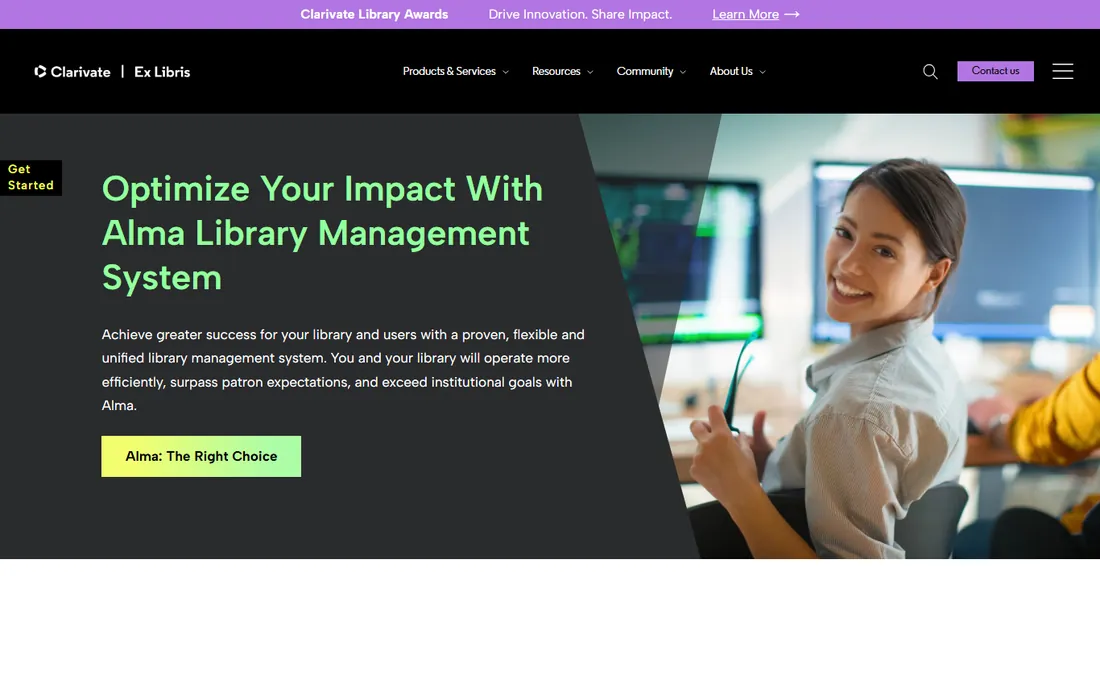
Alma takes a different approach from the classic ILS: it was designed from the start as a cloud service that manages print, electronic, and digital materials in one workflow instead of bolting electronic resource management onto an old catalog. Acquisitions, cataloging, circulation, interlibrary loan, and analytics live in one place, and Ex Libris handles the servers, upgrades, and database maintenance. University libraries with big e-journal and database spending are its natural home.
The cost of that ambition is a heavyweight sales and implementation process. Alma is sold by quote to institutions, and going live is a multi-month project with real data migration work. A school library or a 5,000-title community collection would be paying for machinery it will never use. Pick Alma when you run an academic library with mixed collections. Everyone else can get the same daily work done for far less.
What we like- True cloud SaaS built for mixed print, electronic, and digital collections
- Unified acquisitions and analytics
- Strong fit for universities
Watch out for- Enterprise pricing with no published figures
- Implementation is a serious project
- Overkill for school or small public libraries
#5
Libib
Best for: Small collections that need simple lending
Visit libib.com
Starting price$9/month (Libib Pro)
Free planYes (Basic plan)
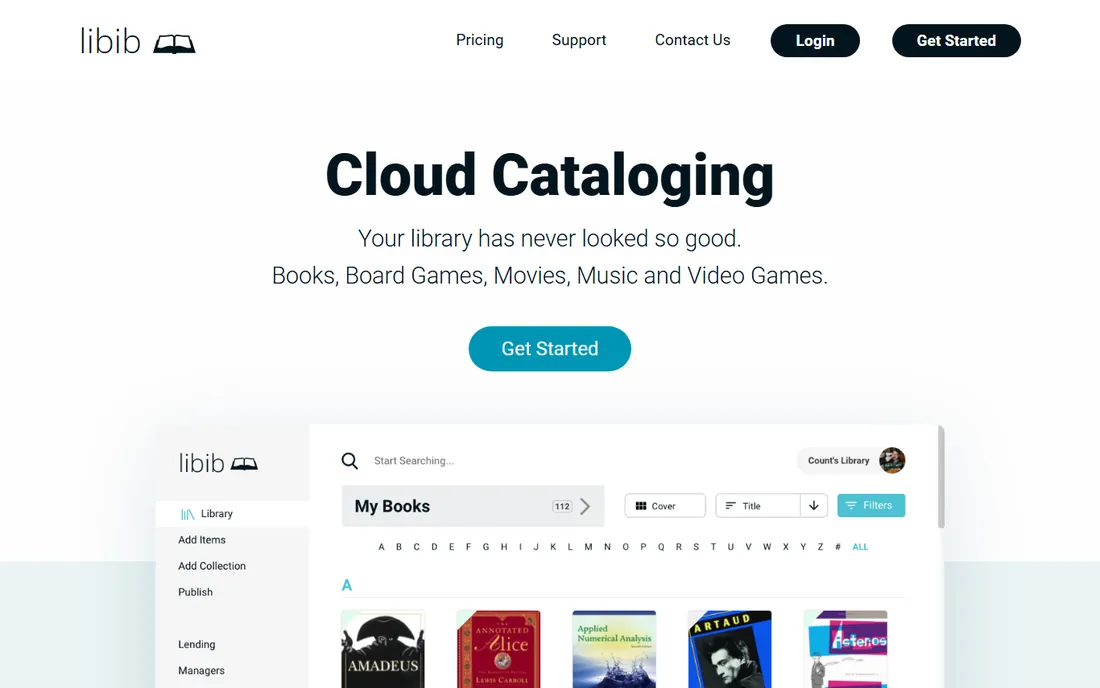
Libib looks like a consumer app and prices like one, which is exactly why small organizations like it. The free Basic plan covers cloud cataloging across books, movies, music, board games, and video games with barcode scanning from a phone app. Stepping up to Pro at $9 a month (or $99 a year) adds the library features that matter: a full lending and circulation system, patron management, holds, due-date reminders, self-checkout, and a publishable online catalog.
It is not a MARC-based ILS, and it does not pretend to be. Copy cataloging is fast for anything with an ISBN, but pre-1970 titles and odd media need manual entry, and the metadata depth will frustrate a trained cataloger. For a church, classroom, or small nonprofit collection that needs to track who borrowed what, that tradeoff is usually fine. For a library that must exchange MARC records with other institutions, it is not.
What we like- Free Basic plan with cloud sync and mobile barcode scanning
- Pro at $9 a month adds lending, circulation, patron holds, and self-checkout
- Publishes an attractive public catalog
Watch out for- Cataloging depth is lighter than a real ILS
- Older books without ISBNs need manual entry
- Free tier caps what you can do with circulation
Starting price$3/month (up to 500 items)
Free planYes (personal use)
TinyCat is the catalog layer that turns a LibraryThing account into a real small-library system, and it is priced for the budgets tiny libraries actually have. Volunteer-run libraries start at $3 a month for up to 500 items, with tiers up to $20 a month for 20,000 items, and personal collections are free. For that you get faceted searching, circulation with holds and renewals, patron accounts, overdue reminder emails, and MARC import and export.
The quirk is the two-part setup: you catalog on LibraryThing and your patrons use TinyCat. Copy cataloging from LibraryThing's huge shared database is fast, but the split interface confuses some first-time admins. Collection growth also pushes you up the pricing tiers, so a library heading past 10,000 items should compare the $12 to $20 a month against Libib Pro or an open-source option. For schools, churches, and community collections under a few thousand titles, TinyCat is hard to beat on value.
What we like- Starts at $3 a month for volunteer libraries and is free for personal use
- Real circulation with holds, renewals, and overdue emails
- Imports and exports MARC records
Watch out for- Cataloging happens on LibraryThing, which adds a learning step
- Hard ceiling of 20,000 items
- Per-item pricing climbs as the collection grows
#7
OCLC Wise
Best for: US public libraries focused on community engagement
Visit oclc.org
Starting priceSee website
Free planNo
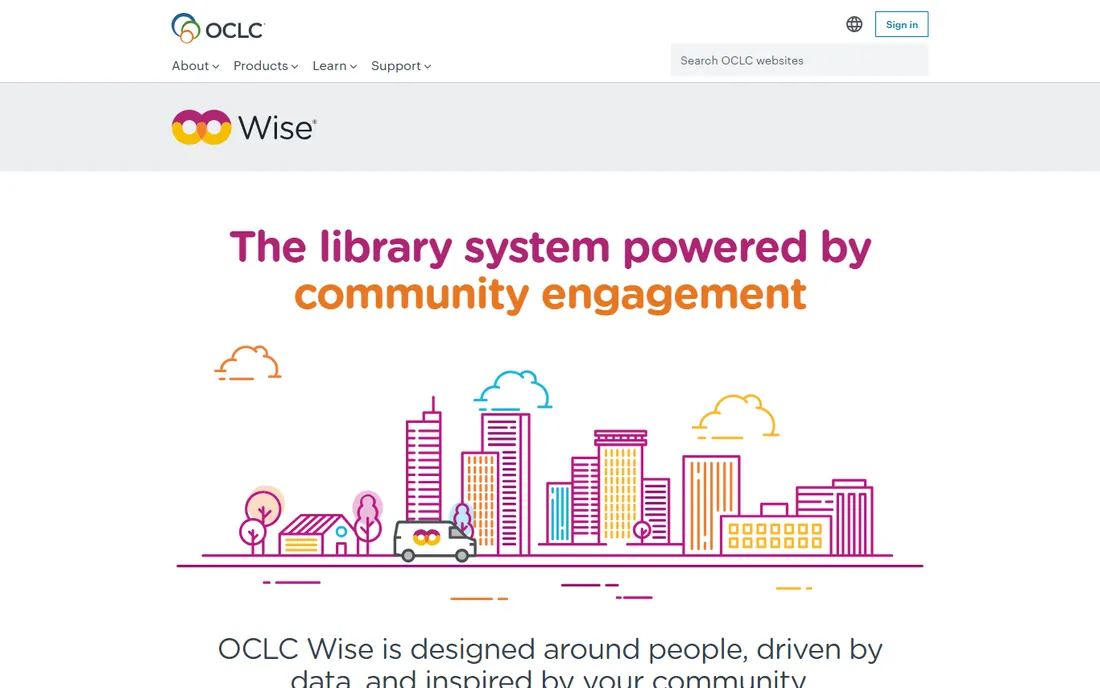
Wise is not a traditional ILS. OCLC describes it as a community engagement system: circulation, cataloging, and acquisitions are there, but the headline features are patron analytics, targeted marketing campaigns, event management, and collection decisions driven by usage data. The idea is that a public library should understand its community the way a good retailer understands customers, then shape services around what it learns.
That ambition comes with enterprise pricing and an enterprise sales process, and Wise is explicitly aimed at US public libraries rather than schools, churches, or academic collections. It is also the youngest product on this list in its current form, so the peer community is smaller than SirsiDynix's or Koha's. Choose Wise when your library's strategic problem is outreach and engagement at scale. If your problem is simply tracking books, you are buying a cannon to swat a fly.
What we like- Combines ILS functions with CRM-style marketing and analytics
- Built for understanding and reaching patrons
- Backed by OCLC's shared data and scale
Watch out for- Quote-only enterprise pricing
- Designed for US public libraries, not schools or academic collections
- Implementation is a major undertaking
Starting priceSee website
Free planNo
Alexandria has served school libraries for decades, and its pitch is straightforward: a cloud library system that staff and students can learn quickly, with interfaces designed for different reading levels. It covers cataloging, circulation, and patron management, runs entirely in the browser, and includes unlimited user licensing with round-the-clock support. For a single school that finds Follett Destiny too district-heavy, Alexandria is the classic alternative.
The catch is transparency. COMPanion does not publish prices, so every purchase starts with a sales conversation, and the feature set is narrower than Symphony or Alma, with less depth in acquisitions and analytics. It is also clearly a school product; a public or academic library will find better fits elsewhere. Pick Alexandria when you run a school library and want something your staff can master without a training contract.
What we like- Long track record in K-12 with student-friendly interfaces
- Cloud-hosted with unlimited user licensing
- 24/7 support included
Watch out for- No published pricing
- Feature depth lags the big enterprise systems
- Strongest in schools, weaker fit elsewhere
What to check before you choose
Price is only the first filter. Before you shortlist, answer five questions. First, how big is the collection, and how fast is it growing? A 3,000-title church library and a 300,000-title public system are buying different products, and TinyCat's 20,000-item ceiling is a hard stop. Second, do you need MARC records? If you exchange records with other libraries or a consortium, you need a real ILS like Koha, Symphony, Alma, or Alexandria; Libib will not do. Third, who does the cataloging? A trained librarian can run Koha's full MARC editor, while volunteers will get more done with Libib's barcode scanner or TinyCat's copy cataloging.
Fourth, what does circulation look like? Self-checkout, holds, and overdue notices are table stakes for public-facing collections but dead weight for a private reference library. Fifth, what is the true five-year cost? Add license or subscription, hosting, implementation, training, and the staff time for migration. A free system with a $4,000-a-year hosting contract is not cheaper than a $3,600-a-year subscription that includes everything. Get the migration quote in writing before you sign, because moving dirty catalog data is where budgets actually break.
How we chose
We did not install or test these systems hands-on. Instead, we compared eight widely used library management products against the needs of small and mid-size US libraries: feature fit for cataloging and circulation, published and quoted pricing transparency, track record in American schools and public libraries, and the availability of migration and support. Pricing figures come from each vendor's own website or support pages, checked in October 2026; where a vendor publishes no prices, we say so rather than guessing. Products that had been discontinued, acquired into another brand, or lacked a verifiable current homepage were left out.
Moving your catalog without losing your mind
The software decision gets all the attention, but the migration decides whether the project succeeds. Start by auditing what you actually have: export a sample of records and check how many have valid ISBNs, complete MARC fields, and consistent subject headings. Dirty data does not clean itself, and every vendor's migration quote assumes a best case that you probably do not have.
Run the old and new systems in parallel for at least one full circulation cycle before you cut over. Staff need to practice checkouts, holds, and overdue processing on real data, and patrons need time to learn the new catalog. Budget for barcode and label replacement too; a new system is the natural moment to fix the physical collection, and it is cheaper to do it once. Finally, keep a frozen export of the old database for a year. If something was lost in migration, you will want the original to compare against.
Frequently asked questions
What is the cheapest library management software?
For a small collection, TinyCat at $3 a month or Libib's free Basic plan are the cheapest workable options. Koha has no license fee at all, but hosting and support usually cost more than either paid small-library tool. The cheapest sticker price is not the same as the cheapest total cost.
Is Koha really free?
The software is free and open source under the GPL, and you can download and run it without paying anyone. The costs come from servers, installation, upgrades, training, and support, whether you do that work in-house or pay a vendor. Most libraries end up paying for at least hosting and occasional help.
Do I need an ILS or just a cataloging app?
If you lend items, track patrons, or exchange records with other libraries, you need an ILS like Koha, Symphony, or Alexandria. If you only need to know what you own and share a pretty list with members, a cataloging app like Libib or TinyCat is enough and far simpler to run.
How long does it take to switch library systems?
A small collection can migrate in a few weeks if the data is clean. A mid-size public or school library should plan three to six months, including data cleanup, staff training, and a parallel run. Dirty catalog data is the usual reason projects run long.
Can these systems handle e-books and digital collections?
Most of them can, with limits. Follett Destiny and Alma integrate directly with e-book platforms like OverDrive. Koha and Symphony manage electronic resources with some configuration. Libib and TinyCat are built around physical items and handle digital files only lightly.
What is an OPAC?
An OPAC, or online public access catalog, is the patron-facing search interface: the website where visitors look up titles, place holds, and check their accounts. Every product on this list includes one, though the polish varies widely.
Sources we checked (8)
- https://koha-community.org/
- https://www.follettsoftware.com/
- https://www.sirsidynix.com/
- https://exlibrisgroup.com/products/alma-library-services-platform/
- https://www.libib.com/
- https://support.libib.com/getting-started/get-libib-pro.html
- https://www.librarycat.org/
- https://www.oclc.org/en/wise.html
Is your product missing or out of date?
We review this list regularly. Vendors can request a listing, send updated pricing or ask about featured placement.

Shihab Mia · Founder, Rankite
Shihab has spent more than a decade helping SaaS and e-commerce brands grow through search. He writes Rankite's software buying guides from pricing pages, documentation and public user reviews. More about Shihab.