How we make this list: we compare pricing pages, product documentation and public user reviews. Rankite is independent; if a vendor ever pays for a featured spot, that listing is clearly labeled Partner.
Key takeaways
- Most solo and small firms should start with Gavel ($83/month, free trial): it is the most accessible full document-automation platform with client intake built in.
- Already running Clio Manage? Clio Draft adds court forms for all 50 states and AI template building, but Clio no longer publishes a standalone price, so get a quote in writing.
- The cheapest long-term option is a one-time purchase: Pathagoras costs $379 per user with no subscription.
- HotDocs and Contract Express are the enterprise picks, but neither publishes pricing, so expect a sales-led process and budget accordingly.
- If your daily work is contract review inside Microsoft Word rather than template automation, Spellbook is the more direct fit.
Quick comparison
| Tool | Best for | Starting price | Free plan |
|---|
 Gavel Gavel | Solo and small firms that want client-facing document workflows | $83/month (Lite, billed annually) | Free trial (7 days) |
 Clio Draft Clio Draft | Firms already running Clio Manage | See website (custom quote; standalone pricing not published) | No (demo available) |
 Spellbook Spellbook | Transactional attorneys who draft in Microsoft Word | See website (custom quote) | Free trial (7 days) |
 HotDocs HotDocs | Enterprises with high-volume, complex document sets | See website (custom quote) | No (demo available) |
 Contract Express Contract Express | Large firms and in-house teams in the Thomson Reuters ecosystem | See website (custom quote) | No (demo available) |
 Knackly Knackly | Firms automating complex multi-document sets | $250/month (Starter, 4 users; $209/month billed annually) | Free trial (21 days) |
 XpressDox XpressDox | Firms that want automation embedded in Microsoft Word | See website | Free trial (available) |
 Smokeball Smokeball | Small people-law firms wanting practice management plus drafting | See website (custom quote) | No (demo available) |
 Pathagoras Pathagoras | Budget-conscious firms that want to own, not rent | $379 one-time (Individual license) | Free trial (available) |
 Legito Legito | Teams wanting automation, approvals and e-signature in one workspace | See website | Free trial (available) |
Is your product missing or out of date?
We review this list regularly. Vendors can request a listing, send updated pricing or ask about featured placement.
The best legal drafting software
Most firms do not have a drafting problem. They have a repetition problem: the same will, the same engagement letter, the same intake form, rebuilt from scratch every week. Legal drafting software exists to end that cycle, either by turning templates into guided interviews or by drafting new language with AI. The ten tools below cover both approaches, from $83 per month to a single $379 purchase.
#1
Gavel
Best for: Solo and small firms that want client-facing document workflows
Visit gavel.io
Starting price$83/month (Lite, billed annually)
Free planFree trial (7 days)
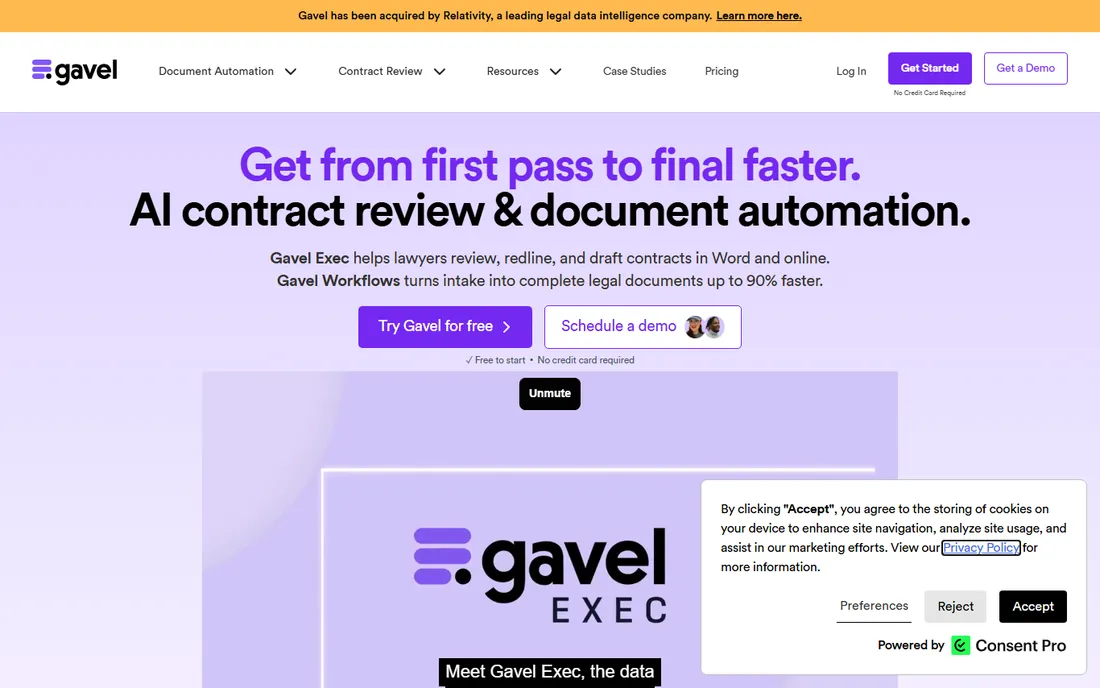
Gavel is two products under one roof, which is why it fits more firms than most competitors. Gavel Workflows turns client intake answers into finished Word documents and PDFs through no-code questionnaires, conditional logic and calculations, with Stripe payments and e-signature folded in. Gavel Exec is a separate AI assistant that reviews, redlines and drafts contracts inside Microsoft Word, with 25 free queries per user to start. That split matters: most firms need one or the other, not both, and Gavel lets you buy only what you use.
The honest catch is template limits on the entry tier. Lite at $83 per month (billed annually) covers a firm getting started, but firms with dozens of templates move to Standard ($210/month) or Pro ($290/month) fast. Exec at $160 per user per month is a separate line item. Free to start with no credit card required, which makes it the easiest tool on this list to evaluate.
What we like- Two products in one account: Gavel Exec for AI contract review and Gavel Workflows for document automation
- No-code intake forms, e-signature and payments
- Attorney-reviewed legal template library
Watch out for- Entry plan caps the number of active document templates
- Gavel Exec is billed separately at $160/user/month
#2
Clio Draft
Best for: Firms already running Clio Manage
Visit clio.com
Starting priceSee website (custom quote; standalone pricing not published)
Free planNo (demo available)
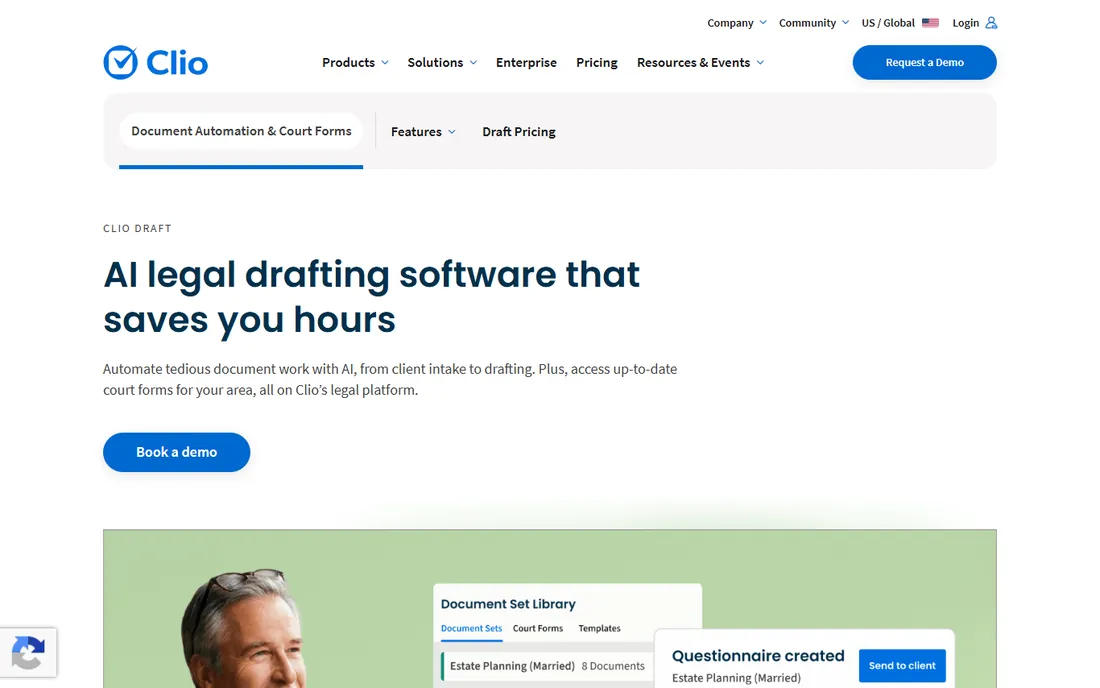
Clio Draft is the former Lawyaw, rebuilt inside Clio's platform, and its court forms library is the reason many firms buy it. Thousands of official state, county and federal immigration forms stay current automatically and pre-fill with client and matter data from Clio Manage, which ends the rejected-filing problem that comes from stale PDFs. The AI template builder converts your existing Word documents into fillable templates, and dynamic questionnaires gather client details without the usual back-and-forth.
The catch is commercial, not technical. Clio routes buyers to a sales demo instead of publishing a per-user price, and drafting features are increasingly bundled into higher Clio Manage tiers. If your firm already lives in Clio, the integration makes this the path of least resistance. If you use another practice management system, the one-way data flow (Clio Manage into Draft) loses much of its appeal.
What we like- Up-to-date court forms for all 50 states plus federal immigration forms, auto-filled from Clio data
- AI converts existing Word files into reusable templates
- Built-in e-signature
Watch out for- Clio no longer publishes standalone pricing, so you enter a sales process
- The deepest value requires Clio Manage
Starting priceSee website (custom quote)
Free planFree trial (7 days)
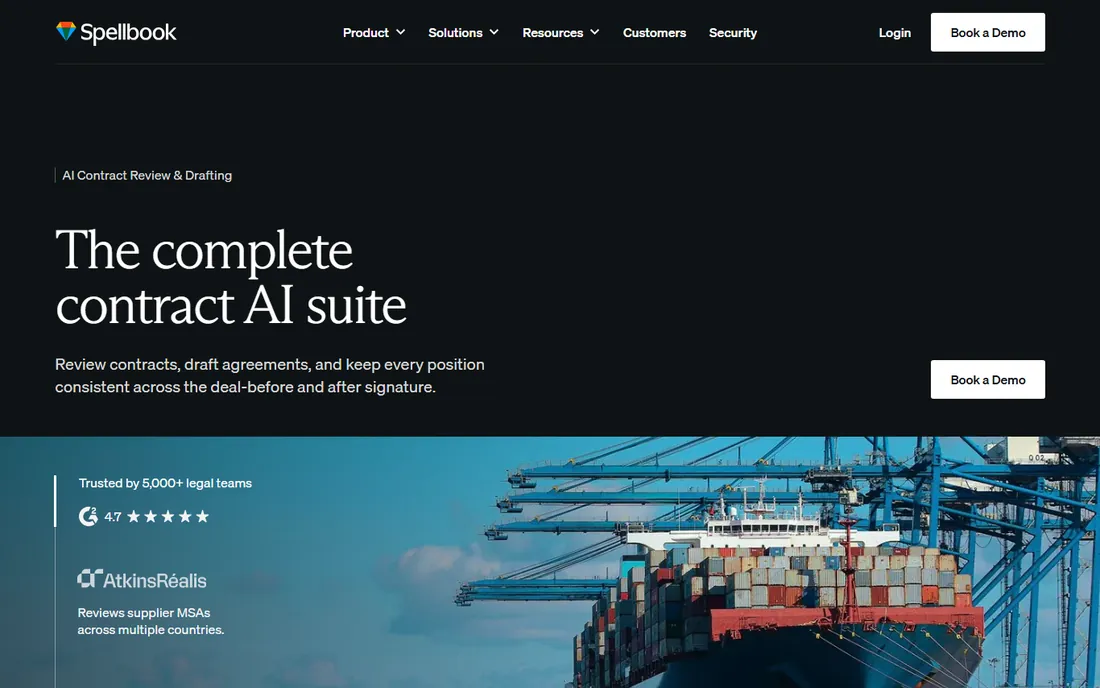
Spellbook was the first generative AI copilot for lawyers, and it still owns the simplest pitch in this category: it lives inside the Word document you are already drafting. Describe a clause and it drafts the language; feed it a contract and it redlines against your playbook; run a full agreement through it and it flags off-market terms. The 2026 product adds intake, review and repository features that move it toward a full contract lifecycle suite, with SOC 2 Type II and HIPAA certification for security-conscious teams.
The price of that focus is opacity. Spellbook publishes nothing: third-party estimates range from roughly $90 to $350 per user per month depending on tier, but every buyer negotiates. The 7-day free trial is the real evaluation path. Skip it if your firm runs on Google Workspace or does mostly litigation, and look at it first if contract drafting is your daily job.
What we like- AI drafting, redlining and clause suggestions directly inside Word
- Playbooks enforce your standards across every review
- Used by 5,000+ legal teams per the vendor
Watch out for- No published pricing at all
- Word-centric, with Google Docs still in beta
Starting priceSee website (custom quote)
Free planNo (demo available)
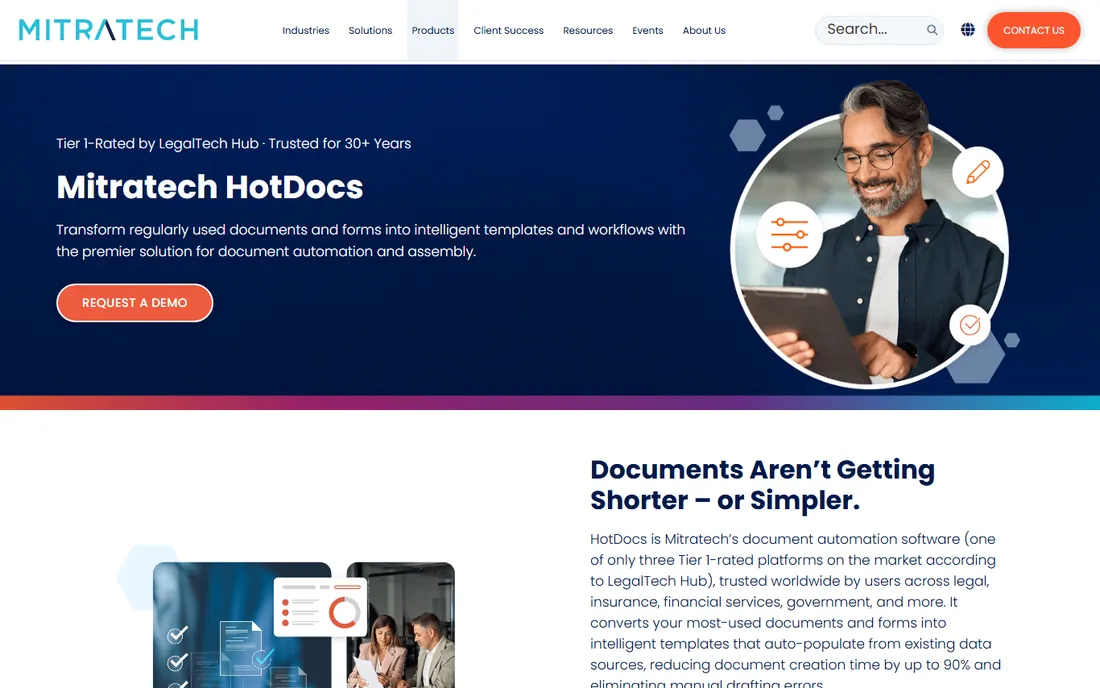
HotDocs is the oldest name in document assembly and still the reference point for high-volume work. The platform turns documents into intelligent templates with conditional logic, clause libraries and jurisdiction-specific rules, then generates them in bulk: the vendor cites batches of 500,000+ documents without manual intervention. It runs on desktop and in the cloud, connects to data sources through an open API, and lets subject-matter experts build templates without developer help. Mitratech acquired it in 2024 and sells it as part of a broader legal platform.
That history cuts both ways. Buyers praise the depth and the template governance; reviewers grumble about the learning curve and an authoring experience that feels its age next to Gavel or Knackly. There is no self-serve tier and no published price, so this is a tool you evaluate through a demo with a defined document set, not a credit card trial.
What we like- 30+ years in the market with 1M+ end users per the vendor
- Batch processing generates hundreds of thousands of documents unattended
- No-code template building with an open API
Watch out for- Enterprise sales process with no public pricing
- The desktop heritage shows in a dated authoring experience
Starting priceSee website (custom quote)
Free planNo (demo available)
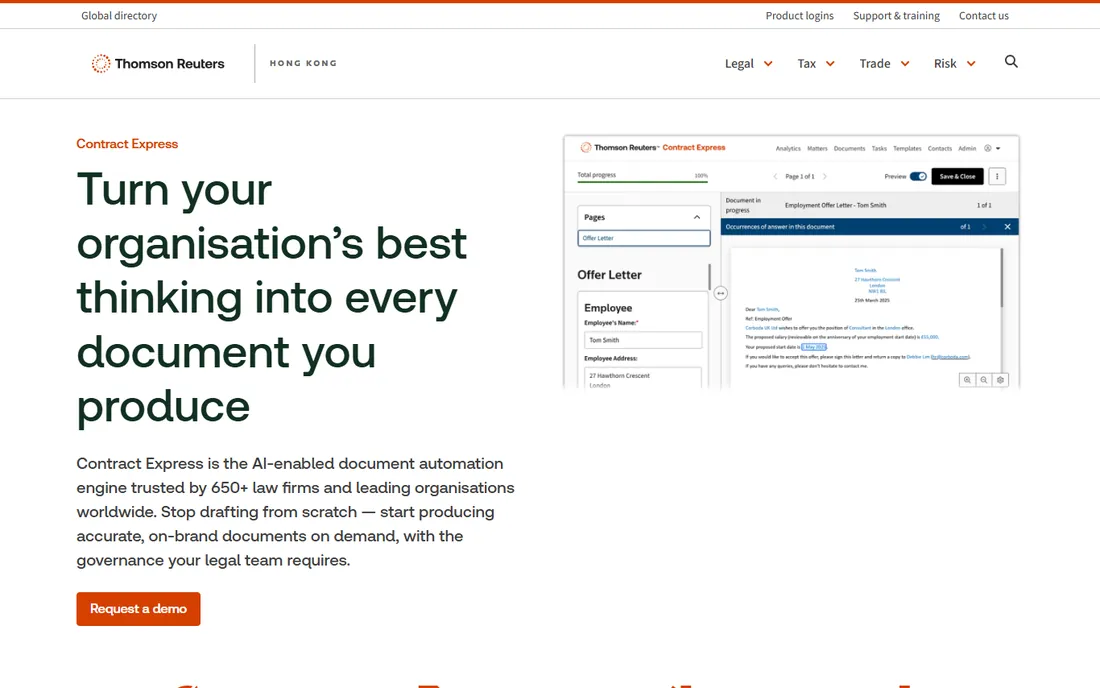
Contract Express is Thomson Reuters' document automation engine, used by 650+ law firms and large organizations according to the vendor. The pitch is governance at scale: lawyers author templates with AI-assisted field detection, business users generate documents through guided questionnaires, and everything plugs into the Thomson Reuters stack (Practical Law for starting content, HighQ for workflow, CoCounsel for AI review). It handles 100+ page documents and offers on-premise deployment for teams with strict data residency rules.
The honest assessment is that this is an enterprise product wearing a friendly interface. Pricing is quote-only, implementation is a project rather than a signup, and a solo practitioner would be paying for machinery they will never use. For a large firm or corporate legal department already paying for Thomson Reuters products, the integration story is the reason to choose it.
What we like- AI-assisted template authoring with no coding required
- Deep integration with Practical Law, HighQ and CoCounsel
- Cloud or on-premise deployment
Watch out for- Enterprise pricing with no public numbers
- Overkill for solos and small firms
#6
Knackly
Best for: Firms automating complex multi-document sets
Visit knackly.io
Starting price$250/month (Starter, 4 users; $209/month billed annually)
Free planFree trial (21 days)
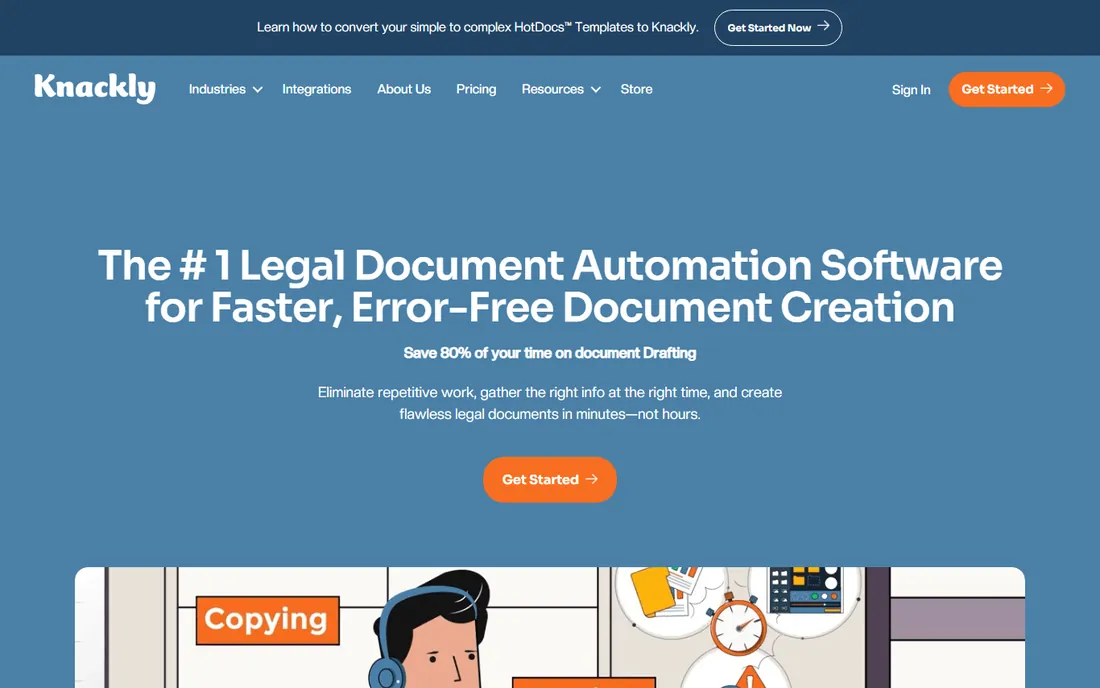
Knackly is built for the firms whose documents are genuinely complicated: estate plans, loan packages, litigation sets where one intake should produce ten finished documents. Its distinctive trick is reusable data objects: define a family member once and reuse that definition across every will and trust you ever automate. It offers a 21-day full-access tryout, converts HotDocs templates for firms migrating off the older platform, and syncs both ways with Clio (unlike Clio Draft's one-way flow).
The pricing structure is the catch. Starter is $250 per month for four users ($209 per month on annual billing), which is fair for a team and steep for a solo. There is no native e-signature, so you pair it with a signing tool. And while it is marketed as no-code, reviewers note that complex templates still reward someone comfortable with logic. The Done For You tier ($500/month) exists precisely because many firms would rather Knackly's team build the templates.
What we like- Generates entire document sets from one intake, with reusable data objects
- Converts legacy HotDocs templates automatically
- Two-way Clio sync
Watch out for- Sold in 4-user blocks, so solos pay for seats they do not need
- No built-in e-signature
- Setup rewards a technical mindset
#7
XpressDox
Best for: Firms that want automation embedded in Microsoft Word
Visit xpressdox.com
Starting priceSee website
Free planFree trial (available)
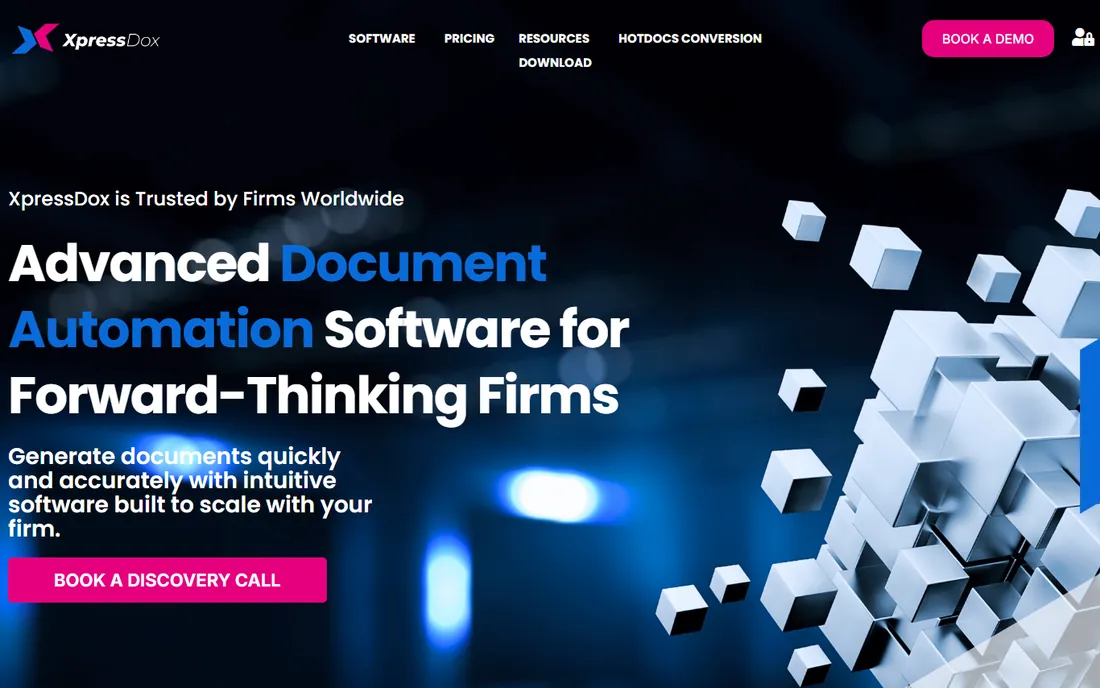
XpressDox takes the opposite approach to the web-first tools: the automation lives inside Microsoft Word, where the drafting already happens. You build templates with Word commands, decision-tree logic and a visual interview designer, and the firm generates documents from guided interviews without leaving the editor. It supports cloud, on-premise and hybrid deployment, which matters for firms with data governance requirements, and it integrates with the document management systems firms already use (iManage, NetDocuments) plus Salesforce and SQL databases.
The trade-off is the learning curve. Reviewers consistently say the power is real but the template-building skill takes time to develop, and the vendor's support is guidance rather than done-for-you implementation. Pricing is not published, which is disappointing for a product that positions itself on value. Firms with someone technical enough to own template building get the most from it.
What we like- Builds automation directly inside Word with commands, logic and interview designer
- Cloud, on-premise or hybrid deployment
- Connects to iManage and NetDocuments
Watch out for- Template building has a real learning curve
- A small vendor, so support is a smaller team
#8
Smokeball
Best for: Small people-law firms wanting practice management plus drafting
Visit smokeball.com
Starting priceSee website (custom quote)
Free planNo (demo available)
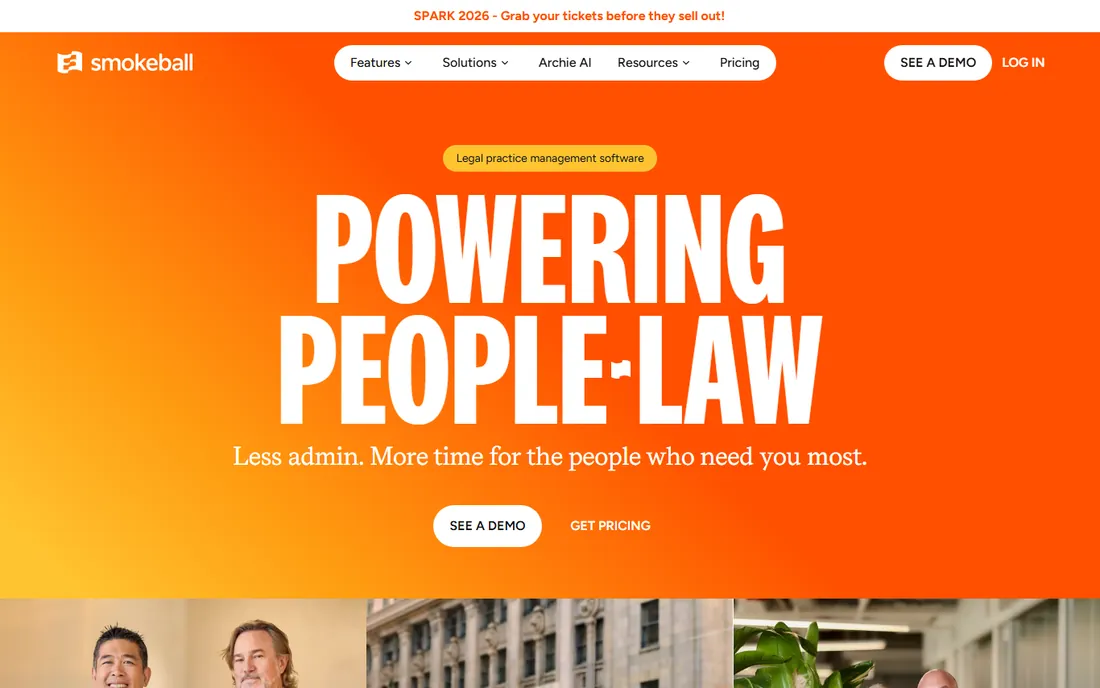
Smokeball is not a drafting-only tool, which is exactly why it belongs on this list: for many small firms, drafting lives inside practice management, and buying a separate automation tool is redundant. The platform combines matter management, billing, trust accounting and document automation, with a library of over 20,000 pre-configured legal forms that auto-populate from matter data. Archie, its AI matter assistant, drafts correspondence and pleadings, summarizes documents and answers questions with full matter context. Automatic time tracking captures billable activity without manual entry.
The honest catch is scope. If you want only document automation, you are buying a practice management system to get it, and US pricing is quote-based (plans run from billing-only through full firm management). Firms already committed to Clio or PracticePanther gain little here. But a small family law, personal injury or estate planning firm choosing one platform will find the drafting capability genuinely deep, not a checkbox feature.
What we like- 20,000+ automated legal forms and templates in the library
- Automatic time and activity tracking
- Archie AI drafts and reviews inside matters
Watch out for- US pricing is not published
- It is a full practice management platform, so drafting-only buyers pay for more than they need
Starting price$379 one-time (Individual license)
Free planFree trial (available)
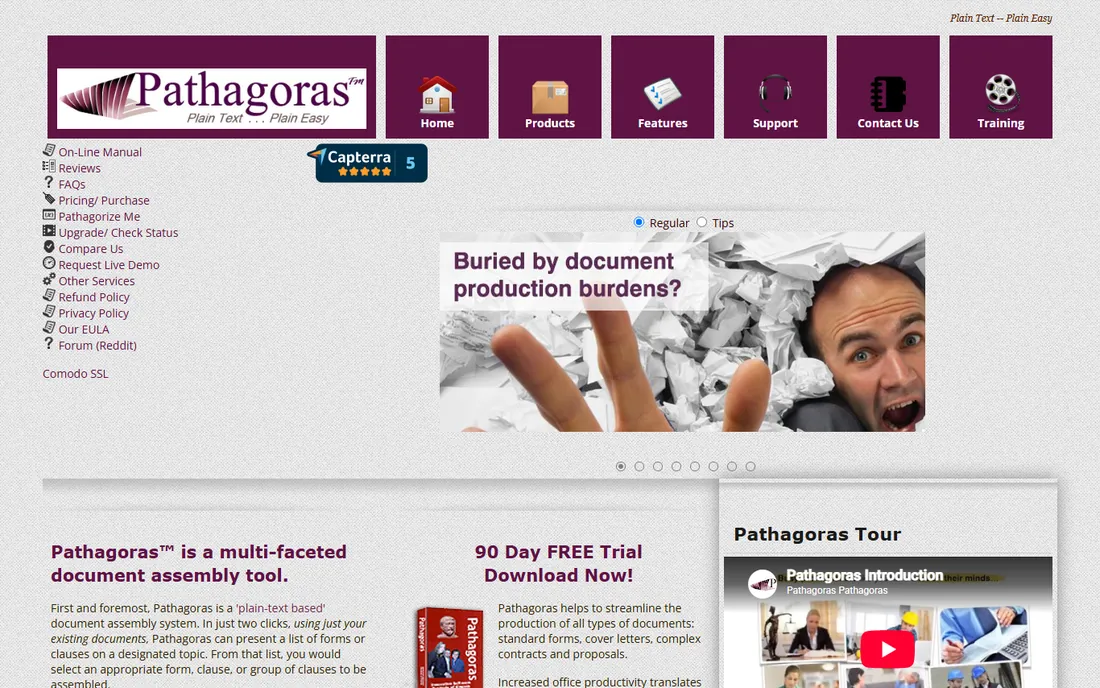
Pathagoras is the contrarian pick: while every competitor moved to subscriptions, it still sells a perpetual license. Pay $379 once per user ($799 for a 3-user network bundle) and the software is yours, with a subscription option ($25/user/month) only if you prefer renting. The approach is plain-text markup inside Word: bracket your variables and logic directly in the document text, which makes templates easy to read and teach. The Instant Database stores client and matter data for reuse, and clause libraries keep language consistent across the firm.
The trade-offs are real. This is a Word add-in with a dated interface, not a modern web platform, and there is no client-facing intake portal. Firms that want clients to fill out web forms should look at Gavel or Knackly instead. But for a solo or small firm that wants powerful automation with a single payment and no monthly bill, nothing else on this list competes on price.
What we like- One-time purchase with no subscription
- Plain-text markup automates Word documents without programming
- Instant Database and reusable clause libraries
Watch out for- Word-and-Windows centric
- The interface shows its age
- Extending support after year one costs extra
#10
Legito
Best for: Teams wanting automation, approvals and e-signature in one workspace
Visit legito.com
Starting priceSee website
Free planFree trial (available)
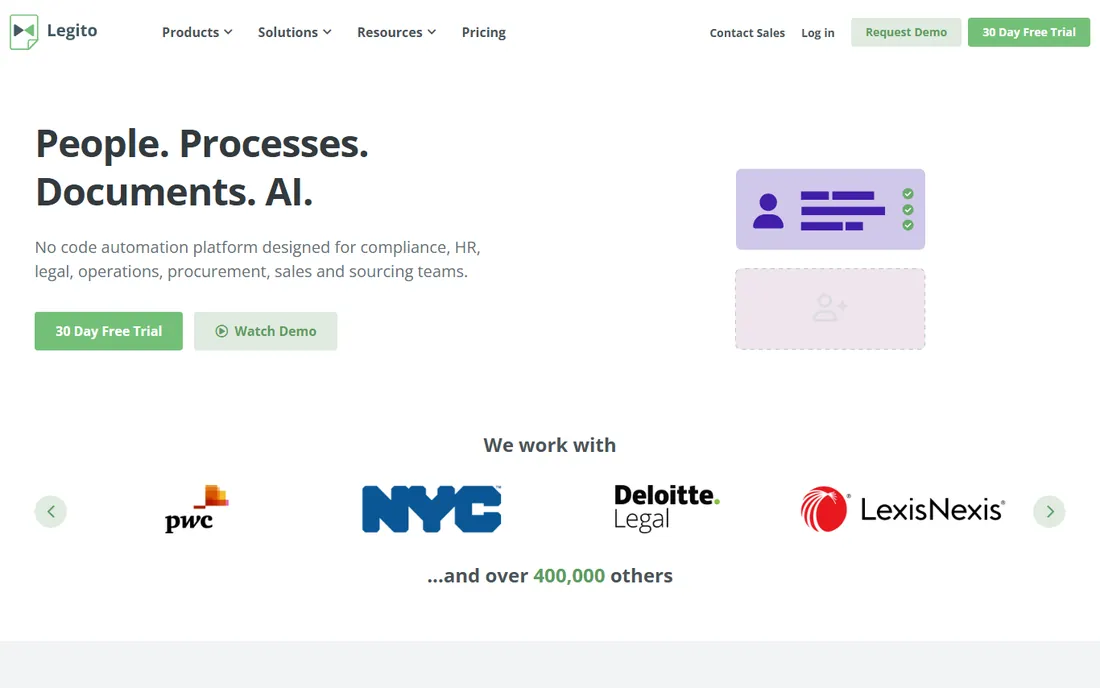
Legito calls itself a smart document workspace, and the description fits: document automation, approval workflows, document management and e-signature in one no-code platform. Firms design templates without developers, route documents through approval chains, and collect signatures without a separate tool. The vendor counts 140,000+ users across 50 countries, with adoption in financial services, real estate and professional services alongside law firms. Integrations cover DocuSign, Clio, Google Drive, SharePoint and Salesforce.
The catch is breadth. A firm that only needs drafting will spend time configuring workflows and approvals it did not ask for, and pricing is quote-based on the US site (third-party listings cite around $55 per user per month, unverified). Evaluate it when the problem is the whole document lifecycle, not just getting the first draft out.
What we like- Combines document automation with smart approval workflows and built-in e-signature
- No-code template design
- Used across 50 countries per the vendor
Watch out for- Pricing is not published on the US site
- The broader feature set takes longer to configure than a focused drafting tool
What to check before you buy legal drafting software
Start with where the drafting actually happens. If your lawyers live in Microsoft Word, a Word-native tool (Spellbook, XpressDox, Pathagoras) removes the adoption fight. If clients fill out intake forms on the web, you need a web-first platform (Gavel, Knackly, Clio Draft) with a client portal. Buying the wrong shape is the most common regret in this category.
Next, count your templates, not your users. Per-seat pricing punishes growing teams: five lawyers on a $110/user/month plan costs $6,600 a year before any add-ons. Flat plans (Gavel's $83 to $417 per month, Knackly's $250 for four users) are friendlier to small teams, and Pathagoras' $379 one-time license is the cheapest multi-year math on this list. Model three years of cost, not the monthly headline.
Then check the unglamorous details. Does the tool update court forms automatically (Clio Draft, Smokeball) or do you maintain them (Pathagoras, XpressDox)? Is e-signature built in (Gavel, Legito, Clio Draft) or a separate purchase (Knackly, Pathagoras)? Can you export your templates if you leave? Ask for the answers in writing during the demo, and run three to five real matters through the trial before signing anything annual.
Document automation vs. AI drafting: know which one you need
These are two different products that happen to share a category name. Document automation (Gavel Workflows, Clio Draft, Knackly, HotDocs, Pathagoras) turns your existing templates into guided interviews: the output is deterministic, because the language comes from templates you approved. AI drafting (Spellbook, Gavel Exec, Smokeball's Archie) generates new language from a prompt: the output is faster but needs attorney review, because the AI can phrase things in ways you would not.
Most firms need automation first. If your documents are standardized (wills, engagement letters, real estate closings, NDAs), automation pays for itself in weeks. AI drafting earns its place when the work is bespoke: novel clauses, first-pass contract review, redlines against a playbook.
How we chose
We started with the searches buyers actually run: best legal drafting software, legal document automation software and AI contract drafting. For each candidate we opened the vendor's own site, checked the pricing page where one exists, and cross-checked plan details against public reviews on G2 and Capterra plus practitioner discussion on Reddit and legal tech publications. We favored tools a US small or mid-size firm can actually buy and deploy, mixing established platforms (HotDocs, Contract Express) with newer AI-native options (Spellbook, Gavel Exec). Where the vendor publishes no price, we wrote "See website" instead of repeating third-party estimates.
Frequently asked questions
What is the cheapest legal drafting software?
Pathagoras at $379 one-time per user is the cheapest multi-year option, with no subscription. For a monthly plan, Gavel Lite at $83 per month (billed annually) is the lowest published price among the full automation platforms. Both include free trials.
Do I need legal drafting software if my firm already uses Clio?
Not necessarily, but Clio Draft is the natural extension: court forms for all 50 states auto-fill from your Clio data, and the AI template builder works on your existing Word files. If your drafting needs are simple, Clio's built-in document features may be enough without the add-on.
Can AI drafting software replace a lawyer's review?
No. AI drafting tools like Spellbook generate language quickly, but every clause still needs attorney review before it goes to a client. The reliable setup is automation for standardized documents (where the language is pre-approved) plus AI for first drafts of bespoke work, with a lawyer signing off on both.
Which legal drafting software has the best court forms library?
Clio Draft and Smokeball lead here. Clio Draft offers thousands of official court forms across all 50 states plus federal immigration forms, kept current automatically. Smokeball's library holds 20,000+ automated legal forms and templates. Both auto-populate from matter data.
Is there a free legal drafting tool?
Docassemble is the notable free, open-source option for firms with technical resources to self-host. Among commercial tools, trials are the norm: Gavel offers 7 days, Spellbook 7 days and Knackly 21 days. No full-featured commercial drafting platform on this list has a permanent free plan.
Sources we checked (19)
- https://www.gavel.io/
- https://www.gavel.io/alternatives/patternbuilder-vs-gavel-workflows
- https://clio.com/draft/
- https://www.trustradius.com/compare-products/clio-draft-vs-gavel
- https://www.legalsoft.com/blog/best-legal-document-automation-software
- https://spellbook.com/
- https://gc.ai/blog/spellbook-pricing
- https://www.mitratech.com/products/hotdocs/
- https://www.thomsonreuters.com.hk/en/products-services/legal-overview/contract-express.html
- https://knackly.io/
- https://knackly.io/pricing/
- http://xpressdox.com/
- https://www.getapp.com.au/software/2079898/xpressdox
- https://www.smokeball.com
- https://www.smokeball.com.au/pricing
- http://www.pathagoras.com/products/pricing.htm
- https://www.legito.com/US/en
- https://www.g2.com/categories/legal
- https://www.capterra.com/legal-software/
Is your product missing or out of date?
We review this list regularly. Vendors can request a listing, send updated pricing or ask about featured placement.

Shihab Mia · Founder, Rankite
Shihab has spent more than a decade helping SaaS and e-commerce brands grow through search. He writes Rankite's software buying guides from pricing pages, documentation and public user reviews. More about Shihab.