How we make this list: we compare pricing pages, product documentation and public user reviews. Rankite is independent; if a vendor ever pays for a featured spot, that listing is clearly labeled Partner.
Key takeaways
- Gavel (Lite $83/month) is the self-serve pick for solos and small firms: no-code builder, intake forms, e-signature and payments in one flow, with a 7-day trial.
- Clio Draft is the choice for Clio users: a maintained 50-state court-form library with AI template conversion, but no public pricing.
- HotDocs and Contract Express are enterprise-grade: deepest logic and Word integration, quote-only pricing, and implementation projects.
- Woodpecker's automation now lives inside MyCase Advanced ($130/user/month annually): only buy it if you want the practice management suite too.
Quick comparison
| Tool | Best for | Starting price | Free plan |
|---|
 Clio Draft Clio Draft | Solo and small US firms on Clio doing filings-heavy work | See website | No |
 HotDocs HotDocs | Mid-size to large firms with high-volume, rules-heavy documents | See website | No |
 Contract Express Contract Express | Large law firms and corporate legal departments on Thomson Reuters products | See website | No |
 Woodpecker (now part of MyCase) Woodpecker (now part of MyCase) | Solo and small firms that already use MyCase | $130/user/month (MyCase Advanced, billed annually; $150 month-to-month) | Free trial (10 days, per MyCase pricing page) |
 Gavel Gavel | Solo and small firms wanting no-code intake-to-document automation | $83/month (Lite, billed annually; $99 month-to-month) | Free trial (7 days, no credit card) |
 Josef Josef | Mid-size firms and legal aid organizations wanting client self-service bots | See website | Free trial |
 Checkbox Checkbox | In-house legal, compliance and procurement teams at mid-market-plus companies | See website | Free trial |
 Afterpattern Afterpattern | Tech-forward firms that want to productize legal services | See website | No |
 BRYTER BRYTER | Large corporate legal departments with dedicated legal-ops staff | See website | No |
Is your product missing or out of date?
We review this list regularly. Vendors can request a listing, send updated pricing or ask about featured placement.
The best legal document automation software
A client calls on Monday needing an estate plan, and your associate spends Tuesday retyping the same client details into twelve documents. Document automation ends that: answer a questionnaire once, and the system generates every document with the right names, dates, clauses and formatting. These nine tools cover the real market, from no-code builders for solos to enterprise platforms for corporate legal departments.
#1
Clio Draft
Best for: Solo and small US firms on Clio doing filings-heavy work
Visit clio.com
Starting priceSee website
Free planNo
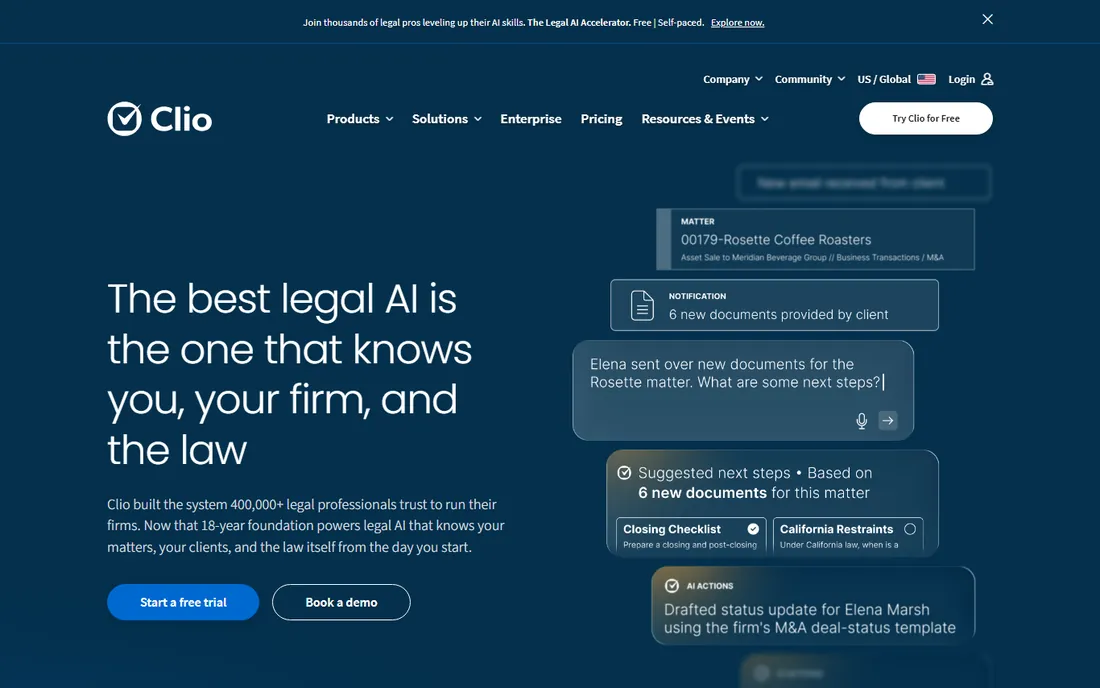
Clio Draft, formerly Lawyaw, solves the most dangerous problem in document automation: outdated forms. Its maintained library of fillable court forms covers all 50 states, so a family law or immigration practice stops worrying whether the form changed last month. AI converts your existing Word documents into templates, questionnaires collect client data, and everything syncs with Clio Manage matters.
The catch is the ecosystem lock and opacity. Clio's Draft pricing page lists features but no numeric prices, and every figure online is third-party, so budgeting needs a sales call. Non-Clio firms get an add-on architecture instead of a native experience. If you run Clio Manage and file in state courts, this is the obvious pick. Otherwise, compare Gavel first.
What we like- Cloud library of maintained fillable court forms for all 50 US states plus immigration forms
- AI converts existing Word documents into reusable templates
- Built-in e-signatures and AI questionnaires with direct Clio Manage integration
Watch out for- No public pricing and no self-serve trial
- Full value only inside the Clio ecosystem
#2
HotDocs
Best for: Mid-size to large firms with high-volume, rules-heavy documents
Visit hotdocs.com
Starting priceSee website
Free planNo
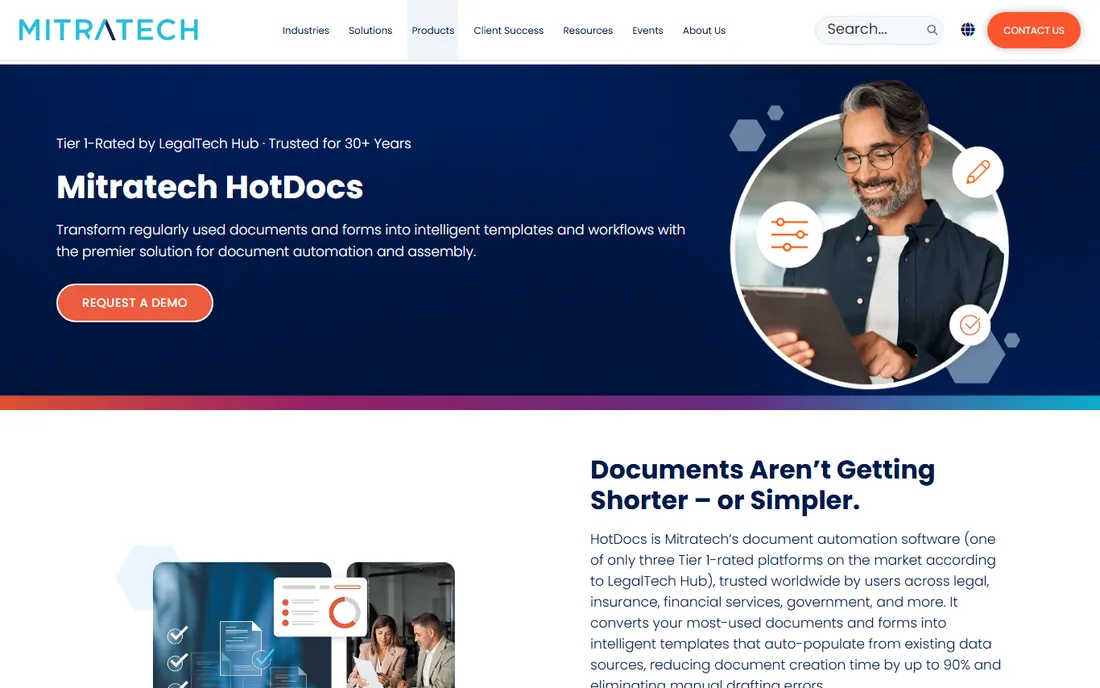
HotDocs, now part of Mitratech, is the power tool for documents with nested conditions, jurisdiction-specific clauses and calculations that simpler builders cannot express. Banks, insurers, government teams and large firms use it to generate thousands of complex documents from interviews and data feeds. It works inside Word on desktop and cloud, with an API for system integration.
Power costs money and expertise. Pricing is entirely quote-based, template building needs trained staff or consultants, and setup runs weeks to months. This is not software a solo buys on a credit card. It fits organizations where document complexity is the business: if your templates have if-then logic three levels deep, HotDocs is the benchmark everything else gets compared against.
What we like- Deepest conditional logic and calculation engine for complex documents
- Batch generation handles very large volumes
- Works on desktop and cloud inside Word with an open API
Watch out for- Enterprise complexity and learning curve
- Quote-based pricing with implementation and training costs on top
Starting priceSee website
Free planNo
Contract Express is the enterprise Word-native choice, and its real product is the stack: document automation paired with HighQ collaboration, Practical Law content, and integrations with iManage, NetDocuments and DocuSign. Lawyers author templates in Word with a markup language, which keeps drafting in the familiar environment while adding conditional logic underneath.
Small firms should stop reading: per-user annual pricing, implementation services and training fees put it firmly in enterprise economics. For large firms and corporate legal departments already invested in Thomson Reuters, the bundle argument is strong. Everyone else gets comparable automation from Gavel or HotDocs without the enterprise sales cycle.
What we like- Native Word-based template authoring lawyers already know
- Deepest integration with the TR stack (HighQ, Practical Law, iManage, NetDocuments, DocuSign)
- Enterprise security and compliance posture
Watch out for- Quote-only enterprise pricing with template-development fees
- Proprietary template language takes time to learn
- Overkill for small firms
#4
Woodpecker (now part of MyCase)
Best for: Solo and small firms that already use MyCase
Visit mycase.com
Starting price$130/user/month (MyCase Advanced, billed annually; $150 month-to-month)
Free planFree trial (10 days, per MyCase pricing page)
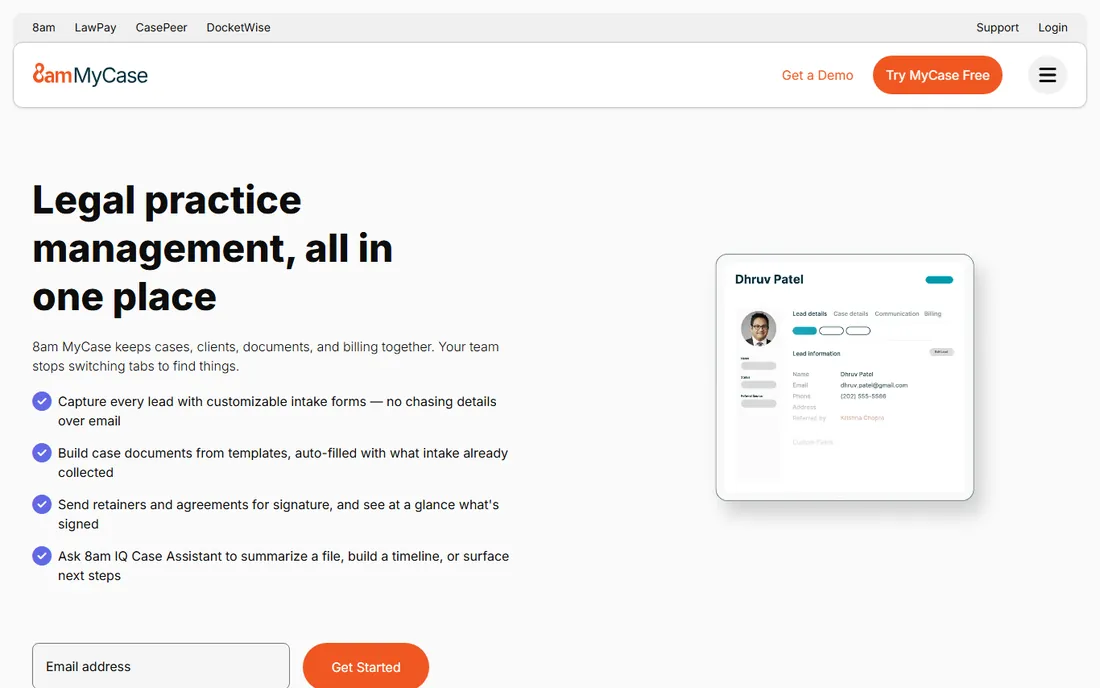
Woodpecker's story changed: the beloved Word add-in no longer sells standalone, and its automation now ships inside MyCase Advanced at $130 per user per month billed annually. What you get is genuinely good Word-native automation: conditional logic, reusable client data, bulk document generation, and smart grammar handling that adjusts pronouns and verb tenses automatically.
The pricing math decides. A three-person firm pays roughly $390/month annually for the suite just to get document automation, which only makes sense if you also want MyCase's practice management, billing and client portal. If you want automation without the suite, Gavel is the cleaner buy. MyCase bills per active firm user with no long-term contract and a 10-day trial.
What we like- Works natively inside Microsoft Word via add-in
- Auto-adjusts pronouns and verb tenses for grammatical consistency
- Bulk generation from a shared client data set
Watch out for- Standalone Woodpecker is gone: you must buy the full MyCase suite
- Questionnaire building lives in a separate web app
#5
Gavel
Best for: Solo and small firms wanting no-code intake-to-document automation
Visit gavel.io
Starting price$83/month (Lite, billed annually; $99 month-to-month)
Free planFree trial (7 days, no credit card)
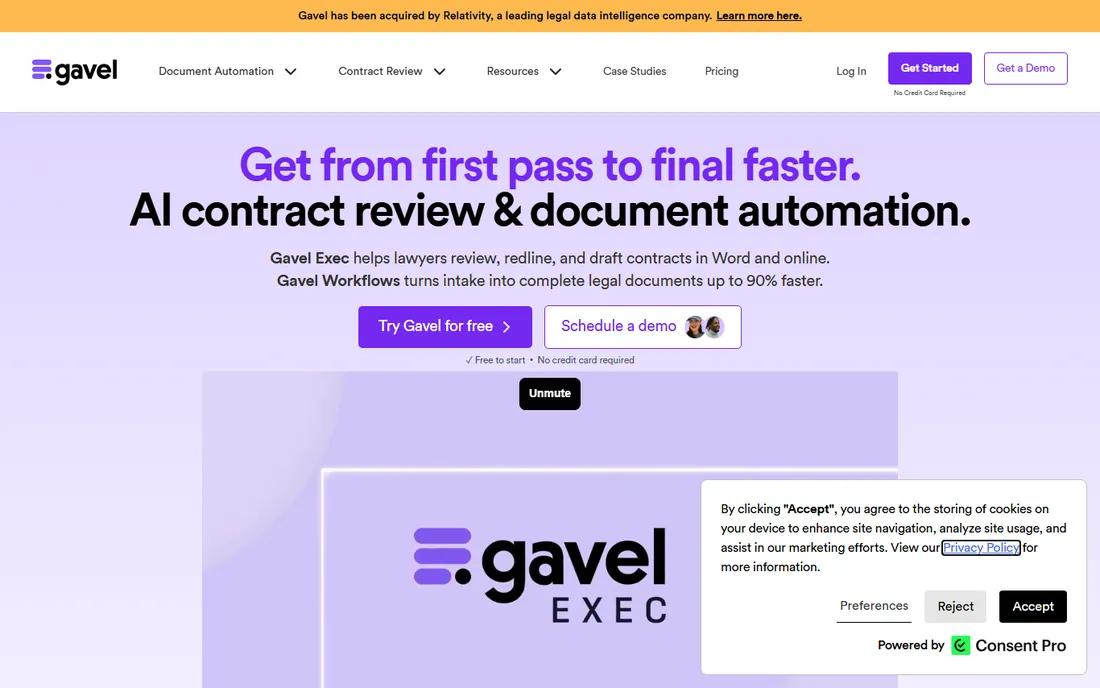
Gavel, formerly Documate, is the self-serve answer for small firms: build a client-facing intake form, generate the finished document, collect the e-signature and take payment through Stripe, all without code. It automates both Word and PDF templates, and the attorney-reviewed template library gives solos a starting point. Lite at $83/month billed annually covers one builder and 10 templates, with a 7-day trial and no credit card.
Watch the template math: firms with several practice areas land on Standard ($210/month annual) or Pro ($290/month annual) fast, and per-builder seats add up. The logic engine handles real conditional documents but will not match HotDocs for extreme complexity. For the solo or small firm that wants clients to self-serve routine work, Gavel is the fastest path from signup to revenue.
What we like- True no-code builder covering intake forms, conditional documents, e-signature and Stripe payments in one flow
- Automates Word and PDF templates
- Attorney-reviewed template library with Clio, Zapier and DocuSign integrations
Watch out for- Template caps per plan (10 on Lite) push growing firms up tiers quickly
- Advanced logic is shallower than HotDocs
#6
Josef
Best for: Mid-size firms and legal aid organizations wanting client self-service bots
Visit joseflegal.com
Starting priceSee website
Free planFree trial
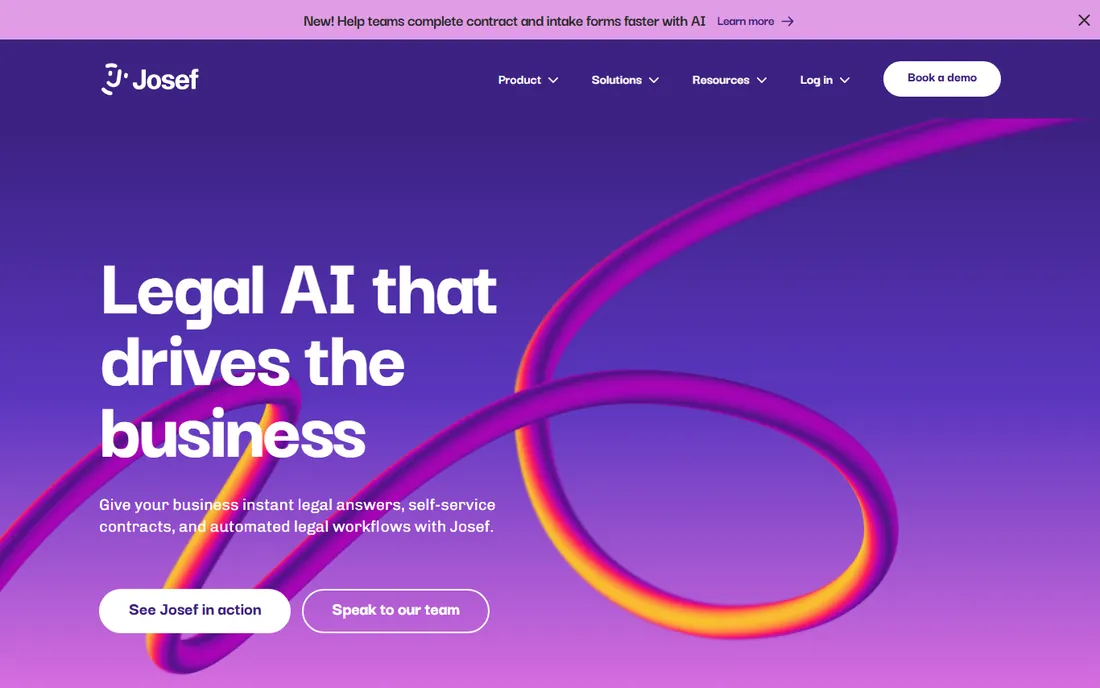
Josef builds chatbot-style legal bots: a guided interview that can generate multiple documents, answer follow-ups, and hand the client a self-service portal. Upload existing templates without losing formatting, connect DocuSign for signatures, and offer an on-premise option for sensitive work. Legal aid and community organizations get reduced pricing, which says something about the mission.
The friction is procurement: no published plans or prices, so evaluation takes longer than self-serve rivals. It is also more of a workflow and intake platform than a pure document assembly tool. US buyers should confirm support-hour coverage given the Australian base. It fits firms that want clients to help themselves, not firms that want the fastest template builder.
What we like- No-code bots combining guided interviews, document generation and client portals
- Upload existing templates keeping original formatting
- API plus DocuSign, Slack, Salesforce and NetDocuments integrations
Watch out for- No public pricing, so budgeting needs a sales process
- Australia-based vendor, so US buyers should check support hours
#7
Checkbox
Best for: In-house legal, compliance and procurement teams at mid-market-plus companies
Visit checkbox.ai
Starting priceSee website
Free planFree trial
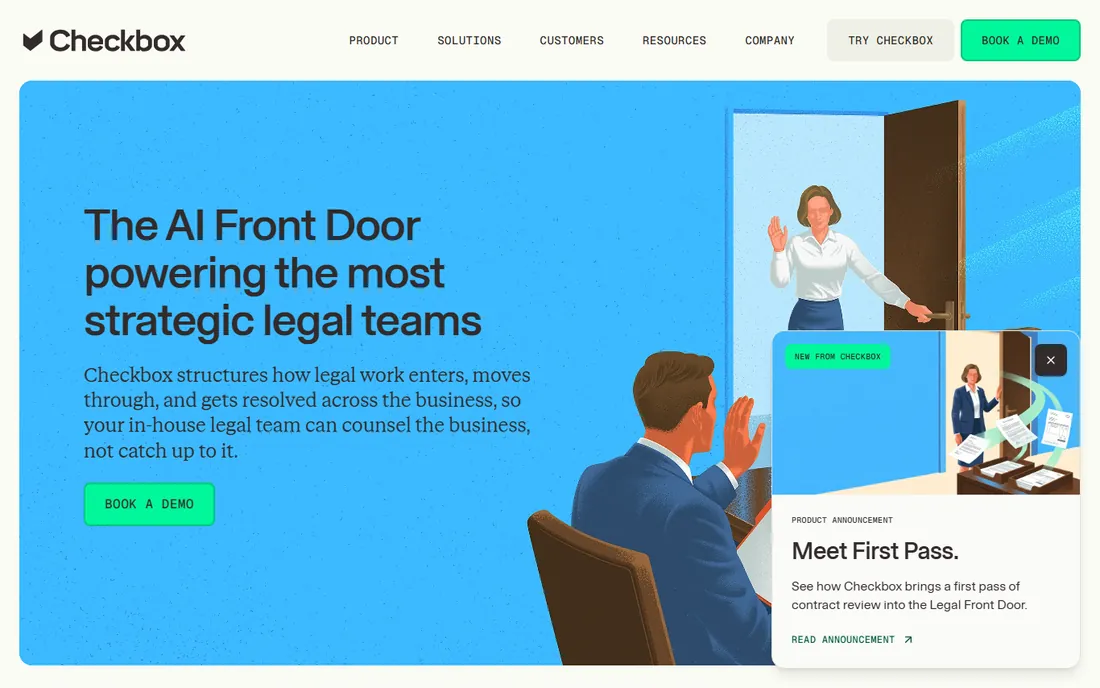
Checkbox is not really document automation for law firms: it is intake and workflow automation for in-house legal teams. AI triages incoming legal requests, routes them into automated workflows, and generates the documents those workflows need. The integration footprint is broad, and a free AI intake agent tier lets teams try the concept before buying.
Law firms should look elsewhere; this is corporate legal operations software with enterprise pricing and 90-plus-day implementations. For in-house teams drowning in contract requests and approval emails, though, the AI triage story is compelling. Confirm the scope carefully: you are buying intake automation that produces documents, not a drafting tool.
What we like- No-code AI intake and workflow automation for non-technical legal staff
- Broad integrations (Salesforce, Slack, Teams, DocuSign, Ironclad, NetDocuments, SAP)
- Free AI intake agent tier to try the concept
Watch out for- Enterprise quote-based pricing
- Built for in-house legal operations, not law-firm drafting
- Implementations commonly run 90+ days
Starting priceSee website
Free planNo
Afterpattern, owned by NetDocuments, is for firms that want to sell legal products, not just automate internal work: build an online NDA generator, a guided intake app, or a client portal backed by a real database, all without code. The toolkit is deep: app builder, template builders for Word, PDF and email, databases, and payment connections through LawPay and Stripe.
Depth demands time. Reviewers consistently flag the learning curve as the steepest in the category, so budget real build hours or hire an expert. Pricing is opaque, though the vendor's newsletter positions a 100-user build around $180/month, suggesting usage-based economics. This is a power tool for legal innovators. Firms that want simple template automation will be happier with Gavel.
What we like- Full no-code toolkit: app builder, Word/PDF/email template builder, databases and client portals
- Build sellable legal products, not just internal templates
- NetDocuments backing with LawPay and Stripe connections
Watch out for- Steepest learning curve here
- Opaque pricing
- Built apps surface as pop-up embeds rather than seamless integrations
#9
BRYTER
Best for: Large corporate legal departments with dedicated legal-ops staff
Visit bryter.com
Starting priceSee website
Free planNo
BRYTER lets non-developers ship decision-tree apps, intake flows and document generators on top of enterprise systems. Pricing per published application rather than per end user means an internal tool used by 500 employees costs the same as one used by 50, which is genuinely attractive economics for corporate legal. The AI connector adds extraction and summarization to the workflows.
None of this is for small firms: custom annual licenses, guided onboarding, and a sales process measured in weeks put it out of SMB reach. Corporate legal departments with legal-ops staff get a platform their IT department will approve. Everyone else should shortlist Josef or Checkbox for the workflow side, Gavel or Clio Draft for the documents.
What we like- No-code decision-tree and workflow apps with AI extraction
- Enterprise integrations (ServiceNow, Salesforce, SharePoint)
- Per-application pricing means internal apps scale cheaply
Watch out for- Enterprise-only sales motion with demo-gated access
- Not sold to small firms
- Multi-week sales discussions before pricing appears
What to automate first
Firms new to document automation should start where the volume is: the five documents you draft most often. Estate planning questionnaires, engagement letters, NDAs, demand letters, and intake packets are the usual suspects. Automate those before touching the exotic stuff; the ROI on the top five typically pays for the software in the first quarter.
Second, separate intake from assembly in your evaluation. Some tools (Gavel, Josef) excel at client-facing intake that feeds documents; others (HotDocs, Contract Express) excel at complex assembly from data you already hold. Most firms need both eventually, but the first purchase should match the bigger pain. Third, count templates against plan caps: Gavel's 10-template Lite limit and per-builder seats mean the plan you need is often two tiers above the entry price. Model your real template count before comparing.
Frequently asked questions
How much does legal document automation software cost?
Self-serve tools publish prices: Gavel Lite $83/month, MyCase Advanced (with Woodpecker) $130/user/month annually. Everything else is quote-based: expect mid-four figures annually for Josef-class tools and five to six figures for HotDocs, Contract Express or BRYTER implementations. Template development and training are usually extra on enterprise deals.
Will document automation work with Microsoft Word?
Yes, and the best tools never make you leave it. Woodpecker and Contract Express work as Word add-ins; Gavel, HotDocs and Clio Draft all automate Word templates. If your templates live in Word today, which they do at most firms, prioritize tools with native Word support over web-only builders.
Can clients fill out intake forms themselves?
Yes. Gavel, Josef and Afterpattern all build client-facing intake: the client answers questions online, and the system generates the finished document. Gavel adds e-signature and Stripe payments to the same flow, which lets solos sell fixed-fee documents as products.
What is the difference between Gavel and HotDocs?
Gavel is no-code and self-serve: a solo can build intake-to-document flows in an afternoon, with published pricing from $83/month. HotDocs is the enterprise power tool: deeper conditional logic and batch generation for complex, high-volume documents, with quote-based pricing and implementation services. Simple practice, Gavel. Complex document factory, HotDocs.
Do I need Clio to use Clio Draft?
No, but it helps a lot. Clio Draft works standalone for template automation and court forms, but the matter sync, client data and workflow integration assume Clio Manage. Non-Clio firms should compare Gavel, which integrates with Clio but does not require it.
How we chose
We started with the searches buyers actually run: best legal document automation software and best document automation software for law firms. For each candidate we checked the vendor's own pricing page first, then cross-checked plan names and prices against independent reviews and practitioner discussion on G2, Capterra and Reddit, and compared template automation depth, intake capabilities, Word integration and firm-size fit. Where a price could not be verified on the vendor's page we wrote "See website" rather than repeating estimates. The shortlist mixes no-code builders with enterprise platforms because a solo practitioner and a corporate legal department are not buying the same thing.
What the enterprise sales process really costs
Nobody publishes prices in the enterprise tier, so here is what to budget beyond the quote. Template development: converting a firm's existing Word templates into automated versions takes hours per template for simple ones and days for complex ones, whether your staff or a consultant does it. Training: HotDocs and Contract Express both need template-author training, not just user training. Implementation: BRYTER and Checkbox engagements commonly run 90-plus days with process design work.
Negotiate three things before signing: the per-builder versus per-user seat math (BRYTER's per-application model can be dramatically cheaper at scale), renewal caps (enterprise legal software renewals climb), and who owns the templates if you leave. That last one matters more than buyers expect: templates built in a proprietary system are not portable. Get the exit terms in the contract, not in a sales email.
Sources we checked (12)
- https://www.clio.com/draft/pricing/
- https://www.mycase.com/pricing/
- https://www.gavel.io/alternatives/mycase-vs-gavel-workflows
- https://www.gavel.io/alternatives/hotdocs-vs-gavel-workflows
- https://www.gavel.io/comparison/gavel-v-rally
- https://mitratech.com/products/hotdocs/
- https://www.vendr.com/marketplace/thomson-reuters
- https://joseflegal.com/customers/legal-aid-and-access-to-justice/
- https://afterpattern.com/solutions
- https://www.netdocuments.com/company-news/netdocuments-inspires-productivity-with-acquisition-of-afterpattern-document-automation/
- https://www.g2.com/categories/document-automation
- https://www.capterra.com/document-automation-software/
Is your product missing or out of date?
We review this list regularly. Vendors can request a listing, send updated pricing or ask about featured placement.

Shihab Mia · Founder, Rankite
Shihab has spent more than a decade helping SaaS and e-commerce brands grow through search. He writes Rankite's software buying guides from pricing pages, documentation and public user reviews. More about Shihab.