How we make this list: we compare pricing pages, product documentation and public user reviews. Rankite is independent; if a vendor ever pays for a featured spot, that listing is clearly labeled Partner.
Key takeaways
- Toast ($69 per month, free Starter Kit) is the best all-around restaurant platform, with kitchen display systems and inventory built into a POS your staff probably already knows.
- MarketMan ($249 per month) is the pick for food cost control at independents, with real-time recipe costing and AI invoice scanning.
- FoodDocs ($59 per month billed annually) is the specialist for food safety and HACCP compliance, generating your HACCP plan in under an hour.
- 7shifts ($29.99 per month per location billed yearly) handles the people side with restaurant-specific scheduling, and its free Comp plan covers single-location teams.
- Multi-unit groups choosing between back-office suites should compare SynergySuite ($75 per month per module per location) against CrunchTime (quote-based pricing) on implementation fit, not just features.
Quick comparison
| Tool | Best for | Starting price | Free plan |
|---|
 Toast Toast | All-around restaurant POS with kitchen ops | $69 per month | Yes |
 Lightspeed Restaurant Lightspeed Restaurant | Multi-location POS with strong inventory | $69 per month | Free trial |
 TouchBistro TouchBistro | iPad-based POS with reliable offline mode | $69 per month | Free trial |
 MarketMan MarketMan | Food cost and inventory control | $249 per month | Free trial |
 SynergySuite SynergySuite | Modular back-office suite for franchises | $75 per month (per module, per location) | Free trial |
 CrunchTime CrunchTime | Enterprise back-office operations | See website | No |
 FoodDocs FoodDocs | Food safety and HACCP compliance | $59 per month (billed annually) | Free trial |
 7shifts 7shifts | Restaurant staff scheduling and HR | $29.99 per month (billed annually) | Yes |
Is your product missing or out of date?
We review this list regularly. Vendors can request a listing, send updated pricing or ask about featured placement.
The best kitchen management software
Starting price$69 per month
Free planYes
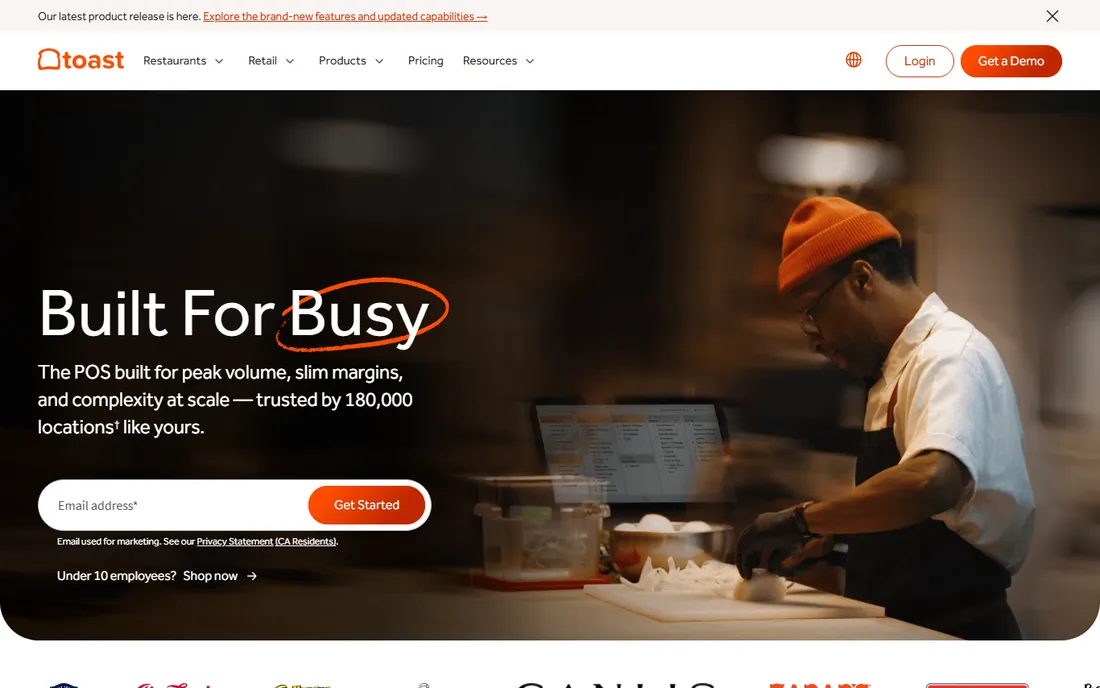
Toast is the default choice for US restaurants because it is the only major platform built exclusively for restaurants, and every product decision shows it. The Point of Sale plan at $69 per month covers core POS, cloud reporting, and 24/7 support, with kitchen display systems, online ordering, and payroll available as add-ons. The free Starter Kit puts $0-per-month software in reach of new restaurants, trading lower monthly cost for higher processing fees. Toast reports its platform now runs in about 180,000 locations, which means your next hire has probably already worked on it.
The catch is the ecosystem math. Hardware is Toast-only, add-ons like KDS run $25 per month each, and the pay-as-you-go pricing carries higher per-transaction rates. Budget for the total package, not the headline plan price. Still, for a single or multi-location restaurant that wants one vendor for POS, kitchen displays, and payments, Toast is the safe and well-trodden path.
What we like- Restaurant-only platform with native KDS, online ordering, and payroll
- Free Starter Kit gets a new restaurant running with $0 software cost
- Staff you hire have often used it before
Watch out for- Proprietary hardware locks you in
- Add-ons stack up quickly beyond the core plan
Starting price$69 per month
Free planFree trial
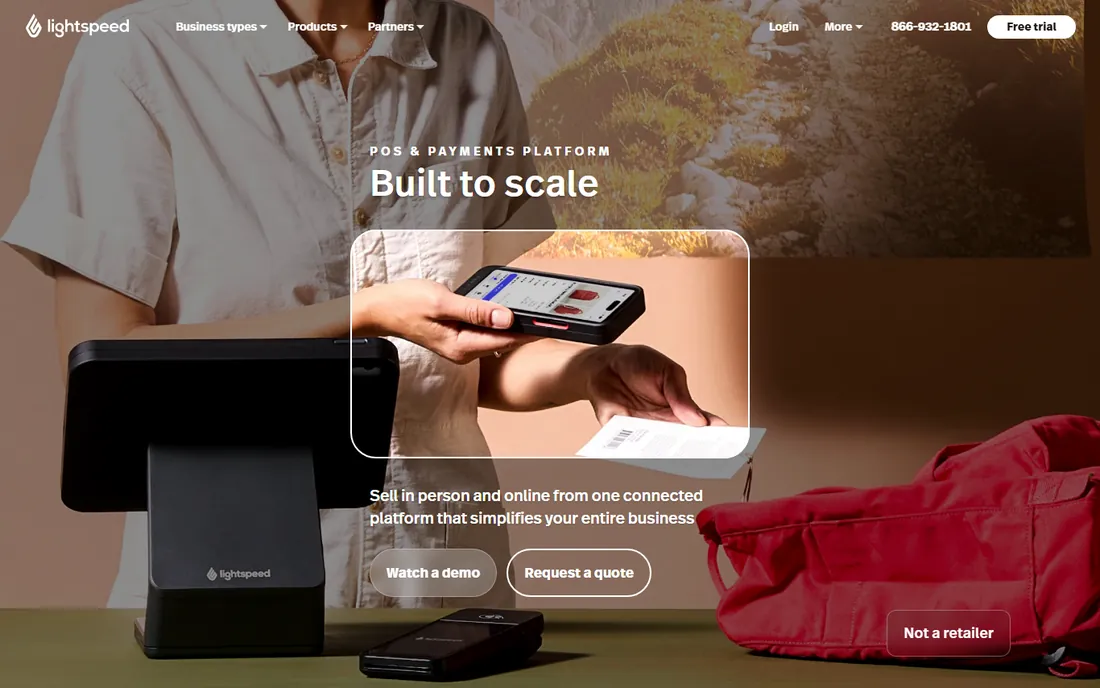
Lightspeed Restaurant suits operators who outgrow Toast's bundles and want transparent, modular pricing. The Starter plan at $69 per month includes the core POS, menu management, floor plans, and reporting, while Essential at $189 adds multi-location management and advanced inventory, and Premium at $399 serves hotel and multi-department operations. Inventory workflows run deep here: purchase orders, supplier management, and variance reporting live in the back office rather than a separate app.
The fine print matters. Kitchen display screens cost $30 per screen per month regardless of tier, so three screens add $1,080 per year before processing fees, which Lightspeed does not publish. Get your rate and contract terms in writing. For upscale independents and small groups that want strong analytics and centralized menus across locations, Lightspeed is a strong pick once you price the whole stack.
What we like- Published pricing ladder with real multi-location tools
- Purchase orders and supplier management tied to POS data
- Runs on iPads and common hardware
Watch out for- KDS costs $30 per screen per month on every plan
- Payment processing rates are not published
Starting price$69 per month
Free planFree trial
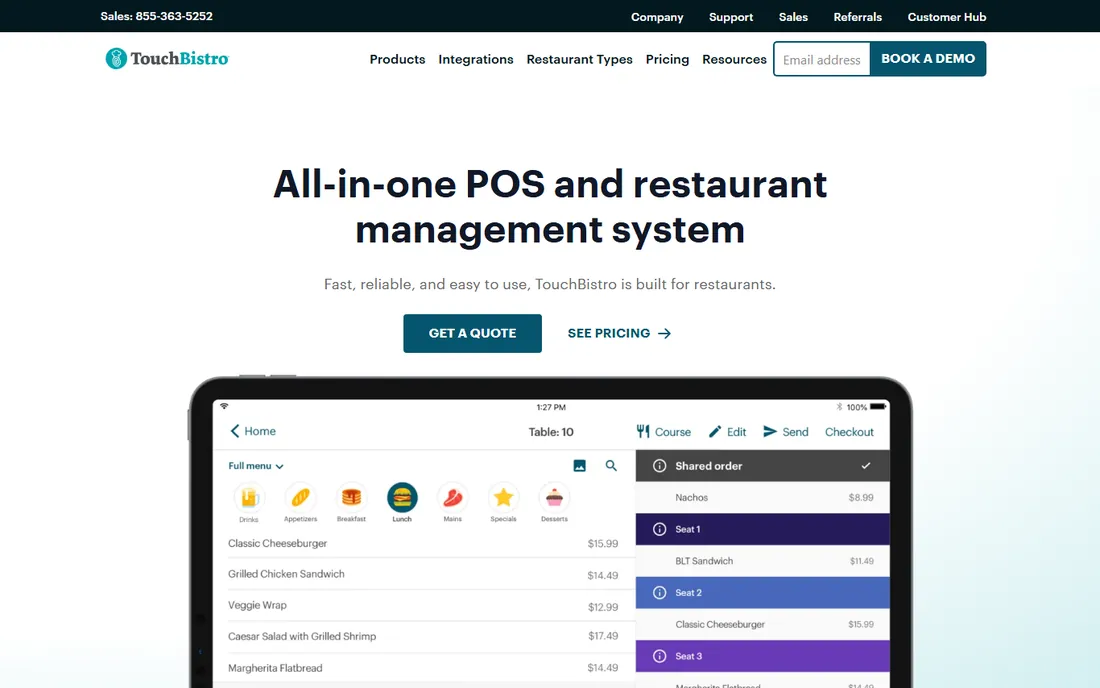
TouchBistro has served full-service restaurants since 2010, and its standout trait is resilience: the system runs on a local network, so orders keep flowing when the internet dies. The POS software starts at $69 per month per license, with the Essentials Bundle at $119 per month adding hardware and integrated payments. Table management, staff management, and reporting are built in, and 24/7 support comes on every plan.
The tradeoffs are the Apple lock-in and the annual contract requirement on all plans. Everything beyond core POS, online ordering at $50 per month, reservations, loyalty, KDS, is an add-on, so quote the complete setup. For sit-down restaurants where offline reliability and tableside ordering on iPads matter more than flashy new features, TouchBistro remains a dependable workhorse.
What we like- Full hybrid system keeps working if the internet drops
- Straightforward pricing by license count
- Deep table and floor plan management for full-service restaurants
Watch out for- IPads only, no Android
- Add-ons for online ordering, reservations, and KDS are priced separately
Starting price$249 per month
Free planFree trial
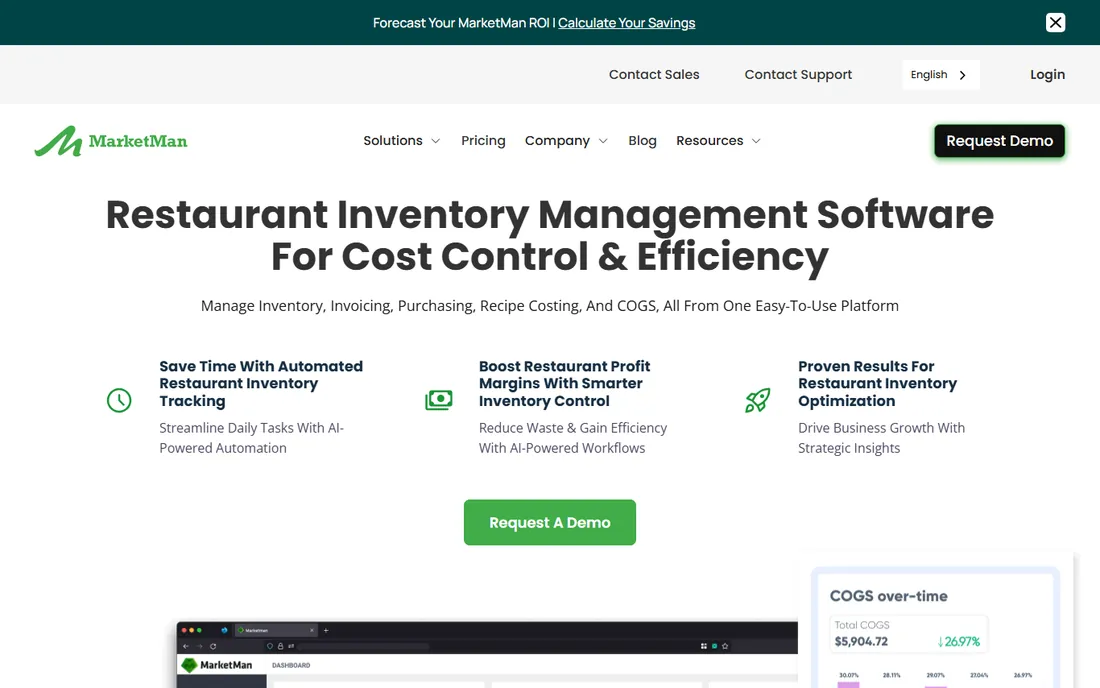
MarketMan is the tool you buy when food cost is the problem. It connects inventory, purchasing, and recipe costing so you can see the true cost of every dish and the actual-vs-theoretical gap that reveals waste and theft. The Starter plan at $249 per month targets independent operators with real-time recipe costing, waste management, and one vendor EDI integration, while Growth at $299 adds smart ordering and unlimited invoice scanning. The company claims customers typically reduce COGS by 3 to 5%.
That $249 entry price is real money for a small restaurant, and the 50-invoice monthly cap on Starter means busy kitchens may need Growth. Implementation typically takes two to four weeks with guided onboarding. If your food cost runs above 30% and you cannot explain where it goes, MarketMan pays for itself; if your margins are already tight and controlled, the ROI case is thinner.
What we like- Real-time recipe costing shows profit per dish
- AI invoice scanning on paid tiers
- Strong vendor price-fluctuation alerts
Watch out for- Starter tier caps invoice scans at 50 per month
- Pricing is steep for the smallest operations
Starting price$75 per month (per module, per location)
Free planFree trial
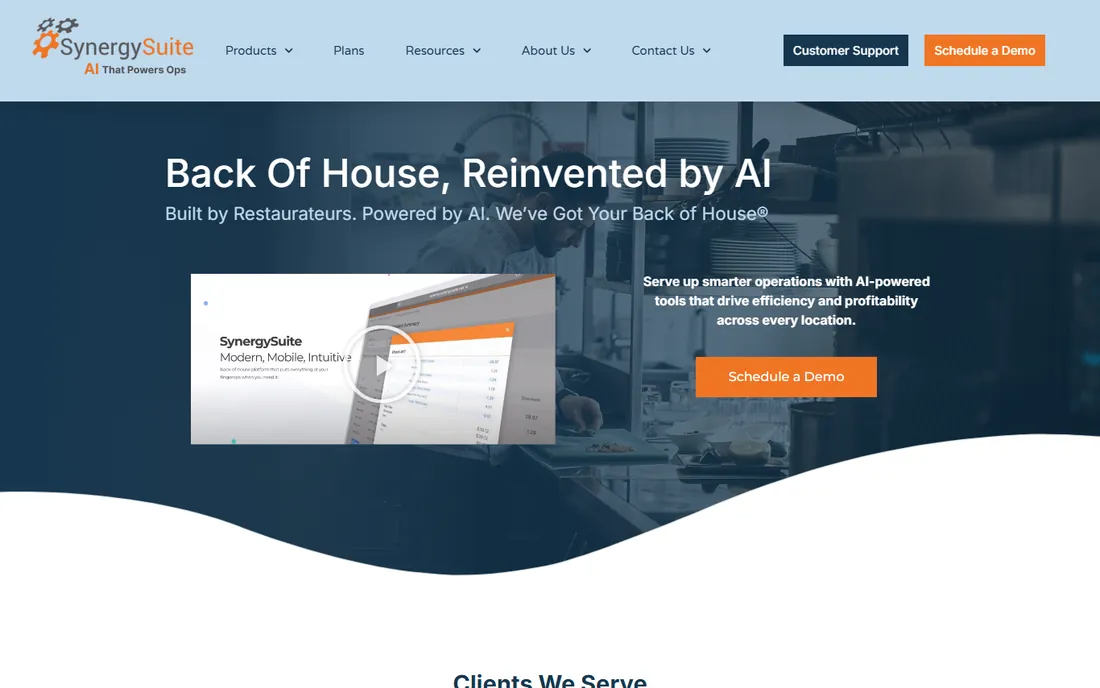
SynergySuite takes the opposite approach from one-price platforms: nine modules priced individually per location, so a franchise group can buy inventory and labor without paying for cash management it does not need. Individual modules start at $75 per month per location for inventory, purchasing, reporting, and cash management, with operations at $20 and food safety at $50. The company cites average customer results of 4% savings on food and 3% on labor.
The modular pricing is a double-edged sword. A full suite across all modules runs several hundred dollars per location monthly, which suits franchise groups but prices out independents. Setup takes real work to configure for your brand's workflows. For multi-unit operators who want one back-office platform integrated with their existing POS, SynergySuite is purpose-built for the job.
What we like- Buy only the modules you need: inventory, purchasing, labor, food safety, cash, HR
- Built by restaurateurs with franchise workflows in mind
- AI forecasting across modules
Watch out for- Per-module pricing multiplies fast with a full suite
- Implementation takes time to configure properly
Starting priceSee website
Free planNo
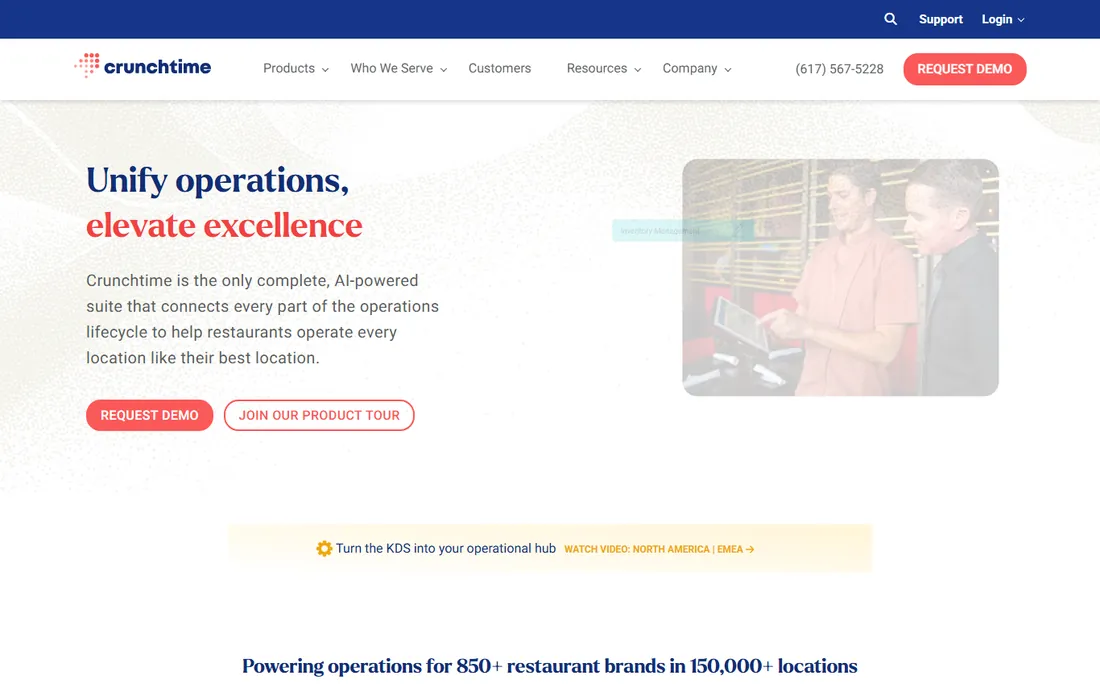
CrunchTime is the enterprise standard for restaurant back-office operations, running in more than 35,000 restaurants across 30 countries. Its platform covers inventory management with automated forecasting and purchasing, labor and scheduling built on proprietary forecasting algorithms, operations execution for checklists and audits, and a learning module with over 100 ready restaurant training courses. Pricing is annual and quote-based, with no free plan and no published starting price.
Do not evaluate CrunchTime as a small restaurant. It is built for brands with ten or more locations that need centralized control, and reviewers note a real learning curve during setup. If you run a growing chain and need one system tying inventory, labor, and training together across every store, CrunchTime belongs on the shortlist. Everyone else should pick from the tools above.
What we like- Deep inventory, labor, and forecasting tools proven at large chains
- Smooth integrations with major POS and accounting systems
- Operations and training modules included
Watch out for- Quote-based pricing means no quick cost comparison
- Designed for 10+ locations, overkill for independents
Starting price$59 per month (billed annually)
Free planFree trial
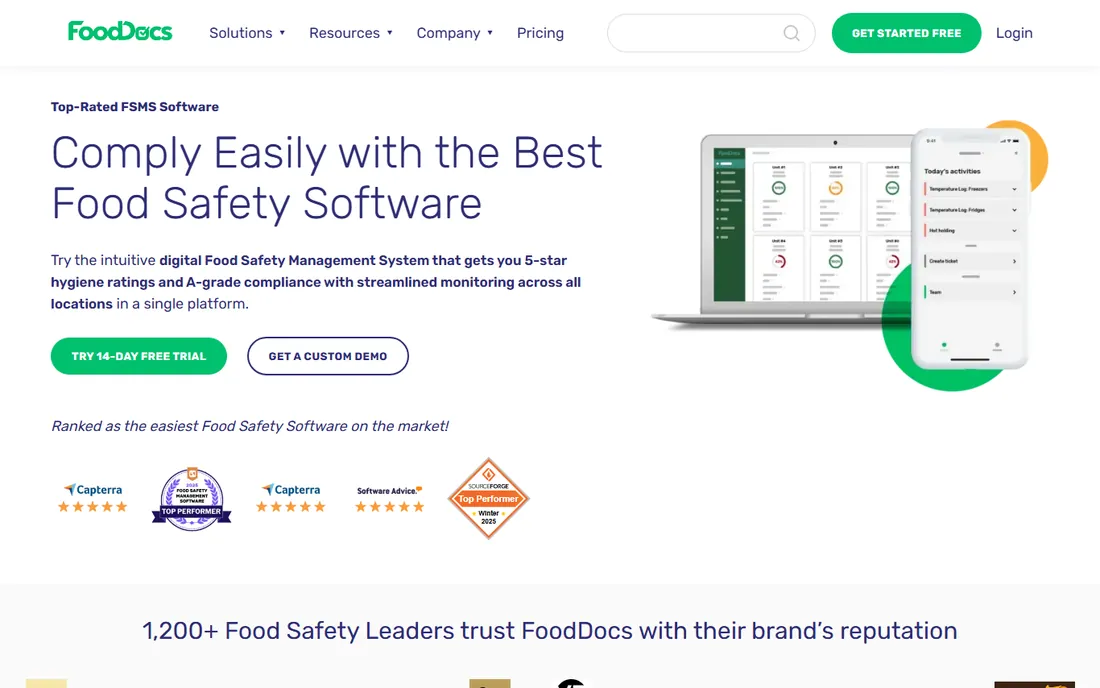
FoodDocs solves the paperwork problem that plagues every kitchen: HACCP plans, daily monitoring logs, temperature records, and audit documentation. Its headline feature generates a complete HACCP food safety management system template, hazard analysis, critical control points, flow charts, and SOPs, in less than one hour. The Fast HACCP plan at $59 per month billed annually covers the plan itself, while the Standard plan at $199 per month adds the full food safety monitoring system and mobile app.
The catch is tiering: the cheap plan creates the plan but does not run daily monitoring, so budget for Standard if you want the digital checklists and temperature logging that replace the clipboard. A 14-day free trial lets you test the full system. For any restaurant, caterer, or food producer that needs inspection-ready documentation, FoodDocs replaces the most hated paperwork in the building.
What we like- Generates a complete HACCP plan in under an hour
- AI-assisted monitoring tasks with smart notifications
- Temperature sensor integrations
Watch out for- The entry Fast HACCP tier only covers the plan itself
- Full monitoring starts at higher tiers
Starting price$29.99 per month (billed annually)
Free planYes
7shifts handles the people side of kitchen management: scheduling, time clock, team messaging, tip management, and payroll, all designed around how restaurants actually staff. The Comp plan is genuinely free for single-location restaurants, and the paid Entrée tier costs $29.99 per month per location billed yearly with labor cost optimization. The company says more than 55,000 restaurants use it, and 1 in 10 US restaurant workers use the app.
The pricing model rewards simplicity: per-location pricing stays flat as you hire, but Premium features like training and labor compliance push the bill up for larger teams. POS integrations pull in sales data so schedules can be built against forecasted demand rather than vibes. For the labor side of the kitchen, which is often the largest controllable cost, 7shifts is the specialist pick.
What we like- Built specifically for restaurant shift work with POS-integrated labor data
- Free Comp plan covers single-location teams
- No contracts, month-to-month available
Watch out for- Paid tiers climb quickly for larger teams
- Payroll add-on costs $6 per employee paid
POS vs. back-office vs. food safety: what do you actually need?
Kitchen management software is three categories wearing one label, and buying the wrong one wastes money. POS systems like Toast, Lightspeed, and TouchBistro run the front of house and the pass: orders, payments, kitchen displays, and basic inventory. If your chaos is at the counter and the ticket rail, start here.
Back-office suites like MarketMan, SynergySuite, and CrunchTime run the business behind the kitchen: food costing, purchasing, vendor management, labor forecasting, and multi-location reporting. If your chaos is food cost you cannot explain and invoices piling on the desk, start here. Many restaurants run both a POS and a back-office tool that integrates with it.
Food safety and labor tools like FoodDocs and 7shifts solve compliance and staffing, which are legal obligations rather than efficiency plays. A failed health inspection or a wage-and-hour claim costs more than any subscription. The right stack for most independent restaurants is a POS, a back-office inventory tool, and the compliance pieces; enterprise chains add the full suite.
How to choose kitchen management software for your restaurant
Start with your POS decision, because everything else integrates with it. If you do not have a modern POS, choose Toast, Lightspeed, or TouchBistro first, then pick back-office tools that integrate with that platform. If you already have a POS you like, check integration lists before falling in love with a back-office suite; MarketMan and SynergySuite both integrate broadly, but confirm your specific POS and version.
Next, size the software to your operation honestly. A single-location restaurant does not need CrunchTime, and a 40-location franchise group will outgrow MarketMan's Starter tier. Count locations, monthly invoice volume, and employee headcount, then price the tier you actually need including add-ons like kitchen displays and invoice scanning. The cheapest headline price rarely survives contact with a real setup.
Finally, budget for implementation, not just software. Back-office tools need your item database, recipes, and vendor lists entered correctly to work, and that data entry is the real project. Ask every vendor for a realistic onboarding timeline and who does the data migration. A tool that takes six weeks to implement correctly beats one that takes two days to implement wrong.
How we chose
We compared these eight tools using their public pricing pages, product documentation, and feature lists, plus user reviews on G2, Capterra, and TrustRadius and independent restaurant-tech coverage. We weighted the criteria toward independent and small multi-location US restaurants: total cost including add-ons, fit for real kitchen workflows, integration with common POS systems, and the honesty of free or trial options. We did not conduct hands-on testing for this roundup. Pricing was verified against vendor pages and current review coverage in October 2026; restaurant software pricing changes frequently, so confirm your quote before signing.
Frequently asked questions
What is the best kitchen management software for a small restaurant?
Toast is the best starting point for most small restaurants because the free Starter Kit covers core POS and kitchen display needs, and the $69-per-month Point of Sale plan adds depth as you grow. Pair it with MarketMan for food cost control or FoodDocs for food safety compliance as those needs arise. A single-location restaurant rarely needs the enterprise suites on this list.
How much does kitchen management software cost?
Core POS plans run $69 per month from Toast, Lightspeed, and TouchBistro, with free tiers available on Toast and 7shifts. Back-office tools cost more: MarketMan starts at $249 per month, SynergySuite modules start at $75 per month per module per location, and CrunchTime is quote-based enterprise pricing. Expect add-ons like kitchen displays and invoice scanning to add meaningfully to the base price.
Do I need both a POS and back-office software?
Most restaurants benefit from both, but they solve different problems. The POS handles orders, payments, and the ticket rail. Back-office software handles food costing, purchasing, and labor forecasting. POS systems include basic inventory, but dedicated back-office tools go far deeper on recipe costing and vendor management. Start with the POS, add back-office software when food or labor costs become unexplainable.
What is a kitchen display system (KDS)?
A kitchen display system replaces printed order tickets with screens in the kitchen that show incoming orders, prep times, and order status in real time. Toast charges about $25 per month per KDS add-on, while Lightspeed charges $30 per screen per month. KDS screens reduce lost tickets, speed up ticket times, and give managers live visibility into kitchen performance.
How long does it take to implement restaurant back-office software?
POS systems like Toast and TouchBistro can go live in days to a couple of weeks. Back-office tools take longer: MarketMan reports two to four weeks for single-location implementations with guided onboarding, while enterprise suites like CrunchTime can take months across many locations. The data migration, item database, recipes, and vendor lists, is the real work; ask each vendor who handles it.
Can kitchen management software help with food safety compliance?
Yes. FoodDocs is built specifically for this, generating HACCP plans and running digital monitoring checklists with temperature logging. SynergySuite includes a food safety module for cleaning schedules and temperature records. These tools keep inspection-ready documentation and alert staff before violations happen, which matters because a failed health inspection costs far more than the software.
Sources we checked (10)
- https://pos.toasttab.com
- https://lightspeedhq.com/
- https://touchbistro.com/
- https://marketman.com/
- https://www.synergysuite.com
- https://www.crunchtime.com
- https://fooddocs.com/
- https://7shifts.com/
- https://www.gingerserve.com/guides/lightspeed-restaurant-pricing
- https://www.business.com/reviews/touchbistro/
Is your product missing or out of date?
We review this list regularly. Vendors can request a listing, send updated pricing or ask about featured placement.

Shihab Mia · Founder, Rankite
Shihab has spent more than a decade helping SaaS and e-commerce brands grow through search. He writes Rankite's software buying guides from pricing pages, documentation and public user reviews. More about Shihab.