How we make this list: we compare pricing pages, product documentation and public user reviews. Rankite is independent; if a vendor ever pays for a featured spot, that listing is clearly labeled Partner.
Key takeaways
- Yodeck and OptiSigns are the most affordable starting points, both at $10 or less per screen per month with free trials.
- truDigital is built specifically for multi-location restaurants, with dayparted menus and corporate controls, at $31 per screen per month billed annually.
- NoviSign ($14 per screen per month) and Yodeck stand out for fast content creation with AI assistance and hundreds of menu templates.
- ScreenCloud, Displai (formerly Raydiant), and TelemetryTV suit larger operations that need advanced security, apps, and fleet management.
- Most tools work with hardware you already own, so the monthly software fee is usually the real cost, not new screens.
Quick comparison
| Tool | Best for | Starting price | Free plan |
|---|
 Yodeck Yodeck | Most affordable all-rounder | $8 per screen/month | Free trial |
 ScreenCloud ScreenCloud | Enterprise-grade scale | See website | Free trial |
 NoviSign NoviSign | AI-assisted content creation | $14 per screen/month | Free trial (30 days) |
 OptiSigns OptiSigns | Budget pick, works on any TV | $10 per screen/month | Free trial (14 days) |
 truDigital truDigital | Multi-location restaurants | $31 per screen/month (billed annually) | No |
 TelemetryTV TelemetryTV | Advanced scheduling and apps | See website | Free trial (14 days) |
 Displai Displai | In-location experience platform | See website | No |
 Rise Vision Rise Vision | Schools and campus dining | See website | Free trial |
Is your product missing or out of date?
We review this list regularly. Vendors can request a listing, send updated pricing or ask about featured placement.
Many restaurant owners assume a digital menu board means hiring a designer and buying expensive hardware. Most modern menu board software runs on a low-cost player behind an ordinary TV, and you can redesign a menu yourself in minutes. Below are eight tools worth your shortlist.
Starting price$8 per screen/month
Free planFree trial
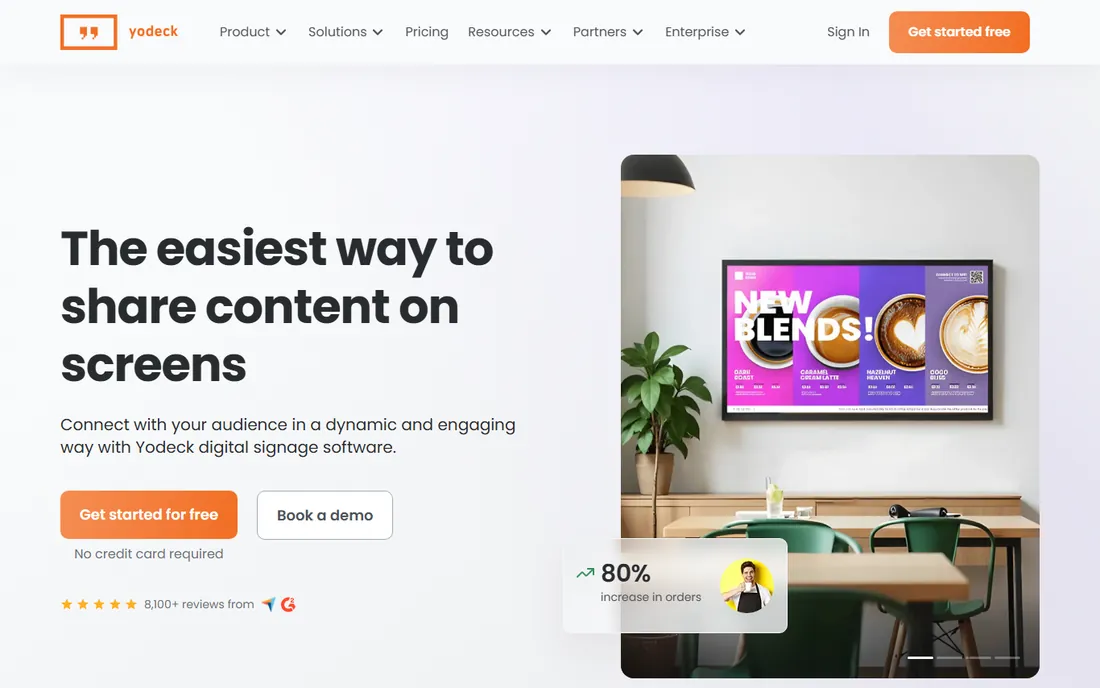
Yodeck starts at $8 per screen per month, which makes it the cheapest entry on this list, and annual plans include the Yodeck Player at no extra cost. The platform ships with more than 800 templates and 160+ apps, so a cafe can build a decent-looking menu board from a phone or laptop without design skills.
The pitch here is simplicity plus value. Scheduling, playlist management, offline playback, and remote screen monitoring are all standard, and integrations cover Power BI, Google Drive, Canva, and Microsoft Teams. For a single-location restaurant or cafe that wants a professional board without an enterprise budget, Yodeck is the first tool to test.
What we like- Very low entry price
- Free player included with annual plans
- 800+ templates and 160+ apps
Watch out for- Phone support is limited compared with pricier rivals
- Advanced fleet features skew toward larger plans
Starting priceSee website
Free planFree trial
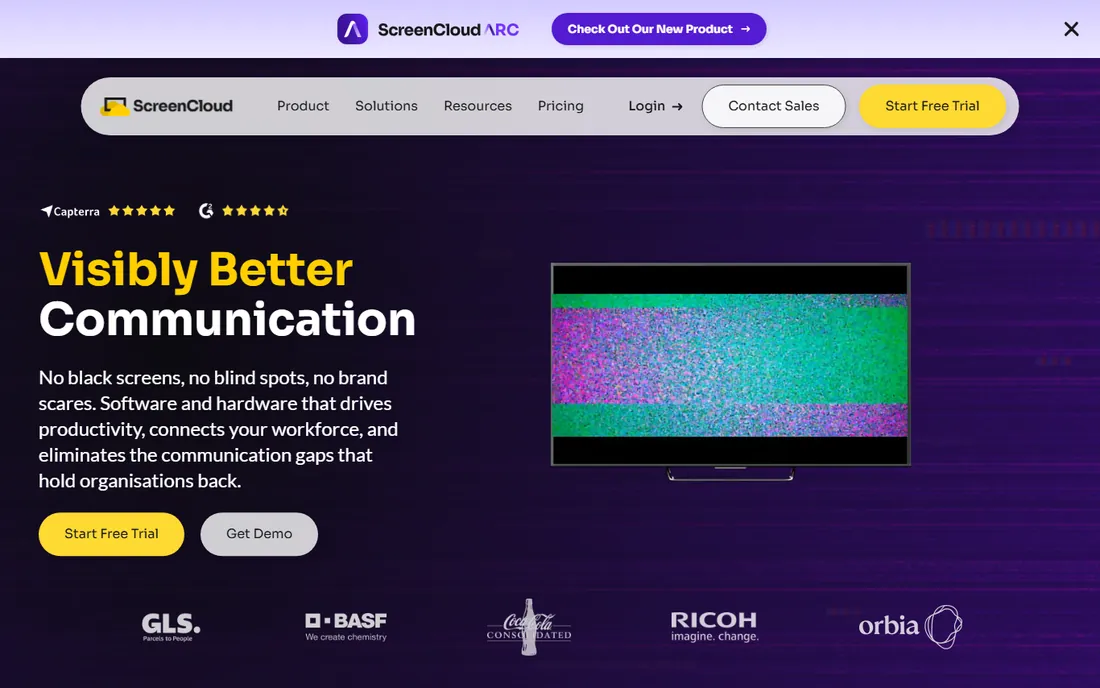
ScreenCloud positions itself as a full-stack digital signage company, supplying both the software and its own PIXI player hardware (starting at $95 per device) plus remote device management. More than 80 apps cover Microsoft 365, Google Workspace, Canva, YouTube, and dashboards, so menu boards can sit alongside corporate content on the same network.
The company leans into enterprise requirements: data encryption, role-based access, single sign-on, compliance certifications, and audit logs. That makes it a strong pick for chains and franchises where IT controls matter more than the cheapest per-screen price. Pricing is not published on the site, so expect a sales conversation.
What we like- Full-stack hardware and software from one vendor
- 80+ ready-to-go apps
- Strong security story with SOC 2 and SSO
Watch out for- Pricing is not published and tends to suit larger budgets
- Menu-specific templates are less of a focus
Starting price$14 per screen/month
Free planFree trial (30 days)
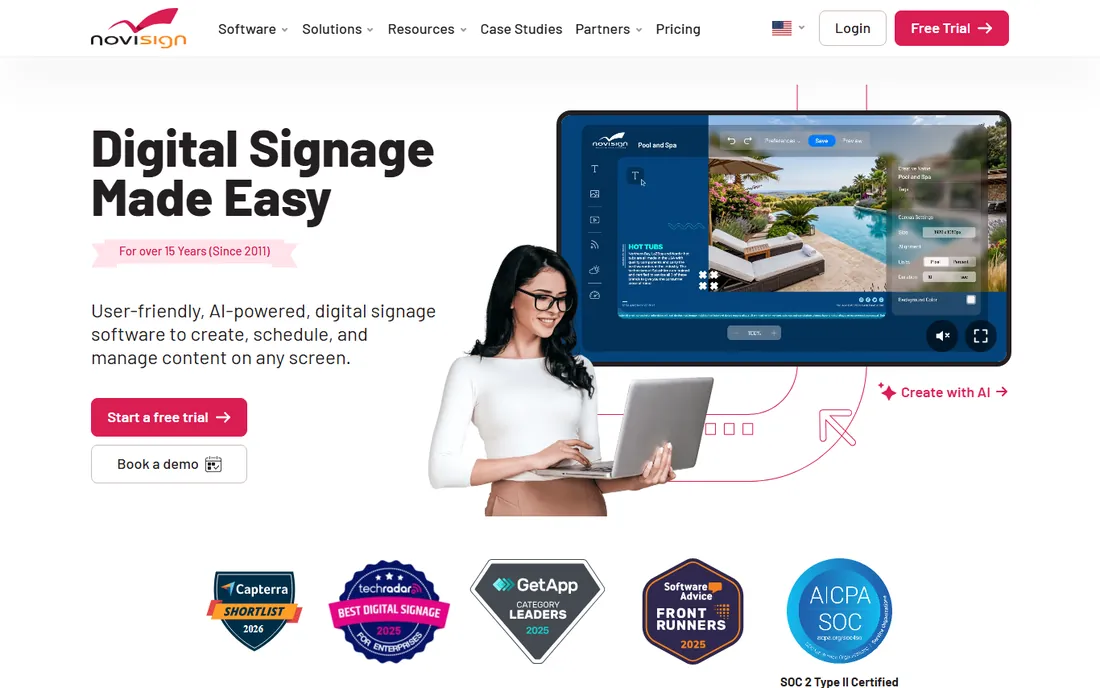
NoviSign differentiates with NoviSign Studio AI, which builds signage from a plain description of what you want on screen. Combined with a library of digital menu board templates and widgets, it shortens the time from idea to a live board for owners who do not have a design team.
Pricing starts at $14 per month, and the free 30-day trial requires no credit card, which makes it easy to evaluate with a real menu. The platform is hardware-agnostic, so you can use your own TVs and players. It suits independent restaurants and multi-screen small chains that value fast content creation over enterprise controls.
What we like- AI builder generates signage from a text description
- 30-day trial needs no credit card
- Works on any screen with a free player app
Watch out for- Annual discounts are less transparent than rivals
- Advanced reporting is basic on entry plans
Starting price$10 per screen/month
Free planFree trial (14 days)
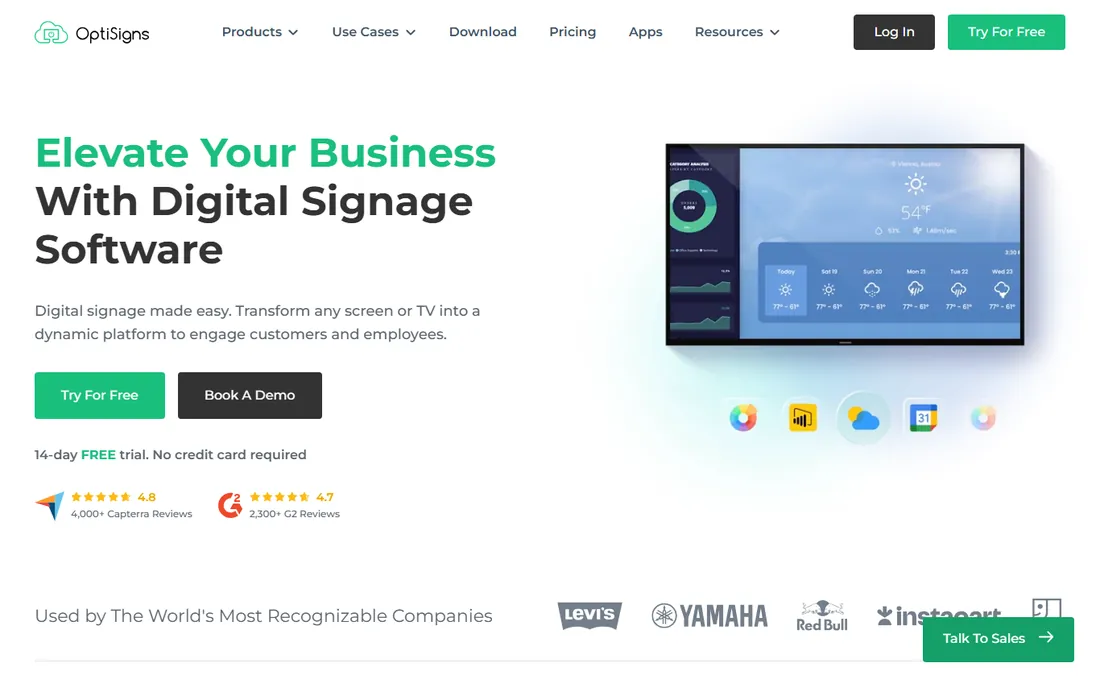
OptiSigns charges from $10 per screen per month and offers a 14-day free trial with no credit card required. The drag-and-drop designer, 140+ apps, and split-screen layouts cover everything a restaurant needs, including rotating hourly and daily menus, weather, and social feeds.
Reviews on Capterra and G2 are strong (4.8 and 4.7 stars across thousands of reviews), and the company highlights US-based support by email and phone. It runs on almost any hardware, including a web player for screens without a dedicated player. Small restaurants that want low cost without a barebones tool should look here.
What we like- One of the lowest published prices
- 140+ apps and a built-in designer
- US-based support team
Watch out for- Some integrations are reserved for higher tiers
- Dashboard apps need Pro Plus and up
Starting price$31 per screen/month (billed annually)
Free planNo
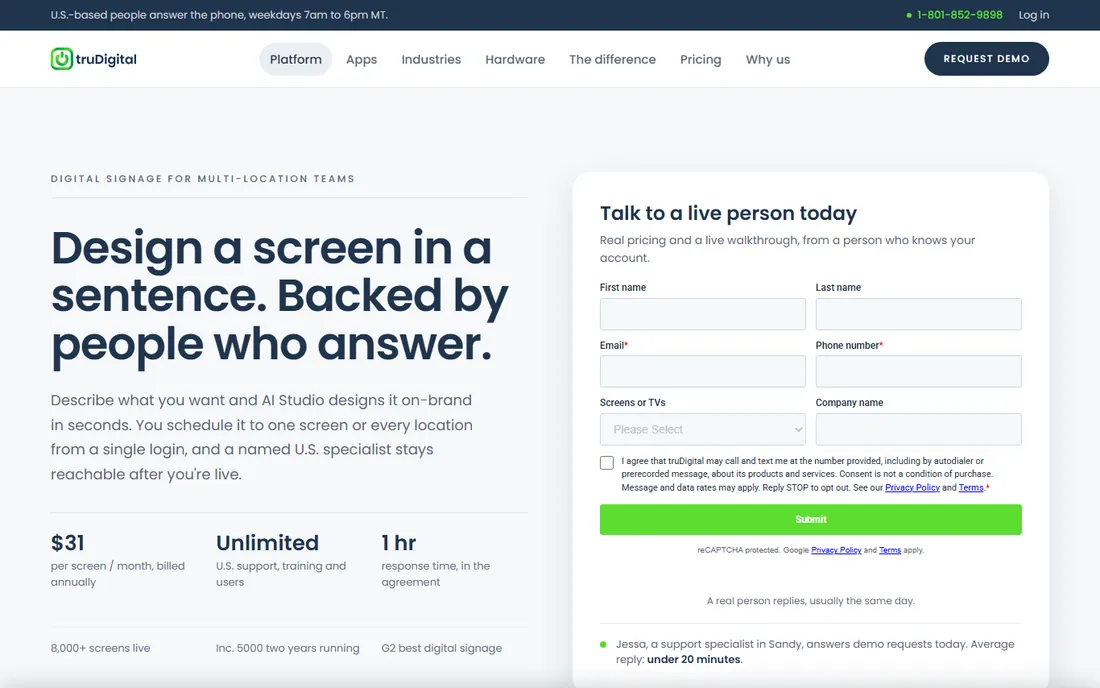
truDigital is one of the few platforms on this list built specifically around restaurant operations. Dayparted menus run themselves (breakfast until 10:30, lunch after, happy hour at four), LTOs push to every location from one login, and an item can be 86'd from a phone before the next guest orders.
The trade-off is price: $31 per screen per month billed annually, plus a one-time $249 per player. In exchange you get one all-inclusive plan with unlimited US-based support, unlimited users and roles, live onboarding, and a named account rep. It is the right fit for regional chains and franchise groups that need corporate control over brand plus local flexibility.
What we like- Purpose-built for restaurants with dayparting and LTO pushes
- Unlimited US-based support and users
- Single all-inclusive plan
Watch out for- Higher price than general-purpose tools
- Hardware player costs $249 per screen extra
Starting priceSee website
Free planFree trial (14 days)
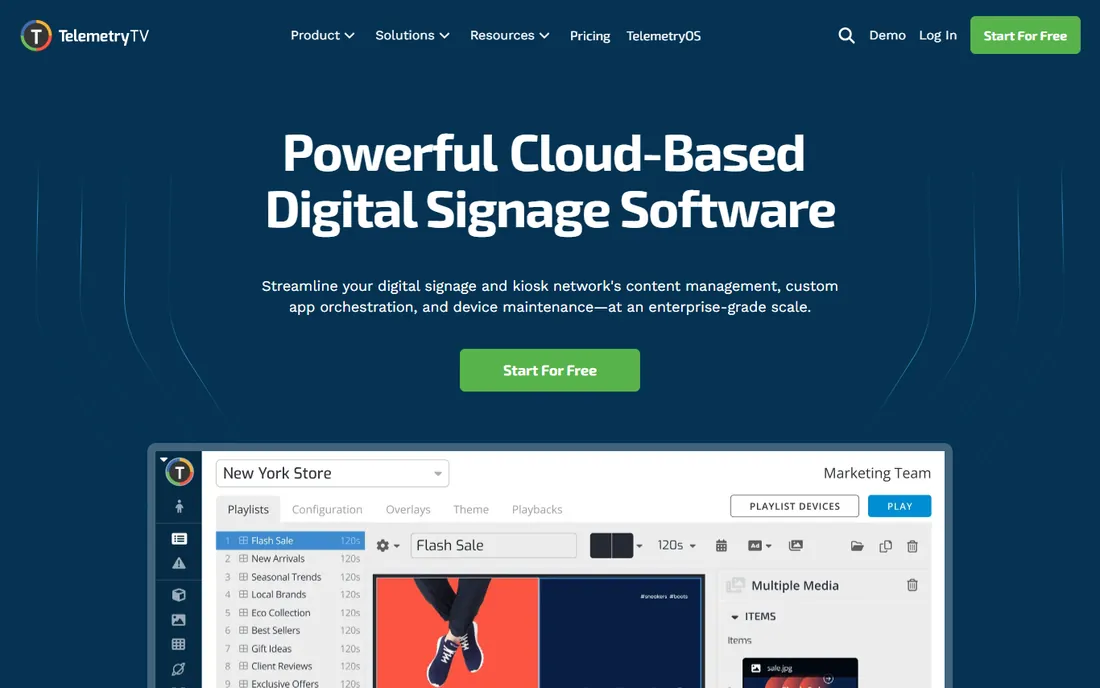
TelemetryTV markets itself as a unified display management platform rather than just signage. Its menu board app sits alongside 70+ turnkey apps, and content can be programmed by location, room, device, or other data attributes, with flexible scheduling and auto-expiring rules that keep boards current.
Security and scale are clear priorities: PCI-DSS and SOC 2 compliance, regional data residency options, and 99.9% uptime. It runs on Android, Chrome OS, Windows, Linux, Fire OS, and its own hardware. The platform shines for multi-site restaurant groups and enterprises with complex content rules; single-location shops may find it more than they need.
What we like- 70+ turnkey apps including a dedicated menu board app
- Programmatic scheduling by location and data attributes
- Broad OS support
Watch out for- Pricing is not published
- Power features can feel complex for a single-screen setup
Starting priceSee website
Free planNo
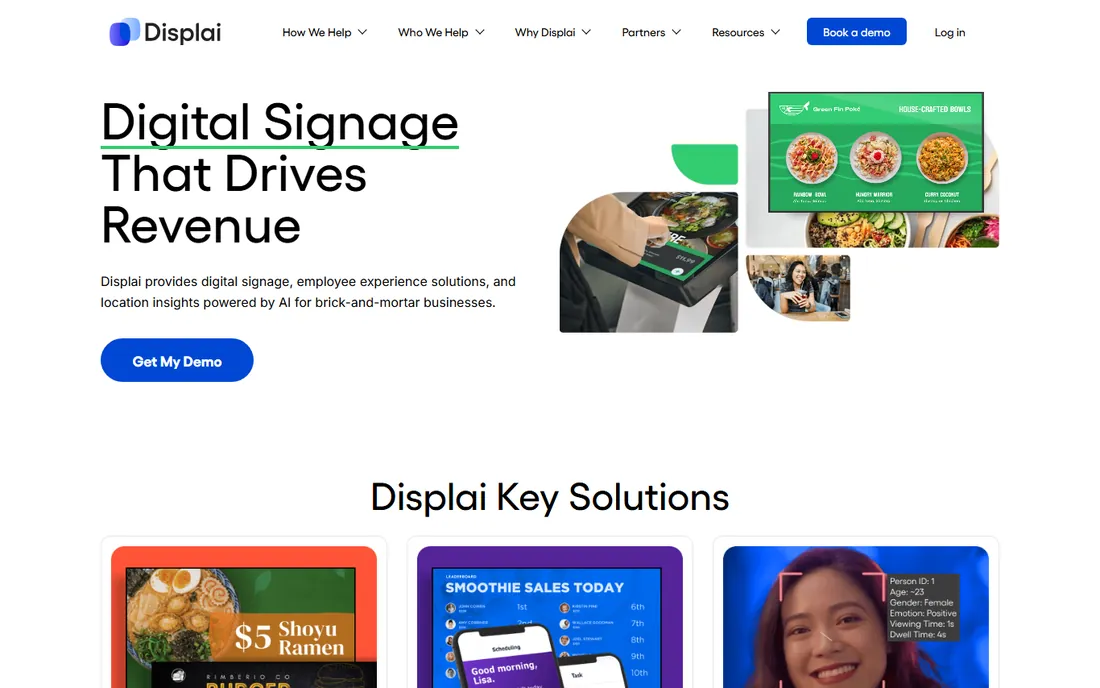
Displai is the new name for Raydiant, the in-location experience platform used by brands like Chick-fil-A, Red Bull, Baskin-Robbins, and Wahlburgers. The platform pairs a content management system with a large app marketplace and customer analytics, so menu boards double as tools for promotions, self-service, and in-store revenue.
Setup is plug-and-play: connect the hardware to the back of the TV, follow the on-screen steps, and manage everything from anywhere. Enterprise buyers get advanced user roles, proof of playback, and a rules engine for scaling across hundreds or thousands of locations. Expect custom pricing geared toward chains and larger hospitality groups.
What we like- Huge app marketplace and customer analytics
- Plug-and-play hardware with 99.99% uptime claim
- Proven with large restaurant brands
Watch out for- Pricing is not published
- Aimed at enterprise budgets rather than independent cafes
Starting priceSee website
Free planFree trial
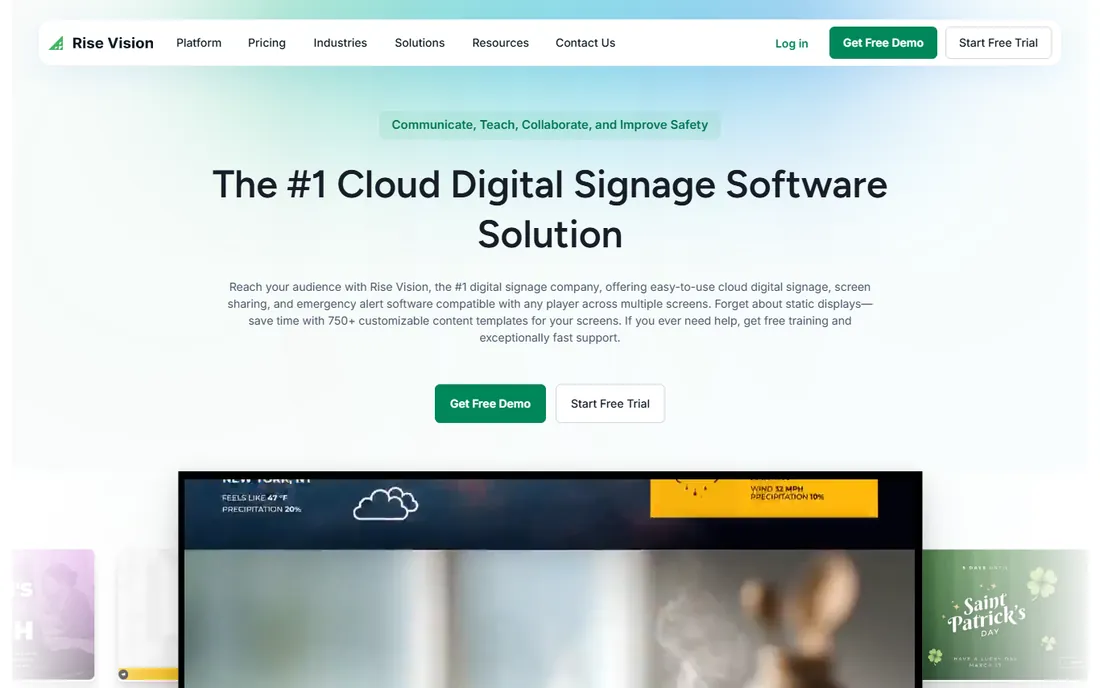
Rise Vision is best known as a school digital signage platform, trusted by more than 12,000 organizations, which makes it a natural fit for campus dining halls, cafeterias, and food courts. Its 750+ templates include plenty of menu-friendly layouts, and an AI presentation tool can draft branded signage from a prompt.
Beyond signage, the platform bundles wireless screen sharing and emergency alerts with Common Alerting Protocol integrations, which matters for campuses and large facilities. The hardware side is flexible: use Rise Vision's Avocor displays and media players or bring your own. Schools, universities, and institutional cafeterias get free training and a 30-day money-back guarantee.
What we like- 750+ customizable templates
- Bundles signage with screen sharing and emergency alerts
- Strong education focus with free training
Watch out for- Pricing is not published
- Restaurant-specific features are less developed than in food-first tools
How we chose
We started from each vendor's own site, pricing pages, and product documentation to confirm current plans, free trials, and menu-specific features. Then we checked public reviews on G2, Capterra, and Reddit threads from restaurant owners to see how these tools hold up in real dining rooms. We balanced general signage platforms against tools built specifically for restaurants, and picked options that fit small and mid-size operations rather than only enterprise budgets. We did not test any software hands-on; this ranking rests on documented features, published pricing, and reported user experience.
What to check before you buy
The menu is only half the job. Before you sign up, work through these practical questions so the board still looks good a year from now.
Hardware and players
Most tools run on a cheap media player or an Android TV you already own. Ask what each screen needs, whether the player is included, and what happens when the internet drops. Yodeck and truDigital both cache content for offline playback, which keeps menus live during outages.
Menu templates and dayparting
A good template library matters more than raw design power for most restaurants. Check whether templates fit your screen orientation (vertical vs horizontal), and whether the tool can auto-switch breakfast, lunch, and dinner menus on a schedule.
Multi-location control
If you run more than one site, look for grouped publishing, regional pricing, and permission controls so a local manager can post tonight's special without touching the corporate brand. truDigital, TelemetryTV, and Displai handle this well.
Pricing traps
Per-screen pricing adds up fast across a three-screen menu wall. Annual billing usually cuts the monthly rate, but confirm the true cost including hardware, installation, and support before comparing quotes.
Software gets the menus on the screen; content keeps them working. Keep item names large and prices bigger than you think, since most guests read boards from six to ten feet away. Animated specials draw the eye, so reserve motion for the items you want to push, not for every panel at once.
Update frequency is the hidden advantage of going digital. Price changes, sold-out items, and limited-time offers should be editable in seconds from a phone, which is exactly what truDigital and Yodeck promise. If a platform makes a simple price edit take ten clicks, it will not get used during a lunch rush, and the board will go stale.
Frequently asked questions
How much does digital menu board software cost?
Expect roughly $8 to $31 per screen per month from the tools with published pricing, usually billed annually. Most vendors also charge for media player hardware, either as a one-time purchase or bundled into annual plans. Multi-location groups should ask for volume pricing, since per-screen rates often drop as screen count grows.
Can I use my existing TVs?
In most cases, yes. Platforms like Yodeck, NoviSign, OptiSigns, and Rise Vision support a wide range of hardware, including Android TVs and web browsers as players. Some vendors, including truDigital and ScreenCloud, also sell purpose-built players for better reliability and offline caching.
Do these tools offer free trials?
Most do. Yodeck, OptiSigns, and TelemetryTV offer 14-day trials, and NoviSign extends to 30 days. truDigital and Displai rely on demos instead of self-serve trials, so book a walkthrough if you are considering them.
What is dayparting and do I need it?
Dayparting automatically switches your menu by time of day, so breakfast rolls to lunch and then dinner without anyone touching the board. Any restaurant serving different menus across the day benefits; it is a standout feature in truDigital and is available in most tools here.
Can I update the menu from my phone?
Yes, with most cloud-based platforms. truDigital, Yodeck, and NoviSign all support remote updates from a browser or phone, including pulling a sold-out item off the board in seconds. This is the main operational win over printed menus.
How many screens do I need for a menu board?
Many counter-service restaurants use two or three screens side by side, one per menu category, while a cafe can manage with one. Plan for your viewing distance first: text that is legible on a 43-inch screen at ten feet may not read on a smaller one.
Sources we checked (13)
- https://www.yodeck.com/
- https://screencloud.com/
- https://novisign.com/
- https://optisigns.com/
- https://www.trudigital.com/
- https://telemetrytv.com/
- https://www.raydiant.com/
- https://www.risevision.com/
- https://www.trudigital.com/industries/restaurants
- https://www.telemetrytv.com/apps/website-app/
- https://www.morningstar.com/news/pr-newswire/20261007da65939/optisigns-expands-secure-tv-dashboard-apps-for-power-bi-salesforce-tableau-grafana-databricks-and-more
- https://www.prnewswire.co.uk/news-releases/raydiant-opens-lithuania-office-with-plans-to-recruit-130-new-employees-by-end-of-2023-as-part-of-global-expansion-plan-837968228.html
- https://www.businesswire.com/news/home/20220131005800/en/Rise-Vision-Wins-Tech-Learning-Best-of-2021-Awards-of-Excellence
Is your product missing or out of date?
We review this list regularly. Vendors can request a listing, send updated pricing or ask about featured placement.

Shihab Mia · Founder, Rankite
Shihab has spent more than a decade helping SaaS and e-commerce brands grow through search. He writes Rankite's software buying guides from pricing pages, documentation and public user reviews. More about Shihab.