How we make this list: we compare pricing pages, product documentation and public user reviews. Ratings come from G2, Capterra or Trustpilot, with the date we checked them.
Key takeaways
- Trello is the best kanban app for small business teams that want pure simplicity, with a free tier covering unlimited members.
- ClickUp offers the most features per dollar, with a free tier and a $7 per user per month paid plan.
- Asana is the best pick when a team needs timelines, dependencies, and automation alongside kanban boards.
- KanbanFlow is the best pure kanban tool for small teams, with a Pomodoro timer built in for focused work.
- Jira suits small software teams that need WIP limits and reporting, though it has a steeper learning curve.
- WIP limits are the core of kanban: they stop teams from starting more than they can finish, so check whether your tool enforces them natively.
Quick comparison
| Tool | Best for | Starting price | Free plan |
|---|
 Trello Trello | Pure simplicity | Free | Yes |
 Asana Asana | Structure plus kanban | Free | Yes |
 ClickUp ClickUp | Most features per dollar | Free | Yes |
 Monday.com Monday.com | Visual boards | $9 per seat per month | Yes |
 KanbanFlow KanbanFlow | Pure kanban plus Pomodoro | Free | Yes |
 Jira Jira | Software team reporting | Free | Yes |
 Zoho Sprints Zoho Sprints | Lowest paid price | Free | Yes |
 Wrike Wrike | Agency and enterprise features | Free | Yes |
Is your product missing or out of date?
We review this list regularly. Vendors can request a listing, send updated pricing or ask about featured placement.
The best kanban apps for small business
#1Trello
Best for: Pure simplicity4.4/5 on
G2 (14,064 reviews, checked Oct 2026)
Visit trello.com
Starting priceFree
Free planYes
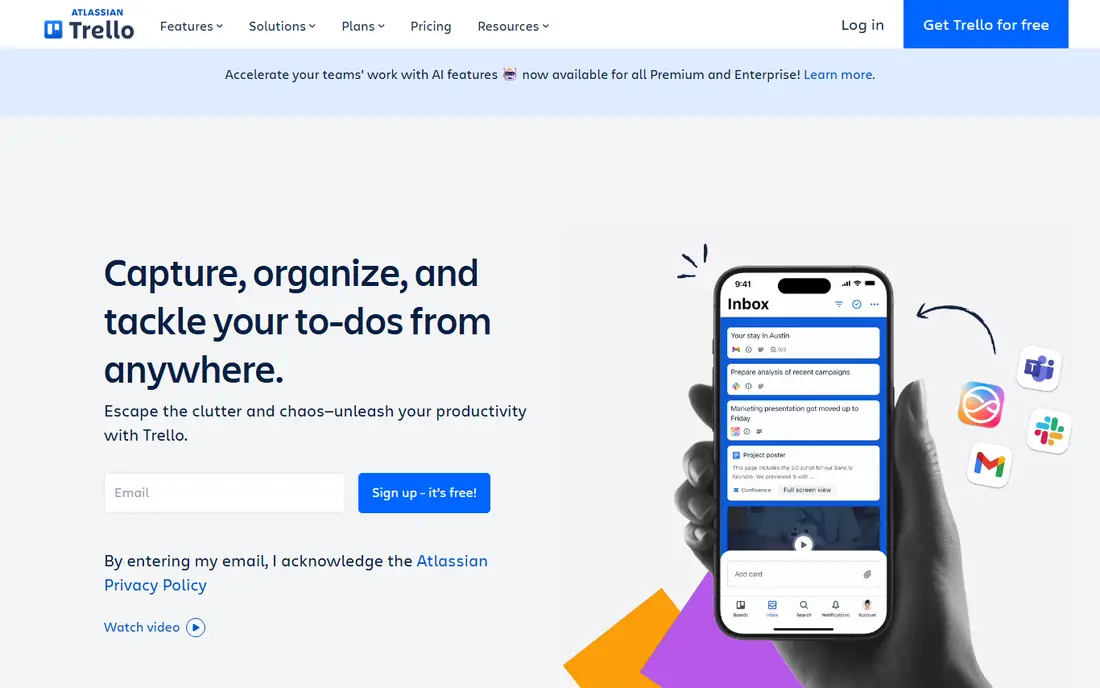
Trello is the purest kanban experience and the easiest to learn, which is why it is the best pick for small teams that want boards without a learning curve. It is free for unlimited members, with Standard at $5 per user per month, and a team can be running in an afternoon. Boards, lists, and cards cover most small business workflows, and the Power-Up library adds calendars, automation, and integrations when needed.
The trade off is simplicity against control. Trello needs a Power-Up for WIP limits, which are the core of kanban, and it lacks advanced analytics and reporting. Trello fits small teams whose work fits on kanban boards and who value speed of adoption over depth.
What we like- Easiest drag and drop interface
- Free tier covers unlimited members
- Fast to set up in an afternoon
- Large Power-Up library
- Strong mobile apps
Watch out for- No native WIP limits, needs a Power-Up
- Lacks advanced analytics
- Automation is limited on lower tiers
- Reporting is basic
#2Asana
Best for: Structure plus kanban4.4/5 on
G2 (13,930 reviews, checked Oct 2026)
Visit asana.com
Starting priceFree
Free planYes
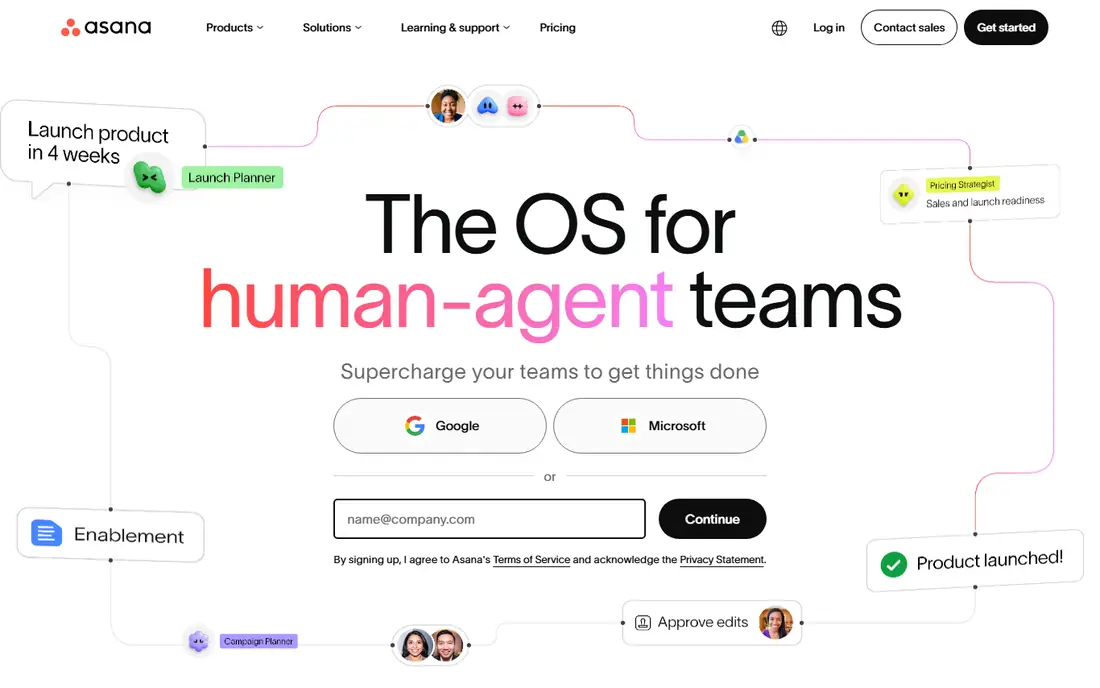
Asana is the best pick when a small business needs real project structure alongside kanban, with timelines, dependencies, workload views, and automation that Trello cannot match. It is free for small teams, with Starter at $10.99 per user per month, and it scales from a handful of users to hundreds. Kanban is one view among many here, which suits teams that also plan on timelines and track portfolios.
The trade off is structure against simplicity. Asana handles real project complexity, but key features require higher tier plans and setup takes a few days. Asana fits small businesses that need timelines and automation, not just boards.
What we like- Kanban plus timeline, dependencies, and workload views
- Strong automation
- 300 plus integrations
- Portfolios for multi project teams
- Free tier for small teams
Watch out for- Key features require higher tier plans
- Kanban is one view among many, not the core
- Setup takes a few days
- Per user cost adds up
#3ClickUp
Best for: Most features per dollar4.6/5 on
G2 (14,878 reviews, checked Oct 2026)
Visit clickup.com
Starting priceFree
Free planYes
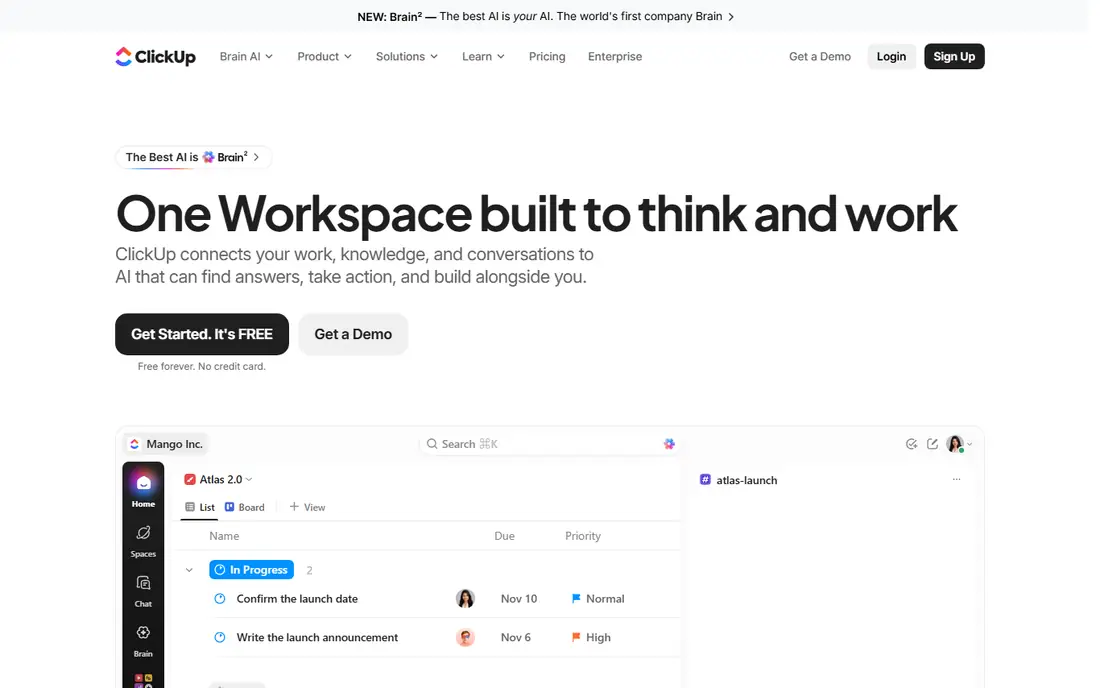
ClickUp is the everything app with the most features per dollar, offering tasks, docs, goals, chat, and whiteboards in one place, with a free tier and Unlimited at $7 per user per month. It includes WIP limits natively, which matters for real kanban practice, and it scales from startups to large teams. For small businesses that want one tool instead of several, ClickUp covers the most ground for the lowest paid price.
The trade off is breadth against ease. ClickUp packs in the most features, but it can overwhelm new users and takes one to three weeks to configure well. ClickUp fits startups and small teams that want an all in one tool and will invest setup time.
What we like- Most features per dollar
- Kanban plus docs, goals, chat, and whiteboards
- Native WIP limits
- Free tier is genuinely usable
- $7 per user per month paid plan
Watch out for- Packed with features and can overwhelm new users
- Setup takes one to three weeks to configure well
- Interface is dense
- Mobile experience is heavier
#4Monday.com
Best for: Visual boards4.7/5 on
G2 (17,182 reviews, checked Oct 2026)
Visit monday.com
Starting price$9 per seat per month
Free planYes
Monday.com is the visual boards pick, with an intuitive interface, flexible column types, and strong dashboards that make work easy to see at a glance. Basic starts at $9 per seat per month, with a 3 seat minimum on paid plans, and a free tier covers very small teams or trials. It suits non technical teams that want colorful, visual boards and dashboards without learning agile terminology.
The trade off is visual ease against cost. Monday.com is easy for non technical teams, but it can get pricey at scale and seat minimums push the monthly bill up. Monday.com fits small businesses that value visual boards and dashboards and can absorb the seat minimum.
What we like- Intuitive visual interface
- Flexible column types
- Strong dashboards
- GitHub and GitLab integrations on dev plans
- Easy for non technical teams
Watch out for- Can get pricey for larger teams
- Seat minimums apply
- Automation metering sits outside most subscriptions
- Kanban is one view among many
#5KanbanFlow
Best for: Pure kanban plus Pomodoro4.3/5 on
G2 (32 reviews, checked Oct 2026)
Visit kanbanflow.com
Starting priceFree
Free planYes
KanbanFlow is the pure kanban pick for productivity focused small businesses, offering simple boards with a Pomodoro timer built in for focused work and time tracking. It is free, with Premium at $5 per user per month, or $4.50 with annual billing, and migration is easy through CSV import and simple board setup. It suits freelancers, small businesses, and lean teams that prefer simple boards over an everything app.
The trade off is purity against breadth. KanbanFlow is the simplest kanban tool here, but it is very limited beyond boards and its interface looks dated. KanbanFlow fits small teams that want pure kanban with time tracking and nothing else.
What we like- Simplest pure kanban
- Pomodoro timer built in for time tracking
- Easy CSV import
- Free tier is genuinely usable
- Premium at $5 per user per month
Watch out for- Outdated interface
- Very limited beyond kanban boards
- No docs or goals
- Reporting is basic
- Fewer integrations than rivals
#6Jira
Best for: Software team reporting4.3/5 on
G2 (7,984 reviews, checked Oct 2026)
Visit atlassian.com
Starting priceFree
Free planYes
Jira is the deepest option for small software teams, with native WIP limits, advanced reporting with flow diagrams, and deep issue tracking across sprints and releases. It is free for up to 10 users, with Standard reported at $7.75 per user per month in some sources and $8.15 in others, so check the current pricing page before committing. It suits software development and IT operations teams that need scalability and reporting depth.
The trade off is depth against ease. Jira is the best reporting tool here, but it has a steep learning curve and assumes agile terminology like sprints and story points. Jira fits small software teams that need real kanban reporting, not general business boards.
What we like- Free for up to 10 users
- Native WIP limits
- Advanced reporting with flow diagrams
- Deep issue tracking
- Strong DevOps integrations
Watch out for- Steep learning curve
- Complex for non technical teams
- Standard price reports conflict at $7.75 and $8.15 per user per month
- Setup needs agile knowledge
#7Zoho Sprints
Best for: Lowest paid price4.5/5 on
G2 (184 reviews, checked Oct 2026)
Visit zoho.com
Starting priceFree
Free planYes
Zoho Sprints is the value pick for cost conscious agile teams, with a free tier and Starter at $1 per user per month, the lowest paid price here by a wide margin. It offers agile boards, sprints, and backlog management, and it suits teams that already use Zoho tools or want agile structure at the lowest possible cost.
The trade off is price against ecosystem. Zoho Sprints is the cheapest paid kanban tool here, but it works best with other Zoho tools and has fewer third party integrations. Zoho Sprints fits cost conscious agile teams, especially those already in the Zoho ecosystem.
What we like- Lowest paid price at $1 per user per month for Starter
- Free tier for small teams
- Agile boards and sprints
- Great value for cost conscious teams
Watch out for- Works best with other Zoho tools
- Fewer third party integrations
- Reporting is lighter than Jira
- Interface is functional rather than polished
#8Wrike
Best for: Agency and enterprise features4.2/5 on
G2 (4,540 reviews, checked Oct 2026)
Visit wrike.com
Starting priceFree
Free planYes
Wrike is the agency and enterprise pick, with AI features like risk prediction and task automation, request forms, approvals, and strong workload management for teams juggling client work. It is free for small teams, with Team at $10 per user per month and Business at $25, so it suits agencies and departments that need AI powered insights and client facing workflows.
The trade off is power against price and complexity. Wrike offers the most enterprise features here, but premium tiers cost more and it is complex for very small teams. Wrike fits agencies and larger small businesses that need AI insights and client workflows.
What we like- AI features like risk prediction and task automation
- Strong for agencies and enterprises
- Free tier for small teams
- Team at $10 per user per month
- Request forms and approvals
Watch out for- Higher cost for premium tiers
- Business at $25 per user per month
- Complex for very small teams
- Setup takes time
How we chose
We compared published feature lists and pricing from 2026, favoring tools with distinct strengths: the purest simplicity, the best structure, the most features per dollar, the best visual boards, the purest kanban, the deepest software reporting, the lowest paid price, and the best agency features. We recorded prices as reported and flagged the Jira Standard conflict, where sources differ. We favored tools with a genuinely usable free tier, since most small teams start free and upgrade within a few months, and we checked WIP limit support, which separates real kanban tools from board tools.
How to choose a kanban app for small business
Start with team size and work type: pure board work points to Trello or KanbanFlow, structured projects point to Asana, all in one work points to ClickUp, and software work points to Jira. Next, check WIP limits: Trello needs a Power-Up, while Jira, ClickUp, and KanbanFlow handle them more directly, and WIP limits are what stop a team from starting more than it can finish. Then check the real monthly cost for your headcount, including seat minimums on Monday.com and automation metering that sits outside most subscriptions. Finally, run a one week trial with real work, since adoption speed matters more than feature lists for small teams.
Frequently asked questions
What is the best kanban app for small business?
Trello is the best pick for pure simplicity, ClickUp offers the most features per dollar, Asana is the best pick for structure plus kanban, and KanbanFlow is the best pure kanban tool.
Is there a free kanban app?
Yes. All eight tools here have free plans, with Trello covering unlimited members, Jira free for up to 10 users, and ClickUp, Asana, and KanbanFlow offering genuinely usable free tiers.
Do I need WIP limits in kanban software?
Yes. WIP limits are the core of kanban, stopping teams from starting more than they can finish. Jira and ClickUp include them natively, while Trello needs a Power-Up.
How much does kanban software cost for a small team?
Free plans cover small teams on every tool here. Paid plans start at $1 per user per month for Zoho Sprints and $5 for Trello Standard, and most small teams land between $7 and $12 per user per month.
Can kanban software replace a full project management tool?
For board based work, yes. Trello and KanbanFlow cover pure kanban, while Asana, ClickUp, and Wrike add timelines, automation, and reporting that replace fuller project tools.
Trello versus Asana: which is better for kanban?
Trello is the purer kanban experience and easier to learn, while Asana offers kanban as one view among many, with stronger timelines and automation. Choose Trello for simplicity, Asana for structure.
Sources we checked (0)
Is your product missing or out of date?
We review this list regularly. Vendors can request a listing, send updated pricing or ask about featured placement.

Shihab Mia · Founder, Rankite
Shihab has 5+ years in B2B and SaaS SEO. He writes Rankite's software buying guides from pricing pages, documentation and public user reviews. More about Shihab.