How we make this list: we compare pricing pages, product documentation and public user reviews. Rankite is independent; if a vendor ever pays for a featured spot, that listing is clearly labeled Partner.
Key takeaways
- Lansweeper ($239 for 2,000 assets) and PDQ Connect ($12/device/year) publish the clearest pricing; most ITAM vendors are quote-based.
- Snipe-IT is free and open source when self-hosted, with managed hosting from $39.99/month.
- Discovery-first tools (Lansweeper, PDQ) find devices automatically; registry-first tools (Snipe-IT, Asset Panda) track what you enter.
- ManageEngine AssetExplorer offers a free edition, making it the cheapest way into licensed software discovery.
The shortlist
| Tool |
Best for |
Starting price |
Free plan |
| Lansweeper |
Agentless network discovery |
$239 (Starter, 2,000 assets) |
Yes (up to 100 assets) |
| Snipe-IT |
Free, self-hosted asset registry |
$0 (self-hosted) |
Yes (self-hosted) |
| ManageEngine AssetExplorer |
Budget discovery and license tracking |
~$115/month (cloud, 250 assets) |
Yes (free edition) |
| Freshservice |
ITSM teams adding asset management |
$19/agent/month + ITAM add-on |
Free trial |
| PDQ Connect |
Windows and macOS fleet inventory |
$12/device/year (Basic) |
Free trial |
| Asset Panda |
Custom asset workflows on mobile |
See website |
Free trial |
| InvGate |
ITAM with service desk in one suite |
See website |
Free trial |
| Zluri |
SaaS inventory and license sprawl |
See website |
Free trial |
The best IT inventory software
Starting price$239 (Starter, 2,000 assets)
Free planYes (up to 100 assets, unlimited users)
Lansweeper's pitch is simple: it discovers every device on your network, on-prem, cloud, remote and OT, without installing agents, and tells you exactly what you own. Hardware, software, warranty status and lifecycle data land in a normalized inventory that stays current because discovery runs continuously. Starter costs $239 for up to 2,000 assets, Pro $439, and the free tier covers 100 assets with unlimited users.
Reviewers consistently praise discovery accuracy and the end of spreadsheet inventories. The complaints are about the interface, which feels older than the technology underneath, and about Pro-gated features like advanced security controls. For IT teams whose first problem is "we do not know what we have," Lansweeper is the most direct answer in this list.
What we like- Finds everything without agents
- Normalizes asset data automatically
- Free tier is genuinely usable
Watch out for- Interface feels dated
- Starter lacks advanced security features
- Asset-based pricing needs capacity planning
Starting price$0 (self-hosted)
Free planYes (self-hosted, unlimited users and assets)
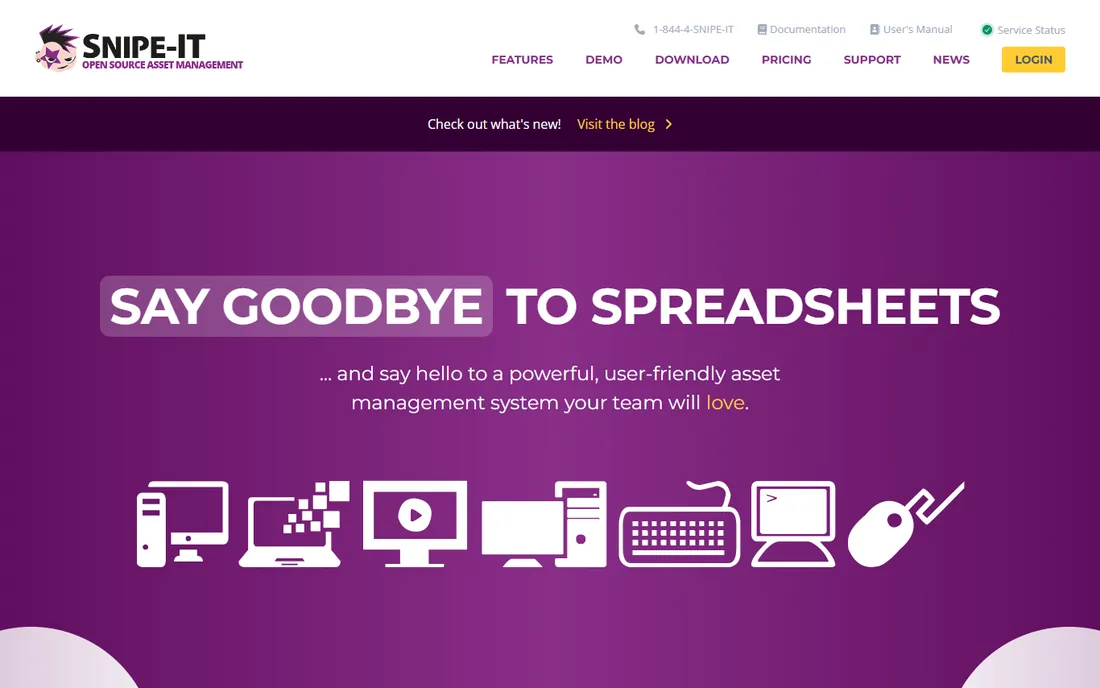
Snipe-IT is the open-source standard for IT asset management. Check-in and check-out, serial numbers, purchase orders, depreciation, software license tracking and QR barcodes come in a free self-hosted package with unlimited users and unlimited assets, licensed under AGPL. Managed hosting starts at $39.99 per month (Basic) if you would rather not run servers, with the exact same software.
What you trade for free is discovery. Snipe-IT is a registry: it tracks what you enter with precision, but it does not find devices on your network. Self-hosting also means owning PHP/MySQL administration, backups and upgrades. For teams with the skills to self-host and the discipline to maintain records, nothing else in this category costs $0 with this much depth.
What we like- Completely free and open source
- No per-asset or per-user fees
- Same software in hosted and free versions
Watch out for- Self-hosting needs PHP and MySQL administration
- No native discovery
- Interface shows its age

#3
ManageEngine AssetExplorer
Best for: budget-conscious teams needing discovery plus license management
Visit manageengine.com
Starting price~$115/month (cloud, 250 assets)
Free planYes (free edition)
ManageEngine AssetExplorer combines network discovery with software asset management and license compliance at prices that undercut the enterprise tier. Cloud plans start around $115 per month for 250 assets, and a free edition covers smaller environments. License tracking, purchase orders, contracts and depreciation round out a full ITAM feature set.
The catch is the buying experience. ManageEngine's pricing tables, on-prem versus cloud, node-based versus asset-based, take real effort to decode, and the interface reflects its enterprise heritage. But for organizations already running ManageEngine tools, or for teams that need license compliance on a budget, AssetExplorer delivers discovery and SAM depth that free tools cannot match.
What we like- Free edition available
- Software license compliance built in
- Part of a broad ManageEngine ecosystem
Watch out for- Cloud pricing tables are confusing
- UI lags modern competitors
- Best value inside ManageEngine shops

#4
Freshservice
Best for: IT teams that want ticketing and asset inventory together
Visit freshworks.com
Starting price$19/agent/month (ITSM) + ITAM add-on
Free planFree trial
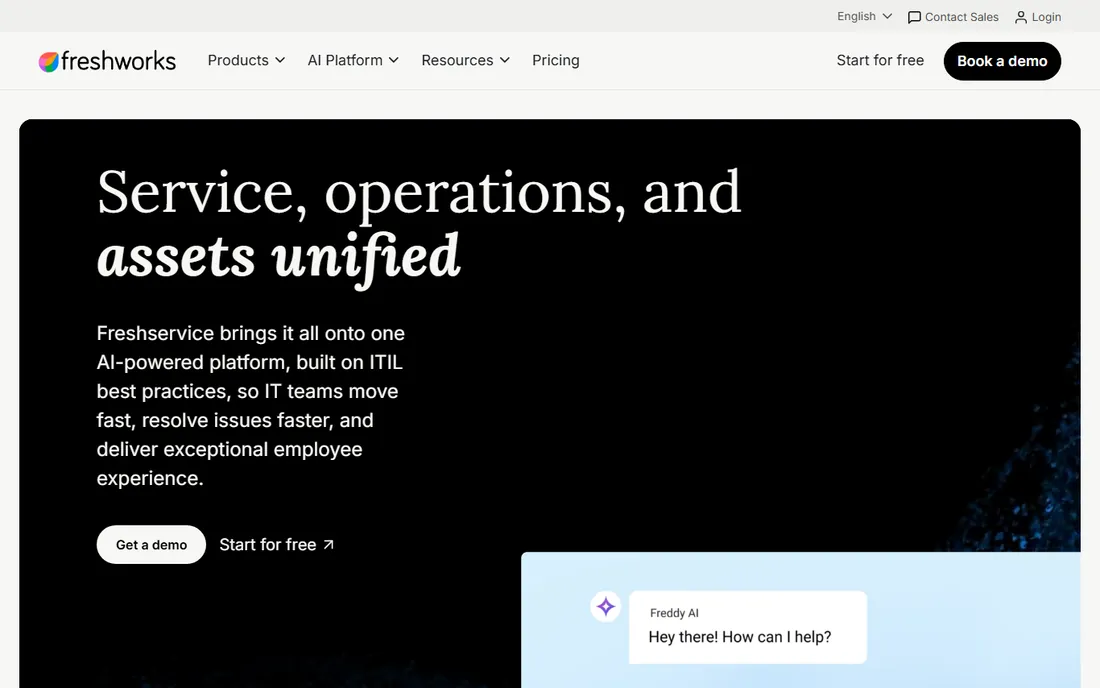
Freshservice is ITSM software first, which is exactly its argument for inventory. When assets live in the same system as tickets, incidents link to the affected device automatically, changes reference the CMDB, and procurement flows into the asset record. ITSM plans start at $19 per agent per month, with the ITAM add-on running roughly $125 per month per 500 asset units on Growth and Pro plans.
If you only need inventory, this is the wrong tool; you are paying for a service desk you will not use. But for IT teams already on Freshworks, or mid-market teams buying ITSM and ITAM together, the unified workflow eliminates the integration tax of pairing a discovery tool with a separate helpdesk. Evaluate it as a platform decision, not an inventory purchase.
What we like- Assets live inside the service desk
- Incident-to-asset linking
- Modern interface
Watch out for- Full ITAM needs the add-on (~$125/month per 500 asset units)
- Agent-based pricing adds up
- Overkill for inventory-only needs
#5
PDQ Connect
Best for: Windows and macOS fleet inventory with patching
Visit pdq.com
Starting price$12/device/year (Basic, 100 device minimum)
Free planFree trial
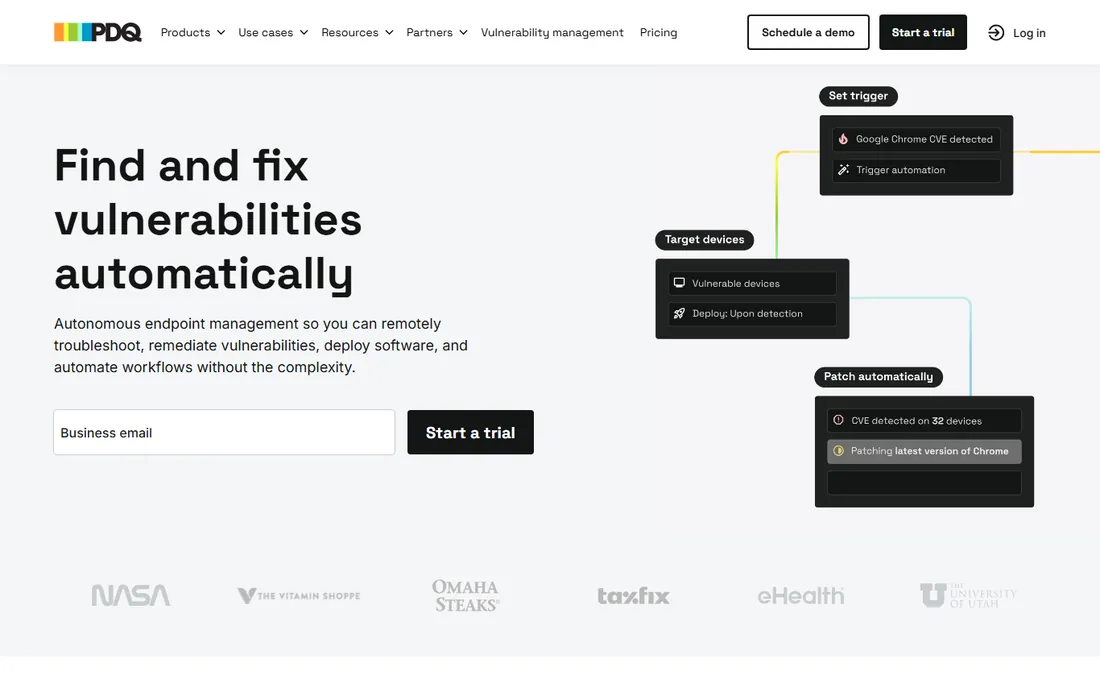
PDQ Connect gives sysadmins real-time device inventory fused with patch management. Every device's OS, installed applications, drives and status are visible live, and the same agent that reports inventory can deploy prebuilt or custom packages, run remote desktop and scan vulnerabilities on higher tiers. Basic costs $12 per device per year, Plus $18, Premium $28, with a 100-device minimum and volume discounts above 250 devices.
The per-device annual model is refreshingly transparent next to asset-unit math, and at $12 a year it is the cheapest managed option here. The limits are scope: Windows and macOS only, no iOS or Android, and the 100-device minimum prices out very small teams. For fleets of a hundred-plus Windows and Mac machines, PDQ Connect pairs inventory with action better than anything else at this price.
What we like- Real-time inventory plus one-click patching
- Clear per-device pricing
- Loved by sysadmins
Watch out for- 100 device minimum
- No mobile device coverage
- Windows and macOS only
Starting priceSee website
Free planFree trial
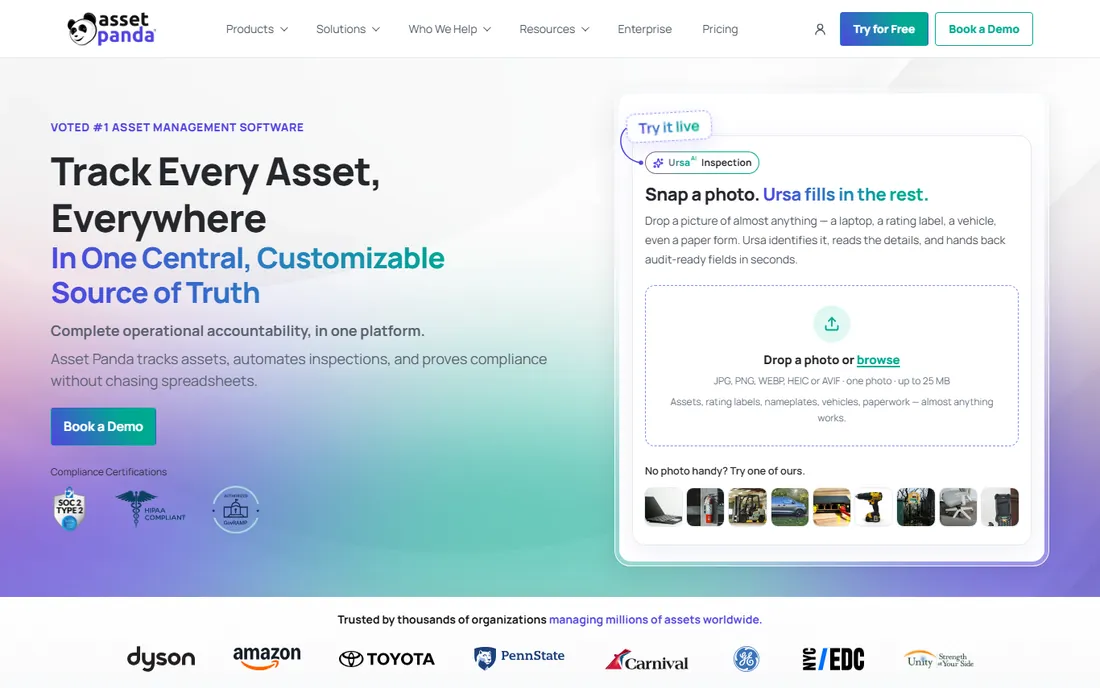
Asset Panda is the configurability play. Rather than a fixed IT asset model, it offers a platform where you define asset types, fields, workflows and lifecycle stages, then track them with mobile barcode scanning. IT departments use it for hardware and software, but facilities, construction and education customers track everything from tools to vehicles in the same system.
That flexibility is also the cost. Pricing is quote-based and not published, and building your data model takes real setup effort compared with the opinionated structure of Lansweeper or Snipe-IT. For IT teams that only track laptops and licenses, it is more platform than needed. For organizations whose "IT inventory" bleeds into facilities, field equipment or multiple asset classes, Asset Panda's configurability is the point.
What we like- Highly configurable asset workflows
- Strong mobile barcode scanning
- Tracks any asset type, not just IT
Watch out for- Pricing is not published
- Configuration takes real setup effort
- Can be more tool than IT-only teams need

#7
InvGate
Best for: mid-market IT teams wanting ITAM and service desk from one vendor
Visit invgate.com
Starting priceSee website
Free planFree trial
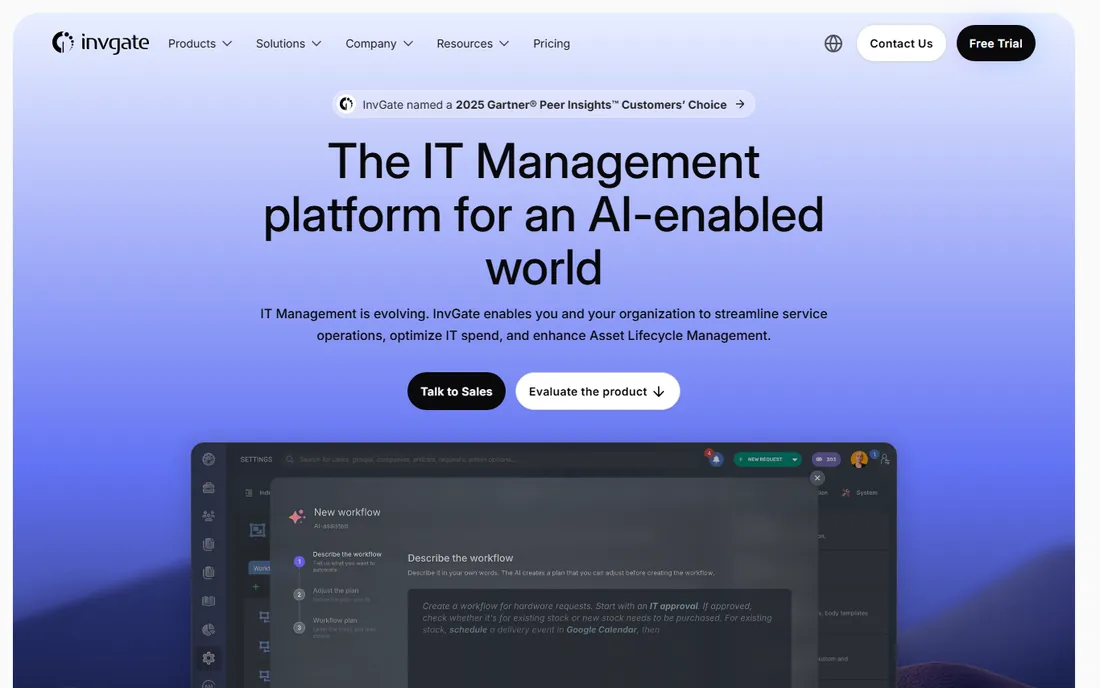
InvGate pairs Asset Management with Service Desk in one suite, targeting mid-market IT teams that want the integrated story without enterprise pricing. Asset discovery, software license management, patch deployment and remote desktop sit alongside ticketing, with automation tying the two together. Third-party pricing listings are inconsistent, so treat the vendor quote as the real number; a free trial is available.
The platform competes with ManageEngine and Freshservice on breadth rather than with Lansweeper on discovery depth. Teams that need the single-vendor ITSM-plus-ITAM story at mid-market prices consistently rate InvGate well for value. If your buying decision is "one vendor for service desk and assets," InvGate deserves a trial next to Freshservice.
What we like- Asset management and service desk share one data model
- Strong automation
- Good value for mid-market
Watch out for- Pricing is quote-based
- Smaller ecosystem than ManageEngine
- Discovery depth trails Lansweeper

#8
Zluri
Best for: taming SaaS sprawl and software license waste
Visit zluri.com
Starting priceSee website
Free planFree trial
Zluri covers the inventory most IT teams now neglect: software as a service. It discovers every SaaS app in use, including shadow IT bought on expense cards, tracks license utilization, flags unused seats and automates onboarding and offboarding workflows. Pricing is quote-based with a free trial available.
It is not hardware inventory, and pairing it with a device discovery tool is the complete answer. But SaaS spend is where the fastest-growing waste sits in most IT budgets, and finance teams increasingly ask IT to account for it. If your inventory project is really a cost-optimization project, start with Zluri's SaaS discovery, then add device inventory with one of the tools above.
What we like- Discovers shadow IT and unused SaaS licenses
- Strong for cost optimization
- Modern interface
Watch out for- SaaS-focused, not hardware inventory
- Quote-based pricing
- Needs integrations to deliver value
Discovery vs. registry: two kinds of IT inventory
IT inventory tools split into two philosophies. Discovery-first tools (Lansweeper, PDQ Connect, ManageEngine) scan your network and tell you what exists, continuously and automatically. They solve the "unknown unknowns" problem: the server nobody documented, the software installed without approval, the laptop that left the building.
Registry-first tools (Snipe-IT, Asset Panda) track what you tell them with precision: check-in and check-out, ownership, depreciation, warranty claims. They solve the lifecycle problem: who has what, what it is worth, when it needs replacing. Most mature IT departments need both, which is why Lansweeper-plus-Snipe-IT is such a common pairing, and why the free tiers of both make that pairing affordable.
How pricing works: assets, devices and admins
IT inventory pricing comes in three currencies. Per-asset pricing (Lansweeper) charges for everything discovered, so plan capacity with growth headroom; a 2,000-asset tier for a 1,500-asset estate leaves little room. Per-device pricing (PDQ Connect) is the simplest to model: count endpoints, multiply. Per-admin or per-agent pricing (Freshservice, PDQ Deploy and Inventory on-prem) charges for the people managing, not the devices managed, which favors large fleets with small teams.
Then there are the add-ons. License management, vulnerability scanning, remote desktop and API access frequently sit on higher tiers. And minimums bite: PDQ Connect's 100-device floor and Freshservice's agent minimums can price small teams out of tools whose headline rate looked cheap. Model your real fleet, include the add-ons you need, and compare three-year cost, not the starting price.
Frequently asked questions
What is IT inventory software?
IT inventory software discovers, tracks and manages an organization's technology assets: hardware, software, licenses, warranties and lifecycle status. Discovery tools scan the network automatically; registry tools track assignments, depreciation and compliance. Together they replace spreadsheets with a current, auditable record of the IT estate.
How much does IT inventory software cost?
Published prices range from $0 (Snipe-IT self-hosted, free tiers from Lansweeper and ManageEngine) to $239 for Lansweeper Starter (2,000 assets), $12 per device per year for PDQ Connect, and roughly $115 per month for ManageEngine cloud. Enterprise ITAM from vendors like ServiceNow is quote-based and typically runs into five or six figures annually.
What is the difference between ITAM and IT inventory?
IT inventory is the foundation: knowing what hardware and software you own. ITAM (IT asset management) is the discipline built on it: lifecycle management, license compliance, procurement, depreciation and cost optimization. Inventory answers "what do we have"; ITAM answers "what should we do about it."
Is Snipe-IT really free?
Yes. Snipe-IT is open source under the AGPL and free forever when self-hosted, with unlimited users and assets. The developers sell managed hosting from $39.99 per month for teams that do not want to run servers, and support plans for extra help. The software is identical in both versions.
Do I need IT inventory software for a small team?
Below 50 devices, a well-maintained spreadsheet or a free tier (Lansweeper's 100-asset free plan, Snipe-IT self-hosted) usually suffices. The case for paid tools appears with growth, compliance requirements, security audits or remote fleets where you cannot physically see every device. PDQ Connect's 100-device minimum roughly marks where paid tooling starts making sense.
What is SaaS inventory and do I need it?
SaaS inventory tracks cloud subscriptions, shadow IT and license utilization rather than physical devices. Tools like Zluri discover every app in use and flag unused seats. Most companies now spend more on SaaS than on hardware refreshes, so if your inventory project is about cost control, SaaS discovery belongs in the plan.
Sources we checked (8)
- https://www.g2.com/products/lansweeper/pricing
- https://kurums.com/best-it-asset-management-software-2026-comparison/
- https://snipeitapp.com/pricing
- https://snipeitapp.com/faq
- https://www.pdq.com/pricing/connect/
- https://www.g2.com/products/pdq-connect/pricing
- https://www.guru99.com/it-asset-management-software.html
- https://cio.economictimes.indiatimes.com/tools/10-best-free-it-asset-management-software/134540152
Is your product missing or out of date?
We review this list regularly. Vendors can request a listing, send updated pricing or ask about featured placement.

Shihab Mia · Founder, Rankite
Shihab has spent more than a decade helping SaaS and e-commerce brands grow through search. He writes Rankite's software buying guides from pricing pages, documentation and public user reviews. More about Shihab.