How we make this list: we compare pricing pages, product documentation and public user reviews. Rankite is independent; if a vendor ever pays for a featured spot, that listing is clearly labeled Partner.
Key takeaways
- Most small IT teams should start with Make or Zapier. Make costs less per unit of work; Zapier connects to far more apps and is easier to staff.
- If your company runs on Microsoft 365, Power Automate is the path of least resistance for approvals, notifications and everyday busywork.
- Teams with a developer on staff get the most automation per dollar from n8n, either self-hosted for near-zero license cost or on its cloud Starter plan.
- Enterprise workload scheduling is a different product category: BMC Control-M, ActiveBatch and Redwood RunMyJobs handle batch jobs, SAP processes and SLAs that Zapier-style tools never touch.
- Watch the billing unit before you compare prices. Zapier bills per action step, Make bills per module action, n8n bills per whole workflow run.
Quick comparison
| Tool | Best for | Starting price | Free plan |
|---|
 Zapier Zapier | connecting the most apps with no code | $19.99/month (billed annually, Professional plan) | Yes |
 Make Make | visual multi-step workflows on a budget | $9/month (billed annually, Core plan) | Yes |
 Microsoft Power Automate Microsoft Power Automate | Microsoft 365 shops automating approvals and alerts | $15 per user/month | Yes (limited) |
 n8n n8n | technical teams that want full control of their automations | €20/month (billed annually, Cloud Starter plan) | Yes (self-hosted Community edition) |
 UiPath UiPath | automating software that has no API | $25/month | Yes (Community plan) |
 BMC Control-M BMC Control-M | enterprise workload orchestration across hybrid cloud and mainframe | From $2,400/month | No |
 ActiveBatch ActiveBatch | IT operations teams with broad integration needs | See website | No |
 Redwood RunMyJobs Redwood RunMyJobs | SAP and ERP-heavy operations | See website | No |
Is your product missing or out of date?
We review this list regularly. Vendors can request a listing, send updated pricing or ask about featured placement.
The best IT automation software
Starting price$19.99/month (billed annually, Professional plan)
Free planYes
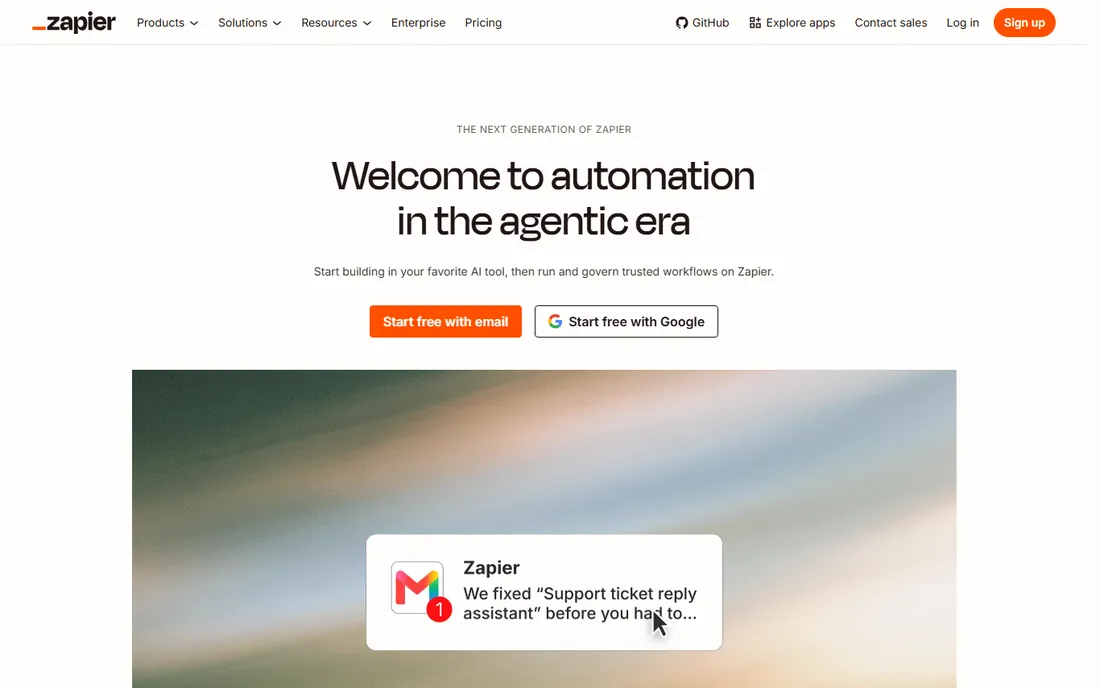
Zapier remains the default answer when a team wants app-to-app automation without writing code. Its catalog runs into the thousands of integrations, and the linear builder is forgiving for non-technical staff. If you need a Slack notification when a form fills in, or a spreadsheet row when a ticket closes, you can build it in minutes.
The honest catch is the billing model. Every successful action step costs a task, so a five-step workflow that runs 1,000 times a month eats 4,000 to 5,000 tasks. The Professional plan starts at $19.99 per month billed annually for 750 tasks, and overages bill on top. Small flows stay cheap. Busy ones do not. Model your volume in tasks, not in plans, before you commit.
What we like- Connects to more apps than any competitor
- Gentle learning curve
- Copilot-assisted building
Watch out for- Gets expensive fast as workflows grow
- Charges per action step
#2
Make
Best for: visual multi-step workflows on a budget
Visit make.com
Starting price$9/month (billed annually, Core plan)
Free planYes
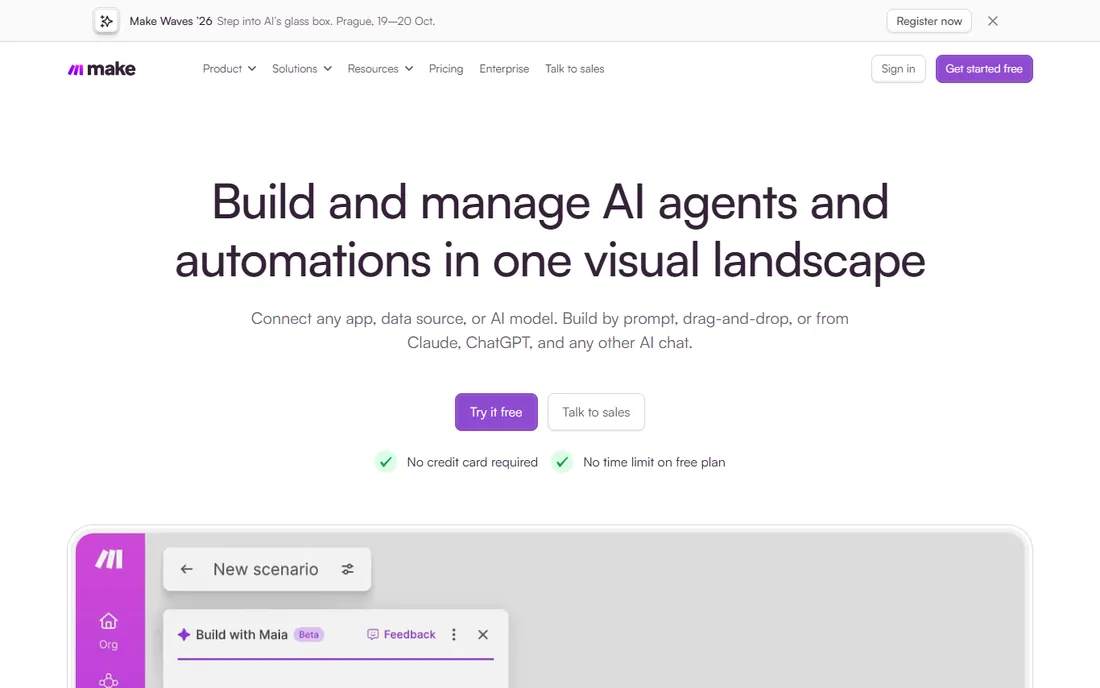
Formerly Integromat, Make is the budget-minded builder's favorite. Its visual canvas handles branching, iterators and error handlers that Zapier only reaches at higher tiers. The Core plan costs $9 per month billed annually for 10,000 credits, and nearly every module action costs one credit. That is dramatically cheaper per unit of work than Zapier.
There are tradeoffs. Make is harder to learn, so budget a few hours of training before your team becomes productive. It also halts your scenarios when credits run out rather than billing overage automatically, which protects your wallet but can pause critical workflows. Now owned by Celonis, it has not lost its identity as the value pick.
What we like- Strong price-to-power ratio
- Visual canvas with routers and branching
- 10,000 credits on the entry paid plan
Watch out for- Steeper learning curve than Zapier
- Scenarios stop when credits run out
#3
Microsoft Power Automate
Best for: Microsoft 365 shops automating approvals and alerts
Visit microsoft.com
Starting price$15 per user/month
Free planYes (limited)
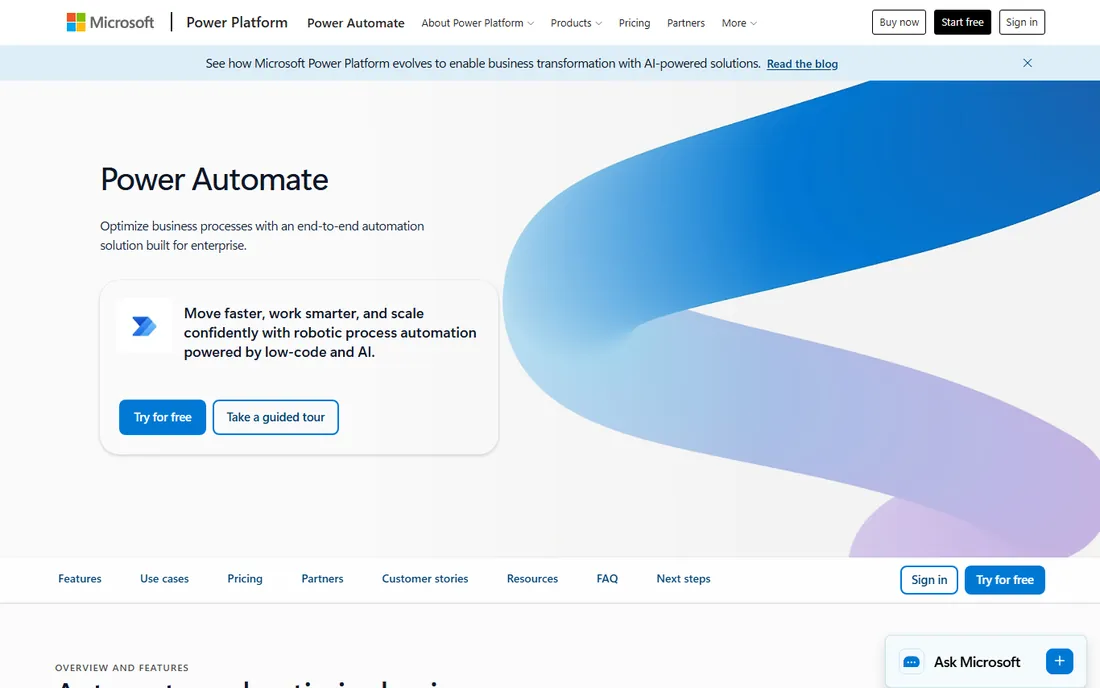
If your team already lives in Microsoft 365, Power Automate is the least-friction option. Approvals route through Teams, forms feed SharePoint lists, and Outlook events trigger flows without new logins or vendor onboarding. The per-user plan runs $15 per user per month and adds premium connectors.
Outside the Microsoft world it is less compelling. Non-Microsoft apps get second-class treatment, and the builder feels dated next to Make's canvas. But for a 50-person company standardized on Teams and SharePoint, nothing beats the convenience of automation that ships with the suite you already pay for.
What we like- Natural fit inside Microsoft 365
- Strong approval workflows
- Included free tier for standard connectors
Watch out for- Limited outside the Microsoft ecosystem
- Premium connectors gated behind paid plans
#4
n8n
Best for: technical teams that want full control of their automations
Visit n8n.io
Starting price€20/month (billed annually, Cloud Starter plan)
Free planYes (self-hosted Community edition)
n8n flips the pricing logic of the category. Instead of billing per step, it bills per workflow execution, so a 30-step workflow counts the same as a two-step one. The Cloud Starter plan costs €20 per month billed annually for 2,500 executions. The self-hosted Community edition costs nothing to license at all; you only pay for the server, realistically a few dollars a month on a VPS.
The price is control: you maintain uptime, updates and backups yourself. n8n also expects comfort with code. Every node accepts JavaScript or Python, which technical teams love and non-technical staff ignore. For a team with one capable developer, it is the most automation per dollar available anywhere.
What we like- Self-hosting is genuinely free with unlimited executions
- Bills per whole run, not per step
- Code steps in JavaScript and Python
Watch out for- Needs a server and maintenance if self-hosted
- Smaller app catalog than Zapier
Starting price$25/month
Free planYes (Community plan)

UiPath solves a problem the no-code connectors cannot: software with no API. Its bots click through desktop applications, copy data from legacy systems and drive processes inside old ERPs the way a human would. If your automation target is a Windows application from 2008, this is the tool.
Do not buy it for simple SaaS-to-SaaS syncing. That is Zapier's job, and UiPath's enterprise pricing reflects its enterprise positioning. The Community plan is free and generous enough for evaluation and small experiments. Start there before talking to sales.
What we like- The standard for robotic process automation
- Handles legacy desktop apps well
- Free Community plan for learning
Watch out for- Overkill for simple app-to-app flows
- Enterprise pricing climbs quickly
#6
BMC Control-M
Best for: enterprise workload orchestration across hybrid cloud and mainframe
Visit bmc.com
Starting priceFrom $2,400/month
Free planNo
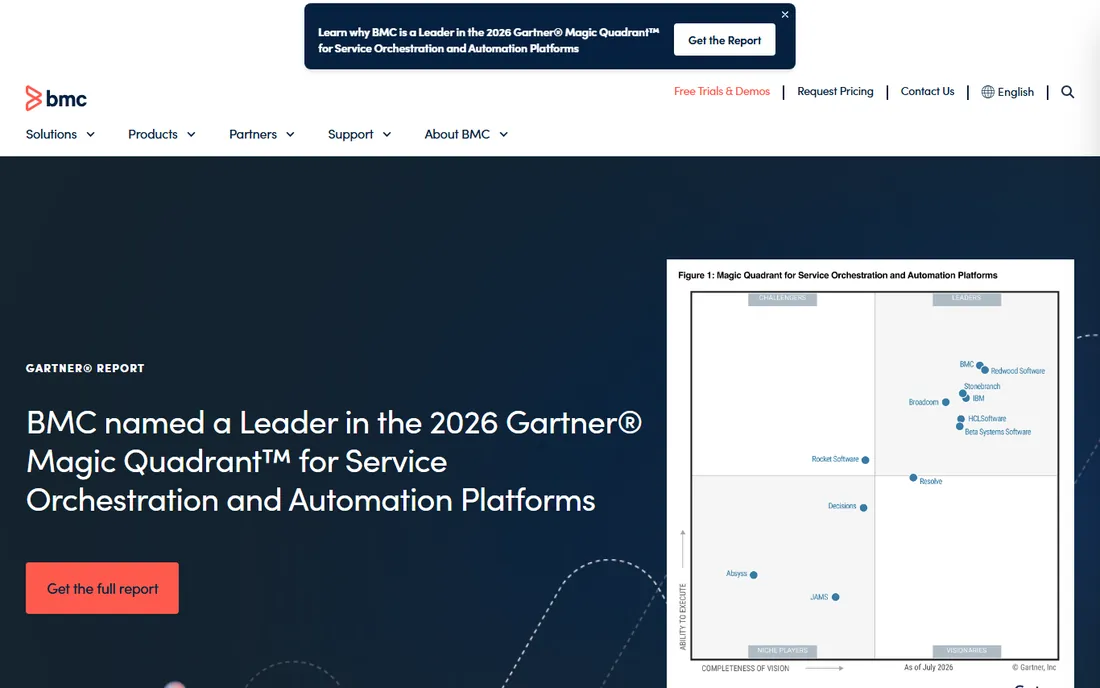
Control-M is infrastructure automation, not office automation. It schedules and monitors batch jobs, data pipelines, managed file transfers and CI/CD workflows across hybrid cloud, on-premises and mainframe environments. The SaaS Starter pack begins around $2,400 per month billed annually with capped execution volume.
This is a purchase for operations teams running mission-critical workflows where a broken dependency causes visible customer impact. The jobs-as-code model and GitOps support make it palatable to platform engineering teams. If your automation problem is "our nightly jobs keep failing silently," Control-M is the category answer.
What we like- Jobs-as-code with GitOps integration
- Manages mainframe, cloud and on-prem from one console
- SLA monitoring with predictive alerts
Watch out for- Enterprise pricing and complexity
- Far more than a small team needs
Starting priceSee website
Free planNo
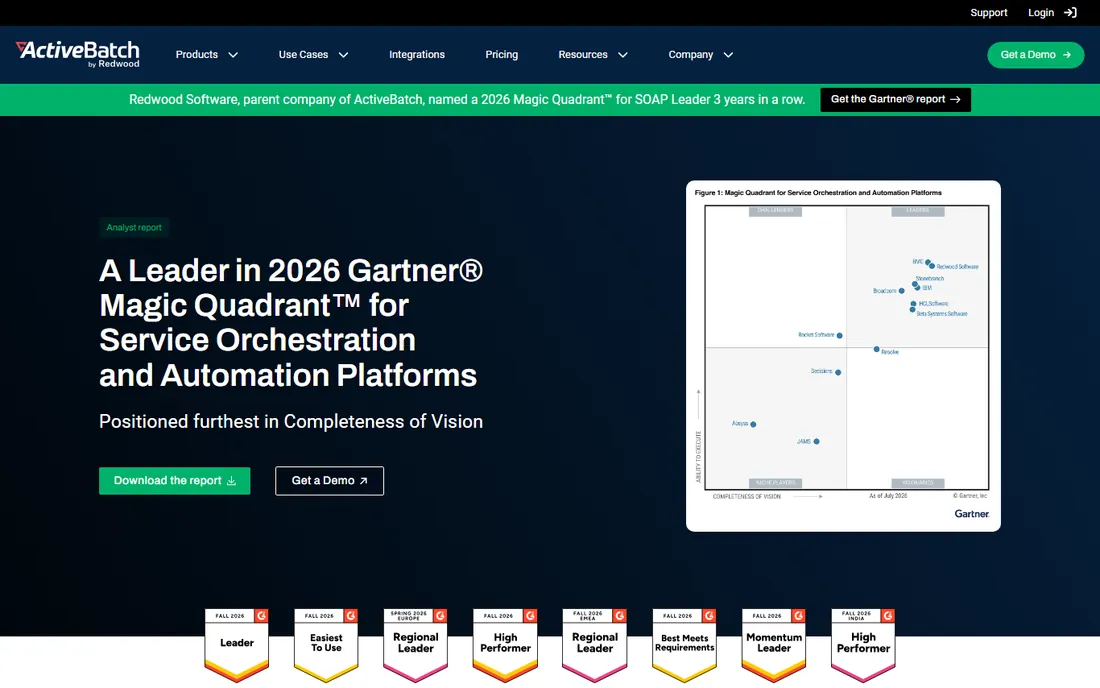
ActiveBatch sits between the developer-friendly schedulers and the heavyweight enterprise platforms. Its low-code workflow designer and large library of prebuilt job steps let IT generalists build reliable batch processes without deep scripting skills. It handles cross-platform scheduling, SLA management and alerting for mid-size IT departments well.
Pricing is quote-based, which means a sales conversation before you see numbers. Teams report it landing below the Control-M tier for comparable workloads. If your shop is Microsoft-centric and you want workload automation without enterprise overhead, ActiveBatch deserves a demo.
What we like- Low-code designer with a deep prebuilt job-step library
- Solid alerting and monitoring
- Strong in Windows-heavy environments
Watch out for- Quote-only pricing
- Smaller ecosystem than the biggest enterprise players
Starting priceSee website
Free planNo
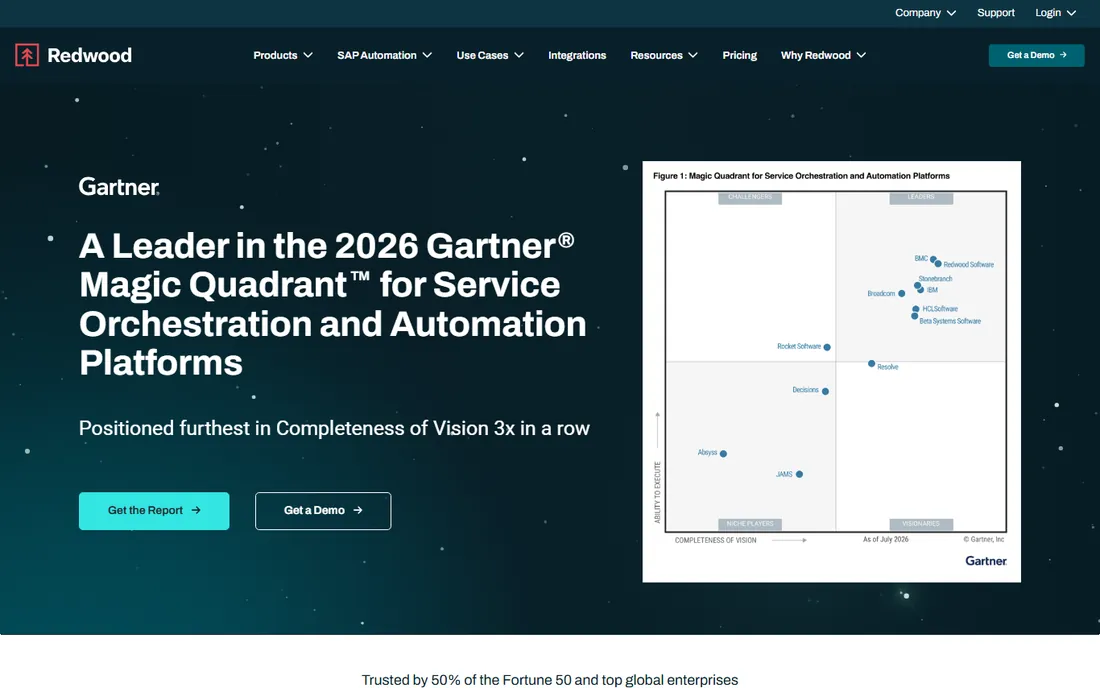
Redwood RunMyJobs is the pick when your automation centers on SAP or other ERP systems. It is a cloud-native SaaS scheduler with unusually deep ERP process awareness, built for finance and operations teams that need reliable, auditable job execution around their core business systems.
Like most enterprise schedulers, pricing requires a quote, and the sales cycle is built for large organizations. Smaller companies will find it more product than they need. But if you run SAP at scale and need one control layer for every batch process touching it, Redwood is one of the names that comes up first.
What we like- Cloud-native SaaS scheduling
- Deep SAP and ERP process integration
- Strong audit and compliance controls
Watch out for- Quote-only pricing
- Enterprise focus means long sales cycles
What to check before you buy
Start with the billing unit, because it decides the real cost more than the headline price. A team moving 10,000 small records through five-step workflows pays very differently on Zapier (per step) than on Make (per module) or n8n (per run). Take your actual monthly volume, model it in each vendor's unit, and the winner often flips.
Second, match the tool to the job type. App-to-app connectors, robotic process automation and workload scheduling are three different products wearing one label. Zapier cannot schedule your mainframe batch jobs, and Control-M cannot sync your CRM to your email tool. Buy the category you actually need.
Third, check the app catalog against your real stack before you sign anything. Zapier's thousands of integrations matter only if your tools are among them. Niche industry software often has no connector anywhere, in which case n8n's HTTP nodes or a vendor API plus Power Automate become the practical route.
Fourth, factor in who will maintain the automations. A tool your developer loves but your operations staff cannot read becomes a single point of failure when that developer is on leave. For teams without technical staff, the simpler builder wins even at a higher price.
How we chose
We built this list from vendor pricing pages and documentation checked in October 2026, cross-referenced against public reviews on G2 and Capterra and practitioner discussions on Reddit and dev communities. Tools were kept only if they exist today, publish verifiable pricing (or clearly do not), and fit a real automation job: app-to-app workflows, robotic process automation, or workload scheduling. Prices change, so confirm the live numbers on each vendor's pricing page before you buy.
Pricing traps to watch
The free plans in this category are real but narrow. Zapier's free tier allows 100 tasks a month with two-step Zaps, enough to prove a concept but not to run a business process. Make's free tier gives 1,000 credits but limits you to two active scenarios and 15-minute scheduling intervals, which rules out anything time-sensitive.
Volume sliders are the other trap. Entry prices assume low usage, and several vendors display the cheapest tier prominently while your actual volume lands two tiers up. Run your real numbers through each vendor's calculator rather than trusting the headline figure.
Finally, watch contract terms on the enterprise side. Workload automation vendors like Control-M, ActiveBatch and Redwood sell through quotes, and annual commitments with capped execution volume can produce surprise overage bills. Get the overage rate in writing before you sign.
Frequently asked questions
What is IT automation software?
It is software that performs IT and business tasks without human intervention: syncing data between apps, scheduling batch jobs, routing approvals, and driving legacy software with bots. The category covers no-code connectors like Zapier, robotic process automation like UiPath, and workload schedulers like BMC Control-M.
Which IT automation tool is best for a small business?
For most small businesses, Zapier or Make. Zapier is easier to learn and connects to the most apps. Make costs far less per unit of work and handles complex branching better. Pick Zapier if your team is non-technical and your apps are mainstream; pick Make if you run high volume and want the bill down.
Is Microsoft Power Automate free?
There is a limited free tier for standard connectors, often included with Microsoft 365. The per-user plan with premium connectors costs $15 per user per month. Confirm the current structure on Microsoft's pricing page, since plan names shift.
Can I self-host automation software for free?
Yes. n8n's Community edition is free to self-host with no execution limits; you pay only for the server. This is the cheapest serious option for a technical team, but you take on maintenance, updates and backups yourself.
What is the difference between RPA and workflow automation?
Workflow automation moves data between apps through APIs, like syncing a form to a spreadsheet. RPA drives software the way a human would, clicking through screens of legacy apps with no API. Use workflow tools for modern SaaS, RPA for old desktop software.
How much should a mid-size company budget for automation?
A team running a few dozen workflows on Zapier or Make typically spends $20 to $200 a month. Enterprise workload scheduling starts around $2,400 a month for BMC Control-M's SaaS starter pack and rises from there. The honest answer depends on volume, so model your usage in each vendor's billing unit first.
Sources we checked (9)
- https://dev.to/stimlau/n8n-vs-zapier-in-2026-self-hosted-power-or-cloud-convenience-4lga
- https://dev.to/stimlau/zapier-vs-make-in-2026-which-automation-tool-is-worth-the-credits-4bj1
- https://dev.to/2pizza/make-pricing-explained-what-you-actually-pay-59p3
- https://dev.to/2pizza/n8n-vs-make-how-to-choose-with-verified-2026-pricing-2fk8
- https://dev.to/stimlau/best-zapier-alternatives-in-2026-cheaper-and-more-powerful-16eg
- https://www.therundown.ai/tools/zapier
- https://www.guideflow.com/blog/workload-automation-software
- https://editorialge.com/best-business-process-automation-software/
- https://stacksheriff.com/automation/make-com-pricing/
Is your product missing or out of date?
We review this list regularly. Vendors can request a listing, send updated pricing or ask about featured placement.

Shihab Mia · Founder, Rankite
Shihab has spent more than a decade helping SaaS and e-commerce brands grow through search. He writes Rankite's software buying guides from pricing pages, documentation and public user reviews. More about Shihab.