How we make this list: we compare pricing pages, product documentation and public user reviews. Ratings come from G2, Capterra or Trustpilot, with the date we checked them.
Quick comparison
| Tool | Best for | Starting price | Free plan |
|---|
 Snipe-IT Snipe-IT | IT teams that want capable asset tracking without a license fee | Free self-hosted (open source); hosted plans from $39.99/month ($399.99/year) | Yes (self-hosted open source edition) |
 Lansweeper Lansweeper | IT teams that want automatic discovery of everything on the network | Free up to 100 assets; Starter from $270/month billed annually (2,000 assets) | Yes (free for up to 100 assets) |
 Freshservice Freshservice | IT teams that want service desk ticketing and asset management together | $19/agent/month billed annually (Starter); $29 month-to-month | Yes (free plan for up to 3 agents) |
 ManageEngine AssetExplorer ManageEngine AssetExplorer | IT teams wanting a full ITAM platform with a genuinely free starting tier | See website (free edition available; paid Professional edition quoted per node count) | Yes (free edition: 50 nodes cloud, 25 nodes on-premises, never expires) |
 AssetSonar AssetSonar | Mid-market IT teams wanting ITAM and ITSM connected in one system | See website (pricing not published on the vendor site) | No (free trial available) |
 InvGate InvGate | Organizations needing asset discovery with CMDB and compliance depth | See website (custom quote) | No (free trial available) |
 Asset Panda Asset Panda | Teams tracking physical assets with mobile barcode and QR scanning | See website (custom quote; reviewers cite roughly $1,500/year for small deployments) | No (14-day free trial) |
 GoCodes GoCodes | Small teams that want simple QR-code asset tracking at a flat yearly price | $500/year (Standard: 200 assets, 3 users) | No (free trial available) |
 EZOfficeInventory (EZO) EZOfficeInventory (EZO) | Operations teams managing equipment lifecycles with maintenance workflows | See website | No (15-day free trial) |
 RedBeam RedBeam | Organizations tracking fixed assets with barcode or RFID across locations | See website | No (demo available) |
Is your product missing or out of date?
We review this list regularly. Vendors can request a listing, send updated pricing or ask about featured placement.
The best IT asset tracking software
Laptops walk out the door with departing employees. Software licenses renew unnoticed. Nobody knows how many monitors the company owns. IT asset tracking software fixes the record: what you have, where it is, who holds it, and what it costs. The ten tools below span the real market, from free open-source Snipe-IT to discovery-driven Lansweeper to full ITAM platforms like ManageEngine AssetExplorer and InvGate.
#1
Snipe-IT
Best for: IT teams that want capable asset tracking without a license fee
Visit snipeitapp.com
Starting priceFree self-hosted (open source); hosted plans from $39.99/month ($399.99/year)
Free planYes (self-hosted open source edition)
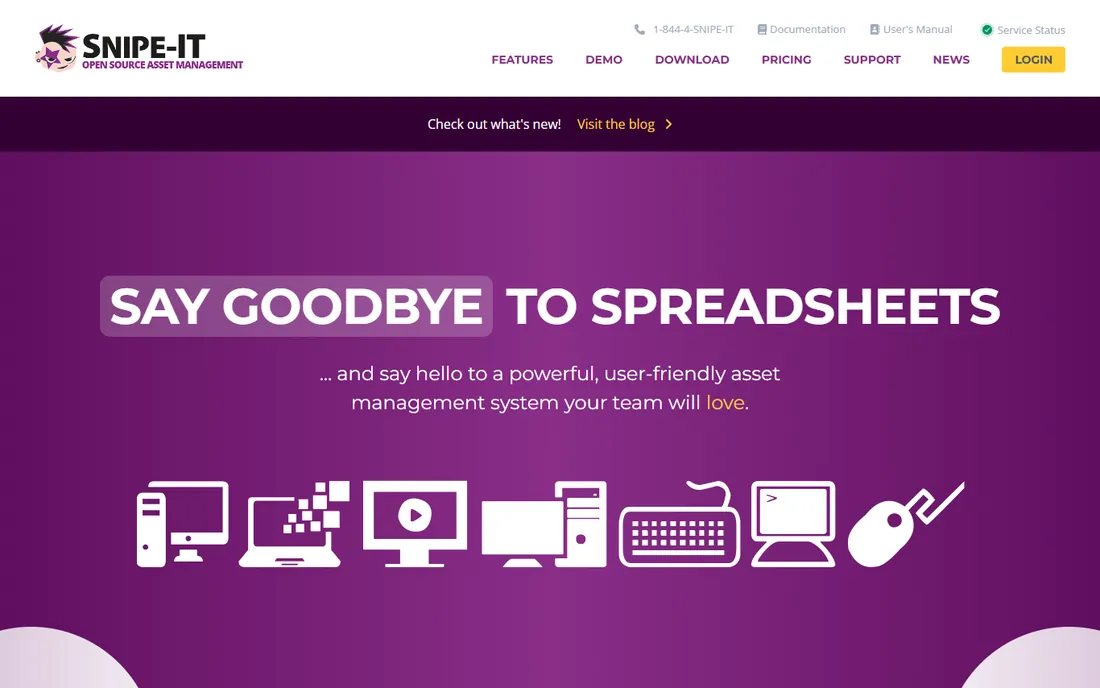
Snipe-IT is the open-source answer to IT asset tracking. Install it on your own server and you get asset check-in and check-out, software license seat tracking, depreciation schedules, custom fields, barcode and QR label generation, and audit logs, all without paying a vendor anything. For budget-conscious IT teams and nonprofits, that combination is hard to beat.
The tradeoff is ownership. Self-hosting means you handle installation, updates, backups and security. Teams that would rather not run infrastructure can buy hosting from the Snipe-IT team starting at $39.99 per month ($399.99 per year for Basic Hosting), with Small Business at $99.99 per month and Dedicated at $249.99 per month. No per-asset fees on any tier, which keeps the math simple as inventory grows.
What we like- Genuinely free and open source when self-hosted, with no asset limits
- Check-in/check-out, depreciation, license seats and audit trails cover the ITAM basics well
Watch out for- You host and maintain it yourself on the free edition
- Paid hosting adds up for teams that need support and upgrades handled
#2
Lansweeper
Best for: IT teams that want automatic discovery of everything on the network
Visit lansweeper.com
Starting priceFree up to 100 assets; Starter from $270/month billed annually (2,000 assets)
Free planYes (free for up to 100 assets)
Lansweeper starts from the network, not the spreadsheet. Its discovery scans find computers, servers, network devices and installed software automatically, then keep the inventory current as things change. For IT teams whose core problem is "we don't know what's on our network," that automation replaces weeks of manual auditing.
The free tier is real: up to 100 assets at no cost. Beyond that, Starter starts at $270 per month billed annually for 2,000 assets, with Pro from $474 per month and Enterprise custom-quoted. The per-asset economics favor larger estates, and the product's heart is IT discovery rather than general fixed-asset tracking, so facilities-style assets fit better elsewhere on this list.
What we like- Agentless network discovery finds hardware and software without manual entry
- The free tier covers small environments completely
- Detailed hardware and software inventory out of the box
Watch out for- Pricing jumps quickly once you pass the free tier, with Starter starting at $270/month billed annually
- Asset tracking beyond IT (furniture, tools) is not its strength
#3
Freshservice
Best for: IT teams that want service desk ticketing and asset management together
Visit freshworks.com
Starting price$19/agent/month billed annually (Starter); $29 month-to-month
Free planYes (free plan for up to 3 agents)
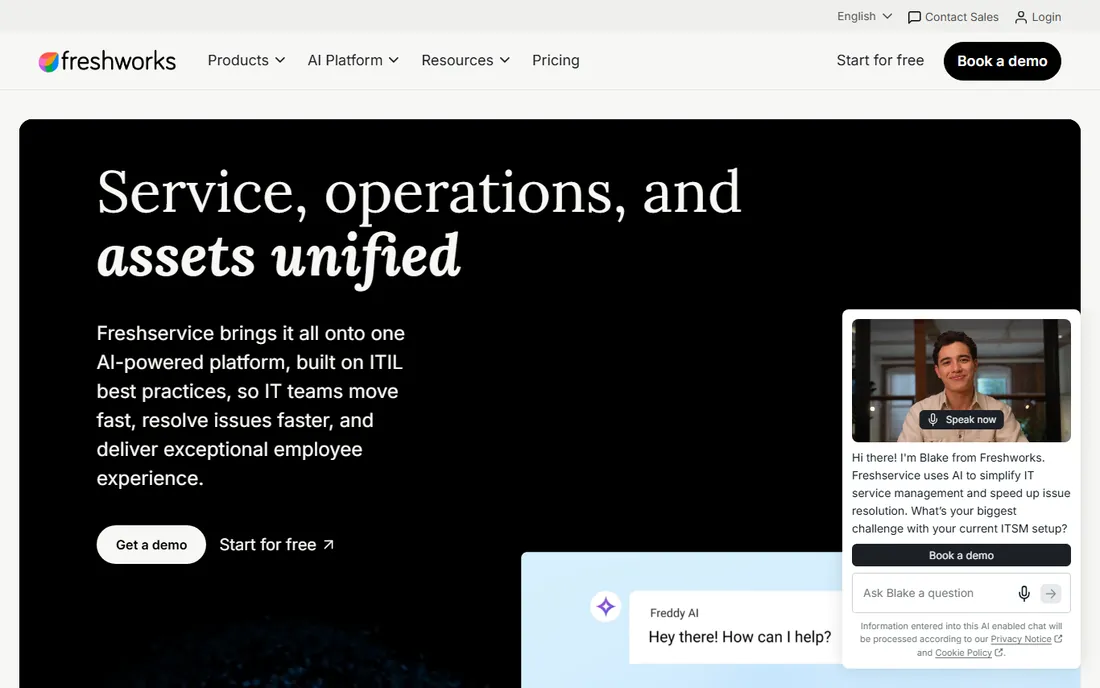
Freshservice is a service desk first and an asset tracker second, and for many IT teams that is exactly the right order. When a laptop breaks, the ticket, the asset record, the warranty and the user all live in one place. Asset discovery, a CMDB and software license tracking come along on higher tiers, with Growth adding the service catalog and asset management at $49 per agent per month billed annually.
Pricing is published and straightforward: Starter $19, Growth $49, Pro $99 per agent per month billed annually ($29, $59 and $119 month-to-month), with Enterprise custom. A free plan covers up to 3 agents. Teams that need deep lifecycle and financial asset management should compare the dedicated ITAM tools below; teams that live in tickets will feel at home here.
What we like- Asset management sits inside a full ITSM platform, so tickets link to the assets they concern
- Published pricing with a free tier for tiny teams
- Modern interface with a short learning curve
Watch out for- Asset management depth is lighter than dedicated ITAM tools
- Higher tiers (Growth $49, Pro $99 per agent/month billed annually) cost real money as the team grows
#4
ManageEngine AssetExplorer
Best for: IT teams wanting a full ITAM platform with a genuinely free starting tier
Visit manageengine.com
Starting priceSee website (free edition available; paid Professional edition quoted per node count)
Free planYes (free edition: 50 nodes cloud, 25 nodes on-premises, never expires)
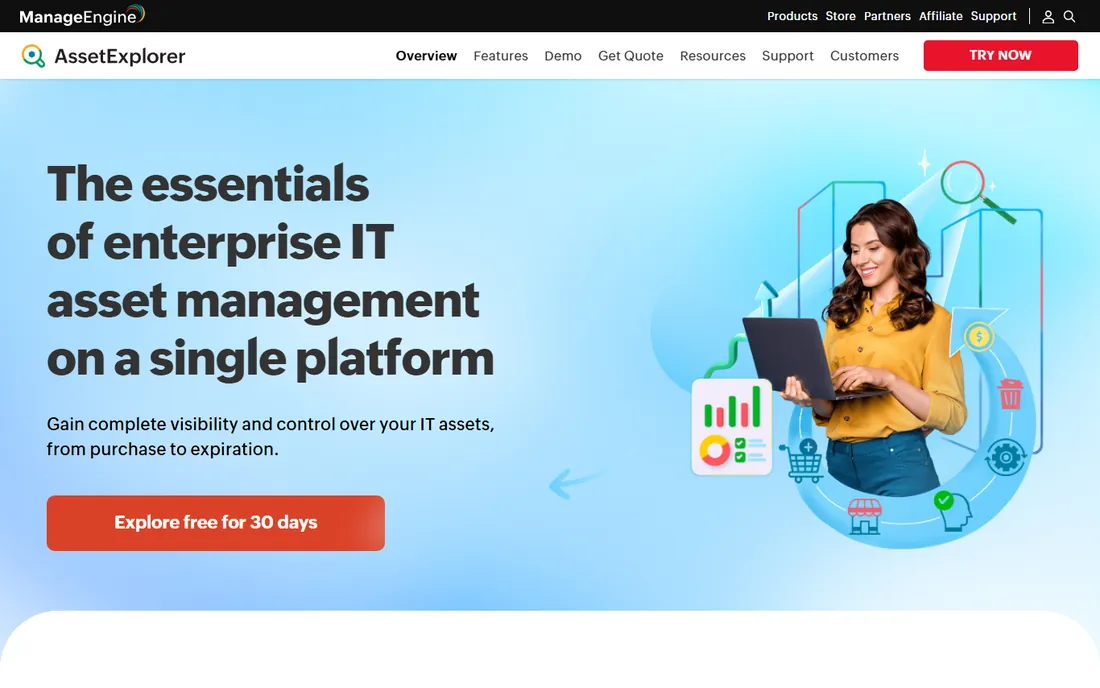
AssetExplorer is one of the most complete ITAM platforms on this list. Hardware and software discovery, license compliance, a CMDB, purchase order and contract management, and visual lifecycle workflows all ship in the product, with on-premises or cloud deployment. The free edition covers 50 cloud nodes or 25 on-premises nodes and never expires, which lets small teams run real ITAM without paying.
The paid Professional edition is licensed per node count, but ManageEngine does not publish the price, so "see website" is the honest entry here. A 30-day trial (250 nodes) gives a full-featured evaluation. Teams already in the ManageEngine or Zoho ecosystem get extra value from the integrations; everyone else should weigh the quote against Lansweeper and Snipe-IT.
What we like- Full ITAM scope, discovery, software and license management, CMDB, purchase orders and contracts, with a free edition that never expires
- On-premises and cloud deployment options
Watch out for- The vendor does not publish paid pricing, so budgeting requires a quote
- The interface carries the classic ManageEngine density that some teams find heavy
#5
AssetSonar
Best for: Mid-market IT teams wanting ITAM and ITSM connected in one system
Visit assetsonar.com
Starting priceSee website (pricing not published on the vendor site)
Free planNo (free trial available)
AssetSonar, from EZO, positions itself as the connected IT operations platform: assets, users, software, tickets, licenses and contracts in one graph, so technicians stop rebuilding context from exports. Agent-based discovery, MDM integrations (Intune, Jamf, Kandji) and network scanning feed the asset records, while ITSM workflows handle the service side. The vendor emphasizes fast setup, around two weeks for typical rollouts.
The gap is price transparency. The vendor site publishes no pricing, which makes comparison shopping harder than with Snipe-IT, Lansweeper or Freshservice. Get a written quote early and line it up against the published prices on this list. The product fit is strongest for mid-market teams that want ITAM and service desk unified rather than best-of-breed separate.
What we like- Combines IT asset management with ticketing and workflows, so asset context follows service work
- Agent-based discovery plus MDM and network integrations
- Onboarding-focused with a dedicated CSM
Watch out for- No published pricing, so every evaluation starts with a sales conversation
- Newer and less proven at scale than the established ITAM vendors
#6
InvGate
Best for: Organizations needing asset discovery with CMDB and compliance depth
Visit invgate.com
Starting priceSee website (custom quote)
Free planNo (free trial available)
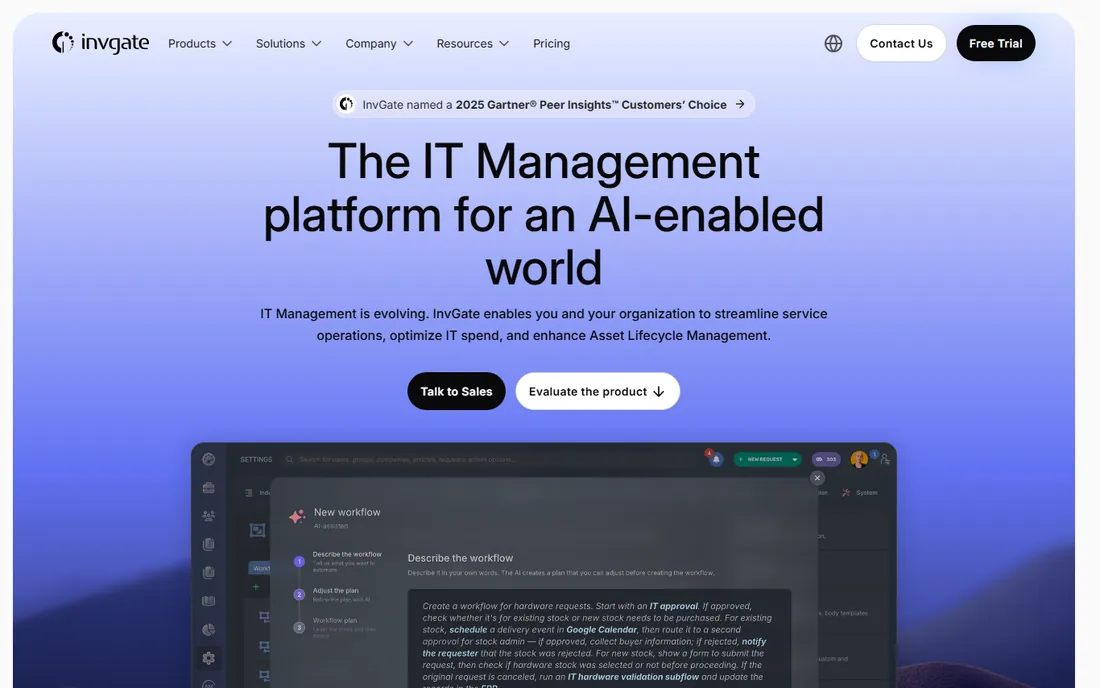
InvGate Asset Management (formerly InvGate Insight) is the enterprise-grade entry on this list. Discovery and inventory cover hardware, software, contracts and licenses, with a CMDB for configuration items, lifecycle automation and compliance reporting. It also pairs with InvGate's service desk for organizations that want both from one vendor. Deployment runs cloud or on-premises.
Everything about the commercial model says mid-market and up: custom quotes only, no published prices, and a feature set aimed at organizations with real compliance pressure. Smaller teams get more value per dollar from Snipe-IT or Lansweeper. Larger IT organizations should request the quote and compare the discovery depth against Lansweeper and the platform breadth against ManageEngine.
What we like- Deep discovery and inventory with CMDB, contract and software license management
- Automation for lifecycle processes
- Cloud and on-premises deployment
Watch out for- Custom-quoted pricing with nothing published
- Geared toward larger organizations, so small teams may find it more than they need
#7
Asset Panda
Best for: Teams tracking physical assets with mobile barcode and QR scanning
Visit assetpanda.com
Starting priceSee website (custom quote; reviewers cite roughly $1,500/year for small deployments)
Free planNo (14-day free trial)
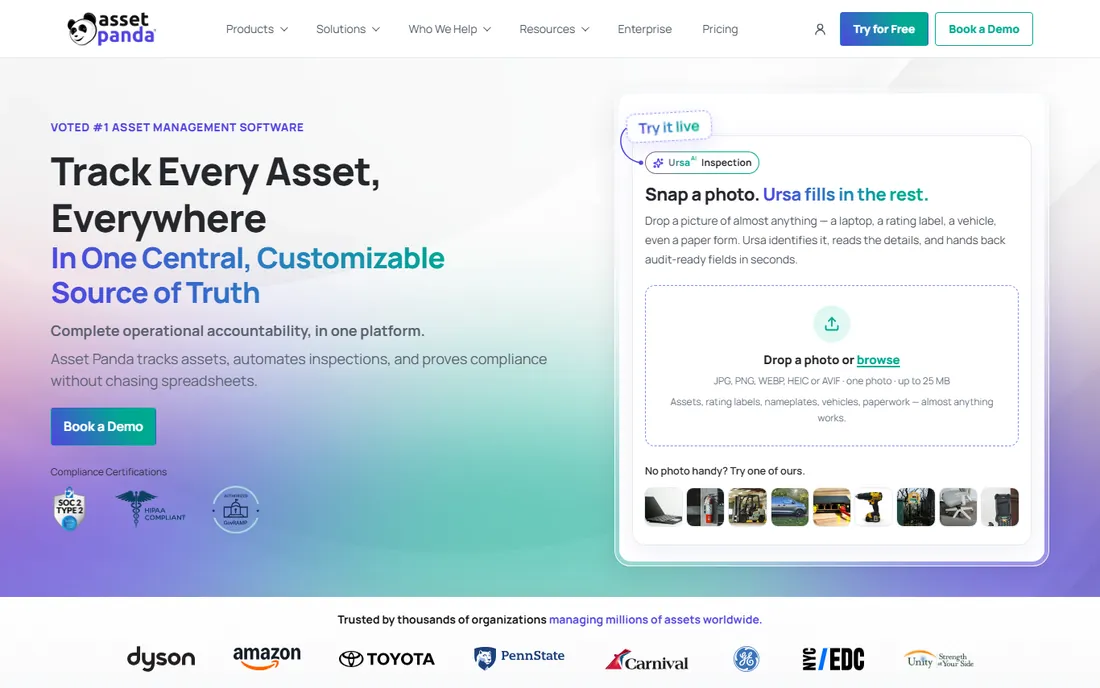
Asset Panda comes at asset tracking from the physical side. Crews scan barcode or QR labels with phones to check tools and equipment in and out across jobsites, warehouses and facilities, with condition capture, damage tickets and audit counts built for that world. The no-code configuration lets operations teams shape the workflows without developers.
IT teams should note the orientation: this is a physical-asset tracker that handles IT equipment, not an ITAM platform with network discovery and software license management. Pricing is custom-quoted (reviewers mention roughly $1,500 per year for small deployments, but treat that as unverified). A 14-day free trial lets a team run a real audit cycle before talking to sales.
What we like- Mobile-first scanning with barcode and QR labels fits field and facilities work
- Configurable workflows without coding
- Strong fit for tools, equipment and non-IT assets
Watch out for- No published pricing
- Quote-based sales process
- IT-specific depth (discovery, SAM) is thinner than the ITAM-first tools
#8
GoCodes
Best for: Small teams that want simple QR-code asset tracking at a flat yearly price
Visit gocodes.com
Starting price$500/year (Standard: 200 assets, 3 users)
Free planNo (free trial available)
GoCodes keeps things deliberately simple. Stick QR code labels on assets, scan them with the mobile app, and track who has what and where it is. Standard costs $500 per year for 200 assets and 3 users, with Premium at $1,000, Premium Elite at $1,750 and Professional at $2,500 per year for larger inventories, plus custom Enterprise quotes.
This is the right shape for small teams with a few hundred assets and no need for network discovery, CMDBs or license compliance. The published pricing makes budgeting easy, which is more than most of this list offers. Teams that outgrow the asset and user limits, or that need software asset management, should look at Snipe-IT or Lansweeper instead.
What we like- Simple flat yearly pricing with published tiers
- QR labels and a mobile app cover check-in/check-out without complexity
- Affordable entry point for small inventories
Watch out for- No free plan
- Feature depth is basic next to the ITAM platforms
- Per-asset and per-user limits on lower tiers
#9
EZOfficeInventory (EZO)
Best for: Operations teams managing equipment lifecycles with maintenance workflows
Visit ezofficeinventory.com
Starting priceSee website
Free planNo (15-day free trial)
EZOfficeInventory, now presented on its homepage as EZO EAM (Enterprise Asset Management), covers the operational side of asset tracking: equipment check-in and check-out, reservations, preventive maintenance, work orders, inventory of consumables, and depreciation. Barcode, QR and RFID tracking plus mobile apps suit warehouses, facilities and field operations. Note that EZO's purpose-built ITAM product is the sibling AssetSonar, listed above.
Pricing is not published, so budget discussions start with sales. A 15-day free trial gives a working evaluation window. The fit question is the same as with Asset Panda: operations and facilities teams will find more of what they need here than in the IT-discovery tools, while IT teams needing software license management should compare AssetSonar or ManageEngine.
What we like- Full equipment lifecycle coverage: check-in/check-out, reservations, maintenance, work orders and depreciation
- Barcode, QR and RFID support
- Mobile apps for field teams
Watch out for- No published pricing on the vendor site
- IT-specific discovery and software license management are thinner than ITAM-first tools
- The product has rebranded toward EZO EAM, which can confuse evaluations
#10
RedBeam
Best for: Organizations tracking fixed assets with barcode or RFID across locations
Visit redbeam.com
Starting priceSee website
Free planNo (demo available)
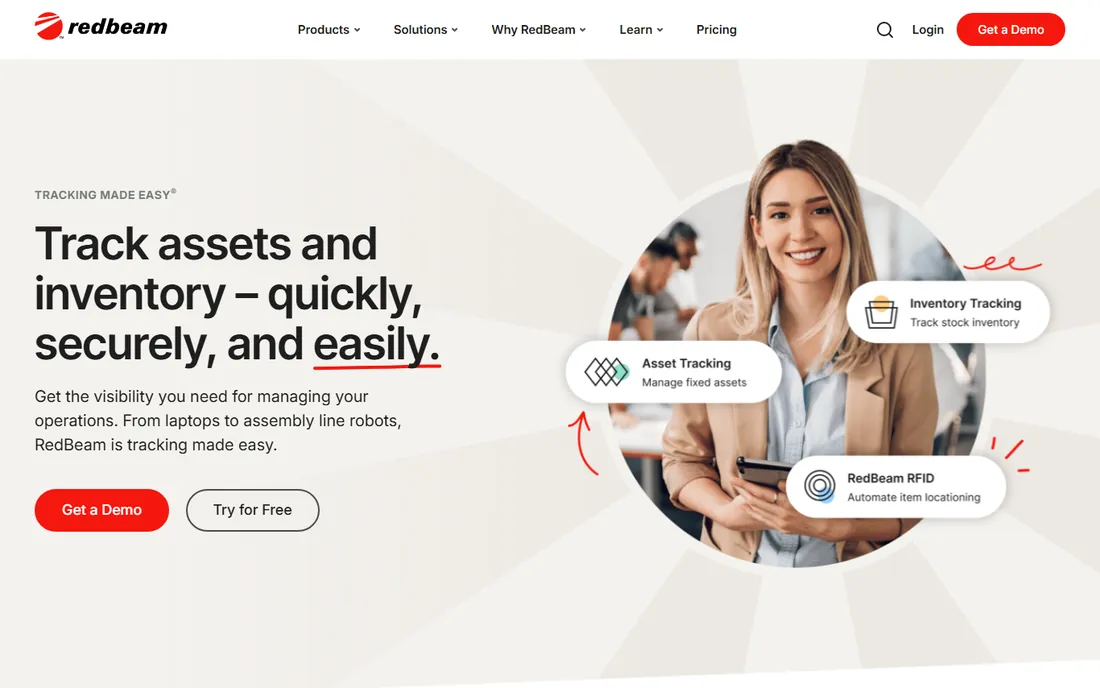
RedBeam focuses on fixed assets: machinery, equipment, furniture, vehicles, medical devices and IT hardware, tracked with barcodes or RFID tags scanned on mobile devices. The cloud platform supports unlimited locations and assets, and the vendor pitches fast implementation, with most organizations operational within days of purchase. It suits organizations with 500-plus assets across multiple locations.
Pricing is not published, so the evaluation starts with a demo and a quote. Teams choosing between RedBeam, Asset Panda and GoCodes should compare the mobile scanning experience and the label workflows directly, since the products overlap heavily. IT-centric teams needing discovery and license compliance will find Lansweeper or Snipe-IT a better match.
What we like- Purpose-built fixed-asset tracking with barcode and RFID support
- Cloud-based with unlimited locations and assets
- Quick implementation measured in days
Watch out for- No published pricing
- Fixed-asset orientation means less for software licenses and IT discovery
- Smaller vendor with less public review volume
How to choose IT asset tracking software for your team
Start with the asset count and type. Under 100 IT assets, Lansweeper's free tier or Snipe-IT's free self-hosted edition may be all you ever need. A few hundred physical assets with mobile scanning point to GoCodes ($500/year published) or Asset Panda. Thousands of assets across sites push toward Lansweeper paid tiers, ManageEngine or InvGate, where discovery automation earns its keep.
Next, decide how assets get into the system. Agent-based or agentless network discovery (Lansweeper, ManageEngine, InvGate, AssetSonar) finds IT equipment automatically and keeps records current. Barcode and QR scanning (Asset Panda, GoCodes, RedBeam, EZOfficeInventory) fits physical assets that never touch the network. Many organizations need both, which is why the shortlist often pairs a discovery tool with a scanning tool.
Then check the software side. If license compliance, renewals and shadow IT matter, you need software asset management, not just hardware tracking: Snipe-IT (license seats), Lansweeper (installed software inventory), ManageEngine (license compliance) and AssetSonar cover this; the scanning-first tools mostly do not.
Finally, settle deployment and budget honestly. Snipe-IT self-hosted and Lansweeper's free tier cost nothing to start. Cloud ITSM-plus-asset options like Freshservice publish per-agent prices ($19 to $99 per agent per month billed annually). The quote-based vendors (InvGate, Asset Panda, AssetSonar, RedBeam, ManageEngine paid tiers, EZOfficeInventory) require a sales conversation, so get those quotes early and compare totals, not feature lists.
Agent-based discovery vs. barcode scanning: which tracking model fits you?
These are the two philosophies in this market, and most teams need to pick a primary. Agent-based discovery installs software agents (or scans agentlessly) across the network to find devices, record specifications and track installed software automatically. Lansweeper, ManageEngine AssetExplorer, InvGate and AssetSonar work this way. The strength is completeness for IT estates: nothing gets forgotten because nobody typed it in. The weakness is scope: it only sees what is on the network.
Barcode and QR scanning works the other direction. You label the asset, scan it with a phone, and record custody, location and condition by hand at each handoff. Asset Panda, GoCodes, RedBeam and EZOfficeInventory work this way. The strength is universality: tools, furniture, vehicles and offline equipment all track the same way. The weakness is discipline: the record is only as current as the last scan.
The practical answer for mixed estates is both. Run discovery for the IT fleet so laptops, servers and software stay current automatically, and run barcode scanning for everything physical that discovery cannot see. Snipe-IT sits in the middle, accepting both manual and scanned records without discovery of its own. Choose the primary model by asset type, then add the other where the gaps appear.
Key takeaways
- The cheapest credible starting points: Snipe-IT (free self-hosted, open source) and Lansweeper (free up to 100 assets). Both are real products, not trials.
- Freshservice ($19/agent/month billed annually) and ManageEngine AssetExplorer (free edition) are the value picks when asset tracking must live with ticketing or full ITAM scope.
- GoCodes publishes the clearest small-team price: $500/year for 200 assets and 3 users.
- InvGate, Asset Panda, AssetSonar, RedBeam and EZOfficeInventory do not publish pricing: get written quotes before comparing them against the published prices on this list.
- Match the tracking model to the assets: network discovery for IT fleets (Lansweeper, ManageEngine), barcode/QR scanning for physical assets (Asset Panda, GoCodes, RedBeam).
How we chose
We started with the categories buyers search: IT asset tracking software, IT asset management software and asset tracking system. For each candidate we opened the vendor's own pricing page, checked prices against public reviews on G2 and Capterra and practitioner discussion on Reddit, and compared features, discovery methods, deployment options and company-size fit. Where a price could not be verified on the vendor's page we wrote "See website" rather than guessing.
Frequently asked questions
What is IT asset tracking software?
It records what IT and physical assets an organization owns, where each item is, who holds it and what it costs across its lifecycle. Core functions include check-in/check-out, barcode or QR label generation, discovery of network devices, software license tracking, depreciation and audit trails. It replaces the spreadsheet most teams outgrow.
How much does IT asset tracking software cost?
The range is wide. Snipe-IT is free when self-hosted; Lansweeper is free up to 100 assets and starts at $270/month billed annually beyond that; GoCodes starts at $500/year; Freshservice starts at $19/agent/month billed annually. InvGate, Asset Panda, AssetSonar, RedBeam, EZOfficeInventory and ManageEngine's paid tiers are custom-quoted, so budget only after a written quote.
Should I choose cloud, on-premises or self-hosted?
Cloud (Lansweeper, Freshservice, AssetSonar, RedBeam) means no infrastructure to run and faster setup. On-premises (ManageEngine AssetExplorer, InvGate) suits organizations with data residency or security policies that forbid cloud asset data. Self-hosted open source (Snipe-IT) costs nothing in licenses but you own maintenance, backups and upgrades. Match the choice to your IT policy, not just the price.
Do I need barcode or RFID scanning, or is network discovery enough?
Network discovery covers devices on your network: computers, servers, printers. It cannot see tools, furniture, equipment in storage or anything offline. If those matter, you need barcode or QR scanning (Asset Panda, GoCodes, RedBeam, EZOfficeInventory), and RFID if you want bulk room scans without line-of-sight. Most organizations with mixed assets end up using both methods.
Can IT asset tracking software track software licenses too?
The ITAM-focused tools can. Snipe-IT tracks license seats, Lansweeper inventories installed software, ManageEngine AssetExplorer manages license compliance, and AssetSonar and InvGate cover software and contracts. The scanning-first tools (GoCodes, RedBeam, Asset Panda) focus on physical assets and offer little license management. If renewals and compliance matter, shortlist from the first group.
How long does implementation take?
It varies by model. Cloud scanning tools (GoCodes, RedBeam) can be operational within days: print labels, scan assets, done. Discovery tools (Lansweeper, ManageEngine) take days to weeks depending on network size and agent rollout. Platform rollouts with workflows and integrations (AssetSonar, InvGate, Freshservice) typically take two to six weeks. Data quality decides the timeline more than the software does: clean existing records speed everything up.
Sources we checked (12)
- https://snipeitapp.com/pricing
- https://www.lansweeper.com/pricing/
- https://gocodes.com/pricing/
- https://www.freshworks.com/freshservice/
- https://www.manageengine.com/products/asset-explorer/
- https://assetsonar.com/
- https://invgate.com
- https://www.assetpanda.com/solutions/tool-tracking/
- https://redbeam.com/asset-tracking
- https://www.ezofficeinventory.com/
- https://www.g2.com/categories/it-asset-management
- https://www.capterra.com/asset-tracking-software/
Is your product missing or out of date?
We review this list regularly. Vendors can request a listing, send updated pricing or ask about featured placement.

Shihab Mia · Founder, Rankite
Shihab has 5+ years in B2B and SaaS SEO. He writes Rankite's software buying guides from pricing pages, documentation and public user reviews. More about Shihab.