How we make this list: we compare pricing pages, product documentation and public user reviews. Rankite is independent; if a vendor ever pays for a featured spot, that listing is clearly labeled Partner.
Key takeaways
- PagerDuty remains the standard for on-call alerting, with the deepest integrations and the most mature incident workflow.
- Rootly and ilert bring modern incident response to Slack-first teams, with automation that cuts manual toil.
- xMatters and Everbridge handle complex enterprise alerting, including crisis communication beyond IT.
- Splunk On-Call and BigPanda suit teams already invested in observability platforms that want alerting close to their data.
- AlertOps offers a capable alternative for teams that want PagerDuty-style alerting without PagerDuty-style pricing.
The 3 AM page is a design problem
Every alerting tool exists because of a moment: something breaks at 3 AM, and the right person needs to know in minutes, not hours. The difference between good and bad alerting software is what happens in the thirty minutes after that page. Does the alert contain enough context to act? Does escalation work when the first person does not answer? Does the team learn from the incident, or does the same page fire next month?
Modern IT alerting goes well beyond paging. It covers on-call scheduling, alert routing and deduplication, escalation policies, incident collaboration, status pages, and post-incident review. The best tools reduce alert fatigue by making sure humans only get woken for things that need humans, while automation handles the rest.
We compared eight platforms, from the category-defining incumbent to modern challengers, judging them on alerting reliability, on-call management, integrations, and how they fit the way teams actually respond to incidents.
Quick comparison
| Tool | Best for | Starting price | Free plan |
|---|
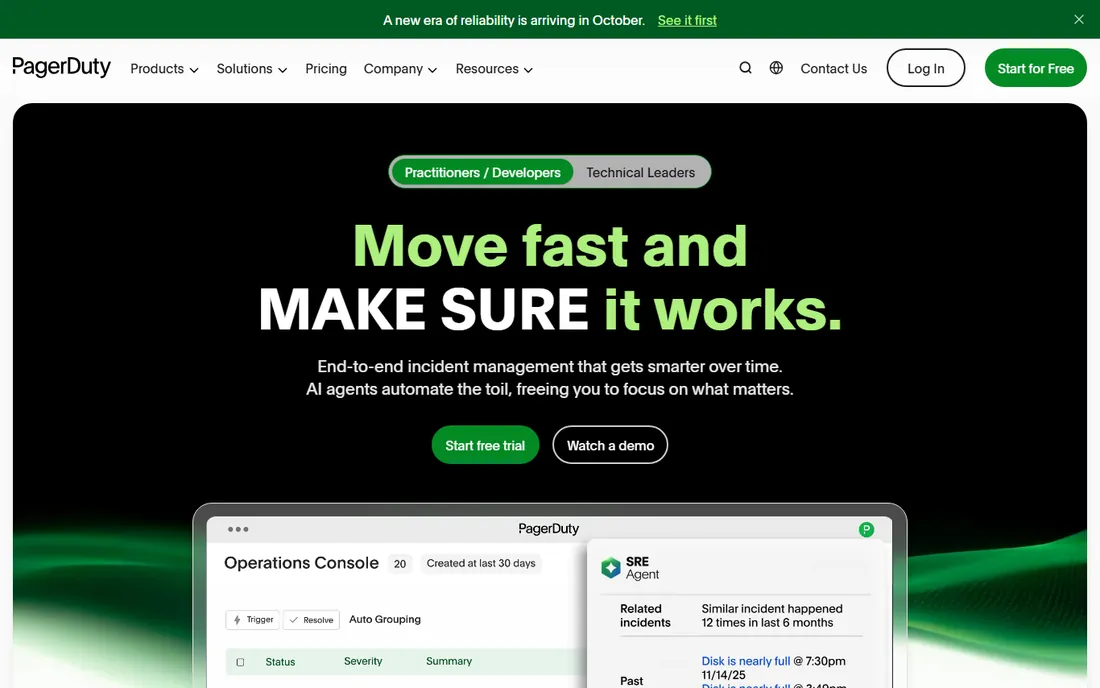
 PagerDuty PagerDuty | Standard on-call alerting | See website | Free trial |
 Rootly Rootly | Slack-native incident response | See website | No |
 xMatters xMatters | Enterprise alerting complexity | See website | No |
 Splunk On-Call Splunk On-Call | Splunk-centric teams | See website | Free trial |
 BigPanda BigPanda | Alert correlation at scale | See website | No |
 ilert ilert | Modern alerting for lean teams | See website | Yes |
 AlertOps AlertOps | Value alternative to PagerDuty | See website | Yes |
 Everbridge Everbridge | Critical event management | See website | No |
Is your product missing or out of date?
We review this list regularly. Vendors can request a listing, send updated pricing or ask about featured placement.
The best IT alerting software in 2026
Starting priceSee website
Free planNo
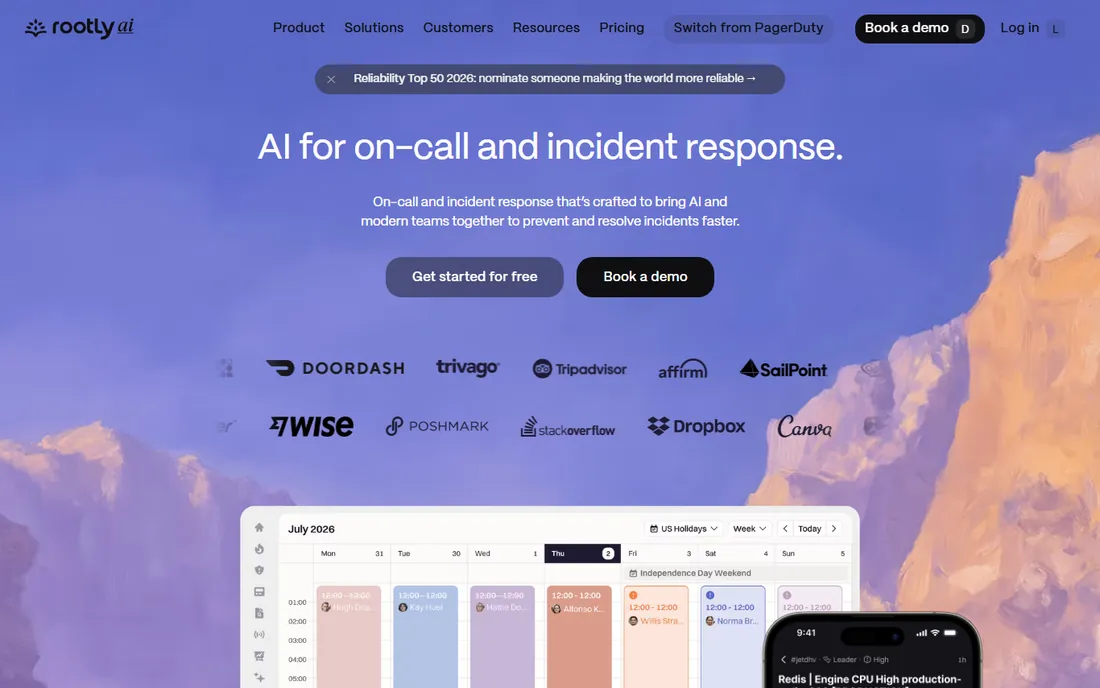
Rootly meets incident response where it happens: Slack. Declaring an incident spins up a channel with the right people, runbooks, and automation, all without leaving chat. The retrospective tooling turns incidents into learning, and the automation handles the toil of paging, stakeholder updates, and timeline building.
Teams that do not live in Slack will find it less natural, and as a newer vendor the track record is shorter. But for Slack-first engineering organizations, Rootly's incident experience feels like the future: less console-hopping, more resolving. The automation depth is the real story, cutting the manual work that makes on-call miserable.
What we like- Excellent Slack integration, Strong automation, Good retrospectives, Modern UX
Watch out for- Slack-centric by design, Newer vendor, Pricing not published
Starting priceSee website
Free planNo
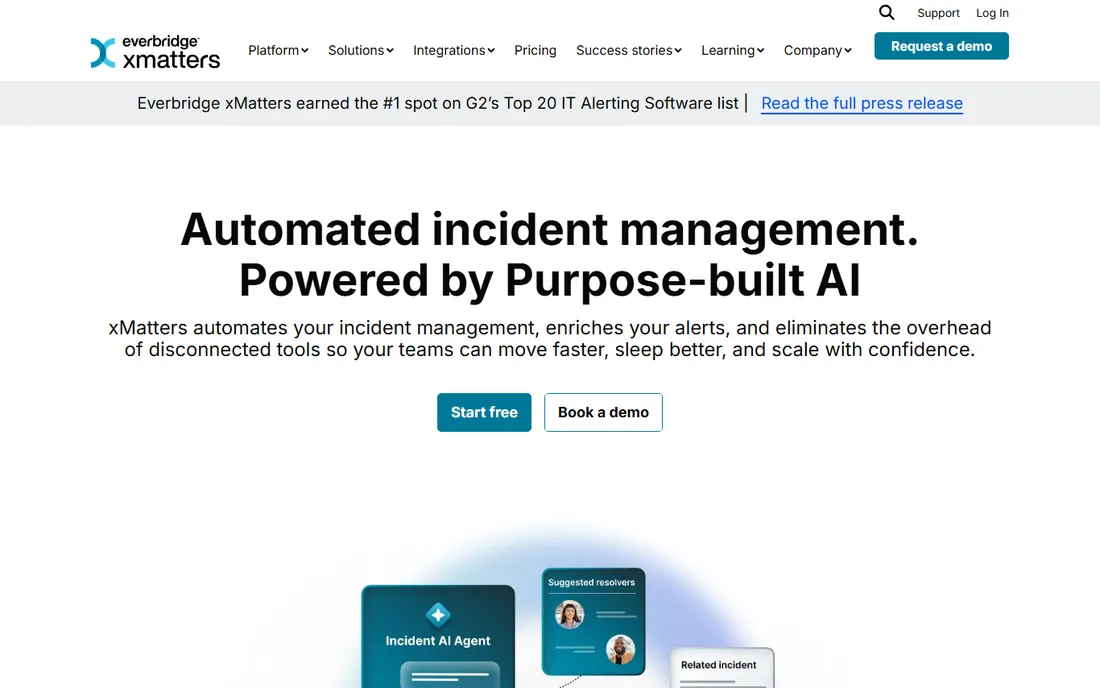
xMatters serves the enterprises where alerting is genuinely complicated: global teams, regulatory requirements, and escalation chains that span departments. The workflow engine routes alerts with logic that simpler tools cannot express, and the integrations cover the enterprise stack. Its combination with Everbridge created a critical-event powerhouse.
Smaller teams will find it heavy, and parts of the interface show age. But when alerting requirements come with compliance attachments and the organization chart matters, xMatters' depth is the point. This is the tool for alerting as enterprise infrastructure.
What we like- Handles complex routing, Good for large enterprises, Strong workflow engine, Now part of Everbridge
Watch out for- Enterprise complexity, Dated in places, Pricing quoted
Starting priceSee website
Free planFree trial
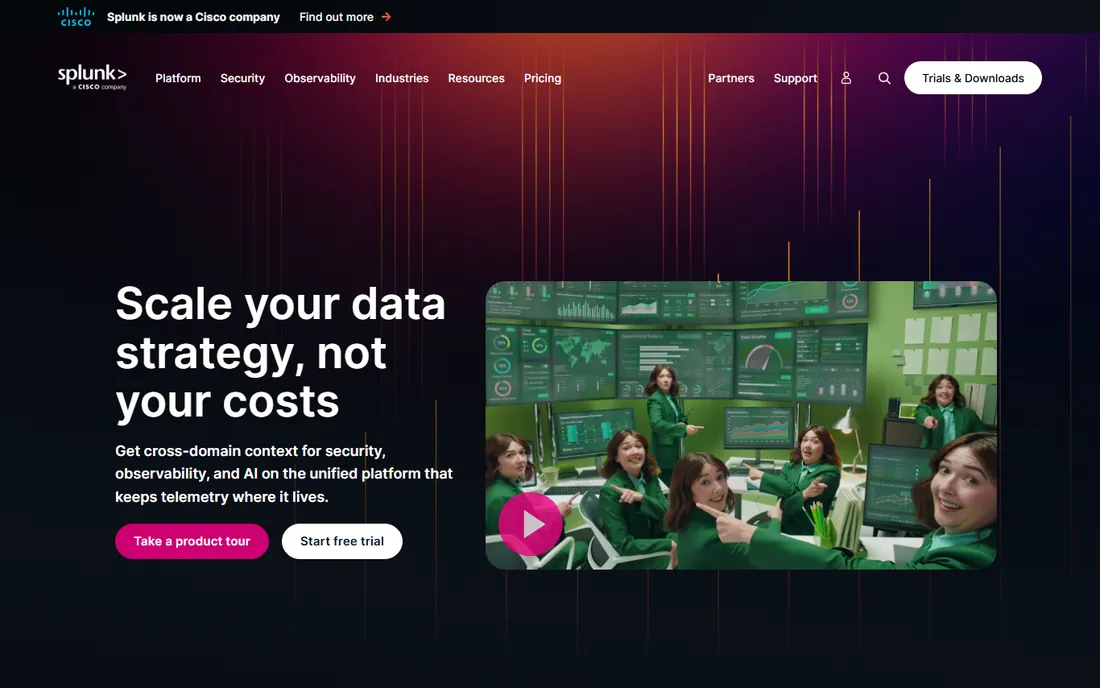
Splunk On-Call, formerly VictorOps, brings alerting close to the observability data. Alerts arrive with Splunk context attached, the incident timeline is solid, and on-call scheduling covers the essentials. For teams standardized on Splunk, the native fit reduces integration work and keeps responders in one ecosystem.
Outside the Splunk world it is less compelling than the specialists, and Cisco's ownership adds roadmap questions. But the logic of alerting near your data is sound, and Splunk shops should evaluate it before adding another vendor to the stack.
What we like- Native with Splunk observability, Good incident timeline, Solid on-call features, Part of Splunk ecosystem
Watch out for- Best inside Splunk stack, Less ecosystem than PagerDuty, Future under Cisco ownership
Starting priceSee website
Free planNo
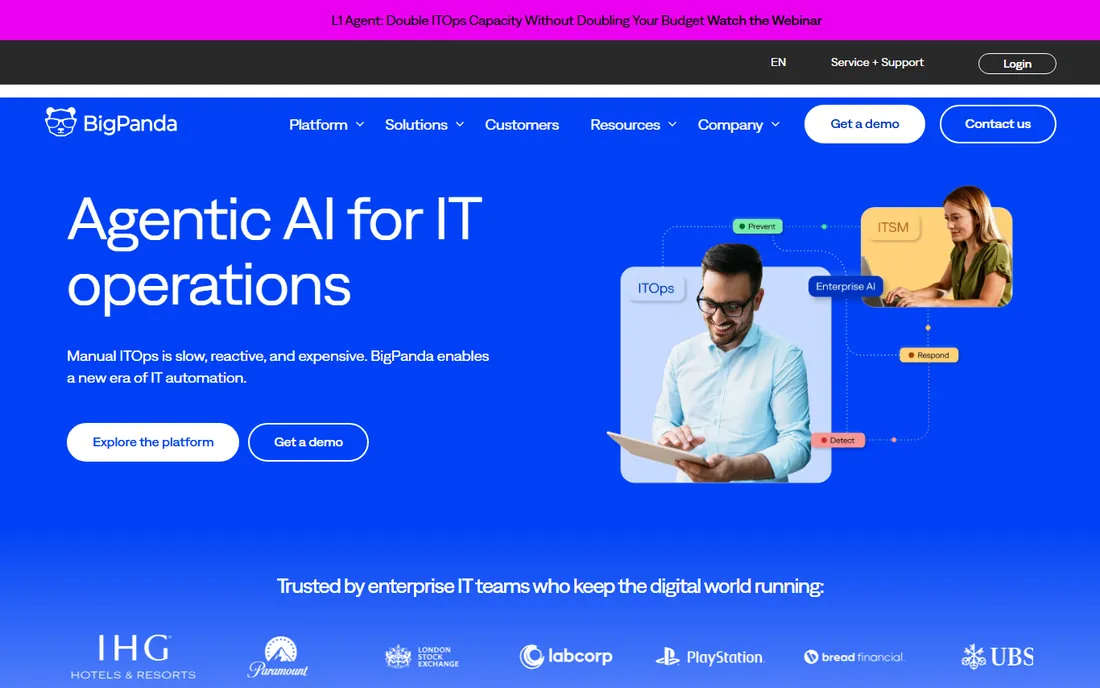
BigPanda attacks alert fatigue at its root: correlation. When a single outage fires hundreds of alerts across monitoring tools, BigPanda's AI groups them into incidents humans can actually process. For large estates with many monitoring sources, this turns noise into signal. The insights help teams find recurring patterns.
It is not a complete on-call management suite; most customers pair it with PagerDuty or similar for paging and scheduling. But as the correlation layer, it is the best in class. If your team drowns in alerts, fix the noise before changing the pager.
What we like- Excellent alert correlation, Reduces alert noise, Good for large estates, AI-assisted insights
Watch out for- Enterprise focus, Not a full on-call suite, Pricing quoted
Starting priceSee website
Free planYes
ilert is the modern challenger built for teams that find PagerDuty heavy and expensive. The interface is clean, on-call scheduling and escalation work well, and the free tier lets small teams run real on-call without paying. European data residency suits GDPR-conscious organizations.
The integration ecosystem is smaller and enterprise features thinner than the leaders. But for lean DevOps teams that need reliable alerting without enterprise overhead, ilert's value is hard to beat. It does the core job well at a fraction of the cost.
What we like- Clean modern interface, Good free tier, Solid on-call features, European data residency
Watch out for- Smaller ecosystem, Less brand recognition, Fewer enterprise features
Starting priceSee website
Free planYes
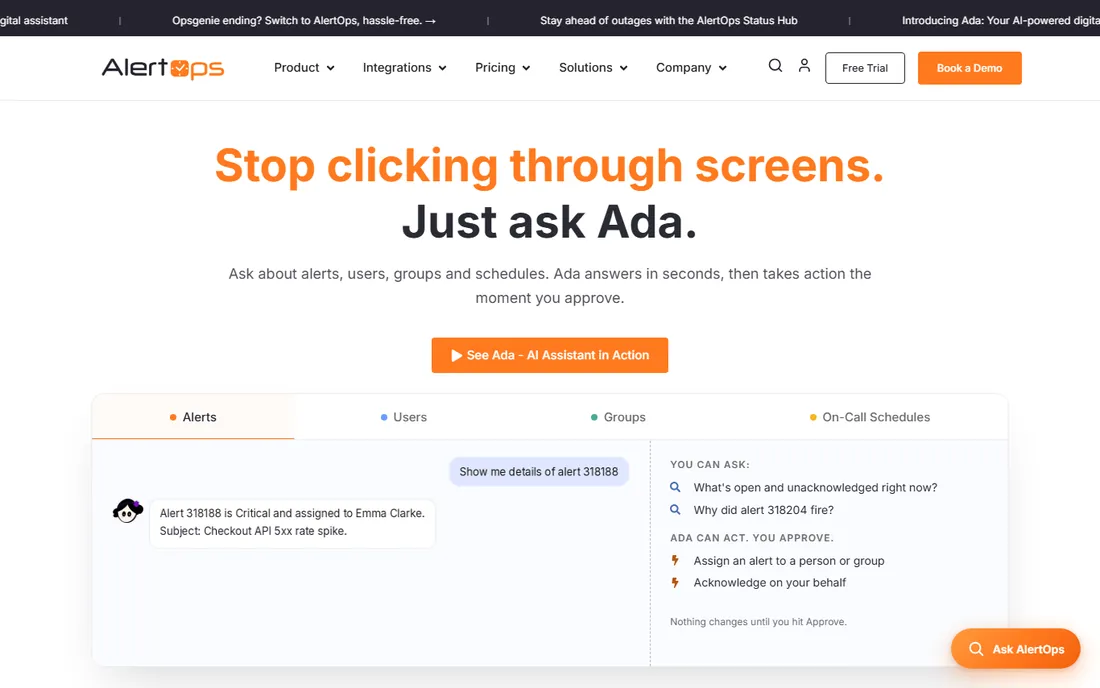
AlertOps positions directly against PagerDuty: similar alerting, scheduling, and escalation workflows at lower prices, with a free tier for small teams. The integrations cover the common monitoring tools, and the workflow will feel familiar to anyone who has used the category leader.
As a smaller vendor, the ecosystem and polish trail PagerDuty. But the strategy is sound: most teams use a fraction of PagerDuty's depth, and AlertOps covers that fraction well. For cost-conscious teams that want proven workflows without the premium, it deserves evaluation.
What we like- PagerDuty-like workflows, Affordable pricing, Good integrations, Free tier available
Watch out for- Smaller vendor, Less mature ecosystem, Interface less polished
Starting priceSee website
Free planNo
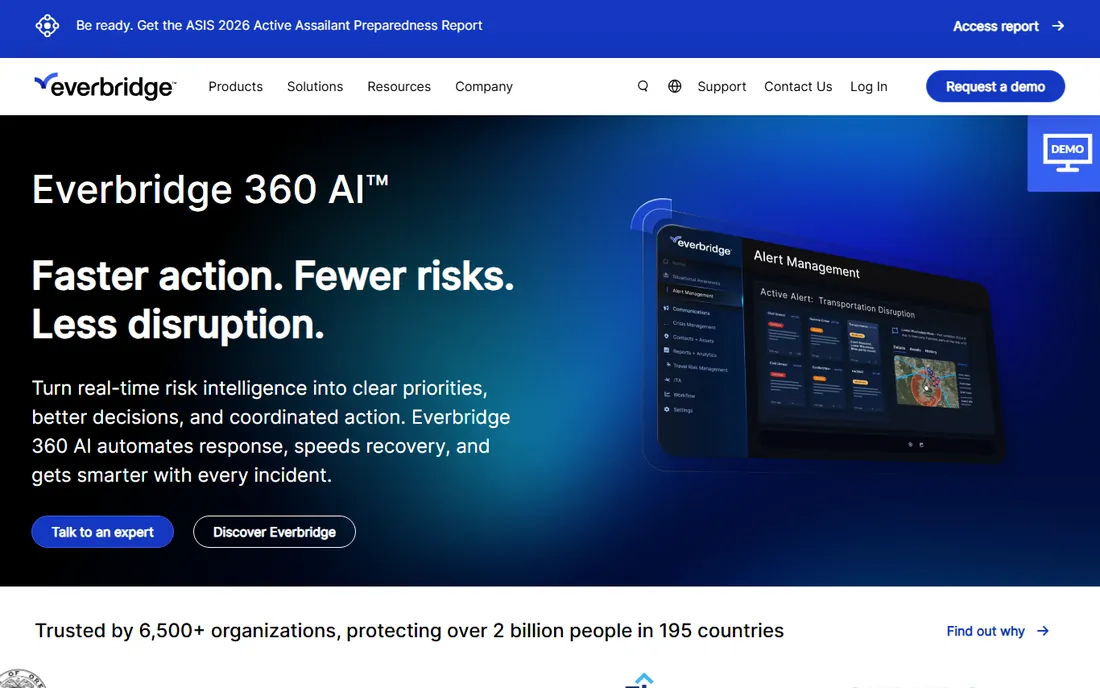
Everbridge operates at a larger scale than IT alerting: critical event management for enterprises and governments, covering everything from IT outages to natural disasters to security threats. The IT alerting module, strengthened by xMatters, handles on-call within that broader crisis framework. Global reach and enterprise trust are unmatched.
Simple DevOps on-call is not the reason to buy Everbridge; it is the reason to buy it when IT incidents are one part of organizational resilience. The pricing and complexity reflect the enterprise scope. But for companies where a major incident means coordinating far beyond engineering, Everbridge is the platform.
What we like- Beyond IT to crisis communication, Global reach, Strong enterprise trust, Comprehensive event management
Watch out for- Enterprise pricing and complexity, Overkill for simple on-call, IT alerting is one module
How we chose
We evaluated the full incident lifecycle: detection intake, alert routing, on-call scheduling, escalation, collaboration, and learning. Tools that only page without the surrounding workflow did not make the cut. We included both dedicated alerting platforms and broader incident response tools because buyers evaluate them together.
We weighted reliability and integration depth heavily, since an alerting tool that misses pages or lacks your monitoring integration fails at its only job. Pricing and free tiers mattered for the challengers, where value is the pitch.
Reducing alert fatigue before buying
Audit your alerts before shopping. Most teams discover that a large share of pages do not require human action, or fire for known issues, or duplicate other alerts. Fixing routing rules and thresholds in your current tool often delivers more relief than a new platform.
Then define what deserves a 3 AM wake-up. Write it down, get agreement, and configure accordingly. The best alerting tool cannot compensate for an organization that pages humans for disk space warnings.
Finally, invest in the response, not just the alert. Runbooks, automation, and blameless retrospectives determine whether incidents get shorter and rarer. The tools here differ most in how they support that maturity, so evaluate the workflow, not just the pager. And revisit the setup quarterly: teams change, systems change, and the alerting configuration that was perfect six months ago is probably paging the wrong people today.
A final note on pricing: always verify the latest plans on the vendor's own page, as packaging changes are common. If a free trial is offered, run it against your actual workflow for a week or two. That real-world test is the most reliable buying signal you have.
Frequently asked questions
What is the difference between alerting and incident management?
Alerting is the notification layer: getting the right human informed fast. Incident management is the response layer: coordinating the fix, communicating status, and learning afterward. Modern tools blend both, but the distinction helps you evaluate what you actually need.
How do I reduce alert fatigue?
Correlate related alerts into incidents, tune thresholds so only actionable issues page humans, route informational alerts to chat instead of phones, and review regularly. Tools like BigPanda automate correlation; discipline handles the rest.
Should on-call be compensated?
Most mature organizations compensate on-call time, whether through pay, time off, or rotation design that respects people's lives. Burnout from uncompensated on-call is a retention risk that costs more than the compensation.
What integrations matter most in alerting software?
Your monitoring and observability tools first, then your chat platform, ticketing system, and status page. The alert should arrive with context from the monitoring source and create artifacts in the other systems automatically.
Can small teams use enterprise alerting tools?
Yes, but the value equation differs. Small teams often do better with ilert or AlertOps free tiers, or PagerDuty's lower tiers, rather than enterprise platforms. Buy the workflow you will actually use, not the one that impresses in a demo.
Sources we checked (8)
- https://www.pagerduty.com/
- https://www.rootly.com/
- https://www.xmatters.com/
- https://www.splunk.com/
- https://www.bigpanda.io/
- https://www.ilert.com/
- https://www.alertops.com/
- https://www.everbridge.com/
Is your product missing or out of date?
We review this list regularly. Vendors can request a listing, send updated pricing or ask about featured placement.

Shihab Mia · Founder, Rankite
Shihab has spent more than a decade helping SaaS and e-commerce brands grow through search. He writes Rankite's software buying guides from pricing pages, documentation and public user reviews. More about Shihab.