How we make this list: we compare pricing pages, product documentation and public user reviews. Rankite is independent; if a vendor ever pays for a featured spot, that listing is clearly labeled Partner.
Key takeaways
- IT Glue and Hudu are the two purpose-built documentation platforms most MSPs and IT teams compare.
- ConnectWise Documentation (formerly ITBoost) is the natural pick for firms already on ConnectWise PSA.
- Confluence and Notion cover general team documentation with generous free tiers.
- Scribe auto-generates SOPs from screen captures, solving the "nobody writes docs" problem.
- Document360 and GitBook specialize in customer-facing knowledge bases and technical docs.
Quick comparison
| Tool | Best for | Starting price | Free plan |
|---|
 IT Glue IT Glue | MSP IT documentation | See website | Free trial |
 Hudu Hudu | all-in-one IT documentation | See website | Free trial (14 days) |
 ConnectWise Documentation ConnectWise Documentation | ConnectWise shops | See website | No |
 Scribe Scribe | auto-generated SOPs | See website | Yes |
 Document360 Document360 | knowledge bases | See website | Free trial |
 Confluence Confluence | team workspaces | See website | Yes |
 Notion Notion | flexible team wiki | See website | Yes |
 GitBook GitBook | technical documentation | See website | Yes |
 NinjaOne NinjaOne | RMM with documentation | See website | Free trial |
Is your product missing or out of date?
We review this list regularly. Vendors can request a listing, send updated pricing or ask about featured placement.
The best IT documentation software
Starting priceSee website
Free planFree trial
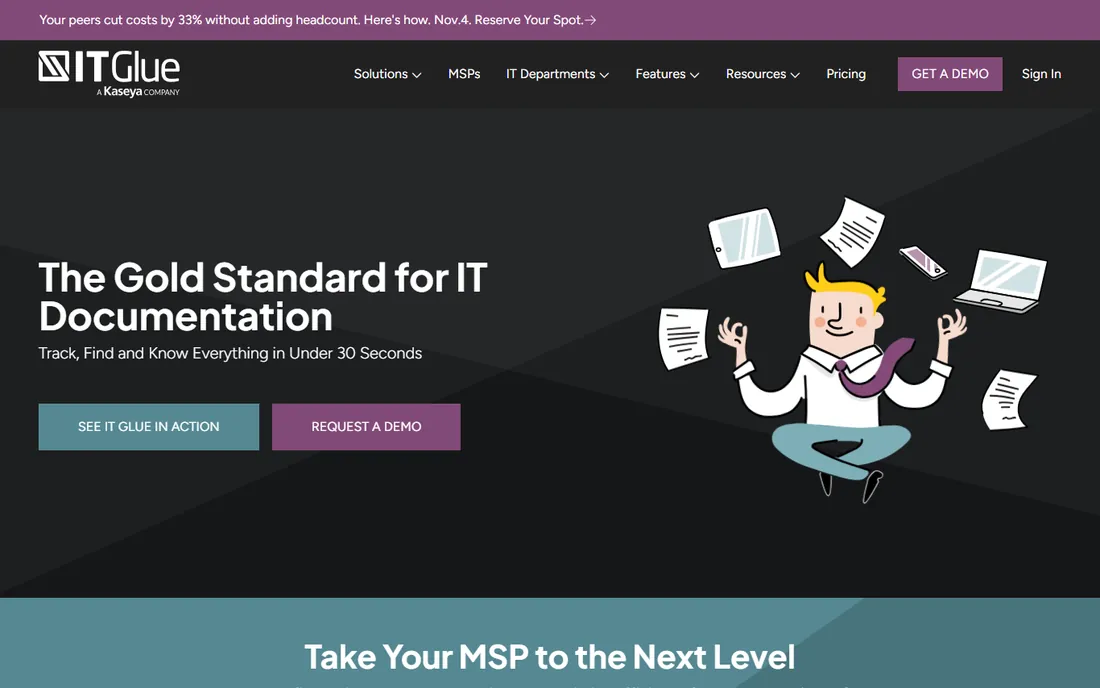
IT Glue is the reference standard for MSP documentation: structured runbooks, credentials, assets, and configurations linked together so technicians can find anything in seconds. The SOC 2-compliant platform includes AI-powered SOP generation that captures clicks and keystrokes as you work, turning daily tasks into documentation automatically. Integrations with the major PSAs and RMMs keep data current.
The honest catch: IT Glue is a Kaseya company now, and MSPs who dislike the Kaseya ecosystem factor that in. It is also designed for multi-client MSP operations; an internal IT team documenting one company may find simpler tools sufficient. For MSPs, though, it remains the default answer.
What we like- Built specifically for MSP workflows
- Strong password management and asset linking
- Deep PSA integrations
Watch out for- Pricing is quote-based
- Kaseya acquisition raised lock-in concerns for some MSPs
- Overkill for internal-only teams
Starting priceSee website
Free planFree trial (14 days)
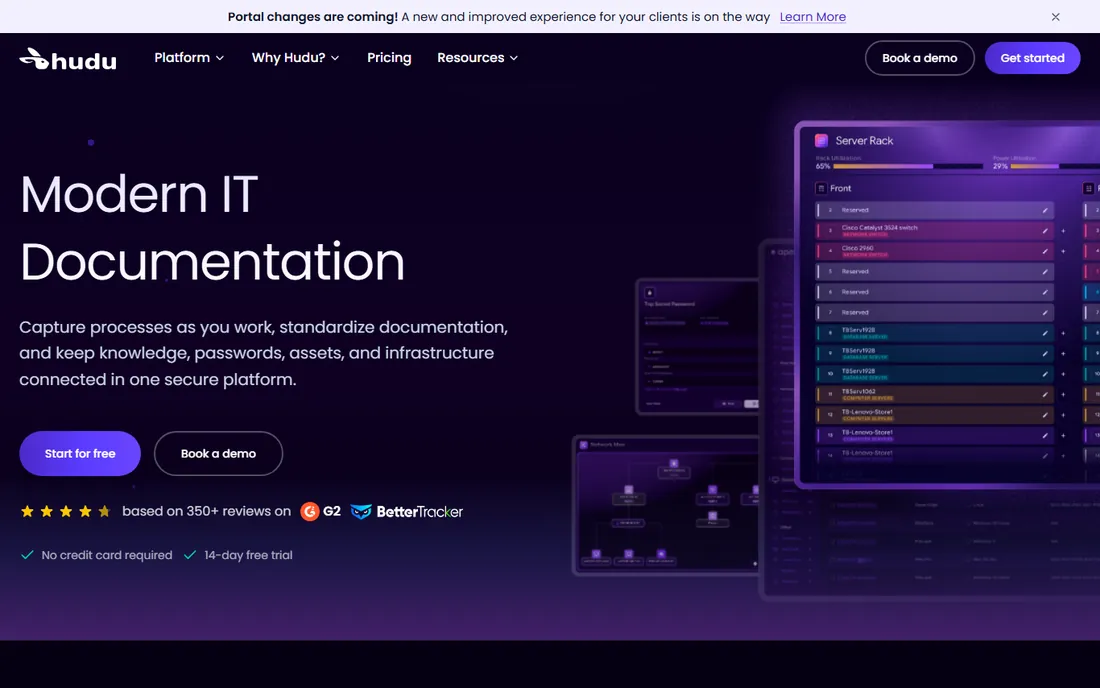
Hudu pitches itself as the modern alternative to IT Glue, and the pitch lands: structured docs, asset tracking, password management, knowledge base articles, checklists for SOPs, and network IPAM all in one secure platform. It is trusted by 6,000+ IT teams, offers a 14-day trial without a credit card, and ships a client portal so customers can see their own documentation.
The honest note: Hudu wins on usability and transparency, and many IT Glue refugees have landed here. The integration catalog is not as deep as IT Glue's, and the AI features are newer. If you value independence from Kaseya and a product that iterates quickly, start the trial here.
What we like- 14-day free trial with no credit card
- Docs, passwords, assets, and IPAM in one
- Client portal for sharing
Watch out for- Younger ecosystem than IT Glue
- Fewer third-party integrations
- MSP-focused feature set
Starting priceSee website
Free planNo
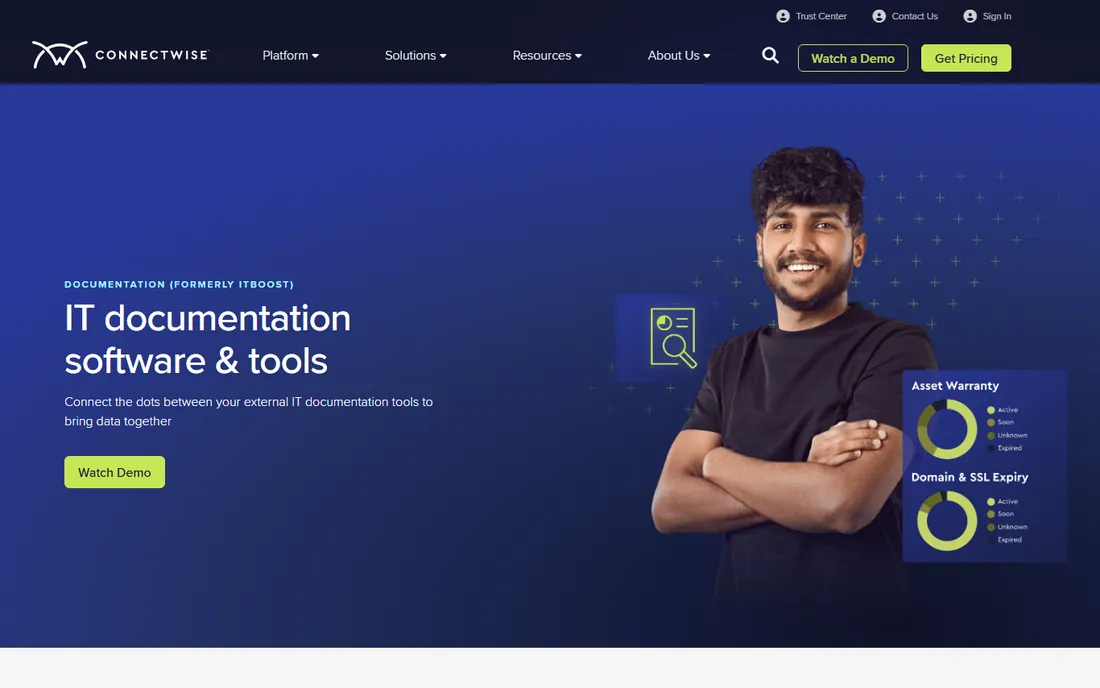
ConnectWise Documentation, formerly ITBoost, consolidates documentation for firms already running ConnectWise: customer knowledge bases, devices, SOPs, and a password vault, all wired into ConnectWise PSA, Automate, and dashboards. For PSA partners, onboarding takes one click and data syncs automatically.
The honest framing: this is the ecosystem pick. If your firm lives in ConnectWise, nothing else integrates this deeply. If you do not, the value proposition shrinks and you are buying into a platform you did not choose. Evaluate it as part of your ConnectWise stack, not as a standalone.
What we like- One-click onboarding from ConnectWise PSA
- Deep integrations with Automate and BrightGauge
- SOP and password vault built in
Watch out for- Best only inside the ConnectWise ecosystem
- Pricing through ConnectWise sales
- Weaker outside ConnectWise PSA
Starting priceSee website
Free planYes
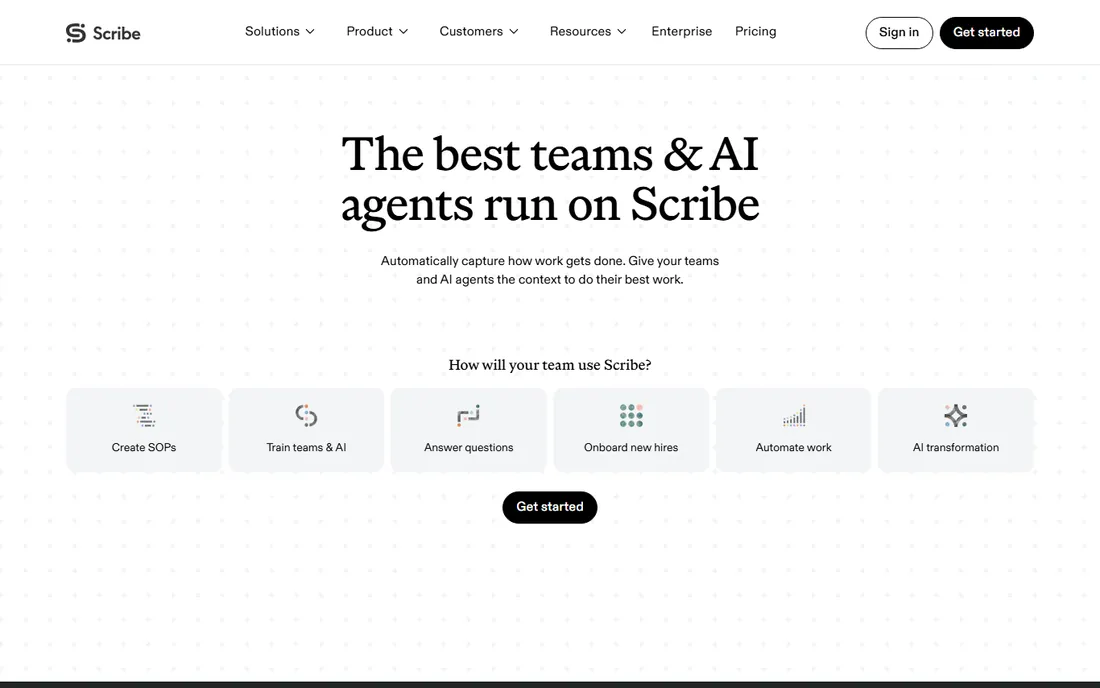
Scribe solves the core documentation problem: nobody writes documentation. Its browser extension and desktop app record what you do and generate step-by-step guides with screenshots automatically, redacting sensitive data. The newer platform adds workflow analytics and AI agents trained on how your team works.
The honest trade: Scribe is brilliant at process documentation and terrible at being a system of record. It will not store your passwords, track your assets, or map your network. Pair it with IT Glue or Hudu for the structured stuff, and let Scribe handle the how-to guides nobody would otherwise write.
What we like- Captures workflows automatically as you work
- Redacts sensitive data
- Used by teams at 94% of the Fortune 500
Watch out for- Generates guides, not structured IT asset records
- AI features gated to higher tiers
- Not a password manager
Starting priceSee website
Free planFree trial
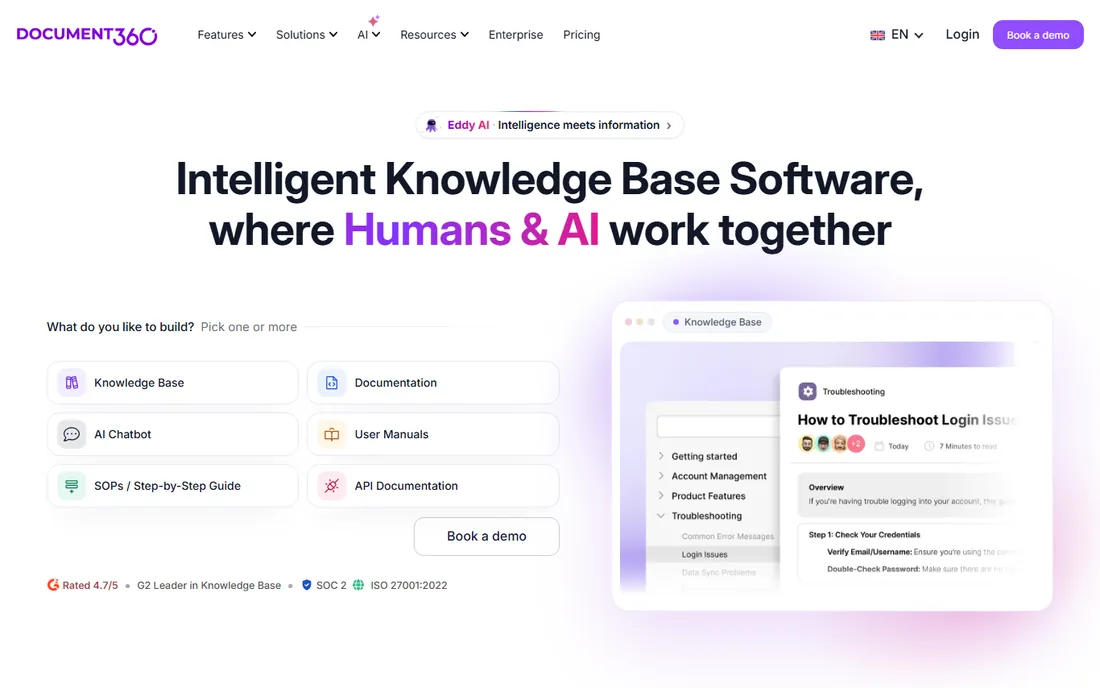
Document360 is an AI-powered knowledge base platform for internal and customer-facing documentation, with 100+ features for authoring, search, security, and self-service. It rates 4.7 out of 5 on G2 with 1,400+ verified reviews, integrates with Slack, Zendesk, Salesforce, and GitHub, and includes analytics that show which articles actually get read.
The honest note: Document360 is the pick when your documentation audience includes end users or customers, not just technicians. For internal IT operations with credentials and asset tracking, it needs to be paired with an IT documentation platform. For support and customer education teams, it is among the best.
What we like- Purpose-built knowledge base with AI search
- 60+ integrations
- Strong analytics on article performance
Watch out for- Focused on knowledge bases, not IT asset documentation
- Pricing tiers climb with features
- No password management
Starting priceSee website
Free planYes
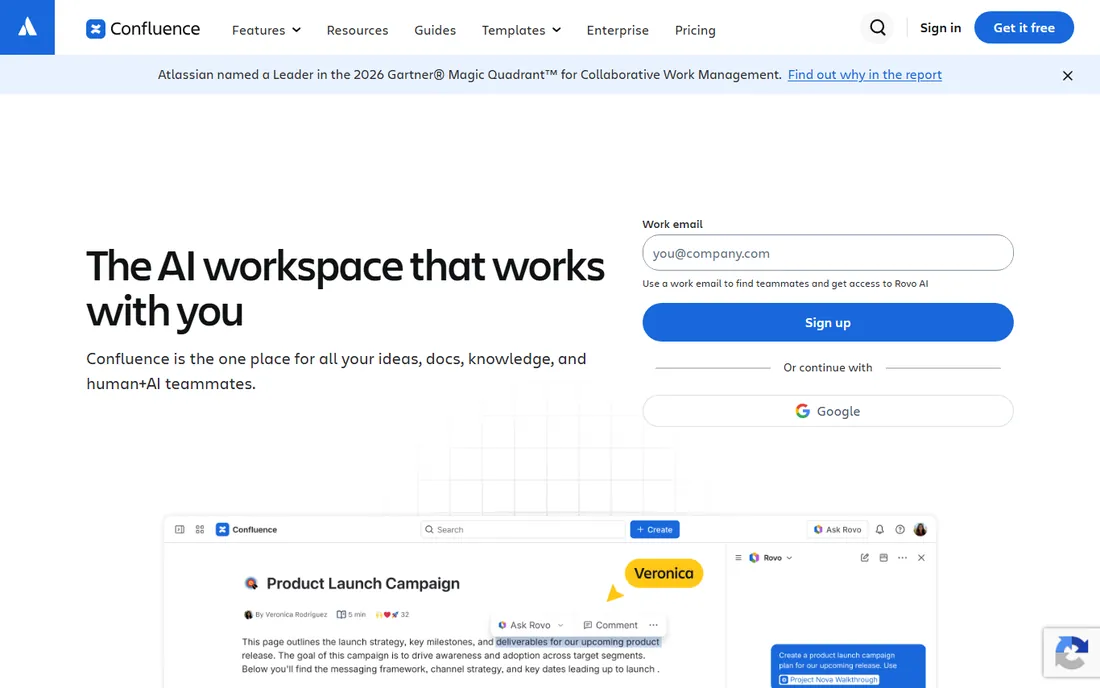
Confluence is Atlassian's team workspace for docs, knowledge, and collaboration, now with Rovo AI for drafting, summarizing, and finding answers. Pages, whiteboards, databases, and videos cover every documentation format, and the Jira integration ties docs to tickets naturally. The free tier makes it easy to start.
The honest framing: Confluence is a great general wiki and a mediocre IT documentation system. There is no native password vault, asset tracking, or network documentation; those come from marketplace apps. IT teams that already live in Atlassian often make it work. Teams that need IT-specific structure should look at IT Glue or Hudu first.
What we like- Generous free tier for small teams
- Deep Jira integration
- Rovo AI for search and summaries
Watch out for- Not purpose-built for IT operations
- Password and asset management need add-ons
- Can sprawl without governance
Starting priceSee website
Free planYes
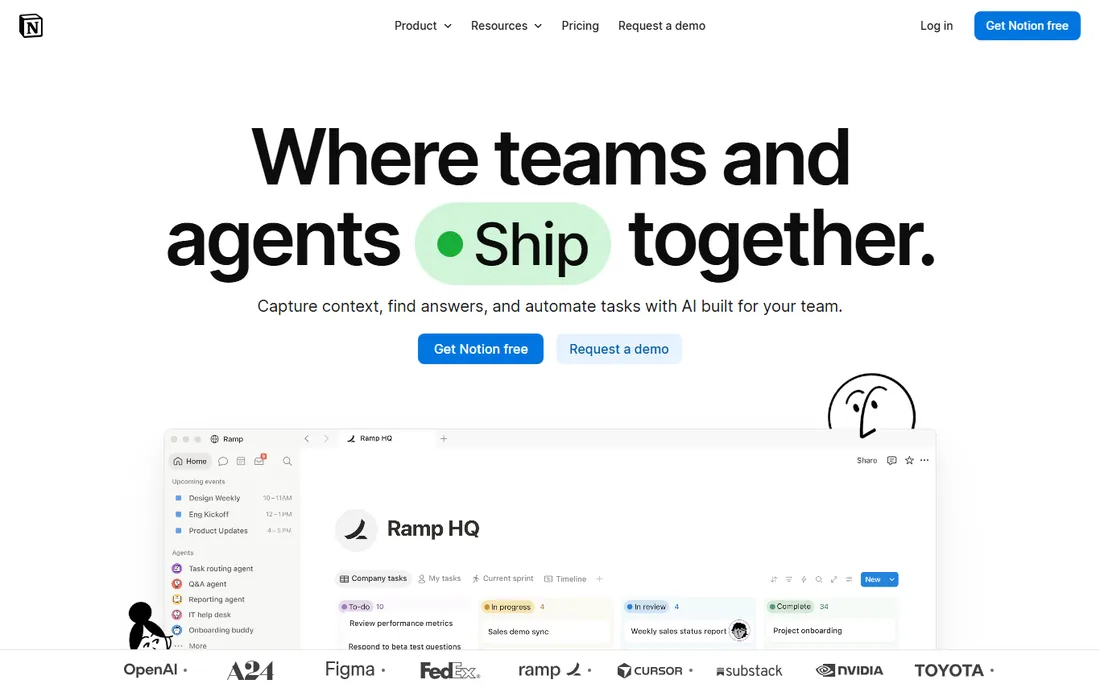
Notion's free plan and flexible databases make it the default wiki for small IT teams that cannot justify a dedicated platform. You can build runbooks, asset inventories, and onboarding checklists with linked databases, and the AI features help draft and summarize. With 100 million users, new hires already know it.
The honest catch: Notion is a general workspace, so credential storage and structured IT documentation are DIY projects, and security-minded teams should think carefully before putting passwords in it. It is excellent for processes and knowledge; it is not a substitute for a real IT documentation platform with access-controlled credential storage.
What we like- Free plan is genuinely useful
- Databases make structured docs possible
- 100 million users means easy hiring familiarity
Watch out for- Not built for IT operations
- No password vault or asset model
- Offline access is limited
Starting priceSee website
Free planYes
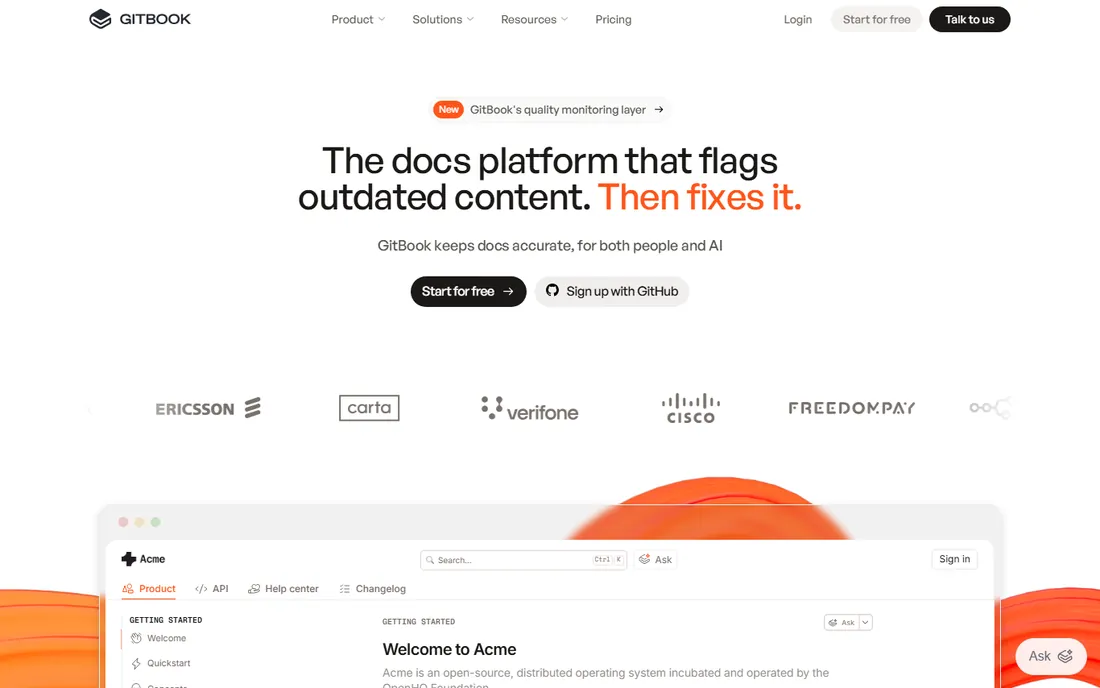
GitBook is the knowledge layer for technical teams: sync your repo, branch and merge documentation like a PR, and let the GitBook Agent flag content that drifted from the product. It tracks where readers get stuck and ships AI-assisted support over your docs. SOC 2, ISO 27001, and GDPR compliance cover the enterprise checklist.
The honest note: GitBook is for documenting products and APIs, not for running IT operations. Dev and platform teams that treat infrastructure docs like code will love it. For MSP credential and asset management, it is the wrong tool. Use it where your docs live next to your code.
What we like- Git sync for docs-as-code workflows
- AI flags outdated content
- Clean public documentation sites
Watch out for- Built for product docs, not IT operations
- No asset or password management
- Per-seat pricing adds up
Starting priceSee website
Free planFree trial
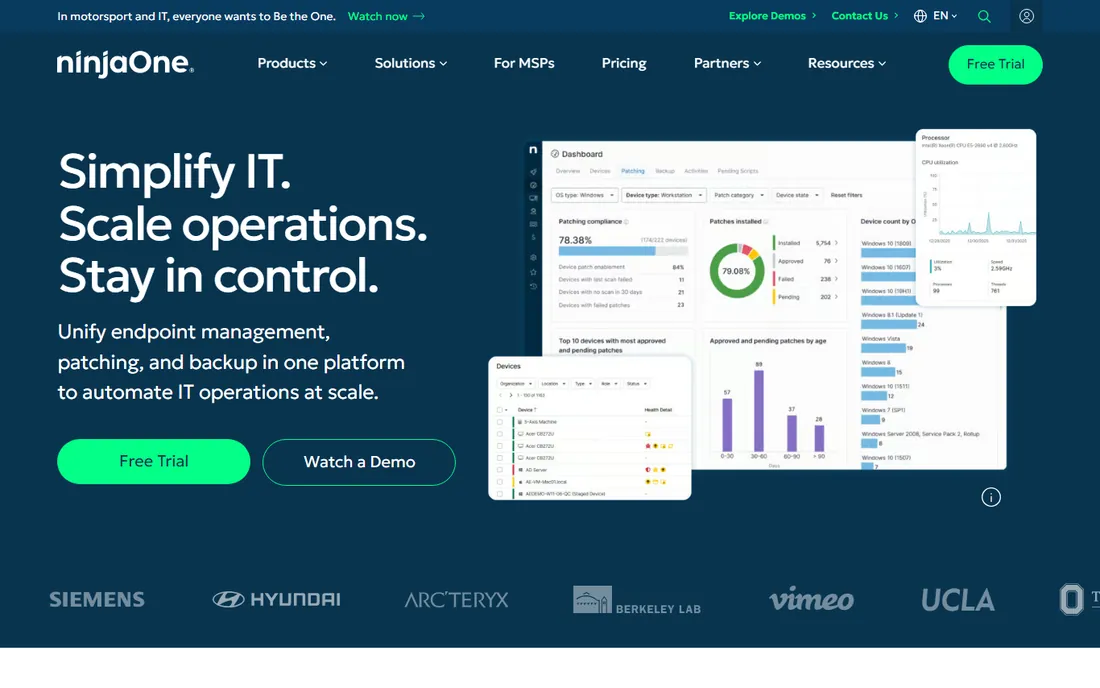
NinjaOne is a unified IT operations platform for endpoint management, patching, backup, and remote access, with service desk and documentation features built in. The value is consolidation: your device data, tickets, and knowledge live in one console, and documentation attaches to the endpoints it describes.
The honest framing: if you already run NinjaOne for RMM, its documentation features may be enough, and consolidation beats best-of-breed. If documentation is the job you are hiring for, IT Glue or Hudu do it far better. Buy NinjaOne for endpoint management; treat the docs as a bonus.
What we like- Documentation lives next to endpoint management
- Strong automation platform
- Highly rated usability
Watch out for- Documentation is a feature, not the product
- No match for dedicated doc platforms
- Quote-based pricing
How we chose
We verified each tool's current homepage by opening the live site and using the final resolved URL. ITBoost now redirects to ConnectWise's Documentation page, so we list it under its current name. We reviewed vendor feature pages, pricing pages, and public documentation. We did not test any tool hands-on.
What good IT documentation actually contains
The four pillars
Complete IT documentation covers four things: credentials (who can access what, stored securely with access controls), assets (every device, license, and vendor with its details), configurations (how systems are set up, so they can be rebuilt), and processes (how work gets done, so anyone can do it). Tools like IT Glue and Hudu model all four. General wikis handle the last one well and the first three poorly.
Documentation that writes itself
The biggest failure mode is documentation that depends on technicians writing it after hours. They will not. Prioritize tools that capture as you work: Scribe's auto-generated guides, IT Glue's AI SOP capture, and PSA integrations that sync asset data automatically. A documentation system that requires heroics will be empty in six months.
Security is not optional
Your documentation system holds the keys to the kingdom: every password, every network diagram, every vendor contract. SOC 2 compliance, granular access controls, audit logs, and client-level separation for MSPs are baseline requirements, not nice-to-haves. Never store credentials in a general wiki without proper access controls.
The MSP vs. internal IT split
MSPs and internal IT teams buy documentation software for different reasons. MSPs need multi-tenant structure: client separation, per-client portals, and integrations with PSA and RMM tools that drive billing. IT Glue, Hudu, and ConnectWise Documentation are built for this.
Internal IT teams need one good system of record for their own environment, plus onboarding docs that survive turnover. Confluence, Notion, or Hudu all work, and the deciding factor is usually what the team already uses. Either way, the goal is the same: when someone leaves, the knowledge stays.
Frequently asked questions
What is the best IT documentation software for MSPs?
IT Glue is the industry standard, with Hudu as the leading independent alternative. ConnectWise Documentation is the natural choice for firms already on ConnectWise PSA. All three handle multi-client structure, passwords, assets, and SOPs.
Can I use Confluence or Notion for IT documentation?
Yes, for processes and general knowledge, especially with their free tiers. But they lack native password vaults, asset tracking, and IT-specific integrations. Many teams use a wiki for runbooks alongside a dedicated platform for credentials and assets.
What is the difference between IT Glue and Hudu?
Both are purpose-built IT documentation platforms with docs, passwords, assets, and integrations. IT Glue is the larger incumbent, now owned by Kaseya, with the deepest integration catalog. Hudu is the independent challenger known for usability, transparent trials, and fast iteration.
How does Scribe fit into IT documentation?
Scribe auto-generates step-by-step guides from screen recordings, which solves the problem of nobody writing SOPs. It does not store passwords, track assets, or manage configurations. Most IT teams pair it with a structured documentation platform.
Should documentation be separate from our RMM?
It depends. If your RMM's documentation features cover your needs, consolidation saves money and context-switching. But dedicated documentation platforms offer deeper structure, better search, and client portals that RMM add-ons rarely match. Evaluate on a trial with your actual workflows.
How much does IT documentation software cost?
Most purpose-built platforms use quote-based or per-technician pricing that is not public. General tools are more transparent: Confluence, Notion, and GitBook all offer free tiers, and Scribe has a free plan. Budget for the platform plus any hosting or add-ons your setup requires.
Sources we checked (9)
- https://www.itglue.com/
- https://hudu.com/
- https://itboost.com/
- https://scribehow.com/
- https://document360.com/
- https://www.atlassian.com/software/confluence
- https://notion.so/
- https://gitbook.com/
- https://www.ninjaone.com/
Is your product missing or out of date?
We review this list regularly. Vendors can request a listing, send updated pricing or ask about featured placement.

Shihab Mia · Founder, Rankite
Shihab has spent more than a decade helping SaaS and e-commerce brands grow through search. He writes Rankite's software buying guides from pricing pages, documentation and public user reviews. More about Shihab.