How we make this list: we compare pricing pages, product documentation and public user reviews. Ratings come from G2, Capterra or Trustpilot, with the date we checked them.
Key takeaways
- Fidelity is the best overall beginner app, with $0 commissions, $0 account minimums, and strong education and retirement tools.
- Robinhood suits beginners who want a simple mobile app and $1 fractional shares, while Webull suits those who want more charts and practice trading.
- Acorns and Betterment suit hands-off beginners, with Acorns using round-ups and Betterment managing a diversified portfolio for 0.25% per year.
- SoFi Invest suits beginners who want banking and investing in one app, with $0 commissions on self-directed trades.
- This is not financial advice. Investing involves risk, including possible loss of principal, and past returns do not guarantee future results.
Quick comparison
| Tool | Best for | Starting price | Free plan |
|---|
 Fidelity Fidelity | Best overall beginner app | $0 commission | Yes |
 Robinhood Robinhood | Simple mobile investing | $0 commission | Yes |
 Charles Schwab Charles Schwab | Long-term, research-led investing | $0 commission | Yes |
 Webull Webull | Charts and practice trading | $0 commission | Yes |
 Acorns Acorns | Spare-change investing | See website | Yes |
 SoFi Invest SoFi Invest | All-in-one banking and investing | $0 commission | Yes |
 Betterment Betterment | Automated goal-based portfolios | 0.25% per year | Free trial |
 Public Public | Social, transparent investing | $0 commission | Yes |
 Wealthfront Wealthfront | Automated investing and planning | 0.25% per year | Free trial |
 Stash Stash | Guided stock picking for beginners | See website | Yes |
Is your product missing or out of date?
We review this list regularly. Vendors can request a listing, send updated pricing or ask about featured placement.
The best investment apps for beginners
Starting price$0 commission
Free planYes
Fidelity is the safest default for a beginner who wants one account that can grow with them. You can open an account with no minimum, trade US stocks and ETFs with $0 commission, buy fractional shares from $1, and open a Roth IRA or traditional IRA in the same app. Zero-expense-ratio index funds are also available, which keeps long-term costs low for index investors.
Education is where Fidelity pulls ahead of simpler rivals. The app and site offer courses, articles, calculators, and retirement planning tools that explain diversification, asset allocation, and risk in plain terms. The trade-off is density: the full Fidelity experience has many menus, account types, and research screens, which can feel busy on day one. Start with a brokerage or IRA account, a broad index fund or ETF, and automatic recurring investments, and explore advanced tools only as needed.
What we like- $0 commissions on US stocks and ETFs
- $0 account minimums
- Strong education, retirement accounts, and research tools
Watch out for- App and website carry many menus for a first-time user
- Some advanced tools take time to learn
Starting price$0 commission
Free planYes
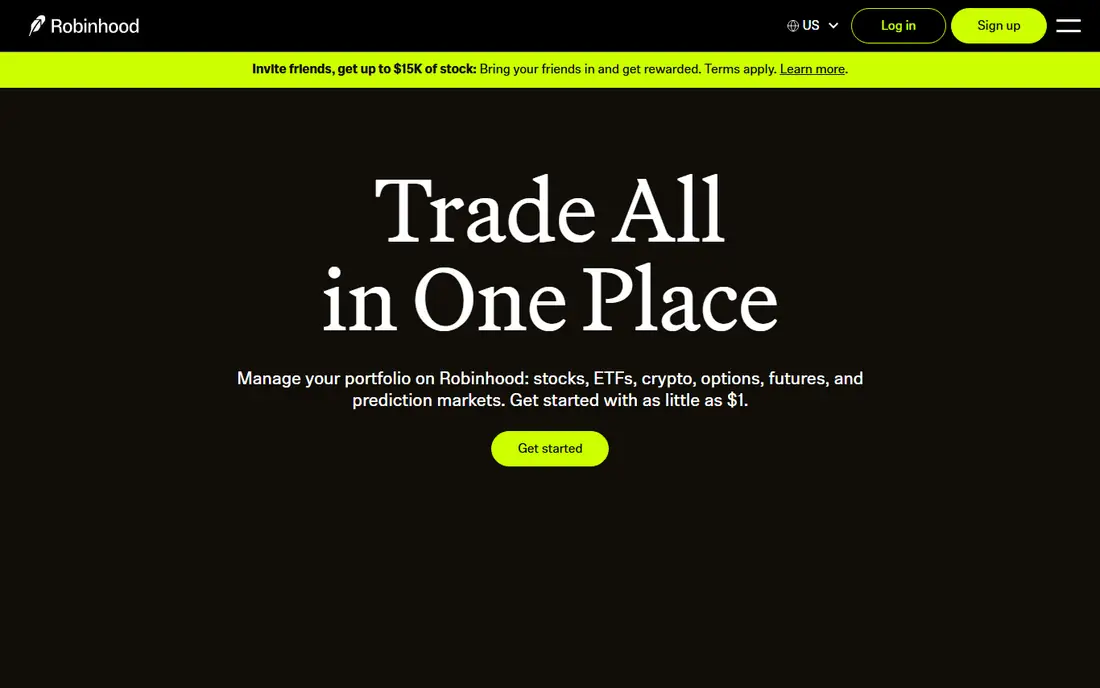
Robinhood strips investing down to a few taps. Open an account, search for a stock or ETF, buy a fractional share from $1, and set a recurring investment if you want to invest on a schedule. That simplicity makes Robinhood a good first app for beginners who learn by doing, rather than by reading long guides before their first trade.
The limits are education and depth. Research tools, retirement planning, and mutual fund access are thinner than at Fidelity or Schwab, and the optional Robinhood Gold subscription, at $5 per month, adds features such as larger instant deposits and professional research that many beginners do not need at first. Robinhood suits a beginner who wants a clean mobile start and will use outside learning resources, or who will pair it with a fuller broker later.
What we like- Very simple mobile interface
- $0 commissions and $1 fractional shares
- Recurring investments and IRA options
Watch out for- Education and research tools are thinner than Fidelity or Schwab
- Optional Gold subscription costs $5 per month
Starting price$0 commission
Free planYes
Schwab is a strong alternative to Fidelity for beginners who value research and support. Accounts carry no minimum, US stock and ETF trades carry $0 commission, and fractional shares are available through Schwab Stock Slices for eligible stocks. The research library, market commentary, and education center are deep, and phone and branch support give beginners a human backup when a question is complex.
The app feels more traditional than Robinhood, with a layout that favors account management and research over a single-tap trade. That is a fair trade for many long-term investors, because the account you open at Schwab can handle IRAs, 529 plans, and managed portfolios as your needs grow. Schwab suits beginners who want a full-service broker from the start and do not mind a slightly more formal interface.
What we like- $0 commissions on US stocks and ETFs
- $0 account minimums
- Strong research, education, and customer support
Watch out for- App feels more traditional than Robinhood
- Some features are easier on the website than in the app
Starting price$0 commission
Free planYes
Webull bridges the gap between a simple beginner app and a trader platform. It offers $0 commissions, fractional shares, and a paper trading mode where you can practice with virtual money before risking real funds. Charts, indicators, and market data are more detailed than in Robinhood, which helps beginners who want to learn how markets move.
That depth carries a risk. A chart-heavy app can tempt a beginner to trade frequently, chase short-term moves, and pay more attention to price patterns than to long-term goals. Use paper trading to learn order types and risk controls, then start real investing with broad ETFs and a regular schedule. Webull suits beginners who are curious about charts and want practice tools, provided they keep real-money trades simple at first.
What we like- $0 commissions on US stocks and ETFs
- Paper trading for practice without real money
- Detailed charts and technical tools
Watch out for- Education for absolute beginners is thinner than Fidelity
- Advanced interface can encourage overtrading
Starting priceSee website
Free planYes
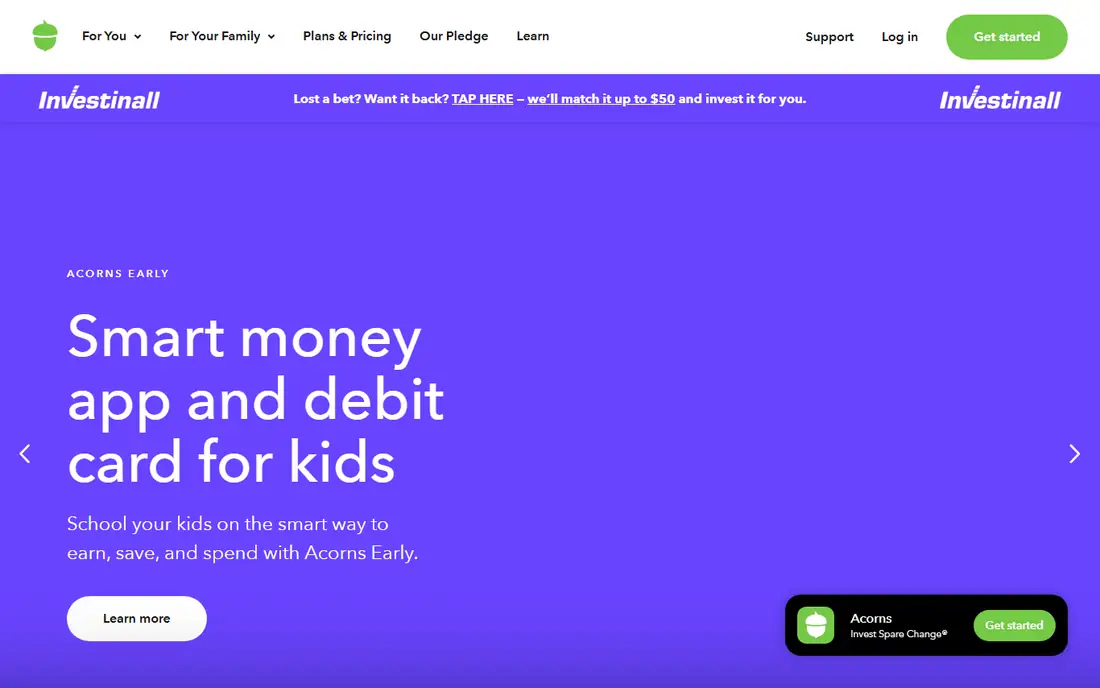
Acorns is built for people who struggle to start. Link a card, and Acorns rounds up each purchase to the next dollar and invests the difference into a managed portfolio of ETFs matched to your risk level. You can also set recurring daily, weekly, or monthly investments, which turns investing into a habit rather than a decision you must remake each month.
The cost needs attention. Acorns charges a monthly subscription, with pricing shown on the vendor site, and that fee can eat into returns when a balance is very small. Acorns also offers limited individual stock picking, so it suits hands-off beginners rather than stock pickers. If round-ups help you save consistently, and your balance grows past a few hundred dollars, the fee becomes easier to justify. If you already invest regularly, a $0-commission broker may cost less.
What we like- Round-Ups invest spare change automatically
- Managed ETF portfolios based on risk level
- IRA and checking options in higher tiers
Watch out for- Monthly subscription can outweigh returns on very small balances
- Less control over individual stock picks
#6
SoFi Invest
Best for: All-in-one banking and investing
Visit sofi.com
Starting price$0 commission
Free planYes
SoFi Invest appeals to beginners who want fewer apps, not more. You can hold checking and savings, invest in stocks and ETFs with $0 commission, and use automated investing for a managed portfolio, all under one login. Fractional shares from $5 on self-directed trades, recurring investments, and access to financial planners on some plans add to the all-in-one appeal.
The trade-off is depth. Research, screening, and retirement planning tools are less detailed than at Fidelity or Schwab, and the automated investing option has its own minimums and eligibility rules, which you should check on the vendor site. SoFi suits beginners who value convenience, who already bank with SoFi or plan to, and who want a simple path from saving to investing without opening several accounts.
What we like- $0 commissions on self-directed stocks and ETFs
- Banking, loans, and investing in one app
- Automated investing option with no management fee on eligible accounts
Watch out for- Research tools are thinner than Fidelity or Schwab
- Automated investing minimums and features vary by account type
Starting price0.25% per year
Free planFree trial
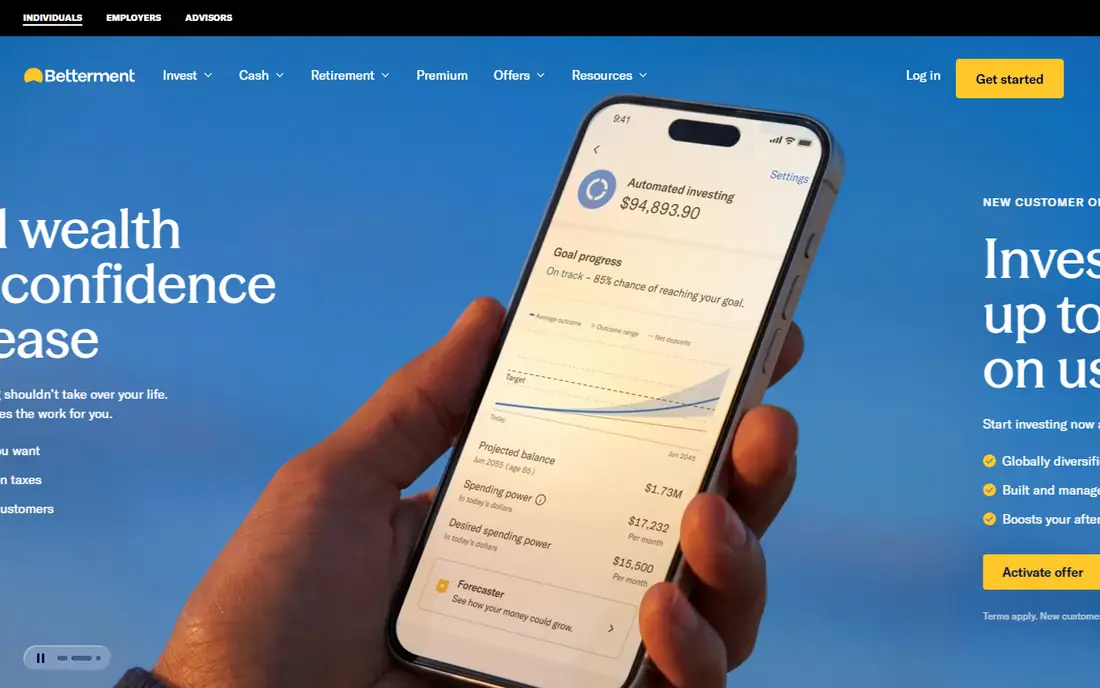
Betterment is a robo-advisor, which means it builds and manages a portfolio for you. Answer questions about goals, time horizon, and risk tolerance, and Betterment selects a diversified ETF portfolio, rebalances it automatically, and applies tax-loss harvesting where eligible. Goal tracking shows how each account is progressing toward retirement, a major purchase, or general wealth building.
The fee is 0.25% per year on the standard digital plan, with a premium plan available at a higher cost for access to human advisers. That fee is reasonable for hands-off management, but it is a real cost that a $0-commission broker does not charge. Betterment suits beginners who want to set a goal, automate contributions, and avoid choosing funds themselves, especially for retirement accounts where steady, diversified investing matters most.
What we like- Managed portfolios built around goals such as retirement or a home deposit
- Automatic rebalancing and tax-loss harvesting on eligible accounts
- Clear goal tracking and projections
Watch out for- 0.25% annual fee applies even on small balances
- Less freedom to pick individual stocks
Starting price$0 commission
Free planYes
Public combines a simple broker with a social feed. You can trade stocks and ETFs with $0 commission, buy fractional shares from $1, and see what other verified investors are buying and discussing. Public states that it does not accept payment for order flow on stock trades in the same way some rivals do, which appeals to beginners who care about transparency.
The social layer is both a plus and a risk. Learning from other investors can help, but copying a trade without understanding the company or fund behind it can lead to poor decisions. Use the feed for ideas, then check the investment yourself before buying. Public suits beginners who learn best in a community, want a clean mobile app, and will keep their core portfolio in broad ETFs rather than following every trending stock.
What we like- $0 commissions on US stocks and ETFs
- Fractional shares from $1
- Social feed shows what other investors are buying, with transparent order routing
Watch out for- Research and retirement tools are thinner than full-service brokers
- Social feed can encourage copying trades without research
Starting price0.25% per year
Free planFree trial
Wealthfront is another robo-advisor, with a focus on automation and financial planning. Its investing accounts use diversified ETF portfolios, automatic rebalancing, and tax-loss harvesting where eligible, while its planning tools project retirement, home buying, and other goals based on your accounts and contributions. A cash account with automated savings features rounds out the app for beginners who want saving and investing linked.
The minimum for automated investing is higher than at Betterment or Acorns, often $500, so check current requirements on the vendor site before opening an account. Wealthfront suits beginners with at least a few hundred dollars to start, who want a managed portfolio and planning tools, and who do not need to pick individual stocks. Beginners with only $5 or $10 may find Acorns or a $0-commission broker easier to start with.
What we like- Automated ETF portfolios with rebalancing
- Tax-loss harvesting and planning tools
- Cash account and automated savings features
Watch out for- $500 minimum for automated investing accounts in many cases
- Less individual stock control than a self-directed broker
Starting priceSee website
Free planYes
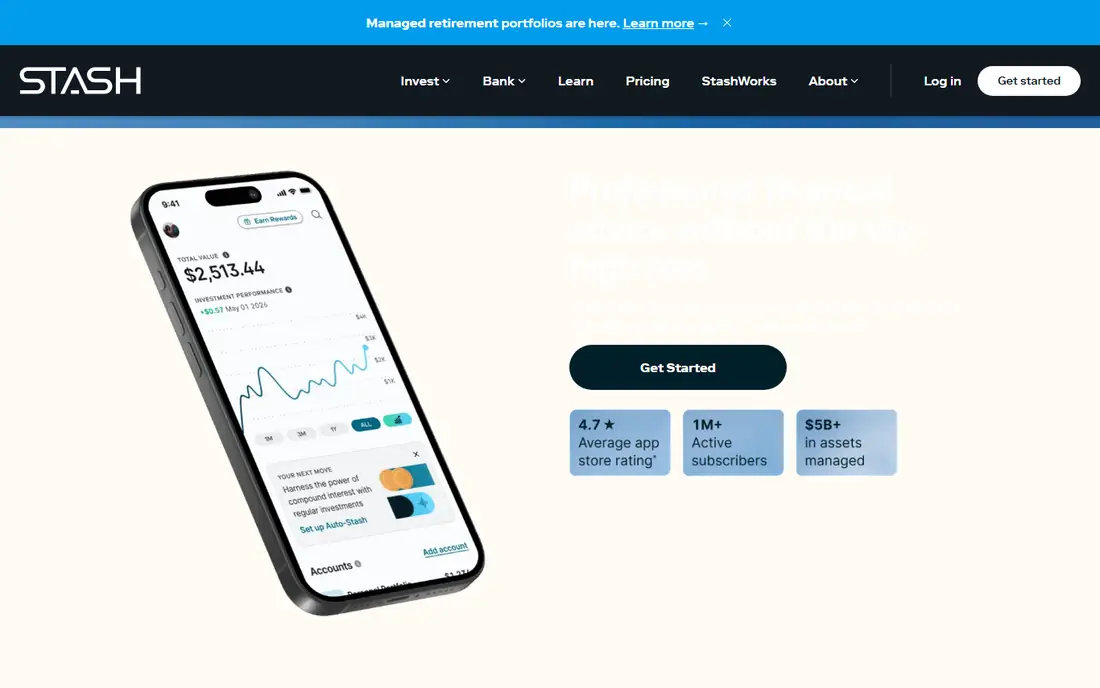
Stash guides beginners toward their first investments by organizing stocks and ETFs into themes, such as clean energy, technology, or companies that share a value. That thematic approach helps a beginner who finds a blank search box intimidating, because it offers a starting list with explanations for each pick. Fractional shares let you start with small amounts, and built-in lessons explain basic concepts as you invest.
Stash charges a monthly subscription, so check the vendor pricing page and compare it with a $0-commission broker before committing. On a very small balance, the subscription can cost more than the value of guidance received. Stash suits beginners who want guided picks and education in one app, and who will invest regularly enough for the subscription to make sense.
What we like- Guided stock and ETF picks organized by theme
- Fractional shares from small amounts
- Education built into the app
Watch out for- Monthly subscription, with pricing shown on the vendor site
- Subscription can outweigh benefits on very small balances
How we chose
We compared apps on $0 commissions or clear management fees, account minimums, fractional share access, IRA availability, education, and automation. We checked vendor pricing pages, help documentation, and public reviews on sites such as G2, Capterra, and Reddit, and we favored apps that exist today, accept US beginners, and publish a fee schedule. We did not claim hands-on testing, and we noted where a monthly fee or minimum could change the value for a small balance.
Buying guide: how to pick your first investment app
Start with a simple decision: do you want to pick investments yourself, or do you want a portfolio managed for you? If you want to pick, choose Fidelity, Schwab, Robinhood, Webull, or Public, and start with broad index ETFs rather than single stocks. If you want management, choose Betterment or Wealthfront for goal-based portfolios, or Acorns if round-ups will help you save consistently. SoFi Invest sits between the two, with both self-directed and automated options in one app.
Next, check the real cost for your balance size. A $0-commission broker is cheapest for self-directed trading, while a robo-advisor charging 0.25% per year costs $25 per year on a $10,000 balance. A monthly subscription app can cost more in percentage terms when your balance is under $1,000, so compare the annual fee, not just the monthly figure. Also check IRA options, because a Roth IRA can be a smart first account for long-term beginners, subject to income and contribution rules.
Finally, set a routine and stick to it. Automate a recurring investment you can afford, even if it is small, and review your portfolio quarterly rather than daily. Diversify across broad funds, keep an emergency fund outside your investment account, and avoid borrowing to invest. This guide is not financial advice, and investing involves risk, including possible loss of principal. Consider speaking to a qualified adviser about retirement accounts, tax questions, and large decisions.
Frequently asked questions
What is the best investment app for beginners?
Fidelity is the best overall beginner app, because it combines $0 commissions, $0 minimums, fractional shares, strong education, and full IRA options. Robinhood is simpler for mobile-first beginners, while Betterment is better for hands-off, goal-based investing. Pick by whether you want to choose investments yourself or have a portfolio managed for you.
How much money do I need to start investing?
Many apps on this list allow you to start with $1 through fractional shares, or with $0 as an account minimum. Acorns can start with spare change, while Wealthfront automated investing often requires $500. Starting small is fine, because regular contributions matter more than a large first deposit for most beginners.
Are investment apps free?
Opening an account is often free, and many brokers charge $0 commission on US stocks and ETFs. Robo-advisors charge a management fee, usually 0.25% per year, and subscription apps charge a monthly fee. Check the vendor pricing page for fund expense ratios, transfer fees, and any optional premium features before you invest.
Is investing through an app safe?
Brokerage accounts at US brokers are generally protected by SIPC coverage up to legal limits for missing securities, which is different from protection against market losses. Use strong passwords and two-factor authentication, verify the broker is registered, and keep records of trades and tax documents. Investing still involves risk, including possible loss of principal.
Should beginners buy individual stocks or ETFs?
Most beginners benefit from starting with broad, diversified ETFs, which spread risk across many companies. Individual stocks can be added later, in small amounts, once you understand company research and risk. A diversified portfolio, regular contributions, and a long time horizon matter more than picking one winning stock.
What is the best app for stock investing as a beginner?
Fidelity and Schwab are the strongest full-service choices for stock investing, with $0 commissions, research, and IRA options. Robinhood and Public are simpler mobile choices for fractional shares. Webull adds charts and paper trading for beginners who want to practice first. Choose the app whose education and account types fit your goals, not just the simplest trade screen.
Sources we checked (10)
- https://www.fidelity.com
- https://robinhood.com
- https://www.schwab.com
- https://www.webull.com
- https://www.acorns.com
- https://www.sofi.com
- https://www.betterment.com
- https://public.com
- https://www.wealthfront.com
- https://www.stash.com
Is your product missing or out of date?
We review this list regularly. Vendors can request a listing, send updated pricing or ask about featured placement.

Shihab Mia · Founder, Rankite
Shihab has 5+ years in B2B and SaaS SEO. He writes Rankite's software buying guides from pricing pages, documentation and public user reviews. More about Shihab.