How we make this list: we compare pricing pages, product documentation and public user reviews. Ratings come from G2, Capterra or Trustpilot, with the date we checked them.
Key takeaways
- Prezi and Mentimeter lead on live audience participation, with polls, quizzes, Q&A, and word clouds built into the presentation flow.
- Genially leads on interactive content variety, from branching scenarios to gamified learning, with 46 million users and 130 million creations.
- Google Slides and Keynote are the free defaults for teams already in those ecosystems, with collaboration and presenter tools included.
- Canva's page showed only an unsupported-browser notice during research, so its entry rests on published descriptions and is flagged.
- The right pick depends on the moment: live polling for events, interactive documents for training, or polished decks for sales.
Quick comparison
| Tool | Best for | Starting price | Free plan |
|---|
 Prezi Prezi | Live polls inside slides | Free | Yes |
 Mentimeter Mentimeter | Audience questions and polls | See website | Yes |
 Genially Genially | Interactive content variety | Free | Yes |
 Canva Canva | Design-led decks | Free | Yes |
 Keynote Keynote | Apple ecosystem presenting | Free | Yes |
 Google Slides Google Slides | Free collaboration | Free | Yes |
 Beautiful.ai Beautiful.ai | AI-designed business decks | See website | Free trial |
 Visme Visme | Interactive pitch decks | Free | Yes |
Is your product missing or out of date?
We review this list regularly. Vendors can request a listing, send updated pricing or ask about featured placement.
#1Prezi
Best for: Live polls inside slides4.2/5 on
G2 (5,725 reviews, checked Oct 2026)
Visit prezi.com
Starting priceFree
Free planYes
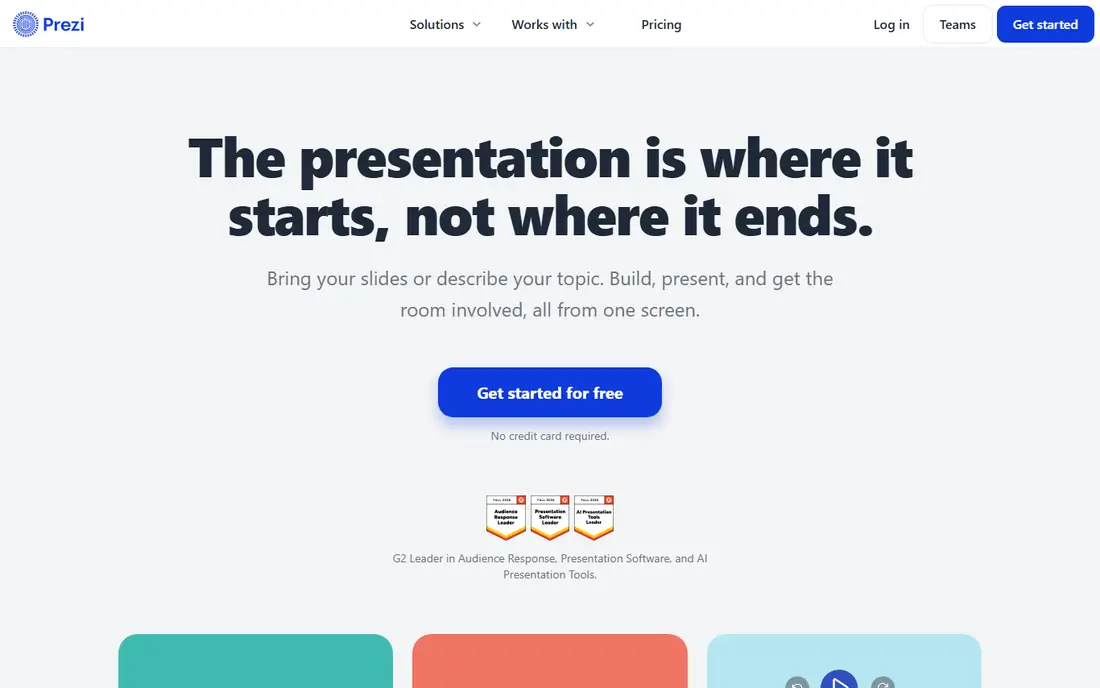
Prezi rebuilt itself around participation. Bring slides from PowerPoint, Google Slides, Canva, or a PDF, or describe a topic in a sentence and let Prezi draft it, then add live polls, quizzes, Q&A, and word clouds that run from the same screen. The audience scans one QR code and joins from any phone with no app and no login, and questions rise by upvote with a moderation queue for the presenter.
After the session, the same link keeps teaching: attendees revisit as video, podcast, transcript, or flashcards and self-tests, and presenters see results by question plus a feedback digest. The homepage reports over 170 million users, 500 million presentations, and use in 195 countries. Prezi suits trainers, teachers, and event presenters who need the room involved, not just watching.
What we like- Polls, quizzes, Q&A, and word clouds inside the presentation
- Audience joins by QR code with no app or login
- Import PowerPoint, Google Slides, Canva, or PDF decks
- Free to start
Watch out for- Zoomable canvas style takes getting used to
- Advanced analytics and SCORM export need paid plans
#2Mentimeter
Best for: Audience questions and polls4.7/5 on
G2 (620 reviews, checked Oct 2026)
Visit mentimeter.com
Starting priceSee website
Free planYes
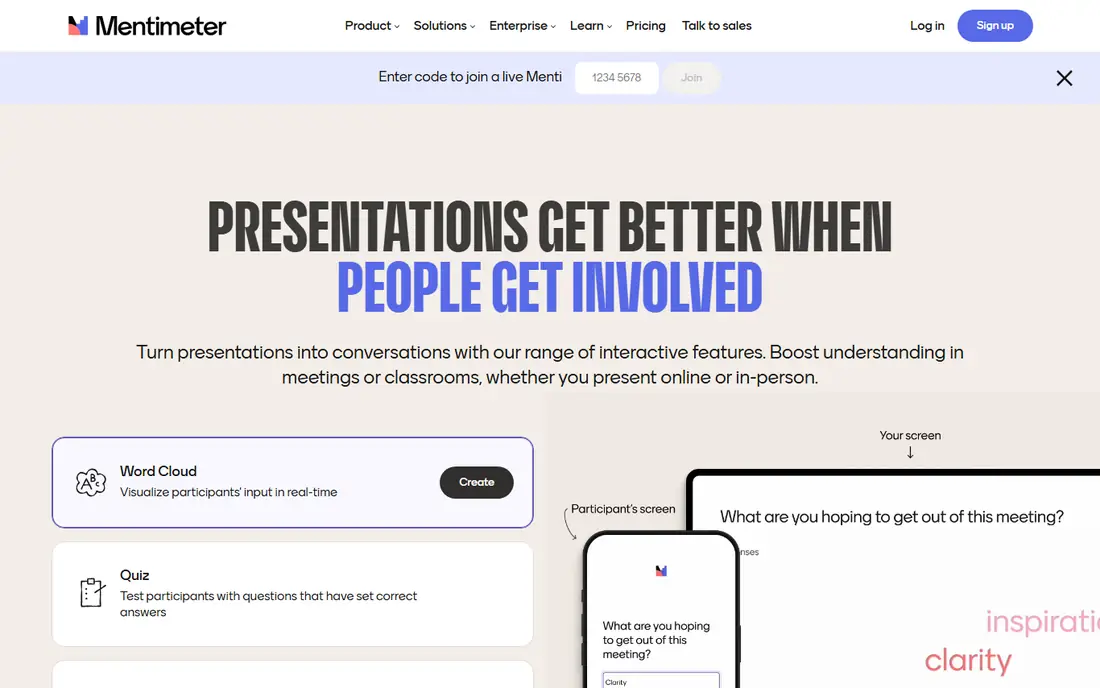
Mentimeter starts with a question and builds outward. Polls, quizzes, word clouds, and Q&A run live in the room or online on any device with no login required, and the platform now offers three modes: Menti Live for presentations, Menti Form for surveys people want to answer, and Menti Pulse for recurring check-ins that track confidence, alignment, or team health over time.
Templates, scratch building, and AI prompts all lead to a presentable interactive deck quickly. The homepage shows no pricing, so costs need a live check. Mentimeter suits meetings, lectures, and workshops where audience input shapes what happens next, and it pairs well with a traditional deck tool.
What we like- Polls, quizzes, word clouds, and Q&A live in the room or online
- No login required for audiences
- AI instant presentations
- Surveys and recurring check-ins
Watch out for- Homepage shows no pricing
- Strongest as an engagement layer rather than a full deck builder
#3Genially
Best for: Interactive content variety4.6/5 on
G2 (65 reviews, checked Oct 2026)
Visit genially.com
Starting priceFree
Free planYes
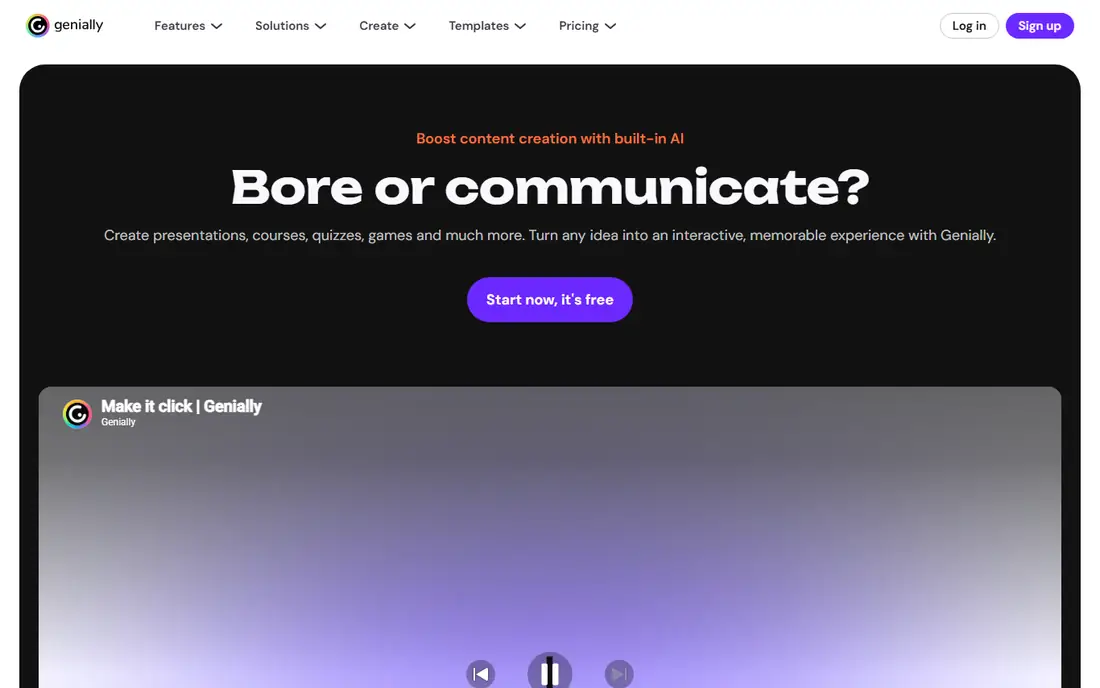
Genially covers more interactive formats than any other tool here. Beyond presentations, it builds interactive images, infographics, simulations, activities, branching scenarios, quizzes, and gamified content, with live presenting that launches questions and polls in real time and analytics on visits, responses, and interactions. The homepage reports over 130 million creations, 46 million users, and 18 million teams.
The breadth is the trade-off: users who only need a slide deck may find the wider content platform distracting. Genially suits educators, trainers, and communicators who build learning materials, onboarding, and interactive reports, not just slides.
What we like- Interactive presentations, infographics, simulations, branching scenarios, and gamification
- Live polls and questions
- Analytics on visits and responses
- 46 million plus users
Watch out for- Breadth can overwhelm users who only need slides
- Paid tiers needed for brand controls and advanced features
#4Canva
Best for: Design-led decks4.7/5 on
G2 (7,678 reviews, checked Oct 2026)
Visit canva.com
Starting priceFree
Free planYes
Canva brings design-led presentation building to non-designers, with a large template library, drag-and-drop editing, animations, and interactive elements, plus team collaboration and brand controls on paid plans. Its presentation tool converts designs into presentable decks and supports live presenting with audience interaction features.
The flag is that the Canva homepage showed only an unsupported-browser notice during this review, so no feature or price detail could be confirmed firsthand. Details rest on published descriptions. Canva suits users who prioritize visual design and already use it for other content, though dedicated polling tools beat it for live interaction depth.
What we like- Huge template library and drag-and-drop design
- Presentations with animations and interactive elements
- Team collaboration and brand kits
Watch out for- Page showed only an unsupported-browser notice during research, so details rest on published descriptions
Starting priceFree
Free planYes
Keynote is Apple's free presentation app, with themes, slide layouts, animations, and presenter controls, plus video conference presenting that keeps notes and controls in a separate window on Mac. Keynote for iCloud lets users create, edit, and collaborate on shared presentations from a browser on Mac or Windows, and user guides cover Mac, iPad, and iPhone.
The flag is that the Keynote page returned a support hub rather than a product page, so feature details rest on published descriptions. Keynote suits Apple households and teams who present from Mac or iPad and want a polished, free tool without a subscription.
What we like- Free on Apple devices
- Themes, animations, and presenter controls
- Video conference presenting with separate notes window
- ICloud collaboration in a browser
Watch out for- Homepage extract was a support page, so feature details rest on published descriptions
- Windows users limited to iCloud web version
Starting priceFree
Free planYes
Google Slides remains the free collaboration default. Anyone with a Google Account can create in Slides, multiple people can edit the same deck at the same time with revision history, and PowerPoint files convert or edit directly without making a copy. Advanced features like Slides recording, speaker spotlight, and Gemini visualization sit on Workspace plans or as add-ons.
The homepage extract was dominated by newsletter signup forms, so feature details rest on the FAQ section and published descriptions. Google Slides suits teams that already live in Google Workspace and need free, simultaneous editing more than live polling depth.
What we like- Free with any Google Account
- Real-time co-editing with revision history
- PowerPoint conversion and direct editing
- Speaker spotlight and recording on Workspace plans
Watch out for- Homepage extract was dominated by newsletter forms, so feature details rest on published descriptions and the FAQ section
#7Beautiful.ai
Best for: AI-designed business decks4.6/5 on
G2 (196 reviews, checked Oct 2026)
Visit beautiful.ai
Starting priceSee website
Free planFree trial
Beautiful.ai targets business decks with an AI workflow that keeps the user in control: prompt a topic, paste an outline, or add source material, refine the slide-by-slide story before generating, then iterate layouts without rebuilding. Smart Slides auto-align, resize, and animate content, with over 300 layouts for data, comparisons, timelines, and image grids, plus data-linked charts, brand themes, voice-overs, and viewer analytics.
The homepage confirms a 14-day free trial with unlimited access but shows no prices, so costs need a live check. Beautiful.ai suits sales, strategy, and consulting teams who need polished, on-brand decks fast and care more about design quality than live audience polling.
What we like- AI workflow from prompt or outline to work-ready deck
- 300 plus Smart Slides that auto-align content
- Data-linked charts, animations, voice-overs, and viewer analytics
- 14-day free trial
Watch out for- No permanent free tier
- Pricing not shown on the homepage
- Team and brand features need paid plans
#8Visme
Best for: Interactive pitch decks4.5/5 on
G2 (512 reviews, checked Oct 2026)
Visit visme.co
Starting priceFree
Free planYes
Visme is an AI-powered visual content platform for presentations, infographics, documents, reports, charts, and videos, trusted by over 35 million companies and creators. Interactive features include hotspots, hover effects, clickable menus, and animations, plus an AI Designer that turns a text prompt into a ready design and a Brand Wizard that applies fonts, colors, and logos.
The free Basic plan covers unlimited projects, most templates, and basic charts, but adds a watermark and limits downloads. Paid plans start at 12.25 dollars per month per person billed annually. Visme suits marketers and sales teams building interactive pitch decks and branded reports.
What we like- Free Basic plan with unlimited projects
- Interactive hotspots, hover effects, and clickable menus
- AI Designer from a text prompt
- Paid plans from 12.25 dollars per month billed annually
Watch out for- Free plan adds a Visme watermark and limits downloads to JPG, PNG, and PDF
- PPTX and analytics need paid plans
How we chose
We opened each vendor homepage and compared live interaction features, content variety, free tiers, and published prices. Canva's page showed only an unsupported-browser notice, and Keynote and Google Slides extracts were partial, so those entries rest on published descriptions and are flagged. We favored tools with real audience interaction over static slide builders, and we recorded prices as "See website" when homepages did not show them.
Live interaction versus interactive documents: two different jobs
The word interactive covers two jobs. Live interaction means polls, quizzes, and Q&A during a session, where Prezi and Mentimeter lead. Interactive documents mean clickable, explorable content the audience opens later, where Genially and Visme lead with hotspots, branching, and embedded media.
Most presenters need one more than the other. A conference talk needs live polling. A training course needs interactive documents learners revisit. A sales deck needs polished design with light interactivity, where Beautiful.ai and Canva shine. Picking the job first prevents paying for a polling tool when a document tool was needed, or vice versa.
Running a live interactive session well
Technology alone does not engage a room. Place one interaction every five to eight minutes, not a poll on every slide, and start with an easy question so the audience learns the joining step early. Show results and react to them, since a poll whose results are ignored teaches the audience to stop answering.
Test the join path before the session: scan the QR code from the back of the room, check the venue Wi-Fi, and keep a short code as backup. For remote and hybrid sessions, confirm remote participants join the same way as the room, since a split experience kills participation. Prezi and Mentimeter both support remote joining on the same terms, which is why they lead this list.
Frequently asked questions
What is the best interactive presentation tool for live polls?
Prezi and Mentimeter lead for live polls, quizzes, and Q&A. Prezi builds them into the deck itself, while Mentimeter works as an engagement layer over any presentation.
Can I make interactive presentations for free?
Yes. Prezi, Genially, Google Slides, Keynote, Canva, and Visme all offer free plans, with paid tiers for advanced features, branding, and analytics.
Does Google Slides support live polls?
Google Slides does not include native live polling. Pair it with Mentimeter or Prezi for audience interaction, or use add-ons and linked forms for simple voting.
Which tool is best for teachers and trainers?
Genially leads for learning materials with simulations, branching scenarios, and quizzes, while Prezi suits live classroom sessions with polls and self-paced review.
Can I import PowerPoint into these tools?
Yes. Prezi imports PowerPoint, Google Slides, Canva, and PDF decks, and Google Slides converts or edits PowerPoint directly. Visme and Beautiful.ai export to PPTX on paid plans.
Is Beautiful.ai worth paying for?
For teams producing frequent business decks, the AI workflow and Smart Slides save real design time. For occasional presenters, a free tool like Google Slides or Canva covers the need.
Sources we checked (8)
- https://prezi.com/
- https://www.mentimeter.com/
- https://genially.com/
- https://www.canva.com/
- https://www.apple.com/keynote/
- https://slides.google.com/
- https://www.beautiful.ai/
- https://www.visme.co/
Is your product missing or out of date?
We review this list regularly. Vendors can request a listing, send updated pricing or ask about featured placement.

Shihab Mia · Founder, Rankite
Shihab has 5+ years in B2B and SaaS SEO. He writes Rankite's software buying guides from pricing pages, documentation and public user reviews. More about Shihab.