How we make this list: we compare pricing pages, product documentation and public user reviews. Ratings come from G2, Capterra or Trustpilot, with the date we checked them.
Key takeaways
- WhatsApp remains the easiest default for most people because nearly everyone already has it, and its calls and groups cover daily needs without a fee.
- Signal is the strongest pick for privacy, with end-to-end encryption on by default and no ads or tracking built into the product.
- Telegram suits large communities and channels, while Slack and Microsoft Teams fit work teams that need channels, files, and app connections.
- Discord works best for groups that hang out around games or shared interests, with voice channels that stay open without a formal call.
- The right choice depends less on features on paper and more on where your contacts already are, since a chat app is only useful if people answer there.
Picking a messaging app sounds simple until you count how many you already juggle. One group lives on WhatsApp, a work team runs on Slack, a gaming crew never leaves Discord, and a privacy-minded friend insists on Signal. Each app does the basics, meaning text, photos, and voice notes, but they differ sharply on privacy defaults, group size, desktop support, and what happens to your data. This guide compares eight widely used options so you can settle on one main app and keep the rest for the groups that demand them.
The apps below span personal chat, community chat, and workplace chat. Some are free for everyone, some charge teams for extra storage and controls, and some sit in between with an optional paid tier. We checked each vendor homepage, looked at pricing pages, and weighed public documentation and user feedback on reliability, call quality, and moderation tools. Price matters less here than fit, since most personal apps cost nothing, but the paid team options deserve a closer look at what the free tier leaves out.
Quick comparison
| Tool | Best for | Starting price | Free plan |
|---|
 WhatsApp WhatsApp | everyday personal chats | Free | Yes |
 Telegram Telegram | large groups and channels | Free | Yes |
 Signal Signal | private one-to-one and group chats | Free | Yes |
 Slack Slack | work teams and channels | See website | Yes |
 Microsoft Teams Microsoft Teams | Microsoft 365 workplaces | See website | Yes |
 Discord Discord | gaming and interest communities | Free | Yes |
 Viber Viber | international calls and chats | Free | Yes |
 WeChat WeChat | daily life in China and Chinese-speaking circles | Free | Yes |
Is your product missing or out of date?
We review this list regularly. Vendors can request a listing, send updated pricing or ask about featured placement.
The best instant messaging apps
#1WhatsApp
Best for: everyday personal chats4.6/5 on
G2 (250 reviews, checked Oct 2026)
Visit whatsapp.com
Starting priceFree
Free planYes
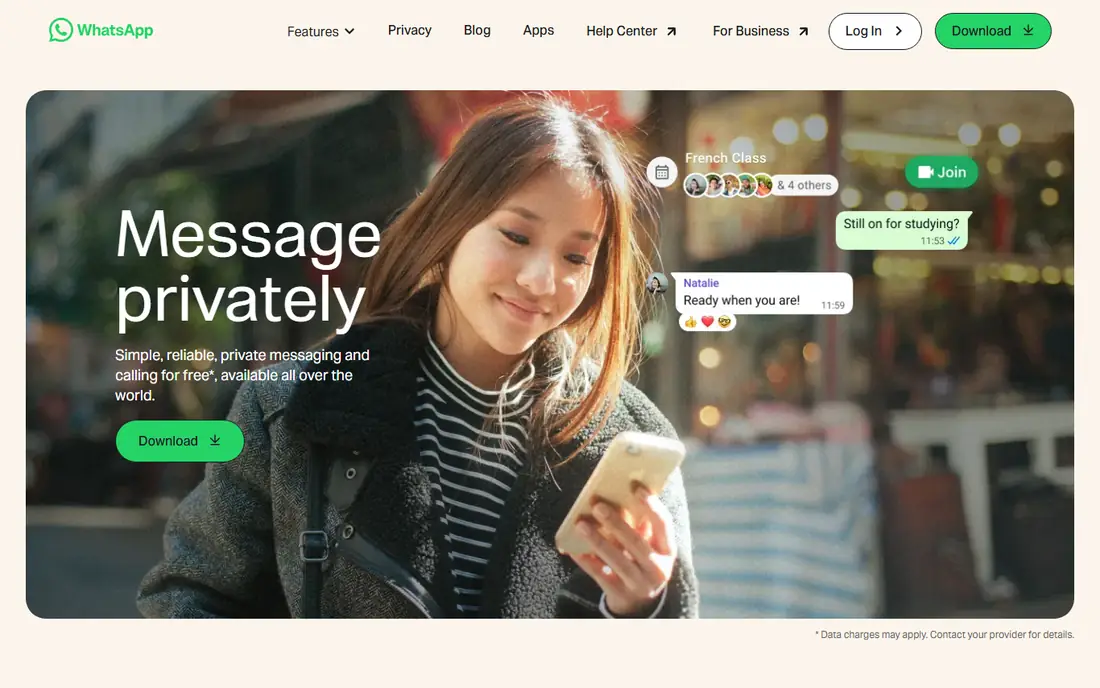
WhatsApp wins on reach. If you message friends, family, or a local club, the odds are high that most of them already have it installed, which removes the awkward step of asking people to download something new. Chats and calls are end-to-end encrypted, groups handle planning and photo sharing without fuss, and the web and desktop versions let you type from a keyboard when you are at a computer.
The trade-offs are modest but real. Your account rests on a phone number, so switching numbers takes care, and chat backups stored with a cloud provider need their own encryption toggle to stay fully private. WhatsApp Business also sits in the same app family, which is handy for small firms that answer customers there, but it can blur the line between personal and work messages. For most personal use, though, WhatsApp is the low-friction default, and that network effect is hard to beat.
What we like- Huge user base
- End-to-end encrypted chats and calls
- Simple group and Status features
Watch out for- Tied to a phone number
- Limited multi-device freedom compared with some rivals
- Backup encryption needs a manual setting
Starting priceFree
Free planYes
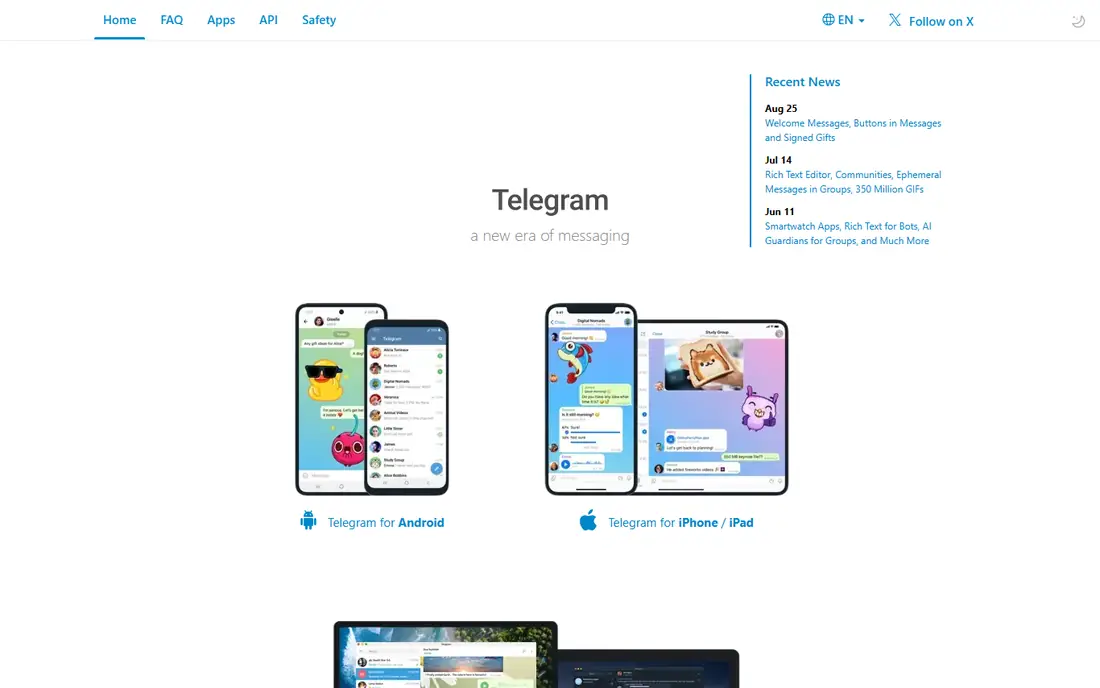
Telegram feels built for scale. Groups can hold very large numbers of members, channels let one sender broadcast to an audience, and messages sync quickly across phones, tablets, and desktops without tying you to one handset. File sharing limits are generous, bots handle polls, reminders, and simple automation, and the app runs well on older phones.
The catch is privacy nuance. Secret chats use end-to-end encryption, but ordinary cloud chats do not use it in the same way, so people who assume every Telegram message is fully private may be surprised. Public groups also need active moderation, since size invites spam and off-topic noise. Telegram fits communities, clubs, classes, and creators who need reach and speed, while people who want default private encryption may prefer Signal for one-to-one talks.
What we like- Very large groups and channels
- Fast sync across devices
- Generous file sharing limits
Watch out for- End-to-end encryption is not the default for regular chats
- Huge public groups can attract spam
#3Signal
Best for: private one-to-one and group chats4.4/5 on
G2 (453 reviews, checked Oct 2026)
Visit signal.org
Starting priceFree
Free planYes
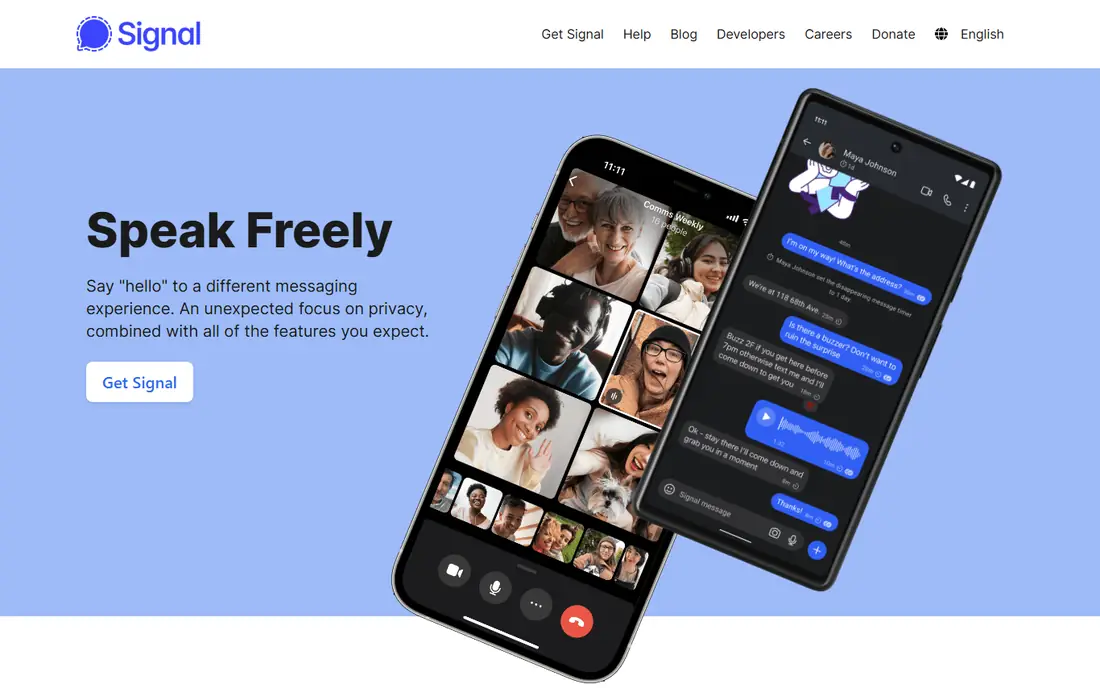
Signal is the privacy-first choice, and it does not hide that fact behind settings menus. Every message and call uses end-to-end encryption by default, the app carries no ads and no trackers, and its nonprofit structure means it is not trying to sell attention or data to advertisers. Disappearing messages, sealed sender options, and a clean interface keep the focus on conversation rather than feeds.
The honest drawback is reach. Many contacts will not have Signal yet, so you may end up running it alongside a more popular app rather than replacing everything with it. It also lacks the bots, channels, and mini-apps that make Telegram and WeChat feel expansive. If your priority is private conversation with family, close friends, or sensitive work contacts, Signal is the strongest option here, and its simplicity is part of the appeal.
What we like- End-to-end encryption by default
- No ads or trackers
- Nonprofit structure with open source code
Watch out for- Smaller user base than WhatsApp
- Fewer playful extras and integrations
- Group admin tools are simpler
#4Slack
Best for: work teams and channels4.5/5 on
G2 (39,944 reviews, checked Oct 2026)
Visit slack.com
Starting priceSee website
Free planYes
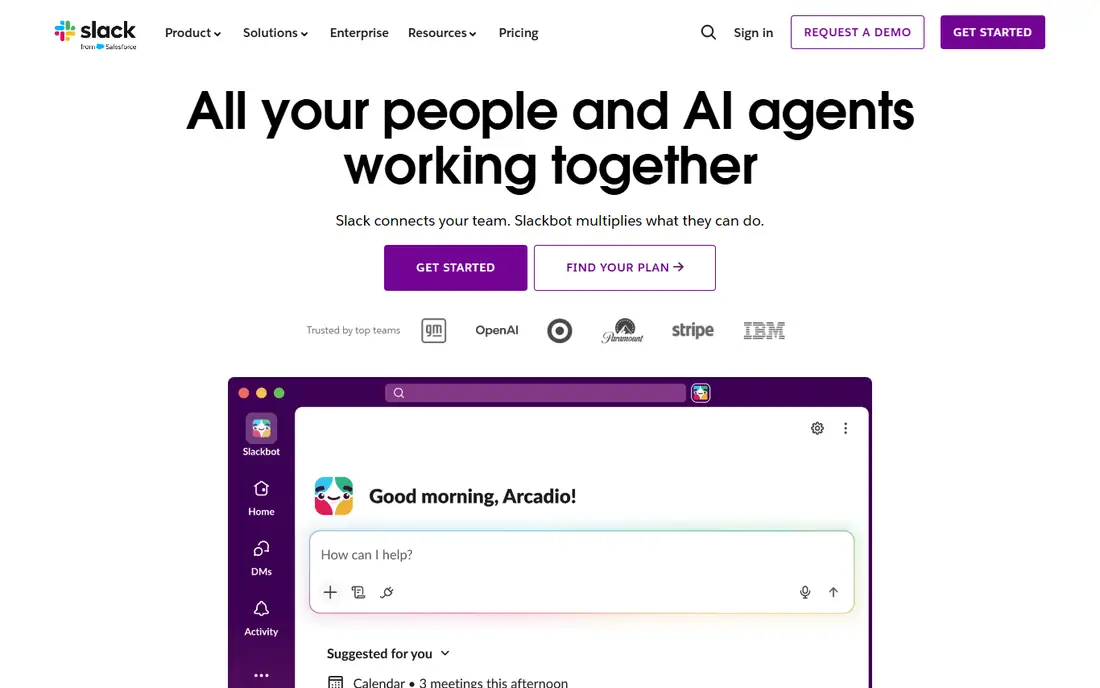
Slack organizes work talk into channels, which beats a single endless group thread when a team grows past a handful of people. Threads keep side discussions attached to the original message, huddles offer quick voice chats without scheduling a meeting, and connections to tools like Google Drive, Asana, and Zoom pull work into one window. For teams that live in chat all day, that structure saves real time.
Cost and noise are the two things to watch. The free plan limits how far back you can search, so older decisions can vanish from view, and busy workspaces need clear rules about which channel is for what, or alerts take over the day. Pricing is per user, so a large or part-time team should count seats carefully before committing. Slack suits companies and projects that want chat to double as a light workspace, not just a message list.
What we like- Organized channels and threads
- Wide app integration library
- Strong search on paid plans
Watch out for- Free plan limits message history
- Can become noisy without channel discipline
- Per-user pricing adds up for large teams
#5Microsoft Teams
Best for: Microsoft 365 workplaces4.4/5 on
G2 (19,330 reviews, checked Oct 2026)
Visit microsoft.com
Starting priceSee website
Free planYes
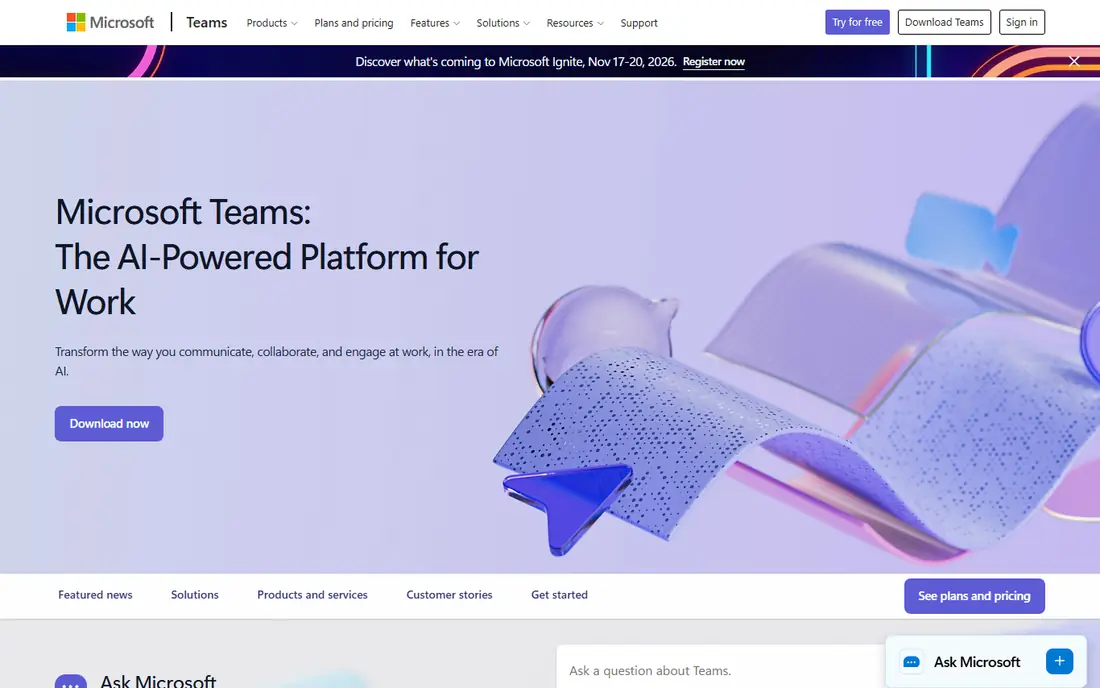
Microsoft Teams makes the most sense when your work already runs on Microsoft 365. Chat, video meetings, file storage, and Office documents sit together, so a Word file shared in a channel opens without a separate download dance, and calendar invites flow from the same account. Admin controls cover compliance, retention, and guest access, which matters for larger firms and regulated work.
For casual personal chat, Teams feels heavier than it needs to be, and its strengths fade if your team does not use Outlook, OneDrive, or SharePoint. Small teams on Google Workspace or standalone tools may find Slack or Discord simpler. But for a company standardized on Microsoft, Teams is the natural pick, since it removes the need for a separate chat subscription and keeps meetings and messages in one place.
What we like- Deep Office and OneDrive integration
- Meetings and chat in one app
- Strong admin controls
Watch out for- Interface can feel heavy for casual chat
- Best value only inside a Microsoft 365 setup
- Guest access takes setup
#6Discord
Best for: gaming and interest communities4.6/5 on
G2 (43 reviews, checked Oct 2026)
Visit discord.com
Starting priceFree
Free planYes

Discord started with gamers and grew into a home for study groups, fan clubs, creator communities, and hobby servers of every kind. Its signature feature is voice channels that people can drop in and out of without dialing anyone, which makes it feel more like a shared room than a phone call. Text channels, roles, permissions, and bots let a server owner shape a space for announcements, help, off-topic chat, and events.
Newcomers sometimes find the layout busy, with servers, channels, and threads stacked in several layers, and moderation is real work once a server grows. Messages are not end-to-end encrypted by default, so Discord is a poor fit for sensitive private talks. For open communities and friend groups that want to hang out, play, watch, or study together, it remains the most sociable option on this list, and the free tier covers nearly everything most groups need.
What we like- Always-open voice channels
- Flexible servers with roles and permissions
- Good screen sharing and streaming
Watch out for- Not end-to-end encrypted by default
- Interface can overwhelm newcomers
- Moderation burden falls on server owners
Starting priceFree
Free planYes
Viber has a loyal following in parts of Europe, Asia, and the Middle East, and it shines for international contact. Chats and calls are free between Viber users, group chats and calls cover family coordination, and Viber Out lets you call regular phone numbers at low rates when the other person has no app at all. Desktop syncing means a long chat can move from phone to computer without losing the thread.
In the United States, Viber is less common, so you may find fewer contacts already on it than on WhatsApp or Telegram. Its channels and sticker shops feel less current than rivals, and businesses will find fewer integrations and customer service tools. Viber is a smart second app for anyone with family or friends abroad, especially where it is already the local default, even if it does not replace your main chat app at home.
What we like- Free chats and calls
- Viber Out for low-cost calls to regular phones
- Synced across mobile and desktop
Watch out for- Smaller audience in the United States
- Sticker and channel extras feel dated
- Fewer business tools than rivals
#8
WeChat
Best for: daily life in China and Chinese-speaking circles
Visit wechat.com
Starting priceFree
Free planYes
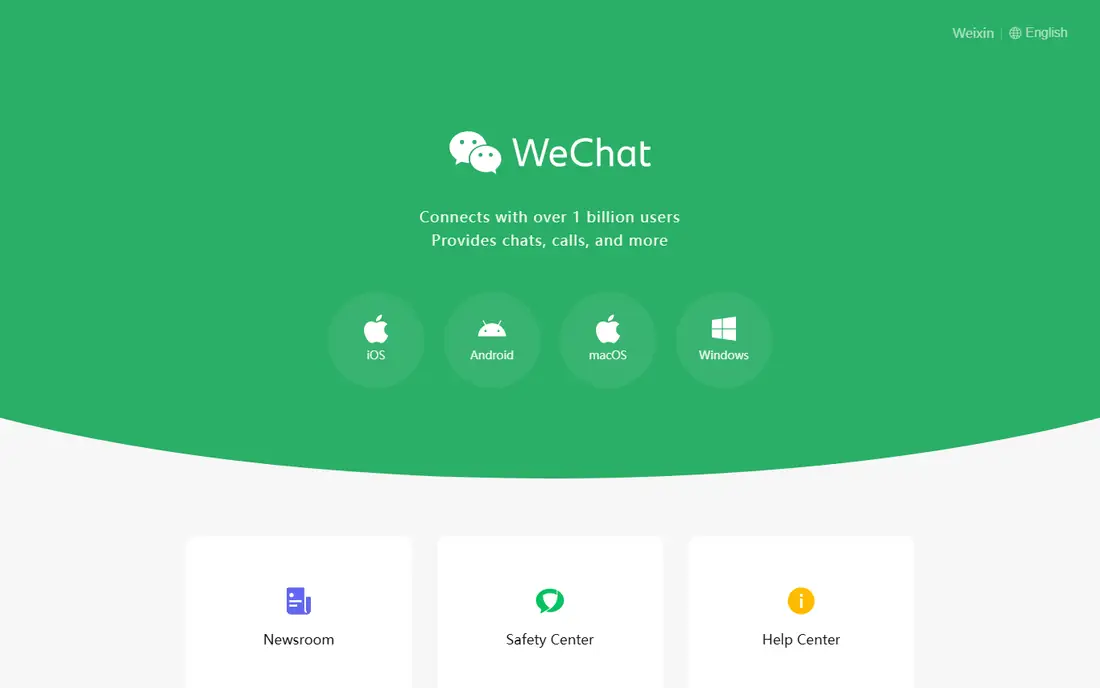
WeChat is less a chat app and more a daily platform for many of its users. Messages, voice and video calls, Moments posts, and group chats sit beside payments, mini programs for shopping and services, and official accounts from businesses and media. For anyone living in China, doing business there, or keeping in touch with family who use it daily, WeChat is close to essential, since so much ordinary life runs through it.
Outside that context, its appeal narrows fast. Contacts in the United States or Europe are far less likely to use it, and its data handling follows Chinese rules that differ from what Signal or WhatsApp users expect. Account recovery from abroad can also be frustrating. Judge WeChat by your circle: if the people you need to reach live on it, nothing else substitutes, but if they do not, a simpler chat app will serve you better.
What we like- Messaging plus payments, mini programs, and services in one app
- Huge user base in China
- Moments and channels for sharing
Watch out for- Limited usefulness outside China
- Privacy and data rules differ from Western apps
- Account recovery can be difficult abroad
How we chose
We started from each vendor homepage and pricing page, then compared what each app actually does for daily messaging: encryption defaults, group size, voice and video calls, desktop support, and moderation tools. We weighed public documentation and user feedback on call quality, reliability, and spam handling, and we favored apps with a large active base or a clear strength, such as privacy or workplace structure, over apps that duplicate a bigger rival without a reason to switch. Prices shown as See website reflect plans that change by seat count or region, so the vendor page is the safer source than a single number quoted here.
What to check before you commit
A chat app is a network first and a feature list second, so start with your people. List the five groups you message most, such as family, close friends, a work team, a club, and a community, and note which app each group already uses. Switching a whole group is hard, so the best app for you is often the one that covers the most of those groups with the least friction, even if another app has a longer feature list.
Next, weigh privacy against convenience. If you discuss health, finances, or work matters in chat, default end-to-end encryption and disappearing messages deserve real weight, and Signal leads there. If you run a community, check group size limits, admin tools, and how easy it is to mute, ban, or slow down spam. For work, look at message history on the free plan, guest access, and whether chat connects to the files and calendars your team already uses.
Test calls and desktop use early
Text hides problems that calls reveal. Make a voice call and a video call on your normal connection, try a group call with the people you actually call, and check how the app behaves on a desktop or laptop if you type long messages there. Some apps handle background calls and notifications cleanly, while others drain battery or miss messages until you open them. A ten-minute test with a real contact tells you more than a feature table.
Keep one main app and let the rest be secondary
Most people end up with two or three apps, and that is fine if one of them is the default. Put your main app on your home screen, turn on its notifications, and let secondary apps hold only the groups that insist on them. Turn off nonessential alerts in the secondary apps so they do not compete for attention all day. Review the setup every few months, since groups migrate, and an app you needed last year may now hold only a dead group or two.
Frequently asked questions
Is WhatsApp or Signal better for privacy?
Signal is stronger for privacy because end-to-end encryption covers every chat by default, and the app carries no ads or trackers. WhatsApp also encrypts chats and calls, but its backup settings and its place inside a large advertising company give privacy-minded users more to check. For everyday chats both are fine, while Signal is the safer pick for sensitive talks.
Can I use Slack or Teams for personal chats?
You can, but both are designed for work, with channels, admin controls, and pricing built around teams. Personal groups usually find WhatsApp, Telegram, Signal, or Discord simpler and free, with less setup. Slack or Teams make sense for a club or project only when you need their structure, file connections, or meeting tools.
Does Telegram encrypt all messages?
No, not in the same way. Secret chats on Telegram use end-to-end encryption, but regular cloud chats use a different encryption model that keeps messages synced across devices. If default end-to-end encryption matters to you, use Signal for private talks and treat Telegram as a community and broadcast tool.
Which app is best for large communities?
Telegram and Discord lead for large groups, with Telegram stronger for broadcast channels and Discord stronger for voice hangouts and role-based servers. Telegram handles very large member counts and file sharing well, while Discord gives server owners finer control over channels and permissions. Pick Telegram for announcements and Discord for a social home base.
Do I need to pay for a good messaging app?
For personal use, no. WhatsApp, Telegram, Signal, Discord, Viber, and WeChat all offer free core messaging and calls, with optional paid extras that most people never need. Paid plans matter mainly for work teams on Slack or Teams, where history, admin controls, and integrations sit behind a subscription.
What if my contacts use different apps?
Keep one main app for the groups that matter most and keep the others for the groups that require them. Turn off extra notifications in secondary apps, and revisit the mix when groups change. Trying to force everyone onto one app usually fails, while a calm two-app setup works for most people.
Sources we checked (8)
- https://www.whatsapp.com
- https://telegram.org
- https://signal.org
- https://slack.com
- https://www.microsoft.com/en-us/microsoft-teams/group-chat-software
- https://discord.com
- https://www.viber.com
- https://www.wechat.com
Is your product missing or out of date?
We review this list regularly. Vendors can request a listing, send updated pricing or ask about featured placement.

Shihab Mia · Founder, Rankite
Shihab has 5+ years in B2B and SaaS SEO. He writes Rankite's software buying guides from pricing pages, documentation and public user reviews. More about Shihab.