How we make this list: we compare pricing pages, product documentation and public user reviews. Ratings come from G2, Capterra or Trustpilot, with the date we checked them.
Key takeaways
- The best choice depends on who you already message, since a private app helps little if your contacts never install it.
- Signal and Threema offer the strongest privacy posture for everyday chats, while WhatsApp wins on sheer reach.
- Apple Messages is the simplest pick for iPhone households, but it does not give Android users the same full experience.
- TextNow stands out for people who want a free phone number for calls and texts without a carrier plan.
- Paid options are rare in this category, so check storage limits, desktop support, and group size caps before switching.
Quick comparison
| Tool | Best for | Starting price | Free plan |
|---|
 Apple Messages Apple Messages | iPhone and Mac households | Free | Yes |
 WhatsApp WhatsApp | Messaging almost anyone worldwide | Free | Yes |
 Signal Signal | Private everyday messaging | Free | Yes |
 Telegram Telegram | Large groups and channels | Free | Yes |
 Viber Viber | International calls and chats | Free | Yes |
 TextNow TextNow | A free US phone number | Free | Yes |
 Threema Threema | Messaging without a phone number | See website | No |
 Wire Wire | Secure team and family messaging | Free | Yes |
Is your product missing or out of date?
We review this list regularly. Vendors can request a listing, send updated pricing or ask about featured placement.
The best text messaging app
Starting priceFree
Free planYes
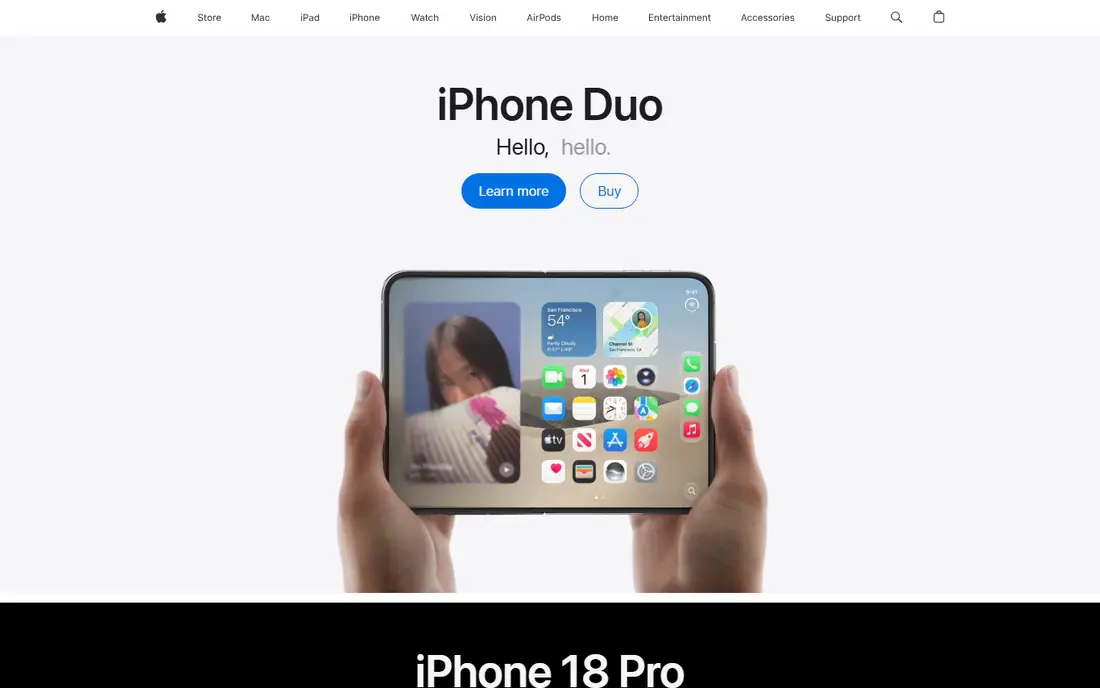
Apple Messages wins on convenience for people who already live inside the Apple world. There is nothing to install, nothing to set up, and conversations follow you from phone to tablet to computer. Photos, videos, voice notes, reactions, and group threads all feel native because they are part of the operating system, not an extra layer on top of it. For families that all use iPhones, that simplicity is hard to beat, and it removes the usual friction of asking relatives to download yet another app.
The honest catch is platform lock-in. When you message an Android phone, the experience changes, and some richer features fall away. Apple Messages also ties you closely to Apple hardware, so switching phones later can mean rebuilding habits and group threads. If your circle is mixed across iPhone and Android, a cross-platform app further down this list will serve you better. If your circle is mostly Apple, though, this is the path of least resistance, and it costs nothing extra.
What we like- Built into iPhone, iPad, and Mac
- Strong group chat and media sharing within Apple devices
- Messages sync across Apple hardware
Watch out for- Full features do not carry over to Android
- Some features require an Apple ID and recent software
#2WhatsApp
Best for: Messaging almost anyone worldwide4.6/5 on
G2 (250 reviews, checked Oct 2026)
Visit whatsapp.com
Starting priceFree
Free planYes
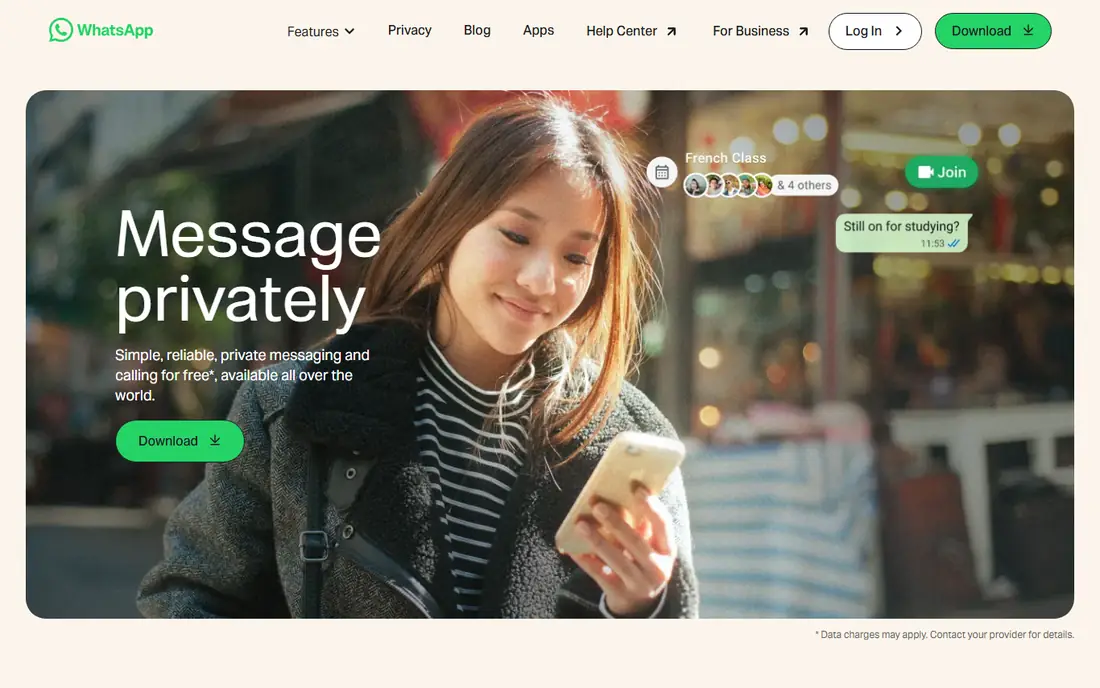
WhatsApp is the default messenger in many countries, and that reach is its main advantage. You can message a cousin abroad, a local shop, a school group, and a work contact from the same app, often without asking anyone to install something new. Voice notes, status updates, document sharing, and group calls cover most daily needs, and the desktop and web versions let you type long replies from a computer. For travelers and families spread across borders, that combination matters more than any single feature.
Privacy is solid for personal chats, with end-to-end encryption turned on by default, but the app still asks for a phone number and sits within a large company whose other products collect far more data. Backups deserve attention too, since their protection depends on how you set them up. WhatsApp also keeps adding business and channel features that some users will never want. Even so, if you need one app that reaches the most people with the least effort, WhatsApp remains the practical first install.
What we like- Huge global user base
- End-to-end encryption for personal chats
- Voice and video calls included
Watch out for- Requires a phone number
- Account is tied closely to Meta products
- Business messaging can feel noisy
#3Signal
Best for: Private everyday messaging4.4/5 on
G2 (453 reviews, checked Oct 2026)
Visit signal.org
Starting priceFree
Free planYes
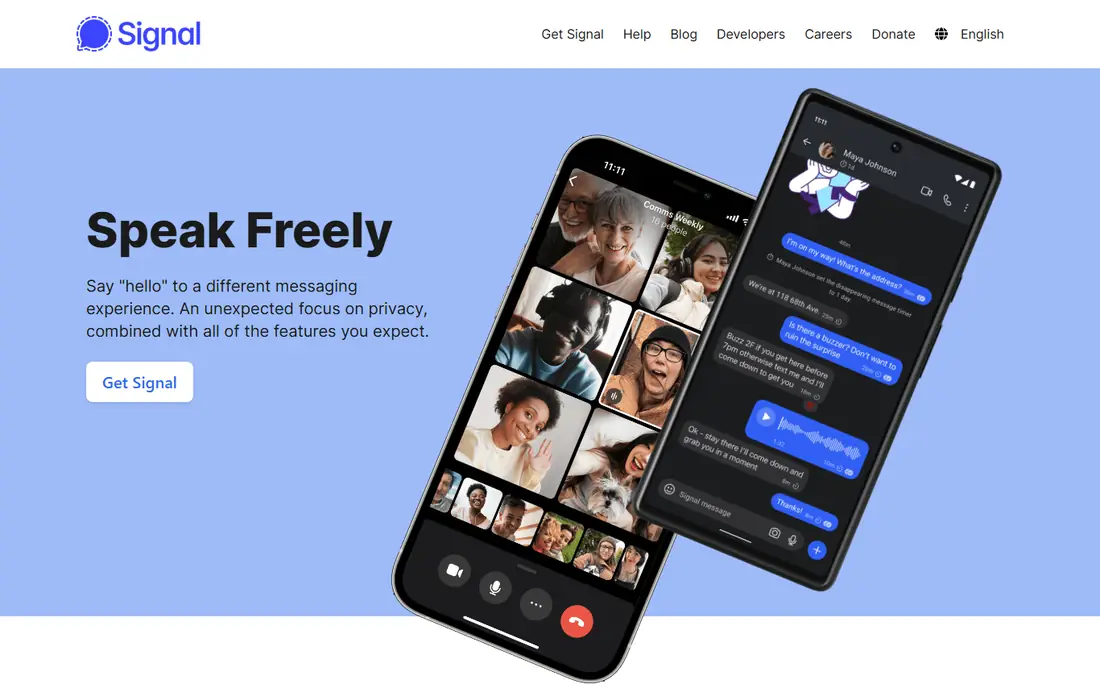
Signal is the app privacy-minded readers usually land on after comparing the details. Every message and call is encrypted by default, there are no ads, and the nonprofit behind it does not sell attention or data. The interface stays close to a normal messenger, with groups, disappearing messages, voice notes, stickers, and desktop support, so the switch does not feel like a sacrifice for most people. It also avoids the extra accounts and feeds that clutter larger social apps.
The trade-off is reach. Many of your contacts may not use Signal yet, which means you may run two messengers for a while: Signal for close friends and family who agree to switch, and something else for everyone else. That is a normal transition, not a failure of the app. Signal also lacks the business directories and large public channels that make Telegram or WhatsApp useful for organizations. For personal conversations where privacy comes first, Signal is the strongest all-around pick in this guide.
What we like- End-to-end encryption by default
- No ads and no trackers
- Nonprofit structure
Watch out for- Smaller user base than WhatsApp
- Fewer business and channel features
- Relies on donations and grants
Starting priceFree
Free planYes
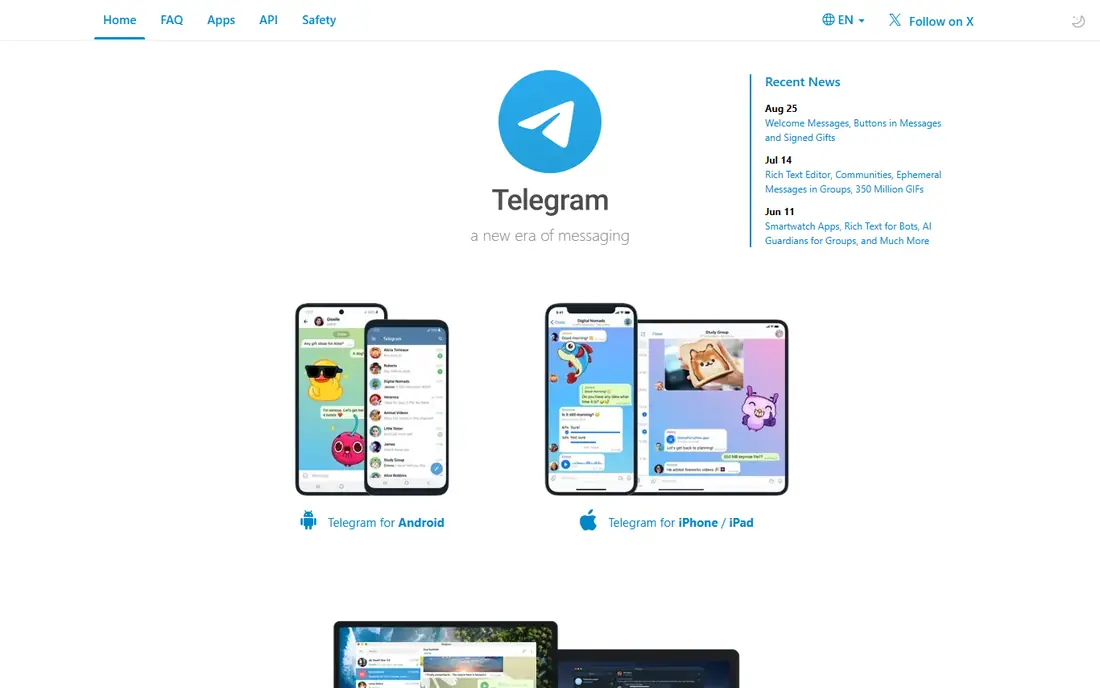
Telegram appeals to people who want more than one-to-one chat. Groups can grow very large, channels let creators broadcast to followers, and files, photos, and videos move quickly across phone, tablet, and desktop at the same time. You can also use a username instead of sharing your phone number in some settings, which helps in public communities. For clubs, classes, hobby groups, and fan communities, Telegram offers room to grow that smaller messengers do not.
Readers should understand the encryption detail before choosing it for sensitive talks. Ordinary cloud chats do not use end-to-end encryption by default, while Secret Chats do, with limits on device sync. That distinction matters if privacy is your top reason for switching. Spam and low-quality public groups are another real annoyance. Telegram still earns its place here for community messaging, but for private one-to-one talks, Signal or WhatsApp provide a simpler privacy story.
What we like- Very large groups and public channels
- Fast sync across many devices
- Generous media sharing
Watch out for- End-to-end encryption is not default for ordinary chats
- Huge public groups can attract spam
- Feature depth can overwhelm new users
Starting priceFree
Free planYes
Viber has a long history as an international calling and messaging app, and it still shines when you message people abroad. Chats and calls between Viber users are free, and the app offers paid calling to regular phone numbers in many countries, which helps when the other person does not use the app at all. Group chats, stickers, and communities round out the basics, and the desktop app keeps longer conversations comfortable. For families with relatives overseas, those calling options can matter more than a long feature list.
In the United States, Viber is less common than WhatsApp or Apple Messages, so you may need to persuade contacts to install it. Paid calling rates also vary by destination, so check the rate for the country you call most before relying on it. Viber is not the best pick for a US-only friend group, but it is a strong second app for international households that want one place for both chats and cheaper calls to ordinary numbers.
What we like- Free chats and calls between Viber users
- Low-cost calls to non-users in some countries
- Stickers and communities
Watch out for- Smaller US user base
- Some calling features are paid
- Less common for work groups
Starting priceFree
Free planYes
TextNow solves a different problem from the rest of this list. Instead of asking contacts to join an app, it gives you a working US phone number for calls and texts, free over Wi-Fi, with optional paid data when you need mobile service. That makes it useful for a second number, a kids phone on Wi-Fi, a side business line, or anyone who wants to keep a personal number private. Setup is quick: download the app, pick an area code, and start messaging right away.
The free tier comes with ads, and an inactive number can be reclaimed, so this is not a set-and-forget number for rare use. Voice quality also depends on your Wi-Fi or data connection, which is true of any internet calling app. Paid unlimited options remove some of those limits if you use it as a main line. For readers who need a real number without a carrier bill, TextNow is the most practical free route, and it pairs well with a private messenger for close contacts.
What we like- Free talk and text with a real US number
- Works on Wi-Fi
- Optional paid data plans
Watch out for- Free service is ad-supported
- Number can change if unused
- Call quality depends on connection
Starting priceSee website
Free planNo

Threema is built for readers who do not want their messenger tied to a phone number. You get an ID instead, which means you can chat without handing over the number that follows you across accounts and data brokers. Messages, calls, and files are encrypted end to end, and the company is based in Switzerland, which appeals to users who care about jurisdiction and data rules. Groups, polls, and file sharing cover daily use without turning the app into a social feed.
The main barrier is price and network size. Unlike most apps here, Threema charges personal users, so every contact you invite must also pay. That keeps the community smaller, and it can slow adoption in a large family group. Business versions add management tools, but most readers will judge the personal app alone. If anonymity and independence from a phone number matter more to you than free reach, Threema is worth the cost. If most of your contacts will not pay, Signal gives you similar privacy for free.
What we like- No phone number or email required for personal use
- End-to-end encryption
- Swiss-based company
Watch out for- Paid app for personal users
- Smaller network than free rivals
- Some features differ by platform
#8Wire
Best for: Secure team and family messaging4.2/5 on
G2 (62 reviews, checked Oct 2026)
Visit wire.com
Starting priceFree
Free planYes
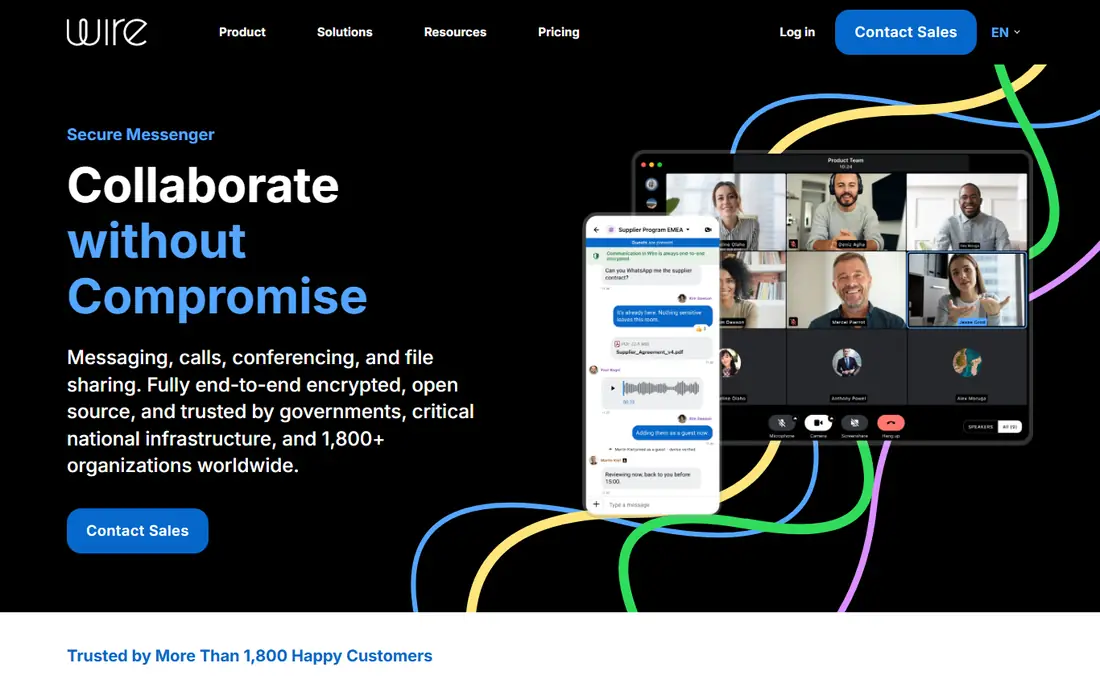
Wire started with a focus on organizations, and that background shows in its design. Messaging, voice and video calls, conferencing, and file sharing sit in one encrypted workspace, with controls that suit teams handling sensitive talks. Personal users can start free, which makes it a reasonable choice for a family or small group that wants stronger privacy than a general social app provides, without paying at the start. The interface is clean, and conversations stay focused on messages rather than feeds and ads.
The consumer network is much smaller than WhatsApp or Telegram, so Wire works best when a defined group agrees to use it together. Some advanced controls belong to paid business plans, and the free personal experience may feel plain next to apps packed with stickers, channels, and games. Think of Wire as a quiet, secure room rather than a busy public square. For a team, a club committee, or a family that values that quiet, it is a solid pick.
What we like- End-to-end encryption
- Open source components
- Messaging, calls, and file sharing in one place
Watch out for- Personal free tier is limited compared with business plans
- Smaller consumer network
- Setup can feel work-oriented
How we chose
We compared pricing pages, official product pages, documentation, and public reviews on sites such as G2, Capterra, and Reddit, and we checked each homepage to confirm it loads and belongs to the app named. We favored apps that exist today, support common phones and desktops, and fit everyday text messaging rather than single-purpose tools. We also weighed privacy defaults, group limits, calling options, and the real cost of getting your contacts to switch, since an app nobody in your circle uses solves nothing.
What to check before you switch
Start with your contact list, not the feature list. Write down the five people you message most and check which apps they already use. If four of them use one app, that app probably wins even if another app has stronger privacy on paper. Next, check backup and device rules. Some apps sync across many devices at once, while others limit you to one phone plus linked computers. Also confirm how groups work for your needs, including member caps, admin controls, and whether new members can see old messages.
Privacy settings deserve a second look after install. Turn on disappearing messages where you want them, review who can add you to groups, and check backup encryption before you move sensitive chats. For families, agree on one primary app for urgent messages and keep other apps for hobbies and communities. That simple rule prevents missed messages across four different inboxes. Finally, keep your old app installed for a month during the move, so stragglers can still reach you while everyone settles in.
Frequently asked questions
Is there a best text messaging app for both iPhone and Android?
Yes, WhatsApp, Signal, Telegram, Viber, and Wire all work across iPhone and Android, so a mixed-device family can use one app. Apple Messages is the exception, since its full feature set stays inside Apple devices. Pick a cross-platform app if even one regular contact uses Android.
Which text messaging app is best for privacy?
Signal is the strongest general pick, with end-to-end encryption by default, no ads, and no trackers. Threema is also strong, especially if you do not want to share a phone number. WhatsApp encrypts personal chats by default too, but it requires a phone number and sits inside a larger company.
Can I text without a phone plan?
Yes, TextNow gives you a US number for free calls and texts over Wi-Fi, with optional paid data. Internet messengers such as WhatsApp, Signal, and Telegram also work over Wi-Fi once you have an account. You still need an internet connection, so Wi-Fi quality matters for calls.
Do I need to pay for a good messaging app?
No, most strong options in this guide are free, including WhatsApp, Signal, Telegram, and Viber. Threema is the main paid exception for personal users. Free apps usually earn money through optional business features, paid calling, or, in some cases, ads, so check how each one is funded.
What happens to my chats if I switch apps?
Chats do not move automatically between different messengers, so export important photos and notes before you switch. Some apps offer backup and restore on the same platform, but cross-app transfer is limited. Keep the old app installed for a few weeks while contacts move over.
Is Apple Messages enough on its own?
It is enough if your regular contacts mostly use Apple devices and you value built-in simplicity. It becomes less complete when you message Android users often or need large public communities. In that case, add one cross-platform app for those contacts rather than replacing Apple Messages entirely.
Sources we checked (8)
- https://www.apple.com
- https://www.whatsapp.com
- https://signal.org
- https://telegram.org
- https://www.viber.com
- https://www.textnow.com
- https://threema.ch
- https://wire.com
Is your product missing or out of date?
We review this list regularly. Vendors can request a listing, send updated pricing or ask about featured placement.

Shihab Mia · Founder, Rankite
Shihab has 5+ years in B2B and SaaS SEO. He writes Rankite's software buying guides from pricing pages, documentation and public user reviews. More about Shihab.