How we make this list: we compare pricing pages, product documentation and public user reviews. Rankite is independent; if a vendor ever pays for a featured spot, that listing is clearly labeled Partner.
Key takeaways
- Clockify's free plan (up to 5 users) is the most generous free tier among mainstream trackers, with paid plans starting at $3.99 per user per month.
- Manual timers (Toggl, Harvest, Clockify) suit billing-focused teams; automatic trackers (Timely, RescueTime) suit people who forget to start timers.
- Hubstaff and Time Doctor add screenshots and productivity monitoring, which changes the conversation from time tracking to employee monitoring.
- RescueTime ($7 per month billed annually) is the personal-productivity pick, not a billing tool; do not buy it to invoice clients.
- Everhour ($8.50 per user per month) is the pick if your team lives inside Asana, Trello, Jira, or Notion and wants time tracking embedded there.
Quick comparison
| Tool | Best for | Starting price | Free plan |
|---|
 Toggl Track Toggl Track | Simple manual tracking with great reports | $9 per user/month (billed annually) | Yes |
 Harvest Harvest | Time tracking with built-in invoicing | $9 per user/month (billed annually) | Yes |
 Clockify Clockify | Budget teams and generous free tier | $3.99 per user/month (billed annually) | Yes |
 Hubstaff Hubstaff | Remote teams needing monitoring and payroll | $4.99 per user/month (billed annually) | Free trial (14 days) |
 Time Doctor Time Doctor | Distraction alerts and productivity analytics | $6.67 per user/month (billed annually) | Free trial (14 days) |
 RescueTime RescueTime | Personal focus and distraction blocking | $7 per month (billed annually) | Yes |
 Everhour Everhour | Teams inside Asana, Jira, Trello, Notion | $8.50 per user/month (billed annually) | Yes |
 Timely Timely | Automatic AI time capture, no timers | $9 per user/month (billed annually) | Free trial (14 days) |
Is your product missing or out of date?
We review this list regularly. Vendors can request a listing, send updated pricing or ask about featured placement.
The best hours tracker app
#1
Toggl Track
Best for: Simple manual tracking with great reports
Visit toggl.com
Starting price$9 per user/month (billed annually)
Free planYes
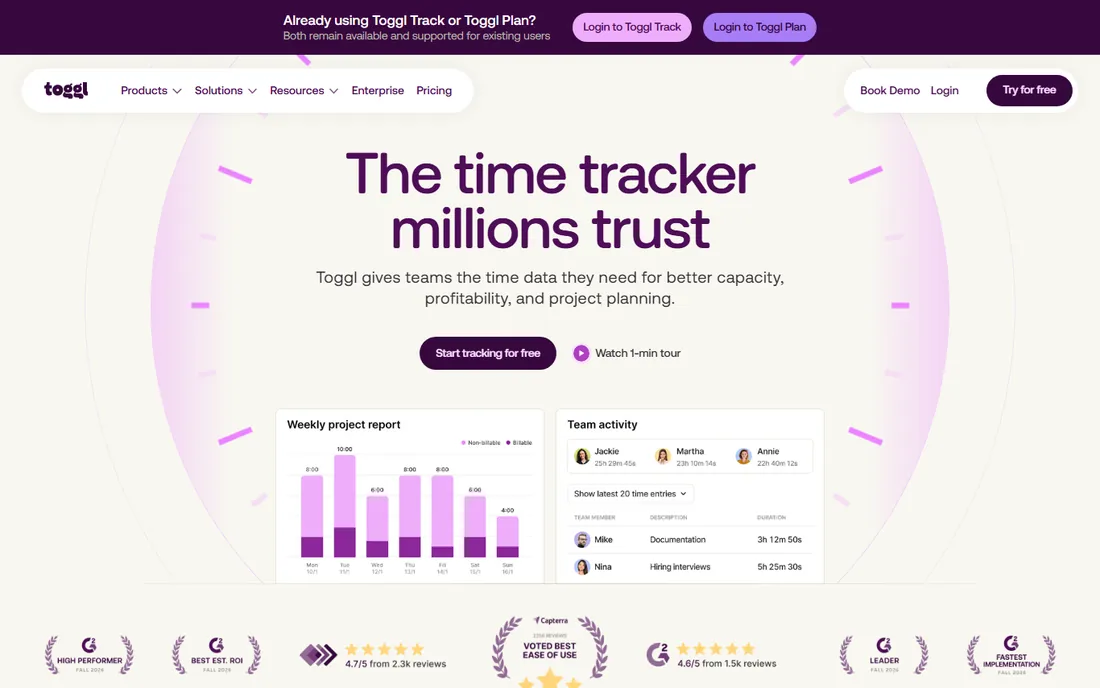
Toggl Track is the timer people actually remember to use. The one-click timer runs in the browser, on the desktop, and on mobile, and the free plan covers up to 5 users with unlimited projects and time entries. Reports break hours down by project, client, and team member with filtering that stays readable, and the browser extension starts timers inside tools like Asana, Notion, and Google Docs.
The paid Starter plan at $9 per user per month adds billable rates, rounding, and project estimates. Premium at $18 per user per month adds timesheet approvals, labor costs, and profitability reporting. That is double the price of Clockify for a comparable seat, so Toggl is worth it when simplicity drives adoption. If your team resists tracking, Toggl's low friction wins. If they do not, cheaper tools do the same job.
What we like- Cleanest interface in the category
- Strong reports and profitability views
- Browser extension works inside 100+ tools
- Free plan covers up to 5 users
Watch out for- Billable rates and timesheet approvals require paid plans
- No screenshots or monitoring features
- Premium at $18 per user per month is pricey
Starting price$9 per user/month (billed annually)
Free planYes
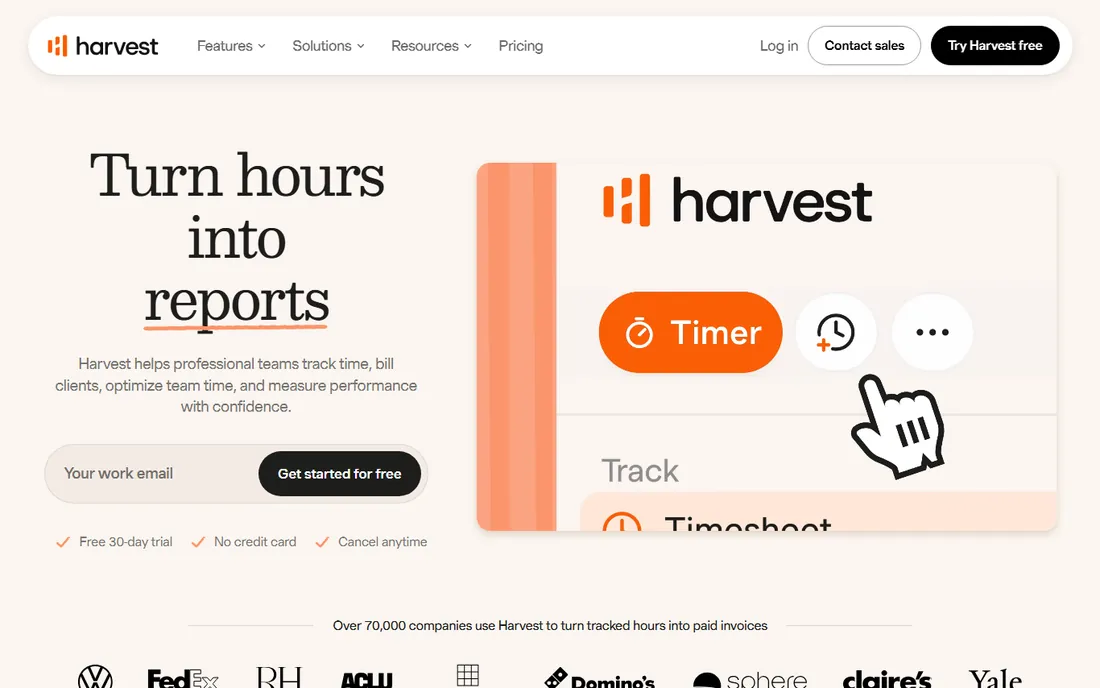
Harvest answers one question well: how do tracked hours become money. The timer feeds straight into invoices you can customize, send, and get paid through with Stripe or PayPal integrations. Budget alerts warn you before projects run over, and the reporting shows profitability per project. For agencies, consultancies, and freelancers who bill clients, this is the whole workflow in one place.
The pricing reflects that focus. The free plan covers 1 seat and 2 projects, which is really a trial for solo users. Teams pay $9 per seat per month billed annually for unlimited everything, and the Enterprise tier at $14 adds timesheet approvals and profitability reporting. There is no screenshot monitoring and no automatic capture, which is a feature for teams that want tracking without surveillance. Buy Harvest when invoicing is the point; buy Toggl or Clockify when it is not.
What we like- Turn tracked hours into professional invoices inside the app
- Stripe and QuickBooks integrations for payments
- Expense tracking included on all plans
Watch out for- Free plan limited to 1 seat and 2 projects
- $9 per seat per month is steep for larger teams
- No automatic tracking or screenshots
Starting price$3.99 per user/month (billed annually)
Free planYes
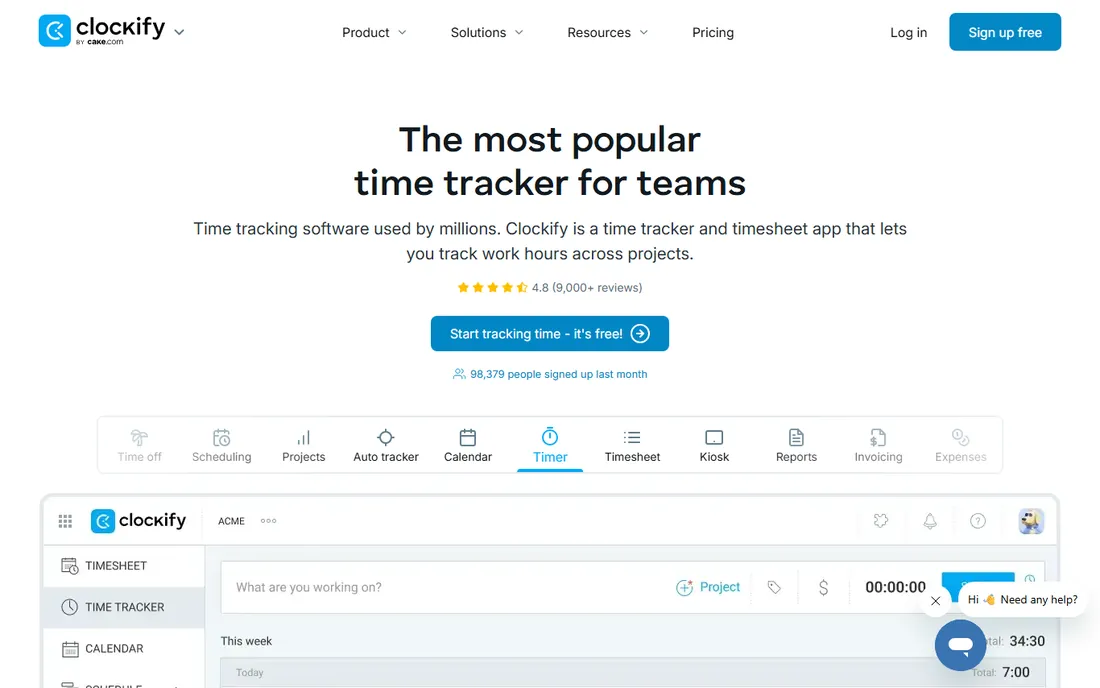
Clockify is the value pick, full stop. The free plan covers up to 5 users with unlimited time tracking, projects, tasks, timesheets, and a kiosk mode for clocking in from a shared device. That alone handles a small team's needs for $0. Paid plans are also the cheapest in the category: Basic at $3.99 per user per month adds bulk edits, time audits, and billable rates, while Standard at $5.49 adds invoicing, timesheet approvals, and time off management.
The catch is the incremental ladder. Each tier adds a few more features, and the full monitoring stack (screenshots, GPS, scheduling) sits at Pro for $7.99. The interface works but never delights. For a cost-conscious team that needs real timesheets and reporting, Clockify undercuts every rival by a wide margin. Start on free and upgrade only when you need what a specific tier adds.
What we like- Free plan for up to 5 users with unlimited projects and entries
- Paid plans start at $3.99, the cheapest here
- Kiosk mode for shared devices
- 7-day free trial of Pro features
Watch out for- Paid tiers add features step by step, so you may need Pro ($7.99) for full value
- Interface is functional rather than polished
- Activity monitoring only on higher plans
Starting price$4.99 per user/month (billed annually)
Free planFree trial (14 days)
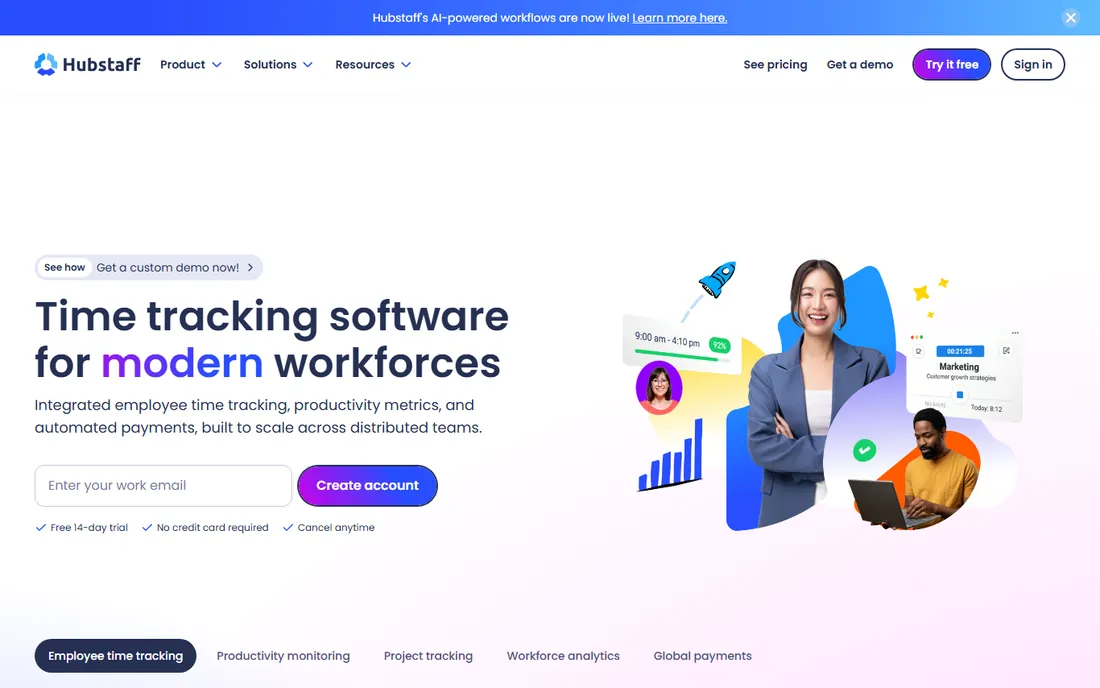
Hubstaff is what you buy when you manage contractors and need proof of work, not just timesheets. The desktop app captures screenshots, tracks activity levels, and logs apps and URLs used during tracked time. From there, tracked hours flow into automated payroll through integrations like Wise, PayPal, Payoneer, and Deel, which is genuinely useful when you pay hourly VAs or remote staff across countries.
The Starter plan at $4.99 per seat per month on annual billing requires at least two seats, so a solo user pays for two. Grow at $7.50 adds project budgets, expenses, and one integration, while Team at $10 includes unlimited screenshots, payroll, and scheduling. There is no free plan, only a 14-day trial. Be honest about the culture question before you buy: screenshot monitoring is a trust decision, not just a software decision.
What we like- Screenshots, activity levels, and app/URL tracking for accountability
- Automated payroll through Wise, PayPal, and Payoneer
- GPS tracking on mobile
Watch out for- No free plan, and every plan has a 2-seat minimum
- Monitoring features can damage trust if introduced carelessly
- Add-ons like Locations and Insights cost extra
Starting price$6.67 per user/month (billed annually)
Free planFree trial (14 days)
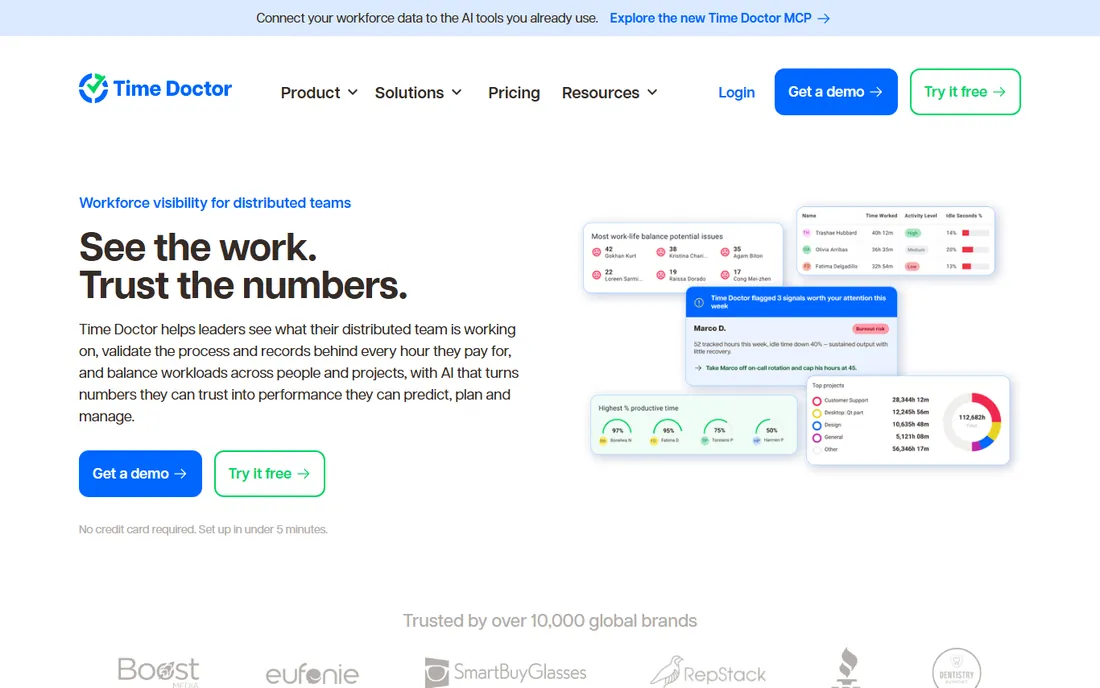
Time Doctor takes the most active approach to productivity of any tool here. When someone opens a site their manager flagged as non-work, a pop-up alert appears on their screen telling them to get back to work. The Premium tier goes further with mouse-jiggler detection and irregular keyboard activity flags aimed at catching faked activity. For teams managing hourly remote staff where output is hard to measure, that level of visibility has real appeal.
Basic at $6.67 per user per month on annual billing covers time tracking, screenshots, and activity monitoring. Standard at $11.67 adds 60+ integrations, payroll, and attendance tracking, while Premium at $16.70 adds video screen recording and AI benchmarks. There is no free plan, just a 14-day trial. Like Hubstaff, this is a culture decision first: the technology works, but some teams will hate it.
What we like- Real-time distraction alerts nudge people back on task
- Video screen recording on Premium
- 60+ integrations including payroll tools
- SOC 2 and HIPAA compliance options
Watch out for- No free plan
- Many useful features (payroll, integrations) locked behind Standard and Premium
- The monitoring intensity does not suit every team culture
Starting price$7 per month (billed annually)
Free planYes
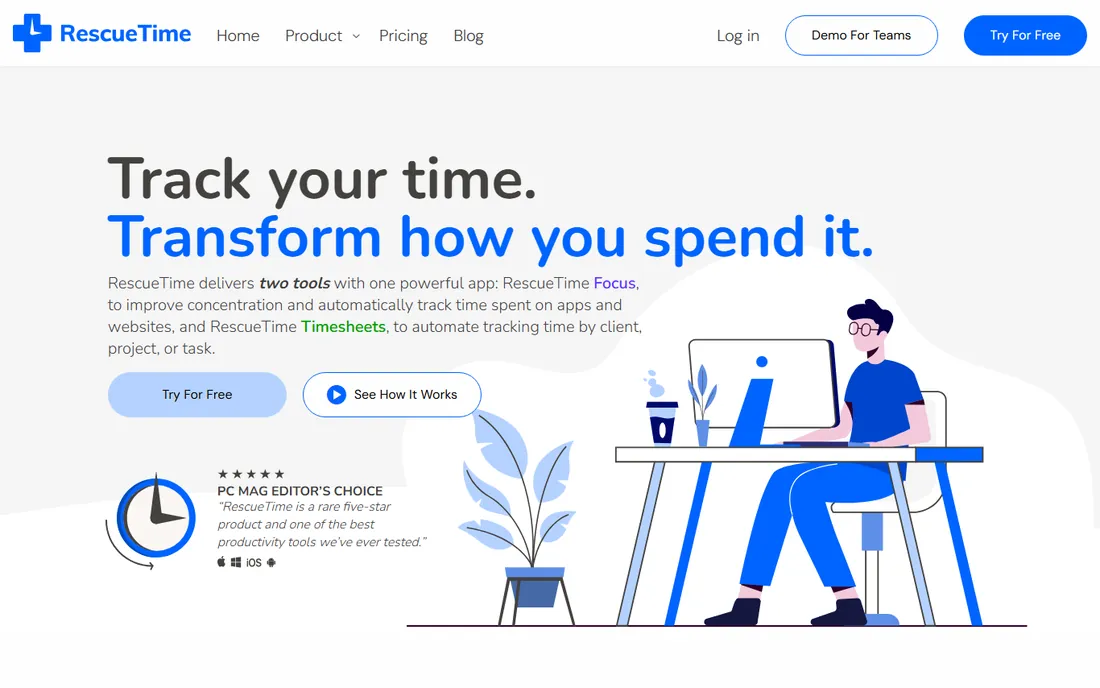
RescueTime is a different animal from everything above it. Instead of timers, it runs silently in the background, categorizing every app and website as productive or distracting, then hands you a daily productivity score. Focus Sessions block distracting sites during deep work, and smart alerts nudge you before bad habits take over. No keystroke logging, no screenshots, just behavioral analytics.
Solo Focus costs $7 per month on annual billing, and the Lite plan is free with basic tracking. There is a Team tier at $10 per user per month for productivity trends across a group. Do not buy RescueTime to bill clients; it is not an invoicing tool and its timesheets play second fiddle to the focus features. Buy it when the goal is understanding your own habits and reclaiming attention, which is a separate and worthy problem.
What we like- Fully automatic background tracking, no timers to start
- Productivity scores and distraction blocking through Focus Sessions
- Free Lite plan for basic tracking
Watch out for- Not designed for client billing or team timesheets
- Manual entry is limited
- The full value requires configuring goals and categories
Starting price$8.50 per user/month (billed annually)
Free planYes
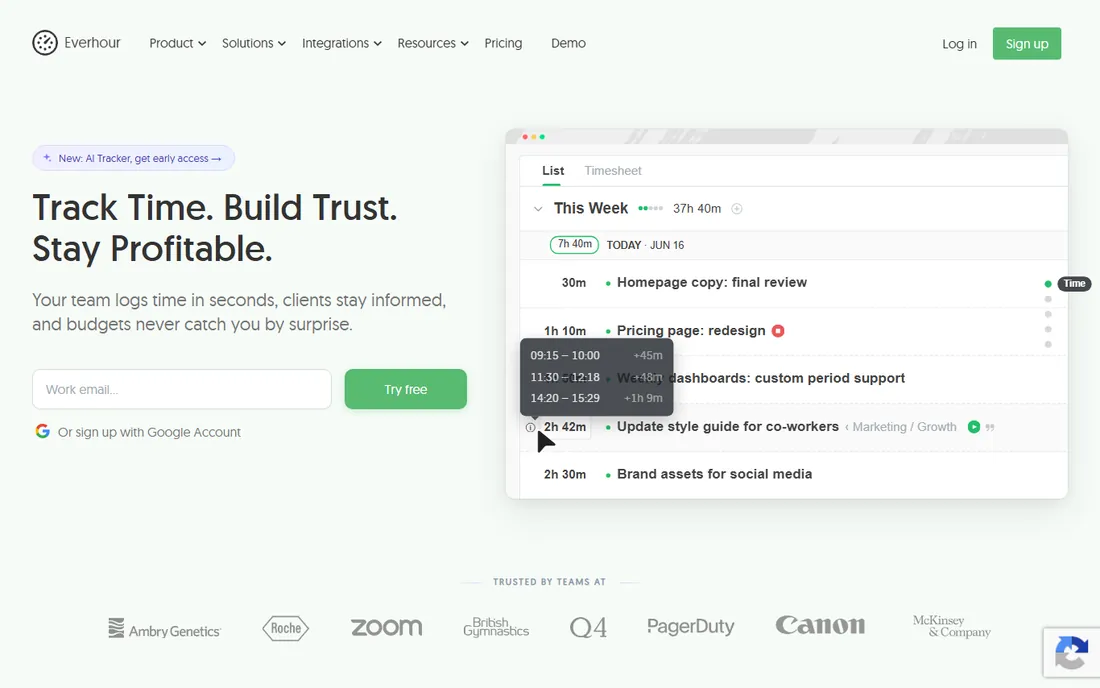
Everhour's trick is that it does not ask your team to open another app. The timer lives inside the project management tools they already use: Asana, ClickUp, Trello, Jira, Notion, Monday, Linear, and GitHub. Track time on an Asana task from inside Asana, and the data flows into Everhour for budgets, billing rates, invoicing, and reports. For teams allergic to new tools, removing that friction is the whole selling point.
The Team plan costs $8.50 per user per month billed annually with a 5-user minimum, and a free plan covers small teams. One detail worth knowing: you pay only for people who actually track time, so a 40-person Asana workspace where 15 people log hours costs 15 seats. Budget alerts and estimate-vs-actual reporting come standard. If your team does not use a project management tool, much of the magic disappears, so this is a tool for PM-centric teams first.
What we like- Timer controls embed directly inside Asana, Trello, Jira, Notion, and more
- Project budgets with real-time alerts
- You only pay for people who track time
Watch out for- Team plan requires a 5-user minimum
- Works best with a project management tool, less compelling standalone
- $10 per user on monthly billing
Starting price$9 per user/month (billed annually)
Free planFree trial (14 days)
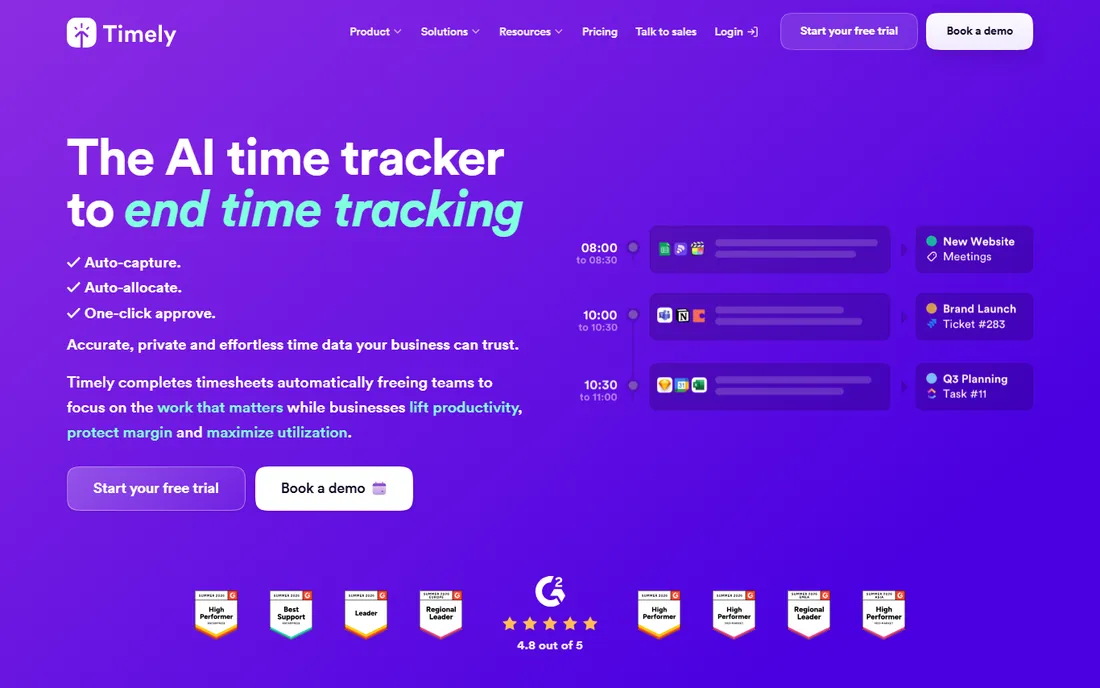
Timely eliminates the core failure of time tracking: remembering to start the timer. Its Memory AI runs in the background, recording which apps, documents, and websites you use, then drafts complete time entries you review and approve. Most users spend under a minute a day turning the draft into a finished timesheet. The privacy design is serious: individual timelines stay private until the user approves entries, and there is no screenshot or keystroke monitoring.
Starter at $9 per user per month covers automatic tracking with AI categorization, while Premium at $16 adds live project dashboards, budgets, and capacity management. There is no free plan, only a 14-day trial. Give the AI a week to learn before judging it; the first few days are rough. For teams that have tried timers and watched compliance die within a month, Timely's automatic approach is worth the premium.
What we like- Memory AI captures everything automatically, then drafts timesheets for one-click approval
- Private timelines keep raw data with the user
- Strong privacy design with no screenshots or keystroke logging
Watch out for- No free plan
- The AI needs several days to calibrate before it is accurate
- $16 Premium tier needed for budgets and capacity planning
- Can feel invasive to privacy-sensitive staff
Manual timers vs. automatic capture: pick your side
Hours trackers split into two philosophies, and the choice matters more than any feature list. Manual trackers like Toggl, Harvest, Clockify, and Everhour assume you start and stop a timer. The data is clean and intentional, but compliance depends on human memory, which is exactly the thing that fails. Automatic trackers like Timely and RescueTime capture everything in the background, which fixes compliance but produces data that needs reviewing, and some employees experience it as surveillance.
The honest approach is to match the philosophy to the team. Billing-focused agencies do well with manual timers tied to invoices. Knowledge workers who bill loosely or track for productivity do better with automatic capture. And if you need screenshots and accountability for hourly remote staff, that is a third category entirely, covered by Hubstaff and Time Doctor.
How to choose an hours tracker for your team
Start with the money question: are you tracking to bill, or tracking to manage? If tracked hours become invoices, Harvest and Everhour have the shortest path from timer to payment. If hours inform payroll, Hubstaff and Time Doctor connect time data to actual payments. If hours inform productivity, RescueTime and Timely answer different questions about focus and habits.
Then count the seats and check the minimums, because they change the math. Clockify's free plan covers 5 users. Hubstaff and Everhour have seat minimums that make small teams pay more than the per-seat price suggests. Toggl is free for 5 but gets expensive fast at Premium. Run the numbers for your actual headcount, not the marketing price.
Finally, trial the tracking philosophy, not just the interface. Install the free tier on your own machine for two weeks and see whether you remember the timer. If you do not, admit it and pick an automatic tool. The best tracker is the one your team actually uses, and honesty about compliance is worth more than any feature.
How we chose
We compared these eight hours trackers using their public pricing pages, product documentation, and feature lists, plus user reviews on G2, Capterra, and Trustpilot. We weighted the criteria toward small and mid-size teams: total cost per seat, whether the free or trial tier is genuinely usable, tracking accuracy and adoption friction, reporting quality, and how the tool handles the billing-to-invoice path. We did not conduct hands-on time-tracking trials for this roundup. Pricing was verified against vendor pages and current review coverage in October 2026 and reflects annual billing; monthly prices run 17 to 20 percent higher.
Frequently asked questions
What is the best hours tracker software for small teams?
Clockify is the best value for small teams, with a free plan for up to 5 users and paid plans from $3.99 per user per month. Toggl Track is the easiest to adopt if simplicity matters, starting at $9 per user per month. Teams that live inside Asana or Jira should look at Everhour, which embeds tracking inside those tools.
Should I get a manual time tracker or an automatic one?
Manual trackers like Toggl and Harvest give you clean, intentional data but depend on people remembering to start timers. Automatic trackers like Timely and RescueTime capture everything in the background, which fixes compliance but needs daily review. If your team has failed at manual tracking before, automatic is worth the premium.
What is the difference between time tracking and employee monitoring?
Time tracking records hours worked, usually against projects or clients. Employee monitoring adds screenshots, activity levels, app and URL logging, and sometimes keystroke detection, like Hubstaff and Time Doctor offer. Monitoring answers accountability questions but changes the trust dynamic, so introduce it transparently and with a clear reason.
Can I use a hours tracker for client invoicing?
Yes, several tools on this list are built for it. Harvest turns tracked time into invoices with payment collection through Stripe or PayPal. Everhour generates invoices from tracked hours too. Clockify's Standard plan adds invoicing. For the shortest path from timer to payment, pick a tool where invoicing is native rather than bolted on through an integration.
Is there a free hours tracker that is actually good?
Yes. Clockify's free plan for up to 5 users is the most generous, with unlimited projects, entries, and timesheets. Toggl Track's free plan covers up to 5 users with unlimited tracking and solid reports. RescueTime Lite is free for personal productivity tracking. Everhour has a free plan for small teams. All of them are genuinely usable, not just demos.
How much does hours tracker software cost per user?
Entry prices range from $3.99 per user per month (Clockify) to $9 (Toggl, Harvest, Timely), with monitoring-heavy tools like Time Doctor at $6.67 and Hubstaff at $4.99. Team and premium tiers run $10 to $22 per user per month. RescueTime is the cheapest individual option at $7 per month. Watch for seat minimums: Hubstaff and Everhour require minimums that raise the effective price for very small teams.
Sources we checked (11)
- https://toggl.com/
- https://getharvest.com/
- https://clockify.me/
- https://hubstaff.com/
- https://timedoctor.com/
- https://www.rescuetime.com/
- https://everhour.com/
- https://timelyapp.com/
- https://trick-tack.com/toggl-vs-clockify/
- https://www.timecamp.com/blog/harvest-pricing/
- https://www.worktime.com/blog/employee-monitoring/time-doctor-review-features-pricing-pros-and-cons
Is your product missing or out of date?
We review this list regularly. Vendors can request a listing, send updated pricing or ask about featured placement.

Shihab Mia · Founder, Rankite
Shihab has spent more than a decade helping SaaS and e-commerce brands grow through search. He writes Rankite's software buying guides from pricing pages, documentation and public user reviews. More about Shihab.