How we make this list: we compare pricing pages, product documentation and public user reviews. Rankite is independent; if a vendor ever pays for a featured spot, that listing is clearly labeled Partner.
Key takeaways
- Sortly is the most polished general-purpose choice, with a free tier that covers a small home and paid plans for bigger collections.
- Encircle is the pick when insurance claims are the main goal, with documentation workflows built for adjusters.
- HomeBox is completely free and open source, ideal if you want your data on your own server with no subscription.
- Memento Database is the flexible option for people who want a custom inventory structure rather than a fixed template.
Quick comparison
| Tool | Best for | Starting price | Free plan |
|---|
 Sortly Sortly | polished general-purpose home inventory | See website | Yes |
 Encircle Encircle | insurance-focused documentation | See website | Yes |
 Nest Egg Nest Egg | simple asset tracking for households | See website | Free trial |
 HomeZada HomeZada | whole-home management beyond inventory | See website | Free trial |
 Memento Database Memento Database | fully custom inventory databases | See website | Yes |
 HomeBox HomeBox | free open-source self-hosted inventory | Free | Yes |
 BluePlum BluePlum | guided home inventory for families | See website | Free trial |
Is your product missing or out of date?
We review this list regularly. Vendors can request a listing, send updated pricing or ask about featured placement.
7 home inventory apps compared
Starting priceSee website
Free planYes
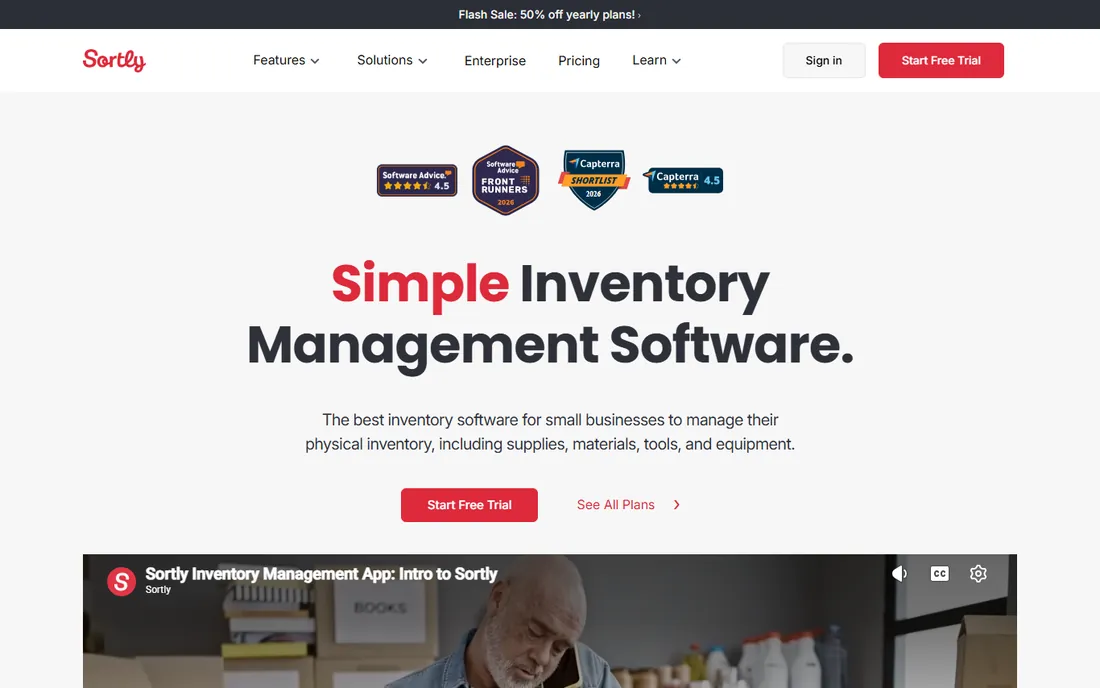
Sortly started in business inventory and brought that discipline to the home. Adding items is fast: photo, name, details, done, with QR code labels you can print and stick on boxes so a phone scan pulls up the contents. The interface is the most polished here, and the free tier covering 100 items is enough to inventory the valuables that matter most for insurance.
A full household blows past 100 items quickly, which is where the paid plans come in. Sortly is also more structured than some people want for casual use. But for a serious, maintainable inventory that you will actually keep updating, its speed of entry is the killer feature.
What we like- Intuitive item cataloging with photos and QR labels
- Free tier covers up to 100 items
- Good mobile apps
Watch out for- Free tier item limit fills fast in a full house
- Advanced features need paid plans
Starting priceSee website
Free planYes
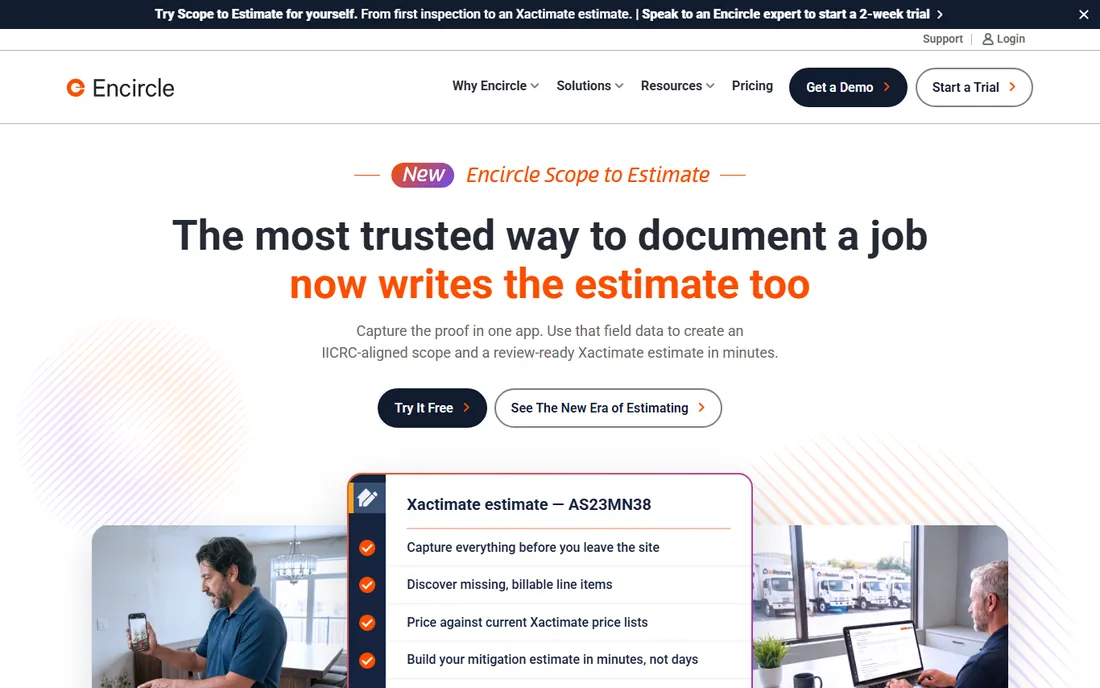
Encircle approaches home inventory from the claim backward. Its documentation workflows match what adjusters need: condition photos, detailed item records, and organized reports that map to the claims process. It is free for homeowners, and its credibility with insurance professionals is a genuine asset when you file.
That focus is also its limit. If you want a household organizer for moves and decluttering, Encircle feels clinical next to Sortly or HomeZada. But nobody buys insurance hoping to use it; they buy it hoping the paperwork works when disaster strikes. For that job, Encircle is purpose-built.
What we like- Documentation workflows designed for claims
- Free for homeowners
- Trusted by insurance industry users
Watch out for- Interface geared toward claims rather than casual browsing
- Less flexible for non-insurance uses
Starting priceSee website
Free planFree trial

Nest Egg keeps the concept simple: track what you own, what it is worth, and where the proof is. It is well suited to valuables, collections, and the high-value items that dominate insurance claims, without the complexity of a full household platform. The cloud setup means your records survive even if your devices do not.
It is a smaller, less-known product, so expect fewer tutorials and community resources than Sortly. The feature set is deliberately narrow. For households that want asset tracking without a learning curve, that narrowness is a virtue.
What we like- Clean simple asset tracking
- Good for valuables and collections
- Straightforward value tracking
Watch out for- Smaller feature set than bigger rivals
- Less known, so fewer reviews to consult
Starting priceSee website
Free planFree trial

HomeZada treats the inventory as one part of running a house. Alongside item records, it tracks maintenance schedules, stores warranty documents, and follows your home's value over time. For homeowners who want one system for the property and everything in it, the breadth is appealing.
Breadth means setup effort. Building the full home profile takes real time, and the free trial only goes so far before the subscription kicks in. If you only need an inventory, simpler tools win. If you want the inventory plus a maintenance brain for the house, HomeZada is the most complete option here.
What we like- Combines inventory with maintenance reminders and home value tracking
- Document storage for warranties
- Detailed home profile
Watch out for- Broader scope means more setup
- Subscription required for full features
Starting priceSee website
Free planYes
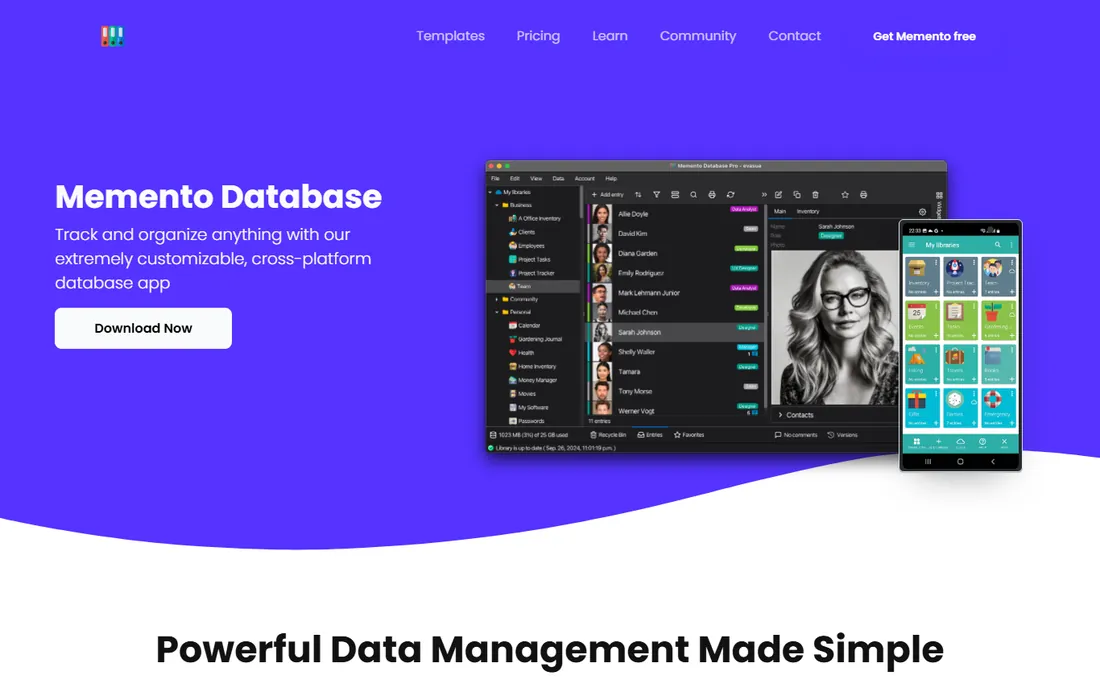
Memento Database is not a home inventory app so much as a database you shape into one. Define your own fields, layouts, and categories: serial numbers, purchase dates, warranty expiries, photos, anything. The free tier is generous, and offline mobile access means the garage inventory works without signal.
The price of flexibility is setup. There is no guided "add your living room" flow; you design the template. People who enjoy that control end up with the best-fitting inventory of anyone. People who want guidance should pick Sortly or Encircle instead.
What we like- Completely customizable fields and layouts
- Generous free tier
- Works offline on mobile
Watch out for- You build the structure yourself
- Less hand-holding than dedicated apps
Starting priceFree
Free planYes
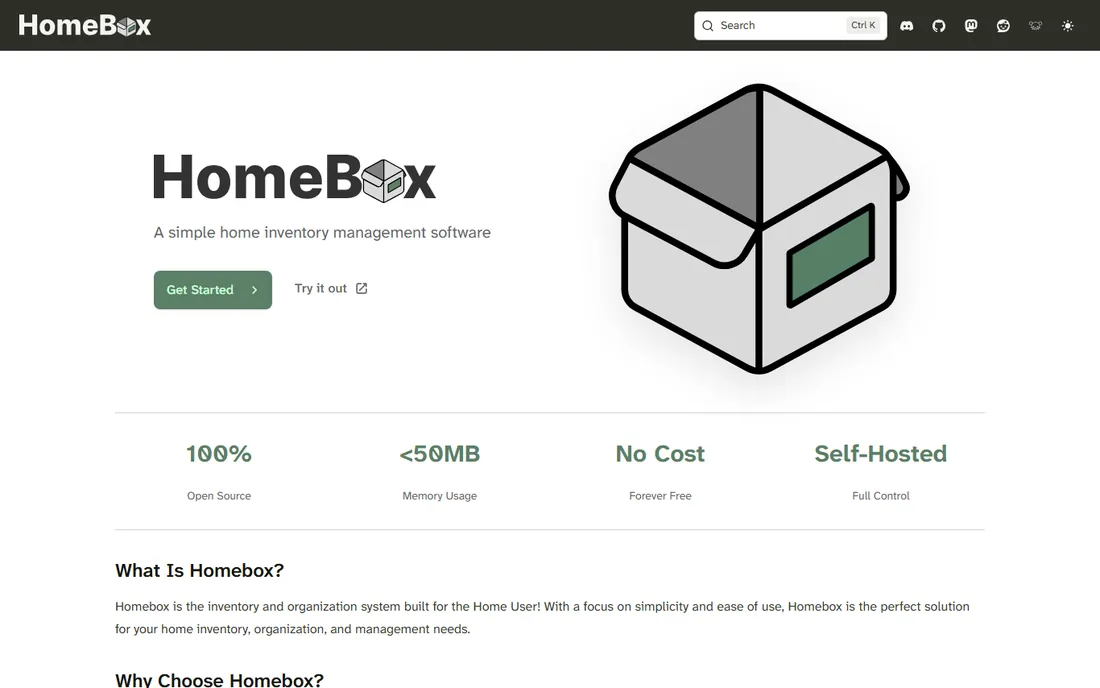
HomeBox is the answer for people who do not want their household inventory on someone else's servers. It is free, open source, and self-hosted: your data lives on your machine, there is no subscription, and no company can change the terms. Labels, locations, and item records cover the essentials well.
Self-hosting is the barrier. You need to install and maintain it, which rules out non-technical users. The interface is practical rather than pretty. But for the privacy-conscious and technically comfortable, it is the only option here with zero cost and zero data lock-in.
What we like- Completely free and open source
- Your data stays on your own server
- No account or subscription needed
Watch out for- Requires self-hosting technical skill
- Interface is functional rather than polished
Starting priceSee website
Free planFree trial
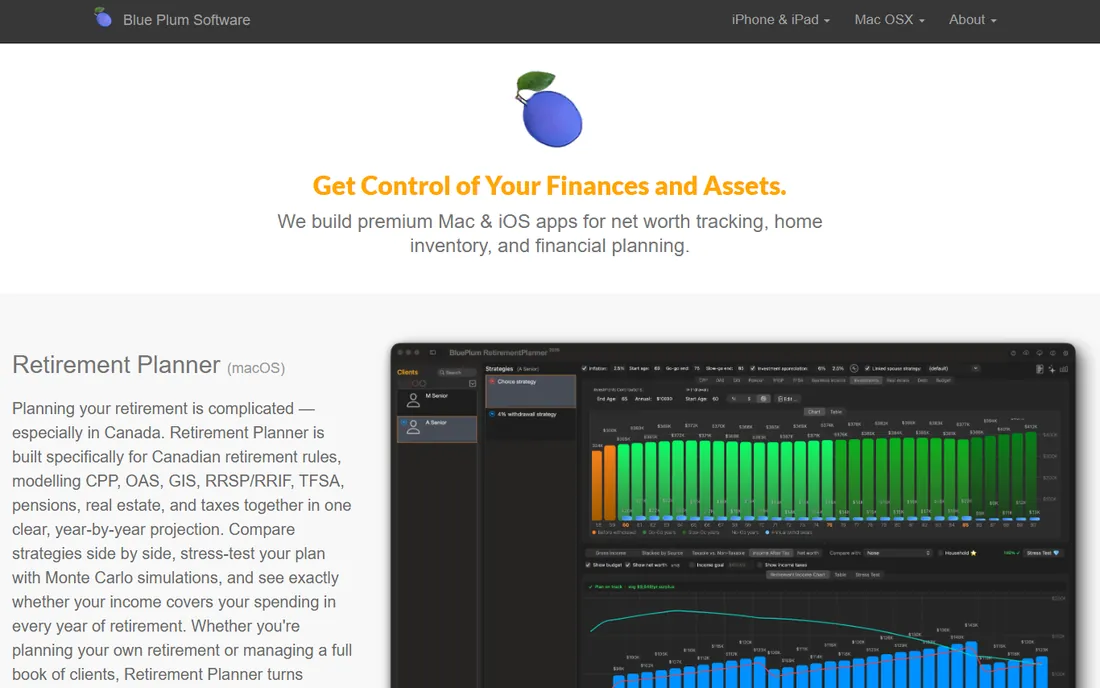
BluePlum focuses on the hardest part of home inventory: actually finishing it. The guided room-by-room workflow walks a family through the house step by step, which solves the real reason most inventories never get done, not software limits but the inertia of starting. The design is approachable for non-technical family members.
It is a younger product, so the track record is shorter and advanced features are thinner than the established names. But an inventory you complete in a limited tool beats a perfect system you never set up, and BluePlum is designed around that truth.
What we like- Guided room-by-room workflow
- Family-friendly design
- Focused on getting the inventory done
Watch out for- Younger product with a smaller track record
- Fewer advanced features
What matters in a home inventory app
Four things separate apps you will use from apps you will abandon.
Photo documentation
Photos are the core of a credible inventory. The app should make adding multiple photos per item fast, ideally with batch capture as you walk a room. Condition photos matter for claims: a photo of the TV working today beats a receipt alone.
Insurance-ready reports
Check what the app exports. An adjuster wants an organized report with item descriptions, values, and photos, not a database dump. Encircle leads here by design; confirm the others produce something your insurer will accept.
Room-by-room workflow
The apps that get finished are the ones that structure the work. Room-by-room guidance, progress tracking, and reminders turn a weekend project into a series of twenty-minute sessions. This matters more than any single feature.
Data ownership and export
Your inventory must survive the app. Confirm you can export everything, photos included, in standard formats, and keep a copy somewhere the app does not control. HomeBox wins by keeping data local; for the rest, test the export before you invest hours.
How we chose
We reviewed vendor pricing pages and documentation, then checked real usage against public reviews on G2 and Capterra and against homeowner discussions on Reddit. We weighted ease of adding items, photo handling, export and reporting quality, free tier generosity, data ownership, and fit for different goals, from insurance documentation to household organization. We favored tools with active development and real users in 2026. We did not claim hands-on testing of any product.
The afternoon inventory method
You do not need a perfect system. You need a finished one, and this method gets most homes documented in one afternoon. Start with the most valuable room, usually the living room or home office. Photograph each item, then photograph any serial number plate and the receipt if you have it. Speak values into a voice note if typing slows you down; you can transcribe later.
Work room by room without skipping. Open closets, drawers, and the storage areas people forget: the garage, the attic, the safe. For each room, take one wide photo showing everything at once; adjusters love these. Note purchase dates approximately when receipts are gone; "about 2022" is far better than nothing.
When the walkthrough is done, enter everything into whichever app you chose, back up the export in two places, and set a yearly reminder to update it. The inventory decays the moment you buy something new, so tie updates to an existing habit, like the start of the year or your insurance renewal.
Frequently asked questions
Why should I bother with a home inventory?
Because insurance claims without documentation are negotiations you lose. An inventory with photos, values, and dates turns a claim into paperwork instead of an argument from memory. It also helps with moves, estate planning, and settling disputes about what was in a shared space.
Will my insurance company accept an app-based inventory?
Generally yes. Insurers want organized records with descriptions, photos, and values; the format matters less than the completeness. Encircle's reports are designed for this workflow. Keep receipts for high-value items regardless of the app, and check with your insurer about any specific requirements.
How long does a home inventory take?
A focused walkthrough takes an afternoon for an average home; data entry adds a few more hours spread over a week. The room-by-room method in this article keeps it manageable. Updating yearly takes under an hour once the base inventory exists.
Should I include small or low-value items?
Include anything you would miss or claim: electronics, appliances, furniture, tools, jewelry, and collections. Nobody inventories every kitchen utensil, but photographing whole drawers and shelves captures the small stuff cheaply. Focus detail work on items worth more than your deductible.
I rent. Do I still need a home inventory?
Yes, arguably more. Your landlord's insurance covers the building, not your belongings; renters insurance covers your stuff, and it needs the same documentation. The inventory also protects your security deposit by recording the apartment's condition when you move in.
Sources we checked (7)
- https://sortly.com
- https://getencircle.com
- https://nestegg.cloud
- https://www.homezada.com
- https://mementodatabase.com
- https://homebox.software
- https://theblueplum.com
Is your product missing or out of date?
We review this list regularly. Vendors can request a listing, send updated pricing or ask about featured placement.

Shihab Mia · Founder, Rankite
Shihab has spent more than a decade helping SaaS and e-commerce brands grow through search. He writes Rankite's software buying guides from pricing pages, documentation and public user reviews. More about Shihab.