How we make this list: we compare pricing pages, product documentation and public user reviews. Rankite is independent; if a vendor ever pays for a featured spot, that listing is clearly labeled Partner.
Key takeaways
- Start free: Carbide Create, Easel, Universal Gcode Sender, and CNCjs cost nothing and cover design, toolpaths, and machine control for most beginners.
- Autodesk Fusion at $57 per month billed annually is the professional-grade CAD/CAM option, with a free personal-use tier for hobbyists who qualify.
- MeshCAM ($250 one-time) is the simplest path from a 3D model to cut parts, with no subscription and a 15-day full trial.
- VCarve and EstlCAM suit sign-makers and router owners who want purpose-built 2.5D toolpaths without learning a full engineering suite.
Quick comparison
| Tool | Best for | Starting price | Free plan |
|---|
 Autodesk Fusion Autodesk Fusion | Hobbyists who want professional CAD and CAM together | Free personal-use tier; $57/month (billed annually) for full Fusion | Yes (Fusion for personal use) |
 Easel Easel | Beginners carving on X-Carve and other desktop routers | Free; Easel Pro subscription (see website) | Yes |
 Carbide Create Carbide Create | Shapeoko and Nomad owners who want free CAD/CAM | Free; Carbide Create Pro subscription (see website) | Yes |
 VCarve VCarve | Sign shops and hobbyists focused on 2.5D routing | See website (one-time license; free trial available) | Free trial |
 MeshCAM MeshCAM | Turning 3D models into parts with minimum fuss | $250 one-time (Standard); $500 (Pro) | Free trial (15 days, fully functional) |
 Universal Gcode Sender Universal Gcode Sender | Free, full-featured control of GRBL-based machines | Free (open source) | Yes |
 CNCjs CNCjs | Running your machine from a Raspberry Pi or browser | Free (open source) | Yes |
 EstlCAM EstlCAM | Budget CAM with built-in machine control | Free version; paid license (see website) | Yes (fully functional free version) |
Is your product missing or out of date?
We review this list regularly. Vendors can request a listing, send updated pricing or ask about featured placement.
The best hobby CNC software
Nobody's first CNC project should start with a software purchase. The home-workshop stack has three jobs: design the part (CAD), plan the cuts (CAM), and drive the machine (controller or sender). Some programs do one job, some do all three, and the free options are good enough that most hobbyists never need to pay. These eight cover the real choices, matched to the machines people actually own.
#1
Autodesk Fusion
Best for: Hobbyists who want professional CAD and CAM together
Visit autodesk.com
Starting priceFree personal-use tier; $57/month (billed annually) for full Fusion
Free planYes (Fusion for personal use)
Fusion is the most capable software a hobbyist can run, full stop. Parametric modeling, assemblies, sheet metal, and real CAM toolpaths live in one program, so a bracket designed in the morning can be cutting by the afternoon with no file export in between. Autodesk's own page prices full Fusion at $57 a month billed annually, with a 30-day trial, but the detail that matters for this list is the free personal-use tier: non-commercial hobbyists can use Fusion free with some limits.
The trade-offs are philosophical as much as technical. Fusion is cloud-connected software, which means your files live in Autodesk's cloud and the license phones home. Some hobbyists dislike that on principle. The learning curve is also real: Fusion rewards a few weekends of tutorials in a way that simpler carving programs do not demand. If you plan to grow from signs into machined parts, start here and grow into it.
What we like- Genuinely professional parametric CAD plus integrated CAM in one program
- Huge tutorial library and community
- Free personal-use license for qualifying hobbyists
Watch out for- Cloud-based licensing needs periodic online check-ins
- The personal tier limits some advanced manufacturing features
Starting priceFree; Easel Pro subscription (see website)
Free planYes
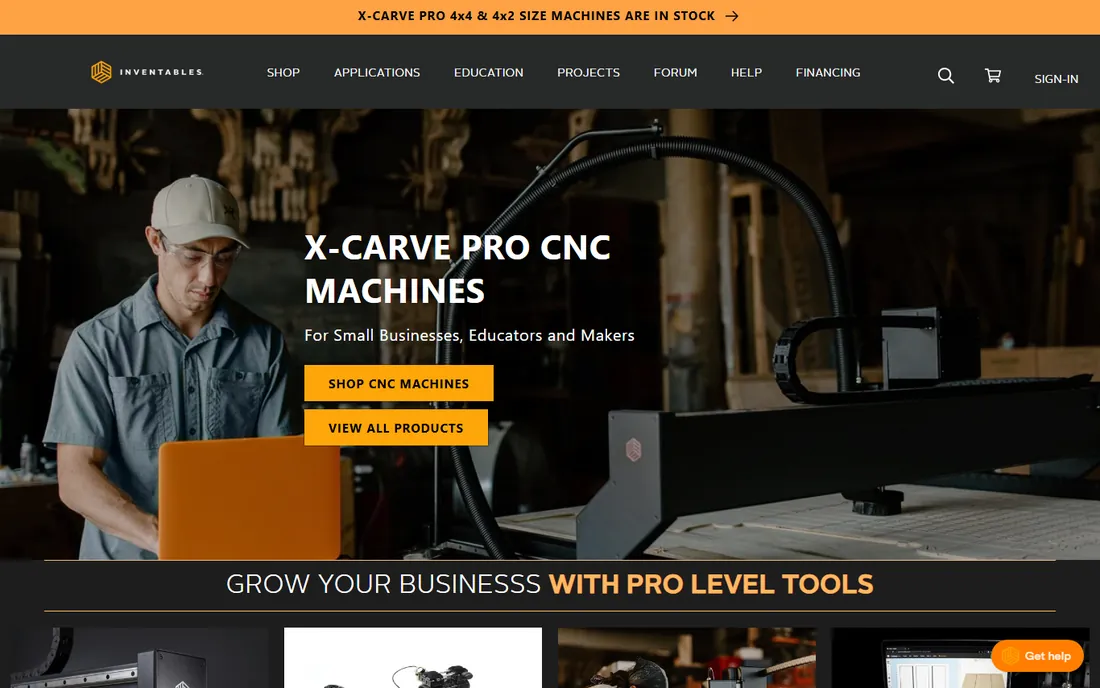
Easel is the on-ramp Inventables built for its X-Carve machines, and it works far beyond them. Open a browser tab, draw or import a design, set your material and bit, and Easel generates the toolpaths and can drive the machine directly. For someone whose first project is a wooden sign, the whole experience takes an afternoon, not a semester.
The free version covers straightforward 2D carving. Easel Pro adds 3D carving, v-carving, and the design library, on a subscription. The honest question is whether you will outgrow it: hobbyists who move into 3D reliefs or aluminum parts usually graduate to Fusion or VCarve within a year. As a first step, though, nothing gets a beginner cutting faster.
What we like- Runs in the browser with nothing to install
- Dead-simple 2D design and toolpath workflow
- Works with most GRBL desktop machines, not just Inventables hardware
Watch out for- Browser-based means no internet, no carving
- 3D and v-carving features sit behind the Pro paywall
Starting priceFree; Carbide Create Pro subscription (see website)
Free planYes
Carbide 3D gives away the software that runs its machines, and it is better than free software has any right to be. Carbide Create handles 2D and 2.5D design and toolpaths, exports standard g-code, and pairs with Carbide Motion for machine control. If you own a Shapeoko or Nomad, this is the default stack and it costs nothing.
Create Pro adds 3D design and machining, rest machining, and advanced engraving on a subscription aimed at hobbyists. Non-Carbide machine owners can use Create too, since it outputs standard g-code, though the workflow assumes Carbide hardware. The value proposition is simple: capable software, zero cost of entry, and an upgrade path that stays cheap.
What we like- Free 2.5D CAD/CAM with no time limit
- Designed alongside Carbide machines so setup is painless
- Pro adds 3D modeling and rest machining cheaply
Watch out for- Tightly oriented around Carbide's own machines
- Advanced users will want the Pro tier for 3D work
#4
VCarve
Best for: Sign shops and hobbyists focused on 2.5D routing
Visit vectric.com
Starting priceSee website (one-time license; free trial available)
Free planFree trial
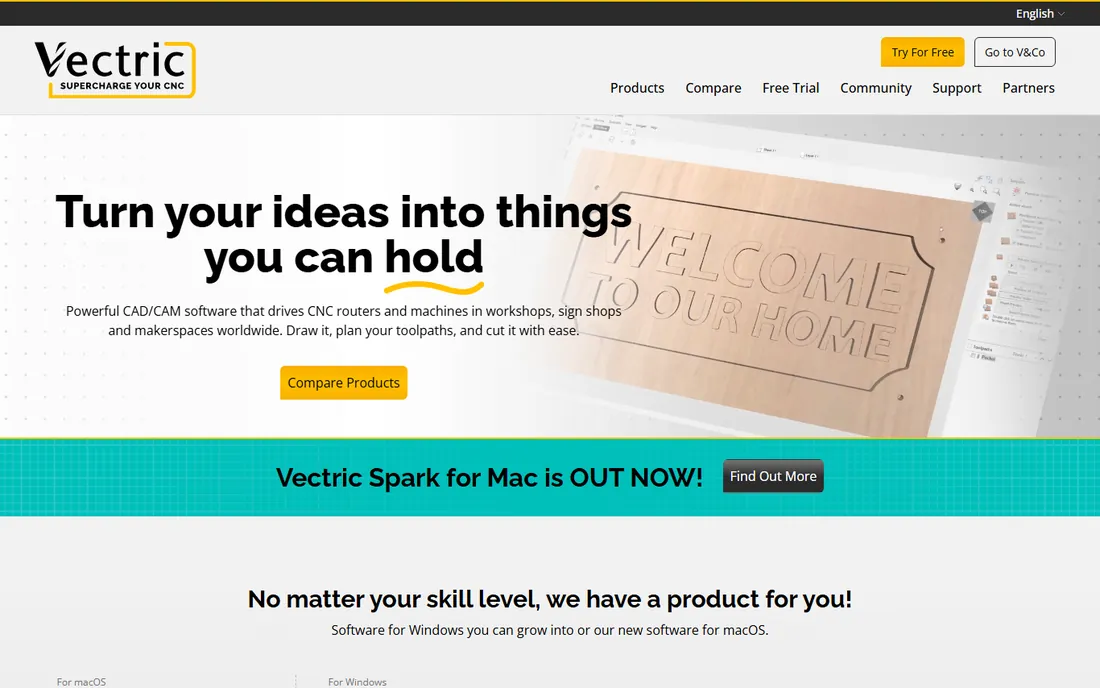
Vectric's VCarve is the sign-maker's standard for a reason. V-carving text, inlays, fluting, and prismatic lettering are first-class operations, not workarounds, and the toolpath preview shows exactly what the cut will look like. Vectric sells one-time licenses (Desktop and Pro tiers) with free minor upgrades and a try-before-you-buy trial, which appeals to hobbyists allergic to subscriptions.
The product ladder is clear: Cut2D for simple 2D work, VCarve for 2.5D, Aspire when you want full 3D modeling. Upgrades cost only the difference, so starting small is safe. The main limitation is scope: VCarve is a routing specialist, not a general engineering CAD program. If your projects are signs, plaques, inlays, and cabinet parts, it is arguably better than Fusion at that specific job.
What we like- Best-in-class v-carving and sign-making toolpaths
- One-time purchase with free minor upgrades, no subscription
- Enormous tutorial library and user forum
Watch out for- Windows-focused (Mac version is newer and narrower)
- Full 3D modeling needs the pricier Aspire instead
Starting price$250 one-time (Standard); $500 (Pro)
Free planFree trial (15 days, fully functional)
MeshCAM answers one question: you have a 3D model, you want g-code, you do not want to learn CAM. Load an STL, pick your cutters and quality level, and it generates roughing and finishing toolpaths with sensible speeds and feeds chosen for you. The 15-day trial is fully functional, and the license is a one-time $250 for Standard or $500 for Pro, with the software running on your machine and no monthly fee.
What you give up is everything around the CAM. MeshCAM barely draws; your CAD comes from elsewhere (it opens STL, DXF, and even image files converted to reliefs). Advanced users get full control over toolpath settings, but the program's heart is simplicity. For jewelers, model makers, and anyone machining 3D shapes from downloaded or sculpted models, it remains the shortest path from file to part.
What we like- Simplest workflow from STL to g-code in the category
- One-time price, runs locally, no subscription
- Automatic speeds and feeds for beginners
Watch out for- Minimal CAD capability, so you need models from elsewhere
- Interface and development pace reflect a small shop
Starting priceFree (open source)
Free planYes
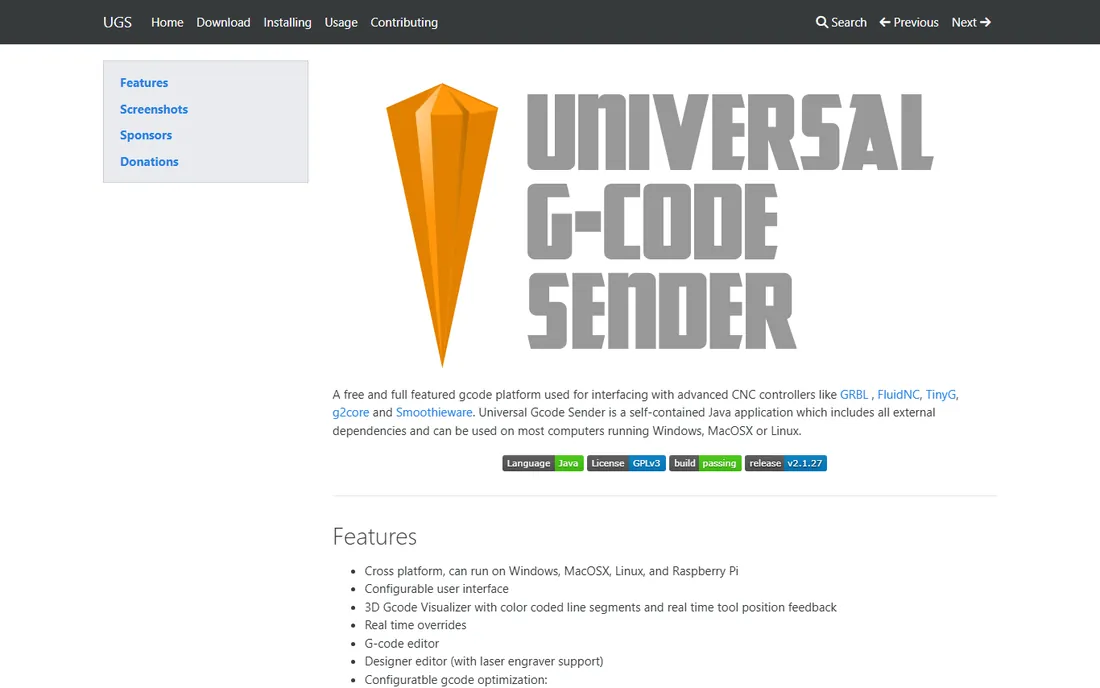
Universal Gcode Sender (UGS) does the third job in the stack: it takes finished g-code and drives the machine. It talks to GRBL, FluidNC, TinyG, and Smoothieware controllers, with a 3D visualizer, g-code editor, real-time overrides, and even gamepad jogging. It is free, open source, and maintained for the hobby community.
UGS is a sender, not a designer: your toolpaths come from Fusion, Easel, Carbide Create, or MeshCAM, and UGS streams them to the controller. The interface prioritizes function over beauty, and first-time setup involves serial ports and baud rates. But for anyone running a GRBL machine who wants a free, capable, cross-platform sender, it is the standard answer.
What we like- Free and open source with an active community
- 3D g-code visualizer, editor, and pendant support
- Runs on Windows, Mac, Linux, and Raspberry Pi
Watch out for- Interface is functional rather than polished
- Setup assumes comfort with serial ports and firmware settings
#7
CNCjs
Best for: Running your machine from a Raspberry Pi or browser
Visit cnc.js.org
Starting priceFree (open source)
Free planYes
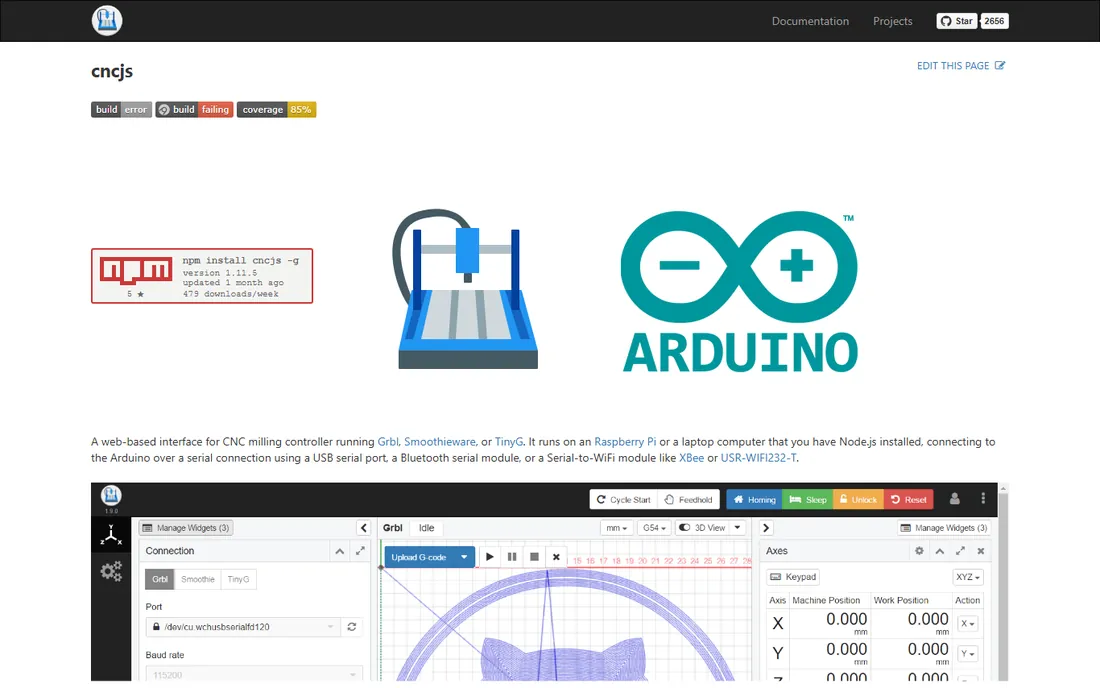
CNCjs takes a different approach to machine control: the sender runs as a small server (often on a Raspberry Pi bolted to the machine), and you drive it from a browser on your laptop, tablet, or phone. It supports Grbl, Smoothieware, and TinyG controllers, with a 3D visualizer, customizable workspace, keyboard shortcuts, and pendant options.
The payoff is a clean workshop setup: no laptop tethered to the machine via USB, no dust on your good computer. The cost is technical setup: installing Node.js, configuring the server, and securing network access. For makers comfortable with a Raspberry Pi, CNCjs is the most flexible free sender available; for everyone else, UGS on a laptop is simpler.
What we like- Web interface means control from any device on the network
- Runs headless on a Raspberry Pi next to the machine
- Pendant and macro support
Watch out for- Requires Node.js installation and some technical comfort
- Project development is community-paced
Starting priceFree version; paid license (see website)
Free planYes (fully functional free version)
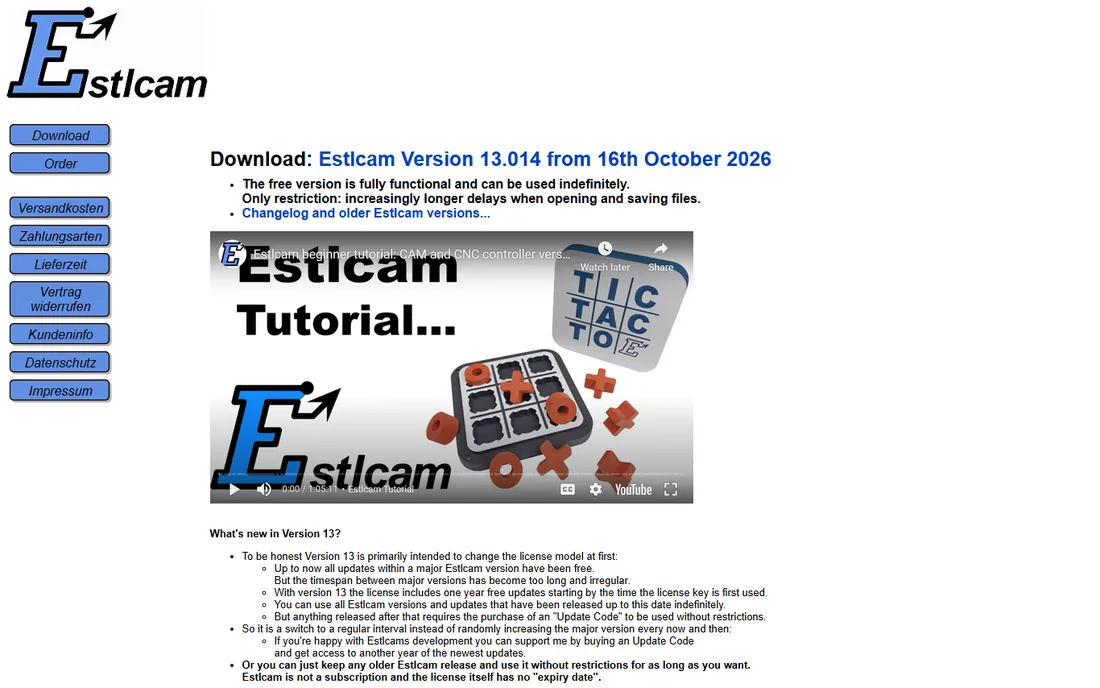
Estlcam is the quiet favorite of the budget router world. It generates 2D and 3D toolpaths from DXF, SVG, and STL files, and it can also drive the machine directly through inexpensive USB control hardware, replacing both CAM and sender in one program. The free version is fully functional indefinitely; the only restriction is growing delays when opening and saving files, which the paid license removes.
Version 13 changed the license model: a license now includes one year of updates, with inexpensive update codes after that, but the license itself never expires and it is not a subscription. The rough edges are real: Windows only, a smaller English-speaking community, and a developer who is refreshingly blunt in his changelog. For the price, which is a fraction of the big CAM programs, hobbyists get remarkable capability.
What we like- Combines 2D/3D CAM with direct machine control in one program
- Free version is fully functional with only nag delays
- Inexpensive one-time license, no subscription
Watch out for- Windows-only
- Documentation and community are smaller and German-rooted, so English help takes more digging
Controller vs sender vs CAD/CAM: what you actually need
Three layers, three decisions. CAD designs the part. CAM turns the design into toolpaths and g-code. The controller or sender streams that g-code to the machine's motion controller (usually GRBL on hobby machines). Integrated options like Fusion, Easel, Carbide Create, and Estlcam cover multiple layers; UGS and CNCjs cover only the last one and pair with any CAM.
Match the software to the machine you own or plan to buy. X-Carve owners start with Easel. Shapeoko and Nomad owners start with Carbide Create and Carbide Motion. Anyone building or buying a generic GRBL router pairs their preferred CAM (Fusion, VCarve, MeshCAM) with UGS or CNCjs. Buying software before the machine is backwards; the machine's controller and community determine which senders work.
How we chose
We listed software that exists, is maintained, and is actually used by hobbyists in 2026: forum activity, YouTube tutorial volume, and compatibility with current desktop machines (Shapeoko, X-Carve, generic GRBL routers). We opened each vendor's homepage and pricing page directly and report what the vendor says: free tiers, trial terms, and list prices where published. Where the vendor does not publish a price, we say so rather than repeating reseller numbers. Nobody here paid us, and we did not cut a single part for this guide.
Picking software for your machine and your projects
Start with your project type. Signs, text, and flat parts: Easel, Carbide Create, or VCarve. 3D reliefs and sculpted parts: MeshCAM or Fusion. Machined mechanical parts with tolerances: Fusion. Then check the controller: GRBL-based machines work with UGS and CNCjs; Carbide machines pair with Carbide Motion; Estlcam needs its supported USB hardware for direct control.
Budget in this order: free first, one-time purchase second, subscription last. The free tier of Fusion, Carbide Create, Easel, UGS, and CNCjs covers an enormous range of hobby work, and MeshCAM's 15-day trial plus Estlcam's free version let you test paid-class CAM before spending. Pay for software when a specific project demands a feature the free tools lack, not before.
Frequently asked questions
What software do I need to run a hobby CNC?
You need CAM software to generate toolpaths and a sender to stream g-code to the machine. Many programs combine both. A typical free starter stack is Carbide Create or Easel for design and toolpaths plus Universal Gcode Sender for machine control.
Is Fusion really free for hobbyists?
Autodesk offers Fusion for personal use free to qualifying non-commercial users, with some feature limits. The full commercial version costs $57 per month billed annually. Check Autodesk's current eligibility terms, since they change periodically.
What is the difference between CAD and CAM?
CAD designs the part's geometry. CAM plans how the machine cuts it: which tools, what paths, what speeds and feeds. Some programs do both (Fusion, Carbide Create), while specialists like MeshCAM focus on CAM and expect models from elsewhere.
Can I use free software with any CNC machine?
Mostly yes for GRBL-based machines, which cover the majority of hobby routers and mills. Universal Gcode Sender and CNCjs work with GRBL, FluidNC, TinyG, and Smoothieware. Proprietary machines may need the manufacturer's own software.
Do I need a powerful computer for CNC software?
For 2D work and sending g-code, any modern laptop works. 3D CAM toolpath calculation (Fusion, MeshCAM) benefits from more RAM and a decent CPU; 16 GB of RAM is a comfortable minimum. The machine controller itself needs almost nothing, which is why Raspberry Pi setups are popular.
One-time purchase or subscription?
One-time purchases (MeshCAM $250, VCarve, Estlcam license) cost more up front but nothing after. Subscriptions (Fusion $57/month, Easel Pro, Create Pro) spread the cost and include updates. Hobbyists who carve occasionally usually spend less with one-time licenses; heavy users may prefer subscriptions.
Sources we checked (8)
- https://www.autodesk.com/products/fusion-360/overview
- https://inventables.com/
- https://carbide3d.com/
- https://vectric.com/
- https://www.grzsoftware.com
- https://winder.github.io/ugs_website/
- https://cnc.js.org
- https://estlcam.de/
Is your product missing or out of date?
We review this list regularly. Vendors can request a listing, send updated pricing or ask about featured placement.

Shihab Mia · Founder, Rankite
Shihab has spent more than a decade helping SaaS and e-commerce brands grow through search. He writes Rankite's software buying guides from pricing pages, documentation and public user reviews. More about Shihab.