How we make this list: we compare pricing pages, product documentation and public user reviews. Rankite is independent; if a vendor ever pays for a featured spot, that listing is clearly labeled Partner.
Key takeaways
- MyFitnessPal is the strongest pick for food logging, with Premium at $79.99 per year adding barcode scanning and macro tracking.
- Strava owns the social training side for runners and cyclists, and its free tier covers the basics well.
- Apple Health and Samsung Health cost nothing and already sit on your phone, which makes them the default starting point for casual tracking.
- WHOOP and Garmin Connect suit people who train seriously and want recovery and strain data, not just step counts.
- Cronometer is the standout for precise nutrition data, while Lose It! and MyNetDiary work better for straightforward weight loss.
Quick comparison
| Tool | Best for | Starting price | Free plan |
|---|
 MyFitnessPal MyFitnessPal | food and calorie logging | $79.99 per year (Premium) | Yes |
 Strava Strava | runners and cyclists who train with others | $79.99 per year (subscription) | Yes |
 Fitbit Fitbit | everyday activity tracking with a Fitbit device | See website | Yes |
 Apple Health Apple Health | iPhone owners who want a free central dashboard | Free | Yes |
 Samsung Health Samsung Health | Samsung and Android users | Free | Yes |
 Cronometer Cronometer | precise nutrition and micronutrient tracking | See website | Yes |
 Lose It! Lose It! | straightforward weight loss tracking | See website | Yes |
 MyNetDiary MyNetDiary | structured diet plans with guidance | See website | Yes |
 WHOOP WHOOP | recovery and strain coaching for serious training | See website | No |
 Garmin Connect Garmin Connect | Garmin watch owners who train outdoors | Free | Yes |
Is your product missing or out of date?
We review this list regularly. Vendors can request a listing, send updated pricing or ask about featured placement.
The best health tracker apps
Starting price$79.99 per year (Premium)
Free planYes
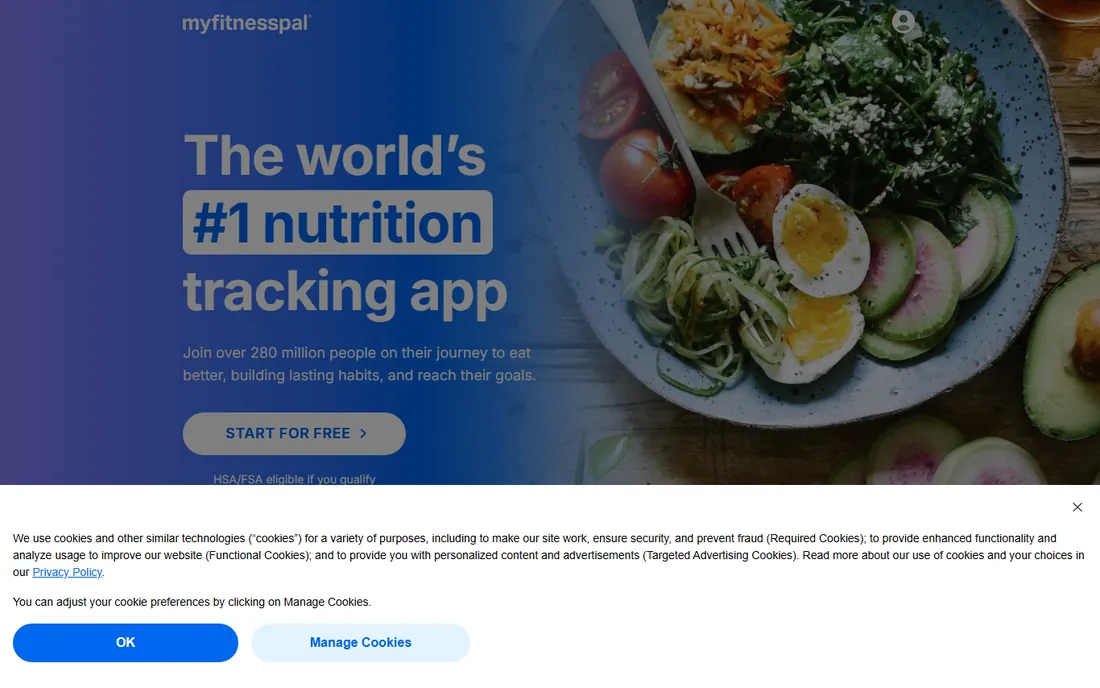
MyFitnessPal remains the default answer when someone asks how to track what they eat. The food database is enormous, which means most packaged foods and restaurant items are already in there. Logging a full day of meals takes minutes once you build a small library of frequent foods, and the barcode scanner removes the guesswork from packaged items.
The free tier covers basic calorie logging, but the useful tools sit behind Premium. Barcode scanning, macro goals by gram, and the progress dashboard all require the $79.99 per year plan. Premium+ at $99.99 per year adds meal planning and dietitian-reviewed recipes. If your goal is weight loss through diet awareness, Premium is the tier that makes the app worth it.
What we like- Largest food database for logging meals
- Barcode scanner and meal scan on paid plans
- Strong community and recipe import
Watch out for- Free tier is ad-supported with key tools paywalled
- Premium+ upsell pushes the price to $99.99 per year
Starting price$79.99 per year (subscription)
Free planYes
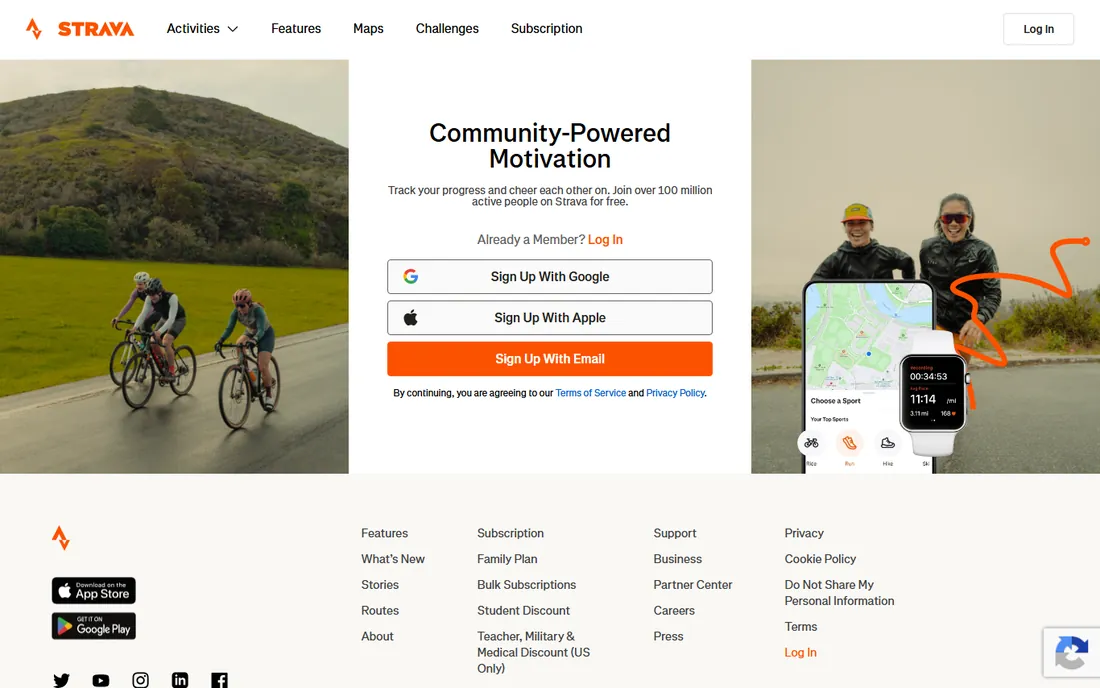
Strava built its reputation on the social side of training. The feed, kudos, clubs, and segment leaderboards give running and cycling a competitive layer that keeps people consistent. If your friends train on Strava, that network effect alone is reason enough to use it.
The free tier records activities and shows the feed, which covers casual use. The $79.99 per year subscription adds training plans, route builder, and deeper performance analytics. Strava is a weak choice for food logging or sleep tracking, so pair it with a nutrition app if diet matters to your goal.
What we like- Best activity feed and club features in the category
- Route planning and segment leaderboards
- Works with almost every GPS watch
Watch out for- Subscription needed for training plans and full analytics
- Nutrition tracking is minimal
#3
Fitbit
Best for: everyday activity tracking with a Fitbit device
Visit fitbit.com
Starting priceSee website
Free planYes
Fitbit helped define this category, and the app is still one of the easiest to live with. Steps, sleep stages, heart rate, and exercise minutes all land in one clean dashboard. Setup takes minutes, and the app nudges you toward small daily goals rather than overwhelming you with data.
The catch is hardware. The app works best with a Fitbit tracker or Pixel Watch, since Google moved the ecosystem in that direction. Fitbit Premium adds detailed sleep analysis, readiness scores, and guided programs. Without a device, the app is a thin experience, so this pick only makes sense if you own or plan to buy the hardware.
What we like- Simple app paired with affordable trackers
- Sleep tracking and readiness scores
- Large user base and long history
Watch out for- Best features need a Fitbit device or Pixel Watch
- Premium subscription gates advanced insights
#4
Apple Health
Best for: iPhone owners who want a free central dashboard
Visit apple.com
Starting priceFree
Free planYes
Every iPhone already has a health tracker, and many people never open it. Apple Health pulls together steps, workouts, sleep, heart rate, and nutrition data from connected apps into one timeline. It also stores health records and medications, which makes it useful beyond fitness.
The weakness is depth. Apple Health collects data well but does little with it. There are no training plans, no calorie targets, and no coaching. Treat it as the free hub that gathers everything, then add a specialized app for the goal you actually care about.
What we like- Preinstalled on every iPhone at no cost
- Aggregates data from dozens of third-party apps
- Strong privacy controls
Watch out for- IPhone only
- Analysis and coaching features are basic compared with paid apps
Starting priceFree
Free planYes
Samsung Health is the Android answer to Apple Health, with more built-in coaching. It tracks steps, workouts, sleep, food, water intake, and even stress, all without a subscription. The Together challenges add a social layer for competing with friends on step counts.
Paired with a Galaxy Watch, sleep and heart rate tracking become genuinely useful. On its own, the app relies on the phone's sensors, which is fine for step counting and manual logging. The food database lags behind MyFitnessPal, so serious dieters will feel the gap.
What we like- Free with broad tracking: activity, sleep, food, water, and stress
- Works with Galaxy Watch for heart and sleep data
- Challenges with friends
Watch out for- Best experience needs Samsung hardware
- Food database is thinner than MyFitnessPal
Starting priceSee website
Free planYes
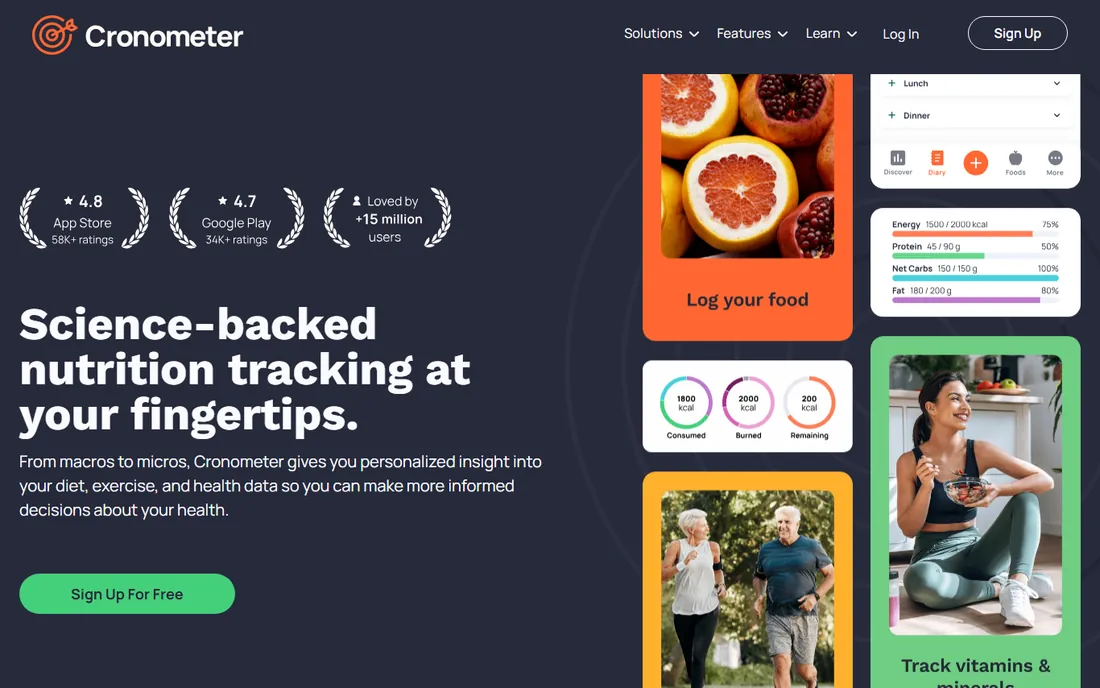
Cronometer is the pick for people who care about data quality over convenience. Its nutrition database leans on verified sources rather than user submissions, so the numbers you see are more trustworthy. It tracks vitamins and minerals in detail, which matters for anyone managing deficiencies or following a strict diet.
The trade is coverage. Restaurant meals and newer branded products show up less often than in MyFitnessPal, so logging takes more effort. The design is functional rather than fun. If precision matters more than speed, this is the right trade.
What we like- Most accurate nutrition database, with verified entries
- Tracks up to 82 micronutrients
- No ads on the free tier
Watch out for- Smaller food database for restaurant and branded items
- Interface feels clinical next to friendlier apps
Starting priceSee website
Free planYes
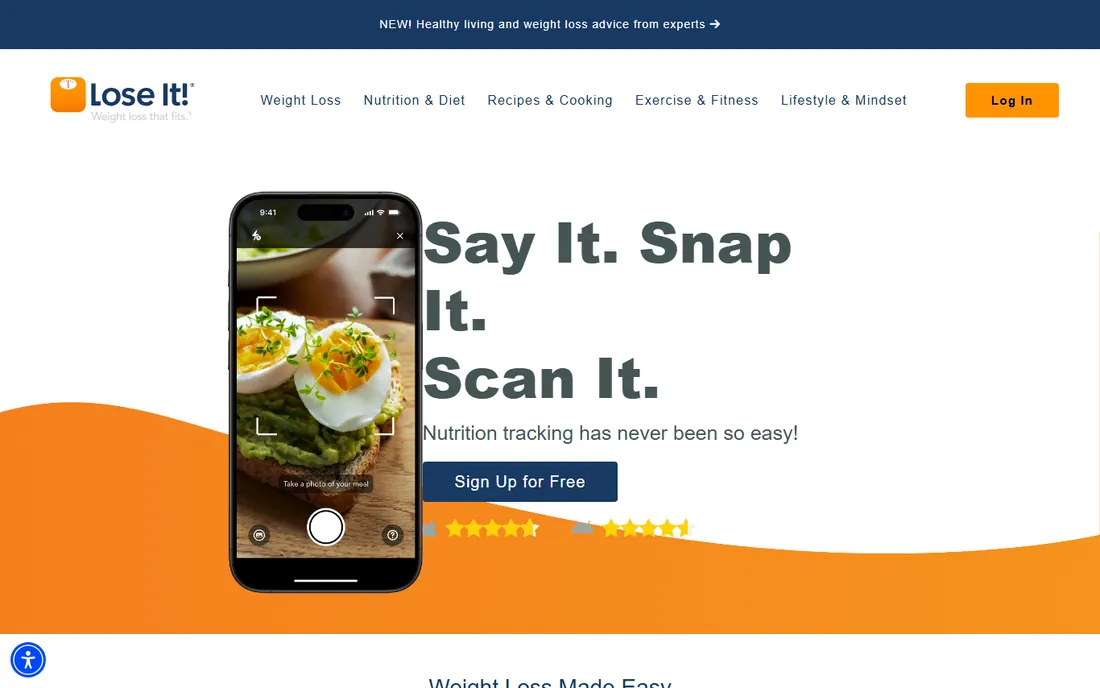
Lose It! keeps the weight loss formula simple: set a calorie budget, log food, watch the trend line. The photo logging feature guesses foods from a picture, which lowers the friction of tracking. The interface stays out of the way, and the weekly patterns report shows which days tend to run over budget.
The free tier handles the core job. Premium adds meal planning, device syncing depth, and more detailed reports. This is not the app for training plans or workout analysis, but for pure calorie control it is one of the easiest to stick with.
What we like- Fast food logging with photo and barcode options
- Clear calorie budget system
- Weekly patterns report shows trends
Watch out for- Exercise and fitness features are thin
- Advanced insights need Premium
Starting priceSee website
Free planYes
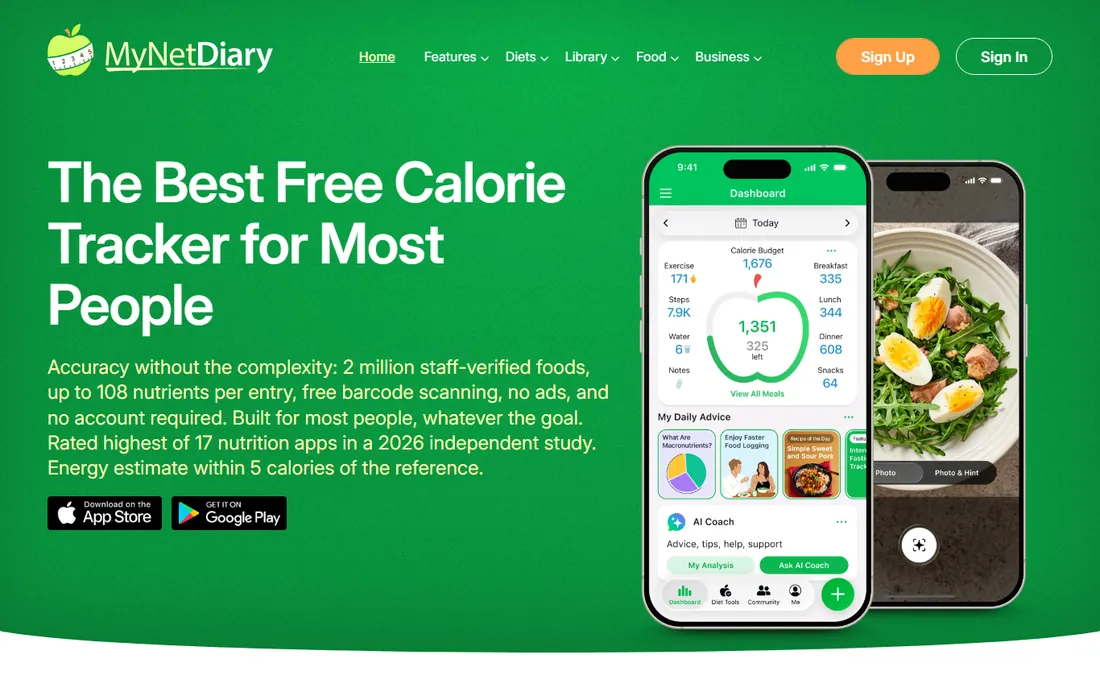
MyNetDiary sits between a tracker and a coach. Its AutoPilot feature adjusts your calorie and macro targets based on your logging history, which removes the guesswork of setting goals. The app offers structured plans for low-carb, diabetes-friendly, and heart-healthy eating.
The free tier gives you a taste but holds back the coaching features that make the app distinctive. Premium opens the full plan library and deeper analysis. If you want guidance rather than just a logbook, this is a stronger fit than MyFitnessPal.
What we like- AutoPilot coaching adjusts targets as you log
- Strong diabetes and low-carb plan options
- Clean, modern interface
Watch out for- Free tier is limited compared with rivals
- Best plans require the Premium subscription
#9
WHOOP
Best for: recovery and strain coaching for serious training
Visit whoop.com
Starting priceSee website
Free planNo
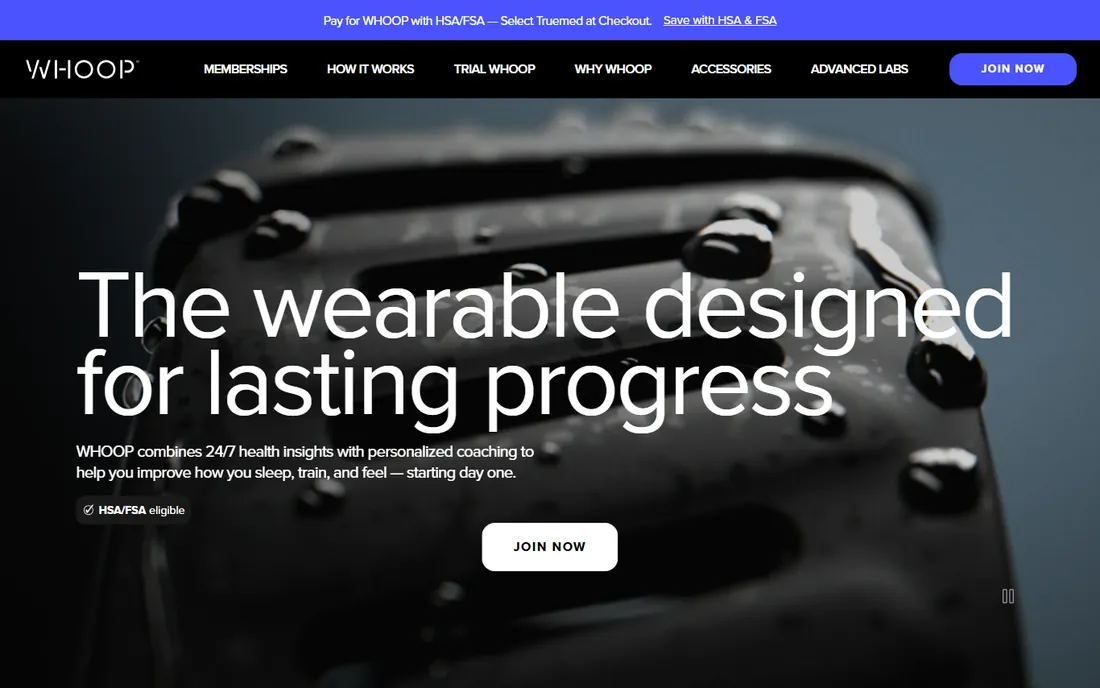
WHOOP takes a different approach from every other app on this list. There is no step goal and no calorie log. Instead, the band measures heart rate variability, resting heart rate, and sleep around the clock, then tells you how recovered you are and how hard to train today.
The membership model means you pay monthly or yearly for the data, with the band included. That makes it the priciest option here for what you get. For competitive athletes and heavy trainers, the recovery guidance is genuinely useful. For casual fitness, it is overkill.
What we like- Continuous recovery, strain, and sleep coaching
- No screen keeps focus on data
- Strong for athletes managing training load
Watch out for- Membership required, and the band is useless without it
- No built-in GPS or display
#10
Garmin Connect
Best for: Garmin watch owners who train outdoors
Visit garmin.com
Starting priceFree
Free planYes
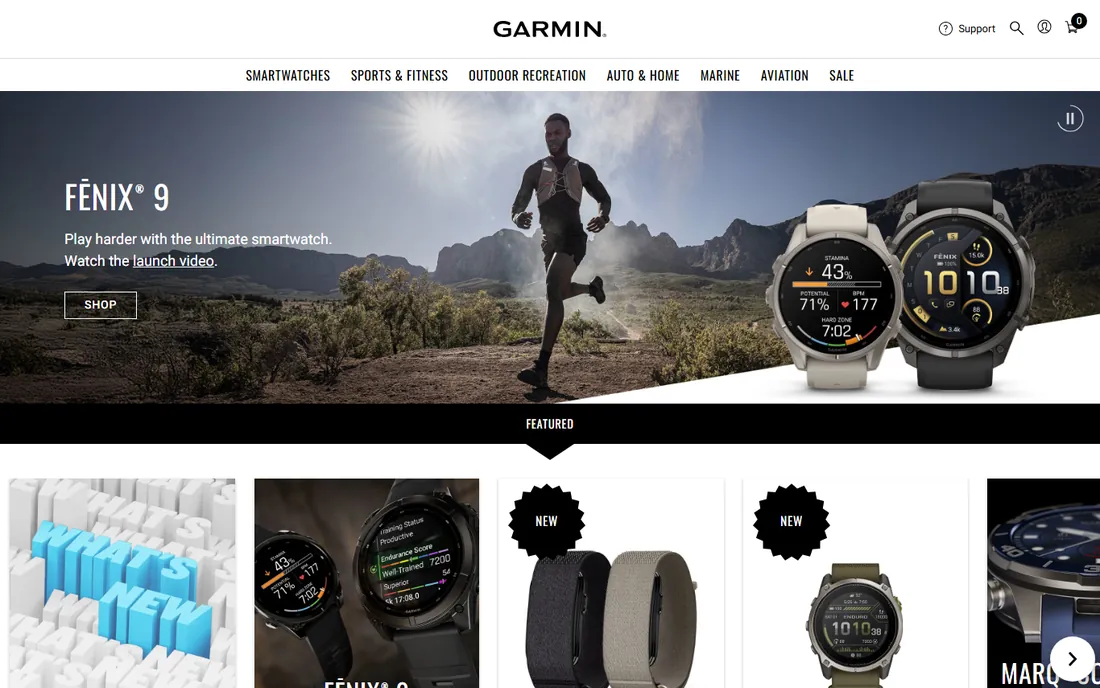
Garmin Connect is free, and it is the reason many runners and cyclists stay loyal to Garmin watches. The training metrics go deep: training status, load balance, recovery time, and race time predictions. For outdoor training, the GPS accuracy and battery life of the watches are hard to beat.
The obvious limit is hardware. Without a Garmin device, the app does little. The interface prioritizes data density over polish, which serious trainers like and casual users find busy. If you already wear a Garmin, this is the only dashboard you need.
What we like- Free with deep training metrics: VO2 max, training load, race predictor
- Excellent GPS accuracy
- Long watch battery life
Watch out for- Requires a Garmin device
- App design feels dated next to newer rivals
How we chose
We started from each vendor's own site and pricing pages, then checked public reviews on G2, Capterra, Reddit, and the app stores for patterns in what owners actually praise and complain about. We looked at feature lists and documentation for tracking depth, device integrations, and free tier limits. Every app here fits a small business owner or manager who wants personal health tracking without enterprise software, and we weighted ease of sticking with the app as heavily as feature count.
Picking the right tracker for your goal
Start from the outcome you want, not the app with the most features. For weight loss through diet, the food logging apps matter most: MyFitnessPal for the biggest database, Lose It! for the simplest routine, Cronometer for precision, MyNetDiary for guided plans. For running and cycling performance, Strava and Garmin Connect cover training, with WHOOP adding recovery if you train hard most days.
Check the free tier before paying. Apple Health, Samsung Health, and Garmin Connect cost nothing and may already cover your needs if you own the hardware. Strava, MyFitnessPal, and Lose It! all have usable free tiers, so run one for two weeks before upgrading. Paid plans make sense when you hit a specific wall, like needing barcode scanning or training plans, not as a default.
Consider the hardware you already own. Fitbit, Garmin, WHOOP, Apple Watch, and Galaxy Watch each pair best with their own app. Switching apps without switching hardware usually means losing the metrics you care about. If you are buying a tracker too, pick the hardware and app as a pair.
Free vs paid: where the paywall usually hits
Free tiers in this category are genuinely useful, which is good news. Step counting, basic workout recording, sleep tracking, and simple food logging are free almost everywhere. The paywall tends to land on the same handful of features: advanced analytics, personalized plans, barcode and photo logging, and detailed sleep or recovery breakdowns.
A practical rule: use the free tier for a month and note what you wish it did. If the answer is "tell me what to eat" or "plan my training," that is the paid feature worth buying. If the free tier already answers your question, keep your money. Most people overbuy here and use the same five features they had for free.
Frequently asked questions
Which health tracker app is best for weight loss?
MyFitnessPal and Lose It! are the two strongest picks for weight loss, because both make daily food logging fast enough to sustain. MyFitnessPal has the larger food database and Premium at $79.99 per year adds barcode scanning and macro goals. Lose It! is simpler and its photo logging lowers the effort of tracking. Either works; the best one is the one you will open every day.
Is there a good free health tracker app?
Yes. Apple Health and Samsung Health are free and preinstalled on iPhones and Samsung phones, and both aggregate data from other apps. Strava, MyFitnessPal, Lose It!, and Cronometer all have usable free tiers. Garmin Connect is free if you own a Garmin watch. Start free and only pay when you hit a specific limit.
Do I need a fitness tracker device to use these apps?
Not always. Apple Health, Samsung Health, MyFitnessPal, Lose It!, Cronometer, and MyNetDiary work fine with just a phone. Strava can use your phone's GPS for runs and rides. Fitbit, WHOOP, and Garmin Connect need their own hardware to deliver real value, since the metrics depend on continuous sensor data.
Which app is best for runners?
Strava is the best social and training app for most runners, with route planning, segments, and clubs on top of solid GPS tracking. Garmin Connect goes deeper on training science if you own a Garmin watch, with VO2 max estimates and race predictors. Many runners use both: Garmin for the data, Strava for the community.
Can these apps share data with each other?
Mostly yes. Apple Health and Samsung Health act as hubs that collect data from connected apps. Strava, Garmin Connect, MyFitnessPal, and others sync with each other in common combinations, like sending workouts from Garmin to Strava or nutrition data to Apple Health. Check the specific integration before committing, since not every pair syncs both ways.
Is WHOOP worth it without being an athlete?
Probably not for most people. WHOOP's value is recovery and strain coaching for people who train hard several days a week. If you exercise a few times a week and mostly want steps, sleep, and weight tracking, a free app plus a basic tracker covers you for far less money.
Sources we checked (11)
- https://www.myfitnesspal.com
- https://www.globenewswire.com/news-release/2026/08/25/3350516/0/en/myfitnesspal-announces-its-2026-summer-release.html
- https://www.strava.com
- https://www.fitbit.com
- https://www.apple.com
- https://www.samsung.com
- https://www.cronometer.com
- https://www.loseit.com
- https://www.mynetdiary.com
- https://www.whoop.com
- https://www.garmin.com
Is your product missing or out of date?
We review this list regularly. Vendors can request a listing, send updated pricing or ask about featured placement.

Shihab Mia · Founder, Rankite
Shihab has spent more than a decade helping SaaS and e-commerce brands grow through search. He writes Rankite's software buying guides from pricing pages, documentation and public user reviews. More about Shihab.