How we make this list: we compare pricing pages, product documentation and public user reviews. Rankite is independent; if a vendor ever pays for a featured spot, that listing is clearly labeled Partner.
Key takeaways
- Most buyers only need a free online designer: Canva, Smilebox and Evite all make sendable cards without paying.
- Hallmark Card Studio ($39.99 one-time for the Deluxe 2026 edition) is the pick for people who want to design and print cards at home with real Hallmark artwork.
- Sending invitations digitally changes the pricing math: Evite charges per event (from $17.99) while Paperless Post uses a coin system that scales with guest count.
- Punchbowl (Plus from $5.99/month) is the family-favorite option when you need character invitations for kids' parties.
Quick comparison
| Tool | Best for | Starting price | Free plan |
|---|
 Canva Canva | Anyone who wants to design a card in minutes in a browser | See website (free plan available; paid tiers not verified on vendor page) | Yes |
 Hallmark Card Studio Hallmark Card Studio | People who want authentic Hallmark designs to print at home | $39.99 one-time (Deluxe 2026 edition, per vendor site) | No |
 PrintMaster PrintMaster | Windows and Mac users who want desktop design without a subscription | See website (one-time purchase; current edition price not verified on vendor page) | No |
 NCH Greeting Card Builder NCH Greeting Card Builder | Beginners who want the simplest possible card project | See website (price not verified on vendor page) | No (free trial availability unverified) |
 Smilebox Smilebox | Animated e-cards with music and photo slideshows | See website (Club pricing not verified on vendor page) | Yes (limited templates) |
 Punchbowl Punchbowl | Families sending invitations and cards for parties and holidays | $5.99/month (Plus plan, per vendor site) | 7-day free trial (no permanent free plan) |
 Evite Evite | Free digital invitations and e-cards for casual events | Free; Premium packages from $17.99 per event (per vendor support page) | Yes |
 Paperless Post Paperless Post | Design-forward digital cards that look like real stationery | Free for the first 50 sends; paid designs use a coin system (see website) | Yes |
Is your product missing or out of date?
We review this list regularly. Vendors can request a listing, send updated pricing or ask about featured placement.
The best greeting card software
The greeting card aisle sells you one card at a time. Card software flips the model: you design once, print at home or send online, and pay either a one-time fee or nothing at all. The eight tools below cover the full range, from browser-based designers that cost nothing to desktop programs built for people who still own a color printer.
#1
Canva
Best for: Anyone who wants to design a card in minutes in a browser
Visit canva.com
Starting priceSee website (free plan available; paid tiers not verified on vendor page)
Free planYes
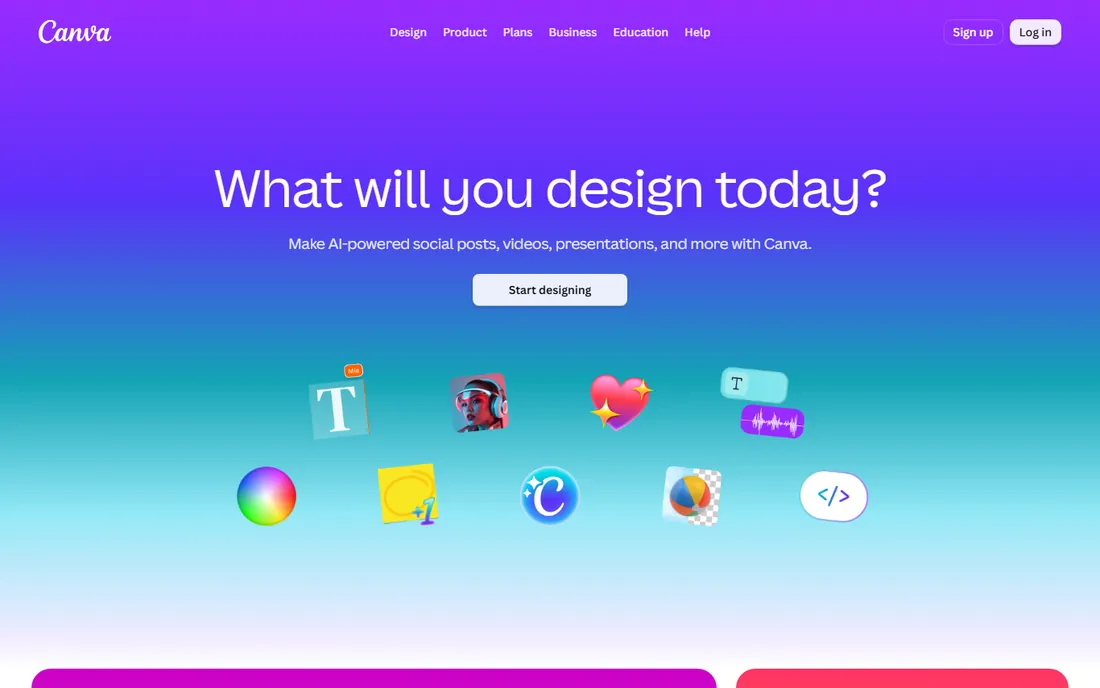
Canva is the default answer for most card needs. Pick a birthday, holiday or thank-you template, swap in your photo and text, then download a print-ready PDF or send a link. The editor runs entirely in the browser, so nothing installs and nothing expires. For one-off cards, the free plan is genuinely enough.
The limitation is print. Canva does not sell blank card stock for home printing, and its own print service prices delivery per order, which can exceed the cost of a store card for a single unit. It is a design tool first and a fulfillment service second. If you want to hold the card in your hands, budget for third-party printing or a local print shop.
What we like- Huge template library with thousands of greeting card layouts
- Drag-and-drop editing that needs no design skill
- Print, download or share links from the same file
Watch out for- Printing runs through third parties with delivery costs on top
- The free library is large but premium elements carry watermarks until you pay
Starting price$39.99 one-time (Deluxe 2026 edition, per vendor site)
Free planNo
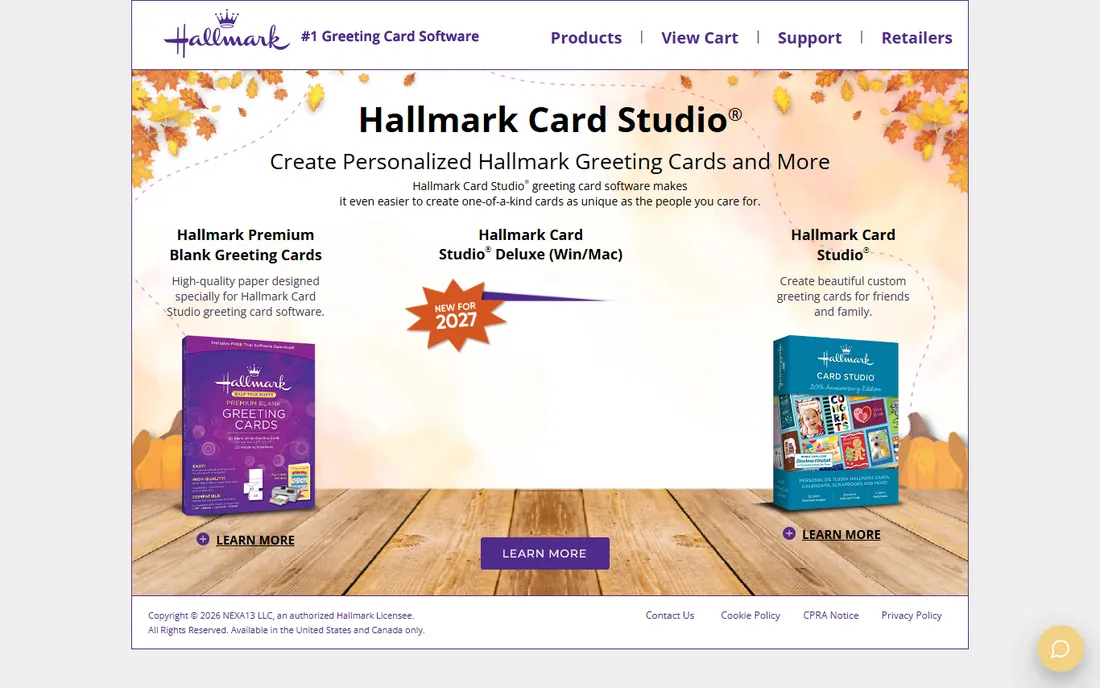
Hallmark Card Studio is the long-running desktop program for making real Hallmark cards at home. The Deluxe 2026 edition lists at $39.99 one-time on the vendor's site and includes over 21,000 designs, 21,000 premium images and 16,000 sentiments. The software also covers calendars, scrapbook pages, invitations and photo projects, plus a card history feature that tracks which cards you sent to whom.
The catch is the medium. This is software for printing, not for sending online, so the final quality depends on your printer and paper. It is also firmly a Windows product. If you want physical cards and like Hallmark's house style, it is the most card-specific software on this list. If you want to send e-cards, look at Smilebox or Evite instead.
What we like- More than 21,000 Hallmark card designs with matching envelopes
- Built-in photo editor and exclusive Hallmark fonts
- One-time purchase with no subscription
Watch out for- Windows-focused desktop software, not a web app
- You supply the printer, ink and card stock
#3
PrintMaster
Best for: Windows and Mac users who want desktop design without a subscription
Visit printmaster.com
Starting priceSee website (one-time purchase; current edition price not verified on vendor page)
Free planNo
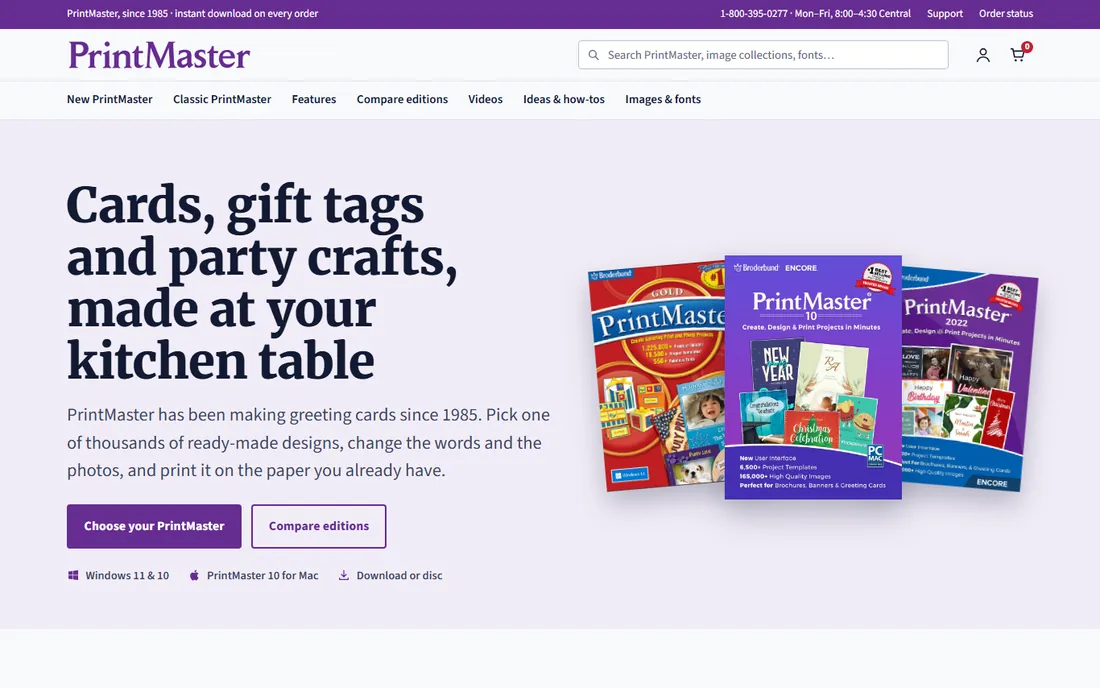
PrintMaster from Encore has been around since the early days of desktop publishing, and its pitch has not changed: buy once, design forever. The current editions include thousands of templates and a large clip-art library, and the same program handles invitations, labels, calendars and banners alongside greeting cards. There is no account to maintain and no subscription to cancel.
The trade is modernity. The interface and template styles look older than Canva's, and finding the current edition price takes some digging because it is sold through retailers as well as the vendor. It suits buyers who distrust subscriptions and want a program that still works if they ignore it for two years. Designers who live in a browser will find it clunky.
What we like- One-time license instead of a monthly subscription
- Thousands of templates covering cards, invitations and calendars
- Broad project types beyond cards (labels, banners, stationery)
Watch out for- Pricing varies by edition and retailer, so the real cost is hard to pin down before checkout
- Interface feels dated next to modern web tools
#4
NCH Greeting Card Builder
Best for: Beginners who want the simplest possible card project
Visit nchsoftware.com
Starting priceSee website (price not verified on vendor page)
Free planNo (free trial availability unverified)
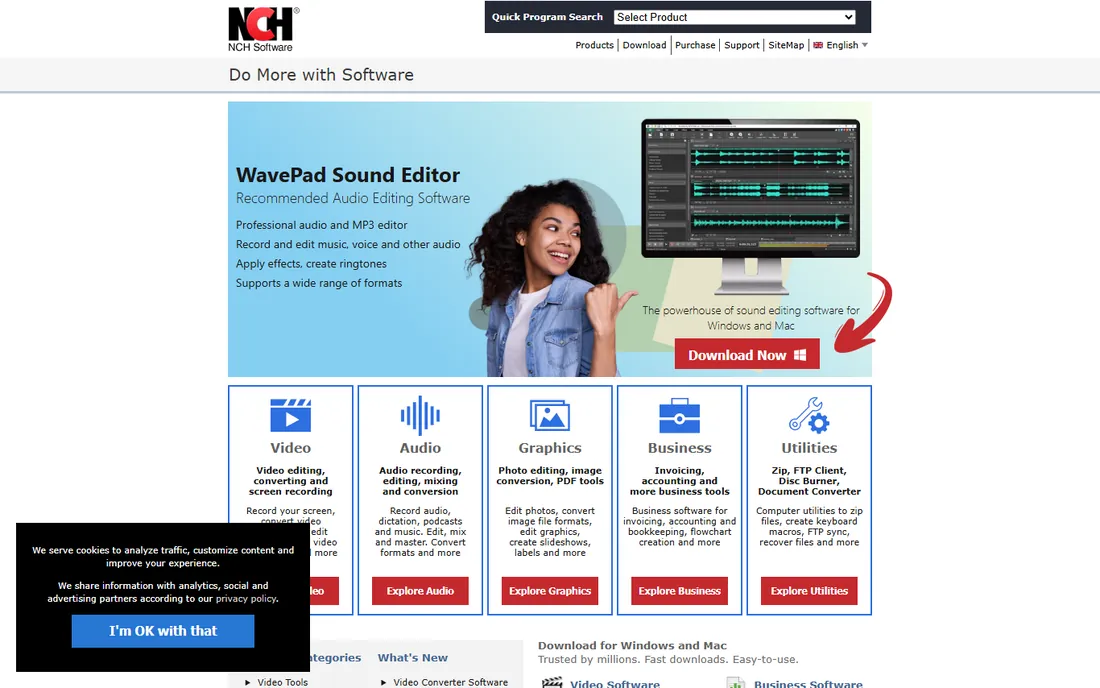
NCH Software's Greeting Card Builder takes the opposite approach from Hallmark and PrintMaster: fewer options, faster results. It is built for someone who wants to drop a photo onto a card, add a message and print, without wading through thousands of templates. The download is small and the system requirements are modest.
That simplicity has a ceiling. If you want layered designs, extensive clip art or specialty projects like scrapbooks, the bigger suites give you more. NCH is the pick for grandparents, volunteers and anyone who finds design software intimidating. The vendor's current pricing was not verifiable on its page, so check the site before budgeting.
What we like- Minimal interface aimed at first-time card makers
- Quick photo cards with basic text tools
- Lightweight download that runs on older PCs
Watch out for- Far fewer templates and effects than the desktop leaders
- Advanced layout control is limited
Starting priceSee website (Club pricing not verified on vendor page)
Free planYes (limited templates)
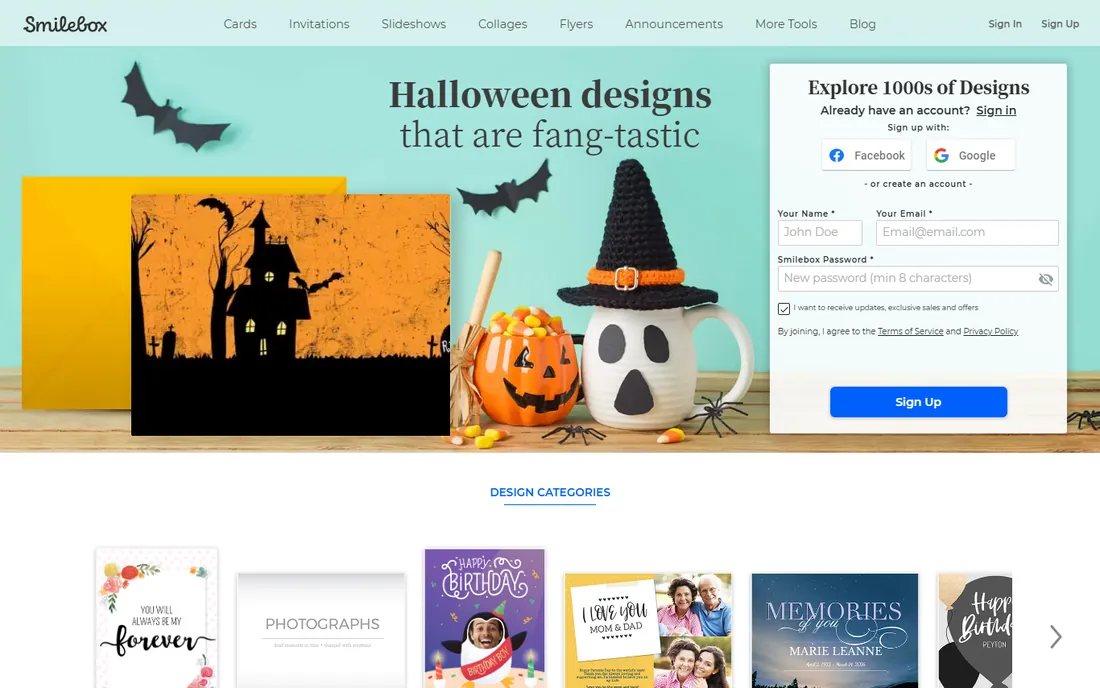
Smilebox specializes in cards that move. Its animated e-cards pair photos with music, transitions and effects, and you can send them by email or post them to social networks. It also handles invitations, slideshows and photo collages in the same account. The desktop and mobile apps keep projects in sync.
The free plan exists but serves mainly as a preview: the designs most people want sit behind Club Smilebox, whose current pricing was not verifiable on the vendor's page. This is a sending tool, not a printing tool. If your cards live in inboxes rather than mailboxes, the animation is the reason to choose it.
What we like- Animated card designs that feel more personal than static images
- Music and video options built into the card builder
- Works on Windows, Mac and mobile
Watch out for- The free tier is narrow, with most attractive templates behind Club membership
- Printed output is not its strength
#6
Punchbowl
Best for: Families sending invitations and cards for parties and holidays
Visit punchbowl.com
Starting price$5.99/month (Plus plan, per vendor site)
Free plan7-day free trial (no permanent free plan)
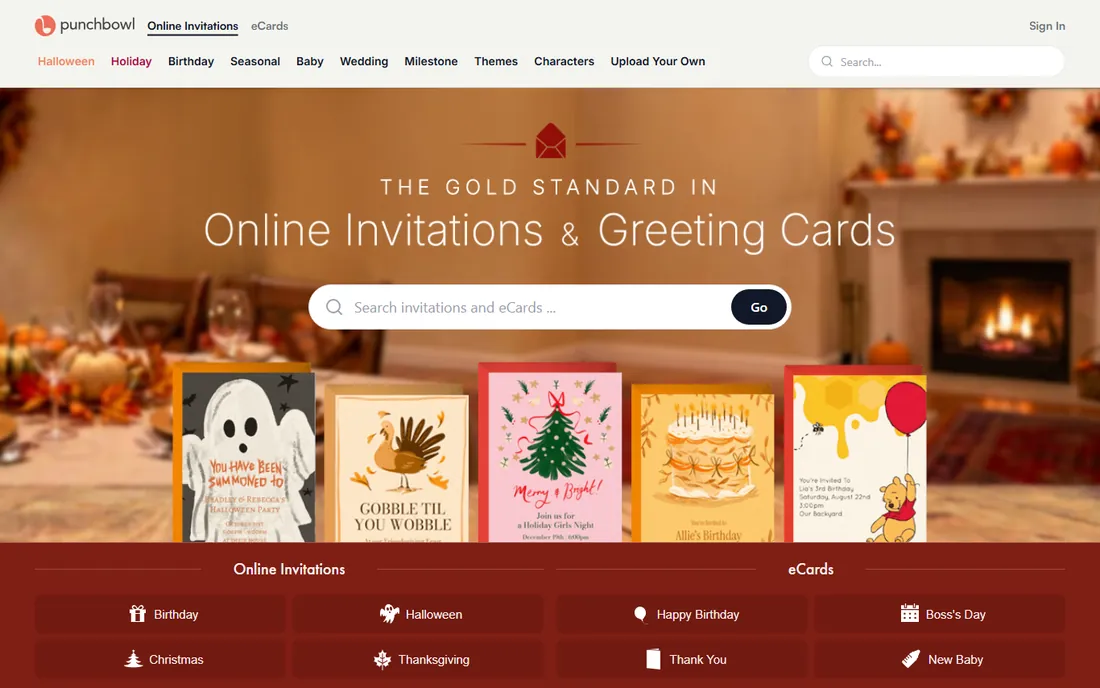
Punchbowl is the invitation service parents reach for, and it doubles as a greeting card sender. Its differentiator is licensed character art: Disney, Marvel and other kids' properties that free tools cannot legally offer. Membership starts at $5.99 per month for Plus on the vendor's site, with Premium and Platinum tiers raising guest limits and removing ads.
The model requires commitment. There is a 7-day free trial, but ongoing sending needs a membership, and the cheapest tier caps events at 50 guests. For a kids' birthday or a holiday card to the extended family, the character designs justify it. For a single casual invitation, the free tools on this list do the job without a subscription.
What we like- Large library of licensed character designs from Disney and others
- Video messages can be added to any card
- RSVP tracking and text delivery on party invitations
Watch out for- New customers must join a paid membership to send after the trial
- Per-event guest limits push bigger parties to higher tiers
#7
Evite
Best for: Free digital invitations and e-cards for casual events
Visit evite.com
Starting priceFree; Premium packages from $17.99 per event (per vendor support page)
Free planYes
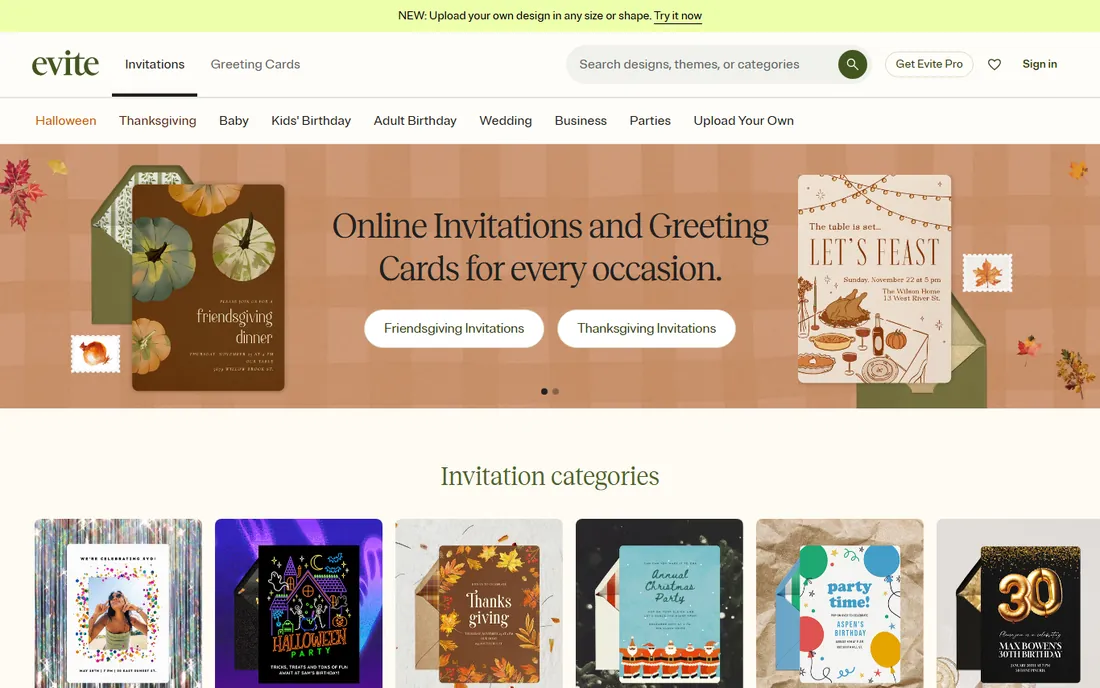
Evite is the household name in online invitations, and its e-card and greeting card gallery works the same way. The free tier sends to up to 750 guests with ads shown to recipients. Premium packages run from $17.99 for up to 12 guests to $99.99 for up to 750, per Evite's own support page, and each package covers a single event. Evite Pro at $249.99 per year covers unlimited invitations for heavy users.
The honest catch is the ads. Free invitations show advertising to your guests, which is fine for a casual cookout and less fine for a wedding. The per-event pricing also means a busy social calendar adds up. For occasional hosts who accept the ads, nothing here is cheaper.
What we like- Free tier covers up to 750 guests with ads
- Premium pricing is per event with no subscription required
- Pro annual plan ($249.99) suits frequent hosts
Watch out for- Free designs carry advertising
- Premium is one event per purchase, so costs repeat with every party
Starting priceFree for the first 50 sends; paid designs use a coin system (see website)
Free planYes
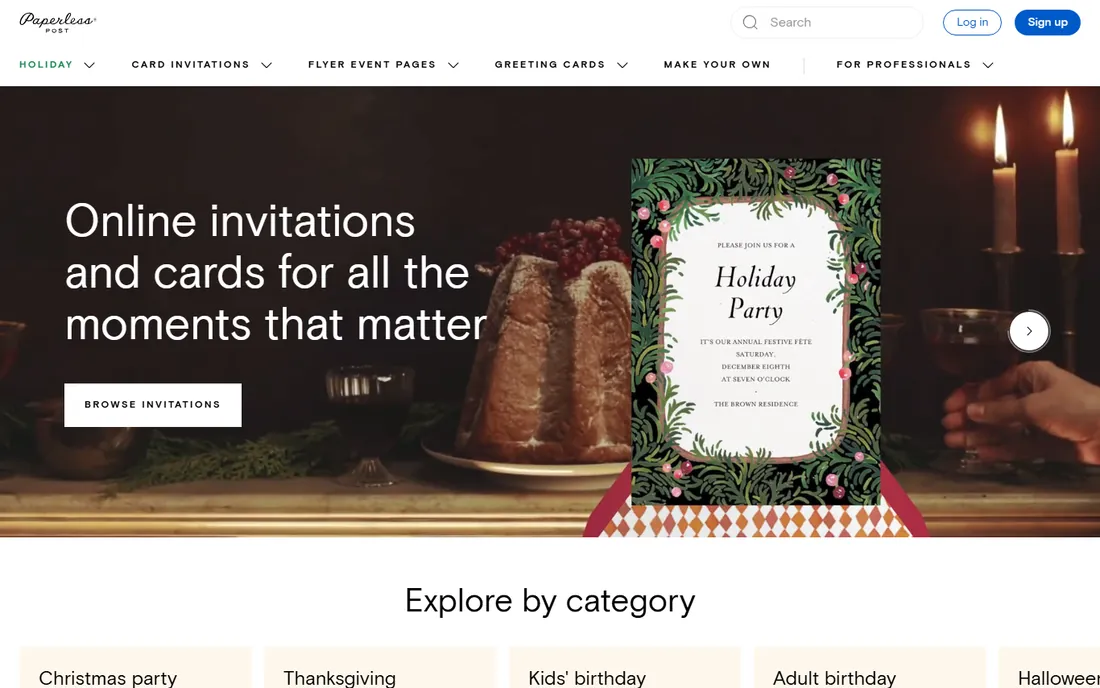
Paperless Post is the design snob's pick. Its cards come from stationers and designers whose work looks like letterpress on screen, and the envelope-opening animation gives digital cards a physical feel. The first 50 sends of a free card cost nothing; beyond that, premium designs cost coins per recipient, with packages sold on the site. There is no subscription for casual users.
The coin math deserves a look before you commit. A premium card at a few coins per guest can cost more than Evite's per-event pricing once the guest list passes 50. For weddings and milestone events where the card is part of the impression, the design quality is unmatched. For a quick birthday note, it is overkill.
What we like- Stationery-grade designs from real designers and fashion brands
- Coin pricing means you pay per recipient instead of subscribing
- Free Flyer format costs nothing to share by link
Watch out for- The coin system gets expensive for large guest lists
- Premium designs and envelopes each add coins per recipient
How we chose
We started with the search terms buyers use: greeting card software, card making software, online greeting cards and e-card maker. For each candidate we confirmed the product still exists, opened the vendor's site to verify pricing claims, and checked public reviews on G2, Capterra and practitioner discussion on Reddit. Where a vendor price could not be verified on the vendor's own page, we wrote "See website" rather than repeating a retailer's number. Desktop programs were kept alongside web services because many buyers specifically want to print at home.
What to check before you buy
Start with the output: printed or digital. If you want a card in an envelope, buy desktop software (Hallmark Card Studio, PrintMaster, NCH) and budget for card stock and ink, which cost more per card than most people expect. If you want a card in an inbox, the web services (Canva, Smilebox, Punchbowl, Evite, Paperless Post) remove printing entirely and most cost nothing to start.
Next, count the recipients. One card for grandma is a different product from 200 holiday cards. Desktop software prices per purchase, so the per-card cost falls with volume. Online services price per event or per recipient, so large lists favor Evite's flat per-event packages over Paperless Post's coin system. Punchbowl's tiers are guest-limited too, so check the cap before you design.
Finally, check the exit terms. Subscriptions (Punchbowl, Smilebox Club) keep charging until you cancel. One-time desktop licenses keep working but go stale: templates stop updating and new Windows versions can break old installers. Free tiers (Canva, Evite, Paperless Post) cost nothing but monetize through ads, watermarks or limited templates. None of these is a trap, but each one assumes a different kind of user.
Printing vs. sending online: the cost split
A store-bought card costs $4 to $7. A home-printed card costs roughly $0.50 to $1.50 in ink and card stock, plus the software license spread across every card you make. At 20 cards a year, a $39.99 Hallmark license pays for itself in the first holiday season. The hidden cost is time: designing, printing, folding and mailing takes an evening.
Online cards flip the costs. Sending is nearly free in money and minutes, but you give up the physical object and sometimes accept ads or watermarks. Businesses and busy families increasingly accept the trade. The buyers who still print tend to be grandparents, crafters and anyone sending to people who do not check email. Pick the medium first; the software choice follows from it.
Frequently asked questions
Is there really free greeting card software?
Yes. Canva, Evite and Paperless Post all let you design and send cards without paying, and Smilebox has a limited free tier. Free plans carry trade-offs: ads for recipients, watermarks on premium elements, or smaller template libraries. For occasional personal cards, free is enough.
What is the best greeting card software for printing at home?
Hallmark Card Studio, with the Deluxe 2026 edition at $39.99 one-time. It offers the largest library of authentic Hallmark designs and matching envelopes. PrintMaster and NCH Greeting Card Builder are alternatives if you want a one-time desktop license without the Hallmark branding.
Can I make greeting cards in Canva for free?
Yes. Canva's free plan includes greeting card templates you can customize with your photos and text, then download or share. Premium graphics and some templates require a paid plan, and Canva's own print service charges for production and delivery.
How much does it cost to send cards with Paperless Post?
The first 50 sends of a free card cost nothing. Premium designs cost coins per recipient, with coin packages sold on the site, so the total scales with your guest list. For small lists it is cheap; for 100-plus guests, compare Evite's per-event Premium pricing before committing.
Do I need a subscription to use Punchbowl?
After the 7-day free trial, yes: sending requires a paid membership starting at $5.99 per month for Plus. The membership covers unlimited events within the plan's guest limit. If you only send one or two invitations a year, a free tool like Evite costs less.
Which is better for invitations: Evite or Punchbowl?
Evite wins on price for casual events because the free tier is generous and Premium is pay-per-event. Punchbowl wins on design, especially licensed character invitations for kids' parties, and its RSVP tools are stronger. Choose Evite for cost, Punchbowl for polish.
Sources we checked (10)
- https://www.punchbowl.com/upgrade
- https://support.evite.com/premium/what-is-premium/premium-pricing
- https://paperlesspost.zendesk.com/hc/en-us/articles/4404794651675-Card-and-Flyer-Pricing
- https://www.hallmarksoftware.com/products/Card_Studio_Deluxe/main.aspx
- https://www.hallmarksoftware.com/upgrade/deluxe.aspx
- https://www.canva.com/pricing/
- https://www.smilebox.com/
- https://www.printmaster.com/
- https://www.nchsoftware.com/
- https://www.g2.com/categories/greeting-card
Is your product missing or out of date?
We review this list regularly. Vendors can request a listing, send updated pricing or ask about featured placement.

Shihab Mia · Founder, Rankite
Shihab has spent more than a decade helping SaaS and e-commerce brands grow through search. He writes Rankite's software buying guides from pricing pages, documentation and public user reviews. More about Shihab.