How we make this list: we compare pricing pages, product documentation and public user reviews. Rankite is independent; if a vendor ever pays for a featured spot, that listing is clearly labeled Partner.
Key takeaways
- Desmos is the easiest free starting point for algebra and function graphing; GeoGebra wins when you need geometry, 3D and a classroom platform in one place.
- Microsoft Math Solver and Photomath give you step-by-step help for free (or nearly free), while Symbolab and Mathway keep their fullest explanations behind a subscription.
- Wolfram Alpha is the strongest answer-checking engine on this list, but the free tier hides step-by-step solutions and most advanced features.
- Engineers and researchers should look at MATLAB or Maple; students doing homework do not need either and will move faster with a free graphing-first tool.
- Graph (padowan.dk) is a quiet, open-source option for anyone who wants a fast offline plotter without accounts, subscriptions or browser tabs.
Quick comparison
| Tool | Best for | Starting price | Free plan |
|---|
 Desmos Desmos | Fast, intuitive graphing for students and teachers | Free | Yes |
 GeoGebra GeoGebra | Combined graphing, geometry, 3D and CAS | Free | Yes |
 Wolfram Alpha Wolfram Alpha | Checking answers across all of mathematics | See website | Yes |
 Microsoft Math Solver Microsoft Math Solver | Completely free step-by-step problem help | Free | Yes |
 Photomath Photomath | Phone-based scanning and guided solutions | $9.99 per month | Yes |
 Symbolab Symbolab | Studying methods with structured step breakdowns | See website | Yes |
 Mathway Mathway | Dedicated calculators for each math subject | See website | Yes |
 Maple Maple | Symbolic computation in technical documents | See website | Free trial |
 MATLAB MATLAB | Engineering computation and publication-quality plots | See website | Free trial |
 Graph Graph | Simple offline plotting on Windows | Free | Yes |
Is your product missing or out of date?
We review this list regularly. Vendors can request a listing, send updated pricing or ask about featured placement.
#1
Desmos
Best for: Fast, intuitive graphing for students and teachers
Visit desmos.com
Starting priceFree
Free planYes
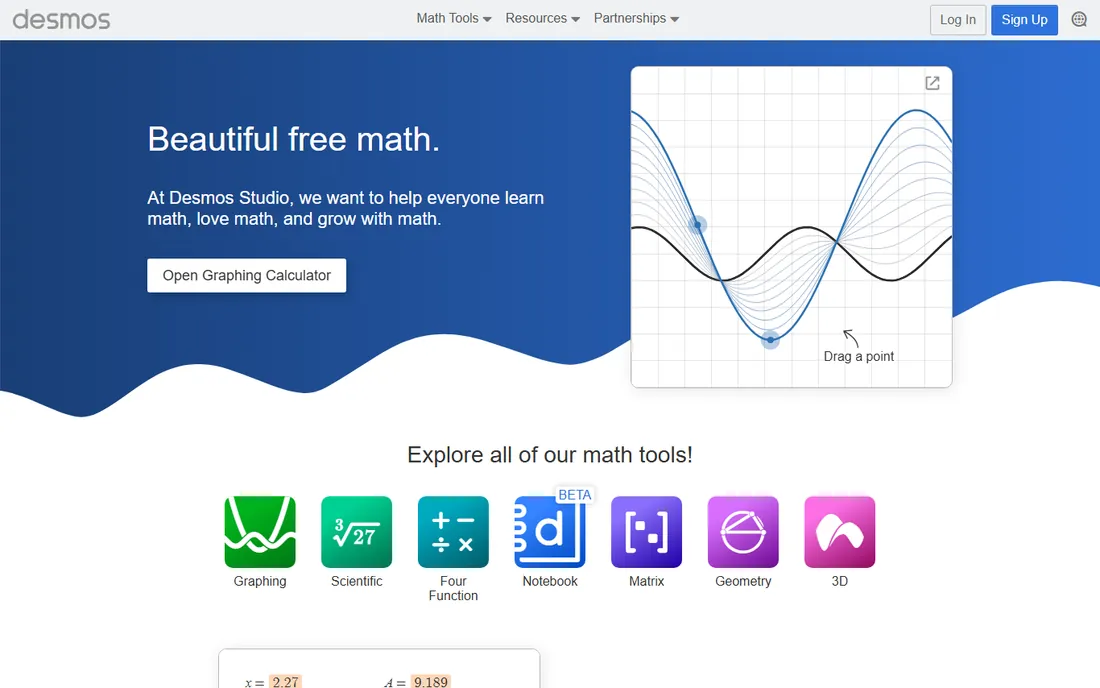
Type a function and it appears. That is the whole pitch of Desmos, and it is why so many classrooms default to it. Sliders let you drag a parameter and watch a parabola stretch or a sine wave shift in real time, which teaches transformations faster than any static worksheet. Tables, regressions, inequalities and parametric equations all work in the same input bar, and sharing a graph is a link, not a file export.
The honest catch is scope. Desmos is a graphing calculator first, and it does not try to be a symbolic solver, a geometry lab or a 3D modeler. If your course lives in algebra, precalculus or statistics, you will rarely hit a wall. If you need proofs, constructions or serious 3D work, pair it with something like GeoGebra instead of forcing it.
What we like- Runs instantly in the browser
- Sliders and animations make function behavior visible
- Free with no account needed
Watch out for- Geometry and 3D tools are thinner than GeoGebra
- Not a full computer algebra system
Starting priceFree
Free planYes
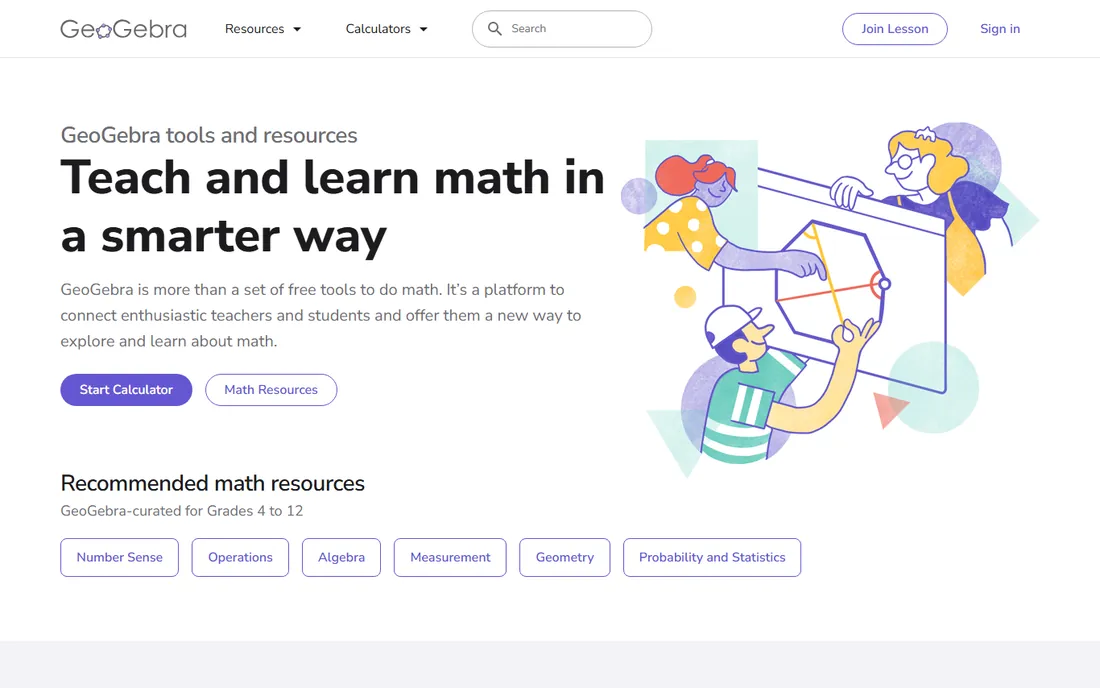
GeoGebra is the closest thing to a complete math lab on this list. The Calculator Suite bundles graphing with geometry, a spreadsheet, probability tools and a computer algebra system, and the 3D calculator handles surfaces and solids that Desmos cannot. Because it is free for non-commercial use, schools can deploy it across every device without a licensing conversation, and the classroom mode lets teachers watch student work as it happens.
That breadth comes with a learning curve. GeoGebra has split into multiple apps over the years (Graphing, Geometry, Classic, 3D, CAS), and the homepage does not always make it obvious which one to open. Budget an hour to find your way around. Once you do, it is the most capable free option here for anyone who teaches or studies beyond algebra.
What we like- One suite covers graphing, geometry, spreadsheets, CAS and 3D
- Huge library of teacher-made materials
- Offline apps available
Watch out for- Several app versions can confuse newcomers
- Interface takes longer to learn than Desmos
Starting priceSee website
Free planYes
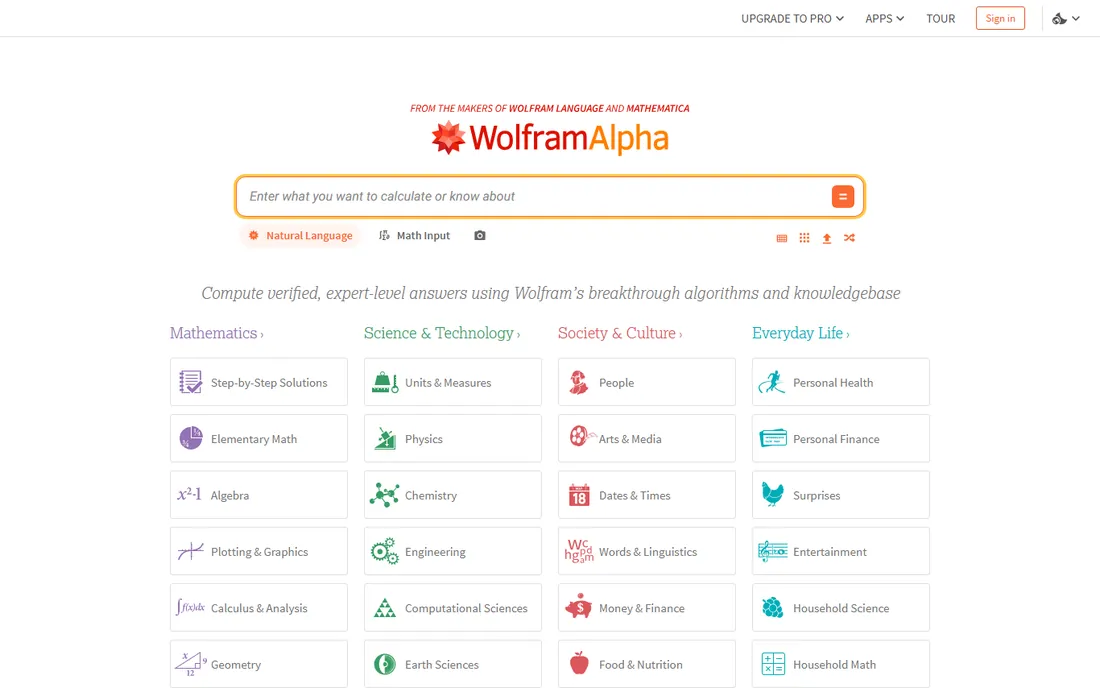
Wolfram Alpha is less of a graphing calculator and more of an answer engine that happens to plot beautifully. Type "plot x^3 - 2x" and you get the graph plus roots, intercepts, derivative and integral in one page. For verifying homework or exploring a function from every angle, nothing on this list matches its depth.
The catch is the paywall placement. The free tier answers plenty of queries, but step-by-step solutions, data upload, image input and longer computation time sit behind Wolfram Alpha Pro. If you want a tool to learn from, the free version shows you what is true; the paid version shows you why. Pricing is on the vendor site and varies by plan.
What we like- Enormous curated knowledge base
- Plots, solves and analyzes in one query
- Step-by-step solutions available with Pro
Watch out for- Free tier hides steps and advanced features
- Natural-language input is not a drawing canvas
Starting priceFree
Free planYes
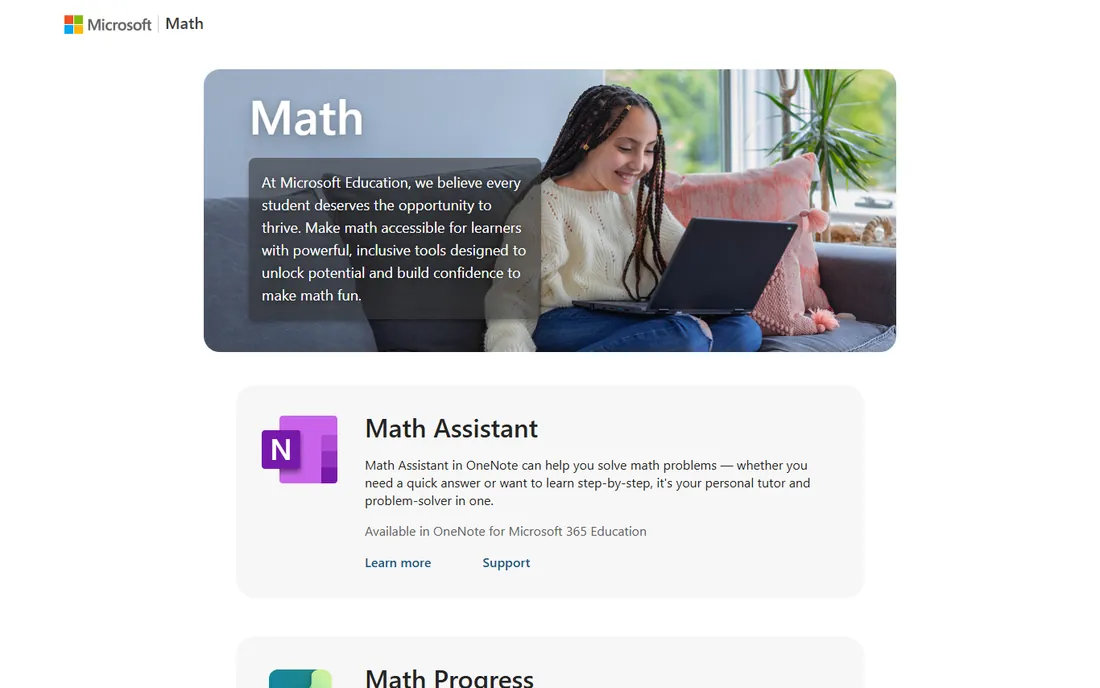
Microsoft Math Solver is the best deal in this category: full step-by-step explanations, photo scanning and instant graphing, all free with no subscription tier above it. It covers arithmetic through calculus, matrices, trigonometry and word problems, and the practice section points you to worksheets and videos when you want more reps.
What you give up is polish and community. The interface is functional rather than delightful, and you will not find the vast teacher-made activity libraries that surround Desmos or GeoGebra. For a student who needs a free homework companion that shows its work, though, it is hard to argue with the price.
What we like- Step-by-step explanations cost nothing
- Scans handwritten and printed problems
- Graphs any equation instantly
Watch out for- Interface is plainer than rivals
- Smaller ecosystem of classroom materials
Starting price$9.99 per month
Free planYes
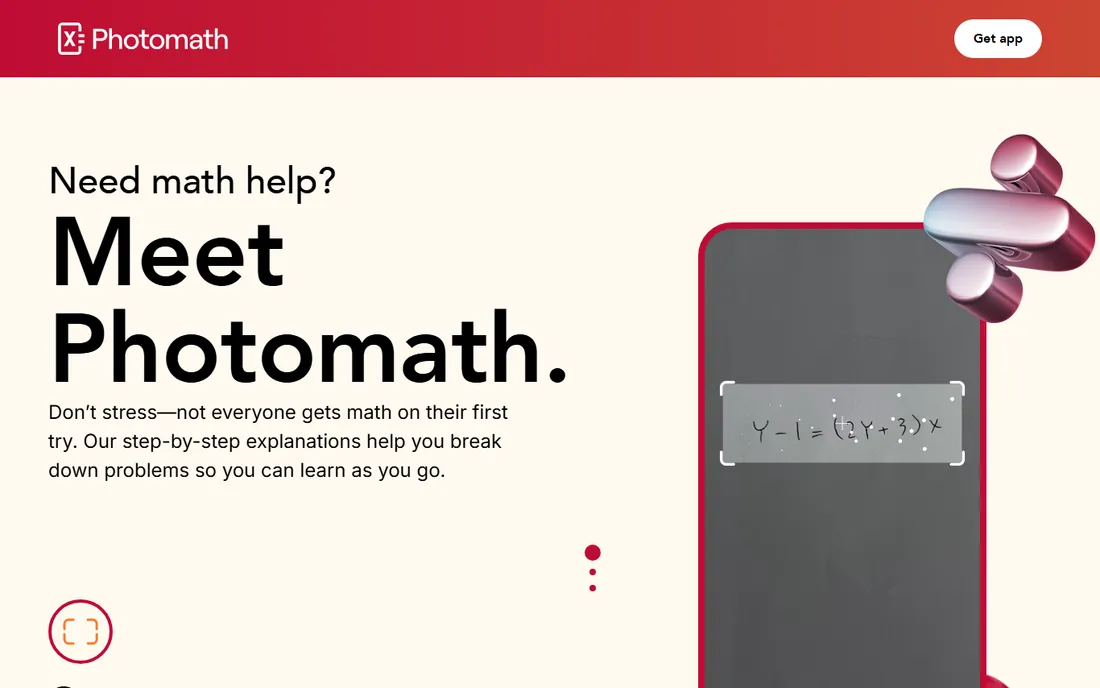
Point your phone at a problem and Photomath reads it, even handwritten. The Basic tier is free and includes step-by-step explanations, which covers most homework use. Photomath Plus ($9.99 per month or $69.99 per year) adds custom visual aids, extra how-and-why tips and textbook solutions. Graphing exists, but the app is built around scanning and solving, not around exploring a canvas of functions.
Parents like it because the steps are written to teach rather than just to answer, and the animated explanations help visual learners. Just know what you are buying: this is a homework helper with graphing attached, not a graphing environment with solving attached.
What we like- Best-in-class camera scanning, including word problems
- Animated step explanations
- Free Basic tier covers core solving
Watch out for- Mobile-first, so desktop graphing is limited
- Visual aids and deeper tips need Plus
Starting priceSee website
Free planYes
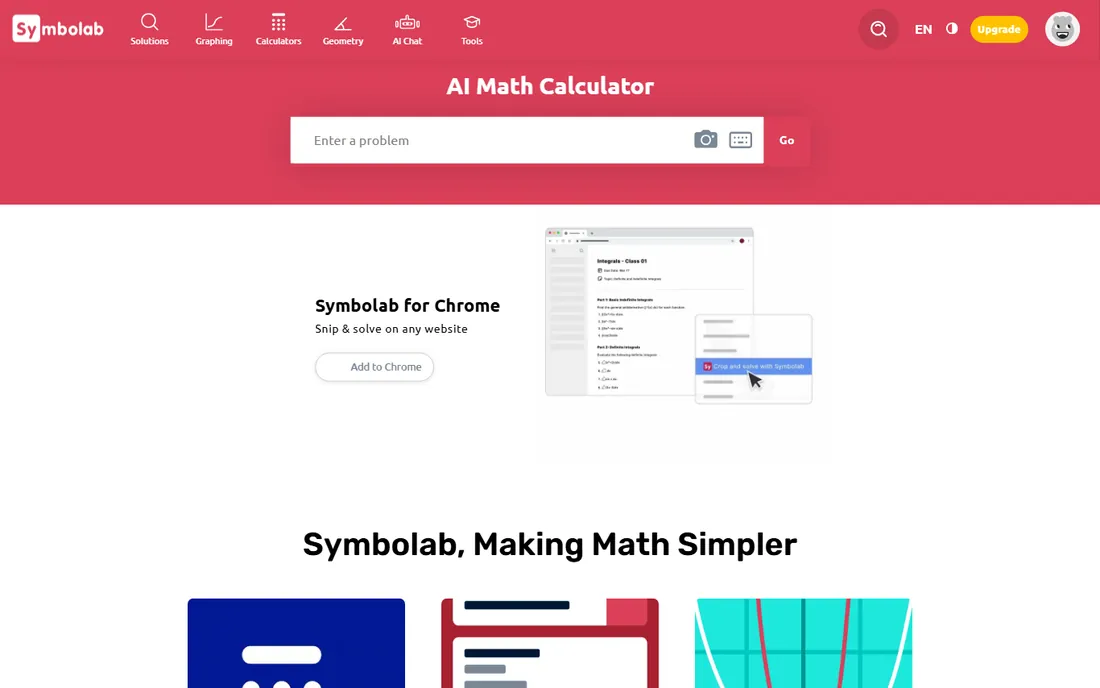
Symbolab built its name on showing the method, not just the answer. Solutions are broken into labeled steps that name the rule being applied, and the practice mode generates problems with hints when you get stuck. Beyond graphing, it handles calculus, matrices, trigonometry, physics and a long list of dedicated calculators, plus notebooks and cheat sheets for revision.
The free tier is genuinely useful for occasional checks, but regular users will hit the paywall on full step-by-step solutions. Check the vendor pricing page for current premium rates, which change by billing period. If your goal is learning the process rather than checking the result, Symbolab's structured explanations justify a look.
What we like- Steps are grouped by method and rule
- Practice problems and quizzes included
- Covers physics and chemistry too
Watch out for- Free tier limits full solutions
- The site pushes the premium plan fairly hard
Starting priceSee website
Free planYes
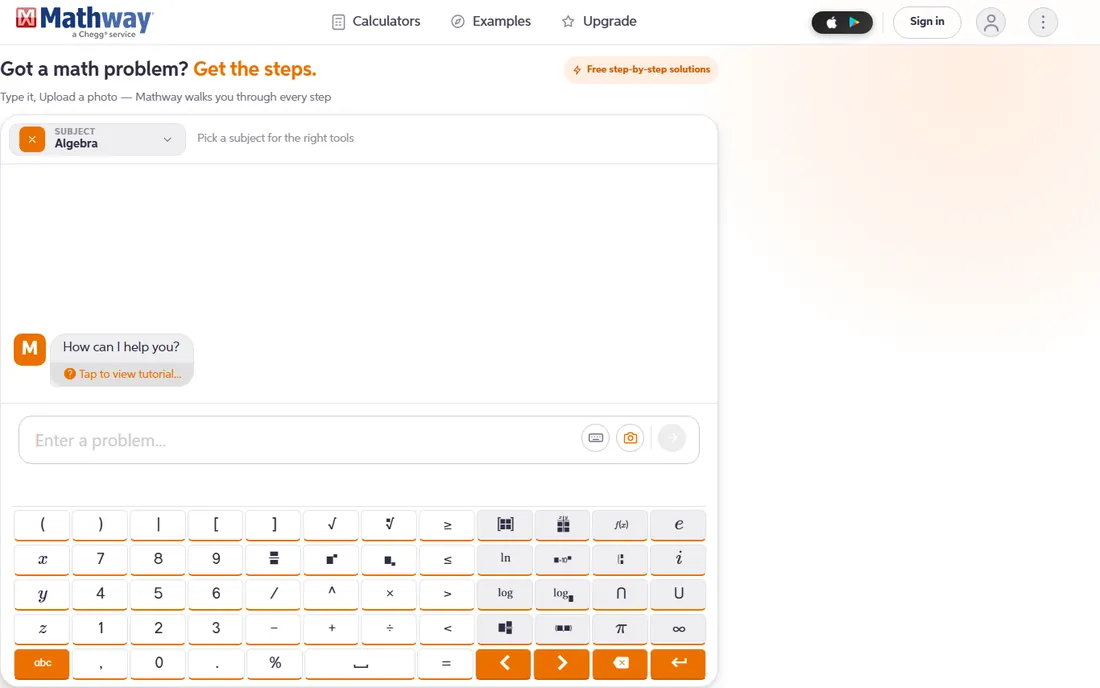
Mathway takes a different approach: instead of one general solver, you pick your subject and get a calculator tuned for it. The library includes equation solvers, derivative and integral calculators, factoring tools and statistics helpers across algebra, calculus, trigonometry, finite math and more. The site states the core solver is free to use, with an optional subscription that adds the complete worked steps for every problem.
Chegg ownership means the product is stable and well supported, but it also means the upsell to a paid plan is part of the experience. For pure graphing, Desmos or GeoGebra will serve you better; Mathway earns its place when you want a subject-specific calculator that explains its working.
What we like- 59+ purpose-built calculators
- Covers 11 subjects including chemistry and physics
- Backed by Chegg with decades of solver history
Watch out for- Full step explanations need a subscription
- Graphing features are thinner than Desmos or GeoGebra
Starting priceSee website
Free planFree trial
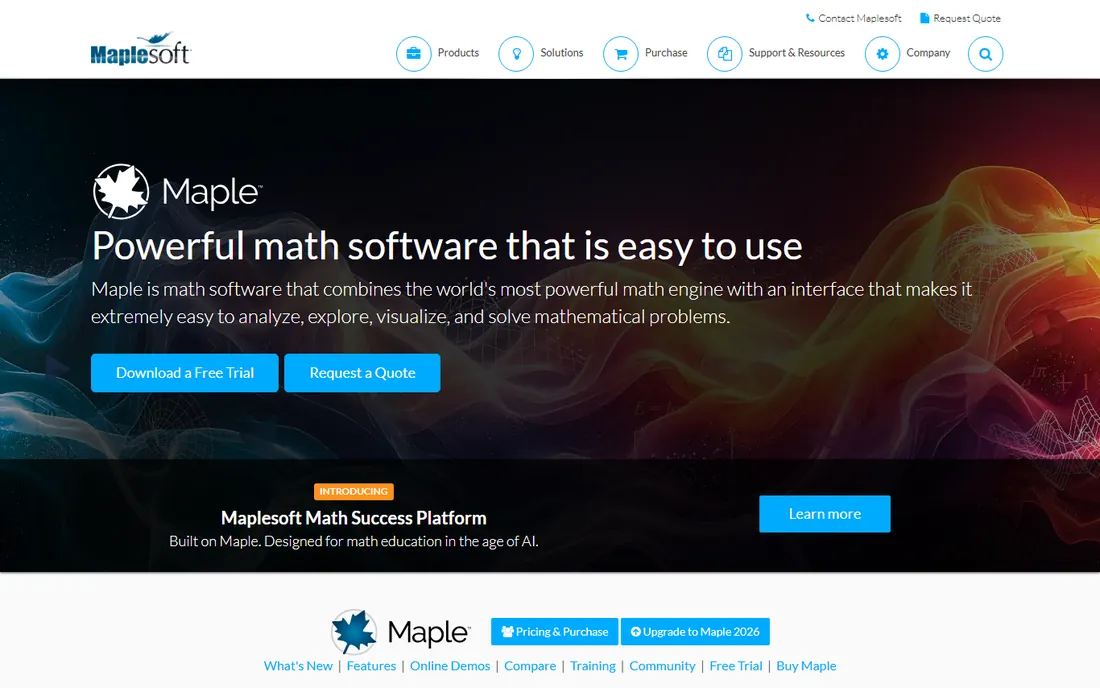
Maple sits in the professional tier of this list. Its symbolic engine handles the algebra, calculus and differential equations that browser calculators simplify or skip, and the document interface lets you write explanations, calculations and interactive plots in one place. Students can start free with Maple Calculator (mobile) and Maple Learn (browser), which cover a surprising amount of coursework.
The desktop product is licensed per user with academic and commercial pricing on request, and a free trial is available from the vendor. Setup takes longer than opening a web app, and casual users will find it more than they need. For university math, engineering courses and research work, it is one of the two serious paid options here alongside MATLAB.
What we like- Powerful symbolic math engine
- Live documents mix text, math and plots
- Free Maple Calculator and Maple Learn companions
Watch out for- Full desktop version is paid with quote-based pricing
- Heavier than a browser tool for quick plots
Starting priceSee website
Free planFree trial
MATLAB is what working engineers reach for when a browser graphing tool runs out of power. The plotting system handles 2D and 3D visualization of serious datasets, and the surrounding platform covers signal processing, control systems, machine learning and hardware integration. A free 30-day trial is available, and students often get access through their university license.
Pricing for commercial licenses is on the vendor site and is the highest on this list by a wide margin. Nobody should buy MATLAB just to graph parabolas. But if your work already lives in MATLAB, or your coursework requires it, its graphing capabilities are far deeper than any free calculator.
What we like- Industry standard for numerical computing
- Enormous toolbox library
- Plots scale from quick checks to production figures
Watch out for- Expensive outside academia
- Overkill for school homework
- Scripting required for most work
Starting priceFree
Free planYes
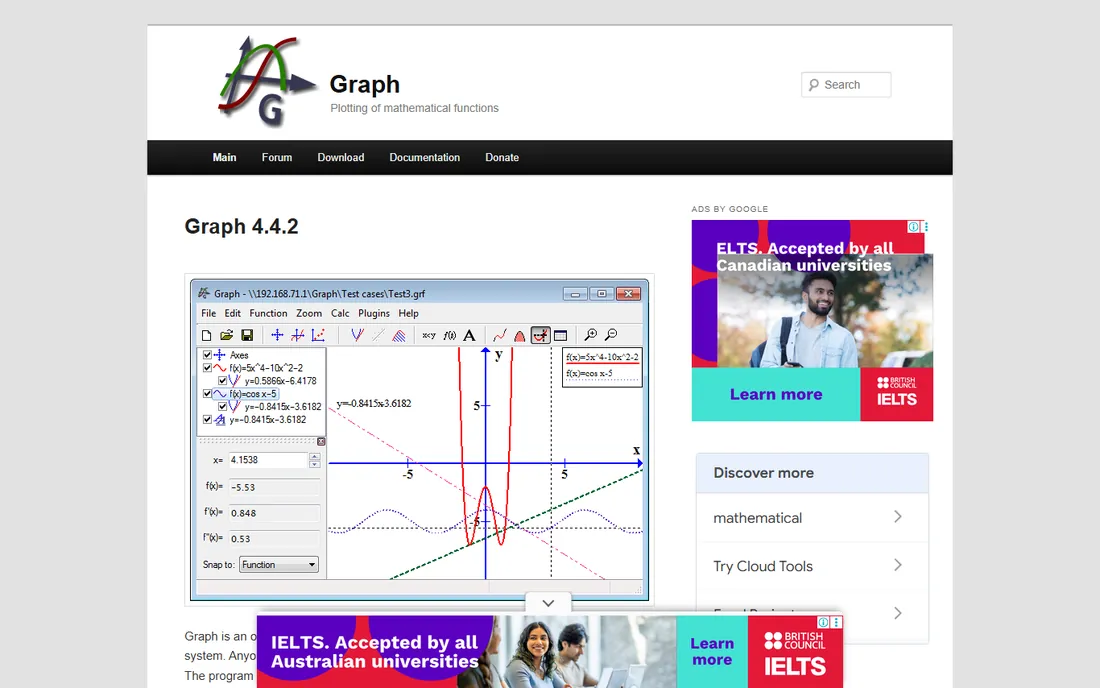
Graph is a small open-source program that does one job: draw mathematical functions in a coordinate system. It plots standard, parametric and polar functions, shades areas, computes lengths and areas, and copies cleanly into other programs. Version 4.4.2 is the current release, and the whole thing installs in seconds.
There is no cloud, no account, no subscription and no mobile app. The interface looks its age and Windows is the only platform. For a teacher who wants a dependable offline plotter, or a student on an older laptop, that simplicity is the entire point.
What we like- Open source and completely free
- Fast and lightweight
- Works fully offline with no account
Watch out for- Windows only
- Dated interface
- No symbolic solving or cloud features
How we chose
We started from the vendor homepages and pricing pages, not from memory. Each tool above had its homepage opened and its final URL recorded, and pricing or free-tier claims were checked against the vendor's own pages; where a pricing page was unreachable, the listing says "See website" instead of guessing. We weighed graphing quality, the subjects covered, how the free tier actually behaves, platform availability and how well each tool fits a distinct buyer: students, teachers, self-learners and working engineers. Public reviews on G2, Capterra and Reddit informed the trade-offs, but no hands-on testing is claimed here.
Start with what you are actually doing this semester. Middle school through precalculus: open Desmos and stop shopping. You get instant graphing, sliders and a free tool your teacher probably already uses, and nothing on the paid side will teach transformations better.
If your course adds geometry, proofs or 3D, switch to GeoGebra. The Calculator Suite keeps graphing, geometry and CAS in one window, and the free classroom features matter if you are a teacher managing thirty students. Give yourself a week to learn the interface; it pays back quickly.
When the priority is understanding solutions rather than drawing graphs, pick a solver. Microsoft Math Solver is free with no ceiling, Photomath is the smoothest phone experience, and Symbolab or Mathway make sense if you want structured practice and are willing to pay for full steps. Wolfram Alpha fits the checker role: paste in a result and confirm it is right, across any math subject.
University STEM and working engineers face a different question: free or professional. Maple and MATLAB cost real money and demand real learning time, but they handle symbolic math, large datasets and publication figures that free tools cannot. Many students get both through a campus license, which makes the decision easy: use what your department supports.
One practical note on free plans. "Free" in this market usually means one of three things: fully free (Desmos, Microsoft Math Solver), free for non-commercial or educational use (GeoGebra, Graph), or a limited free tier with the good parts behind a subscription (Wolfram Alpha, Symbolab, Mathway, Photomath). Check which kind you are getting before you build a study routine around a tool.
Graphing apps vs. handheld graphing calculators
A physical graphing calculator still has one unbeatable feature: it is allowed in the exam room. Most standardized tests permit specific calculator models and ban phones and browsers outright, so check your exam rules before abandoning hardware. For everything outside the exam room, software wins on every axis that matters. Typing is faster than button sequences, screens are larger, sharing is a link instead of a cable, and updates arrive without buying a new device.
The cost math favors software too. A new handheld graphing calculator runs well over a hundred dollars, while the best tools on this list cost nothing. Schools that once bought classroom sets of devices now run Desmos or GeoGebra on Chromebooks the students already have. Keep the handheld for test day if your course requires it, and do your actual learning in a browser.
Frequently asked questions
Is there a completely free graphing calculator?
Yes. Desmos is free with no paid tier, Microsoft Math Solver is free with full step-by-step explanations, and GeoGebra is free for non-commercial use. Graph is free and open source. These four cover algebra through university-level graphing without spending anything.
Which graphing software is best for students?
For most students, Desmos. It opens instantly, needs no account, and its sliders make abstract function behavior concrete. If the course includes geometry or 3D, GeoGebra is the better pick. Students who need homework help should add Microsoft Math Solver or Photomath for step-by-step solutions.
Can graphing software replace a TI-84?
For learning, yes. For exams, check the rules. Most standardized tests allow only approved handheld models and prohibit phones, tablets and browsers. Many students use Desmos or GeoGebra for homework and keep an approved handheld for test day.
What is the difference between Desmos and GeoGebra?
Desmos is a graphing calculator with the smoothest interface on this list; GeoGebra is a full math suite that adds geometry, 3D, spreadsheets and a computer algebra system. Desmos is quicker to learn, GeoGebra goes further. Both are free, and many teachers use both side by side.
Do I need MATLAB or Maple for college math?
Usually not unless your course requires it. Most undergraduate math through differential equations is fully covered by free tools like GeoGebra, Wolfram Alpha and Desmos. MATLAB and Maple become worth it for engineering programs, research work and courses that teach them directly, and many universities provide licenses.
Is Wolfram Alpha free?
The basic version is free and answers a wide range of queries with plots and computations. Step-by-step solutions, data and image upload, file downloads and extended computation time require Wolfram Alpha Pro, which is a paid subscription. Casual checking works fine on the free tier.
Sources we checked (11)
- https://desmos.com
- https://www.geogebra.org
- https://www.wolframalpha.com
- https://www.wolframalpha.com/pro
- https://math.microsoft.com
- https://www.symbolab.com
- https://www.mathway.com
- https://maplesoft.com/products/maple/
- https://photomath.com
- https://www.mathworks.com/products/matlab
- https://padowan.dk
Is your product missing or out of date?
We review this list regularly. Vendors can request a listing, send updated pricing or ask about featured placement.

Shihab Mia · Founder, Rankite
Shihab has spent more than a decade helping SaaS and e-commerce brands grow through search. He writes Rankite's software buying guides from pricing pages, documentation and public user reviews. More about Shihab.