How we make this list: we compare pricing pages, product documentation and public user reviews. Ratings come from G2, Capterra or Trustpilot, with the date we checked them.
Key takeaways
- Business plans for the major assistants cluster around $20 to $30 per user per month, with the real differences in data controls, ecosystem fit, and usage limits.
- ChatGPT Business suits teams that want the broadest feature set, while Claude Team suits long documents, policy work, and careful instruction following.
- Microsoft 365 Copilot and Gemini for Workspace win inside their own ecosystems, since they work directly in your email, documents, and meetings.
- Perplexity Enterprise is the research specialist, with cited answers for teams that must verify claims, while Jasper and Copy.ai target marketing content at scale.
Quick comparison
Is your product missing or out of date?
We review this list regularly. Vendors can request a listing, send updated pricing or ask about featured placement.
Starting price$20 per user per month
Free planNo
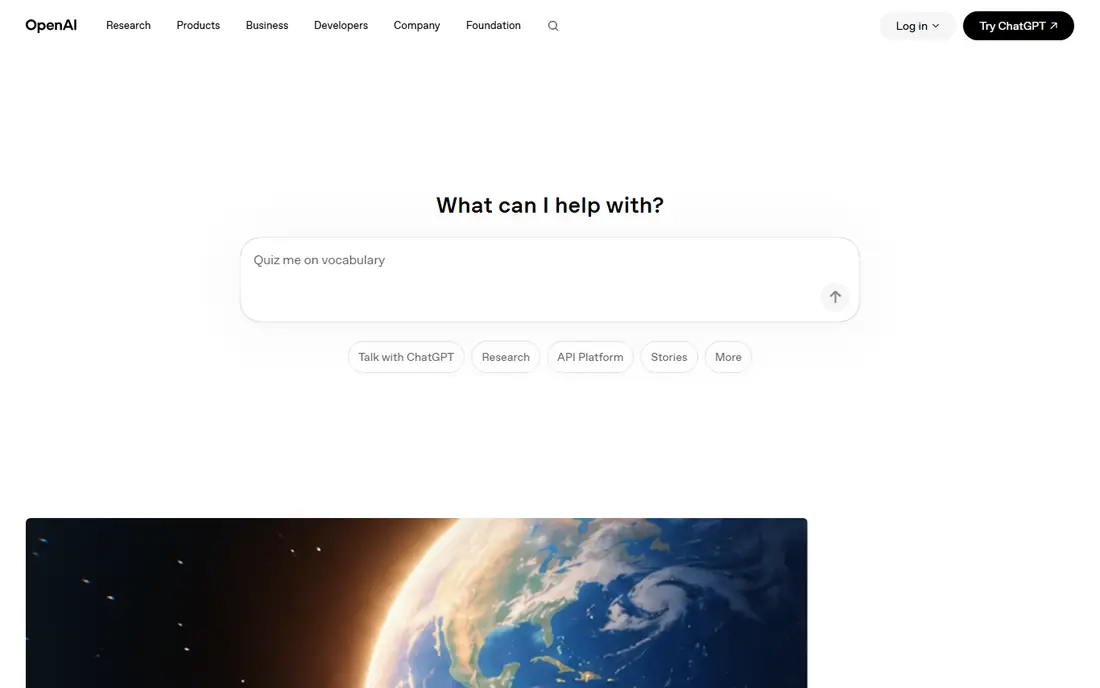
ChatGPT Business, at $20 per user per month billed annually or $25 month to month, is the most versatile business assistant in this list. It covers writing, brainstorming, images, voice, custom GPTs, and simple agents, with connectors to Microsoft 365, Google Drive, Slack, and more. Business plans do not train on your data, and admin controls include SAML SSO, usage analytics, and workspace management.
The limits matter for heavy users. Standard seats carry usage caps, with premium seats at $100 per month billed annually for five times the usage, so teams running agents all day should budget above the headline price. A 2-seat minimum also rules out solo buyers. For most businesses starting with AI, ChatGPT Business is the default first tool.
What we like- Broadest feature set including images, voice, and agents
- No training on business data
- Admin controls and SSO
Watch out for- 2-seat minimum
- Premium seats at $100 per month for heavy users
- Usage caps on standard seats
Starting price$20 per seat per month
Free planNo
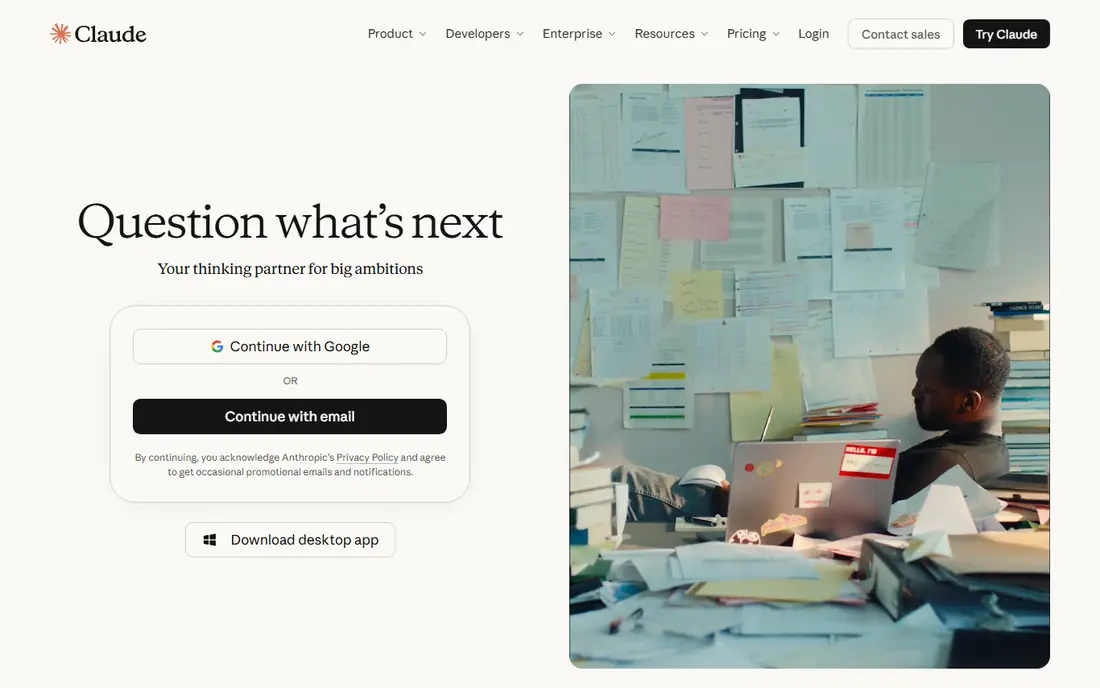
Claude Team, at $20 per seat per month billed annually or $25 month to month, suits teams working with long documents, contracts, policy drafts, and code. Reviewers consistently rate Claude highly for careful instruction following and long-context analysis, with fewer hallucinations than rivals on document-heavy tasks. Team plans cover 2 to 150 seats, with central admin, SSO, and connector controls.
Enterprise plans add API usage charges on top of the seat price, with a 20-seat minimum, which complicates budgeting for API-heavy teams. Claude also offers fewer consumer features like image generation than ChatGPT. For legal, policy, research, and engineering teams, Claude is the strongest analysis pick here.
What we like- Strong long-document reasoning
- Careful instruction following
- Low hallucination reputation
- Coding strength
Watch out for- 2 to 150 seat range on Team
- Enterprise adds usage charges
- Fewer consumer features than ChatGPT
Starting price$14 per user per month
Free planNo

Gemini for Workspace suits companies already running Google Workspace, since AI features sit directly inside Gmail, Docs, Sheets, Slides, Meet, and Drive. Business Standard plans list at $14 per user per month billed annually, with Business Plus at $22, and Workspace data protections mean business data is not used for training. A large context window helps with long threads and documents.
The bundling is also a constraint. AI comes as part of the Workspace SKU rather than a separate add-on, Starter plans get limited access, and higher limits need a paid AI Expanded Access add-on. Teams outside Google Workspace gain little here. For Google shops, Gemini is the lowest-friction AI deployment available.
What we like- Bundled into Workspace plans
- Works in Gmail, Docs, Sheets, and Meet
- Large context window
Watch out for- AI is bundled, not a standalone choice
- Starter tier gets limited access
- Higher limits need an add-on
Starting price$30 per user per month
Free planNo
Microsoft 365 Copilot, at $30 per user per month billed annually, is the strongest choice for organizations running Microsoft 365, since it works inside Outlook, Word, Excel, PowerPoint, Teams, and SharePoint with access to Microsoft Graph. Prompts, responses, and accessed data stay inside the customer tenant under existing policies, and Copilot Studio lets teams build agents on company data.
The $30 is an add-on price on top of a qualifying Microsoft 365 subscription, which surprises buyers who expect an all-in price, and the business tier caps at 300 licenses. A promotional business price of $18 per month ran through the end of 2026, so confirm current pricing. For Microsoft shops, Copilot is the natural default, and most large enterprises pair it with ChatGPT or Claude for specialized work.
What we like- Works inside Word, Excel, Outlook, and Teams
- Data stays in your tenant
- Copilot Studio agents
Watch out for- Needs a qualifying Microsoft 365 subscription on top
- $30 is an add-on price
- Business tier capped at 300 licenses
Starting price$40 per seat per month
Free planNo
Perplexity Enterprise Pro lists at $40 per seat per month, or $400 billed annually, with Enterprise Max at $325 per seat for the highest tier. Its strength is research: answers carry citations to sources, which lets teams verify claims before acting on them, a feature general chatbots handle less rigorously. Enterprise plans add SSO, admin controls, and data protections.
The price gap between Pro and Max is eightfold, so most teams should start on Pro and only consider Max for heavy research workloads. Perplexity is also a research tool first, not a general writing or coding assistant, so it complements rather than replaces ChatGPT or Claude. For research-heavy teams, it is the most verifiable option here.
What we like- Cited answers with sources
- Strong for market and competitor research
- Enterprise controls
Watch out for- Enterprise Pro at $40, Max at $325 per seat
- Not a general writing assistant
Starting priceSee website
Free planNo
Jasper targets marketing teams producing content at scale, with brand voice controls that keep output consistent across writers, plus templates for campaigns, ads, and product descriptions. Team workflows cover approvals and collaboration, which suits content operations better than a single-user chatbot.
Pricing is not clearly published on a single page, so confirm the current plan in a sales conversation, and Jasper is narrower than ChatGPT or Claude for analysis and coding. Marketing output still needs human review, since brand voice settings reduce but do not remove errors. For content teams with a defined brand voice, Jasper is the most marketing-focused pick here.
What we like- Brand voice controls
- Marketing templates and campaigns
- Team workflows
Watch out for- Pricing not clearly published
- Narrower than general assistants
- Quality needs human review

#7Copy.ai
Best for: Sales and marketing workflows4.4/5 on
Capterra (67 reviews, checked Oct 2026)
Visit copy.ai
Starting priceSee website
Free planYes
Copy.ai focuses on sales and marketing workflows rather than open-ended chat, with a workflow builder that automates prospecting, outreach, and content tasks. A free plan lets teams test workflows before paying, and paid plans scale with usage and team size, though pricing varies by use case and should be confirmed on the pricing page.
Workflow tools reward good setup and punish lazy setup, so teams that invest in prompt and data design get far more value than teams that treat it as a chatbot. For sales and marketing teams automating repeatable content tasks, Copy.ai offers the most workflow depth at the lowest entry cost.
What we like- Free plan for trying workflows
- Sales and marketing automation
- Workflow builder
Watch out for- Paid pricing varies by use case
- Output quality depends on workflow design

#8Midjourney
Best for: Business image generation4.4/5 on
G2 (102 reviews, checked Oct 2026)
Visit midjourney.com
Starting price$10 per month
Free planNo
Midjourney produces the highest-quality AI imagery for marketing, branding, and concept work, with style controls that let teams iterate quickly on campaign visuals. Basic plans start at $10 per month, and the tool suits businesses that need distinctive imagery without a photo shoot or stock library.
The Discord-based workflow feels unusual for business teams, and there is no free plan, so testing requires a paid month. Commercial usage terms vary by plan, so review them before using outputs in paid campaigns. For marketing teams that need original imagery at volume, Midjourney is the strongest image generator in this list.
What we like- Highest-quality AI imagery for marketing
- Strong style control
- Fast iteration
Watch out for- Discord-based workflow
- No free plan
- Commercial terms need plan review
How we chose
We compared October 2026 business pricing comparisons and vendor pricing pages for each tool, checking business plan prices, seat minimums, data training policies, and ecosystem fit. We favored tools with published business pricing and a distinct use case, and we flagged promotional pricing where it applied. Where a vendor does not publish a clear starting price, we listed See website. We did not claim hands-on testing.
Deploying AI in a business safely
Start with one tool and one high-value use case, then expand. Most businesses should pick the assistant that matches their existing stack, Copilot for Microsoft 365 or Gemini for Workspace, and add ChatGPT or Claude for work outside that ecosystem. Three well-used tools beat eight poorly integrated ones, and a single admin console per tool keeps data controls manageable.
Data and governance rules
Confirm that business plans do not train on your data, and set rules for what staff may paste into AI tools, since client data, credentials, and unreleased financials should never enter a consumer chatbot. Use SSO, admin consoles, and usage logs, and require human review of AI output before it reaches customers, since hallucinations in a client document or a quote can cost real money. Review vendor security pages for SOC 2, HIPAA, and regional compliance before rolling out to regulated teams.
Measuring value
Track time saved on drafting, research, and triage rather than counting messages sent. A team that cuts proposal drafting from days to hours has a clear return, while a team that chats without a workflow may not. Revisit seat counts quarterly, since premium seats and usage add-ons can double the headline price for heavy users.
Frequently asked questions
Which generative AI tool is best for business overall?
ChatGPT Business is the best all-round pick for most companies, thanks to its broad feature set and $20 per user per month business price. Microsoft shops should prefer Copilot, Google shops should prefer Gemini, and document-heavy teams should prefer Claude.
Do business AI plans train on my data?
No, on the business plans listed here. ChatGPT Business, Claude Team, Gemini for Workspace, and Microsoft 365 Copilot all state that business data is not used for model training, though consumer free tiers may differ, so keep staff on business plans for work data.
How much does business AI cost per employee?
Expect $20 to $30 per user per month for a standard business seat, with premium seats, usage add-ons, and required base subscriptions pushing real costs higher. Budget $25 to $35 per user per month all-in for planning, and confirm promo pricing before signing.
Should a business use one AI tool or several?
Start with one, then add a second for a specific gap, such as Perplexity for cited research or Midjourney for images. Most large enterprises run Copilot for internal work plus ChatGPT or Claude for specialized tasks, with governance rules covering all of them.
Can AI tools replace staff?
No. They compress research, drafting, and triage so staff spend time on judgment, client relationships, and decisions. Teams that treat AI output as final without review risk errors, while teams that review and refine output gain speed without losing quality.
Sources we checked (10)
- https://openai.com
- https://claude.com
- https://gemini.google.com
- https://www.microsoft.com
- https://www.perplexity.ai
- https://www.jasper.ai
- https://www.copy.ai
- https://www.midjourney.com
- https://www.gradientm.com/blog/understanding-the-differences-between-chatgpt-gemini-claude-perplexity-and-copilot/
- https://outshined.io/chatgpt-vs-claude-vs-gemini-vs-copilot-business/
Is your product missing or out of date?
We review this list regularly. Vendors can request a listing, send updated pricing or ask about featured placement.

Shihab Mia · Founder, Rankite
Shihab has 5+ years in B2B and SaaS SEO. He writes Rankite's software buying guides from pricing pages, documentation and public user reviews. More about Shihab.
 ChatGPT Business
 Claude Team
 Gemini for Workspace
 Microsoft 365 Copilot
 Perplexity Enterprise
 Jasper