How we make this list: we compare pricing pages, product documentation and public user reviews. Rankite is independent; if a vendor ever pays for a featured spot, that listing is clearly labeled Partner.
Key takeaways
- FileZilla, WinSCP, Cyberduck, and Core FTP are all free and cover most FTP needs.
- WinSCP is the best free choice for Windows with scripting and automation.
- Transmit at $45 one-time is the best paid FTP client for Mac.
- WS_FTP Professional at $58 one-time suits Windows users needing scheduled transfers and automation.
- Always use SFTP or FTPS; plain FTP sends passwords in cleartext.
Quick comparison
| Tool | Best for | Starting price | Free plan |
|---|
 FileZilla FileZilla | free FTP on any platform | Free | Yes |
 WinSCP WinSCP | Windows users who automate transfers | Free | Yes |
 Cyberduck Cyberduck | free FTP with cloud storage support | Free | Yes |
 Transmit Transmit | Mac users who transfer files daily | $45 one-time | Free trial |
 WS_FTP Professional WS_FTP Professional | Windows businesses with scheduled transfers | $58 one-time | No |
 SmartFTP SmartFTP | Windows power users | See website | No |
 Core FTP Core FTP | free Windows FTP with pro features | Free | Yes |
 Fetch Fetch | Mac users wanting simplicity | See website | No |
Is your product missing or out of date?
We review this list regularly. Vendors can request a listing, send updated pricing or ask about featured placement.
The best FTP software
Starting priceFree
Free planYes
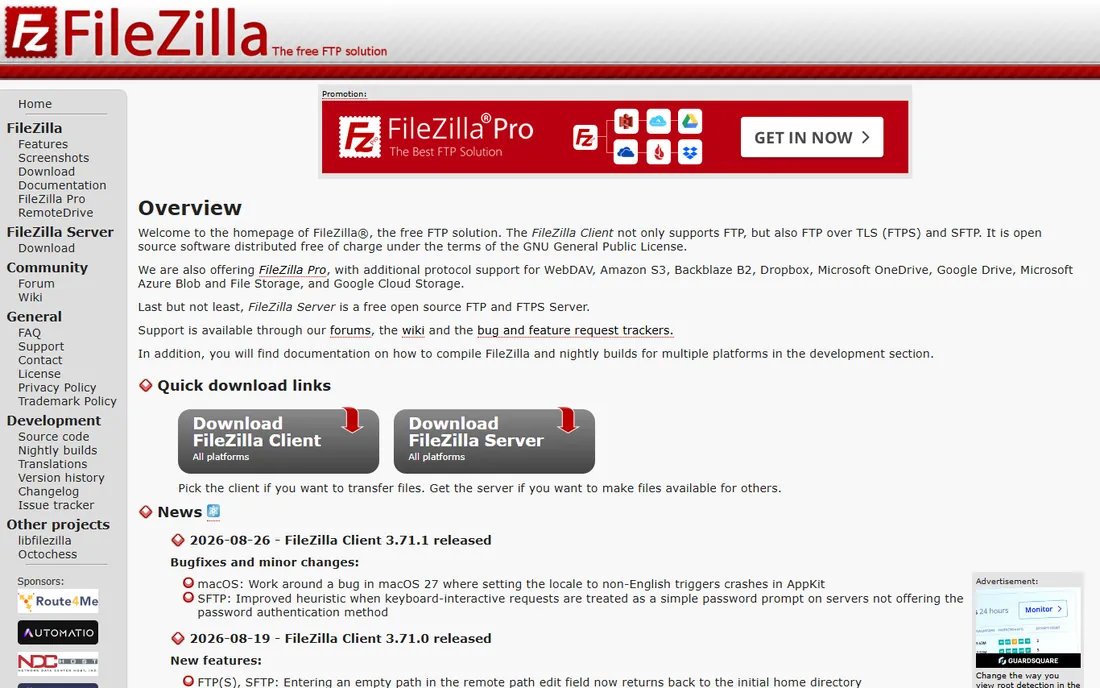
FileZilla is the free FTP client that most of the internet uses, and it remains the default recommendation for good reason. The open-source client supports FTP, FTPS, and SFTP on Windows, Mac, and Linux, with directory comparison, synchronized browsing, speed limits, and resume for large transfers. FileZilla Pro adds cloud storage support from 12.99 euros per device per year.
Two cautions. First, download only from filezilla-project.org: trojanized copies circulate on unofficial domains. Second, the Windows installer bundles adware, so use the ZIP download instead. The interface will not win design awards, but the functionality is complete and the price is right.
For anyone who needs a free, cross-platform FTP client that handles every protocol, FileZilla is the answer.
What we like- Free and open source
- Windows, Mac, and Linux
- Supports FTP, FTPS, and SFTP
Watch out for- Windows installer bundles adware
- Interface feels dated
Starting priceFree
Free planYes
WinSCP is the free Windows FTP client that power users swear by. Beyond FTP, FTPS, and SFTP, it offers scripting, command-line automation, and synchronization that make it the choice for scheduled and unattended transfers. The PuTTY integration handles SSH key management cleanly, and SFTP performance is consistently fast.
The scripting support is the differentiator: batch files and scheduled tasks that upload, download, and sync without human involvement. For IT teams managing regular transfers, this replaces manual client use entirely.
The Windows-only limitation and utilitarian interface are the tradeoffs. For Windows users who need free, scriptable, reliable file transfer, WinSCP is unmatched.
What we like- Free and open source
- Scripting and automation
- PuTTY integration
- Fast SFTP
Watch out for- Windows only
- Interface is utilitarian
Starting priceFree
Free planYes
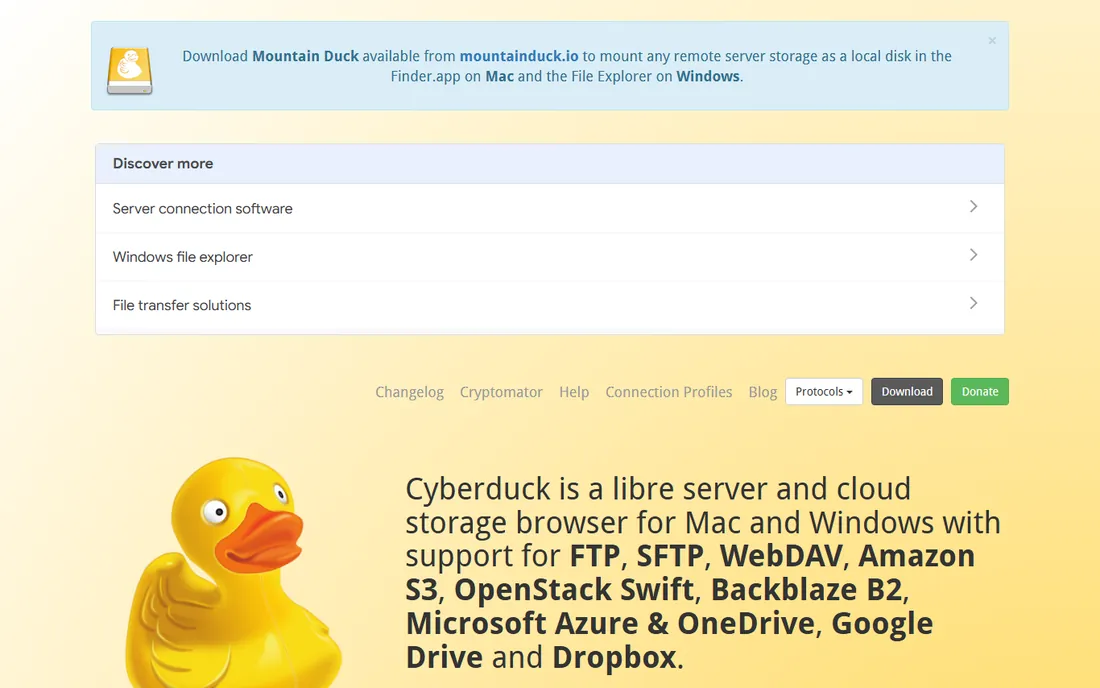
Cyberduck is the free open-source client that bridges FTP and cloud storage. It handles FTP, SFTP, and WebDAV alongside Amazon S3, Google Cloud Storage, Dropbox, and other cloud providers, making it the single client for teams that move files between servers and cloud buckets. A command-line tool, duck, extends it to scripting.
The interface is friendly and the protocol coverage is broad, which is why it ranks just behind FileZilla and WinSCP in most comparisons. macOS integrations like Quick Look and Keychain support make it feel native.
Large transfers run slower than Transmit or the paid clients, and the free version shows donation prompts. For free FTP plus cloud storage in one client, Cyberduck is the pick.
What we like- Free and open source
- Amazon S3, Google Drive, and WebDAV support
- Mac and Windows
Watch out for- Slower than paid alternatives
- Donation prompts
Starting price$45 one-time
Free planFree trial
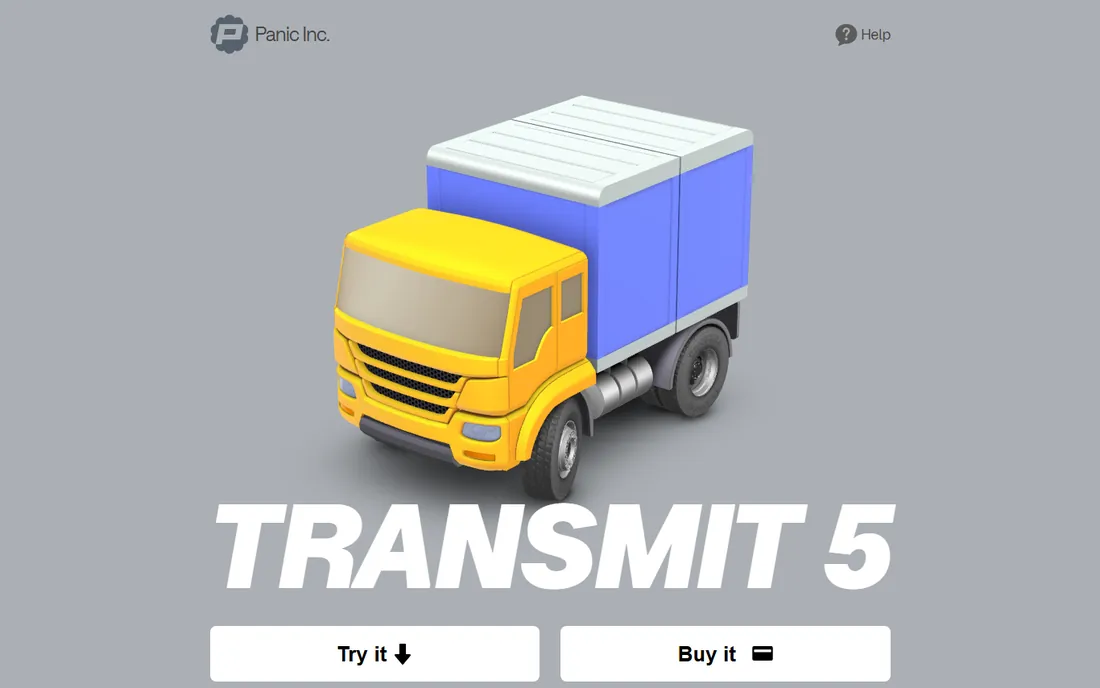
Transmit from Panic is the FTP client that makes file transfer feel like a first-class Mac experience. The $45 one-time purchase buys a lifetime license with the Twin-Turbo engine for fast small-file transfers, support for FTP, SFTP, Amazon S3, Backblaze B2, Google Cloud Storage, and Rackspace, plus Panic Sync for settings across Apple devices. A 7-day trial is available; after that, unpaid use is limited to 7-minute sessions.
The polish matters for daily users: batch rename, server-to-server FXP transfers, remote volumes mounted in Finder, and folder sync that just works. Web developers pushing thousands of assets to staging servers will feel the speed difference.
It is Mac only, and the Mac App Store version is a separate $24.99 yearly subscription. For Mac users who live in FTP, the $45 lifetime license is the best money in this category.
What we like- $45 one-time lifetime license
- Fastest transfers on Mac
- S3, B2, and cloud support
- Polished interface
Watch out for- Mac only
- Subscription version is $24.99 yearly on the App Store
#5
WS_FTP Professional
Best for: Windows businesses with scheduled transfers
Visit progress.com
Starting price$58 one-time
Free planNo
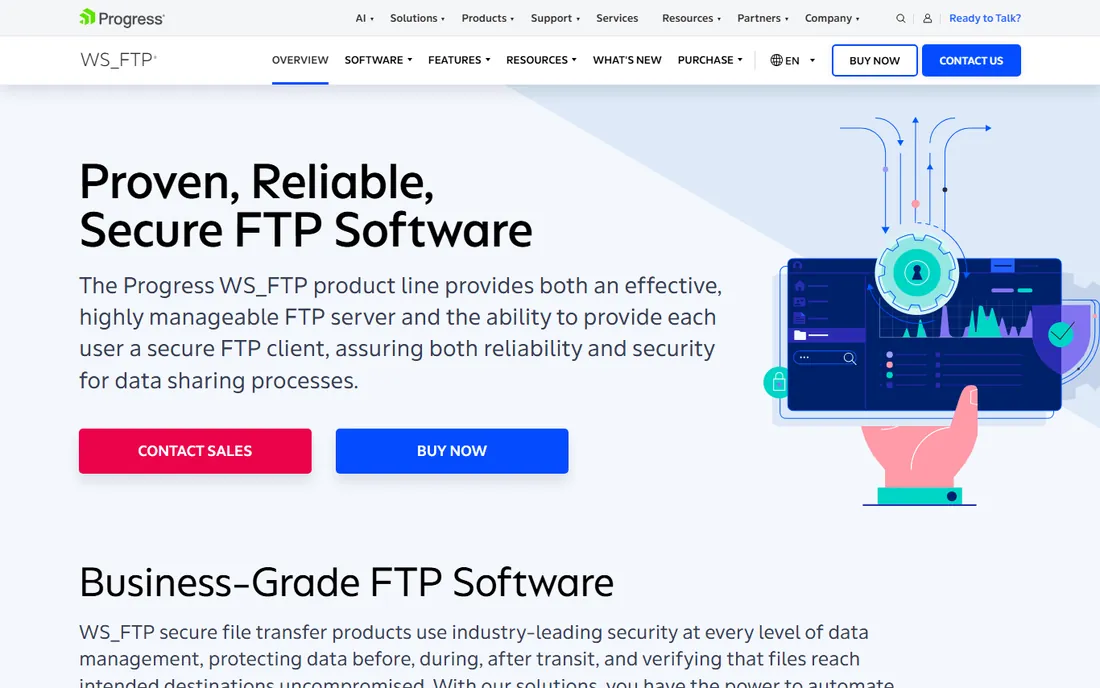
WS_FTP Professional from Progress Software is the business FTP client for Windows, priced at $58 one-time. It covers FTP, FTPS, and SFTP with scheduled transfers, transfer automation, file synchronization, and concurrent transfers, aimed at businesses that move files on a schedule rather than ad hoc.
The scheduling and automation features serve operations teams: recurring uploads, synchronized folders, and unattended transfers with logging. The product has been around since the 1990s, and the Progress backing provides enterprise support options.
The interface shows its age compared to modern clients, and there is no free tier. For Windows businesses that need scheduled, automated FTP with commercial support, WS_FTP Professional fits.
What we like- $58 one-time
- Scheduled transfers and automation
- File synchronization
- Long track record
Watch out for- Windows only
- Interface lags modern clients
- No free tier
Starting priceSee website
Free planNo
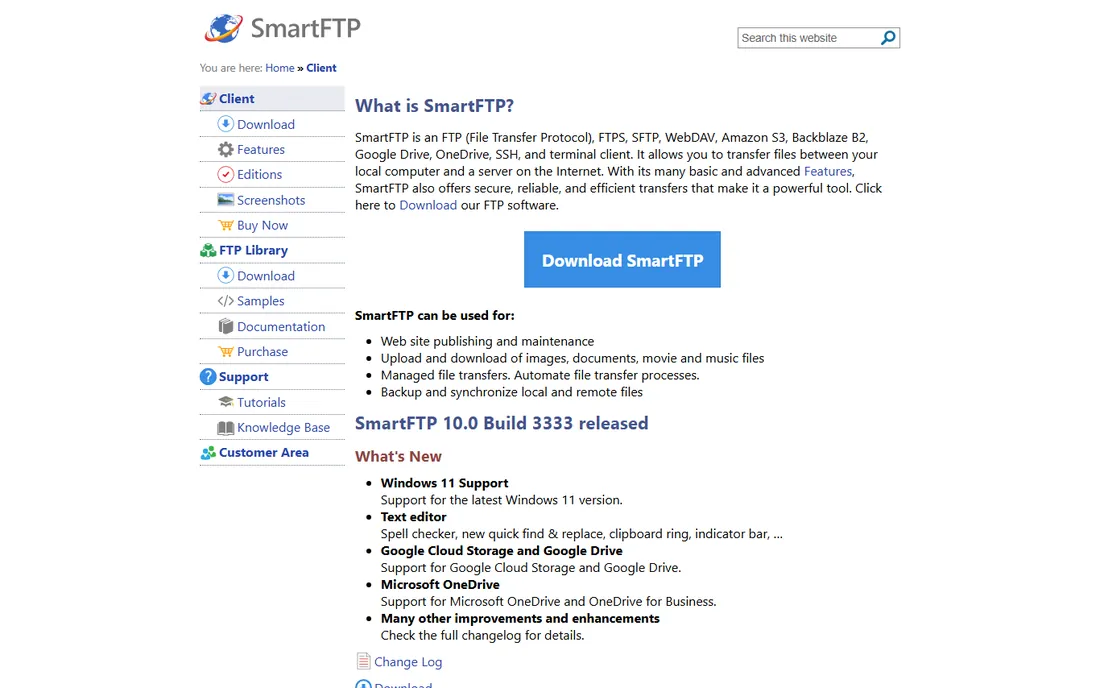
SmartFTP is the Windows power-user client with deep automation: transfer queues, scheduling, scripting, and a modern interface that outclasses the free alternatives visually. It supports FTP, FTPS, SFTP, and WebDAV with concurrent transfers and file synchronization.
The automation depth suits IT professionals managing complex transfer workflows: post-transfer actions, queue management, and remote editing with a built-in text editor. The active development shows in regular updates.
Pricing is not published on the vendor site, and it is Windows only. For Windows users who want the most capable paid FTP client, SmartFTP deserves a look alongside WS_FTP.
What we like- Deep automation and scheduling
- Modern Windows interface
- Strong protocol support
Watch out for- Pricing not published
- Windows only
Starting priceFree
Free planYes
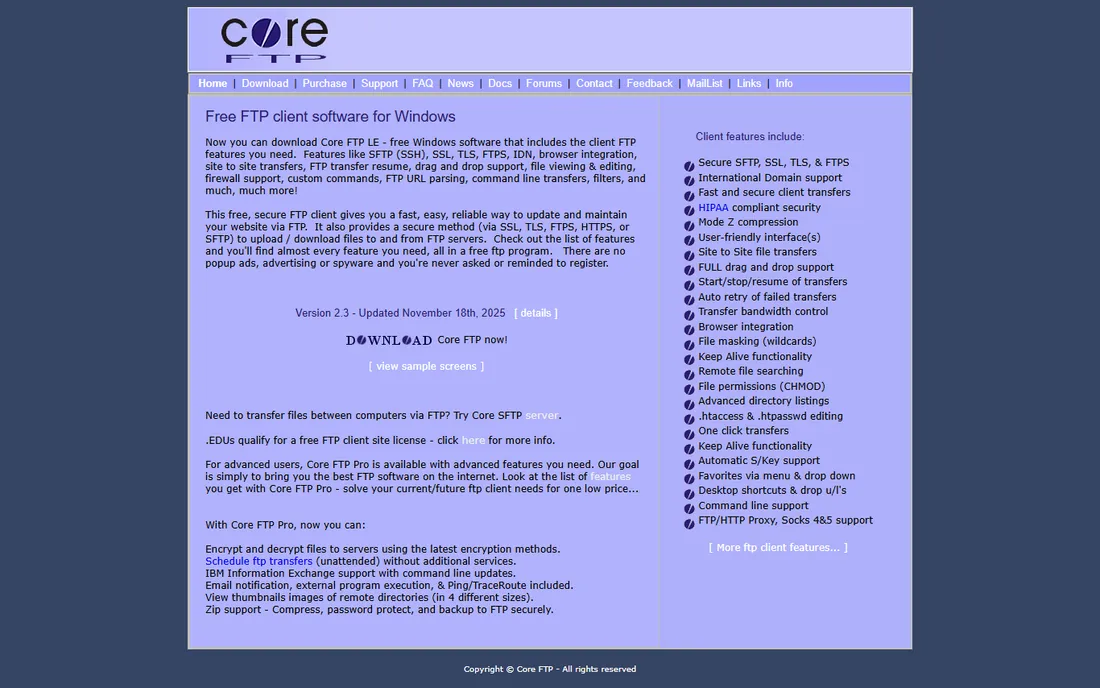
Core FTP LE is the free Windows FTP client that punches above its weight. The freeware version includes FTP, SSL/TLS, SFTP, HTTP/HTTPS support, site-to-site transfers, drag and drop, transfer resume, bandwidth control, and proxy support. A Pro version adds more for $16.95 one-time.
The security options stand out for a free client: HIPAA-compliant security settings and Mode Z compression for faster transfers. For Windows users who find FileZilla's interface or adware situation off-putting, Core FTP LE is the alternative.
Development has slowed, with the last major release aging, and the interface is dated. For a free Windows client with strong security features, it remains a solid choice.
What we like- Free LE version
- SFTP, SSL/TLS, and FTPS
- Site-to-site transfers
- HIPAA-compliant security options
Watch out for- Windows only
- Dated interface
- Development pace is slow
Starting priceSee website
Free planNo
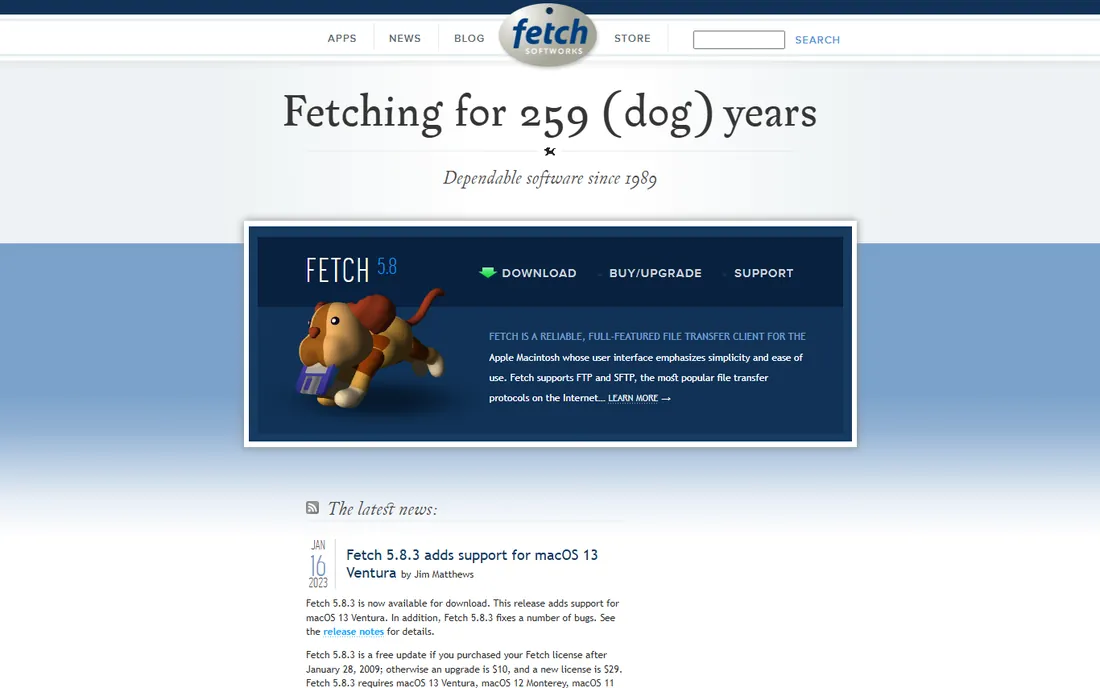
Fetch is the original Mac FTP client, created in 1989 and still maintained by Fetch Softworks. The interface emphasizes simplicity: connect, browse, drag, and drop. It supports FTP, SFTP, and FTPS with remote file editing.
The simplicity is the point. Users who find modern clients overwhelming get exactly what they need and nothing more. Educational users have historically gotten it free, and the client remains a staple in Mac-centric academic environments.
Development has slowed significantly, with the current version dating to 2023, and the feature set lags Transmit and Cyberduck. For Mac users who want the simplest possible FTP client, Fetch still works.
What we like- Extremely simple interface
- Mac native since 1989
- Reliable for basic transfers
Watch out for- Development has slowed
- Fewer features than Transmit or Cyberduck
How we chose
We compared FTP clients on protocol support (FTP, FTPS, SFTP), transfer speed and reliability, automation and scheduling, cloud storage integration, platform coverage, and pricing. We checked current 2026 roundups, vendor documentation, and user reviews, and noted each client's free tier and trial terms. We did not run transfer benchmarks; assessments reflect current documentation and reviewer consensus as of October 2026.
Choosing an FTP client by operating system
Windows users have the best free options: WinSCP for scripting and automation, FileZilla for general use, and Core FTP LE for a free client with strong security features. WS_FTP Professional and SmartFTP serve Windows users who need paid automation and support.
Mac users should start with Cyberduck for free or buy Transmit at $45 one-time for the fastest, most polished experience. Fetch suits users who want the simplest possible client.
Linux users get FileZilla and the command-line lftp, both free. Cross-platform teams should standardize on FileZilla or Cyberduck so everyone uses the same client and connection bookmarks.
Stop using plain FTP (use SFTP or FTPS)
Plain FTP sends your username and password in cleartext, readable by anyone on the network path. Every client in this roundup supports SFTP or FTPS, and every modern server offers them. There is no reason to use plain FTP in 2026.
SFTP runs over SSH and is the default choice for server administration and web hosting. FTPS adds SSL/TLS to FTP and suits enterprise environments with existing FTP infrastructure. Both encrypt credentials and data.
If your host only offers plain FTP, that is a signal to change hosts, not to accept it. The clients above make secure transfer the default; use it.
Frequently asked questions
What is FTP software?
FTP software, an FTP client, connects your computer to a server to upload and download files. Developers use it to publish websites, media teams move large files, and businesses exchange data with partners. Modern clients support secure variants SFTP and FTPS.
Is FTP still used in 2026?
Yes. Despite its age, FTP and its secure variants remain the standard for web hosting file management, media workflows, and business data exchange. Cloud storage has not replaced server-to-server transfer for these use cases.
What is the best free FTP software?
FileZilla for cross-platform use, WinSCP for Windows scripting and automation, and Cyberduck for FTP plus cloud storage. All three are free and open source and handle SFTP and FTPS.
What is the difference between FTP, SFTP, and FTPS?
FTP is the original unencrypted protocol. SFTP runs file transfer over SSH with full encryption. FTPS adds SSL/TLS encryption to FTP. Always use SFTP or FTPS; plain FTP exposes your credentials.
FileZilla vs WinSCP: which is better?
Choose FileZilla for cross-platform use on Windows, Mac, and Linux. Choose WinSCP for Windows-only use with better scripting, automation, and SFTP performance. Both are free; many Windows users keep both installed.
Is FileZilla safe to download?
Yes, if downloaded from the official site filezilla-project.org. Trojanized copies on unofficial domains have stolen credentials. Avoid the bundled adware in the Windows installer by using the ZIP download instead.
Sources we checked (5)
- https://www.itechguides.com/best/ftp-clients/
- https://www.hostinger.com/tutorials/free-ftp-clients?p=42363
- https://www.makeuseof.com/filezilla-kept-getting-worse-so-i-found-this-ftp-client-instead/
- https://slashdot.org/software/comparison/Transmit-vs-WISE-FTP/
- https://slashdot.org/software/comparison/WS_FTP-Professional-vs-WinSCP/
Is your product missing or out of date?
We review this list regularly. Vendors can request a listing, send updated pricing or ask about featured placement.

Shihab Mia · Founder, Rankite
Shihab has spent more than a decade helping SaaS and e-commerce brands grow through search. He writes Rankite's software buying guides from pricing pages, documentation and public user reviews. More about Shihab.