How we make this list: we compare pricing pages, product documentation and public user reviews. Ratings come from G2, Capterra or Trustpilot, with the date we checked them.
Key takeaways
- PDF24 Tools and PDFsam Basic are the only tools here that merge PDFs without meaningful free limits, and PDFsam works fully offline.
- iLovePDF offers the friendliest free online experience, while Smallpdf has the most polished interface but tighter free limits.
- Sejda is the best no-account option for occasional merges, with clear limits of three tasks per day and 50 MB per file.
- For contracts, HR files, or anything sensitive, prefer a desktop tool over an online uploader.
- Free plans differ on page limits, file size, and hourly tasks, so match the tool to how often you merge, not just to the headline claim of free.
Quick comparison
| Tool | Best for | Starting price | Free plan |
|---|
 iLovePDF iLovePDF | Beginner-friendly online merging | $4 per month (billed annually) | Yes |
 Smallpdf Smallpdf | Polished quick online merges | $10 per month (billed annually) | Yes |
 PDF24 Tools PDF24 Tools | Unlimited free merging online and offline | Free | Yes |
 PDFsam Basic PDFsam Basic | Offline batch merging on any desktop | Free | Yes |
 Sejda Sejda | Occasional merges with no account | $7.50 per month | Yes |
 PDF2go PDF2go | Simple online merging with editing tools | See website | Yes |
 PDF Candy PDF Candy | All-in-one online PDF suite | $4 per month | Yes |
 CombinePDF CombinePDF | Fast no-frills online merging | Free | Yes |
Is your product missing or out of date?
We review this list regularly. Vendors can request a listing, send updated pricing or ask about featured placement.
#1iLovePDF
Best for: Beginner-friendly online merging4.6/5 on
G2 (583 reviews, checked Oct 2026)
Visit ilovepdf.com
Starting price$4 per month (billed annually)
Free planYes
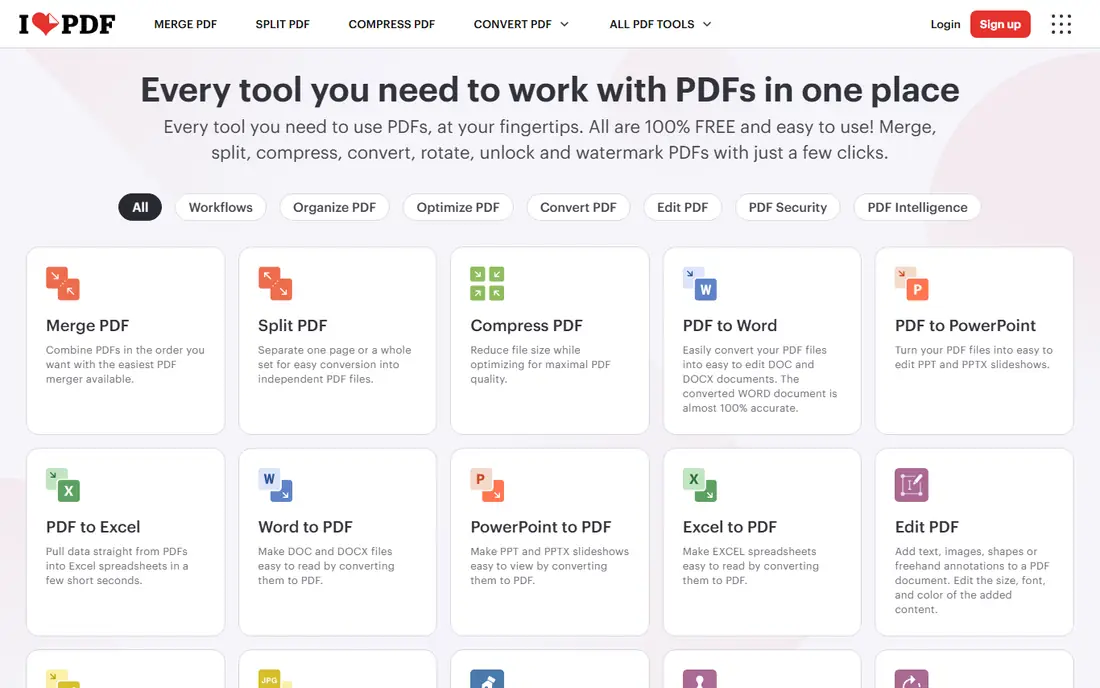
iLovePDF is the easiest online merger for a first-time user. Upload files, drag them into order, merge, and download the result, with no software to install. The wider suite covers splitting, compression, conversion, and signing, so one account handles most everyday PDF jobs. Mobile and desktop apps extend the same workflow beyond the browser.
Free use is generous for occasional jobs but limited for heavy daily work, and Premium starts around $4 per month billed annually for higher limits and faster processing. For a student, freelancer, or office worker merging a few documents a week, the free tier is usually enough. Heavy users should compare Premium with PDF24, which stays free at higher volumes.
What we like- Very easy interface
- Desktop and mobile apps
- Merge, split, compress, and convert in one suite
Watch out for- Free tier limits processing volume
- Some features need Premium
#2Smallpdf
Best for: Polished quick online merges4.5/5 on
G2 (306 reviews, checked Oct 2026)
Visit smallpdf.com
Starting price$10 per month (billed annually)
Free planYes
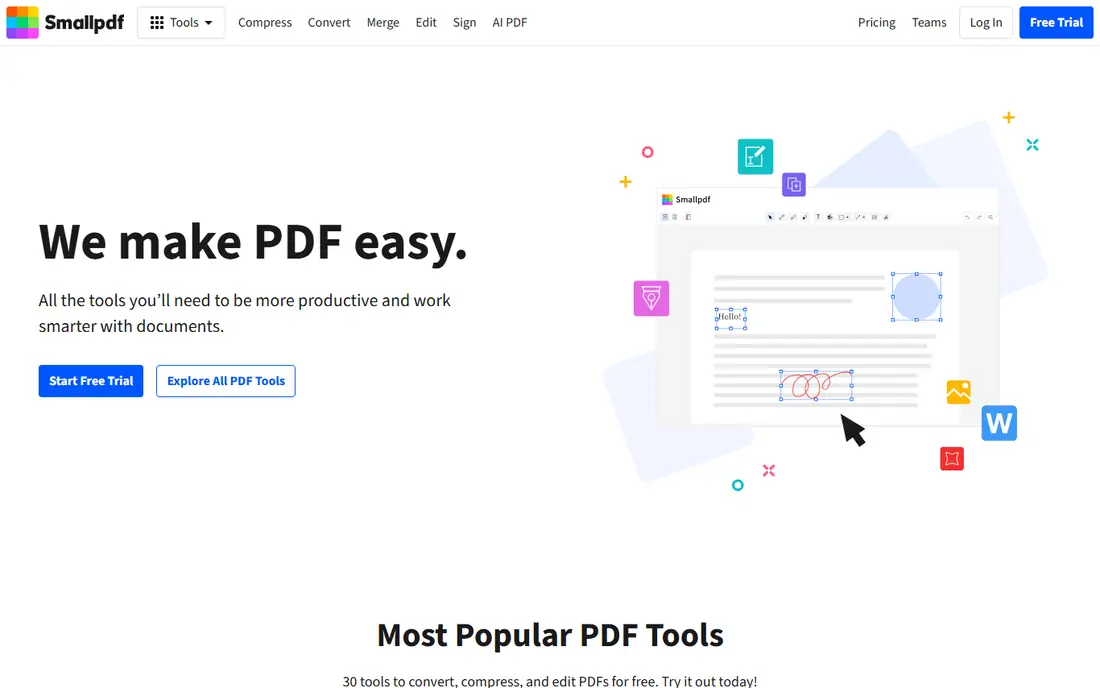
Smallpdf offers the most polished experience on this list. The merge tool is fast, the interface is clear, and the surrounding suite handles compression, conversion, editing, and e-signing with the same consistency. For a user who values design and speed over the lowest price, Smallpdf feels like the premium option, even on the free tier.
That polish comes with tighter free limits, often described as two tasks per day or per hour depending on the tool, so regular users hit the wall quickly. Pro starts around $10 per month billed annually, with a 7-day trial. If you merge daily, PDF24 or PDFsam will save money; if you merge occasionally and want the smoothest experience, Smallpdf is a fine pick.
What we like- Clean, fast interface
- Strong compression and conversion tools
- Good mobile experience
Watch out for- Free tier is limited to a small number of tasks
- Pro is pricier than iLovePDF
Starting priceFree
Free planYes
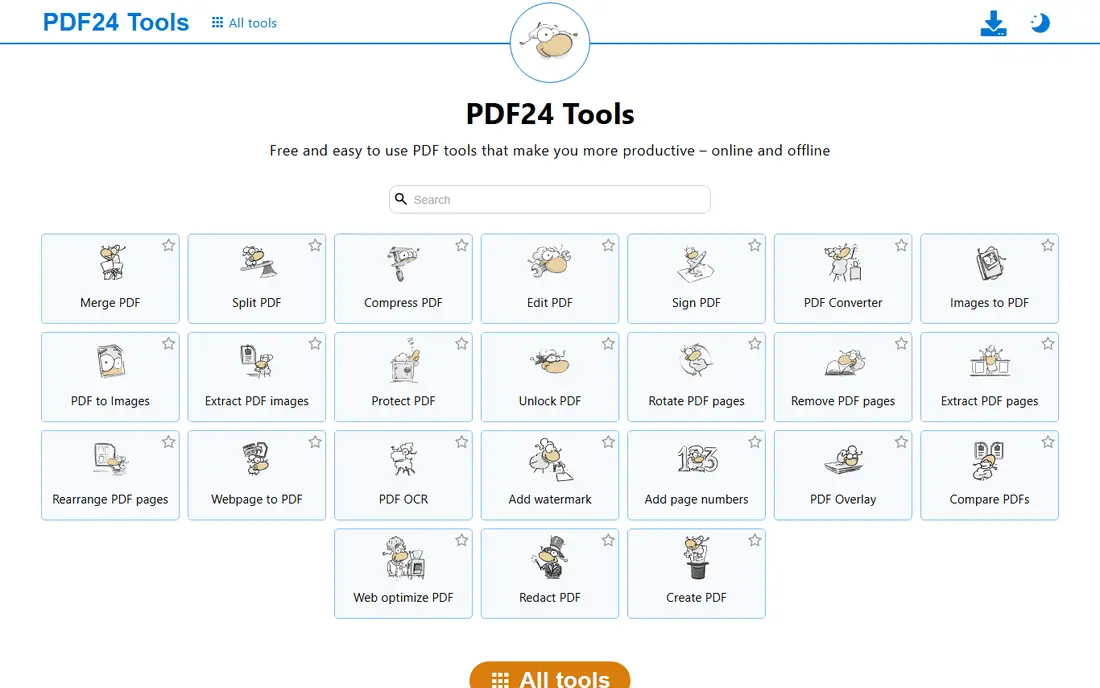
PDF24 Tools is the standout free option for anyone who merges PDFs often. The online merger has no practical task limits in published comparisons, and the free Windows desktop app, PDF24 Creator, works offline for sensitive files. Beyond merging, the suite covers splitting, compression, conversion, signing, and page management.
The design is plain, and Mac and Linux users only get the web tools, since the desktop app is Windows only. Those are minor complaints against a fully free product with no watermarks on merged files. For offices, schools, and anyone merging daily, PDF24 should be the first tool tried.
What we like- Fully free with no meaningful limits
- Windows desktop app for offline work
- Large tool suite
Watch out for- Interface is functional rather than beautiful
- Online uploads still apply for web use
#4PDFsam Basic
Best for: Offline batch merging on any desktop4.2/5 on
G2 (48 reviews, checked Oct 2026)
Visit pdfsam.org
Starting priceFree
Free planYes
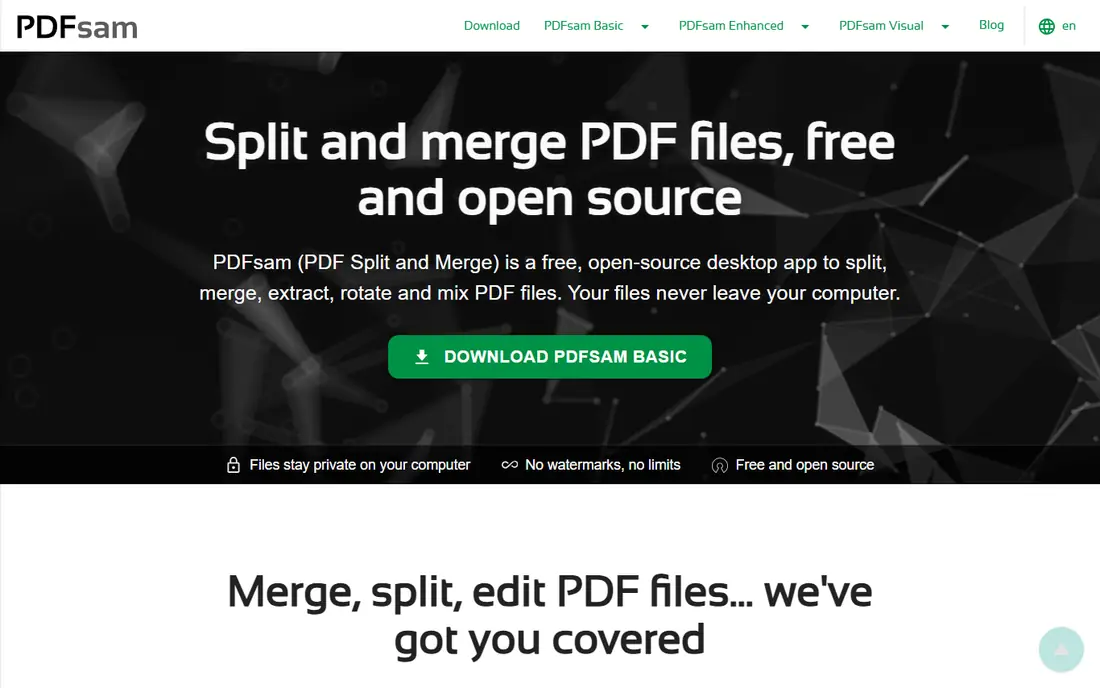
PDFsam Basic is the best choice when privacy matters. It runs on your computer, so files never upload to a server, and it handles batch merging, splitting, rotating, and extracting pages without watermarks or limits. As open-source software, it costs nothing and works on all major desktop systems, which makes it easy to standardize across a team.
PDFsam Basic is not a full PDF editor, and its interface will not win design awards. Users who need editing, signing, or form filling should pair it with another tool or consider PDFsam Enhanced. For the single job of merging PDFs safely and repeatedly, though, it is hard to beat, and it deserves a place on every office computer.
What we like- Free and open source
- Runs on Windows, Mac, and Linux
- Batch merge, split, and page extraction
Watch out for- Interface is utilitarian
- Advanced editing features need the paid Enhanced version
#5Sejda
Best for: Occasional merges with no account4.5/5 on
G2 (42 reviews, checked Oct 2026)
Visit sejda.com
Starting price$7.50 per month
Free planYes
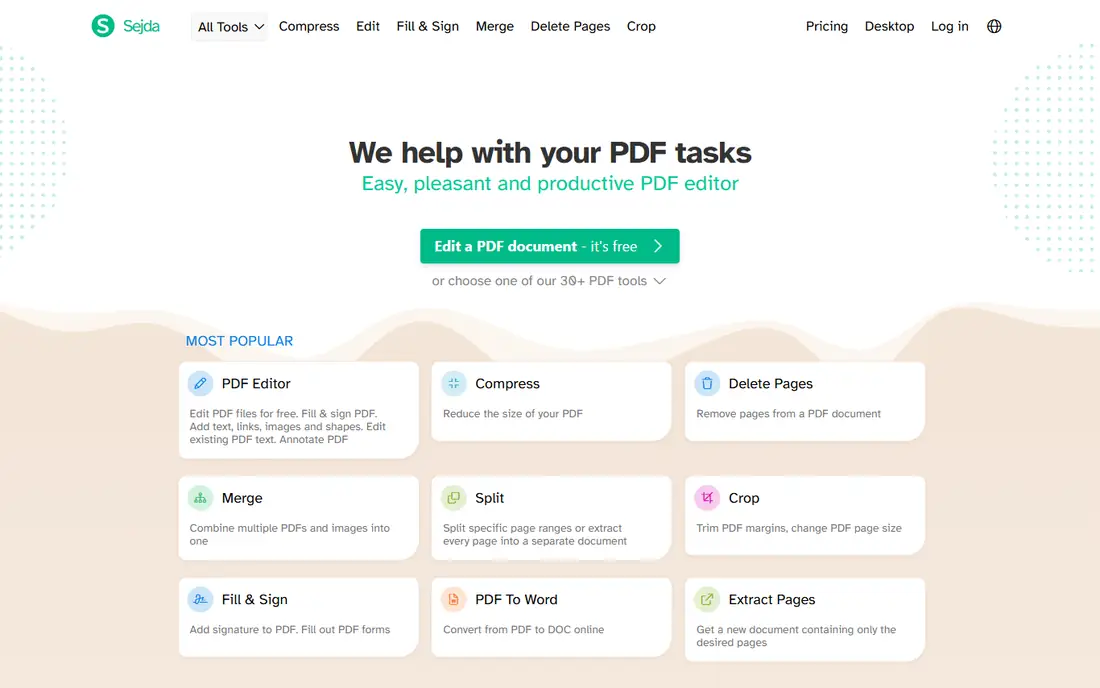
Sejda is the thoughtful choice for occasional, privacy-conscious merging. You can merge without creating an account, files are deleted from servers after processing, and the tool lets you pick specific pages rather than whole documents. That page control helps when only part of a long report belongs in the final file.
Free limits are clear: three tasks per day, with files up to 50 MB or 200 pages per task. A week pass and monthly plans start around $7.50 per month for heavier use. For a user who merges a few times a week and cares about file handling, Sejda is excellent; for daily bulk work, PDF24 or PDFsam fits better.
What we like- No account needed for free use
- Clear privacy handling with file deletion
- Page-level merge control
Watch out for- Free tier allows three tasks per day
- Files limited to 50 MB or 200 pages per task
#6PDF2go
Best for: Simple online merging with editing tools4.8/5 on
G2 (8 reviews, checked Oct 2026)
Visit pdf2go.com
Starting priceSee website
Free planYes
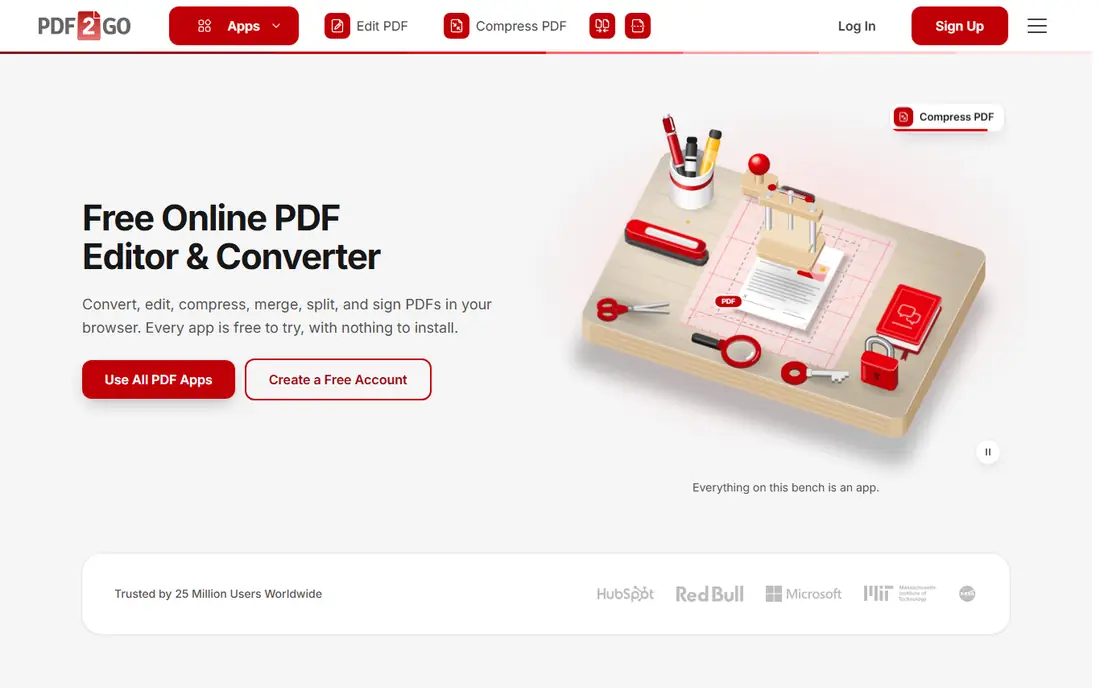
PDF2go covers the basics well: upload PDFs, reorder them, merge, and download, with extra tools for editing, compressing, and converting files. It runs entirely in the browser, so there is nothing to install, and it handles common office jobs without a learning curve. For a quick merge on a shared or borrowed computer, that convenience matters.
Free use is limited, and the site promotes its premium plan more visibly than some rivals. Users who merge often will prefer PDF24, while occasional users may not mind the limits. PDF2go earns its place as a dependable backup option when a first-choice tool is unavailable or a file needs a quick edit as well as a merge.
What we like- Easy drag-and-drop merging
- Editing, compression, and conversion included
- Works from any browser
Watch out for- Free tier limits file size and tasks
- Interface carries more upsell prompts than rivals
#7PDF Candy
Best for: All-in-one online PDF suite3.8/5 on
G2 (18 reviews, checked Oct 2026)
Visit pdfcandy.com
Starting price$4 per month
Free planYes
PDF Candy bundles merging with dozens of other PDF tools, from splitting and compression to conversion, OCR, and watermarking. The merge tool itself is straightforward: upload, reorder, merge, and download. A desktop version exists for users who prefer offline work, and the overall suite suits someone who needs many PDF jobs, not just merging.
The free limit, around one task per hour in published comparisons, is the main drawback. That is fine for a single merge, but frustrating for a batch of documents. Paid plans start around $4 per month for unlimited use. PDF Candy is best for users who want one suite for everything and merge only a few times a day.
What we like- Large suite of PDF tools in one place
- Simple merge workflow
- Desktop version available
Watch out for- Free tier allows about one task per hour
- Some tools are slower than specialists
Starting priceFree
Free planYes
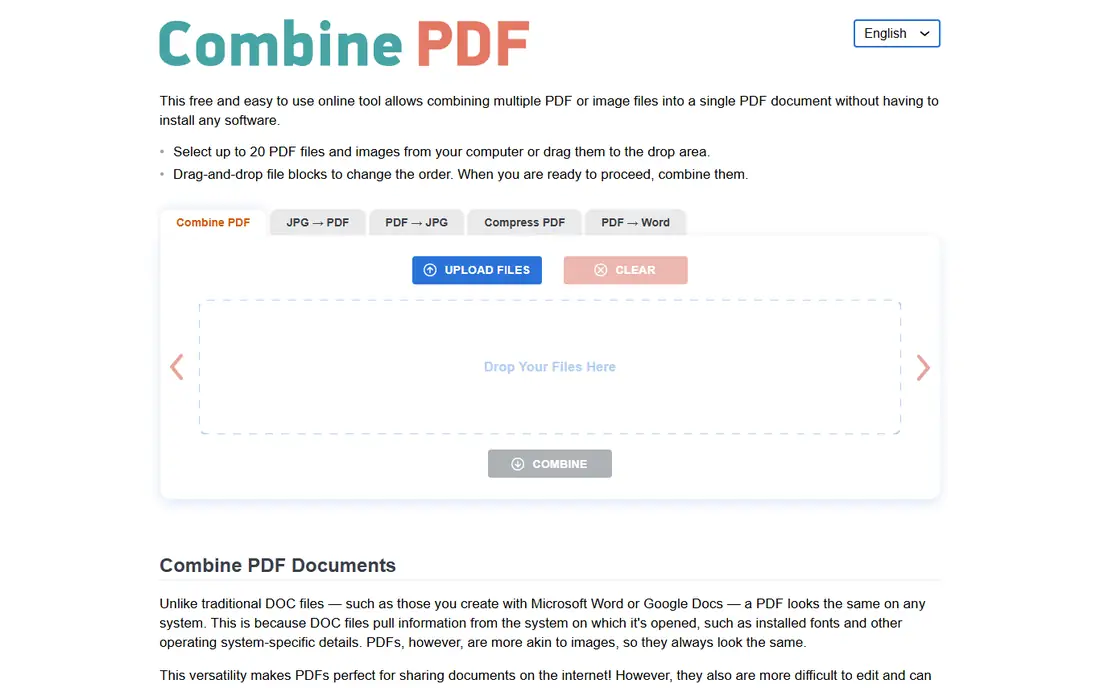
CombinePDF does one job with minimal fuss: combine multiple PDFs, and optionally images, into a single PDF. There is no account, no install, and no feature maze to navigate, which makes it ideal for a one-off merge on any device. Speed is good, and the output is a standard PDF that opens anywhere.
The trade-off is scope. CombinePDF is not a suite, so splitting, editing, or compressing needs another tool, and its privacy and support documentation is thinner than that of iLovePDF or Sejda. Use it for simple, non-sensitive merges, and switch to PDFsam or PDF24 for confidential documents or repeated office work.
What we like- No account or install needed
- Very fast for simple merges
- Combines PDFs and images
Watch out for- No advanced PDF suite behind it
- Fewer privacy and support details than larger vendors
How we chose
We compared vendor pages, free tier limits, and public reviews, and we required each tool to offer a genuinely usable free way to merge PDFs, not just a trial that watermarks output. Tools were judged on free limits, privacy handling, platform support, and whether merging was a core feature rather than an afterthought. Where a vendor does not publish a clear paid price, we wrote See website.
Online or desktop: which is safer
Online tools upload your files to a server, process them, and return the merged result. Reputable vendors delete files after a short period, but a sensitive contract, medical record, or HR document should never pass through a web uploader if an offline option exists. PDFsam Basic and PDF24 Creator keep files on your machine, which removes that risk entirely.
Matching free limits to your workload
Count your merges per week before choosing. Occasional users fit Sejda, Smallpdf, or CombinePDF easily, while daily users need PDF24 or PDFsam to avoid hourly and daily caps. Also check file size and page limits: a 300-page report exceeds Sejda's free task limit, even if you only merge once that day.
Beyond merging
If you also split, compress, convert, or sign PDFs regularly, a suite such as iLovePDF, Smallpdf, or PDF Candy may be better value than a merge-only tool, even if its free tier is tighter. Compare the full set of jobs you do each month, not just merging, and pick the suite that covers most of them without a subscription you will resent.
Frequently asked questions
What is the best completely free PDF merger?
PDF24 Tools and PDFsam Basic are the strongest fully free options. PDF24 offers unlimited online merging plus a free Windows desktop app, while PDFsam Basic is free, open source, and works offline on Windows, Mac, and Linux. For privacy, PDFsam has the edge; for convenience, PDF24 wins.
Do free PDF mergers add watermarks?
The tools on this list do not watermark merged files on their free tiers, though some paid features and trials elsewhere in the market do. Always check the output before sending it to a client, and avoid any merger that watermarks free output, since better free options exist.
Is it safe to merge PDFs online?
For ordinary, non-sensitive documents, reputable online tools with automatic file deletion are reasonably safe. For contracts, financial records, medical files, or HR documents, use an offline desktop tool such as PDFsam Basic or PDF24 Creator instead, so files never leave your computer.
Can I merge PDFs on my phone?
Yes. iLovePDF, Smallpdf, and PDF24 all work in a mobile browser, and iLovePDF and Smallpdf offer mobile apps. Merging large files on a phone is slower and uses more data, so a desktop is better for big batches, but a two-file merge on the go works fine.
What file size limits apply to free PDF mergers?
Limits vary: Sejda allows 50 MB or 200 pages per free task, iLovePDF allows larger files on free use with volume limits, and PDF24 has no practical limit in published comparisons. PDFsam Basic, as a desktop tool, is limited mainly by your computer's memory. Check the limit before uploading a large report.
Can I merge only selected pages, not whole documents?
Yes, on several tools here. Sejda and PDFsam let you pick pages to include, which is useful when only part of a document belongs in the final file. Simple merge-only tools such as CombinePDF merge whole files, so choose a page-aware tool when you need that control.
Sources we checked (8)
- https://www.ilovepdf.com/pricing
- https://smallpdf.com/pricing
- https://tools.pdf24.org/pricing
- https://pdfsam.org/pricing
- https://www.sejda.com/pricing
- https://www.pdf2go.com/pricing
- https://pdfcandy.com/pricing
- https://combinepdf.com/pricing
Is your product missing or out of date?
We review this list regularly. Vendors can request a listing, send updated pricing or ask about featured placement.

Shihab Mia · Founder, Rankite
Shihab has 5+ years in B2B and SaaS SEO. He writes Rankite's software buying guides from pricing pages, documentation and public user reviews. More about Shihab.