How we make this list: we compare pricing pages, product documentation and public user reviews. Rankite is independent; if a vendor ever pays for a featured spot, that listing is clearly labeled Partner.
Key takeaways
- Reedsy Book Editor is the closest thing to a free professional typesetter: write in the browser, export EPUB and print-ready PDF at no cost.
- Canva and Adobe Express have the most generous genuinely free design plans, but they export ebooks as PDFs, not reflowable EPUBs.
- Google Docs exports EPUB natively for free, which makes it a surprisingly solid drafting and publishing tool in one.
- Calibre and Sigil are free, open-source desktop tools for authors who want full control over the final EPUB file.
An ebook costs either money or patience. The free tools below charge you in different proportions: some give you beautiful output with almost no learning curve, others give you total control in exchange for an afternoon of setup. The trick is matching the tool to the kind of book you are making, a text-heavy novel needs different software than a visual lead magnet, and a quick free PDF for your mailing list needs almost no tool at all.
Quick comparison
| Tool | Best for | Starting price | Free plan |
|---|
 Reedsy Book Editor Reedsy Book Editor | authors publishing real books to retailers | $0 | Yes |
 Canva Canva | visual ebooks, workbooks, and lead magnets | $0 | Yes |
 Google Docs Google Docs | drafting a book and exporting EPUB for free | $0 | Yes |
 Adobe Express Adobe Express | ebook covers and branded promotional layouts | $0 | Yes |
 FlipHTML5 FlipHTML5 | interactive flipbooks from existing PDFs | $0 | Yes |
 Calibre Calibre | converting between formats and managing your library | $0 | Yes |
 Sigil Sigil | authors who want full control over their EPUB | $0 | Yes |
 Visme Visme | designed reports, guides, and whitepapers | $0 | Yes |
Is your product missing or out of date?
We review this list regularly. Vendors can request a listing, send updated pricing or ask about featured placement.
#1
Reedsy Book Editor
Best for: authors publishing real books to retailers
Visit reedsy.com
Starting price$0
Free planYes
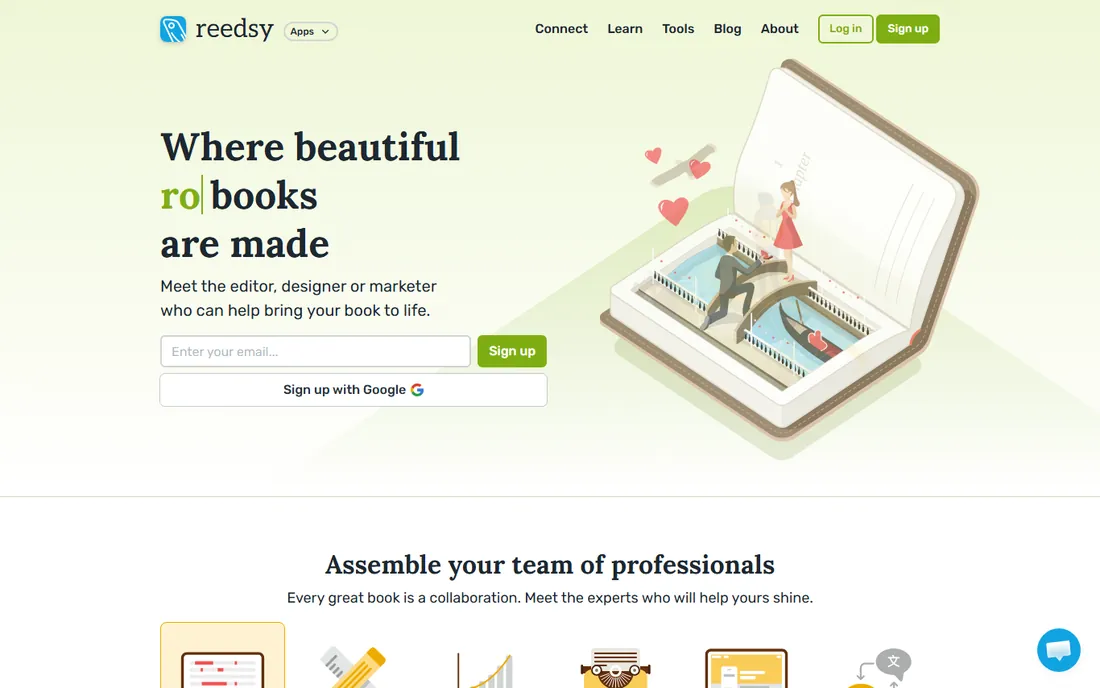
Reedsy Book Editor is the standout on this list for one reason: it is a free formatting tool that produces genuinely professional output. You write or paste your manuscript into a clean browser interface, organize chapters with drag and drop, and export files ready for ebook distributors or print-on-demand services. Multiple reviews note that its EPUB export passes retailer quality checks cleanly, which is exactly what self-publishing authors need.
Everything about the editor is free; Reedsy's business is its marketplace of freelance editors, designers, and marketers, which is a separate purchase you may never need. The limitation is creative control: you get clean, professional book typesetting, not the intricate interior design of a coffee-table book. For novels, memoirs, and nonfiction, that is the right tradeoff. If your book is heavily illustrated, you will eventually need a layout tool instead.
What we like- Completely free with no upsells for the software itself
- Professional EPUB and typeset-PDF export
- Clean writing interface with collaboration tools
Watch out for- No AI writing features
- Template styling is limited compared with desktop publishing tools
#2
Canva
Best for: visual ebooks, workbooks, and lead magnets
Visit canva.com
Starting price$0
Free planYes
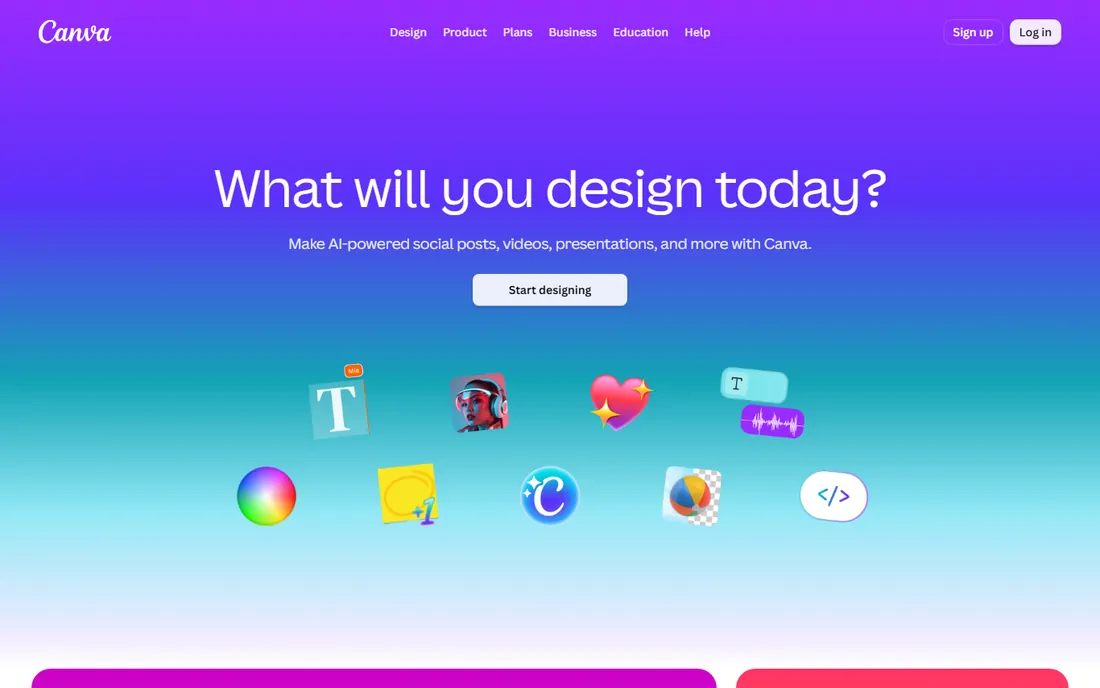
Canva is the fastest way to make an ebook that looks designed rather than typed. The free plan includes more than a million and a half templates, 5 GB of storage, and a drag-and-drop editor that handles covers, chapter pages, and illustrated layouts with ease. The free tier also includes a limited monthly AI allowance. Paid Pro starts at $15 per month or $144 per year, but for a straightforward ebook, many creators never need it.
The catch is format. Canva exports your ebook as a PDF, which is fixed-layout: it looks identical everywhere but cannot reflow text for e-readers. That is fine for lead magnets, workbooks, and anything distributed by email or download link, and it is wrong for a novel you want to sell on ebook retailers. Use Canva when visual design matters more than reflowable text, and use Reedsy or Google Docs when the opposite is true.
What we like- Huge free template library
- Easy drag-and-drop design
- Exports polished PDFs with no watermark on core features
Watch out for- Exports PDF, not reflowable EPUB
- Premium templates and stock assets sit behind the paid tier
Starting price$0
Free planYes
Almost every author already has Google Docs, and it hides a genuinely useful ebook feature: File, Download, EPUB Publication exports your document as a standard EPUB file. Pair that with consistent heading styles for your chapters, and you have a complete free pipeline from draft to distributable ebook, with autosave and real-time collaboration along the way. Commenters and editors can work in the same document without any software to install.
The output is basic. Google Docs does not typeset your book, it converts your document, so the EPUB looks plain and any sloppy formatting in the draft carries straight through. Keep the styling simple, use the built-in heading levels, and validate the EPUB before uploading it anywhere. For a first book or a free giveaway ebook, it is more than enough; for a commercial launch, run the file through Calibre or Sigil afterward to polish it.
What we like- Free with any Google account
- Native EPUB export
- Real-time collaboration and autosave
Watch out for- No professional typesetting controls
- EPUB output is basic and needs clean heading styles
#4
Adobe Express
Best for: ebook covers and branded promotional layouts
Visit adobe.com
Starting price$0
Free planYes
Adobe Express is a design tool rather than a book tool, but it earns its place for two jobs: covers and short, visual ebooks. The free plan includes over 100,000 templates, more than a million Adobe Stock assets, 5 GB of storage, and no watermarks on exports. Premium costs $9.99 per month, but the free tier is generous enough for a cover, a lead magnet, or the social graphics that promote your book.
Do not try to lay out a 300-page manuscript in it. Express is page-based design software, and long documents become unwieldy fast. The smart workflow is to write and export your book in Reedsy or Google Docs, then design the cover and marketing assets in Express for free. That combination covers the whole launch without spending anything.
What we like- Free plan with no card required
- 100,000+ templates and a million stock assets free
- Clean exports without watermarks
Watch out for- Built for graphics, not book-length documents
- Limited monthly AI credits on the free plan
Starting price$0
Free planYes
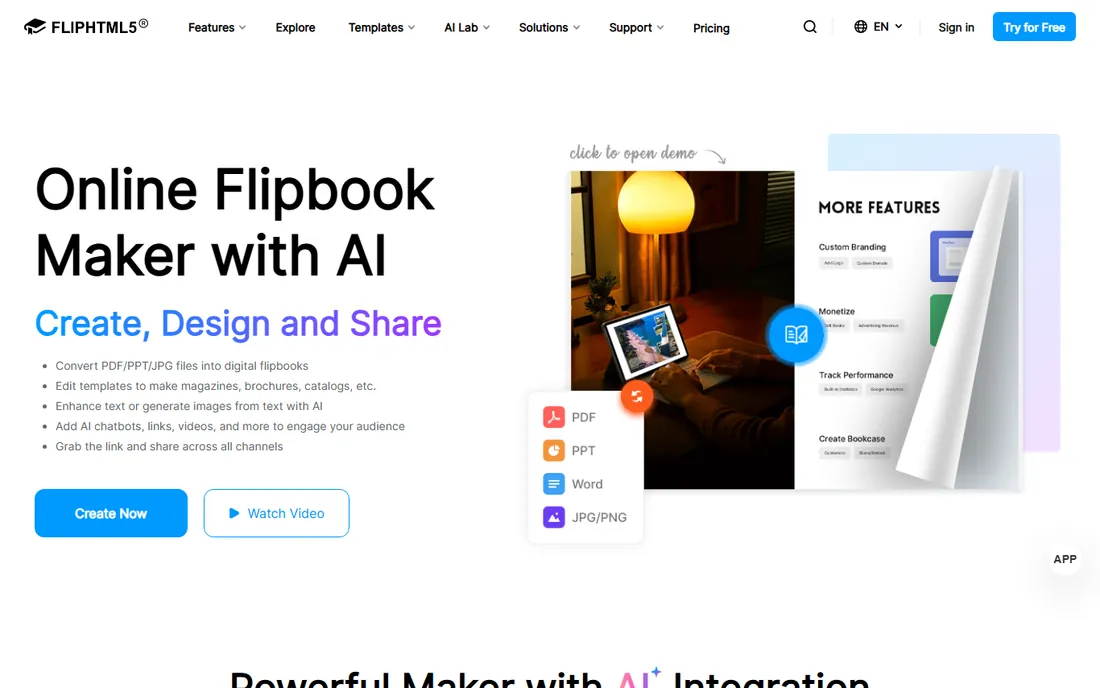
FlipHTML5 takes a different approach: instead of helping you write a book, it turns a finished PDF into an interactive flipbook with page-turn animations, embedded video, and clickable links. The free plan is free forever rather than a trial, with up to 500 pages per book, and paid plans start at $15 per month billed monthly or about $12 per month on annual billing. It is a strong fit for catalogs, magazines, portfolios, and marketing ebooks.
The tradeoff is control and format. Free-plan flipbooks carry ads and FlipHTML5 branding, and your book lives on their platform rather than as a downloadable EPUB you own. If your goal is a retailer-ready ebook, this is the wrong tool. If your goal is an engaging web-based publication you share by link, the free plan is genuinely usable.
What we like- Free plan never expires
- Converts PDFs into page-flip ebooks
- Multimedia and link support
Watch out for- Free plan shows ads and platform branding
- No EPUB output, published books live on FlipHTML5
Starting price$0
Free planYes
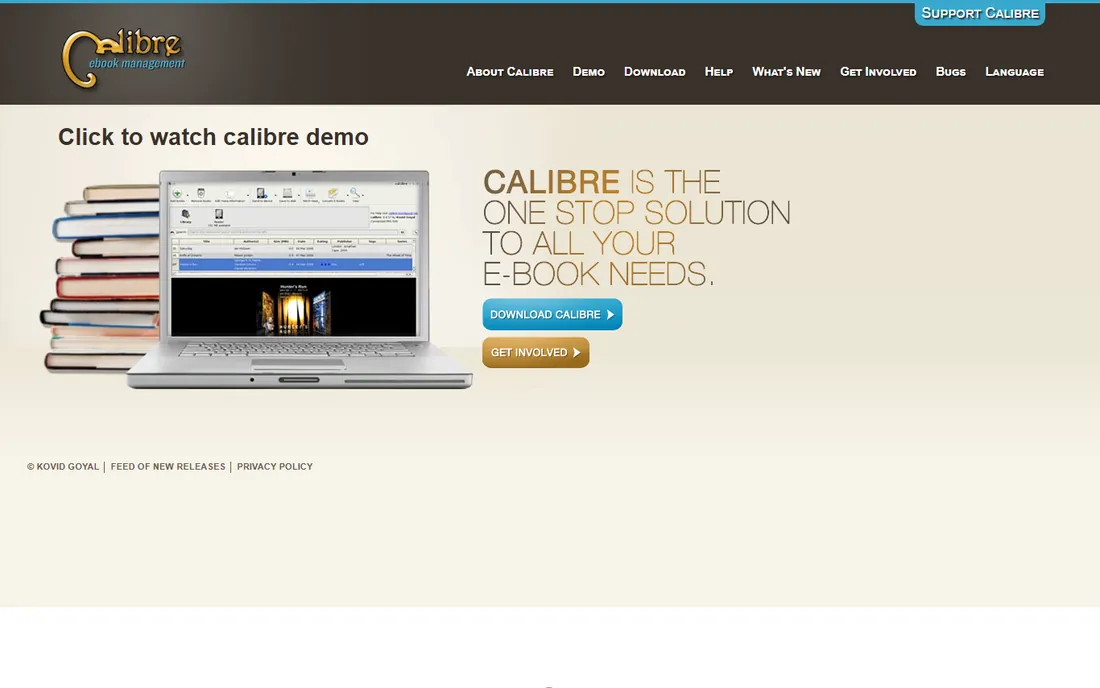
Calibre is the Swiss-army knife of the ebook world. It converts between EPUB, MOBI, PDF, AZW3, and dozens of other formats, edits metadata and covers, and manages your whole ebook library. It is free, open source, and actively maintained, with version 9.16.0 released in October 2026. Every self-publishing author should have it installed even if they write somewhere else, because format conversion is the step that trips up most beginners.
Calibre is not a writing tool and not a design tool. Its editor is serviceable for fixing up an EPUB, but you would not draft a book in it, and its interface looks like it was designed a decade ago. Use it as the final step in your pipeline: write in Reedsy or Google Docs, convert to Kindle formats in Calibre, and validate everything before upload.
What we like- Free and open source
- Converts between nearly every ebook format
- Built-in viewer and metadata editing
Watch out for- Dated interface
- Conversion quality depends heavily on the source file
Starting price$0
Free planYes
Sigil is a dedicated EPUB editor for people who want to touch the actual code of their ebook. You get code and preview views, full HTML and CSS control, a table-of-contents generator, metadata editing, spell checking, and plugin support, all free under a GPL license. The companion app PageEdit adds visual editing for those who prefer it. Version 2.8.1 was current as of mid-2026.
This is a power tool, not a beginner tool. If you do not know HTML and CSS, Sigil will feel like work, and that is fine, because it is not meant for you. It is meant for the author who exports from Reedsy or Google Docs, opens the result, and wants to fix the CSS, embed fonts, or polish the metadata by hand. Used that way, it is the difference between an acceptable EPUB and a professional one.
What we like- Free and open source
- Complete control over EPUB code and styling
- Built-in validator and TOC generator
Watch out for- Requires comfort with HTML and CSS
- No WYSIWYG book view in current versions
#8
Visme
Best for: designed reports, guides, and whitepapers
Visit visme.co
Starting price$0
Free planYes
Visme sits between Canva and a presentation tool: it is built for visual documents like reports, guides, whitepapers, and workbooks. The free Basic plan includes the drag-and-drop editor, templates, and project storage with no credit card required, and paid plans start at $12.25 per person per month billed annually on the Starter tier.
The free plan's sharpest limit is export. Reviewers consistently note that meaningful downloads require a paid plan, with the free tier restricted to watermarked JPG output in many cases, so check the current export options before building a long document on the free plan. Visme is a good pick for a designed business ebook you plan to share as a link or upgrade to export; for a free downloadable PDF, Canva's free plan is more generous.
What we like- Free Basic plan with unlimited projects
- Strong templates for documents and infographics
- No credit card to start
Watch out for- Free plan exports are limited and watermarked
- PDF downloads require the paid Starter plan
Match the tool to the book's format, not its topic. A text-heavy book headed for retailers needs a reflowable EPUB, which points to Reedsy Book Editor, Google Docs, or Sigil for finishing. A visual book headed for email distribution needs a designed PDF, which points to Canva, Adobe Express, or Visme. A marketing piece you want people to flip through in a browser points to FlipHTML5. Pick the wrong category and you will fight the tool the whole way.
Think in pipelines, not single tools. Most free ebook workflows combine two or three of these: draft in Google Docs, typeset in Reedsy, convert in Calibre, design the cover in Canva or Adobe Express. Each tool is free, and each does its one job better than an all-in-one would. The authors who struggle are the ones who try to do everything in whichever tool they opened first.
Finally, validate before you publish. Free tools can produce files with subtle problems: broken tables of contents, missing fonts, oversized images. Run your EPUB through an online validator, open it in two different reader apps, and check it on a phone before you upload it anywhere. That ten-minute check catches most of the issues that make a free-produced ebook look amateur.
EPUB is the standard for retail ebooks because the text reflows to fit any screen, from phones to e-readers. If you plan to sell on Apple Books, Kobo, Google Play, or distribute through libraries, EPUB is the format, and Reedsy, Google Docs, Sigil, and Calibre are your tools. Note that Kindle prefers its own formats, so use Calibre or Kindle's own tools to convert before uploading to Amazon.
PDF is the standard for everything else: lead magnets, workbooks, guides, and anything where the layout must look identical everywhere. It is also the easiest format to make well for free, since Canva and Adobe Express both export polished PDFs at no cost. The downside is fixed layout, which reads poorly on small phone screens for text-heavy books.
Flipbooks are a third option for marketing content. They look impressive in a browser and support video and interactivity, but they are not real ebook files, they live on the platform that hosts them. Choose the format your readers will actually use, then pick the free tool that produces it best, rather than the other way around.
How we chose
We focused on tools with genuinely usable free tiers, not trials dressed up as free plans, and weighted them by what a book creator actually needs: writing, formatting, EPUB export, PDF design, and format conversion. Pricing and plan details were taken from vendor pages and current third-party pricing roundups where vendor pages did not render, including the vendors' own pricing statements for Canva, Adobe Express, FlipHTML5, and Visme. We consulted author community discussions and software reviews to check how each tool performs in real publishing workflows, since free-plan limits are often clearer in user reports than in marketing copy. No hands-on testing was performed; the assessments reflect documented features, pricing, and reported author experience.
Frequently asked questions
What is the best completely free software for creating an ebook?
Reedsy Book Editor is the strongest all-around answer: it is free with no upsells for the software itself, and it exports professional EPUB and print-ready PDF files. Pair it with Calibre for format conversion and you have a complete free publishing pipeline. For visual ebooks and lead magnets rather than retail books, Canva's free plan is the better pick.
Can I really publish a book to Amazon without paying for software?
Yes. Write and format in Reedsy Book Editor or Google Docs, export EPUB, convert to Kindle's preferred format with Calibre, and upload through Kindle Direct Publishing, which is itself free. Your costs, if any, will be optional services like professional editing or cover design, not software.
What is the difference between EPUB and PDF for ebooks?
EPUB is reflowable: the text adapts to the reader's screen size and font settings, which is why retailers require it. PDF is fixed-layout: it looks identical everywhere but does not adapt, which makes it better for designed documents and worse for novels read on phones. Choose EPUB for retail books and PDF for lead magnets and workbooks.
Is Canva good for making ebooks?
Canva is excellent for visual ebooks, workbooks, guides, and lead magnets, where design matters and PDF is the right format. It is not the right tool for a novel or nonfiction book headed to ebook retailers, because it exports PDF rather than reflowable EPUB. Many authors use Canva for the cover and a tool like Reedsy for the interior.
Do free ebook tools add watermarks?
Some do. FlipHTML5's free plan shows ads and platform branding, and Visme's free exports carry watermarks with limited download options. Reedsy, Google Docs, Canva, Adobe Express, Calibre, and Sigil do not watermark their free output, which is one reason they top this list.
Can Google Docs really export a proper ebook?
Yes, through File, Download, EPUB Publication. The export is basic but valid, and it works best when your document uses consistent heading styles so the EPUB gets a proper table of contents. For a commercial release, polish the exported file in Calibre or Sigil before uploading it to retailers.
Sources we checked (10)
- https://reedsy.com/blog/guide/how-to-self-publish-a-book/
- https://www.canva.com/
- https://docs.google.com
- https://www.adobe.com/express/
- https://fliphtml5.com/
- https://fliphtml5.com/ai/pricing/
- https://calibre-ebook.com/
- https://sigil-ebook.com/
- https://www.visme.co/pricing/
- https://www.g2.com/products/visme/pricing
Is your product missing or out of date?
We review this list regularly. Vendors can request a listing, send updated pricing or ask about featured placement.

Shihab Mia · Founder, Rankite
Shihab has spent more than a decade helping SaaS and e-commerce brands grow through search. He writes Rankite's software buying guides from pricing pages, documentation and public user reviews. More about Shihab.