How we make this list: we compare pricing pages, product documentation and public user reviews. Rankite is independent; if a vendor ever pays for a featured spot, that listing is clearly labeled Partner.
Key takeaways
- DVD authoring means converting videos into the DVD-Video format with menus, chapters and subtitles that play on standalone DVD players.
- DVDStyler offers the most complete free authoring experience, with custom menus and cross-platform support.
- DVD Flick is the simplest option for Windows users, while DeVeDe NG covers Linux.
- Every tool here is free; watch for bundled offers in older installers and always download from the official site.
Quick comparison
| Tool | Best for | Starting price | Free plan |
|---|
 DVDStyler DVDStyler | The most complete free authoring workflow, including custom menus | Free | Yes |
 DVD Flick DVD Flick | Windows users who want the simplest path from video files to DVD | Free | Yes |
 WinX DVD Author WinX DVD Author | Converting almost any video format into a menu-driven DVD | Free | Yes |
 DeVeDe NG DeVeDe NG | Linux users who want to create video DVDs from any files | Free | Yes |
 AVStoDVD AVStoDVD | Enthusiasts who want control over every encoding step | Free | Yes |
 Freemake Video Converter Freemake Video Converter | Burning video files to DVD with zero learning curve | Free (freemium) | Yes |
 Ashampoo Burning Studio Free Ashampoo Burning Studio Free | General disc burning that also covers video DVDs | Free | Yes |
 BurnAware Free BurnAware Free | Lightweight video DVD creation and everyday disc burning | Free | Yes |
Is your product missing or out of date?
We review this list regularly. Vendors can request a listing, send updated pricing or ask about featured placement.
The best free DVD authoring software
DVDs are not dead: wedding videographers, schools, churches and grandparents with DVD players still need them. Authoring is the step between your video files and a disc that plays in a living-room player, adding the menus, chapters and subtitles that make a DVD feel finished instead of improvised. These eight tools do it for free, each with its own strengths and quirks.
#1
DVDStyler
Best for: The most complete free authoring workflow, including custom menus
Visit dvdstyler.org
Starting priceFree
Free planYes
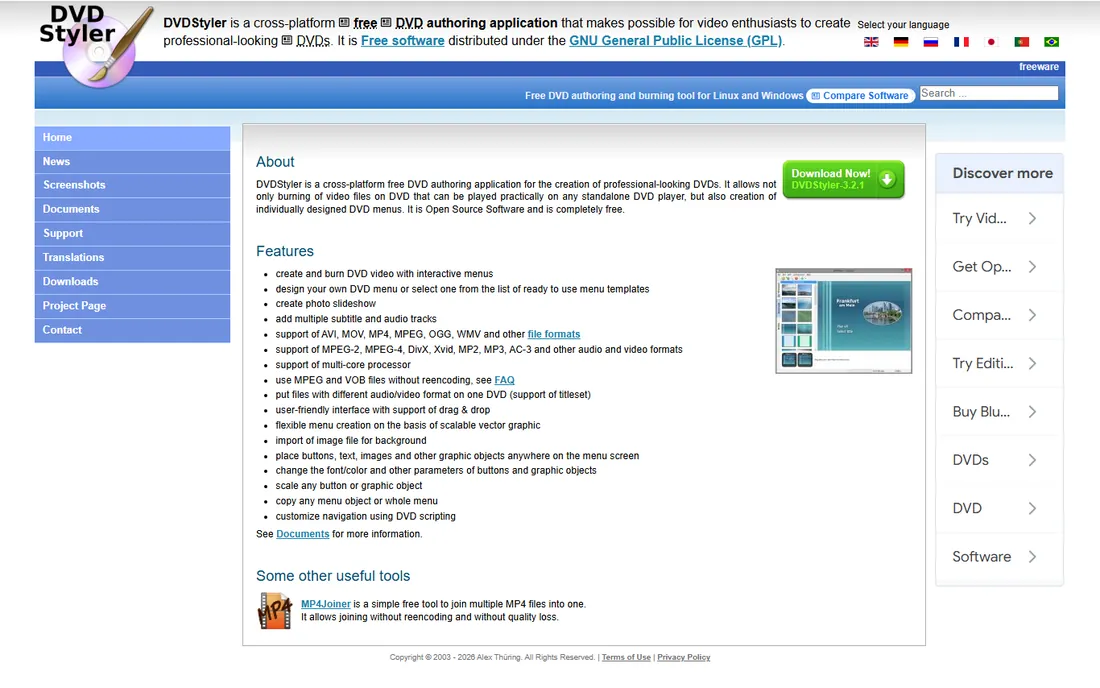
DVDStyler is the flagship free authoring tool, and the one most comparable to paid software. It creates and burns DVD video with interactive menus, lets you design menus from scratch or from templates, builds photo slideshows, and handles multiple subtitle and audio tracks. It accepts AVI, MP4, MOV, MPEG and more, and can even use MPEG files without reencoding, which saves hours on compatible sources.
The project is mature, with version 3.2.1 as the latest stable release, and a community fork on GitHub is keeping it working on modern systems with updated FFmpeg support. Download from the official site or FossHub's clean builds, and check the installer screens carefully on older Windows packages.
What we like- Fully open source under the GPL
- Custom menu design with templates
- Runs on Windows, Mac and Linux
- Photo slideshows
Watch out for- Development has slowed
- Windows installers from some versions drew adware complaints
- Interface feels dated
#2
DVD Flick
Best for: Windows users who want the simplest path from video files to DVD
Visit dvdflick.net
Starting priceFree
Free planYes
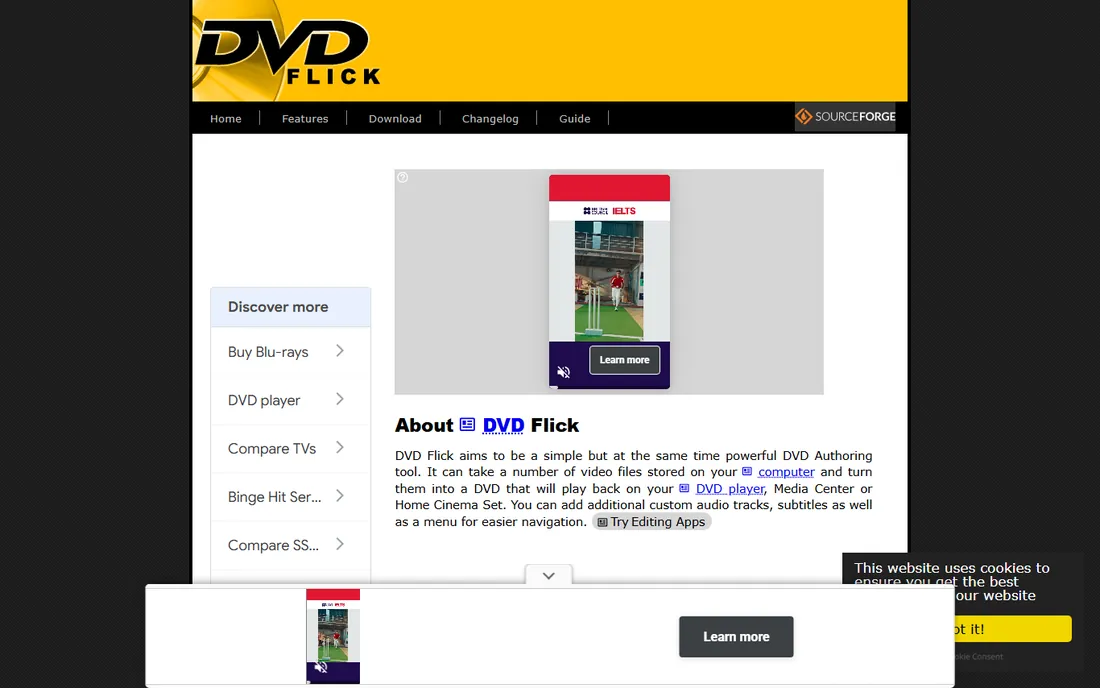
DVD Flick takes the opposite approach to DVDStyler: minimal fuss. Add your video files, pick a simple menu, and it converts everything to DVD-Video and burns it. It supports 53 container formats, dozens of audio and video codecs, and four subtitle formats, using FFmpeg under the hood. PC World gave it five stars back in the day.
The catch is age: the final release dates to 2009, and the official requirements list only up through Windows Vista. It often still runs on newer Windows, but freezes and failed burns are possible, and modern systems may need compatibility settings. For a one-off simple project on an older PC, it remains charming.
What we like- Very easy to use
- Broad format and subtitle support
- Free and open source
- Can output ISO images
Watch out for- Last official release was in 2009
- No newer Windows support
- Encoding can be slow
#3
WinX DVD Author
Best for: Converting almost any video format into a menu-driven DVD
Visit winxdvd.com
Starting priceFree
Free planYes
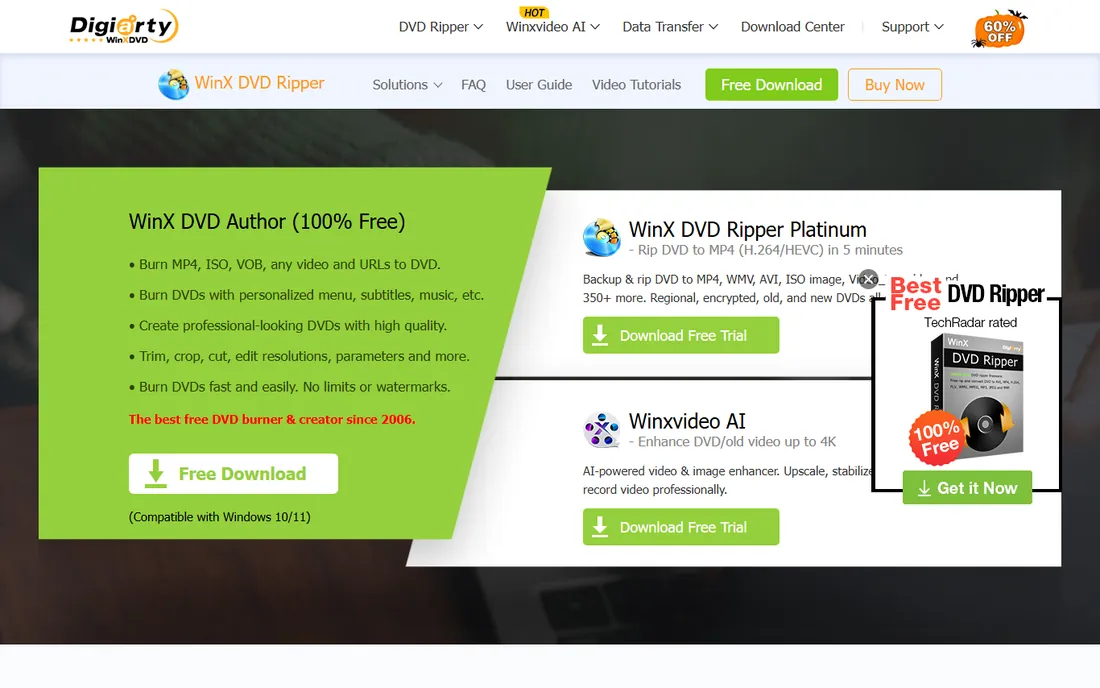
WinX DVD Author was once a $49.95 commercial product, but Digiarty turned it into totally free software years ago, and it remains free. It converts a huge range of formats (MKV, MP4, AVI, MPEG, H.264 and more) into DVD-Video with chapter menus and subtitles, using a step-by-step wizard that beginners can follow. Digiarty even added YouTube downloading in a past upgrade.
It has not been updated since 2019 and looks like it, with only a few menu templates and an interface from another era. Reviews also note occasional crashes with 4K source files and slow burns on very large projects. On Windows 10 and 11 it still works for straightforward jobs. If you want modern polish, look elsewhere; if you want free and functional, this qualifies.
What we like- Completely free since Digiarty made it freeware
- Supports chapters, menus and subtitles
- Handles MKV, MP4, AVI and more
- Fast encoding
Watch out for- Not updated since 2019
- Dated interface
- Windows only
- Limited menu templates
Starting priceFree
Free planYes
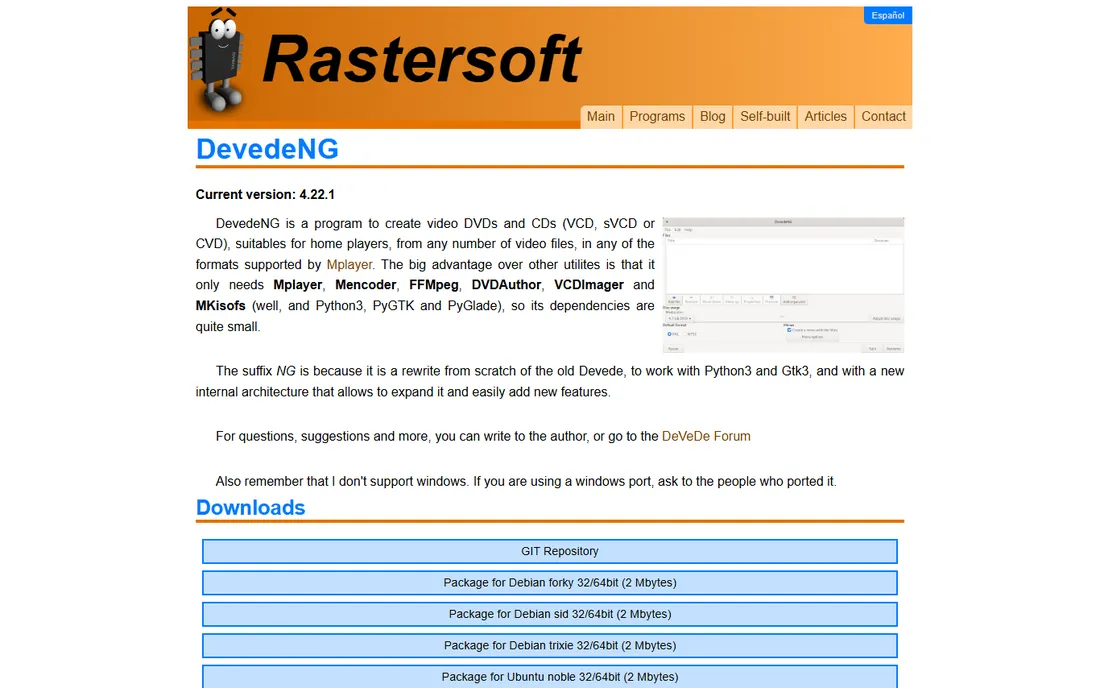
DeVeDe NG is the Linux answer to DVD authoring: a Python/GTK frontend that converts any MPlayer-supported video into video DVDs, VCDs, SVCDs and more, with menu generation, subtitles, two-pass encoding and basic editing like rotation and deinterlacing. The author actively maintains it, with releases as recent as 2025.
It is a practical tool rather than a pretty one, and you will need external tools like MPlayer, FFmpeg and dvdauthor installed (most distros package them, so one command usually handles it). Ubuntu users can install it straight from the repositories. For Linux users who still burn DVDs, it is the natural pick.
What we like- Free and open source
- Tiny dependency footprint
- Creates DVD, VCD and SVCD
- Menu generation and subtitles
- Actively maintained
Watch out for- Linux only
- Utilitarian interface
- Burning relies on external tools
Starting priceFree
Free planYes
AVStoDVD is a flexible conversion and authoring tool that turns many formats into highly compatible single-track DVDs. It uses quality encoders like HCEnc, supports AviSynth-based editing, offers a menu editor with static and animated menus, and builds ISO images with ImgBurn. Experienced users get excellent control over output quality.
It is the most technical tool on this list, and the project is effectively dormant, with its site living on Google Sites. If you know your way around encoding settings and want the best quality a free tool can produce, AVStoDVD is worth the learning curve.
What we like- Free and open source
- Excellent quality control via HCEnc
- Custom static and animated menus
- Subtitle handling
- Single-track DVD output
Watch out for- Windows only
- Interface is technical
- Project is dormant
#6
Freemake Video Converter
Best for: Burning video files to DVD with zero learning curve
Visit freemake.com
Starting priceFree (freemium)
Free planYes
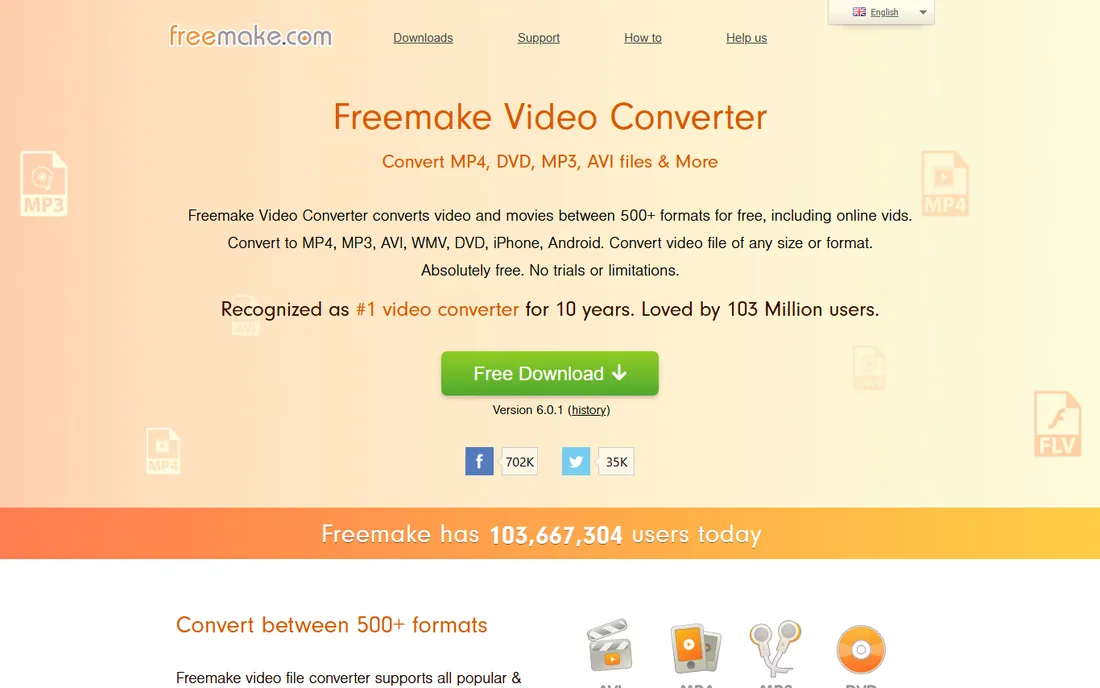
Freemake Video Converter is a freemium all-in-one that converts 500+ formats and burns videos to DVD or Blu-ray, saving to disc, ISO or folder. It claims up to 40 hours of video on a DVD-DL disc, adds subtitles, and makes photo slideshows with music. For simply getting video onto a playable disc, it is the easiest option here.
It is not really an authoring tool: do not expect custom menus. The free version carries limitations like watermarks and throttled conversion speed, and the installer pushes upsells. Read the free-version terms carefully before depending on it.
What we like- Free download
- Burns up to 40 hours of video to DVD
- Simple presets
- Handles subtitles and slideshows
Watch out for- No real menu authoring
- Free version has limitations (watermark, throttled speed)
- Windows only
- Adware-style upsells
#7
Ashampoo Burning Studio Free
Best for: General disc burning that also covers video DVDs
Visit ashampoo.com
Starting priceFree
Free planYes
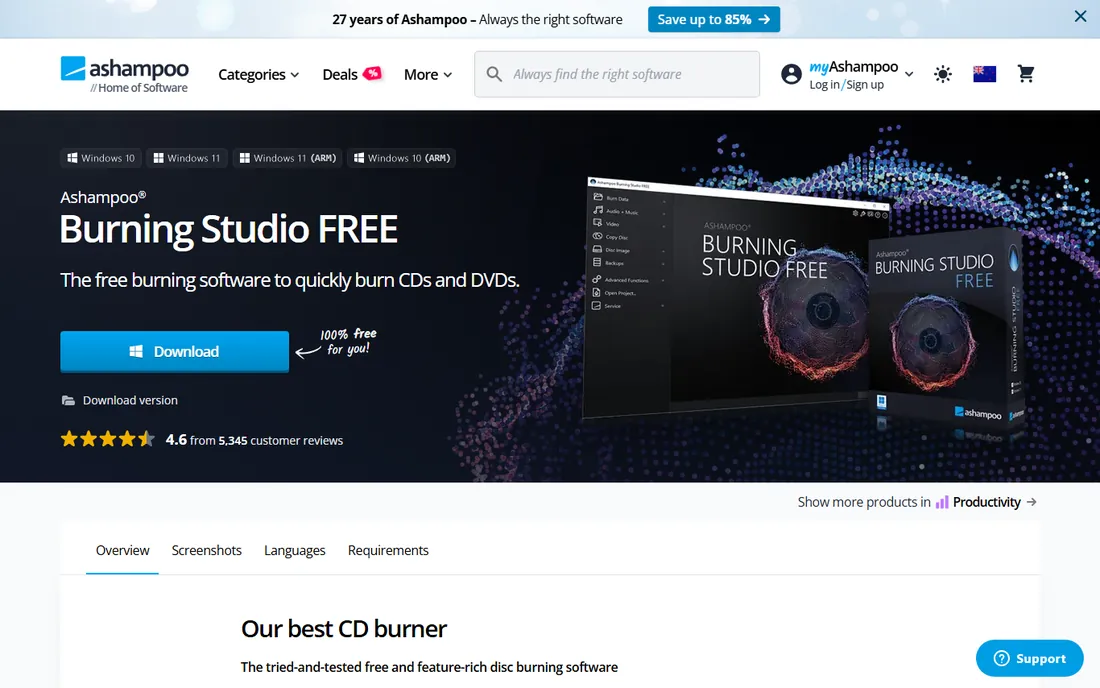
Ashampoo Burning Studio FREE is the vendor's full freeware disc burner: data discs, audio CDs, video DVDs, Blu-ray burning, disc copying, backups and ISO handling in one well-organized package. Ashampoo says to download it free and use it forever. It can burn prepared video folders to disc and create VCDs and SVCDs.
It is a burner first and an authoring tool second: menu design is minimal compared to DVDStyler, and video DVD creation works from prepared folders. For users who need one tool that does everything disc-related, and video DVDs only occasionally, it is a solid free choice.
What we like- Free forever per the vendor
- Burns data, audio, video and Blu-ray
- Clean interface
- Disc backup and image tools
Watch out for- More a burner than an authoring tool
- Limited menu features
- Windows only
- Paid version exists with more features
#8
BurnAware Free
Best for: Lightweight video DVD creation and everyday disc burning
Visit burnaware.com
Starting priceFree
Free planYes
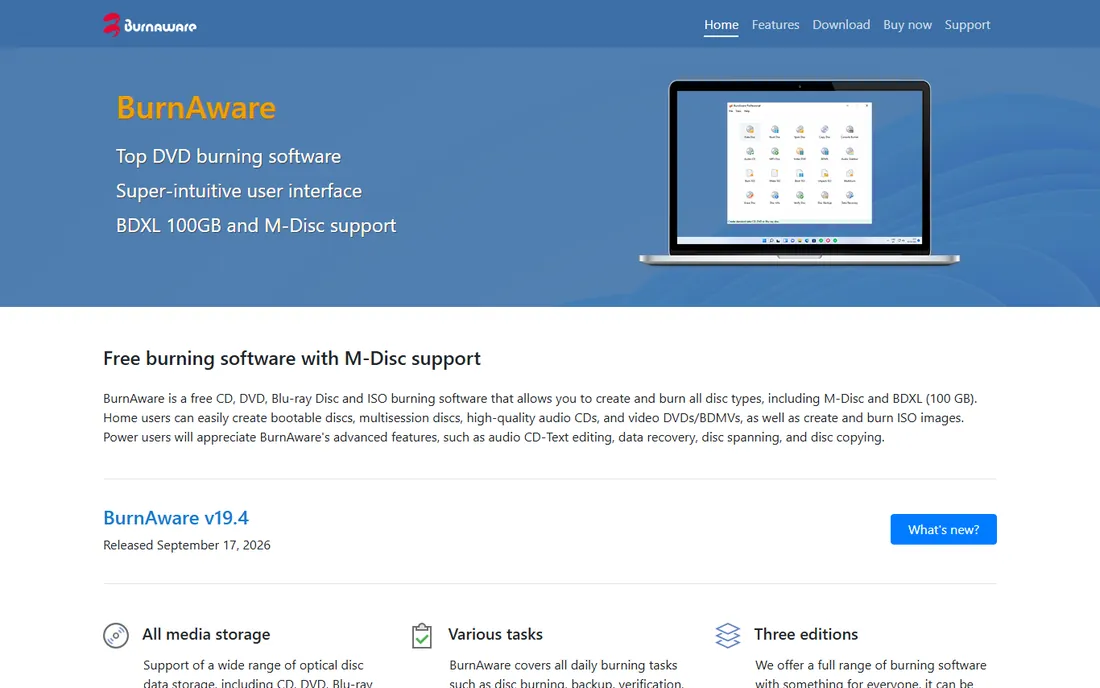
BurnAware Free covers the daily burning tasks: data discs, audio CDs, video DVDs and BDMVs, ISO creation and burning, disc copying and even data recovery. Home users get video DVD creation free, with paid Premium and Professional editions adding extras like disc-to-disc copying.
The authoring side is basic, so use it when the goal is a playable disc rather than a designed one. It is lightweight, straightforward and free for home use, which covers most occasional DVD projects perfectly well.
What we like- Free edition for home use
- Creates video DVDs, audio CDs and bootable discs
- M-Disc and BDXL support
- Multilingual
Watch out for- Video DVD features are basic
- Advanced tools need paid editions
- Windows only
Free vs paid: where free DVD authoring falls short
Free authoring tools share honest limitations: most are dormant or slow-moving projects, menus are simpler than paid software, and support comes from forums rather than vendors. Expect occasional quirks on Windows 11, which did not exist when most of these tools were written. None of these tools handles copy-protected commercial DVDs, which is a separate legal category.
Paid tools like ConvertXtoDVD or Nero offer prettier menus and active support, but for personal projects the free options here produce discs that play identically in a DVD player. The video on the disc is what matters, not the price of the software that made it. Unless you are producing DVDs for paying clients, start free.
How we chose
We selected free DVD authoring and burning tools with real availability in 2026. DVD Flick (2009) and AVStoDVD are dormant but still downloadable and functional, which we note in each entry. WinX DVD Author's freeware status comes from Digiarty's own announcement; Ashampoo confirms its free edition is free forever on its product page. All prices are Free or freemium with free tiers, so no vendor pricing pages were needed. No hands-on testing was involved.
Frequently asked questions
What is DVD authoring?
Authoring converts video files into the DVD-Video format with menus, chapters and subtitles, so the disc plays in standalone DVD players. Burning just the video file to a data disc will not play in most players.
Can I still play burned DVDs in 2026?
Yes. Standalone DVD players and most game consoles play properly authored DVD-Video discs. The tools here produce standard-compliant output that works in any player.
Why do some free tools look so old?
Most free authoring tools are volunteer projects that peaked in the 2000s. They still work because the DVD-Video standard has not changed. Dated interfaces are cosmetic; the output is identical to what paid tools produce.
Can I copy a commercial movie DVD with these tools?
No. These tools author new DVDs from your own video files. Commercial DVDs carry copy protection, and bypassing it is a separate legal matter these tools do not address.
Do I need menus on a DVD?
Not strictly. A DVD without menus can autoplay its content as soon as the disc loads. Menus matter when the disc holds multiple videos or chapters you want to navigate, like wedding videos, training collections or family archives.
Sources we checked (7)
- https://www.dvdstyler.org/en
- https://en.wikipedia.org/wiki/DVDStyler
- https://en.wikipedia.org/wiki/DVD_Flick
- https://www.winxdvd.com/press-room/dvd-author-upgrade-for-youtube.htm
- http://www.rastersoft.com/programas/devede.html
- https://en.wikipedia.org/wiki/Freemake_Video_Converter
- https://www.burnaware.com/
Is your product missing or out of date?
We review this list regularly. Vendors can request a listing, send updated pricing or ask about featured placement.

Shihab Mia · Founder, Rankite
Shihab has spent more than a decade helping SaaS and e-commerce brands grow through search. He writes Rankite's software buying guides from pricing pages, documentation and public user reviews. More about Shihab.