How we make this list: we compare pricing pages, product documentation and public user reviews. Rankite is independent; if a vendor ever pays for a featured spot, that listing is clearly labeled Partner.
Key takeaways
- Blu-ray discs carry copy protection (AACS, BD+), so ripping needs software that can handle decryption, not just conversion.
- MakeMKV is the favorite free option for lossless backups; pair it with HandBrake to shrink file sizes.
- DVDFab Blu-ray Ripper and Leawo Blu-ray Ripper are the most polished paid options with wide format support.
- Rip only discs you own; laws about bypassing copy protection vary by country, so check your local rules.
Quick comparison
| Tool | Best for | Starting price | Free plan |
|---|
 MakeMKV MakeMKV | Free, lossless Blu-ray and DVD backups to MKV | Free (beta) | Yes |
 DVDFab Blu-ray Ripper DVDFab Blu-ray Ripper | A polished all-in-one ripper with fast GPU-accelerated conversion | See website | See website |
 Leawo Blu-ray Ripper Leawo Blu-ray Ripper | Paid ripping with editing, 3D conversion and broad output formats | See website | See website |
 AnyMP4 Blu-ray Ripper AnyMP4 Blu-ray Ripper | Converting Blu-rays to hundreds of formats with GPU speed | See website | Free trial |
 HandBrake HandBrake | Free, high-quality compression of already-ripped Blu-ray files | Free | Yes |
 WinX Blu-ray Decrypter WinX Blu-ray Decrypter | Free backup of Blu-ray discs to M2TS files | Free | Yes |
 VLC VLC | Free playback and basic conversion of unencrypted discs | Free | Yes |
 Tipard Blu-ray Converter Tipard Blu-ray Converter | Beginners who want guided Blu-ray conversion | See website | See website |
Is your product missing or out of date?
We review this list regularly. Vendors can request a listing, send updated pricing or ask about featured placement.
The best Blu-ray ripper software
Ripping a Blu-ray means turning a physical disc into digital files you can store, stream and play anywhere: on a media server, a tablet, or a phone on a long flight. Blu-rays are encrypted, so the tools below do two jobs: defeating the copy protection and converting the video into practical formats. The free tools are genuinely capable; the paid ones add convenience, speed and format breadth. Here is how they compare.
Starting priceFree (beta)
Free planYes
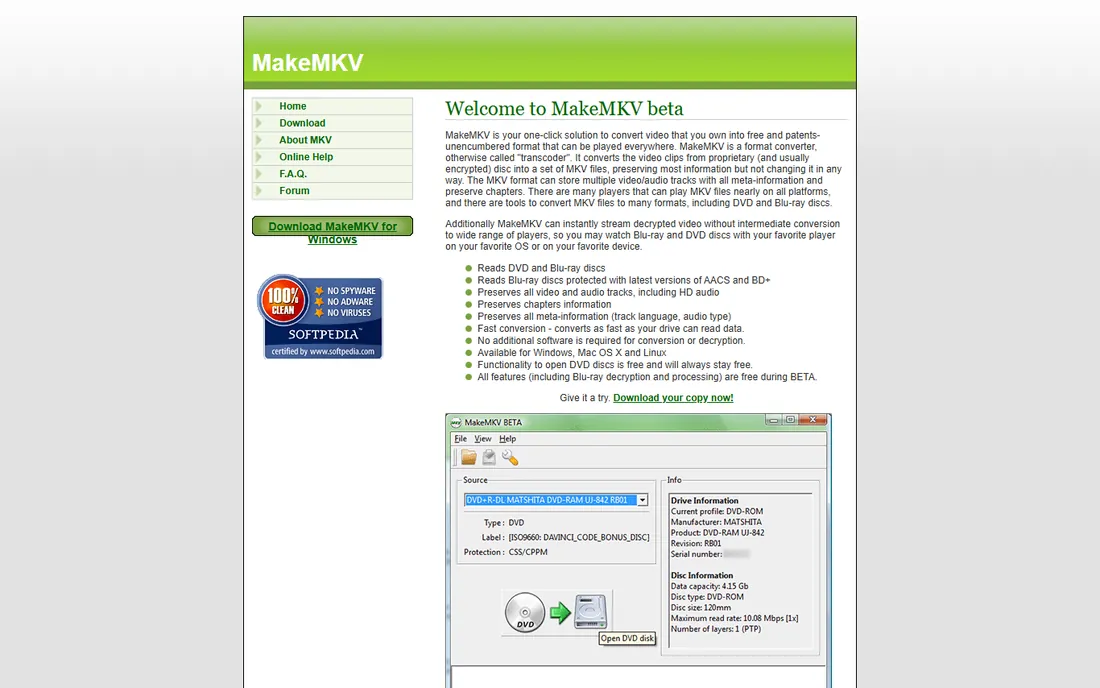
MakeMKV is the open secret of disc backup: it decrypts Blu-rays and DVDs and remuxes the content into MKV files with zero quality loss, keeping every audio track, subtitle and chapter. It has been free in perpetual beta for years, with the developer issuing renewal keys when each beta expires, and a $60 lifetime license exists for those who want to skip the beta cycle. For UHD discs it can even work with the right drive and key database, a niche no other free tool covers as well.
The files are enormous and there is no compression or editing, so most users follow MakeMKV with HandBrake. The interface is spartan: pick the disc, pick the titles, make the MKV. For pure archival of discs you own, nothing free touches it.
What we like- Free while in beta
- 1:1 quality with no re-encoding
- Handles AACS and BD+ protection
- Preserves all tracks and chapters
Watch out for- MKV output only
- Files are huge (30-50 GB)
- Beta keys expire and need renewing
#2
DVDFab Blu-ray Ripper
Best for: A polished all-in-one ripper with fast GPU-accelerated conversion
Visit dvdfab.cn
Starting priceSee website
Free planSee website
DVDFab is the commercial heavyweight: Blu-ray Ripper decrypts current AACS and BD+ protections and converts to MP4, MKV and hundreds of device profiles, with NVIDIA and AMD GPU acceleration for fast turnaround. Batch conversion, a built-in editor and metadata lookup make it a complete workflow in one app, covering everything from disc to finished file.
It is paid software and one of the pricier options, with the vendor selling modules separately and a subscription model on top of lifetime licenses. Independent tests show fast conversion, with H.265 encodes finishing in well under half an hour for a two-hour film on modern hardware. For collectors with large libraries who want reliability and speed without juggling two tools, it is the premium answer, and the one commercial ripper most enthusiasts name first.
What we like- Handles the newest protections
- Huge format and device profile list
- GPU acceleration for fast encodes
- Built-in editor
Watch out for- Paid software with premium pricing
- Modular product line can confuse
- Interface has a learning curve
#3
Leawo Blu-ray Ripper
Best for: Paid ripping with editing, 3D conversion and broad output formats
Visit leawo.org
Starting priceSee website
Free planSee website
Leawo Blu-ray Ripper sits in the same commercial tier as DVDFab and AnyMP4, with decryption, format conversion to common and device-specific profiles, a built-in editor for trimming and watermarking, and 3D output options. It is part of Leawo's larger Prof. Media suite if you want the bundle, which also covers DVD ripping and video conversion.
Pricing was not verifiable from the vendor's own page, so check the live store before comparing. For users who want an all-in-one ripper with editing included, it is a strong contender alongside DVDFab, and its Mac version is on par with the Windows one.
What we like- Decrypts AACS, BD+ and region codes
- Built-in video editor and 3D conversion
- GPU acceleration
- Windows and Mac versions
Watch out for- Paid
- Interface is busy
- Conversion speed varies with hardware
#4
AnyMP4 Blu-ray Ripper
Best for: Converting Blu-rays to hundreds of formats with GPU speed
Visit anymp4.com
Starting priceSee website
Free planFree trial
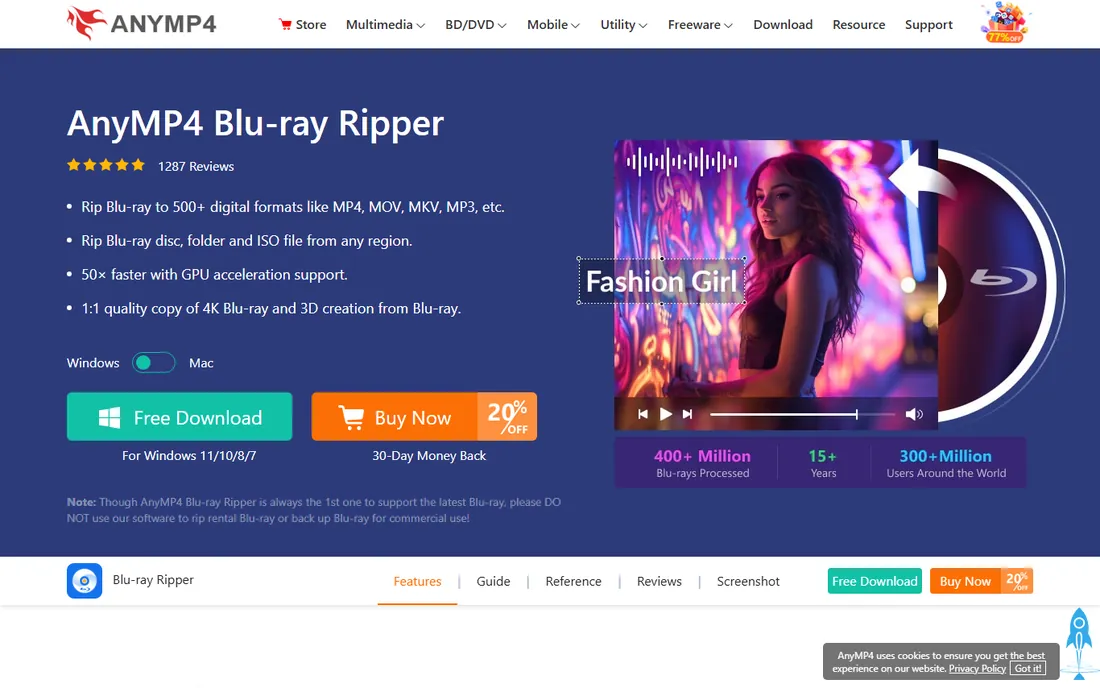
AnyMP4 Blu-ray Ripper converts Blu-ray discs to MP4, MKV, AVI and hundreds more formats, with 4K and 3D support, GPU acceleration and preservation of subtitles and audio tracks. Built-in editing lets you trim, crop and adjust picture settings before converting. The vendor offers a free trial so you can test it on your own discs before buying.
Like its commercial rivals, the full version is paid and the software nudges you toward purchasing, with regular discount promotions on the vendor's site. For format breadth and device presets, it covers every plausible playback target, from phones to home theater PCs.
What we like- 500+ output formats and device profiles
- GPU acceleration
- Keeps subtitles and audio tracks
- Free trial available
Watch out for- Paid for full use
- Upsells are frequent
- Interface shows its age
#5
HandBrake
Best for: Free, high-quality compression of already-ripped Blu-ray files
Visit handbrake.fr
Starting priceFree
Free planYes
HandBrake is not really a ripper: it cannot defeat Blu-ray copy protection by itself. It earns its place because it is the standard second step in every free workflow. Feed it the huge MKV from MakeMKV, and it compresses it to a fraction of the size with excellent quality using H.264 or H.265, with presets for every device.
The classic free workflow is MakeMKV for decryption plus HandBrake for compression. Both are free, both are open source, and together they replace most paid rippers for patient users. HandBrake's presets make the second step nearly automatic: choose a device profile, queue the files, and let it encode overnight.
What we like- Completely free and open source
- Excellent H.264/H.265 quality
- Batch queue
- Runs on Windows, Mac and Linux
Watch out for- Cannot decrypt protected discs on its own
- No Blu-ray reading UI
- Transcoding is slow on older CPUs
#6
WinX Blu-ray Decrypter
Best for: Free backup of Blu-ray discs to M2TS files
Visit winxdvd.com
Starting priceFree
Free planYes
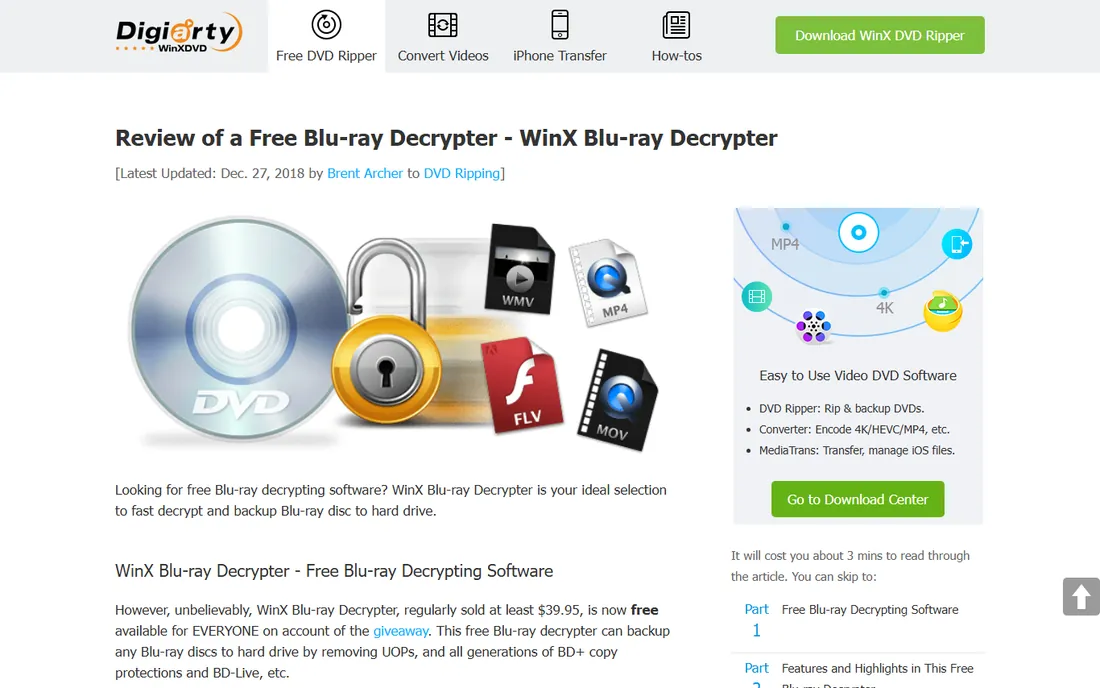
WinX Blu-ray Decrypter is Digiarty's free Blu-ray backup tool: it decrypts AACS and BD+ protected discs and copies them to M2TS video files or Blu-ray folders with no quality loss, in full-disc or single-title modes. Digiarty describes it as designed strictly for personal, non-commercial backup under fair use, and carries a legal disclaimer to that effect on its own pages.
The M2TS-only output is limiting by modern standards, and the software is old, with no meaningful updates in years. But for a free, simple decryption step before converting with HandBrake, it remains functional, and Digiarty still offers it as a free download.
What we like- Free from Digiarty
- Handles AACS and BD+
- Full-disc or title backup modes
- Lossless M2TS output
- Simple 3-click operation
Watch out for- M2TS output only
- Dated software
- No conversion or compression built in
#7
VLC
Best for: Free playback and basic conversion of unencrypted discs
Visit videolan.org
Starting priceFree
Free planYes
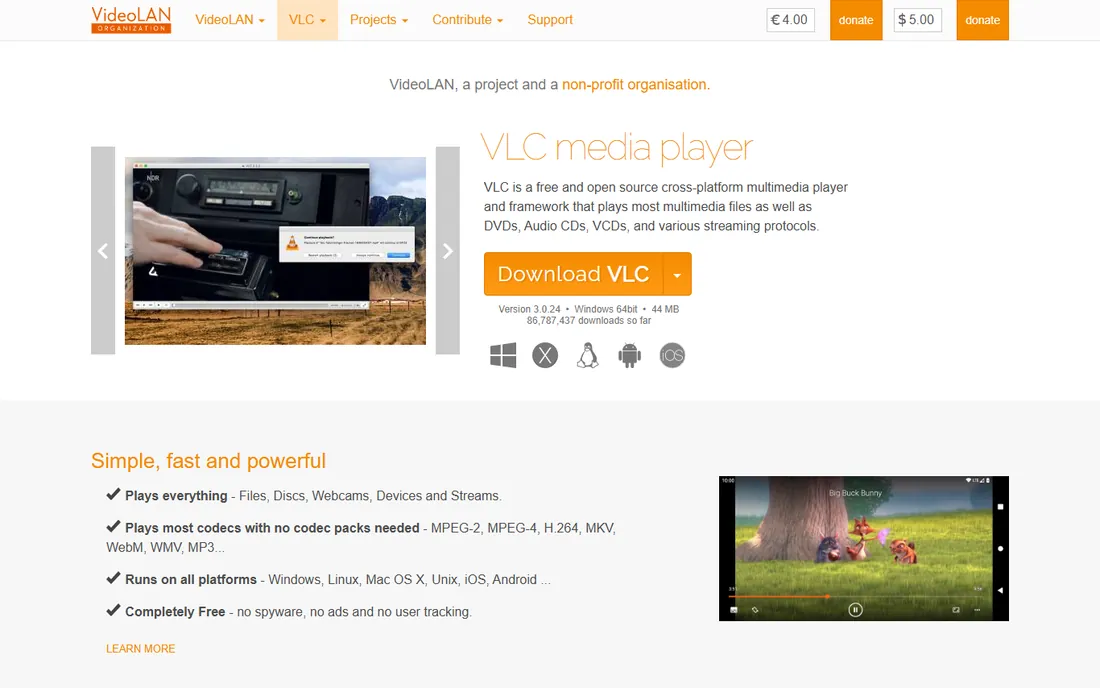
VLC is the world's favorite free media player, and it can play and convert Blu-ray content, but with an important caveat: it does not strip commercial copy protection by itself. Unencrypted Blu-rays, home-authored discs and ripped files play fine; protected Hollywood discs need extra configuration (keys and libraries) that VideoLAN does not ship with the installer.
For playback of everything else and for converting the files your ripper produces, VLC is essential freeware. Just do not buy it expecting one-click decryption of commercial discs: there is nothing to buy, and that is the point.
What we like- Free and open source
- Plays almost anything
- Can convert and stream
- Runs everywhere
Watch out for- Does not defeat commercial Blu-ray encryption on its own
- Blu-ray menu support is limited
#8
Tipard Blu-ray Converter
Best for: Beginners who want guided Blu-ray conversion
Visit tipard.com
Starting priceSee website
Free planSee website
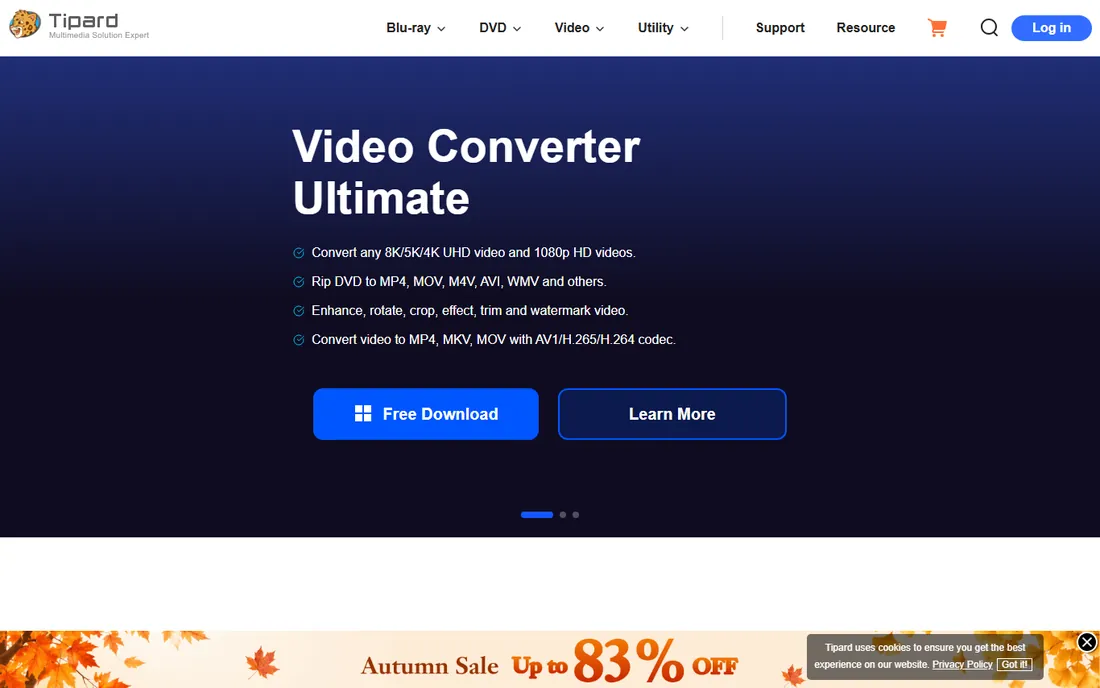
Tipard Blu-ray Converter targets newcomers with a guided interface: load a disc, pick a device profile, and convert, with options to merge chapters, trim clips, add watermarks and adjust picture settings. GPU acceleration speeds the conversion, and a built-in preview shows your edits before encoding.
It is commercial software from Tipard Studio, and pricing was not verifiable from the vendor's own page, so confirm the current price before buying. For users who find DVDFab overwhelming, the simpler interface has appeal, though the brand is less established and community support is thinner.
What we like- Simple illustrated interface
- Merges and trims titles
- GPU acceleration
- Device profiles
Watch out for- Paid
- Upsells
- Less established than DVDFab or Leawo
The legal side of ripping Blu-rays
Blu-rays carry copy protection, and bypassing it sits in a legal grey area that differs by country. In the US, the DMCA restricts circumvention even for discs you own; other countries are more permissive, and enforcement against personal backup is rare everywhere. The practical consensus: rip discs you purchased for personal backup and do not distribute the files. We are not lawyers; check your local law if unsure.
How we chose
We selected Blu-ray rippers with established track records and current availability. MakeMKV, HandBrake and VLC are free and open source; WinX Blu-ray Decrypter is freeware per Digiarty's own pages. DVDFab's official site is now dvdfab.cn; Leawo's is leawo.org. Prices for the commercial tools were not verifiable from vendor pricing pages, so they are marked "See website." AnyMP4 offers a free trial per its own press materials. No hands-on testing was involved.
Frequently asked questions
Is it legal to rip Blu-rays I own?
It depends on your country. Some jurisdictions allow personal backups; others restrict bypassing copy protection regardless of ownership. The US DMCA is notably strict. Check local law before ripping.
Why are MakeMKV files so huge?
MakeMKV does not re-encode: it copies the original video stream into an MKV container, so a Blu-ray yields a 30-50 GB file, and UHD discs can exceed 100 GB. Use HandBrake afterward to compress it to a fraction of the size with minimal visible quality loss.
Can HandBrake rip copy-protected Blu-rays?
No. HandBrake is a transcoder, not a decrypter, and it never reads protected discs. Use MakeMKV or a commercial ripper to defeat the protection first, then HandBrake to compress the result into a manageable file.
Do I need a special drive to rip Blu-rays?
You need a Blu-ray drive; DVD drives cannot read Blu-ray discs at all. Any internal or USB Blu-ray drive works for standard discs and costs little. UHD (4K) discs need a UHD-friendly drive and compatible firmware, a niche MakeMKV handles best, with its forum listing known-good models.
MKV or MP4: which should I choose?
MKV supports more audio tracks, subtitles and chapters, making it better for archiving a full disc. MP4 plays on more devices, especially phones, tablets and game consoles, which makes it the better choice for portable viewing.
Sources we checked (6)
- https://www.makemkv.com/
- https://www.dvdfab.cn/
- https://www.anymp4.com/blu-ray-ripper/
- https://handbrake.fr
- https://www.winxdvd.com/resource/free-blu-ray-decrypter.htm
- https://www.videolan.org/vlc/
Is your product missing or out of date?
We review this list regularly. Vendors can request a listing, send updated pricing or ask about featured placement.

Shihab Mia · Founder, Rankite
Shihab has spent more than a decade helping SaaS and e-commerce brands grow through search. He writes Rankite's software buying guides from pricing pages, documentation and public user reviews. More about Shihab.