How we make this list: we compare pricing pages, product documentation and public user reviews. Rankite is independent; if a vendor ever pays for a featured spot, that listing is clearly labeled Partner.
Key takeaways
- Every tool here lets you build for free; the real question is what publishing costs, and Appy Pie ($16/month) and Softr (Basic $19/month billed annually) are the cheapest paid exits.
- Adalo spells out its free plan clearly (500 records, no time limit, no card), while Glide, FlutterFlow and Bubble keep the building free and charge for scale.
- AppSheet is the pick inside Google Workspace shops, since basic apps are covered by the Workspace account you already pay for.
- FlutterFlow and Draftbit are the escape hatches: both export real code, so you are not locked into a platform forever.
- Thunkable and Appy Pie aim at true native App Store and Play Store publishing from a prompt or visual builder.
Quick comparison
| Tool | Best for | Starting price | Free plan |
|---|
 Glide Glide | Turning spreadsheets into internal business apps | See website | Yes |
 Adalo Adalo | Beginners who want a transparent free plan | See website | Yes |
 Bubble Bubble | Building complete web applications visually | See website | See website |
 Softr Softr | Client portals and internal tools on your data | $19 per month (billed annually) | Yes |
 FlutterFlow FlutterFlow | Visual app building backed by real Flutter code | See website | Yes |
 AppSheet AppSheet | No-code apps inside Google Workspace | See website | Yes |
 Thunkable Thunkable | AI-generated native iOS and Android apps | See website | See website |
 Appy Pie Appy Pie | Cheapest path from prompt to published native app | $16 per month | Free trial |
 Draftbit Draftbit | Visual building with full code ownership | See website | See website |
Is your product missing or out of date?
We review this list regularly. Vendors can request a listing, send updated pricing or ask about featured placement.
9 free app builders that actually let you build for free
Free app builders all make the same promise: an app with no code and no cost. The difference shows up later, when you try to publish to the App Store, add users, or remove the platform's branding. These nine all let you genuinely build for free, and the write-ups below say exactly where each free plan ends.
Starting priceSee website
Free planYes
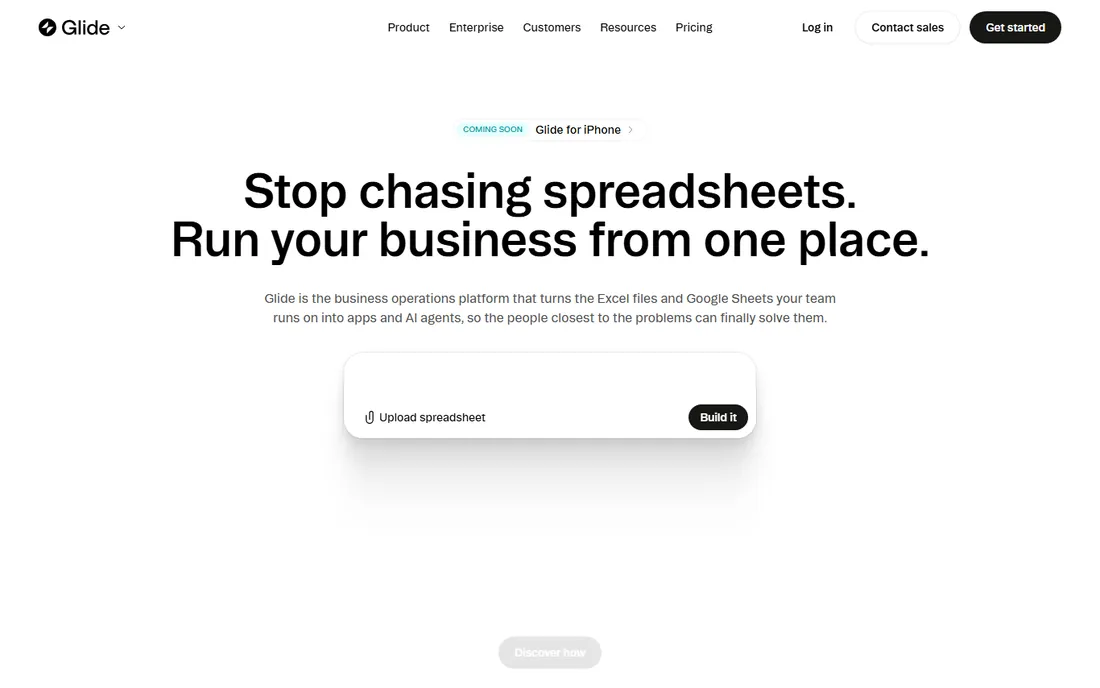
Glide's pitch is aimed at operators, not founders: connect a spreadsheet or database and get a working internal app for the field team, the warehouse or the front office. The AI builder generates from a prompt, templates cover common workflows, and the platform carries SOC 2, GDPR and CCPA positioning that IT departments ask about.
Building starts free, and paid plans are priced on the vendor site. The honest catch is the per-user model: internal tools with dozens of users get expensive faster than the marketing suggests. For a team replacing spreadsheets and shared drives with real apps, though, the speed from data to deployed tool is the selling point.
What we like- Start free with no card
- Spreadsheet-to-app is genuinely fast
- AI app generation plus strong security posture
Watch out for- Paid tiers priced per user add up
- Focused on internal tools rather than consumer apps
#2
Adalo
Best for: Beginners who want a transparent free plan
Visit adalo.com
Starting priceSee website
Free planYes
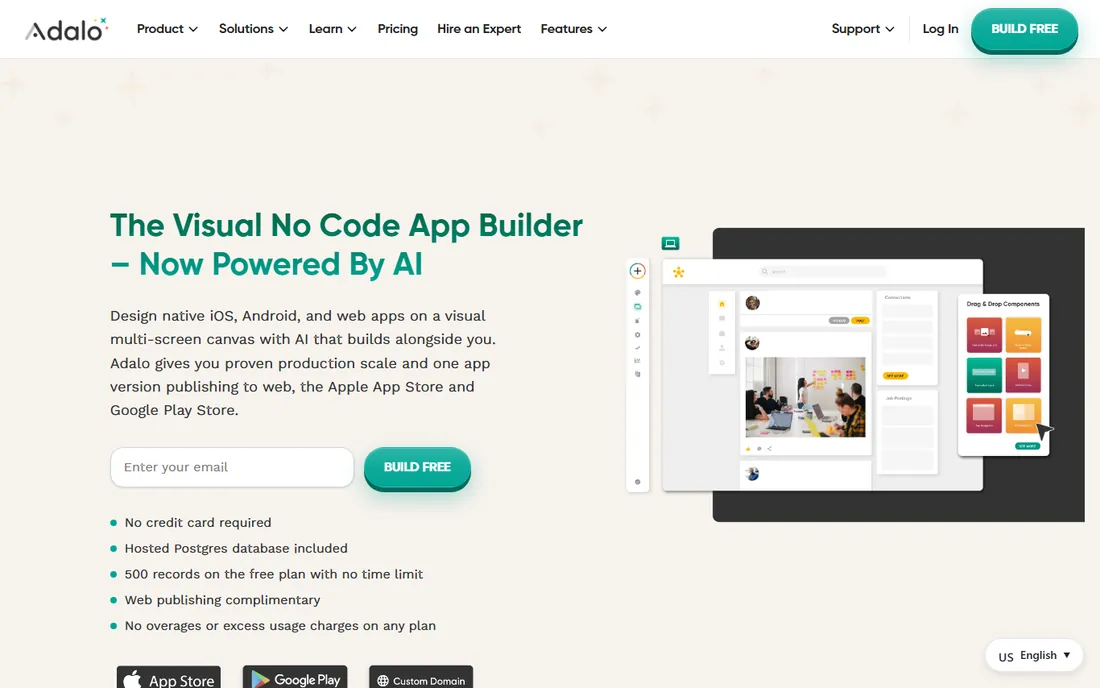
Adalo deserves credit for saying exactly what free means: 500 records, no time limit, no credit card, web publishing included. You design on a visual multi-screen canvas with an AI assistant, and the same project can ship to the web, the Apple App Store and Google Play. Over a million apps have been created on the platform.
The paywall sits where it matters: publishing to a custom domain or the native stores needs a paid plan. That is fair, but budget for it from day one if the app store is the goal rather than a web app. For learning no-code or validating an idea, the free tier goes further than most.
What we like- Free plan includes 500 records with no time limit and no card
- Publishes to web, App Store and Google Play
- AI-assisted building
Watch out for- Paid plans needed for app-store publishing and custom domains
- Database limits push growing apps upward
#3
Bubble
Best for: Building complete web applications visually
Visit bubble.io
Starting priceSee website
Free planSee website
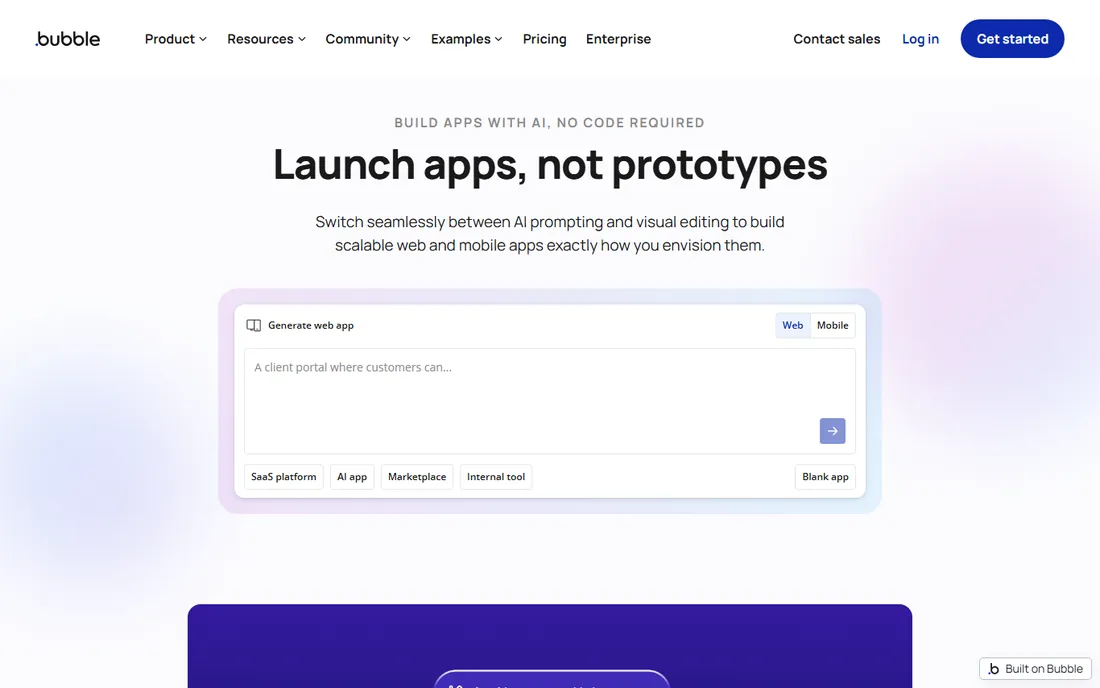
Bubble is the power tool of no-code: visual workflows, a real database, API connectors and a plugin marketplace that together build genuine web applications, not just prototypes. Startups have raised funding on Bubble-built products, which says more than any feature list. The platform now extends into mobile, widening its remit beyond the browser.
That depth costs learning time; expect weeks, not hours, to get fluent. Pricing is workload-based on the vendor site, which rewards efficient apps and punishes sloppy ones. Check the current free tier terms before committing, since Bubble has adjusted its free offering over the years.
What we like- Deepest visual programming on this list
- Huge plugin and template ecosystem
- Now expanding into native mobile
Watch out for- Learning curve is steeper than simpler builders
- Workload-based pricing needs monitoring
#4
Softr
Best for: Client portals and internal tools on your data
Visit softr.io
Starting price$19 per month (billed annually)
Free planYes
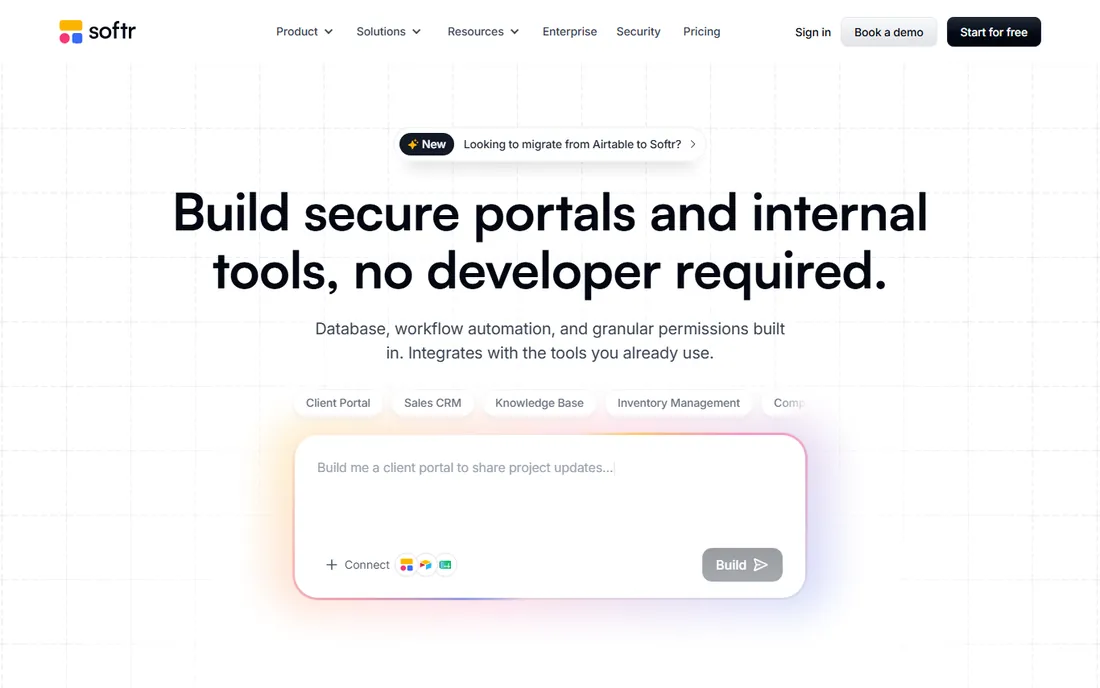
Softr publishes its pricing plainly: Free at $0, Basic at $19 per month on annual billing, then Pro at $99 and Business at $329. Every plan, including free, includes unlimited apps, databases, workflows and building blocks; what changes is usage volume and governance. It connects to Airtable, Google Sheets, Notion and its own database, with user groups controlling exactly what each person sees.
The positioning is portals and internal tools: client dashboards, CRMs, intranets, inventory trackers. If you need a native mobile app in the app stores, look at Adalo or FlutterFlow instead. For web-based tools where permissions matter, Softr's free tier is one of the most generous here.
What we like- Free $0 plan with unlimited apps
- Basic starts at $19/month billed annually
- Strong permissions for client-facing portals
Watch out for- Web apps and portals, not native mobile
- Advanced data sources need higher tiers
Starting priceSee website
Free planYes
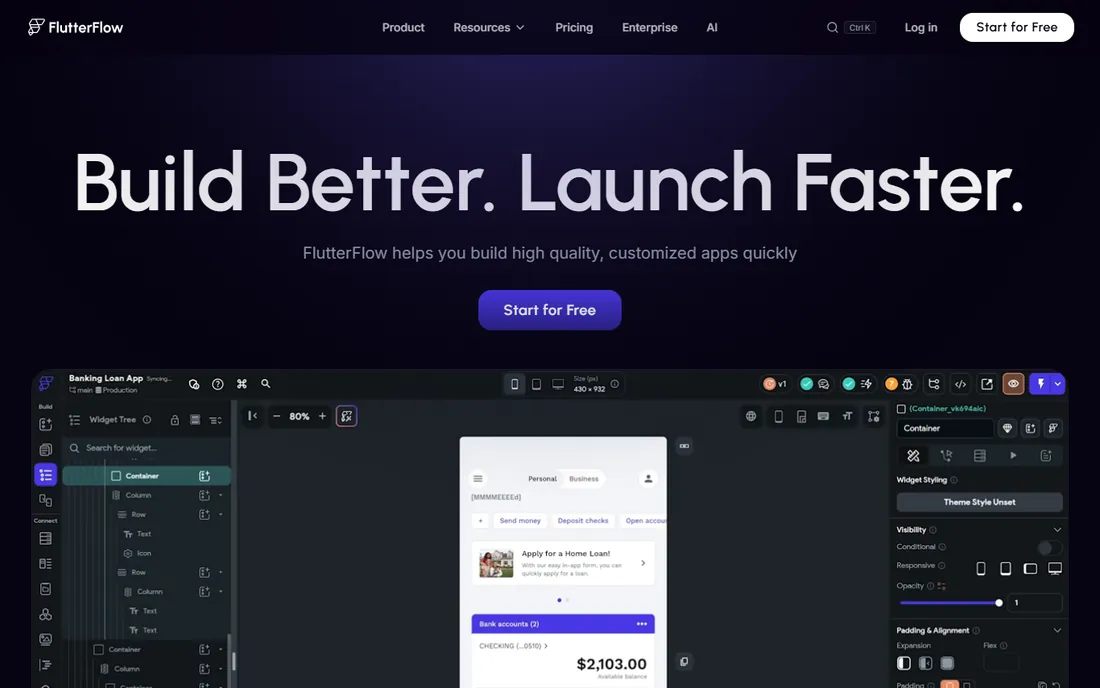
FlutterFlow is the visual builder for people who might one day hire developers: everything you build generates real Flutter code that you can export and keep. That single feature removes the platform-risk objection that hangs over most no-code tools. The builder itself is polished, with templates, integrations and AI assistance, and 3.3 million users are on the platform.
Starting is free; paid tiers open up the publishing and export features that matter, with pricing on the vendor site. The catch is subtle: to use the exported code well you eventually need Flutter skills in-house. For MVPs that may graduate to a dev team, it is the smartest free start on this list.
What we like- Start for free
- Exports clean Flutter code with no lock-in
- Deploys to App Store, Play Store and web
Watch out for- Paid plans needed for code export and publishing features
- Flutter knowledge helps at the edges
Starting priceSee website
Free planYes
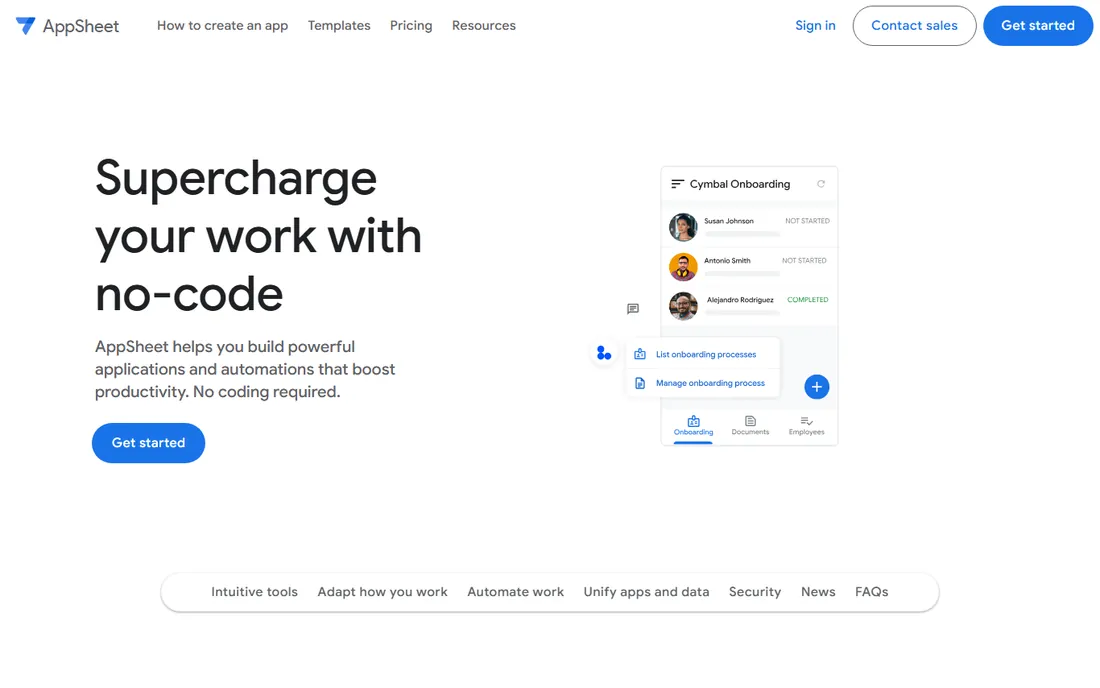
AppSheet is Google's no-code platform, and its killer feature is distribution: basic applications can be created and shared with small teams inside any Workspace account, which means millions of businesses already own it. Connect a Google Sheet and the editor generates a working app with offline mobile access, role-based security and workflow automation.
Growing beyond small-team use requires AppSheet Core licenses, and the pricing conversation runs through Google Workspace sales. The apps look functional rather than beautiful. If your data already lives in Sheets and your users live in Workspace, nothing else on this list deploys faster.
What we like- Basic apps covered by Workspace accounts
- Deep Google Sheets and Drive integration
- True no-code with smart automation
Watch out for- Scaling needs AppSheet Core licenses
- Design flexibility trails dedicated builders
Starting priceSee website
Free planSee website
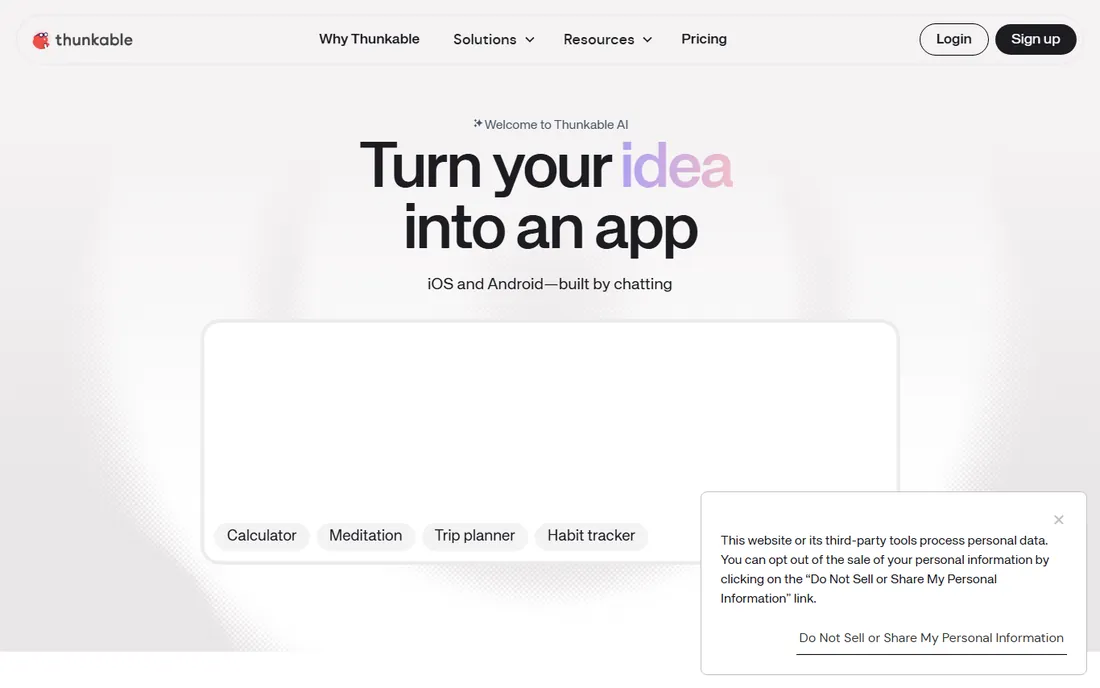
Thunkable has repositioned around AI: describe the app in plain language and its builder generates a working native iOS and Android app, which you then refine visually and publish to both stores from the platform. The classic drag-and-drop builder remains underneath for manual control, and live testing on your phone closes the loop quickly.
Pricing is not listed on the homepage, so check the vendor site for current plan details and free-tier limits. As with all AI builders, the generated starting point needs review: it gets you to a working draft fast, but the last twenty percent is still your job. For non-technical founders who want native store apps, it is the most direct path here.
What we like- Prompt-to-app AI builder for real native apps
- Publishes to both app stores from the platform
- Beginner-friendly
Watch out for- Pricing not public on the homepage
- AI output still needs human review
#8
Appy Pie
Best for: Cheapest path from prompt to published native app
Visit appypie.com
Starting price$16 per month
Free planFree trial
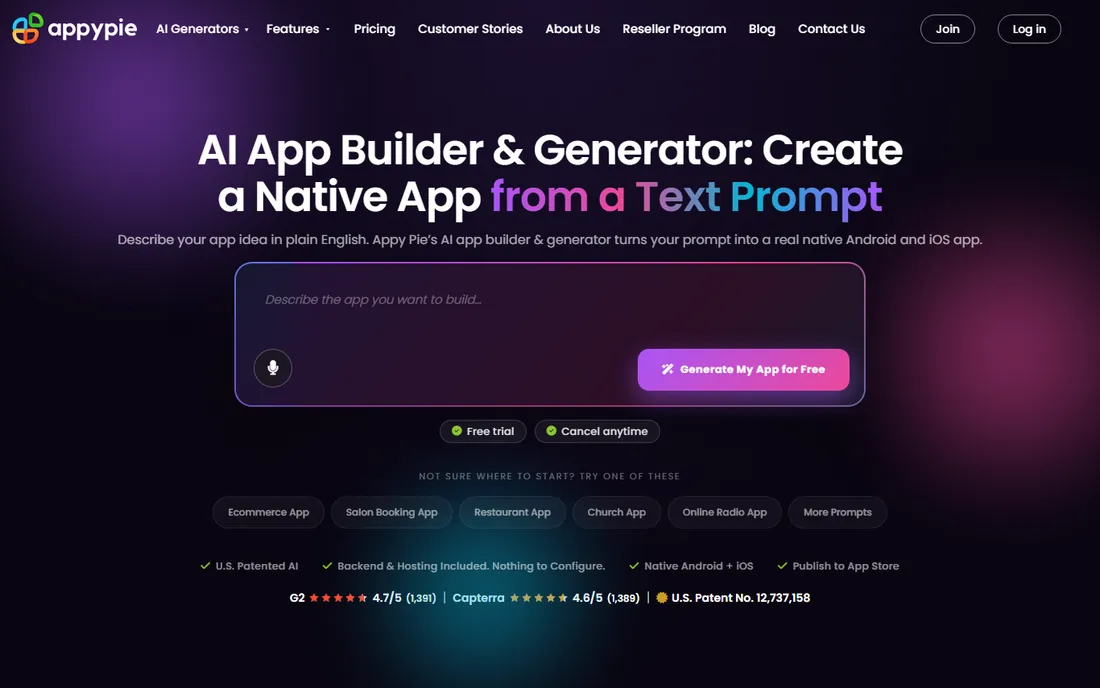
Appy Pie is unusually transparent about the deal: build, preview and iterate for free, then pay from $16 per month (with a 7-day trial on paid tiers) to publish to the App Store and Google Play and remove the Appy Pie badge. The AI generates real native binaries, not web wrappers, with backend, payments, push notifications and an admin panel included.
The limits are stated honestly too: no source code export, no custom server-side logic, no auto-pass through App Store review. If code ownership is a hard requirement, pick FlutterFlow or Draftbit instead. If the goal is a real store app at the lowest monthly cost on this list, Appy Pie wins on price.
What we like- Build and preview free
- Paid plans start at $16/month with a 7-day trial
- Real native binaries with backend included
Watch out for- No code export, apps stay hosted
- Advanced custom logic needs a developer
Starting priceSee website
Free planSee website
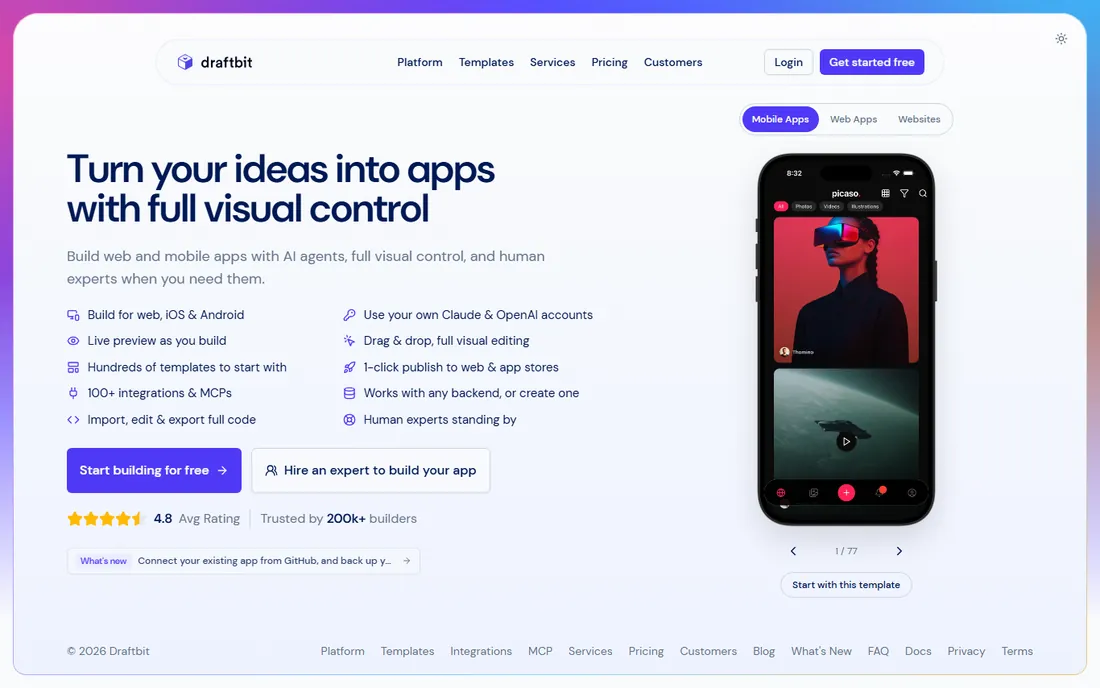
Draftbit combines AI agents with full visual editing and, crucially, lets you import, edit and export the complete code. That makes it the choice for teams that want no-code speed without no-code lock-in: start visually, take the code when you are ready, connect any backend. One-click publishing covers web and app stores, and human experts are on hand for complex builds.
Pricing sits behind the vendor site, so confirm plan details before committing. The platform's AI-agent direction is newer and still maturing compared to its visual builder. For founders who insist on owning their code from day one, shortlist it next to FlutterFlow.
What we like- Import, edit and export full code
- 100+ integrations
- Human experts available for builds
Watch out for- Pricing not public on the homepage
- Newer AI-agent direction still maturing
How to pick a free app builder without hitting a paywall later
Start from the end: where will this app live? App Store and Google Play demand native publishing, which points to Adalo, FlutterFlow, Thunkable or Appy Pie. A web portal or internal tool points to Glide, Softr, Bubble or AppSheet. Picking the wrong lane means rebuilding later, which dwarfs any subscription cost.
Then read the free plan like a contract. Adalo tells you 500 records; Softr tells you Free $0 with unlimited apps; Appy Pie tells you building is free and publishing starts at $16/month. Where a vendor is vague, assume the paywall sits at publishing, users or branding, because it always sits at one of those three. Build your prototype on the free tier, but price the paid tier you will actually need before you fall in love with the tool.
Finally, decide how much you care about code ownership. Most no-code platforms host your app forever; leaving means rebuilding. FlutterFlow and Draftbit export real code, which is an insurance policy worth real money. If this app might become a business, that export button matters more than any template library.
What free plans usually leave out (and what that costs you)
Free tiers are marketing, and reading them cynically saves money. The standard exclusions: custom domains (your app lives on their subdomain), platform branding (their badge on your screens), app-store publishing (web only until you pay), user or record caps (fine for testing, fatal for launch), and API or integration limits.
Translate each exclusion into a price. Appy Pie: $16/month to publish and debrand. Softr: $19/month billed annually for the Basic tier. Adalo, Glide, Bubble, FlutterFlow: paid tiers whose prices live on the vendor sites. Add the Apple Developer Program ($99/year) if you are shipping to the App Store regardless of builder. The cheapest honest total for a published, debranded app on this list is Appy Pie's $16/month plus Apple's $99/year, and every other option costs more once you leave the free tier.
How we chose
We opened each vendor homepage and recorded the final URL, and pricing or free-tier claims come from the vendors' own pages: Adalo documents its free plan (500 records, no time limit), Softr lists Free $0 and Basic $19/month on annual billing, Appy Pie states free building with paid plans from $16/month and a 7-day trial, and FlutterFlow, Glide and AppSheet describe their free starts. Where pricing or free-tier terms were not public, entries say "See website" rather than guessing. We required a genuine free building experience, mixed native-mobile and web-portal builders, and weighted free-plan generosity, publishing costs, code ownership and fit for founders versus internal teams. Public reviews on G2, Capterra and Reddit informed the trade-offs; no hands-on testing is claimed.
Frequently asked questions
What is the best completely free app builder?
It depends on the app. Adalo's free plan is the clearest (500 records, no time limit), Softr's free $0 tier includes unlimited apps, and Glide, FlutterFlow and AppSheet all let you build free. "Completely free" usually ends at publishing: expect to pay when you need a custom domain, app-store release or removed branding.
Can I publish to the App Store with a free app builder?
Building is free; publishing generally is not. Adalo, FlutterFlow, Thunkable and Appy Pie can all produce App Store builds, but you need a paid plan (Appy Pie starts at $16/month) plus Apple's $99/year Developer Program. No builder can waive Apple's membership or review.
Do I own the code my no-code app builder generates?
Usually no. Most platforms host your app and offer no code export. FlutterFlow and Draftbit are the exceptions here: both export real code you can keep and develop independently. If long-term ownership matters, start with one of those two.
What is the cheapest way to launch an app in 2026?
Appy Pie at $16/month plus Apple's $99/year Developer Program is the lowest-cost path to a published native app on this list, with a 7-day trial on paid tiers. For a web app or internal tool, Softr's free $0 tier or Adalo's free plan can carry you to launch without paying the builder anything.
Glide vs Softr: which is better for internal tools?
Both turn data into internal apps. Glide leans on spreadsheets and AI generation with a strong enterprise security story; Softr leans on portals with granular permissions and transparent pricing (Free $0, Basic $19/month annual). Choose Glide if your data lives in sheets and speed matters, Softr if client-facing portals with strict access control are the job.
Can non-technical founders really build an app with AI?
For standard app types, yes: Thunkable and Appy Pie generate working apps from prompts, and Adalo's AI assists the visual build. Expect a solid first draft in hours, then budget real time for refining design, testing edge cases and preparing store listings. Unusual workflows and custom logic still need a developer.
Sources we checked (9)
- https://glideapps.com
- https://adalo.com
- https://bubble.io
- https://www.softr.io
- https://flutterflow.io
- https://appsheet.com
- https://thunkable.com
- https://appypie.com
- https://draftbit.com
Is your product missing or out of date?
We review this list regularly. Vendors can request a listing, send updated pricing or ask about featured placement.

Shihab Mia · Founder, Rankite
Shihab has spent more than a decade helping SaaS and e-commerce brands grow through search. He writes Rankite's software buying guides from pricing pages, documentation and public user reviews. More about Shihab.