How we make this list: we compare pricing pages, product documentation and public user reviews. Rankite is independent; if a vendor ever pays for a featured spot, that listing is clearly labeled Partner.

Key takeaways
- LivePlan is the most accessible starting point: it starts at $20 per month, connects to QuickBooks and Xero, and backs the purchase with a 35-day money-back guarantee.
- Float specializes in cash flow forecasting up to 36 months out and offers a 14-day free trial with no credit card required.
- Jirav lists a $100 to $750 per month range on its own site, positioning it between DIY planners and enterprise FP&A platforms.
- ProjectionHub is the outlier: free CPA-developed Excel templates for founders who need investor-ready projections, with paid custom modeling services for more complex cases.
- Cube and Datarails target finance teams that live in spreadsheets, adding governance, scenario modeling, and consolidation without forcing anyone to abandon Excel.
Quick comparison
| Tool | Best for | Starting price | Free plan |
|---|
 LivePlan LivePlan | small businesses that want budget-to-actual planning | $20/month | No (35-day money-back guarantee) |
 Fathom Fathom | accountants and advisors who forecast for clients | See website | See website |
 Jirav Jirav | growing companies that need driver-based forecasts | From $100/month | See website |
 Float Float | businesses that live and die by cash flow | See website | Free trial (14 days) |
 ProjectionHub ProjectionHub | founders who need investor-ready projections fast | See website | Yes |
 Cube Cube | finance teams that refuse to give up spreadsheets | See website | See website |
 Datarails Datarails | CFO offices that want Excel plus governance | See website | See website |
Is your product missing or out of date?
We review this list regularly. Vendors can request a listing, send updated pricing or ask about featured placement.
The best financial projection software
#1
LivePlan
Best for: small businesses that want budget-to-actual planning
Visit liveplan.com
Starting price$20/month
Free planNo (35-day money-back guarantee)

LivePlan starts where most small business forecasts should start: with the numbers you already have. Connect QuickBooks or Xero and the platform pulls your history, builds a sales forecast, an expense budget, and a cash flow forecast that stay linked to each other, then updates them as actuals flow in every 24 hours. The monthly rhythm it encourages is the useful one: plan, do, check, adjust. More than 20 reports and charts update on their own, so the owner sees budget versus actual without touching a spreadsheet.
The scenario feature is the part that justifies the price. Two more employees in the spring, a bigger space next year, a financed equipment purchase: you describe the change and see it side by side with the current plan before committing. At $20 per month with a 35-day money-back guarantee, it is the lowest-risk way for a small business to move from gut-feel planning to something checkable. The honest limitation is scope. LivePlan is built for owners and small teams, not for a finance department running multi-entity consolidation, and it does not offer a free trial, so you are buying on the strength of the guarantee.
What we like- Connects to QuickBooks and Xero so budgets start from real numbers
- Scenario planning for hiring and expansion decisions
- Plain-language interface built for owners, not analysts
Watch out for- No free trial, only a money-back guarantee
- Lighter on enterprise consolidation than the FP&A platforms below
Starting priceSee website
Free planSee website
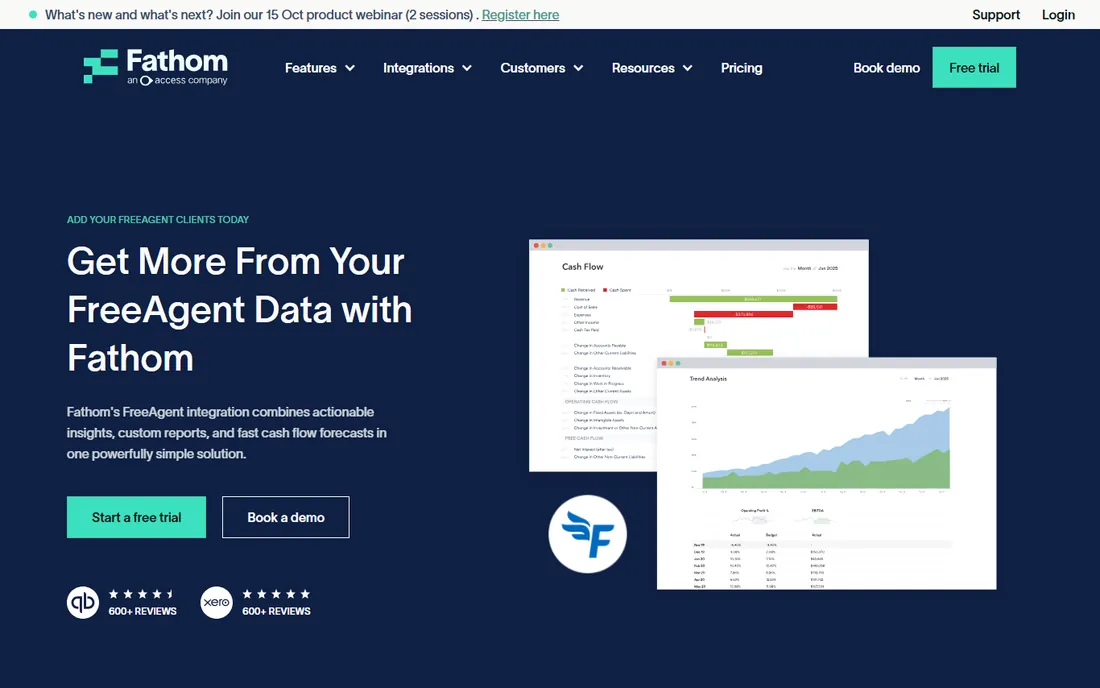
Fathom is the tool many accountants use behind the scenes when a client asks "where will our cash be in six months." It pulls financial data from the major accounting platforms, builds a three-way forecast covering profit, cash, and balance sheet up to five years out, and layers on KPI tracking, custom reporting, and benchmarking. The consolidation feature is a genuine differentiator: an advisor can import multiple client companies, even from different source systems, and report across them as one group.
The company charges per company connection rather than per user, which keeps the model simple for firms with many clients. Scenario planning tools let the advisor model the what-ifs, and the data refreshes automatically every day. The caveat for this guide is that Fathom does not publish its pricing on the pages we reviewed, so you will need to talk to their team or start a trial to see numbers. For an owner who just wants their own forecast, LivePlan or Float will feel simpler. For a firm delivering forecasting as a service to dozens of clients, Fathom's multi-client design is the reason it keeps winning that work.
What we like- Three-way cash flow forecasting up to five years ahead
- Consolidates multiple companies from QuickBooks, Xero, MYOB, Sage, and FreeAgent
- KPI tracking and benchmarking built in
Watch out for- Pricing is not published on the product pages we reviewed
- Aimed at advisors, so solo owners may find it more than they need
#3
Jirav
Best for: growing companies that need driver-based forecasts
Visit jirav.com
Starting priceFrom $100/month
Free planSee website
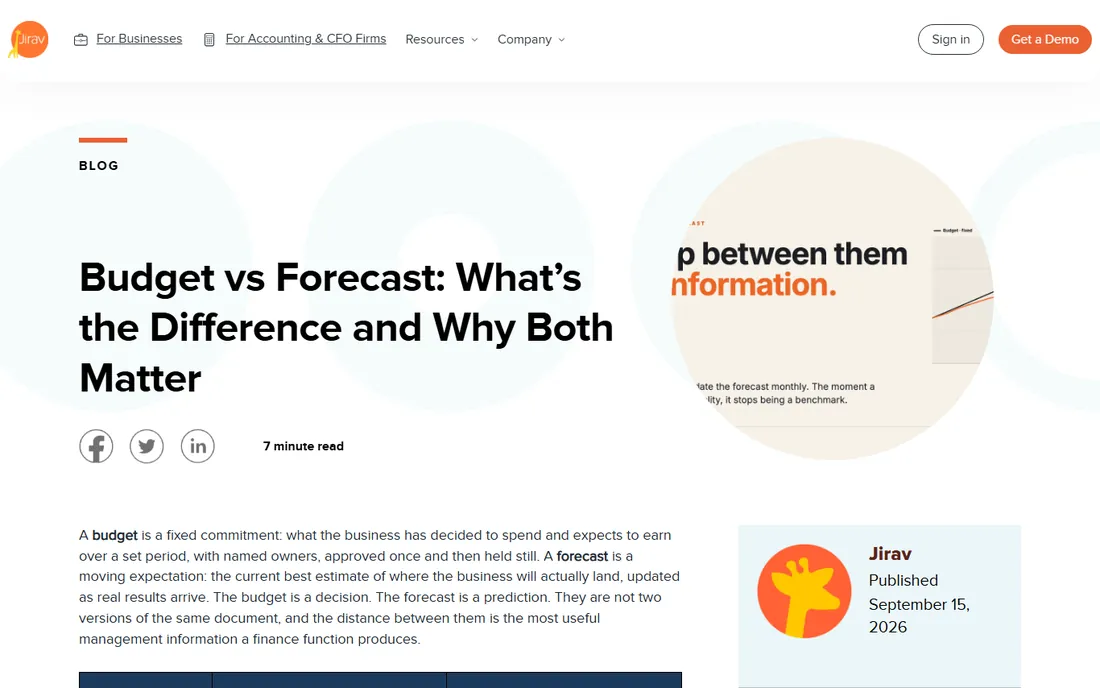
Jirav solves the specific problem its own blog describes better than anyone: most companies maintain a budget and a forecast as two disconnected files, and the reconciliation between them eats the finance team's month. Jirav is built as one driver-based model where the approved budget is held as a fixed version, the forecast updates against the same structure as actuals load, and variance reporting runs across both without a reconciliation step. Because the model produces three-statement output, a change to a forecast driver flows through the P&L, the balance sheet, and cash instead of stopping at the income statement.
Two features do most of the practical work. Plans roll forward automatically as periods close, which keeps the rolling forecast discipline alive without manual effort. Auto Forecast generates a baseline from historical results and seasonal patterns as a starting point for the monthly reforecast. The vendor's own page lists a price range of $100 to $750 per month, which puts Jirav in the serious-but-not-enterprise tier. Advisory firms like it because the structure is reusable across a client base, turning the monthly forecasting cadence into a repeatable process instead of a bespoke project per client.
What we like- Driver-based model where the budget and forecast run on one structure
- Automatic rolling forecasts as periods close
- Three-statement output so changes flow to P&L, balance sheet, and cash
Watch out for- Starting price puts it above DIY tools
- The blog-heavy site makes pricing harder to find than it should be
Starting priceSee website
Free planFree trial (14 days)
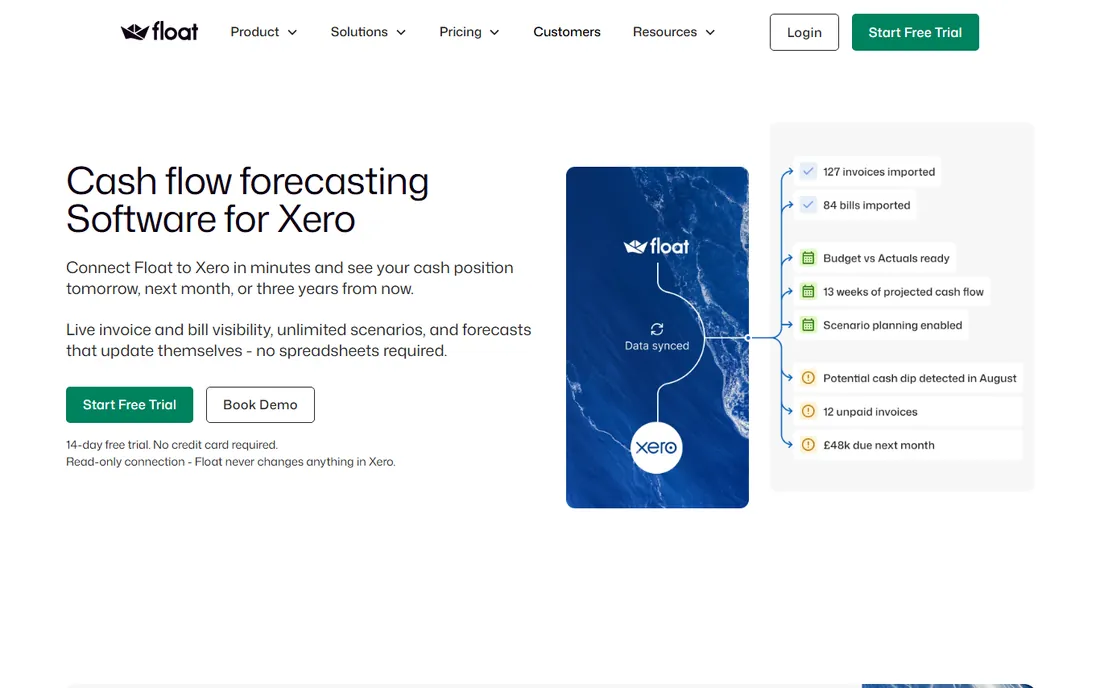
Float does one thing and does it thoroughly: it turns your accounting data into a cash forecast you can act on. Connect Xero or QuickBooks and the platform imports bank transactions, invoices, and bills, then shows your projected balance day by day, week by week, or month by month, up to 36 months ahead. The connection is read-only, so Float can never change anything in your books. When you reconcile in your accounting software, the forecast updates with actuals, which keeps it from going stale the way spreadsheet forecasts do.
The scenario planning is where Float earns its keep for operators. What happens if the biggest client pays 30 days late? Can you afford the new hire? You build unlimited scenarios and compare them against the base forecast without touching your live numbers. Budget versus actuals tracking shows where cash is drifting during the month, not after it. Float offers a 14-day free trial with no credit card required, which is enough time to connect your accounts and see whether the forecast matches your reality. Businesses whose main planning question is "will we have the cash" will get more from Float than from a general budgeting tool.
What we like- Visual cash forecast up to 36 months ahead, updated daily
- Unlimited what-if scenarios compared side by side
- Read-only connection that never touches your accounting data
Watch out for- Cash-focused, so it is not a full budgeting suite
- Pricing requires visiting the pricing page
Starting priceSee website
Free planYes
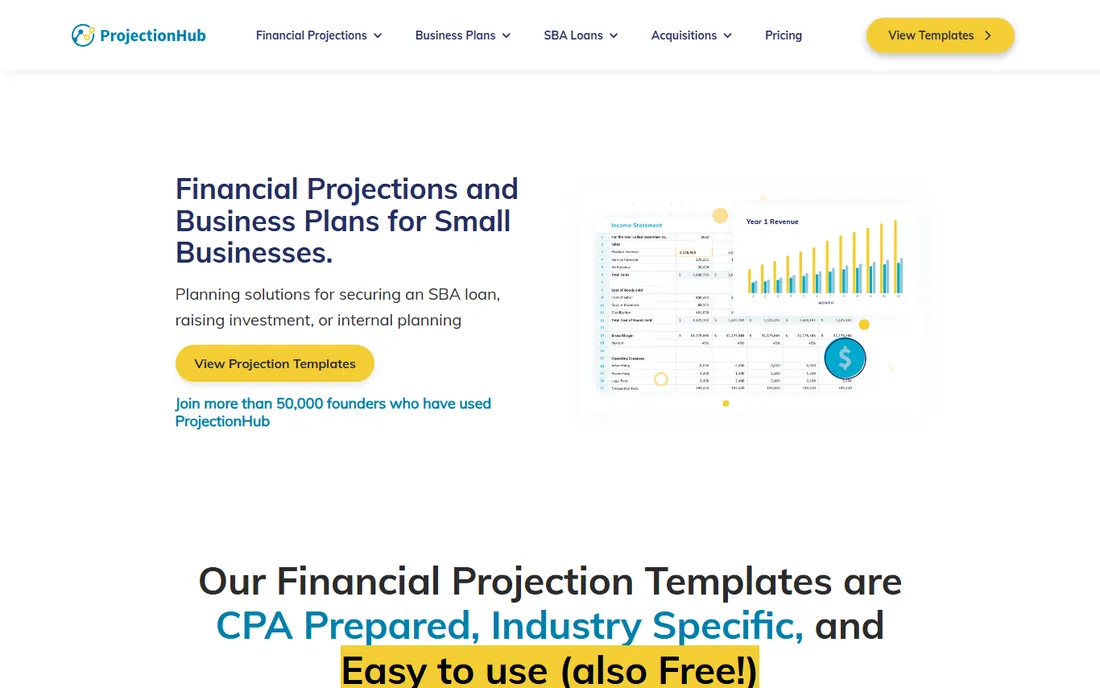
ProjectionHub takes a completely different approach from everything else on this list. Instead of connecting to your accounting software, it gives you more than 100 free, CPA-developed Excel templates organized by industry, each with the cells you need to fill highlighted and a video guide walking you through it. Fill in your assumptions about revenue, expenses, assets, and liabilities, and the template generates five-year pro forma income statements, cash flow statements, and balance sheets in the format lenders and investors expect.
The use case is specific and real: a founder preparing an SBA loan application, a pitch deck, or a business plan needs credible projections and does not have historical data to connect. ProjectionHub also sells custom modeling services where their experts build the model for you, plus an expert review where a CPA walks through your finished projections with feedback on video. More than 50,000 founders have used the service for SBA loans, pitch decks, and business plans, according to the company's site. If you need a living forecast that updates with actuals, pick one of the connected tools above. If you need a defensible projection package this month, start here.
What we like- More than 100 free CPA-developed Excel templates by industry
- Produces five-year income statement, cash flow, and balance sheet pro formas
- Expert CPA review available on your finished model
Watch out for- Template-based, so it is not a live connected forecast
- Custom services are one-time projects, not ongoing software
Starting priceSee website
Free planSee website
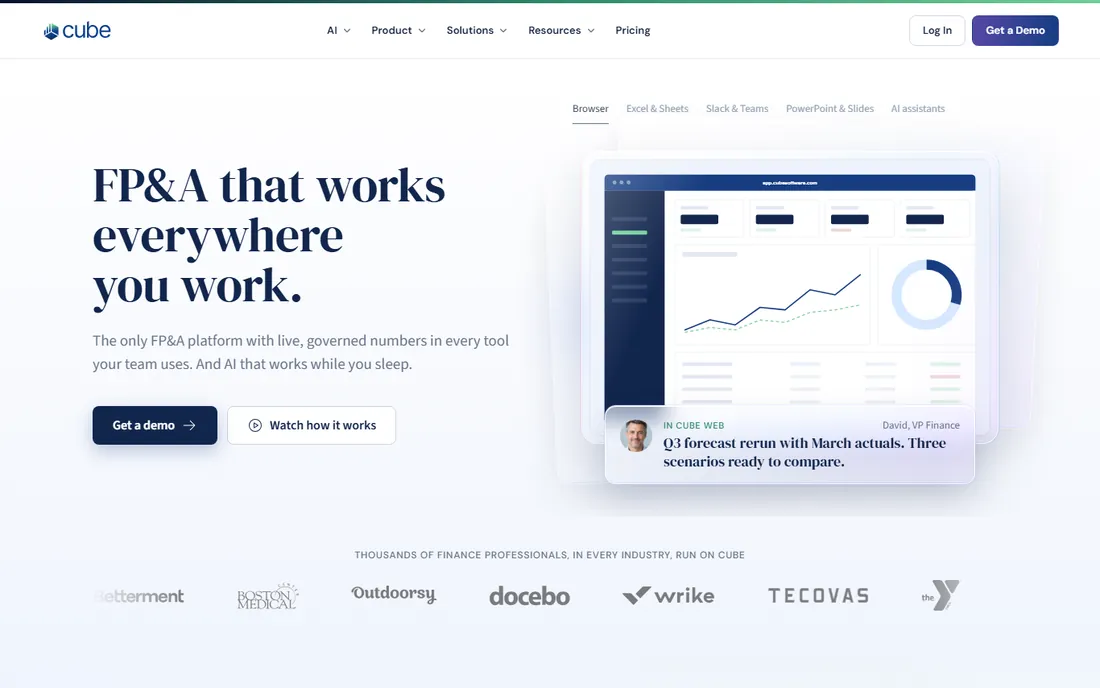
Cube's pitch is simple: your finance team already lives in spreadsheets, so the planning software should come to them. The platform unifies data from your source systems into one governed layer, then lets the team plan, report, and analyze from Excel, Google Sheets, PowerPoint, or Slack. Rolling forecasts, driver-based planning, revenue and cash flow forecasting, headcount planning, and scenario modeling all run on that single source of truth, and finance owns every change to the model.
The governance angle is what separates Cube from a shared spreadsheet. Data goes in messy and comes out traceable to the source transaction, with permissions controlling who sees what. Automated consolidation takes the chaos out of the close for multi-entity businesses. The company asks teams to book a demo, and pricing is not published, which puts it firmly in the evaluated-purchase category rather than the try-it-tonight category. For a finance team that has outgrown spreadsheet chaos but refuses to abandon spreadsheets, Cube is built exactly for that tension.
What we like- Works inside Excel, Google Sheets, PowerPoint, and Slack, so the team never learns a new interface
- Rolling forecasts, drivers, and scenario planning on governed data
- Automated consolidation for multi-entity close
Watch out for- No public pricing, demo required
- More platform than a small business needs
Starting priceSee website
Free planSee website
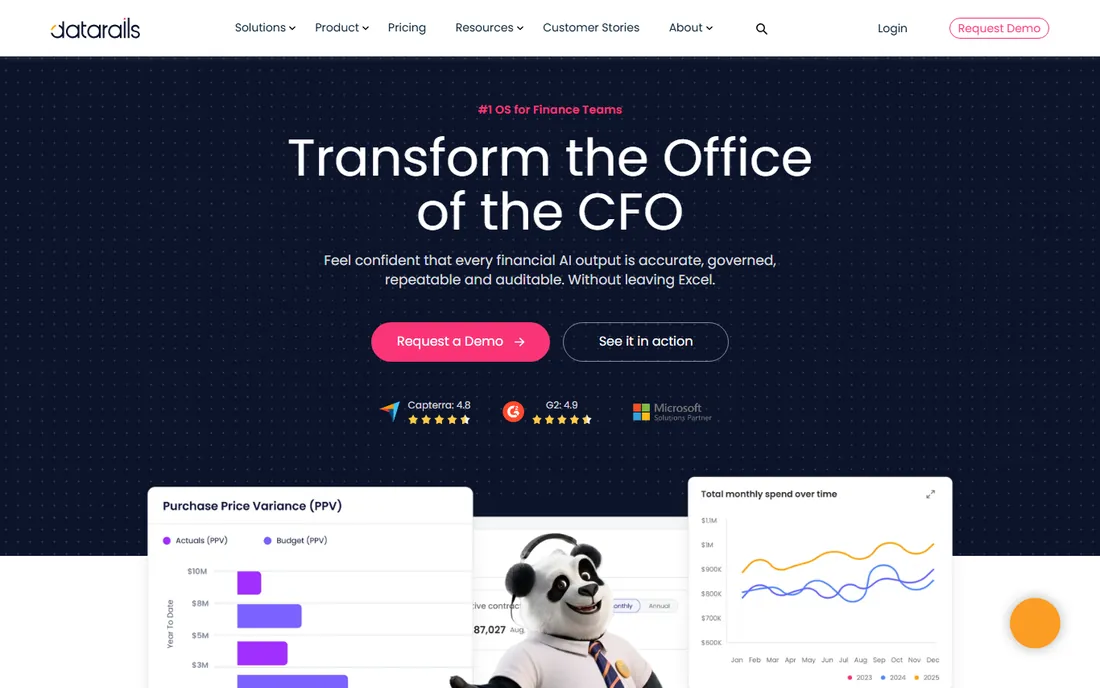
Datarails keeps your finance team in Excel and fixes everything around it. The platform connects to more than 600 data sources, from ERPs to CRMs to payroll systems, consolidates everything into a governed finance data model, and lets the team budget, forecast, consolidate, and report without leaving the spreadsheets they trust. Version control, audit trails, permission settings, and centralized business logic address the exact failure modes of spreadsheet planning: conflicting copies, untraceable changes, and formulas nobody owns.
The current positioning centers on FinanceOS, the company's governed data layer for the CFO's office, which feeds reporting, planning, cash forecasting, spend control, and month-end close. More than 2,000 companies run on the platform, according to Datarails. Like Cube, it is a demo-and-quote purchase with no public pricing, and it is aimed at finance teams rather than solo owners. The choice between Cube and Datarails comes down to evaluation: both promise Excel-native planning with governance, and the right one is whichever maps more cleanly onto your systems and your team's workflow.
What we like- Excel-native FP&A with version control, audit trails, and centralized business logic
- Connects to more than 600 data sources
- Scenario modeling and real-time dashboards included
Watch out for- Enterprise-grade positioning means pricing is quote-based
- Smaller teams may find it heavier than needed
What to check before you buy
Start with your data source. The connected tools on this list, LivePlan, Fathom, and Float, are only as good as the accounting data feeding them, so confirm your platform is supported and your books are current. A forecast built on a neglected QuickBooks file will mislead you with confidence. If you do not have historical data yet, perhaps because the business is new, ProjectionHub's template approach is the honest fit.
Then match the tool to the question you actually ask. "Will we have enough cash in March" is a Float question. "Are we on budget and where are we drifting" is a LivePlan or Fathom question. "What should next year's headcount plan look like under three scenarios" is a Jirav, Cube, or Datarails question. "What do I show the bank" is a ProjectionHub question. Buying a bigger platform than your question needs is the most common mistake in this category.
Finally, check the ongoing effort. A forecast that nobody updates is decoration. Ask who on your team will own the monthly update, how long it takes, and whether the tool automates the actuals feed. LivePlan and Float sync daily from your accounting software. Jirav rolls plans forward automatically. The template tools need you to re-enter numbers by hand. Pick the level of automation your team will actually sustain, because a simple forecast you maintain beats a sophisticated one you abandon by February.
Why forecast accuracy deserves its own metric
The AFP survey stat in the introduction points at the real problem: most companies produce forecasts and never measure whether they were right. Tracking accuracy is simple in concept. Each month, compare the prior forecast to actual results, line by line, and record the variance. After three or four cycles, patterns appear: revenue timing consistently optimistic by two weeks, hiring always later than planned, one expense category always underestimated. Those are correctable biases, and correcting them improves every future forecast more than any amount of extra precision in the original assumptions.
This is also the strongest argument for a connected tool over a static spreadsheet. When actuals flow in automatically and the forecast updates against the same structure, the accuracy comparison is nearly free. When the forecast is a file someone edits by hand, the comparison is a project, so it never happens. Whichever tool you choose, commit to the monthly review. The software makes the forecast possible. The review makes it useful.
How we chose
We evaluated these tools from vendor pricing pages, product documentation, and public discussion on sites like G2, Capterra, and Reddit, focusing on small and mid-size business fit rather than enterprise feature lists. We confirmed each product is currently sold and checked the vendor's own site on October 14, 2026, for pricing and trial terms. We did not install or test any of these products, and nothing in this guide is based on hands-on use. Where a vendor does not publish pricing or trial terms, we marked it "See website" instead of filling in the gap.
Frequently asked questions
What is the difference between a budget and a forecast?
A budget is a fixed commitment: what the business decided to spend and earn over a set period, approved once and held still. A forecast is a moving expectation: the current best estimate of where the business will actually land, updated as real results arrive. Jirav's blog puts it well: the budget is a decision, the forecast is a prediction.
Do I need financial projection software if I already use QuickBooks?
QuickBooks records what happened. Projection software estimates what will happen and tests what could happen. If your planning questions are about future cash, hiring timing, or scenario decisions, a forecasting tool adds something your accounting software does not do on its own.
Which tool is best for a brand-new business with no history?
ProjectionHub. The connected tools need historical data to build from, and a new business does not have any. ProjectionHub's industry templates let you build defensible five-year projections from assumptions, which is what lenders and investors expect to see.
Can these tools replace my accountant?
No. They replace the spreadsheet work around forecasting, not the judgment. An accountant or fractional CFO still matters for tax planning, financing strategy, and sense-checking the assumptions your model is built on. Several of these tools, especially Fathom and Jirav, are designed to be used by advisors working with clients.
How much should a small business pay for forecasting software?
Based on published pricing in this guide, the range runs from $20 per month for LivePlan to $100 to $750 per month for Jirav, with enterprise platforms like Cube and Datarails priced by quote. Match the spend to the decision the forecast supports. A $20 tool that prevents one bad hire pays for itself for years.
Is a free trial enough to evaluate these tools?
For the connected tools, yes, if you connect your real data during the trial. Float's 14-day trial is enough to see whether its cash forecast matches your reality. For the enterprise platforms, expect a demo and a pilot rather than a self-serve trial. ProjectionHub's templates are free, so there is no evaluation cost at all.
Sources we checked (7)
- https://www.liveplan.com/
- https://www.fathomhq.com/integrations/freeagent
- https://www.jirav.com/blog/budget-vs-forecast-whats-the-difference-and-why-both-matter
- https://floatapp.com/xero-cash-flow-forecast
- https://www.projectionhub.com/
- https://www.cubesoftware.com/
- https://datarails.com/
Is your product missing or out of date?
We review this list regularly. Vendors can request a listing, send updated pricing or ask about featured placement.

Shihab Mia · Founder, Rankite
Shihab has spent more than a decade helping SaaS and e-commerce brands grow through search. He writes Rankite's software buying guides from pricing pages, documentation and public user reviews. More about Shihab.