How we make this list: we compare pricing pages, product documentation and public user reviews. Rankite is independent; if a vendor ever pays for a featured spot, that listing is clearly labeled Partner.
Key takeaways
- WeTransfer and Filemail are the fastest way to send a big file once. If you send files daily, a flat subscription beats per-transfer limits.
- MASV is the clear pick for video and media teams moving terabytes, with pay-as-you-go pricing instead of per-seat fees.
- TitanFile and ShareFile fit regulated work like legal, accounting and healthcare, where audit trails and compliance matter more than speed.
- Files.com is the managed file transfer option when you need SFTP automation and vendor onboarding on one platform.
Quick comparison
| Tool | Best for | Starting price | Free plan |
|---|
 WeTransfer WeTransfer | quick, no-fuss sends to clients | $8/month (billed annually) | Yes (3 GB and 10 transfers per rolling month) |
 MASV MASV | video and media production teams | $0.25/GB pay-as-you-go | Yes (15 GB of free transfer credit each month) |
 Hightail Hightail | creative agencies doing client reviews | $12/month (billed annually) | Yes (Lite plan, 100 MB per file) |
 Files.com Files.com | automating business file transfers | $199/month | Free trial (7 days, no free tier) |
 TitanFile TitanFile | law firms and accountants sharing client files | $16/user/month (minimum 2 users) | Free trial (no free tier) |
 ShareFile ShareFile | firms that want file sharing plus e-signature | $16.50/user/month (billed annually, minimum 3 users) | Free trial (no free tier) |
 Filemail Filemail | simple unlimited file sending | See website | Yes (up to 5 GB per transfer) |
 Send Anywhere Send Anywhere | phone-to-computer file moves | See website | Yes |
Is your product missing or out of date?
We review this list regularly. Vendors can request a listing, send updated pricing or ask about featured placement.
Starting price$8/month (billed annually)
Free planYes (3 GB and 10 transfers per rolling month)

WeTransfer is the tool people reach for when they just need a file gone. You upload, you get a link, the recipient downloads. No account on either end for the free tier, and the interface is about as simple as file sharing gets.
The paid plans scale this up for people who send constantly. Starter allows 300 GB in a rolling window, Ultimate removes the transfer-size limit and adds unlimited storage. The honest catch is that WeTransfer is a sending tool, not a governance tool. There is no audit log a compliance officer would accept, automation is minimal, and expired links can bite you if a client opens your email a week late. For freelancers and creatives sending deliverables, it is ideal. For a law firm exchanging client documents, look at TitanFile or ShareFile instead.
What we like- Dead simple, recipients need no account
- Generous transfer allowances on paid tiers
- Custom branding on transfers
Watch out for- Links expire after 3 days on lower plans
- No real automation or audit trail
- Storage caps on cheaper plans
Starting price$0.25/GB pay-as-you-go
Free planYes (15 GB of free transfer credit each month)
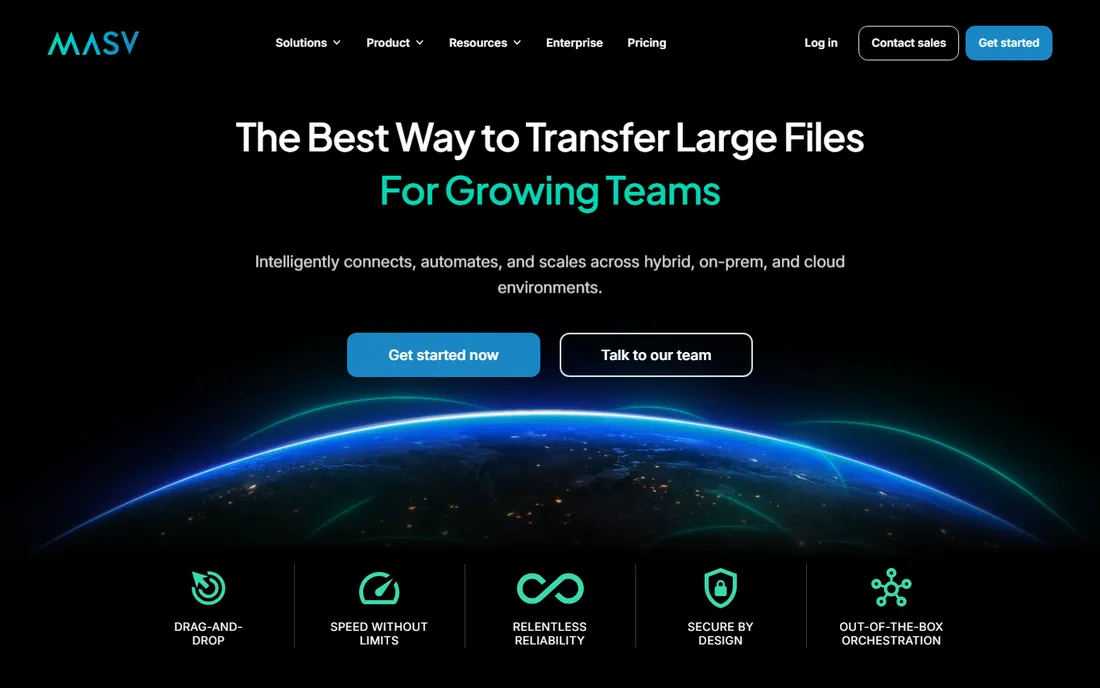
MASV was built for the people whose files break other tools: film crews, post-production houses, broadcasters and AI teams moving datasets. Packages have no size limit, transfers survive interrupted connections, and the desktop and browser apps push files about as fast as your connection allows.
The pricing model is the interesting part. There are no seat fees at all, so a 50-person team costs the same base as a 5-person team, and you pay per gigabyte downloaded. That is brilliant for project work and punishing if you misjudge volume: a single terabyte that one client downloads costs $250. Subscriptions and pre-buy credits lower the rate. If your transfers are predictable and large, compare MASV against Files.com before committing.
What we like- No per-seat fees, add unlimited team members
- Unlimited package sizes
- Automatic retry and checkpoint resume
Watch out for- Usage-based billing can surprise you on heavy months
- You pay even for files nobody downloads
- Storage beyond 5 days costs extra
Starting price$12/month (billed annually)
Free planYes (Lite plan, 100 MB per file)

Hightail, now part of OpenText, is file transfer built around the creative review loop. Instead of sending a file and hoping for feedback, clients comment directly on the visual, versions stay in one place, and approvals are tracked. That is the reason agencies pay for it when WeTransfer would technically move the same file.
The Pro plan at $12 a month suits a solo freelancer who wants 25 GB sends with password protection and tracking. Teams and Business plans add collaboration features and higher per-file caps, but per-user pricing means a mid-sized agency should do the math against project-management tools that already handle review. Hightail makes sense when client feedback on visuals is a daily activity. If you only need the file to arrive, it is overkill.
What we like- Visual review and approval workflow
- Precise commenting on creative files
- Adobe Creative Cloud plugins
Watch out for- File size limits per send are modest for the price
- Higher tiers get expensive per user
- Lite free tier is very limited
Starting price$199/month
Free planFree trial (7 days, no free tier)
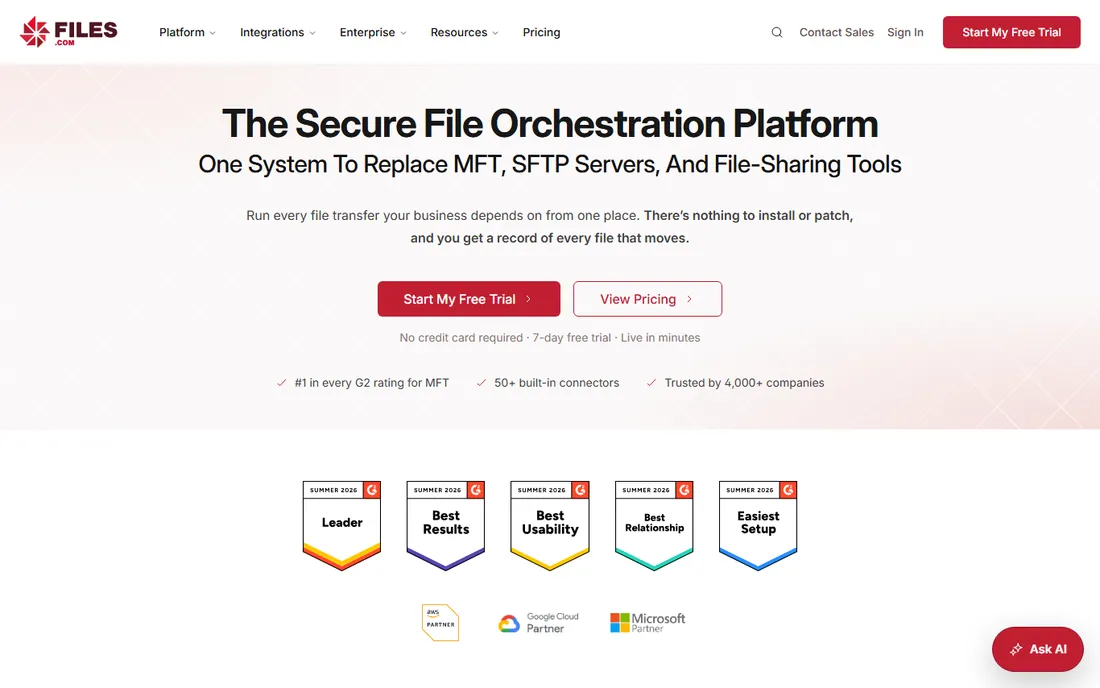
Files.com is managed file transfer without the legacy baggage. It combines hosted SFTP, automation workflows, share links, and 50 plus integrations with cloud storage into one cloud platform, and it is SOC 2 Type II audited with HIPAA and FedRAMP credentials for the compliance crowd.
The flat-rate model is the differentiator. Most MFT tools charge per user or per connection; Files.com charges a flat monthly fee and lets you add as many users as you like, which makes the price reasonable once a whole department is moving files through it. Onboarding typically takes a few days with a dedicated engineer. The catch is the entry price. If your file transfer needs are occasional, Files.com will cost you more than every other tool on this list combined.
What we like- Replaces SFTP servers, MFT and share links in one platform
- Flat pricing with unlimited users
- Strong audit trail and compliance posture
Watch out for- $199 a month is steep for small teams
- No free tier
- Overkill if you just send files manually
Starting price$16/user/month (minimum 2 users)
Free planFree trial (no free tier)
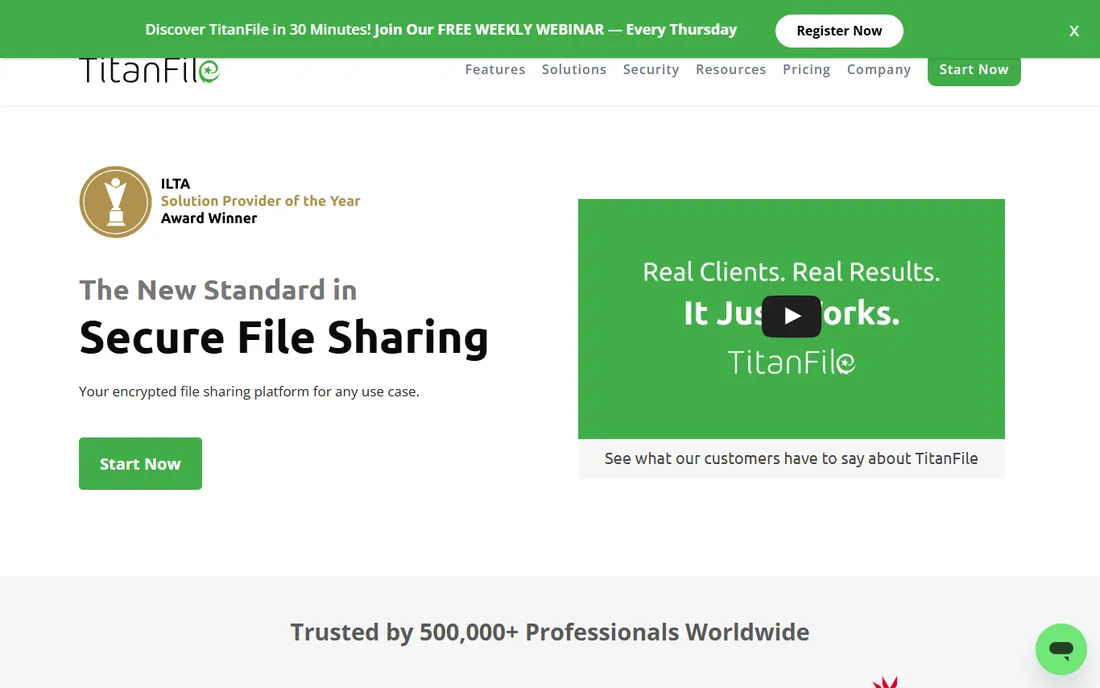
TitanFile sells itself as file sharing as easy as email, and for professional firms that is exactly the pitch that works. Clients get a secure portal to upload and download documents, the firm gets audit logs, password policies and access controls, and nobody has to install anything or learn new software.
Pricing is per user with a 2-user minimum, starting at $16 a user a month for Business Starter. The Individual plan at $22 a month covers a solo practitioner. Upload caps rise with the tiers, up to 50 GB and beyond on higher plans, and storage is unlimited throughout. If you are a solo user or a small firm exchanging sensitive documents daily, TitanFile is one of the cleanest fits available. Teams that mostly move huge media files should look elsewhere.
What we like- Purpose-built secure client portals
- Strong compliance story with ISO 27001 and SOC 2
- Easy adoption, staff need no training
Watch out for- Minimum 2-user buy-in
- Per-user pricing adds up fast
- 10 GB upload cap on lower plans
Starting price$16.50/user/month (billed annually, minimum 3 users)
Free planFree trial (no free tier)

ShareFile, from Progress, has grown from a file-sharing tool into a full document workflow platform. You can share files, collect them from clients, route them for approval and get them signed, all inside one governed workspace, which is why accounting firms and financial services firms keep renewing it.
The Advanced plan at $16.50 a user a month covers secure sharing with enterprise-grade security, while Premium adds the client portal, e-signatures and workflow automation. There is a free trial but no free tier, and the 3-user minimum means a solo user is paying for seats they do not need. Buyers should also check which compliance features sit in which tier, since HIPAA and FINRA support arrive at Premium. For a firm that wants one platform for document intake through signature, it is a strong value.
What we like- File sharing, e-signature and workflows in one
- Strong integrations with Outlook and Gmail
- Mature compliance and governance controls
Watch out for- 3-user minimum on paid plans
- Feature depth varies a lot between tiers
- Pricing page needs careful reading
Starting priceSee website
Free planYes (up to 5 GB per transfer)
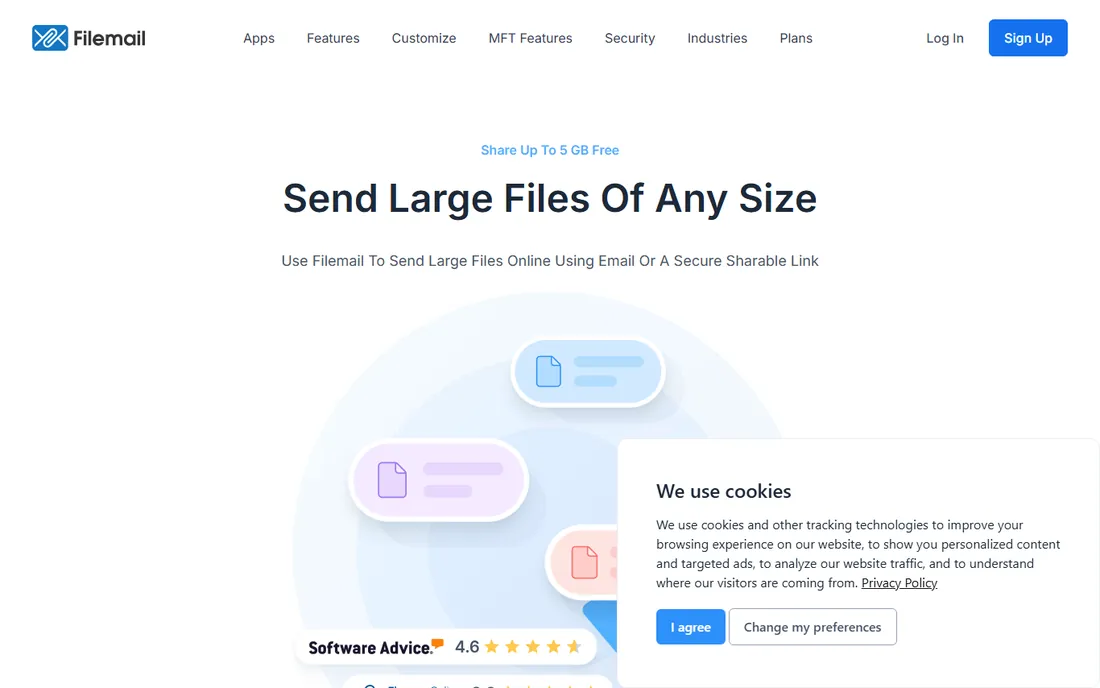
Filemail has been sending big files since 2008 and the formula has barely changed: upload files, get a link or send by email, done. The free tier handles 5 GB transfers without registration, which beats most competitors, and paid plans remove file-size limits entirely with unlimited transfers.
Beyond sending, Filemail offers branded subdomains, file requests from clients, and an Outlook plugin, plus a full managed file transfer tier for enterprises that need compliance and audit controls. The main friction is pricing transparency; the site emphasizes features over numbers, so you will need to talk to sales or start a trial to get exact figures. If you want a workhorse sender with fewer size games than WeTransfer, Filemail deserves a trial.
What we like- Free tier sends 5 GB with no account
- Paid plans offer unlimited transfers and bandwidth
- Email and link sending in one tool
Watch out for- Pricing is harder to find on the site
- Interface feels dated next to WeTransfer
- Enterprise features sit behind custom quotes
Starting priceSee website
Free planYes
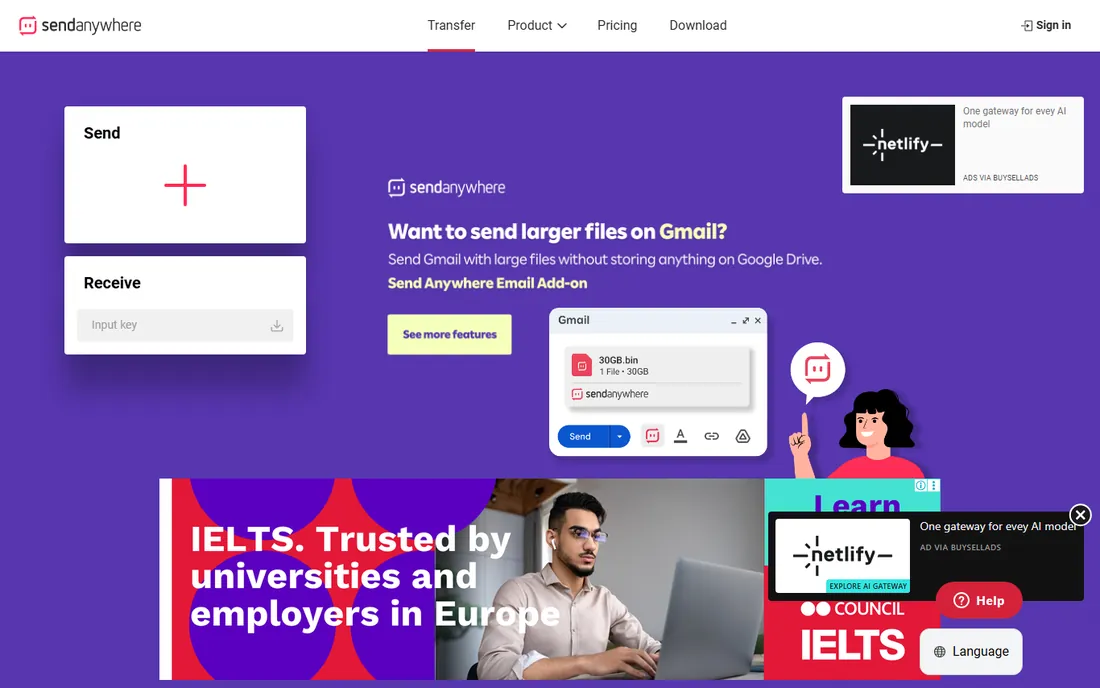
Send Anywhere is the odd one out on this list and that is its charm. Instead of uploading to a cloud server, you get a 6-digit key, the recipient enters it, and the file moves directly between devices. It is the digital equivalent of handing someone a USB stick.
That makes it brilliant for personal use and moving files between your own devices, and limited for business use. There are no audit logs, no branded portals, no compliance certifications, and security is closer to consumer grade. For a photographer sending proofs from a phone or anyone moving files between personal devices, it is free and fast. For anything that needs a paper trail, pick a tool above.
What we like- 6-digit key sharing needs no account
- Works across phones, PCs and browsers
- Fast peer-to-peer style transfer
Watch out for- No business admin features
- Limited security controls
- Not built for compliance or audit needs
How we chose
We compared vendor pricing pages, feature lists and public reviews on G2, Capterra and Reddit threads from file-sharing buyers. We looked at per-file limits, storage rules, security certifications, audit capabilities, automation options and how pricing scales with team size. We did not test the tools hands-on and we did not score them on a single metric, because the right pick depends entirely on whether you are sending finished videos, running automated vendor transfers, or exchanging regulated documents.
What to check before you pay for file transfer
Start with how you actually move files. If 90 percent of your sends are one-off deliverables to clients, a simple sender like WeTransfer or Filemail costs less and everyone already understands it. If transfers are scheduled, repeatable or partner-driven, you need automation and audit logs, which means Files.com or an MFT-class tool.
Check the numbers that matter to you: maximum file size per send, how long links stay live, what happens when you exceed storage, and whether recipients need accounts. A 3-day link expiry has caused more client embarrassment than any outage. Then check pricing structure. Per-gigabyte models like MASV reward occasional heavy sends; per-user models like TitanFile and ShareFile get expensive with large teams; flat-rate models like Files.com win once a whole department is on board.
For regulated industries, confirm certifications in writing, not on the marketing page. SOC 2 Type II, HIPAA business associate agreements and data residency options vary by plan, and audit log retention is a feature worth asking about before you sign.
Media and creative teams optimize for size and speed. Their files are enormous, deadlines are tight, and nobody wants to babysit uploads. MASV, WeTransfer Ultimate and Hightail fit here, in that order of specialization. The honest weakness of all three is governance; they move files brilliantly and prove nothing about it.
Regulated industries optimize for proof. Law firms, accountants and healthcare providers need to show who accessed what and when, enforce passwords and retention policies, and keep data in specific regions. TitanFile, ShareFile and Files.com are built for that world, with the certifications and audit trails to back it up. They move files more slowly in practice because every transfer goes through policy checks, and they cost more per user. Pick the category you actually live in, not the one with the prettier homepage.
Frequently asked questions
Is WeTransfer still free in 2026?
Yes. The free plan allows 3 GB and 10 transfers in a rolling 30-day window, with links expiring after 3 days. Paid plans start at $8 a month and raise the limits.
Which file transfer tool is best for very large video files?
MASV is built for this, with no package size limit and automatic resume on interrupted transfers. WeTransfer Ultimate also removes the transfer-size cap, and Filemail's paid plans offer unlimited transfer sizes.
Do I need managed file transfer software for my small business?
Probably not. If you send files manually to clients or partners, a simple sender is cheaper and easier. MFT tools like Files.com make sense when transfers are scheduled, automated or numerous enough that someone is currently babysitting them.
How much does ShareFile cost?
ShareFile's Advanced plan starts at $16.50 per user per month when billed annually, with a 3-user minimum. Premium, which adds e-signature and workflow automation, starts at $26 per user per month billed annually.
Which tools offer a free plan?
WeTransfer, Filemail, Send Anywhere, Hightail (Lite) and MASV (15 GB monthly credit) all have usable free tiers. Files.com, TitanFile and ShareFile offer free trials instead.
Is it safe to send sensitive files with free transfer tools?
Free tiers generally lack the audit logs, access policies and compliance certifications that regulated industries require. For sensitive client data, use a tool with SOC 2 Type II, encrypted transfer and at-rest encryption, and confirm data residency if your industry requires it.
Sources we checked (10)
- https://www.wetransfer.com/
- https://masv.io/
- https://www.hightail.com/pricing
- https://www.files.com/
- https://www.titanfile.com/pricing/
- https://www.sharefile.com/pricing
- https://filemail.com/
- https://send-anywhere.com/
- https://masv.io/compare/wetransfer
- https://letshareit.com/blog/best-wetransfer-alternatives-2026
Is your product missing or out of date?
We review this list regularly. Vendors can request a listing, send updated pricing or ask about featured placement.

Shihab Mia · Founder, Rankite
Shihab has spent more than a decade helping SaaS and e-commerce brands grow through search. He writes Rankite's software buying guides from pricing pages, documentation and public user reviews. More about Shihab.