How we make this list: we compare pricing pages, product documentation and public user reviews. Rankite is independent; if a vendor ever pays for a featured spot, that listing is clearly labeled Partner.
Key takeaways
- ANSYS Mechanical and Abaqus are the two enterprise standards; choose ANSYS for multiphysics breadth and Abaqus for nonlinear and materials analysis.
- Design teams already working in CAD should start with SOLIDWORKS Simulation or Autodesk Fusion, which bring FEA to the designer instead of the specialist.
- COMSOL Multiphysics is the pick for coupled physics problems that cross structural, thermal, fluid, and electromagnetic domains.
- SimScale offers a free community plan and cloud-based solving, making it the most accessible entry point without workstation hardware.
- Nearly all enterprise FEA tools are quote-based, so budget for six-figure licenses plus training; the solver is rarely the largest cost.
Quick comparison
| Tool | Best for | Starting price | Free plan |
|---|
 ANSYS Mechanical ANSYS Mechanical | enterprise multiphysics simulation | See website | Free trial |
 Abaqus Abaqus | nonlinear analysis and complex materials | See website | Free trial |
 COMSOL Multiphysics COMSOL Multiphysics | coupled multiphysics R&D | See website | Free trial |
 SOLIDWORKS Simulation SOLIDWORKS Simulation | CAD-integrated design validation | See website | Free trial |
 Autodesk Fusion Autodesk Fusion | accessible simulation for product teams | See website | Free trial |
 Siemens Simcenter Siemens Simcenter | unified CAE across disciplines | See website | Free trial |
 SimScale SimScale | cloud-based simulation without hardware | See website | Yes |
 MSC Nastran MSC Nastran | aerospace-grade structural solving | See website | No |
Is your product missing or out of date?
We review this list regularly. Vendors can request a listing, send updated pricing or ask about featured placement.
The best fea software
A consumer-electronics startup in California shipped a plastic enclosure that cracked at the mounting bosses after six months in the field. The redesign cost a quarter-million dollars in tooling changes. A single afternoon of finite element analysis on the original design would have shown the stress concentration. FEA software finds the failures before they ship, which is why this comparison exists.
#1
ANSYS Mechanical
Best for: enterprise multiphysics simulation
Visit ansys.com
Starting priceSee website
Free planFree trial
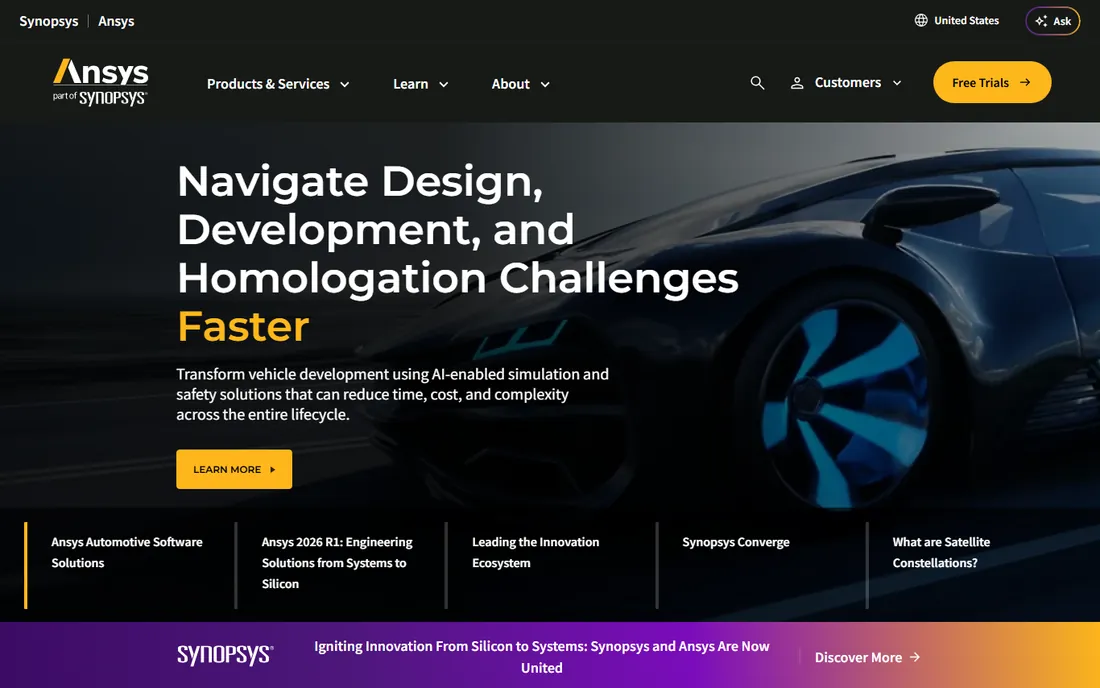
ANSYS Mechanical is the reference point the rest of the industry measures itself against. Its strength is breadth: structural, thermal, fluid, and electromagnetic simulation under one roof, with the solver depth to handle everything from linear statics to complex coupled physics. For automotive, aerospace, and industrial equipment companies running simulation at scale, it is the default enterprise choice.
That position comes with enterprise realities. Pricing is quote-based and typically runs into five figures per seat, and getting real value from the advanced modules takes trained specialists and serious compute hardware. ANSYS does offer a free student version and extensive learning resources, which keeps the talent pipeline healthy. If your organization needs one platform that covers nearly every physics domain, start here.
What we like- Broadest multiphysics coverage
- Deep integration across structures, fluids, and electronics
- Huge user community and training resources
Watch out for- Quote-based enterprise pricing
- Steep learning curve for advanced workflows
- Heavy hardware requirements for large models
#2
Abaqus
Best for: nonlinear analysis and complex materials
Visit 3ds.com
Starting priceSee website
Free planFree trial
Abaqus, part of Dassault Systèmes' SIMULIA brand, is the solver engineers reach for when the physics gets difficult. Nonlinear deformation, complex contact, advanced material models, crash and impact events: this is where Abaqus has built its reputation over decades. Automotive and aerospace teams in particular treat it as the standard for problems where simpler solvers stop being trustworthy.
Like ANSYS, it is sold through quotes rather than price lists, and the interface assumes you know what you are doing. A free student edition exists for learning. The honest comparison is that ANSYS wins on multiphysics breadth and ecosystem, while Abaqus wins on depth in nonlinear structural analysis. Teams doing serious materials and contact work should evaluate Abaqus first.
What we like- Exceptional nonlinear and contact analysis
- Strong materials modeling
- Trusted in automotive and aerospace
Watch out for- Quote-based pricing
- Demanding interface for newcomers
- Analysis setup rewards experienced users
Starting priceSee website
Free planFree trial
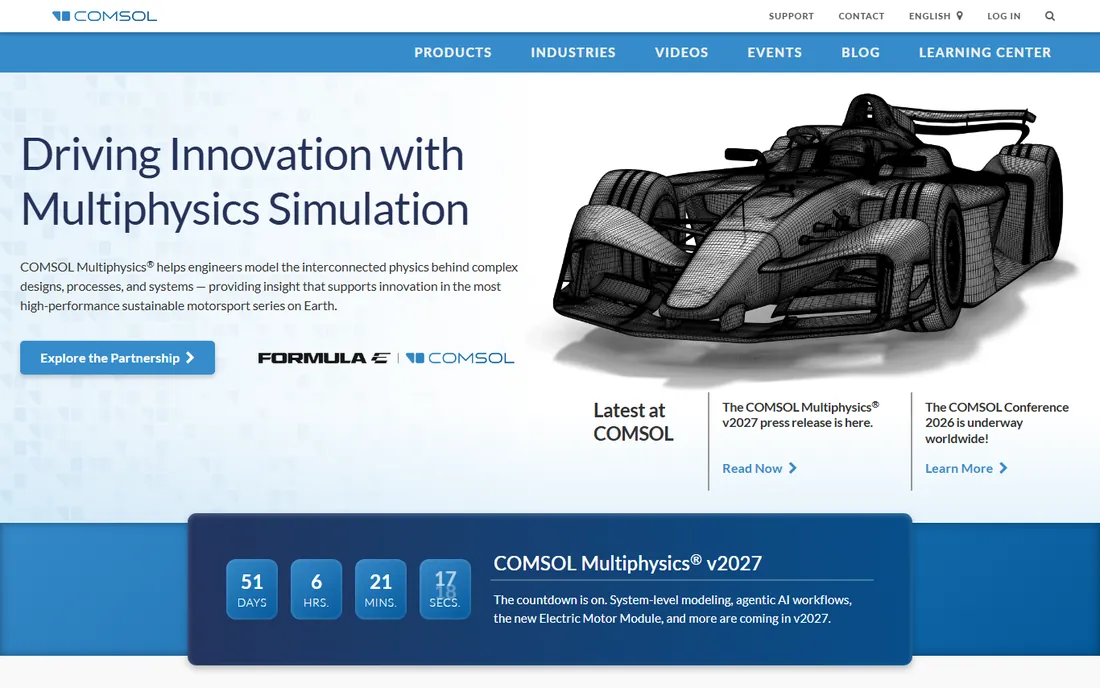
COMSOL Multiphysics takes a different approach from the structural-first solvers: it is a general multiphysics platform where you can couple structural mechanics with heat transfer, fluid flow, electromagnetics, acoustics, and chemical reactions in a single model. For R&D teams working on problems like battery thermal management, microfluidic devices, or piezoelectric systems, that coupling is the whole point.
The flexibility demands expertise. COMSOL gives you more control over the physics than most competitors, which means your team needs to understand the underlying principles to use it well. Pricing is quote-based with a free trial available. If your problems refuse to stay in one physics domain, COMSOL is purpose-built for exactly that.
What we like- True coupled multiphysics in one environment
- Flexible equation-based modeling
- Strong in research and product development
Watch out for- Quote-based pricing
- Requires solid understanding of underlying physics
- Less CAD-integrated than design tools
Starting priceSee website
Free planFree trial
SOLIDWORKS Simulation brings FEA to the designer rather than requiring a dedicated analyst. Because it runs inside SOLIDWORKS, engineers can validate parts and assemblies without exporting models or learning a separate pre-processor, which makes it ideal for design iteration: tweak the geometry, re-run, compare. For linear statics, thermal, and basic nonlinear studies on typical product designs, it is fast and approachable.
It is not a replacement for ANSYS or Abaqus on hard problems. Deep nonlinear analysis, complex contact, and large assemblies will push past its comfort zone, and it is sold as a quote-priced add-on to SOLIDWORKS. But for product teams that need simulation inside the design workflow, it removes the biggest barrier of all: the handoff between CAD and CAE.
What we like- Lives inside the CAD environment designers already use
- Fast for linear statics and design iteration
- Lower learning curve
Watch out for- Quote-based pricing as an add-on
- Limited depth for advanced nonlinear work
- Tied to the SOLIDWORKS ecosystem
Starting priceSee website
Free planFree trial
Autodesk Fusion (formerly Fusion 360) is the most accessible serious simulation tool on this list. It combines CAD, CAM, and CAE in one cloud platform, with static stress, thermal, buckling, and modal analysis built in. Startups, educators, and personal users get substantial free access, which has made it the on-ramp for a generation of engineers.
The simulation is deliberately approachable rather than exhaustive. It handles design validation well but will not replace a dedicated FEA specialist's toolkit for complex nonlinear or multiphysics work. For small product teams that need to check their designs without hiring a simulation department or buying a workstation cluster, Fusion is the pragmatic choice.
What we like- Cloud-based with generous free options for startups and personal use
- Combines CAD, CAM, and simulation
- Easy to learn
Watch out for- Simulation depth is lighter than enterprise solvers
- Cloud dependency
- Advanced analysis needs the paid extensions
Starting priceSee website
Free planFree trial
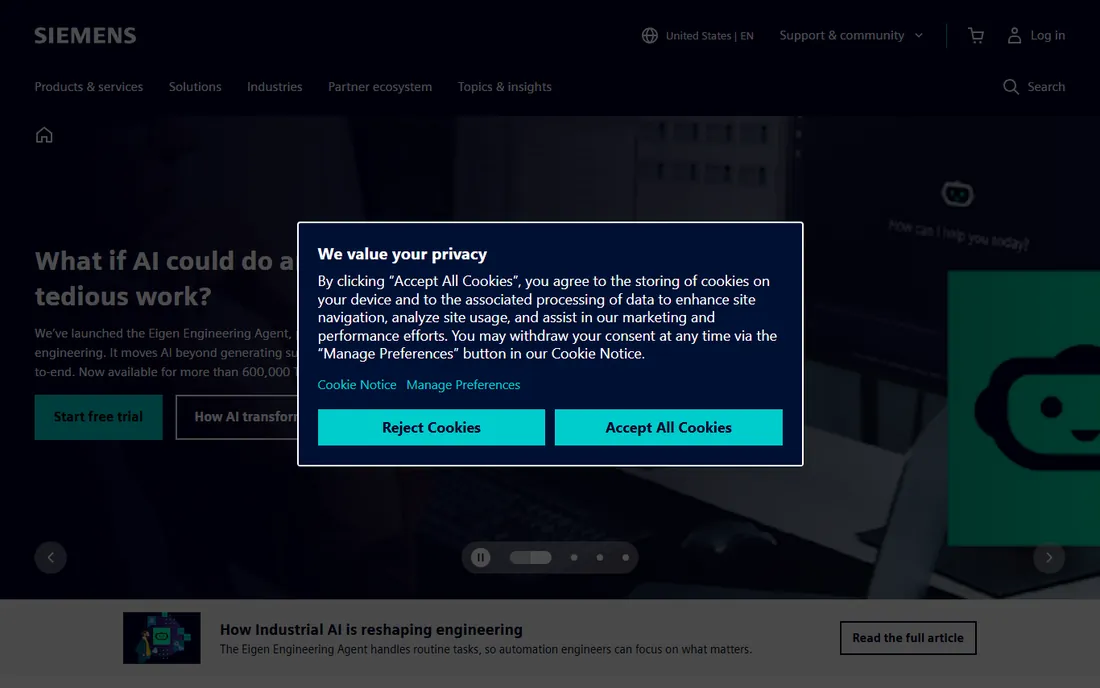
Simcenter is Siemens' answer to the fragmented simulation toolchain: one environment covering structural, thermal, fluid, motion, and test data, connected to the broader digital thread of design and manufacturing data. Simcenter 3D serves as the pre- and post-processing hub, and it can even drive third-party solvers like ANSYS, Abaqus, and MSC Nastran from the same desktop.
Siemens' acquisition of Altair has folded HyperWorks technology into the Simcenter portfolio, making it one of the broadest simulation offerings available. Pricing is quote-based with flexible token licensing that lets teams share capabilities. The platform rewards commitment: its full value shows when simulation, testing, and design data all live in the Siemens ecosystem.
What we like- Unified environment for structures, fluids, thermal, and testing
- Strong digital twin integration
- Flexible token licensing
Watch out for- Quote-based enterprise pricing
- Broad portfolio takes time to navigate
- Best value inside the Siemens ecosystem
Starting priceSee website
Free planYes
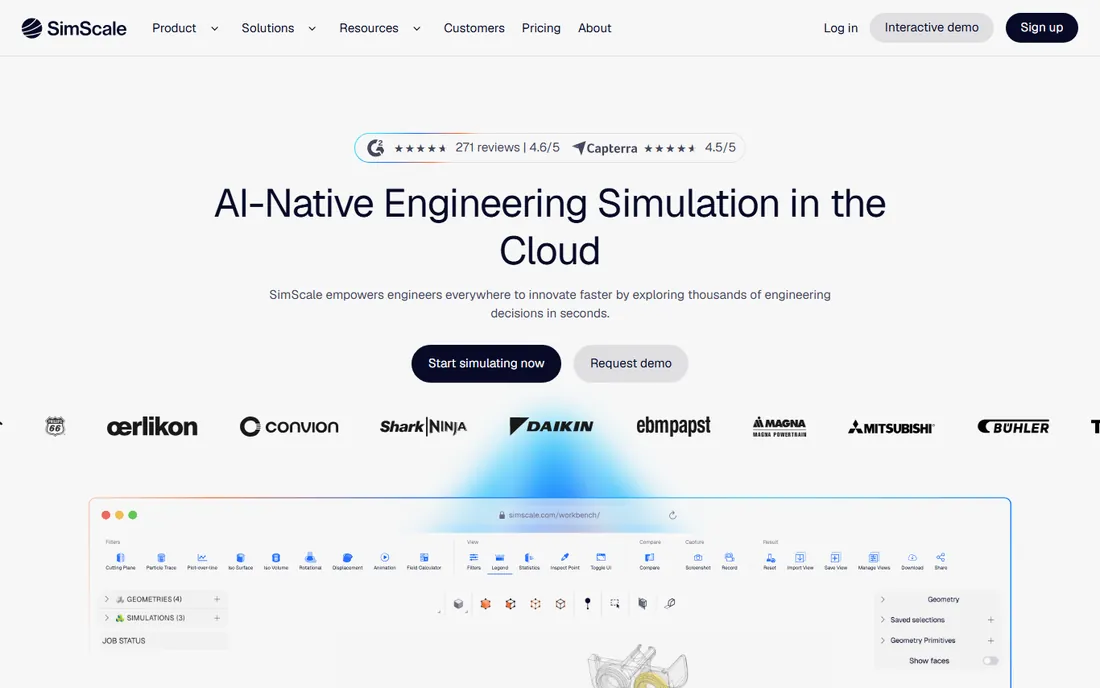
SimScale is the cloud-native alternative to the desktop giants. Structural, fluid, and thermal simulations run in the browser on cloud HPC, so there is no workstation to buy, no solver to install, and no license server to maintain. The free community plan makes it the easiest way to try real simulation without spending anything, and paid plans scale with usage.
The trade-offs are inherent to the model. Your models live on someone else's cloud, which rules it out for some defense and IP-sensitive work, and the solver depth does not match ANSYS or Abaqus on the hardest problems. But for design engineers who need answers fast, teams without CAE infrastructure, and anyone evaluating simulation for the first time, SimScale removes every barrier except learning the physics.
What we like- Runs entirely in the browser with no workstation needed
- Free community plan
- Covers FEA, CFD, and thermal
Watch out for- Cloud model means data leaves your network
- Advanced features need paid plans
- Less depth than desktop flagships
Starting priceSee website
Free planNo
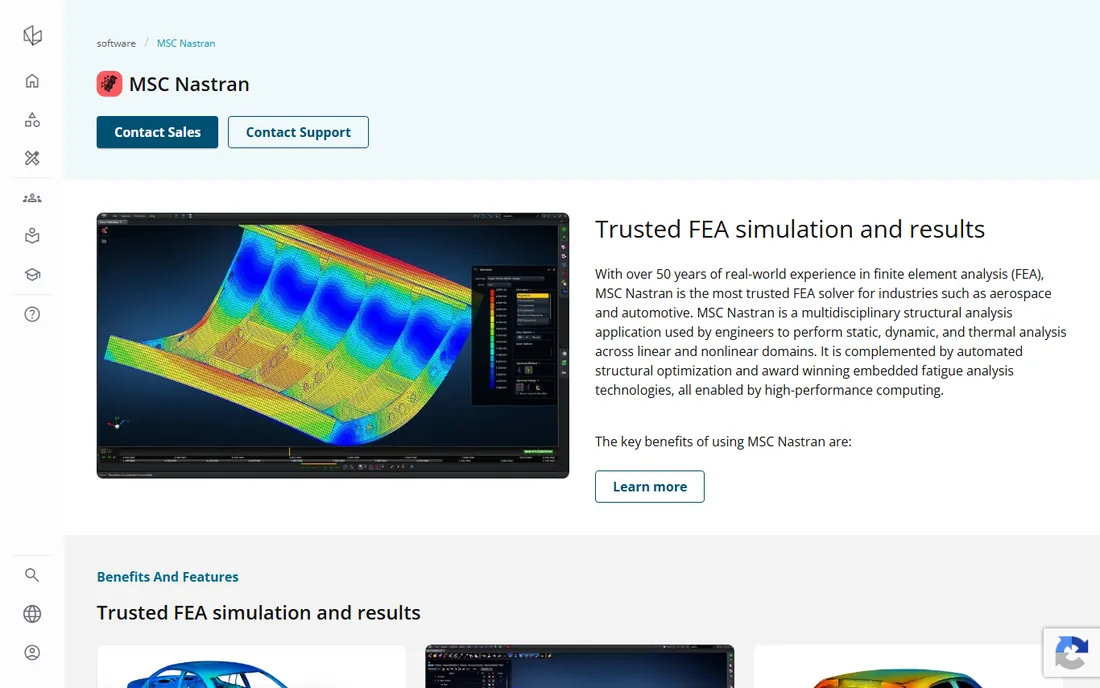
MSC Nastran, now part of Hexagon's Manufacturing Intelligence division, is the solver with the longest track record in the industry. For more than 50 years it has been the trusted structural analysis engine in aerospace and automotive, handling static, dynamic, and thermal analysis across linear and nonlinear domains, with built-in structural optimization and fatigue analysis.
It is a solver first and a user experience second: most teams pair it with a pre- and post-processor like MSC Apex or Patran. There is no free trial or free version, and pricing goes through Hexagon's sales team. But when certification, heritage, and absolute trust in results matter, as they do in aerospace structures, MSC Nastran remains the name on the analysis report.
What we like- Over 50 years of trusted solver heritage
- Standard in aerospace and automotive
- Strong optimization and fatigue tools
Watch out for- Quote-based pricing with no free trial
- Solver-focused with separate pre/post tools
- Interface shows its age
How we chose
We selected FEA tools with genuine professional standing in 2026: solvers and platforms used in real engineering organizations, with current vendor pages we could verify. We covered the full spectrum from enterprise flagships to CAD-integrated tools to cloud alternatives, so the list serves both specialist analysts and design engineers. We excluded defunct products and noted major ownership changes, such as Siemens' acquisition of Altair, rather than listing acquired products separately. Pricing in this category is almost entirely quote-based, so we say so plainly instead of repeating third-party estimates. We did not run hands-on tests; this ranking reflects documented capabilities, industry adoption, and vendor positioning.
Match the solver to the problem, not the brand
The biggest mistake in FEA procurement is buying the most powerful solver for routine work, or the most convenient tool for a problem it cannot handle. Start from the physics: linear statics on machined parts is a CAD-integrated tool's job; crash, nonlinear contact, and advanced materials belong to Abaqus or ANSYS; coupled thermal-fluid-structural problems point to COMSOL or Simcenter; and certification-grade aerospace structures often specify MSC Nastran by name.
Then consider the people. A dedicated analysis team can extract full value from ANSYS or Abaqus; a design team without analysts will get more done with SOLIDWORKS Simulation, Fusion, or SimScale. The software cost is usually smaller than the cost of the engineers running it, so buy the tool your team can actually use well. Pilot projects with real models beat feature checklists every time: every vendor here offers trials or evaluations, so test with your geometry before committing.
The shift toward cloud and AI-assisted simulation
Two forces are reshaping FEA. The first is cloud computing, which SimScale pioneered and every major vendor now offers in some form. Cloud solving removes the workstation arms race and lets small teams run analyses that once needed an HPC cluster, though data sensitivity and per-run costs keep desktop solvers relevant for heavy users.
The second is AI, arriving as surrogate models trained on simulation data, automated meshing assistance, and guided workflows. These tools speed up routine analyses and help non-specialists get reasonable results, but they do not replace engineering judgment: a converged solution to the wrong model is still the wrong answer. The fundamentals have not changed. Mesh quality, boundary conditions, and validation against test data decide whether FEA results can be trusted, regardless of which logo is on the splash screen.
Frequently asked questions
What is the difference between ANSYS and Abaqus?
Both are enterprise FEA leaders. ANSYS Mechanical offers broader multiphysics coverage across structural, fluid, thermal, and electromagnetic domains in one ecosystem. Abaqus is widely considered stronger for deeply nonlinear analysis, complex contact, and advanced material modeling. Many large organizations use both for different problem types.
Is there free FEA software worth using?
Yes. SimScale offers a free community plan with cloud-based FEA, CFD, and thermal simulation. ANSYS and Abaqus both provide free student versions for learning. Open-source options like CalculiX and Code_Aster are capable but require more expertise to set up and use effectively.
How much does FEA software cost?
Enterprise tools like ANSYS Mechanical and Abaqus are quote-based and typically cost tens of thousands of dollars per seat annually, with perpetual options historically higher. CAD-integrated tools like SOLIDWORKS Simulation are cheaper as add-ons, Fusion offers affordable subscriptions with free tiers, and SimScale scales with usage. Always get a formal quote for your configuration.
Which FEA software is best for beginners?
Autodesk Fusion and SOLIDWORKS Simulation are the most approachable, since they live inside CAD environments engineers already know. SimScale's browser-based interface and free community plan make it the easiest to try without investment. ANSYS and Abaqus reward training but have the steepest learning curves.
Do I need a powerful workstation for FEA?
For large models on desktop solvers, yes: multi-core CPUs, ample RAM, and fast storage materially affect solve times. This is one of SimScale's main advantages, since solving happens on cloud HPC and your local machine only needs to run a browser. GPU acceleration is increasingly supported for certain solver types.
Can FEA replace physical testing?
No. FEA reduces the number of physical prototypes and helps optimize designs before testing, but results must be validated against real test data, especially for safety-critical applications. Regulators in aerospace, automotive, and medical devices require physical validation regardless of simulation quality.
Sources we checked (8)
- https://www.ansys.com/
- https://www.3ds.com/products/simulia/
- https://www.comsol.com/
- https://www.solidworks.com/
- https://www.autodesk.com/products/fusion-360/overview
- https://www.sw.siemens.com/
- https://www.simscale.com/
- https://nexus.hexagon.com/home/product/msc-nastran/
Is your product missing or out of date?
We review this list regularly. Vendors can request a listing, send updated pricing or ask about featured placement.

Shihab Mia · Founder, Rankite
Shihab has spent more than a decade helping SaaS and e-commerce brands grow through search. He writes Rankite's software buying guides from pricing pages, documentation and public user reviews. More about Shihab.