How we make this list: we compare pricing pages, product documentation and public user reviews. Rankite is independent; if a vendor ever pays for a featured spot, that listing is clearly labeled Partner.
Key takeaways
- Meta Business Suite is free and covers the essentials: reach, engagement, and audience data straight from the source.
- Sprout Social and Hootsuite add cross-network reporting that puts Facebook performance next to Instagram, X, and LinkedIn.
- Emplifi and Rival IQ specialize in competitive benchmarking: see how your page stacks up against rivals.
- Agorapulse and Buffer pair solid Facebook analytics with the publishing workflows teams already use.
- Keyhole tracks hashtags and campaigns across Facebook and beyond for campaign-specific measurement.
Quick comparison
| Tool | Best for | Starting price | Free plan |
|---|
 Meta Business Suite Meta Business Suite | free native analytics | Free | Yes |
 Sprout Social Sprout Social | cross-network reporting | See website | Free trial |
 Hootsuite Hootsuite | analytics plus management | See website | Free trial |
 Emplifi Emplifi | competitive benchmarking | See website | No |
 Rival IQ Rival IQ | competitor analysis | See website | Free trial |
 Agorapulse Agorapulse | analytics with engagement | See website | Free trial |
 Buffer Buffer | simple analytics with scheduling | See website | Yes |
 Keyhole Keyhole | hashtag and campaign tracking | See website | Free trial |
Is your product missing or out of date?
We review this list regularly. Vendors can request a listing, send updated pricing or ask about featured placement.
Starting priceFree
Free planYes
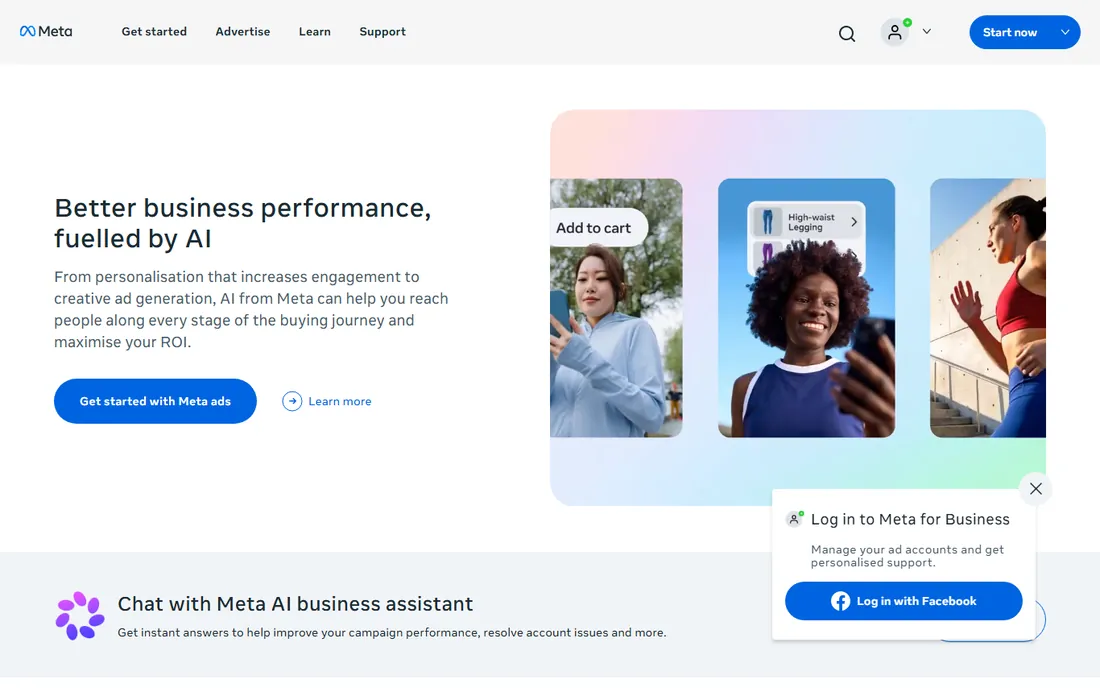
Start here before paying for anything. Meta Business Suite's Insights cover reach, engagement, follower growth, and content performance with the most accurate data available, since it comes from Meta itself. Every page admin gets it free, and it handles the fundamentals well.
The limitations are real: no competitor benchmarking, clunky exports, and an interface Meta redesigns without warning. But for understanding your own page's performance, the native tool is both free and authoritative. Add a paid tool only when you need what it cannot do: competitors, cross-network reports, or client-ready exports.
What we like- Free forever
- Data straight from Meta
- Covers Facebook and Instagram
Watch out for- Interface changes often
- Competitive data unavailable
Starting priceSee website
Free planFree trial
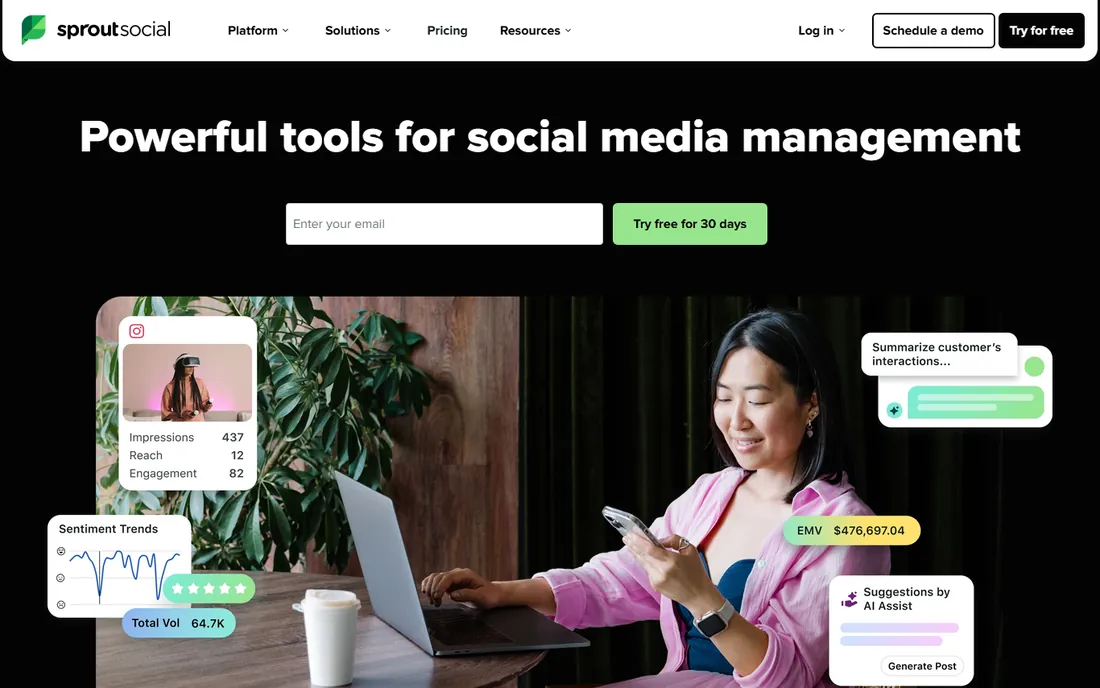
Sprout Social's reporting justifies its price for teams that answer for social performance. Facebook metrics sit alongside Instagram, X, LinkedIn, and TikTok in unified reports, with paid and organic performance separated properly. The exports look professional enough for client decks and board meetings.
It is a full management platform, so analytics-only buyers pay for publishing and engagement features they may not use. But most teams that buy Sprout for analytics end up using the rest. If Facebook is one of several networks you report on, Sprout's unified view beats stitching native tools together.
What we like- Best-in-class reports
- Facebook plus all networks
- Presentation-ready exports
Watch out for- Premium pricing
- More than analytics-only buyers need
Starting priceSee website
Free planFree trial
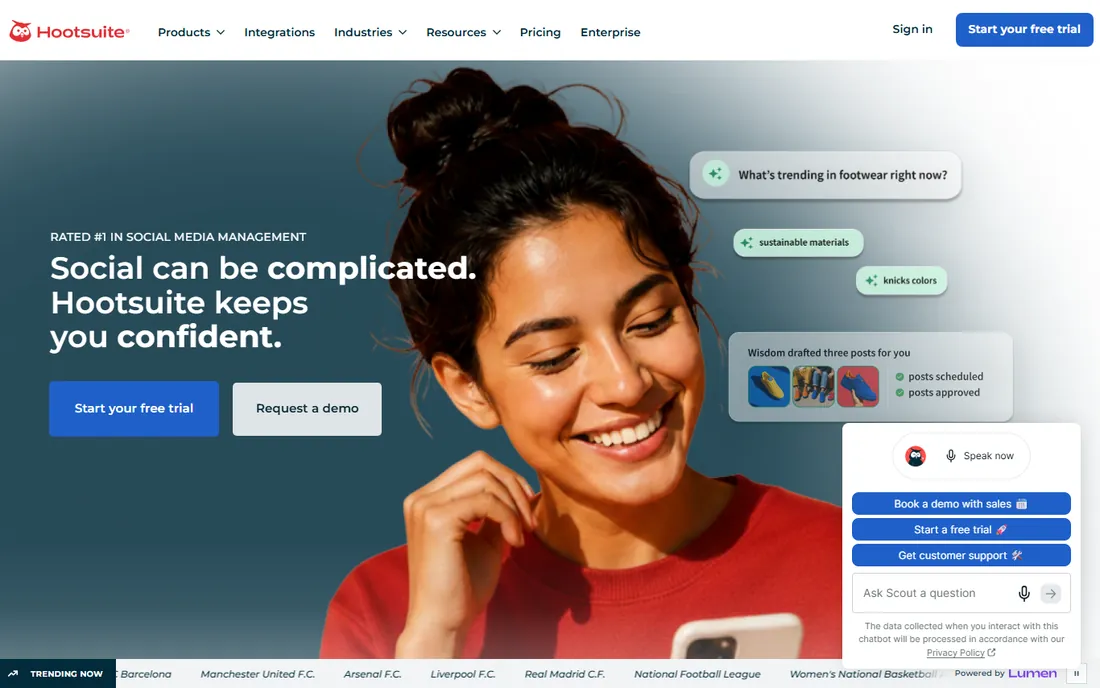
Hootsuite Analytics tracks Facebook performance within the broader management platform: scheduled posts, engagement, and team activity all feed the same dashboards. Custom report builders let agencies create branded client reports mixing Facebook data with other networks.
The most useful analytics features sit above the entry tier, which frustrates buyers who came for reporting. But teams already managing Facebook in Hootsuite get capable analytics without a second subscription. Evaluate it as a platform decision: management plus analytics together, or a dedicated analytics tool.
What we like- Analytics across networks
- Customizable dashboards
- Team workflows
Watch out for- Best reports need higher tiers
- Interface complexity
Starting priceSee website
Free planNo
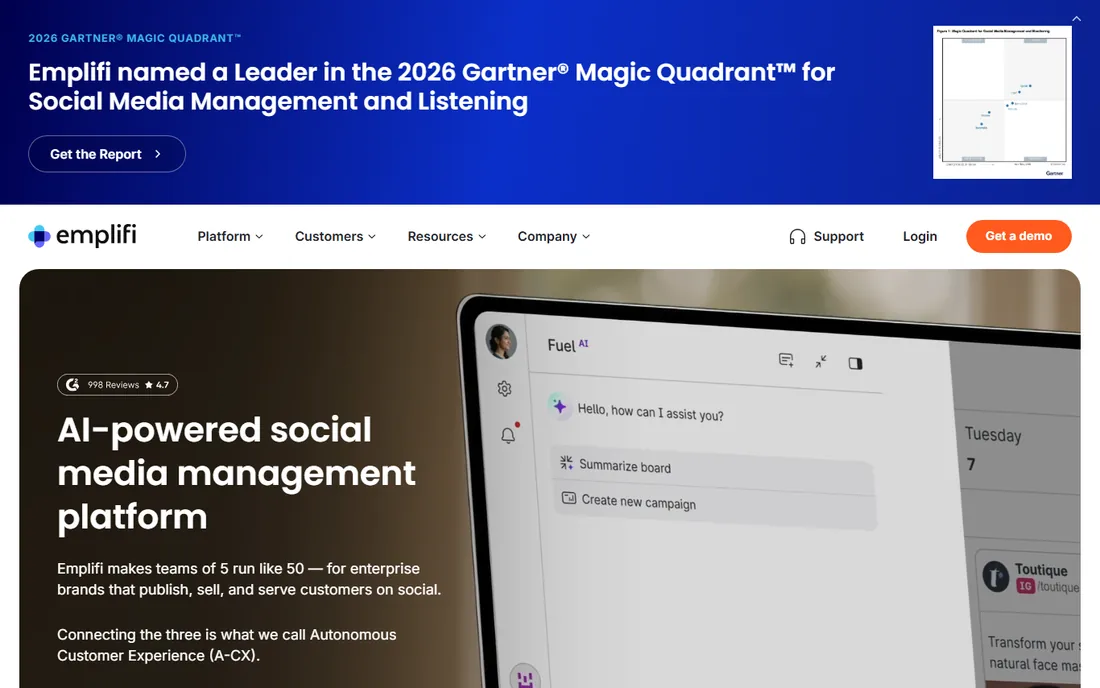
Emplifi, built from the Socialbakers acquisition, specializes in knowing how you compare. Benchmark your Facebook page against competitors on engagement, growth, content performance, and response times, with the data depth enterprises need for serious social strategy. Content inspiration tools show what works in your industry.
Pricing is enterprise and the sales process matches. Small businesses managing a single page will not use enough to justify it. But brands competing in crowded categories, where knowing the competitor's content strategy matters, get intelligence native tools cannot provide.
What we like- Deep competitive intelligence
- Content benchmarking
- Enterprise-grade
Watch out for- Enterprise pricing
- Overkill for small pages
Starting priceSee website
Free planFree trial
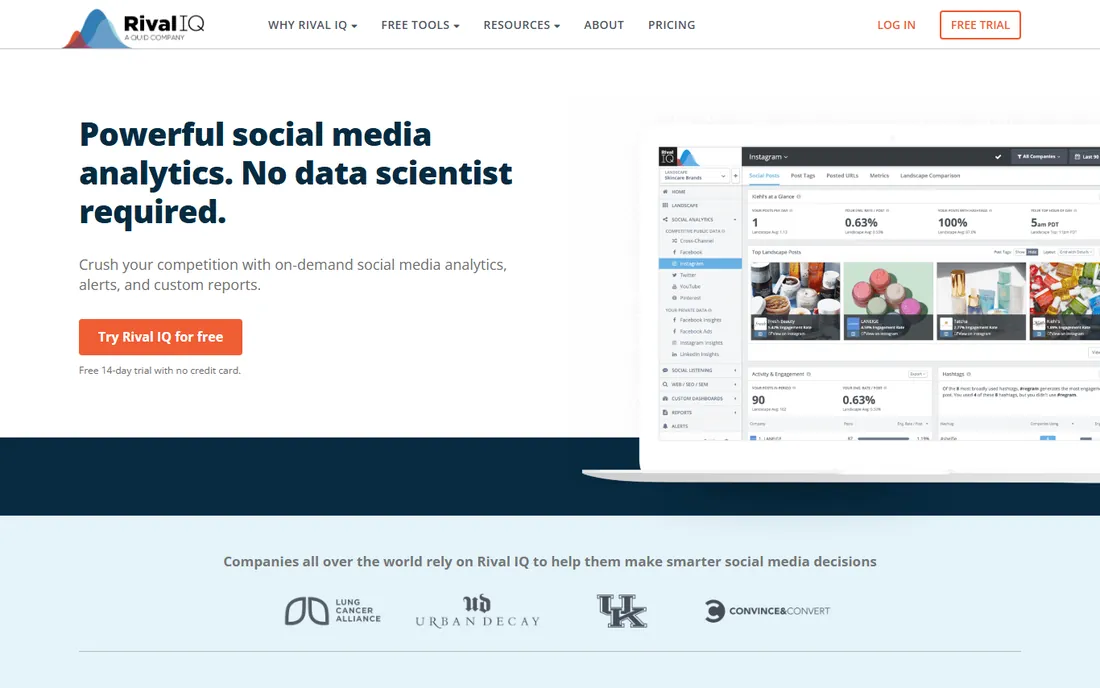
Rival IQ does one thing well: show you exactly how your Facebook presence compares to competitors'. Market reports benchmark a whole competitive set on engagement, posting frequency, and growth, updated continuously. The head-to-head views make competitive gaps obvious.
It is a complement, not a complete analytics suite. Pair it with native insights or a management platform for your own page's deep data. But for the specific question "are we winning on Facebook versus our competitors," Rival IQ answers more directly than any general tool.
What we like- Head-to-head competitor tracking
- Market reports
- Easy to use
Watch out for- Narrower feature set
- Best as a complement
Starting priceSee website
Free planFree trial
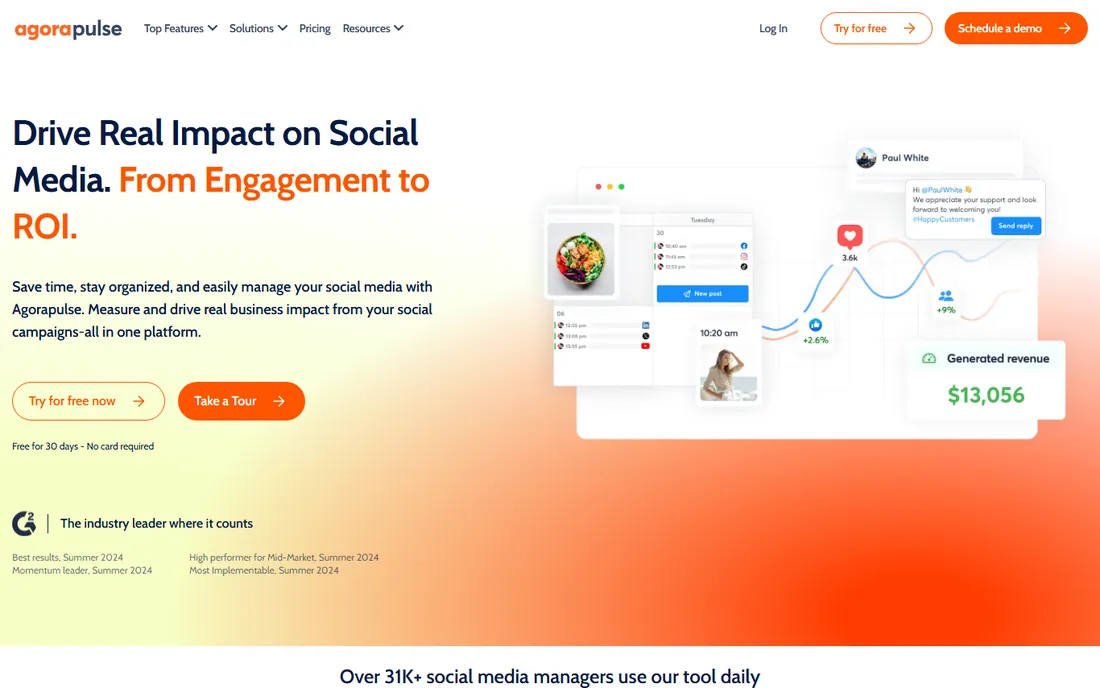
Agorapulse pairs respectable Facebook analytics with the engagement tools community managers need. Reports cover the essentials: reach, engagement, follower growth, and best times to post, while the inbox handles the comments the analytics reveal. The value per dollar is strong for small and mid-size teams.
Competitive benchmarking is basic compared to Emplifi or Rival IQ. But most businesses need their own performance data plus the ability to act on it, which Agorapulse delivers in one subscription. It is the practical pick for teams that manage Facebook daily.
What we like- Solid Facebook reports
- Unified inbox included
- Good value
Watch out for- Benchmarking basic
- Enterprise features limited
Starting priceSee website
Free planYes
Buffer's analytics match its philosophy: simple, clear, and enough for most small businesses. Post performance, engagement summaries, and audience insights appear in the same clean interface as the scheduler. The free tier includes basic analytics.
Do not expect depth. No competitor tracking, limited historical analysis, basic exports. But teams that schedule in Buffer get usable Facebook performance data without another tool or another bill. When the question is "did that post work," Buffer answers it.
What we like- Clean simple reports
- Free tier
- Easy to understand
Watch out for- Analytics are basic
- No competitive data
Starting priceSee website
Free planFree trial
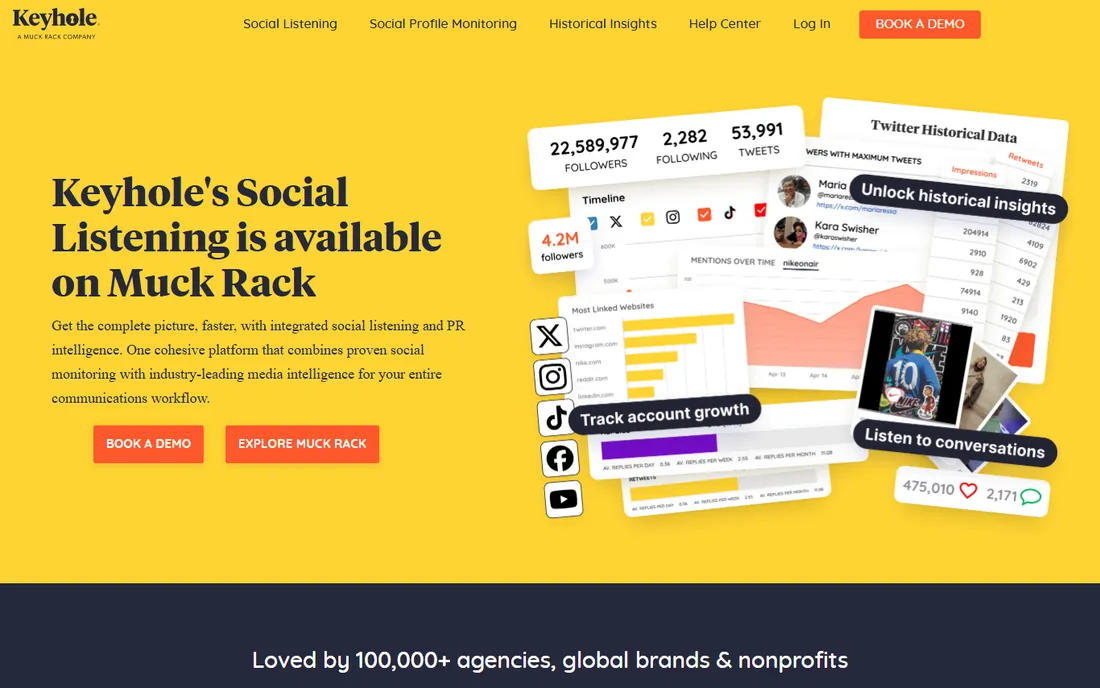
Keyhole tracks what happens around campaigns: hashtags, keywords, and accounts across Facebook and other networks in real time. Launch a campaign hashtag and watch volume, sentiment, reach, and top contributors on a live dashboard. Agencies running campaigns and events get the measurement clients ask for.
It is not a page analytics tool. For ongoing page performance, use anything else here. But campaign-specific tracking is a distinct job, and Keyhole does it better than general platforms' hashtag features. Buy it for the campaign, keep it if campaigns are your business.
What we like- Real-time hashtag tracking
- Campaign dashboards
- Influencer metrics
Watch out for- Niche use case
- Not a full analytics suite
Metrics that actually matter
Vanity metrics mislead. Follower count grows while engagement dies; reach without engagement means the algorithm has stopped favoring you. Track engagement rate per follower over time, link click-through on posts meant to drive traffic, and negative feedback (hides and unlikes) that signals content problems.
For businesses, connect Facebook metrics to business outcomes. Use UTM parameters on every link, track conversions in your analytics platform, and report cost per result on paid campaigns. The best Facebook analytics setup is the one that answers "did this make money" rather than "did this get likes."
The iOS privacy caveat
Apple's privacy changes reduced the accuracy of Facebook's conversion tracking and attribution. Expect discrepancies between Meta's reported conversions and your own analytics. Use modeled data directionally, lengthen attribution windows for considered purchases, and validate with holdout tests when budgets justify it.
Third-party tools cannot fix what Meta itself cannot see. They add value in benchmarking, reporting, and workflow, not in recovering lost tracking data. Set stakeholder expectations accordingly: directional accuracy, not precise attribution.
Frequently asked questions
What happened to Facebook Analytics?
Meta discontinued the standalone Facebook Analytics product, folding its features into Meta Business Suite. Page admins now use Business Suite's Insights for native analytics. The tools on this list supplement or replace that native functionality.
Is there a free Facebook analytics tool?
Yes. Meta Business Suite is free and covers core page analytics. Buffer's free tier includes basic analytics. For competitor data or advanced reporting you will need paid tools, but most small businesses can start free.
How do I track competitors on Facebook?
Use Emplifi or Rival IQ for dedicated competitive benchmarking. Meta Business Suite's "Pages to Watch" offers basic competitor tracking free. No tool shows competitors' private data like ad spend; benchmarking covers public metrics like engagement and growth.
What is a good engagement rate on Facebook?
It varies wildly by industry and page size, but most pages see 1-5% engagement per post relative to followers, with smaller pages typically higher. Benchmark against your own history and direct competitors rather than universal standards. Trend direction matters more than absolute numbers.
How do I prove Facebook ROI?
Tag all links with UTM parameters, track conversions in Google Analytics or your CRM, and compare against spend for paid campaigns. For organic, correlate posting activity with traffic and lead trends. Report business metrics, leads and revenue, alongside social metrics.
Reporting cadence that stakeholders read
Analytics only matter if someone acts on them. Build a reporting rhythm matched to decisions: weekly snapshots for the social team covering content performance and community health, monthly summaries for marketing leadership tying social to traffic and leads, quarterly reviews for executives focused on ROI and competitive position.
Each report should answer three questions: what happened, why it matters, and what changes next. Lead with the insight, not the metric; nobody remembers that reach grew 12 percent, but everyone remembers that video posts drive three times the profile visits of link posts. Automate the data collection with scheduled reports from your analytics tool, and spend the saved time on the interpretation that actually changes strategy.
Benchmarking against competitors
Competitor benchmarks turn your metrics from numbers into strategy. Track three to five direct competitors consistently, not dozens sporadically. Compare engagement rates rather than raw follower counts; a smaller page with passionate followers often outperforms a large passive audience. Note posting cadence and content mix alongside performance: the goal is understanding what works, not just who wins.
Look for gaps, not just leaders. A competitor ignoring video, neglecting community management, or posting inconsistently reveals openings. Track share of voice in your niche over quarters rather than weeks; real competitive shifts move slowly. And benchmark aspirationally too: one or two brands outside your industry whose social execution you admire can inspire tactics competitors have not tried. The point of benchmarking is finding your next move, not admiring someone else's numbers.
How we chose
We covered the real analytics jobs: native insights, cross-network reporting, competitive benchmarking, and campaign tracking. We verified each vendor's current site, compared feature depth and pricing, and weighed practitioner feedback. We included the free native tool first because most buyers should start there. No vendor paid for placement, and we did not claim hands-on testing.
How often should I check Facebook analytics?
Weekly for content decisions: which posts worked guides next week's calendar. Monthly for strategic review: audience growth, engagement trends, and competitive position. Quarterly for ROI assessment tied to business outcomes. Daily checking creates noise without insight; the metrics that matter move on weekly and monthly cycles. Set up automated reports for the routine numbers and reserve manual analysis for the monthly deep dive.
Sources we checked (8)
- https://www.facebook.com/business
- https://sproutsocial.com
- https://www.hootsuite.com
- https://emplifi.io
- https://www.rivaliq.com
- https://www.agorapulse.com
- https://buffer.com
- https://keyhole.co
Is your product missing or out of date?
We review this list regularly. Vendors can request a listing, send updated pricing or ask about featured placement.

Shihab Mia · Founder, Rankite
Shihab has spent more than a decade helping SaaS and e-commerce brands grow through search. He writes Rankite's software buying guides from pricing pages, documentation and public user reviews. More about Shihab.