How we make this list: we compare pricing pages, product documentation and public user reviews. Rankite is independent; if a vendor ever pays for a featured spot, that listing is clearly labeled Partner.
Key takeaways
- AuthoredUp ($19.95/month) is the best pure analytics-plus-writing combo: deep post analytics with a 14-day trial and no card required.
- Taplio ($39/month) adds AI research, a viral-post database and lead features on top of analytics; it is the all-in-one pick.
- Supergrow ($19/month) is the budget AI option for creators who want writing help plus analytics in one subscription.
- Buffer ($5 per channel per month, with a free tier) and Hootsuite ($99 per user per month) cover LinkedIn analytics as part of multi-platform scheduling.
- Two once-popular tools are gone: Shield App is winding down and Inlytics no longer exists standalone, so beware outdated recommendations.
Quick comparison
| Tool | Best for | Starting price | Free plan |
|---|
 AuthoredUp AuthoredUp | Creators who want the best editor plus deep analytics | $19.95 per month ($16.63 per month billed annually) | Free trial |
 Taplio Taplio | The full LinkedIn loop in one subscription | $39 per month ($32 per month billed annually) | Free trial |
 Supergrow Supergrow | AI-assisted LinkedIn content on a budget | $19 per month ($16 per month billed annually) | Free trial |
 MagicPost MagicPost | Seeing exactly how your post will render | $35 per month ($21 per month billed annually) | Free trial |
 ContentIn ContentIn | Flat-price unlimited AI ghostwriting | $39 per month | Free trial |
 Socialinsider Socialinsider | Benchmarking against competitors | $99 per month | Free trial |
 Buffer Buffer | LinkedIn analytics inside cheap multi-platform scheduling | $5 per channel per month | Yes |
 Hootsuite Hootsuite | Enterprise teams with approval workflows | $99 per user per month (billed annually) | Free trial |
Is your product missing or out of date?
We review this list regularly. Vendors can request a listing, send updated pricing or ask about featured placement.
Starting price$19.95 per month ($16.63 per month billed annually)
Free planFree trial
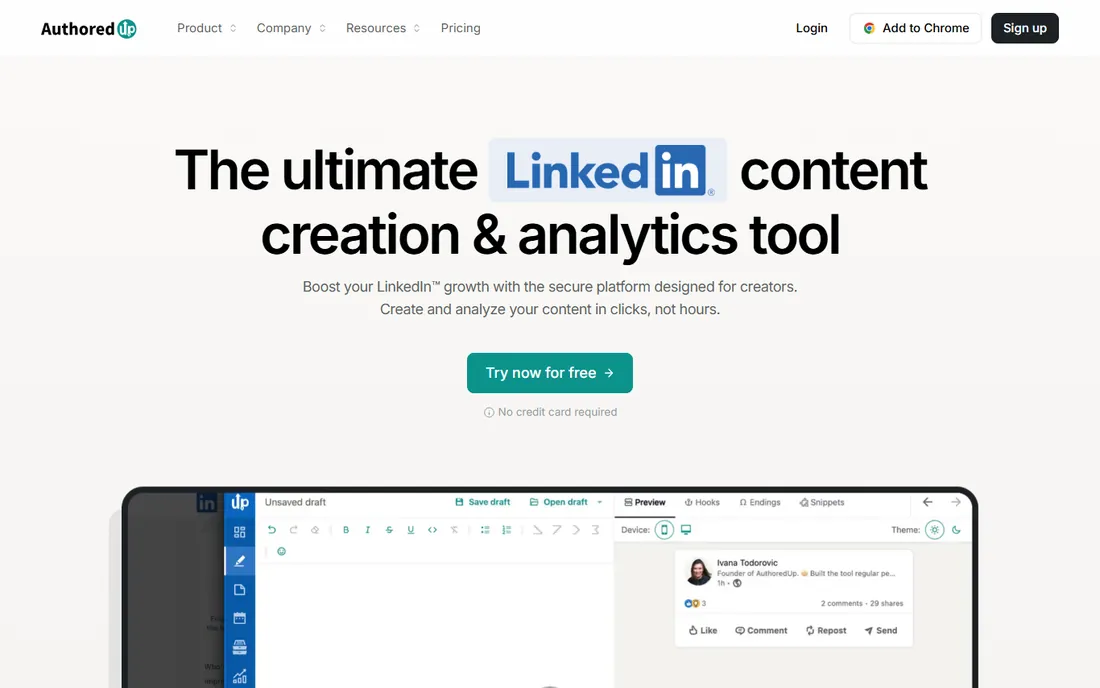
AuthoredUp deliberately does not generate your posts with AI. Instead it gives you the best formatting editor on LinkedIn, exact post previews, and analytics that go beyond LinkedIn's native numbers: per-post performance breakdowns, follower growth attribution and content pattern analysis. The 14-day trial needs no credit card, which makes evaluation painless.
Pricing is $19.95 per month ($16.63 billed annually), per profile, which is clean math for ghostwriters and agencies managing several accounts. Company page analytics are included free. The tradeoff is scope: if you want AI drafts, research data or engagement tools, you will need a second product.
Pick AuthoredUp when you write your own posts and want craft tools plus numbers, without AI in the loop.
What we like- Excellent post analytics and previews
- 14-day trial with no card
- Per-profile pricing scales for ghostwriters
Watch out for- No AI writing generation
- LinkedIn-only
Starting price$39 per month ($32 per month billed annually)
Free planFree trial
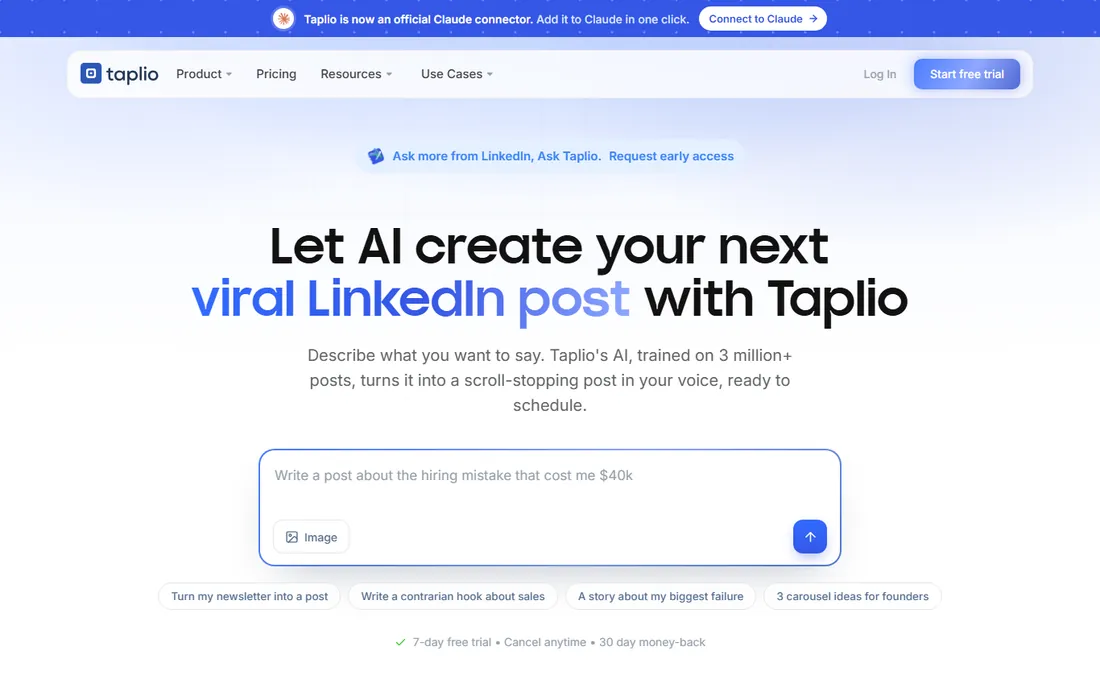
Taplio's bet is that research plus drafting plus analytics beats craft alone. Its database of millions of viral posts shows which angles already performed in your niche before you write; the AI drafts from those patterns plus your own post history. After publishing, benchmark analytics compare your numbers against similar accounts, and higher tiers add lead-generation features.
The base plan is $39 per month ($32 annually), with AI writing features stepping up from $69 per month. A 7-day trial covers the full Pro tier. The honest caveat: AI first drafts save time on blank-page weeks but need real editing, and the price reflects a platform, not a utility.
Choose Taplio when you want one subscription covering ideas, drafts, scheduling, engagement and analytics.
What we like- Viral-post research database
- AI drafting grounded in your history
- Benchmark analytics and lead features
Watch out for- More expensive than pure analytics tools
- AI writing quality varies by niche
Starting price$19 per month ($16 per month billed annually)
Free planFree trial
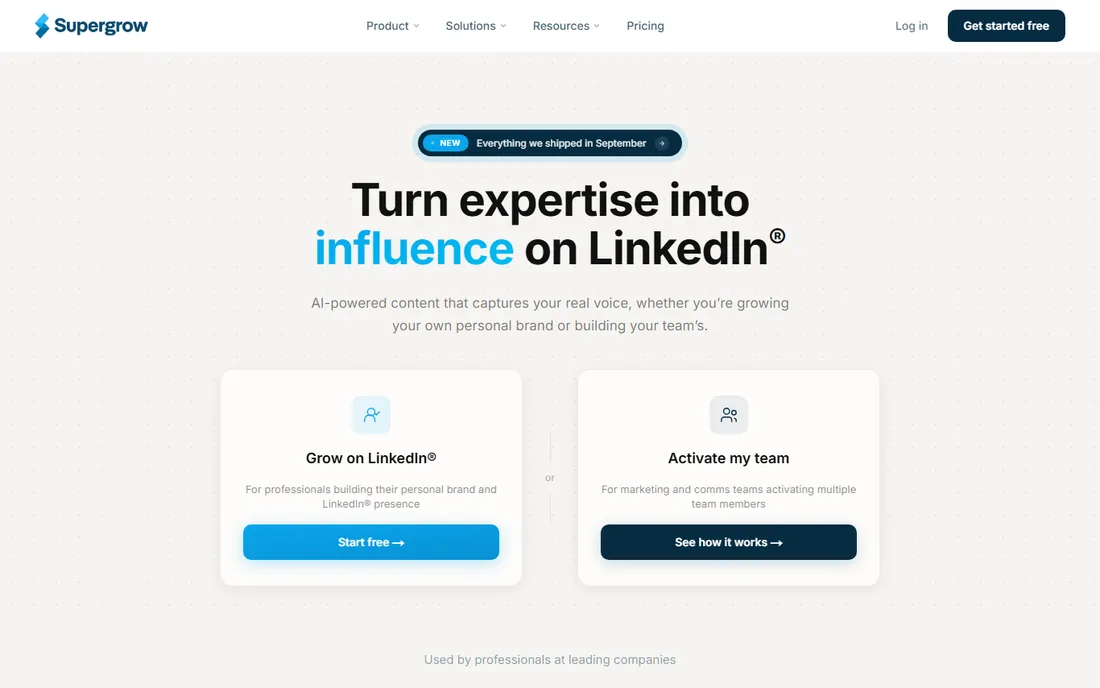
Supergrow positions itself as the budget alternative to the AI writing platforms: voice-trained post generation plus an analytics layer, from $19 per month ($16 annually). For creators who want AI help writing without paying $39 or more, it is the obvious first stop.
The 7-day trial is the evaluation window, and there is no free plan beyond it. The analytics are solid for the price but not as deep as AuthoredUp's craft-focused breakdowns or Taplio's benchmark comparisons. It is a writing tool with analytics, not an analytics tool with writing.
It fits solo creators and freelancers who post regularly and want AI assistance cheaply.
What we like- Voice-matched AI writing
- Analytics layer included
- Half the price of Taplio's base plan
Watch out for- 7-day trial only
- Smaller feature set than the all-in-one platforms
Starting price$35 per month ($21 per month billed annually)
Free planFree trial

MagicPost's distinctive feature is the preview: you see exactly how your post will render on LinkedIn, including formatting, before you publish. Combined with simple AI post generation, it covers the write-and-check loop for creators who obsess over presentation. Pricing is $35 per month, or $21 per month billed annually, with a no-card trial.
The analytics side is functional but lighter than AuthoredUp or Taplio; this is a creation tool first. It is also LinkedIn-only, so cross-platform creators need something else for other networks.
Pick it when post presentation matters to you and you want the cheapest path to AI-assisted writing with accurate previews.
What we like- Pixel-accurate post previews
- Simple AI generation
- Trial needs no card
Watch out for- Analytics are lighter than the specialists
- LinkedIn-only
Starting price$39 per month
Free planFree trial
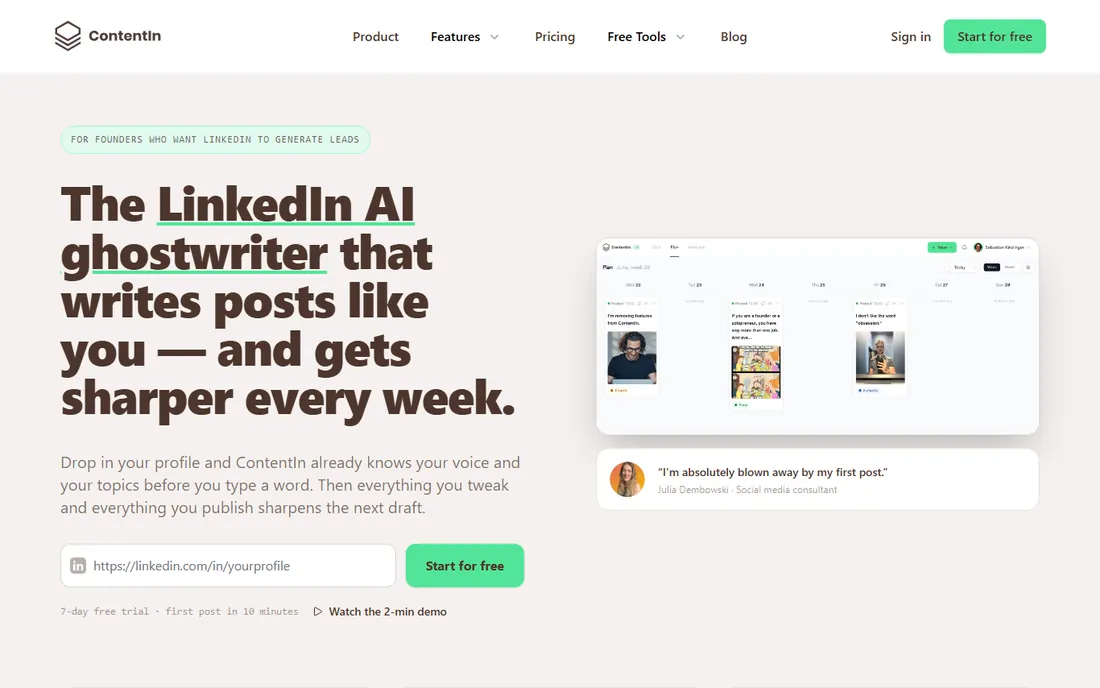
ContentIn's pitch is simplicity: $39 per month, flat, for AI ghostwriting trained on your writing style plus scheduling. No credit meters, no per-post limits to model. A free trial lets you test whether the voice training actually sounds like you before paying.
The analytics exist but are not the product's center; if deep performance analysis is the priority, AuthoredUp or Taplio serve better. There is also no permanent free tier beyond the trial.
It suits founders and executives who want a ghostwriter-like workflow at a flat monthly price.
What we like- Flat pricing with unlimited posting
- AI trained on your style
- Free trial to start
Watch out for- No free plan
- Analytics less deep than the analytics-first tools
Starting price$99 per month
Free planFree trial
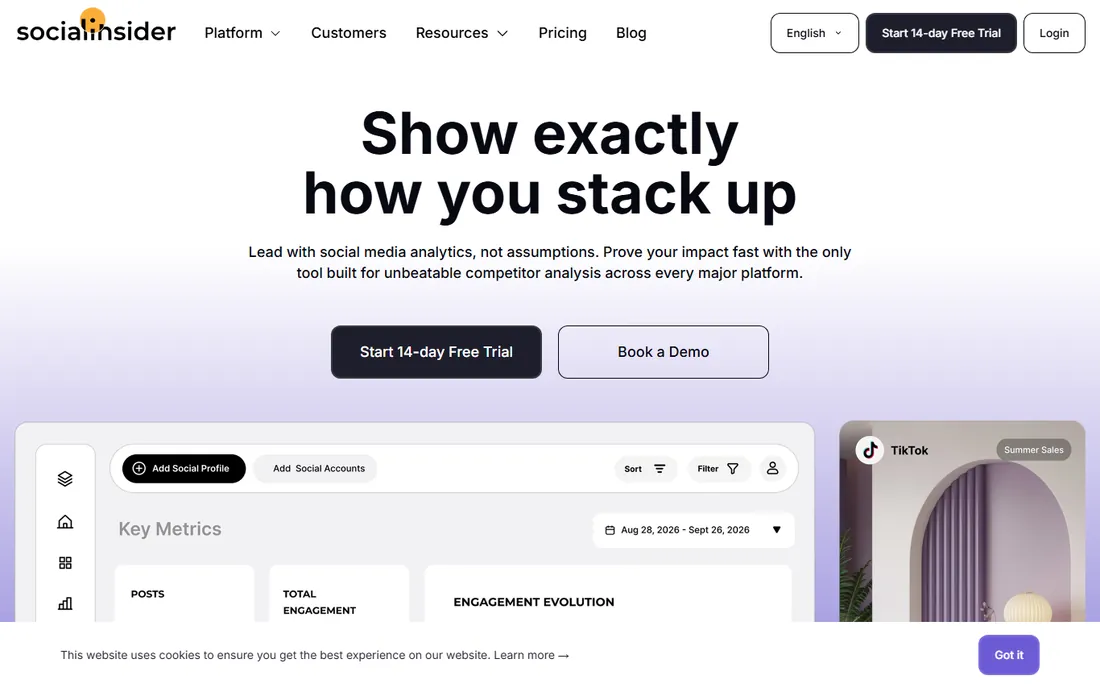
Socialinsider answers a different question from the rest: not "how did my post do" but "how do we compare to competitors." Its benchmarking across brands and company pages is the deepest in this group, which is why agencies and brand teams pay $99 per month for it. A 14-day trial is available.
The tradeoff is the audience: this is a company-page and brand tool, not a personal creator tool. Solo creators will find it expensive and oversized. For marketing teams reporting LinkedIn performance against competitors, the benchmarking justifies the price.
Choose it when competitive context, not personal post analytics, is the job.
What we like- Strong competitive benchmarking
- Multi-brand reporting
- Company page focus
Watch out for- Highest entry price here
- Personal profile analytics are not the focus
#7
Buffer
Best for: LinkedIn analytics inside cheap multi-platform scheduling
Visit buffer.com
Starting price$5 per channel per month
Free planYes
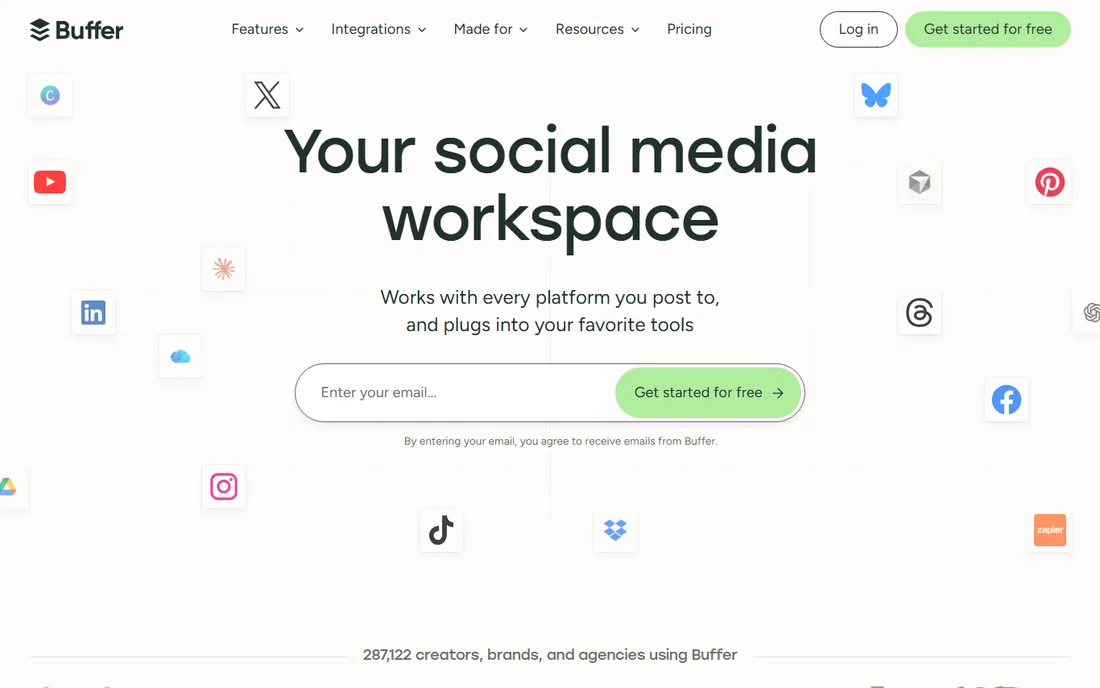
Buffer is not a LinkedIn analytics specialist; it is a scheduler with usable post stats, and that is exactly why it belongs here. The free tier covers 3 channels, and paid plans run $5 per channel per month, which makes it the cheapest way to get scheduled posting plus basic LinkedIn performance data across networks.
The analytics will not tell you which hook worked or how you benchmark against your niche. But for a small business that posts to LinkedIn, X and Instagram from one place, Buffer's stats answer "did it work" well enough at a fraction of specialist prices.
Pick Buffer when LinkedIn is one of several channels and simplicity beats depth.
What we like- Genuine free tier (3 channels)
- Cheapest paid path
- Simple and reliable
Watch out for- Analytics are basic compared to LinkedIn-first tools
- Per-channel pricing adds up
Starting price$99 per user per month (billed annually)
Free planFree trial
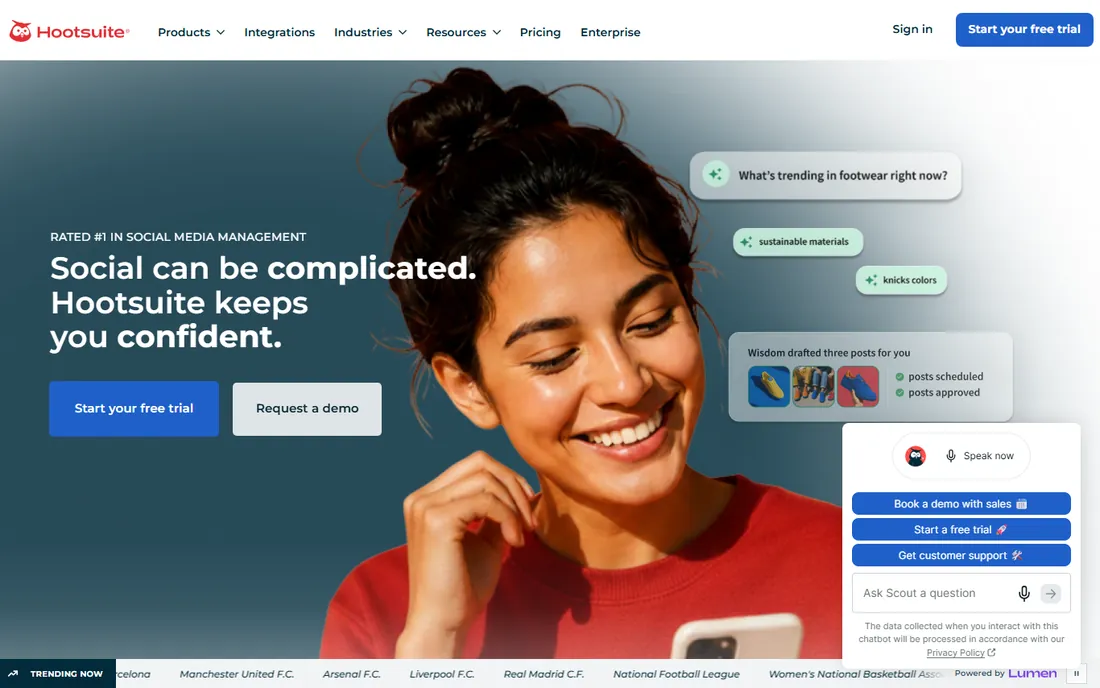
Hootsuite is the enterprise answer: team seats, approval workflows, broad social network coverage and analytics dashboards, from $99 per user per month billed annually. Large marketing teams that need governance around social publishing keep choosing it despite the price.
For an individual creator, it is poor value: the per-user price buys less LinkedIn-specific insight than AuthoredUp at a fifth of the cost. The 14-to-30-day trial (terms vary) lets teams validate the workflow before committing.
It fits organizations where multiple people touch social content and compliance matters more than per-post analytics depth.
What we like- 30-day trial
- Team collaboration and approvals
- Broad network coverage
Watch out for- Expensive for individuals
- Analytics depth per dollar lags the specialists
Two names still appear in older "best LinkedIn analytics" articles: Shield App (winding down) and Inlytics (no longer a standalone product). If a recommendation list includes them without dates, the list is stale. Before buying any analytics tool, check that the company is actively shipping: look at the changelog or blog date, and confirm the pricing page loads with current plans. The LinkedIn API changes regularly, and tools that stop maintaining their integration break quietly.
How we chose
We verified each tool is an active product in 2026 and excluded discontinued ones (Shield, Inlytics, Keyhole). Pricing comes from vendor pricing pages as corroborated by current third-party comparisons that read those pages directly; where figures conflicted we used the most recent. Free trials and free tiers were checked against vendor documentation. We weighted each tool for LinkedIn-specific analytics depth (post-level insights, benchmarking, follower analysis) rather than generic social dashboards. No hands-on testing was performed.
Frequently asked questions
Are LinkedIn's built-in analytics enough?
For casual posting, yes. For growth, no: native analytics lack hook-level analysis, non-follower reach breakdowns and benchmarking. The paid tools earn their price when you post multiple times a week and need to know what to repeat.
Which tool is best for a solo creator?
AuthoredUp at $19.95/month for analytics plus writing craft, or Supergrow at $19/month if you want AI writing help. Both have trials; test both for a week.
Do these tools work for company pages?
AuthoredUp, Socialinsider, Buffer and Hootsuite cover company pages well. Taplio and Supergrow focus on personal profiles. Check before buying if page analytics are your priority.
Will using these tools get my LinkedIn account restricted?
Tools that use LinkedIn's official API (scheduling, analytics) are safe. Tools that automate engagement or use browser extensions sit in a grayer area; keep automation conservative and never share your login credentials.
What happened to Shield App?
Shield App, once the best-known LinkedIn analytics dashboard, is winding down. Its former users generally move to AuthoredUp for analytics depth or Taplio for an all-in-one replacement.
Can I just use the free plans?
Buffer's free tier (3 channels) is genuinely useful. The LinkedIn-first tools are trial-only except for limited free options; expect to pay $19 to $39 per month for real analytics.
How do I know my LinkedIn numbers are actually good?
Raw impressions mislead: 10,000 impressions on 500 followers is excellent, on 50,000 followers it is not. Track engagement rate (engagements divided by impressions) and non-follower reach share over time instead of chasing impression totals. Taplio's benchmark analytics and AuthoredUp's per-post breakdowns both surface these ratios; LinkedIn's native dashboard buries them. Compare against your own past 90 days first, then against accounts your size.
Sources we checked (6)
- http://authoredup.com/blog/best-linkedin-analytics-tools
- http://authoredup.com/blog/shield-alternatives
- https://taplio.com/blog/taplio-vs-authoredup
- https://taplio.com/blog/taplio-alternatives
- https://taplio.com/blog/kleo-alternatives
- https://expandi.io/blog/linkedin-ai-tools/
Is your product missing or out of date?
We review this list regularly. Vendors can request a listing, send updated pricing or ask about featured placement.

Shihab Mia · Founder, Rankite
Shihab has spent more than a decade helping SaaS and e-commerce brands grow through search. He writes Rankite's software buying guides from pricing pages, documentation and public user reviews. More about Shihab.