How we make this list: we compare pricing pages, product documentation and public user reviews. Ratings come from G2, Capterra or Trustpilot, with the date we checked them.
Key takeaways
- The best check in app is the one that works offline, scans fast in bright light, and syncs across all doors without double counting a guest.
- Eventbrite Organizer and Ticket Tailor suit small and mid size events that already sell tickets on those platforms.
- Whova and Bizzabo suit conferences that also need an attendee app, agenda, and networking alongside check in.
- RegFox and TicketSpice suit organizers who care most about low per registrant fees and control over ticketing fees.
- Test check in with real phones, real QR codes, and a weak Wi-Fi signal before event day, because a demo on office Wi-Fi hides most failures.
Quick comparison
| Tool | Best for | Starting price | Free plan |
|---|
 Eventbrite Organizer Eventbrite Organizer | Ticketed events on Eventbrite | See website | Yes |
 Whova Whova | Conferences with an attendee app | See website | Free trial |
 Bizzabo Bizzabo | Large B2B conferences | See website | Free trial |
 Ticket Tailor Ticket Tailor | Low fee ticketing and check in | See website | Yes |
 Eventzilla Eventzilla | Simple registration and check in | See website | Free trial |
 RegFox RegFox | Low per registrant fees | $0.99 plus 1% per paid registrant | No |
 TicketSpice TicketSpice | Low per ticket fees | $0.99 per ticket | No |
Is your product missing or out of date?
We review this list regularly. Vendors can request a listing, send updated pricing or ask about featured placement.
The best event check in apps
Starting priceSee website
Free planYes
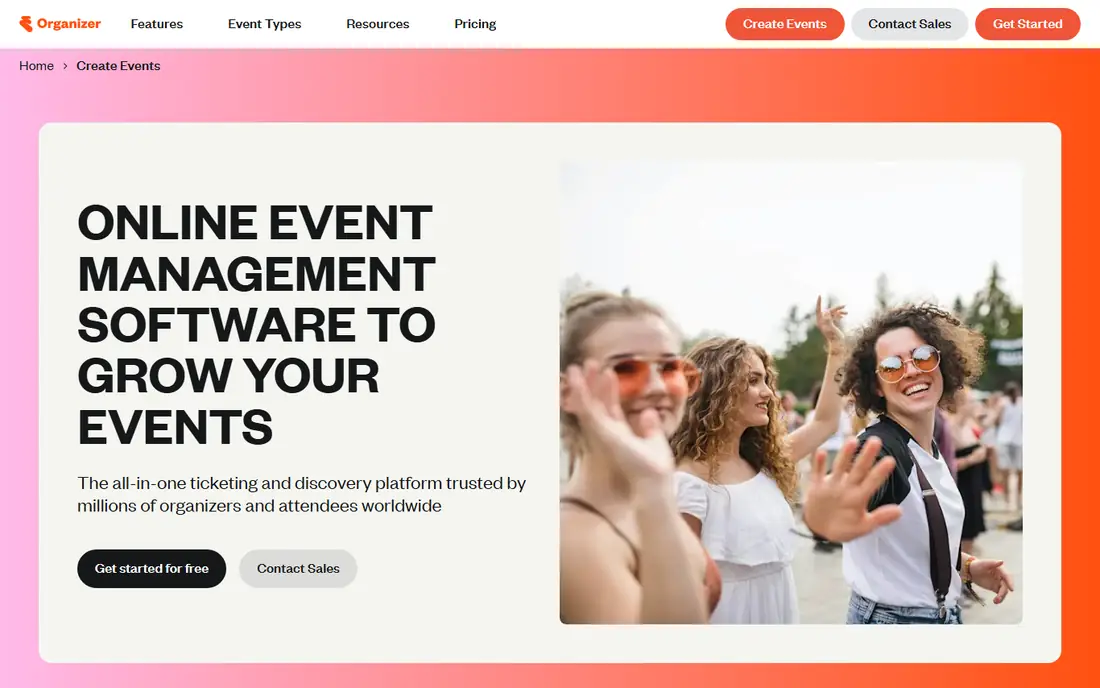
Eventbrite Organizer is the natural check in choice if you already sell tickets on Eventbrite. The organizer app scans tickets, checks guests in by name, sells tickets at the door, and shows live attendance data, so door staff do not need a separate scanner app and a separate sales tool. Publishing a free event costs nothing on the platform, which helps community events, classes, and small fundraisers that do not want a monthly subscription for a single evening.
The limit is platform lock in. Check in works best when tickets were sold through Eventbrite, and importing a guest list from another system takes extra setup. Fees for paid events, payout schedules, and marketing tools also vary, so read the pricing page for your event type before you publish. Eventbrite Organizer fits concerts, classes, festivals, and community events that sell through Eventbrite. It fits less well for a private corporate conference that needs badge printing, lead retrieval, and a branded attendee app in one enterprise package.
What we like- Check in, door sales, and live data in one organizer app
- Large attendee marketplace
- Free event publishing
Watch out for- Fees and payout rules vary by plan and event type
- Advanced features need higher tiers
#2Whova
Best for: Conferences with an attendee app4.8/5 on
G2 (1,925 reviews, checked Oct 2026)
Visit whova.com
Starting priceSee website
Free planFree trial
Whova combines check in with a full conference app, which is why it suits multi day conferences rather than a single door event. Organizers can use kiosk self check in, generate name badges on demand, manage agendas and speakers, and give attendees networking, live polls, and messages in the same app. That combination reduces the number of tools a conference team must train volunteers on, and it keeps check in data connected to session attendance and sponsor lead capture.
The trade off is setup time and price clarity. Whova pricing often needs a quote based on attendee count and features, so a small organizer cannot always compare it with a flat fee tool at a glance. The platform also offers more than a simple check in team needs, which can slow the first setup. Whova fits conferences, association meetings, and academic events with hundreds of attendees and a need for networking. It fits less well for a one night ticketed show where a simple scanner would do.
What we like- Kiosk self check in and on demand badge generation
- Attendee app with agenda and networking
- Fast support stated on its site
Watch out for- Full platform pricing needs a quote for many events
- Setup takes longer than a simple scanner app
#3Bizzabo
Best for: Large B2B conferences4.3/5 on
G2 (448 reviews, checked Oct 2026)
Visit bizzabo.com
Starting priceSee website
Free planFree trial
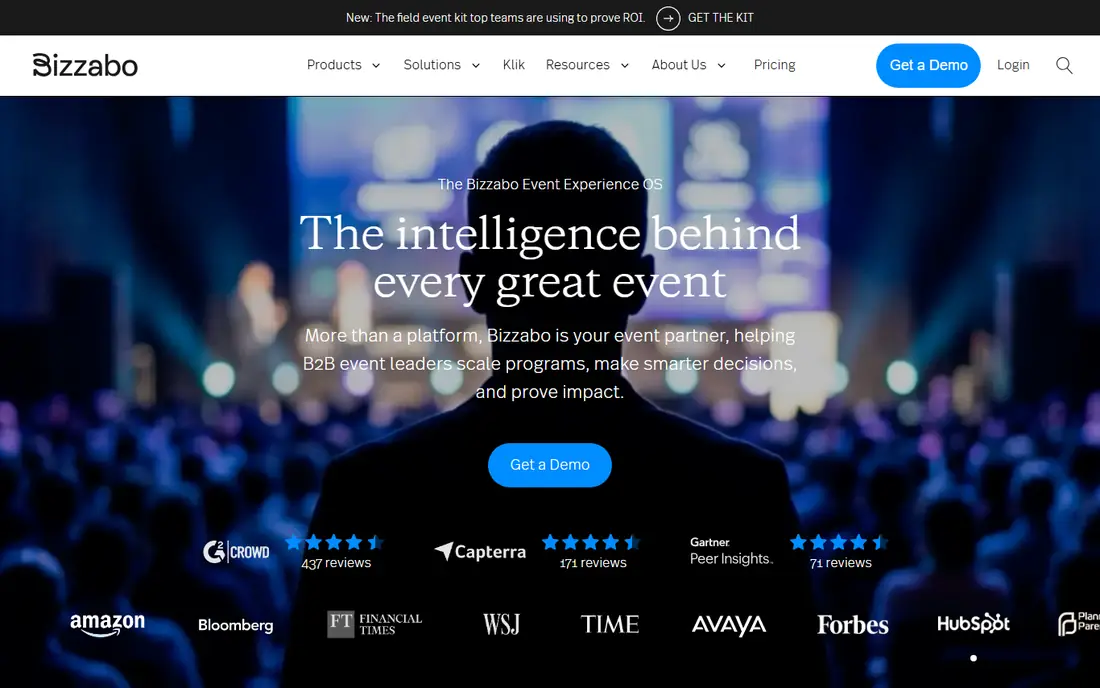
Bizzabo is built for B2B event teams that run many events a year and need to prove return on investment. Registration, websites, agendas, a mobile app, networking, and sponsor management sit in one system, and Klik SmartBadges let attendees exchange contacts by tapping badges, which gives exhibitors measurable lead data. Integrations with Salesforce, HubSpot, Marketo, and Eloqua connect event data to sales and marketing systems, which matters for a company that treats events as a pipeline channel.
That power comes with enterprise weight. Pricing needs a sales conversation, implementation takes planning, and a small team running one event a year will pay for features it never uses. Bizzabo fits large conferences, trade shows, and summits with exhibitors and sponsors. It fits less well for a school fair, a local workshop, or a ticketed concert, where Eventbrite, Ticket Tailor, or RegFox will be faster and cheaper.
What we like- Event Experience OS with registration, app, and networking
- Klik SmartBadges for contactless lead retrieval
- Many integrations
Watch out for- Enterprise pricing and setup
- More platform than a small event needs
#4Ticket Tailor
Best for: Low fee ticketing and check in4.8/5 on
G2 (198 reviews, checked Oct 2026)
Visit tickettailor.com
Starting priceSee website
Free planYes
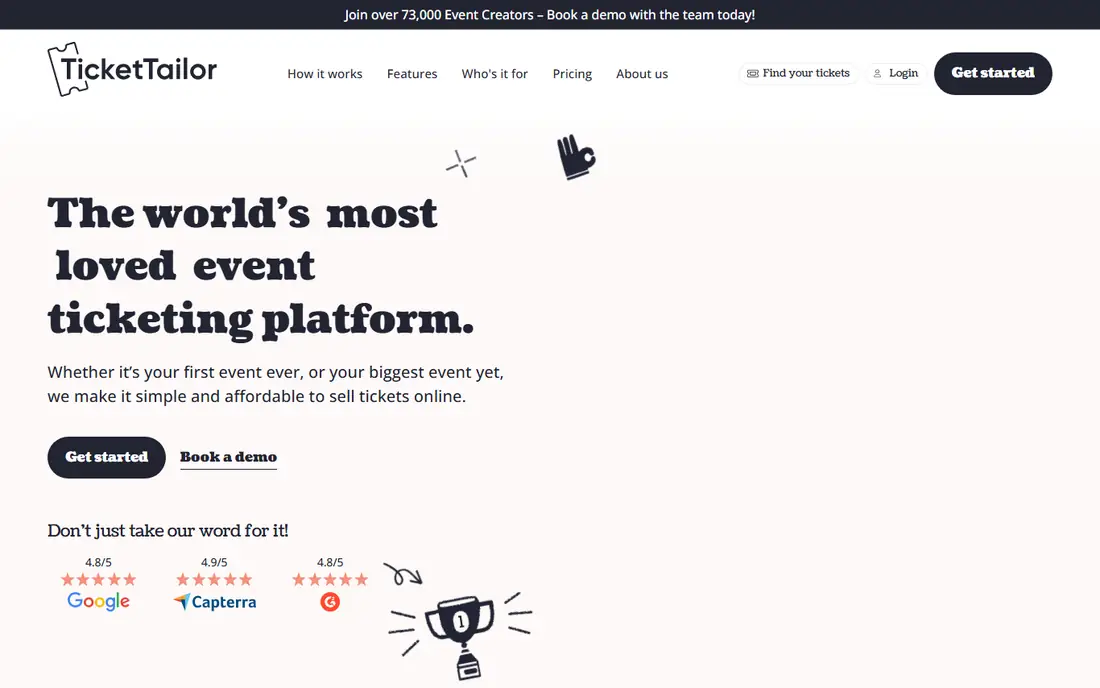
Ticket Tailor is a strong choice for organizers who want low fees and a free check in app without a monthly charge. The platform lets you create a box office, sell tickets with a simple flat fee per ticket sold, and use the free check in app on event day. Free events are free on Ticket Tailor, which helps charities, schools, and community groups. Support is available around the clock, with a stated response time of five minutes or less for many queries, which matters when a door problem happens at 7 pm on a Saturday.
Ticket Tailor does not offer the same attendee discovery marketplace as Eventbrite, so you must drive your own ticket sales through your website, email, and social channels. It also lacks the deep conference app, networking, and exhibitor tools of Whova and Bizzabo. Ticket Tailor fits festivals, attractions, classes, and independent venues that want low fees and simple check in. It fits less well for a large B2B conference that needs lead retrieval and sponsor analytics.
What we like- Free check in app
- Free events are free on the platform
- Low flat fee per ticket sold
- 24/7 support
Watch out for- No large attendee marketplace like Eventbrite
- Fewer enterprise conference features
#5Eventzilla
Best for: Simple registration and check in4.4/5 on
G2 (166 reviews, checked Oct 2026)
Visit eventzilla.net
Starting priceSee website
Free planFree trial
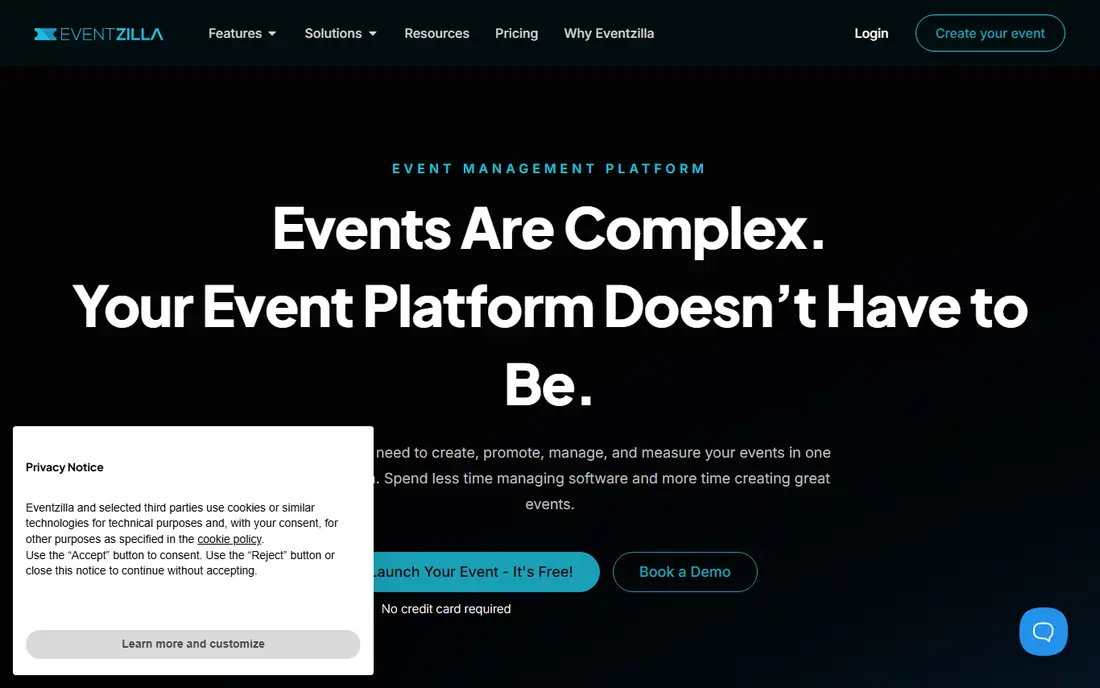
Eventzilla aims to make event setup simple for organizers who do not want to learn a complex platform. You can build a branded event website without code, handle registration and ticketing, and use quick check in on the day, with live streaming and lead capture for exhibitors as add ons. The interface is cleaner than enterprise platforms, and the learning curve for volunteers is short, which helps when door staff change each year.
The limit is depth. Eventzilla does not match Whova for attendee networking or Bizzabo for exhibitor analytics, and pricing for larger or more complex events should be confirmed on the pricing page before you commit. For a conference, workshop series, or business event with straightforward registration and a single check in desk, Eventzilla is a good middle ground. For a multi track conference with sponsor lead retrieval as the main goal, a larger platform may serve you better.
What we like- No code event websites
- Registration and ticketing in one place
- Quick check in solutions stated on its site
Watch out for- Pricing needs checking for larger events
- Attendee app features are lighter than Whova
#6RegFox
Best for: Low per registrant fees4.7/5 on
G2 (572 reviews, checked Oct 2026)
Visit regfox.com
Starting price$0.99 plus 1% per paid registrant
Free planNo
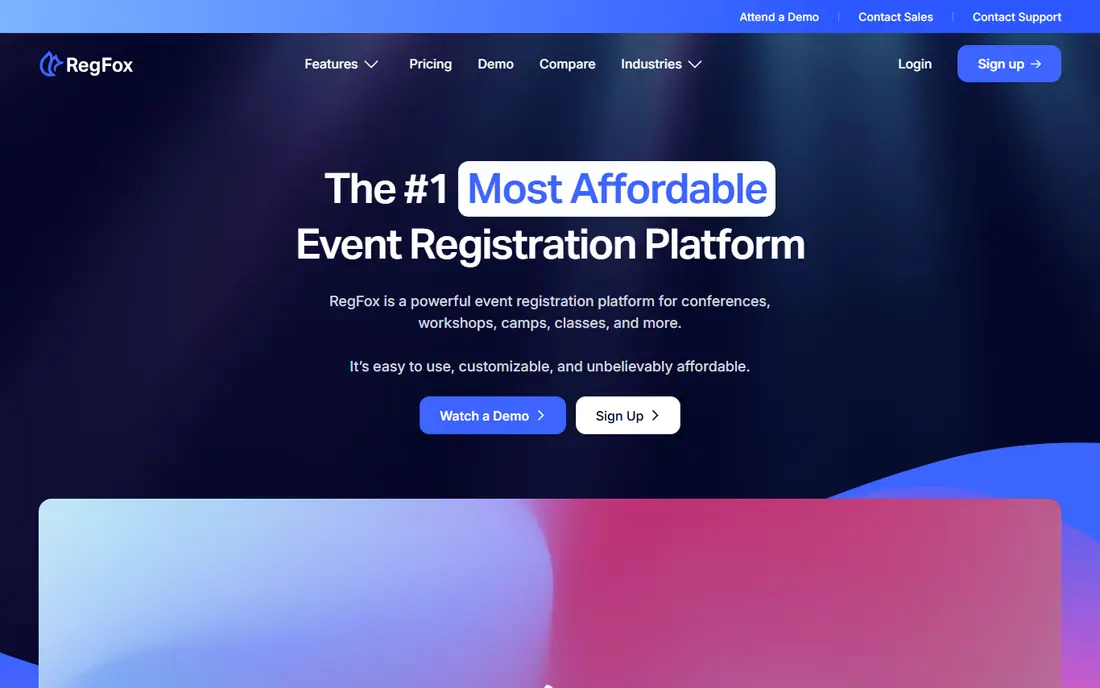
RegFox is popular with organizers who resent high ticketing fees. Pricing starts at 99 cents plus 1 percent per paid registrant, capped at $4.99, with no licensing fees, which makes budgeting clear for a paid conference or camp. The check in app lets staff scan, look up, and check in registrants quickly, and badge printing covers on demand and mass printing. Registration pages use a drag and drop builder with conditional logic, group registration, waitlists, and payment plans, so complex events can be handled without custom code.
RegFox has no permanent free plan, so a free event still needs to be priced through the sales page, and the attendee engagement app is a separate product rather than part of the core check in flow. That split can confuse a team that expects one app for both staff check in and attendee networking. RegFox fits paid conferences, camps, and training events where per registrant cost matters. It fits less well for a free community event that needs a zero cost tool from start to finish.
What we like- Check in app with scan and lookup
- Badge printing
- Fees capped at $4.99 per registrant
- No licensing fees
Watch out for- No permanent free plan
- Attendee app is a separate product called Engage
Starting price$0.99 per ticket
Free planNo
TicketSpice shares its roots with RegFox and offers a similar low fee model, at 99 cents per ticket plus standard processing rates. Its scanning app is a highlight, with built in fraud detection, scanning across many gates and devices, and a design meant to keep lines moving. The box office app sells tickets onsite by card or cash, and organizers can set and keep ticketing fees they choose, rather than absorbing a fixed platform fee. That control helps attractions and festivals that sell the same event many times a year.
TicketSpice has no permanent free plan, and its strength is ticketing and check in rather than conference networking or exhibitor analytics. A team that needs a full attendee app with matchmaking should look at Whova or Bizzabo instead. TicketSpice fits attractions, festivals, and recurring events that care about line speed, fraud prevention, and low per ticket cost. It fits less well for a single free workshop where a zero cost platform is the main requirement.
What we like- Fast ticket scanning app with fraud detection
- Box office app for onsite sales
- Fee control so organizers keep ticketing fees they set
Watch out for- No permanent free plan
- Conference networking features are lighter than Whova or Bizzabo
How we chose
We compared pricing pages, documentation, app listings, and public reviews on G2 and Capterra, and we weighed scan speed, offline behavior, badge printing, guest list import, multi door sync, support, and total cost per attendee. We did not claim hands on testing, and we listed only tools with a working official homepage during this review. Where pricing depends on attendee count or a quote, we wrote See website rather than guessing a price.
Running check in without a queue
The fastest check in setup is also the simplest. Use QR codes on tickets, print a backup guest list for each door, and assign one staff member per door to handle exceptions while others scan. Test scanning in bright sunlight and in a dark hall, because phone cameras behave differently in each setting, and test with a low battery phone, since door staff phones drain fast during a long event.
Offline mode and multi door sync
Ask every vendor whether check in works offline and how it syncs when the connection returns. A venue with weak Wi-Fi or a basement hall will expose an app that needs a constant connection, and two doors scanning the same list without sync will double count guests or let a ticket be used twice. Run a test with two phones, one ticket, and Wi-Fi turned off, and watch how the app handles the second scan. That single test prevents most event day check in failures.
Badges, wristbands, and data after the event
Decide before event day whether you need printed badges, wristbands, or only a digital check in record. Badge printing needs a printer, power, and a backup plan for printer jams, while wristbands are faster but give less information to sponsors. After the event, export attendance by session and by ticket type, and check which marketing channel brought the guests who actually arrived, not just the guests who bought a ticket. That arrival data is the most useful report a check in app can give you.
Frequently asked questions
Do event check in apps work without internet?
Some do, and some do not, so check the offline mode for the app you choose. A good check in app queues scans offline and syncs when the connection returns, without double counting a guest who was scanned at two doors.
Can I check in guests without a ticket app?
Yes, most check in apps allow lookup by name, email, or order number, which helps when a guest loses a phone or a QR code will not scan. Keep a printed guest list as a backup, and train door staff to use name lookup before turning a guest away.
What hardware do I need for event check in?
In most cases, a phone or tablet per door is enough, plus a charger and a backup device. Badge printing needs a compatible printer, and kiosk self check in needs a stand, a tablet, and a power source. Test all hardware at the venue, not just in the office.
How fast can a check in app scan tickets?
Scan speed depends on the phone camera, lighting, and QR code size, but a good setup handles a guest every few seconds per door. Use larger QR codes on tickets, avoid glossy paper that reflects light, and add more doors rather than asking one scanner to handle a large crowd.
Should I use a separate check in app or my ticketing platform?
Use your ticketing platform's check in app if you sold tickets there, because guest data will already match. Use a separate check in app only if your ticketing platform lacks offline mode, badge printing, or multi door sync for your event size.
Can check in apps print badges on site?
Yes, several tools in this list offer badge printing, including Whova, RegFox, and Bizzabo, with on demand printing for individual guests and mass printing before the event. Confirm printer compatibility and test a full badge run before event day.
Sources we checked (7)
- https://www.eventbrite.com/organizer/
- https://whova.com/
- https://www.bizzabo.com/
- https://www.tickettailor.com/
- https://eventzilla.net/
- https://www.regfox.com/pricing
- https://ticketspice.com/pricing
Is your product missing or out of date?
We review this list regularly. Vendors can request a listing, send updated pricing or ask about featured placement.

Shihab Mia · Founder, Rankite
Shihab has 5+ years in B2B and SaaS SEO. He writes Rankite's software buying guides from pricing pages, documentation and public user reviews. More about Shihab.