How we make this list: we compare pricing pages, product documentation and public user reviews. Ratings come from G2, Capterra or Trustpilot, with the date we checked them.
Key takeaways
- The best English to Spanish translation app in 2026 depends on your use: Google Translate is the best free all-rounder, DeepL sounds the most natural for European languages, and Microsoft Translator suits meetings and Microsoft 365 users.
- Google Translate covers about 249 languages with offline mode, camera translation, and live voice, all free, while DeepL covers about 35 languages with a free tier and Pro from about 10.49 dollars a month.
- Translation accuracy varies by context: short phrases translate well, while idioms, slang, and formal documents often need a human check, so verify critical translations with a human before using them for legal, medical, or contract purposes.
- For travel, pick an app with offline mode and camera translation, since signs and menus matter more than perfect grammar when you are standing in a shop with no signal.
Quick comparison
Is your product missing or out of date?
We review this list regularly. Vendors can request a listing, send updated pricing or ask about featured placement.
The best English to Spanish translation apps
Starting priceFree
Free planYes
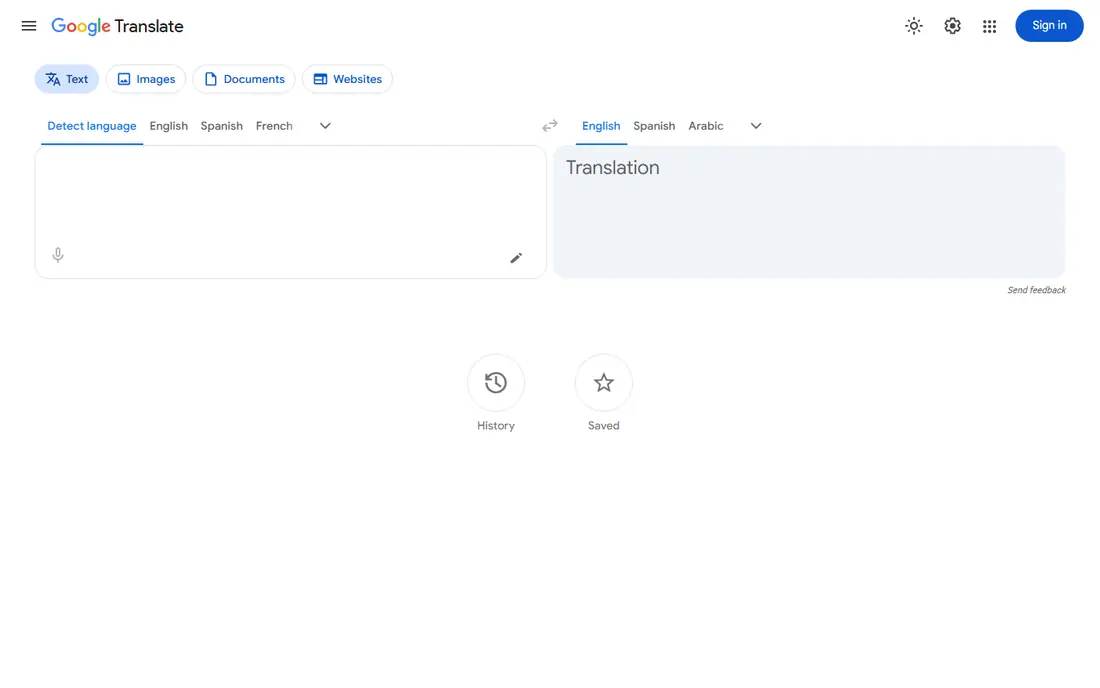
Google Translate is the best free all-rounder for English to Spanish. It covers about 249 languages with text, camera, document, and conversation modes, plus offline downloads for travel without signal.
Its conversation mode suits short exchanges but is turn-based, not built for a flowing spoken conversation or a meeting. For everyday English to Spanish translation at no cost, Google Translate leads.
What we like- Covers about 249 languages
- Offline mode, camera translation, and live voice
- Conversation mode for short exchanges
Watch out for- Conversation mode is turn-based, not built for long meetings
- Quality varies by language pair and context
- No human review

#2DeepL
Best for: Most natural European translations4.6/5 on
G2 (152 reviews, checked Oct 2026)
Visit deepl.com
Starting priceFree
Free planYes
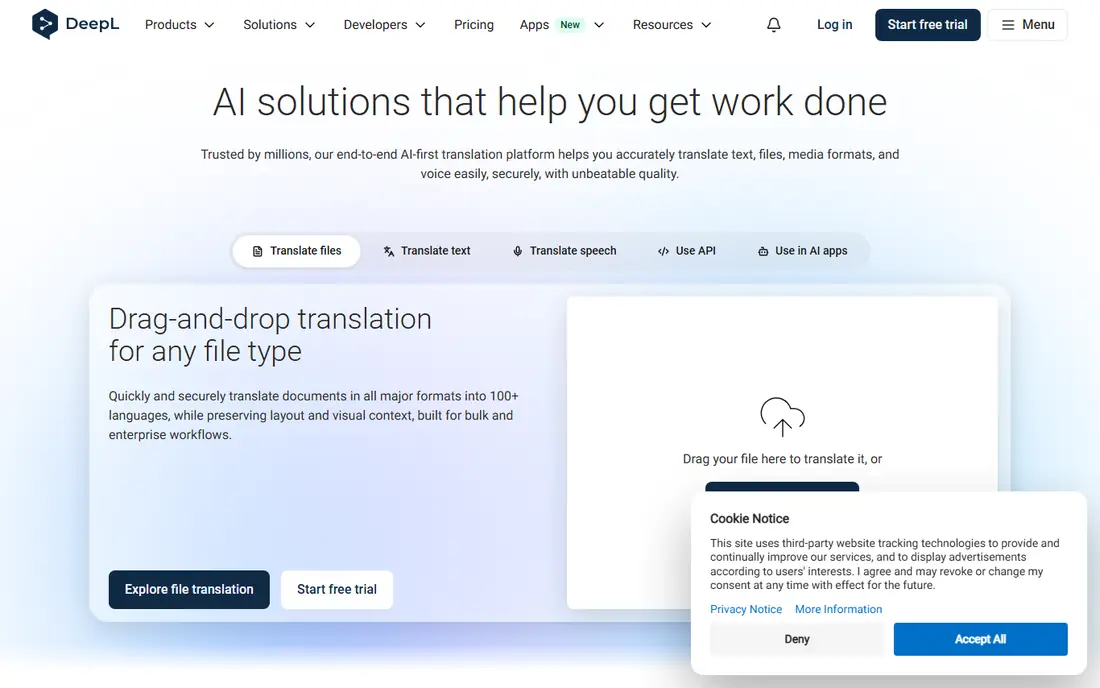
DeepL suits formal or long written passages, where its translations sound more natural than most rivals for European languages. Its free tier covers everyday use with character limits, while Pro adds higher volume and document translation for professionals and writers.
DeepL is text-first, with no live conversation mode, so it suits documents rather than spoken exchanges. For natural-sounding English to Spanish documents, DeepL is the best pick.
What we like- Most natural-sounding European translations
- Strong for formal documents, marketing copy, and longer text
- Free tier with character limits
Watch out for- Covers only about 35 languages
- Text-first with no live conversation mode
- Pro costs from about 10.49 dollars a month
Starting priceFree
Free planYes
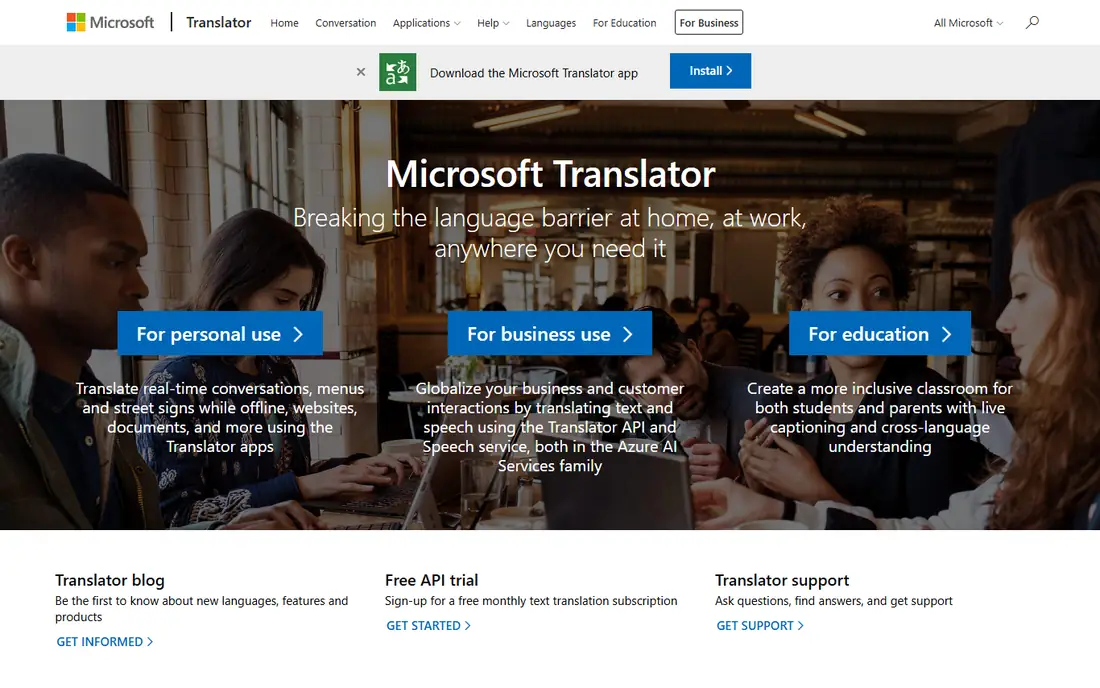
Microsoft Translator suits meetings and Microsoft 365 users. It is free with 100 plus languages, camera translation, and live voice, plus a conversation mode that suits multilingual meetings better than turn-based rivals.
Offline mode is only partial, so download language packs before travel. For meetings and Microsoft 365 users, Microsoft Translator leads.
What we like- Free with 100 plus languages
- Conversation mode for meetings
- Integrates with Microsoft 365 and Azure products
Watch out for- Offline mode only partial
- Quality varies by language pair
- Meeting mode needs others to join your session
Starting priceFree
Free planYes
Apple Translate suits iPhone owners who want privacy and simplicity. It is free on iPhone, iPad, and Mac, with offline mode, camera translation, and live voice, plus on-device processing that keeps translations private.
It covers only about 20 languages and works for in-person conversation only, not meetings. For iPhone owners, Apple Translate is the best pick.
What we like- Free on iPhone, iPad, and Mac
- Offline mode, camera, and live voice
- Privacy-focused with on-device processing
Watch out for- Covers only about 20 languages
- IOS only, so Android users cannot use it
- In-person conversation only, not meetings
Starting priceFree
Free planYes
Reverso Translate suits language learners who want context and examples. It shows real example sentences beside translations, which helps learners see how a Spanish phrase is actually used, not just what it means in isolation.
Camera and live voice are only limited, and offline mode is partial. For context and examples, Reverso leads.
What we like- Language learners get context and real example sentences
- Covers about 18 languages
- Premium costs about 4.99 dollars a month
Watch out for- Camera and live voice only limited
- Offline mode only partial
- Fewer languages than Google or Microsoft
Starting priceFree
Free planYes
iTranslate suits travelers who want a polished, dialect-aware companion. It covers 100 plus languages with phrasebooks and live voice, which suits travel phrases and short in-person exchanges.
Offline mode, camera, and full voice features need Pro at about 5.99 dollars a month, so budget for a subscription before a trip. For travel, iTranslate is the best pick.
What we like- Polished dialect-aware travel companion
- Covers 100 plus languages
- Camera and live voice on Pro
Watch out for- Offline mode and Pro features need a subscription at about 5.99 dollars a month
- Free tier is limited for travel features
- Price varies by region
Starting priceFree
Free planYes
Naver Papago suits travelers who want live voice and offline mode free. It covers about 14 languages with offline downloads, camera translation, and live voice for in-person conversation.
Spanish quality varies beside European specialists such as DeepL, so compare output for formal text. For free live voice and offline, Papago leads.
What we like- Free with offline mode, camera, and live voice
- In-person conversation mode
- Strong for Asian languages beside Spanish
Watch out for- Covers only about 14 languages
- Spanish quality varies beside European specialists
- Smaller user base for Spanish support
Starting priceFree
Free planYes
Yandex Translate suits reading foreign websites. It covers about 100 languages with offline mode for reading, which suits translating web pages and longer text without a subscription.
Live voice is only limited, so it suits reading rather than conversation. For reading foreign websites, Yandex rounds out the list.
What we like- Free with about 100 languages
- Offline mode for reading
- Suits translating web pages and longer text
Watch out for- Live voice only limited
- Camera support varies
- Quality varies by language pair
How we chose
We ranked apps by Spanish translation quality, offline mode, camera and voice features, and value at free or entry level pricing. We favored free apps with real offline and camera features, since travel translation fails without signal, and we gave extra weight to natural-sounding output for documents, since a translation that reads awkwardly costs trust.
We also weighed accuracy honestly. Machine translation handles short phrases well but struggles with idioms, slang, and formal documents, so verify critical translations with a human before using them for legal, medical, or contract purposes. Dialect matters too: Spanish varies between Spain and Latin America, and between regions within each, so an app that sounds natural in Madrid may sound odd in Mexico City. Check whether the app lets you pick a Spanish variant, and test it with phrases from the region you will actually visit or work in. Price conflicts across sources were handled by using the most commonly cited figure, so readers should check the vendor pricing page before buying.
Buying guide
Start with your use. Travelers should pick Google Translate or iTranslate for offline mode and camera translation, document users DeepL for natural-sounding text, meeting users Microsoft Translator, and iPhone owners Apple Translate. A traveler in a shop needs signs and menus, not perfect grammar, while a contract needs natural, checked prose.
Next, download offline language packs before you travel. Offline mode matters most when you have no signal, and camera translation for signs and menus beats typing every word. Test the app with real phrases before a trip, including slang and local place names, since quality varies by context. Practice the conversation mode with a friend before you need it in a shop or a clinic, since turn-based modes feel awkward the first time you use them under pressure.
Finally, verify critical translations with a human. Machine translation suits everyday phrases, but legal, medical, and contract text needs a qualified translator or a bilingual reviewer, since a small error in a contract or a medical instruction carries real cost. Never paste sensitive personal data into a free translator without checking its privacy policy.
Frequently asked questions
What is the best English to Spanish translation app overall?
Google Translate leads as the best free all-rounder, DeepL for natural-sounding documents, and Microsoft Translator for meetings. The best pick depends on whether you travel, write documents, or join meetings, and most users keep two apps installed: one for travel and one for documents.
Is Google Translate free for English to Spanish?
Yes. Google Translate is free with about 249 languages, offline mode, camera translation, and live voice. Its conversation mode suits short exchanges but is turn-based, not built for long meetings. Free users also get full document translation and web page translation at no cost.
Is DeepL better than Google Translate for Spanish?
For formal documents and longer text, DeepL often sounds more natural for European languages including Spanish, with phrasing that reads like a human wrote it rather than a machine. For everyday phrases, travel, and offline use, Google Translate wins on coverage and features, since it covers far more languages and offers camera and conversation modes DeepL lacks.
Can I translate English to Spanish offline?
Yes, with the right app. Google Translate, Apple Translate, and Papago offer offline downloads, while Microsoft Translator and Reverso offer only partial offline mode. Download the Spanish language pack before you travel, and test it at home, since offline quality can differ from online quality and camera translation may need the pack installed first.
Should I trust machine translation for legal or medical documents?
No, not alone. Machine translation suits everyday phrases, but legal, medical, and contract text needs a qualified translator or a bilingual reviewer, since a small error carries real cost. Verify critical translations with a human before use.
Which app is best for learning Spanish while translating?
Reverso leads for learners, since it shows real example sentences beside translations and helps you see how a Spanish phrase is actually used. Google Translate suits quick lookups, while DeepL suits reading longer Spanish text with natural phrasing. Pair any translator with a dedicated learning app for grammar and speaking practice, since translators show answers without teaching the rules behind them.
Sources we checked (0)
Is your product missing or out of date?
We review this list regularly. Vendors can request a listing, send updated pricing or ask about featured placement.

Shihab Mia · Founder, Rankite
Shihab has 5+ years in B2B and SaaS SEO. He writes Rankite's software buying guides from pricing pages, documentation and public user reviews. More about Shihab.
 Google Translate
 Microsoft Translator
 Apple Translate
 Reverso Translate
 iTranslate
 Naver Papago
 Yandex Translate