How we make this list: we compare pricing pages, product documentation and public user reviews. Ratings come from G2, Capterra or Trustpilot, with the date we checked them.
Key takeaways
- UiPath has the broadest automation suite and the only published entry price ($25 per month Basic); most enterprises still land on a custom quote.
- Microsoft 365 shops should start with Power Automate ($15 per user per month Premium) before looking further, because the connector ecosystem and included licenses are hard to beat.
- Zapier is the fastest path for SaaS-to-SaaS workflows with transparent pricing (free up to 100 tasks per month, Professional from $19.99 per month), but it cannot automate legacy desktop software.
- Blue Prism, Pega and Appian target governed, enterprise-scale programs where audit trails and compliance matter more than quick wins.
- If the real problem is a broken process rather than repetitive tasks, evaluate Pega, Appian or Nintex, which model the process itself instead of automating around it.
Quick comparison
| Tool | Best for | Starting price | Free plan |
|---|
 UiPath UiPath | enterprises standardizing on RPA that are adding AI agents to the mix | $25/mo (Basic) | No |
 Automation Anywhere Automation Anywhere | cloud-first enterprises that want agentic automation without managing infrastructure | See website | No |
 Microsoft Power Automate Microsoft Power Automate | Microsoft 365 organizations that want automation inside their existing licenses | $15/user/mo (Premium) | See website |
 Blue Prism (SS&C Blue Prism) Blue Prism (SS&C Blue Prism) | regulated enterprises that need governed RPA and AI agents at scale | See website | No |
 Pega Pega | large enterprises that want process design and automation on one platform | See website | No |
 Nintex Nintex | mid-market to enterprise teams that want workflow, forms and RPA in one platform | See website | No |
 Appian Appian | enterprises building low-code process applications with automation inside | See website | No |
 Zapier Zapier | teams automating workflows across SaaS apps quickly | $19.99/mo (Professional, annual billing) | Yes |
Is your product missing or out of date?
We review this list regularly. Vendors can request a listing, send updated pricing or ask about featured placement.
The best enterprise automation software
#1
UiPath
Best for: enterprises standardizing on RPA that are adding AI agents to the mix
Visit uipath.com
Starting price$25/mo (Basic)
Free planNo
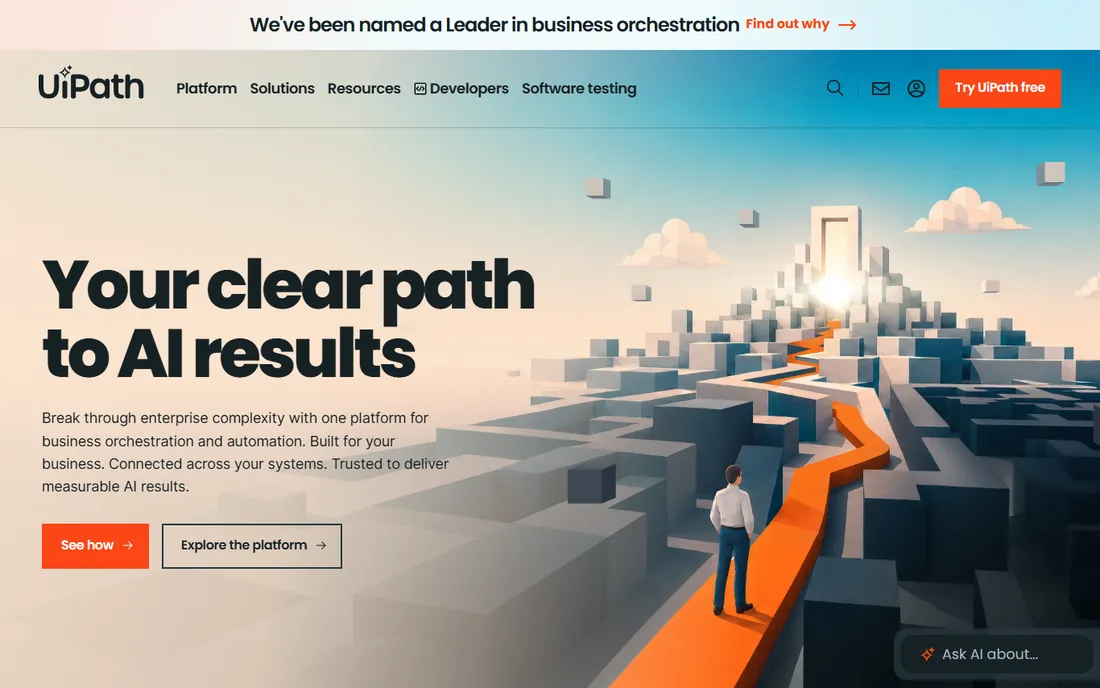
UiPath is the company most people picture when they hear "robotic process automation", and for good reason: it defined the modern RPA market and now positions its platform around business orchestration, combining AI agents, robots, APIs and people in governed processes. The platform covers attended and unattended RPA, document understanding, process mining, test automation and AI agent orchestration, with an orchestration layer that routes low-confidence decisions to people automatically. It runs on Automation Cloud or on your own infrastructure, and the governance tooling (audit trails, custom roles, data masking, bring-your-own encryption keys) is built for regulated industries. Pricing is refreshingly published for the entry tier: the Basic plan starts at $25 per month, while Standard and Enterprise are quote-based. The entry tier is deliberately limited in users and robots, so most enterprises land on a custom quote.
What we like- Broadest automation suite in the category, from RPA to agents to test automation, strong governance and security tooling for regulated industries, published entry pricing so trials can start cheaply
Watch out for- Basic plan limits users and robots, higher tiers are quote-only and can get expensive, breadth of the platform means a longer learning curve for small teams
#2
Automation Anywhere
Best for: cloud-first enterprises that want agentic automation without managing infrastructure
Visit automationanywhere.com
Starting priceSee website
Free planNo
The cloud-native counterpart to the UiPath story, Automation Anywhere built its platform around cloud delivery from the start and now pitches "agentic process automation": AI agents, deterministic automations and people orchestrated together. Its Automation 360 platform includes RPA bots, document automation, process discovery and AI governance features, with a control room that runs in the cloud so there is little infrastructure to manage. The vendor emphasizes responsible AI compliance, listing ISO, SOC and HIPAA certifications on its homepage, which matters to enterprises in finance and healthcare. Pricing is not published; the vendor quotes based on bot counts and automation needs. Third-party sources describe various licensing models, but the vendor's own site keeps pricing behind the sales conversation.
What we like- Cloud-native architecture with less infrastructure overhead, strong compliance certifications for regulated industries, mature bot marketplace and community
Watch out for- No published pricing, cloud-first design can be a concern for organizations requiring on-premises deployment, automation quality depends on training and bot design
#3
Microsoft Power Automate
Best for: Microsoft 365 organizations that want automation inside their existing licenses
Visit microsoft.com
Starting price$15/user/mo (Premium)
Free planSee website
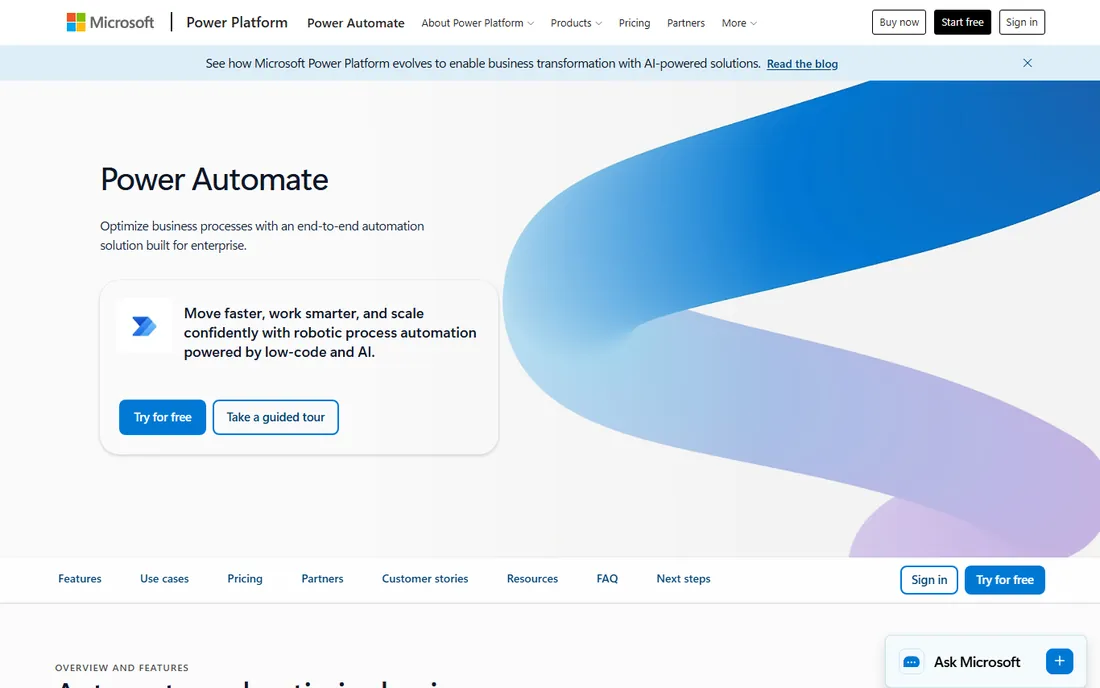
If your company already lives inside Microsoft 365, Power Automate is almost always the first platform you evaluate, and often the last one you need. It combines cloud flows (digital process automation across apps), desktop flows (attended and unattended RPA on Windows), process mining, task mining and AI Builder credits, all governed inside the Microsoft ecosystem. The connector library is enormous, with more than a thousand prebuilt connectors, and the on-premises data gateway connects flows to legacy systems without ripping them out. Microsoft's own licensing guide prices Premium at $15 per user per month with annual billing, the per-bot Process license at $150 per bot per month, and Hosted Process at $215 per bot per month; a basic free license is included with some Microsoft 365 plans. The trade-off is lock-in: the more you build here, the more the platform shapes your stack.
What we like- Published per-user and per-bot pricing with low entry cost, huge connector library across Microsoft and third-party apps, process mining and AI Builder included on paid plans
Watch out for- Licensing rules around users, flows and premium connectors take effort to get right, best value depends on existing Microsoft 365 investment, governance needs discipline as citizen developers build freely
#4
Blue Prism (SS&C Blue Prism)
Best for: regulated enterprises that need governed RPA and AI agents at scale
Visit blueprism.com
Starting priceSee website
Free planNo
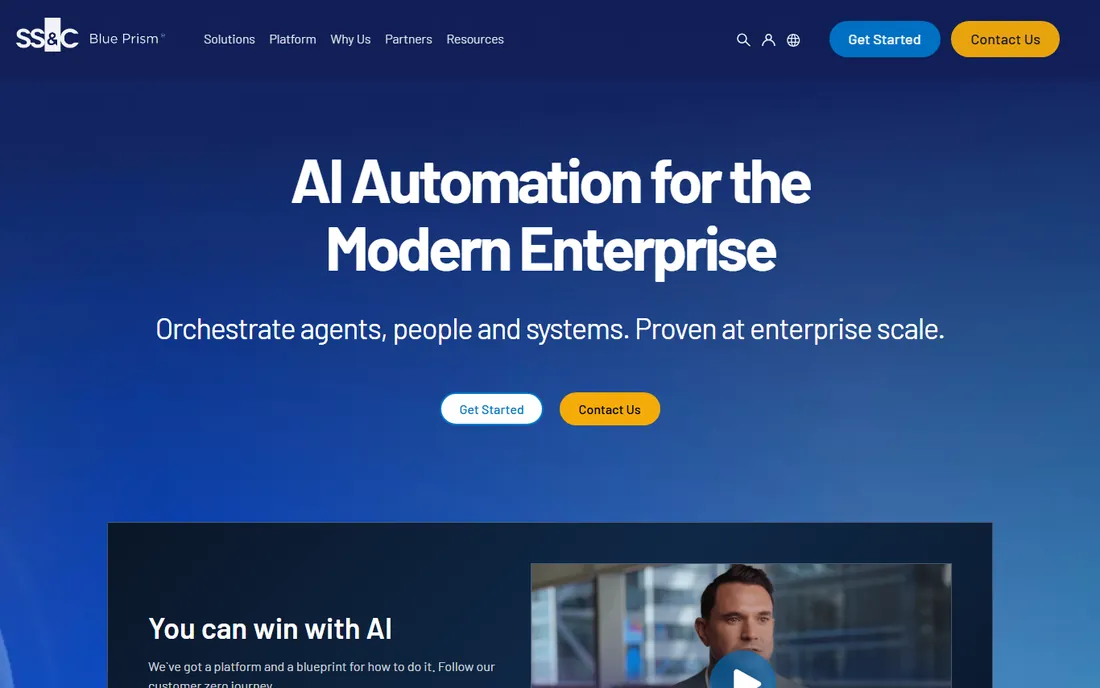
Blue Prism coined the term RPA, and under SS&C Technologies ownership it has repositioned around agentic automation for mission-critical work. The platform centers on WorkHQ, a hub that unifies people, AI agents and digital workers, alongside Chorus for enterprise-wide orchestration and an AI Gateway for governing AI use. The positioning is unapologetically enterprise: security, compliance and auditability come first, with the vendor citing thousands of automated agents and processes in production across its customer base. It suits banks, insurers and public sector bodies where governance teams have veto power. Pricing is quote-based and the vendor publishes no plans or prices; expect an enterprise sales process sized to the automation program rather than the tool.
What we like- Enterprise-grade security and governance built for regulated industries, long track record with mission-critical automation, agentic platform unifies RPA, AI agents and orchestration
Watch out for- Quote-only pricing with an enterprise sales cycle, less accessible to mid-market buyers, brand visibility has shifted since the SS&C acquisition
#5
Pega
Best for: large enterprises that want process design and automation on one platform
Visit pega.com
Starting priceSee website
Free planNo
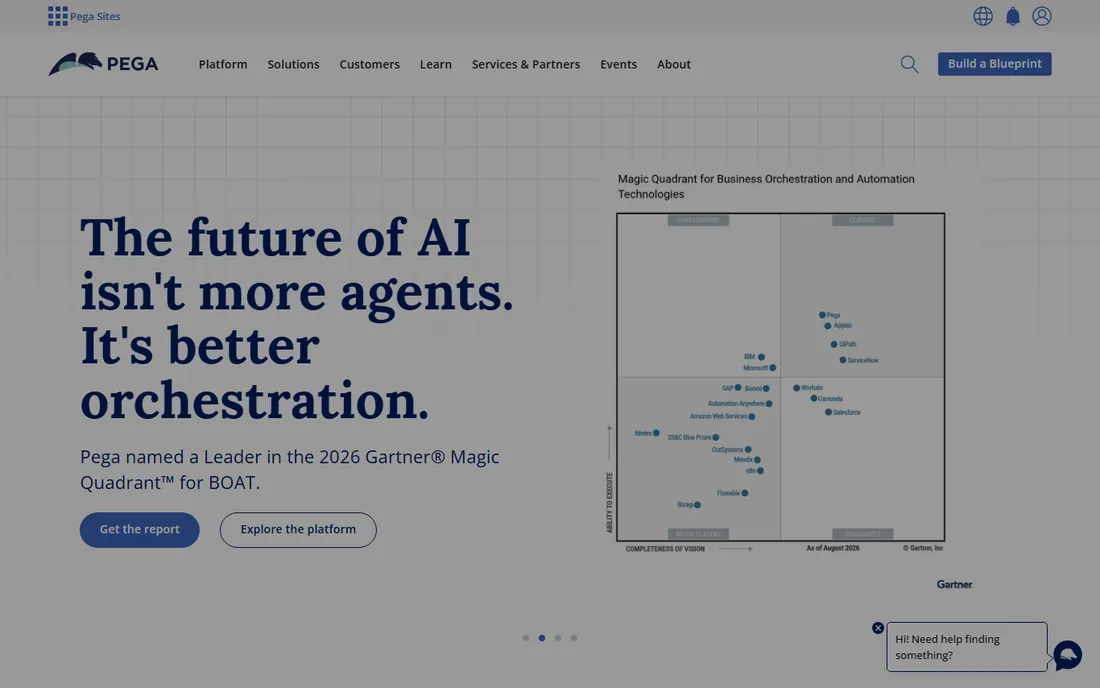
Pega takes a different angle from the pure-play RPA vendors: process automation as part of one unified platform for enterprise transformation. Instead of automating screens after the fact, Pega Platform lets you model the process itself, with workflow, case management, decisioning, customer engagement and RPA running on shared business rules. The pitch is predictability: every automation runs against the same governed rules and compliance standards, and the vendor has added agentic AI capabilities (including its Pega Blueprint design workspace) that generate workflow designs from plain-language descriptions. The platform is a strong fit for organizations with complex, long-running processes like loan origination, claims handling or government casework. Pricing is not published; engagements are enterprise-scoped and quote-based.
What we like- Unifies workflow, case management, decisioning and RPA on shared business rules, strong fit for complex long-running processes in finance and government, mature governance and compliance posture
Watch out for- No published pricing, enterprise scope makes it overkill for simple task automation, implementation and customization typically require specialist partners
#6
Nintex
Best for: mid-market to enterprise teams that want workflow, forms and RPA in one platform
Visit nintex.com
Starting priceSee website
Free planNo
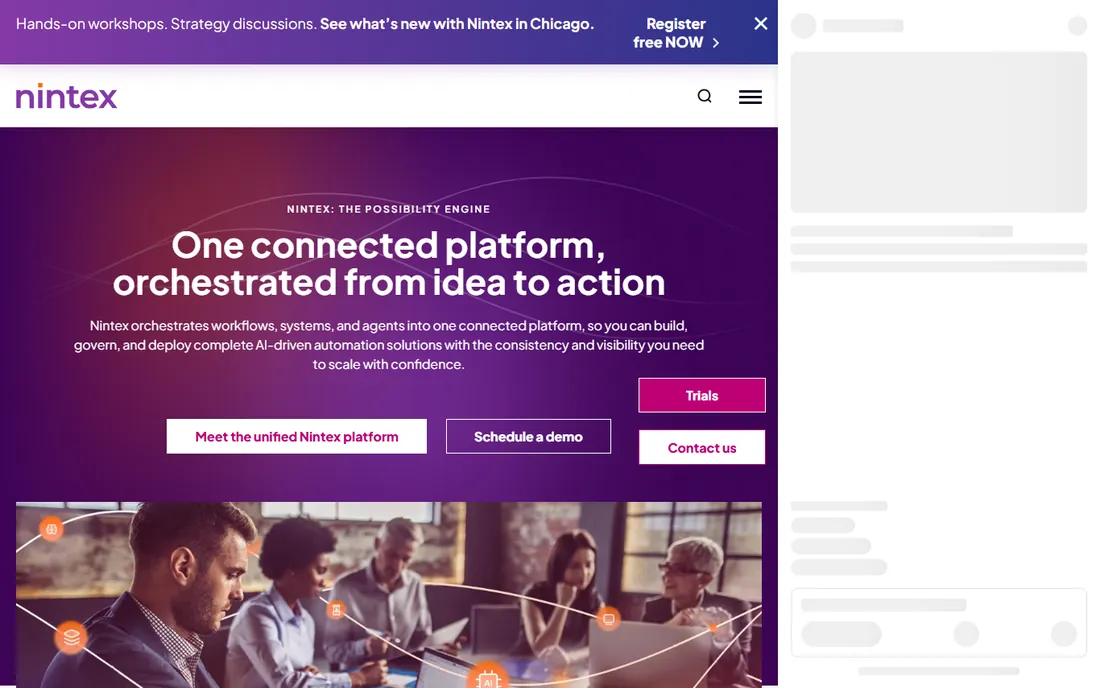
Nintex grew up in the SharePoint workflow world and has expanded into a broad process management and automation platform. The Nintex Process Platform combines workflow automation, forms, mobile apps, document generation, RPA and process mapping, now unified under the Nintex Automation CE edition that packages workflows, forms, agents and documents into governed, deployable solutions. Its strength is breadth across the everyday processes enterprises struggle with: employee onboarding, purchase approvals, loan processing, compliance tracking and permit handling. AI-assisted workflow creation and a template gallery aim to shorten build times. The vendor does not publish a price list; pricing is quote-based and depends on the modules and scale involved. It tends to fit mid-market to enterprise teams that want workflow plus RPA without assembling a multi-vendor stack.
What we like- Broad platform covering workflow, forms, documents, RPA and process mapping, AI-assisted creation and template gallery speed up builds, strong document generation capabilities
Watch out for- No published pricing, overlapping product editions can confuse buyers, enterprise depth varies by module
#7
Appian
Best for: enterprises building low-code process applications with automation inside
Visit appian.com
Starting priceSee website
Free planNo
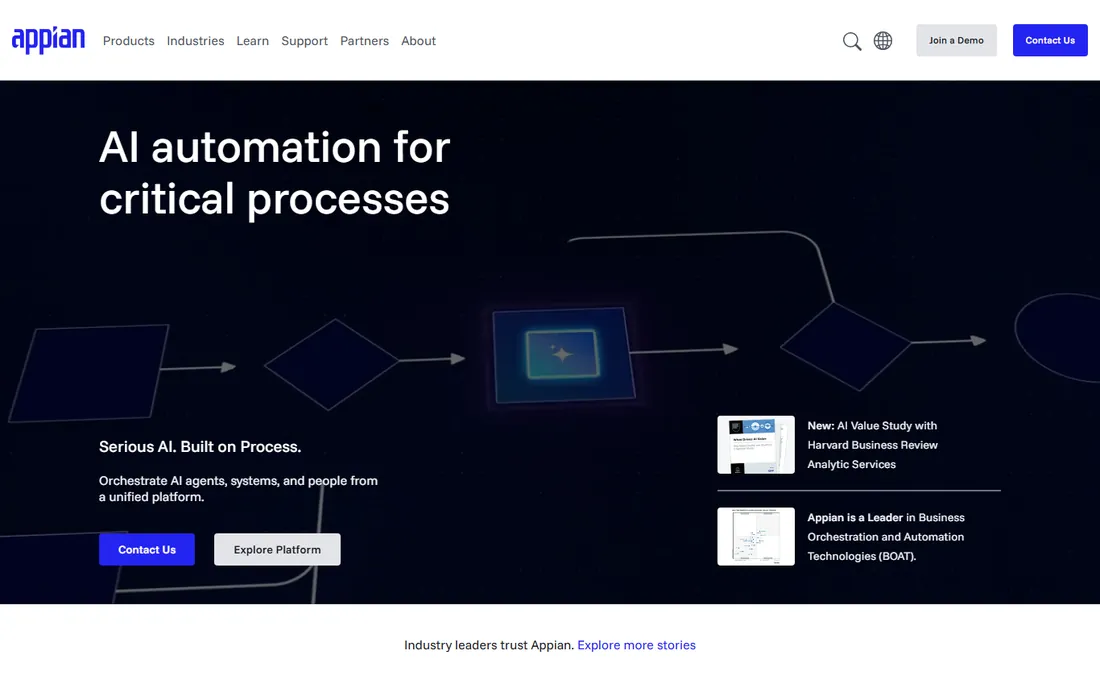
Appian's heritage is business process management, and it shows in how the platform treats automation: not as isolated bots but as processes orchestrated end to end. The low-code platform lets teams build enterprise applications quickly, then automate the processes inside them with RPA, intelligent document processing, business rules and AI agents. It emphasizes orchestration across systems: ERP, manufacturing, logistics, finance and HR workflows connected through one interface with full visibility. The vendor highlights outcomes like automated invoice processing and consolidated systems on its homepage. Appian suits organizations that need custom applications and process automation together, particularly in government, financial services and life sciences. Pricing is not published on the vendor's site; licenses are quote-based and typically tied to users and usage.
What we like- Low-code app building combined with process orchestration, strong process visibility and audit capabilities, proven in government and other demanding sectors
Watch out for- No published pricing, best suited to app-centric automation rather than quick task bots, requires process design discipline to get full value
#8
Zapier
Best for: teams automating workflows across SaaS apps quickly
Visit zapier.com
Starting price$19.99/mo (Professional, annual billing)
Free planYes
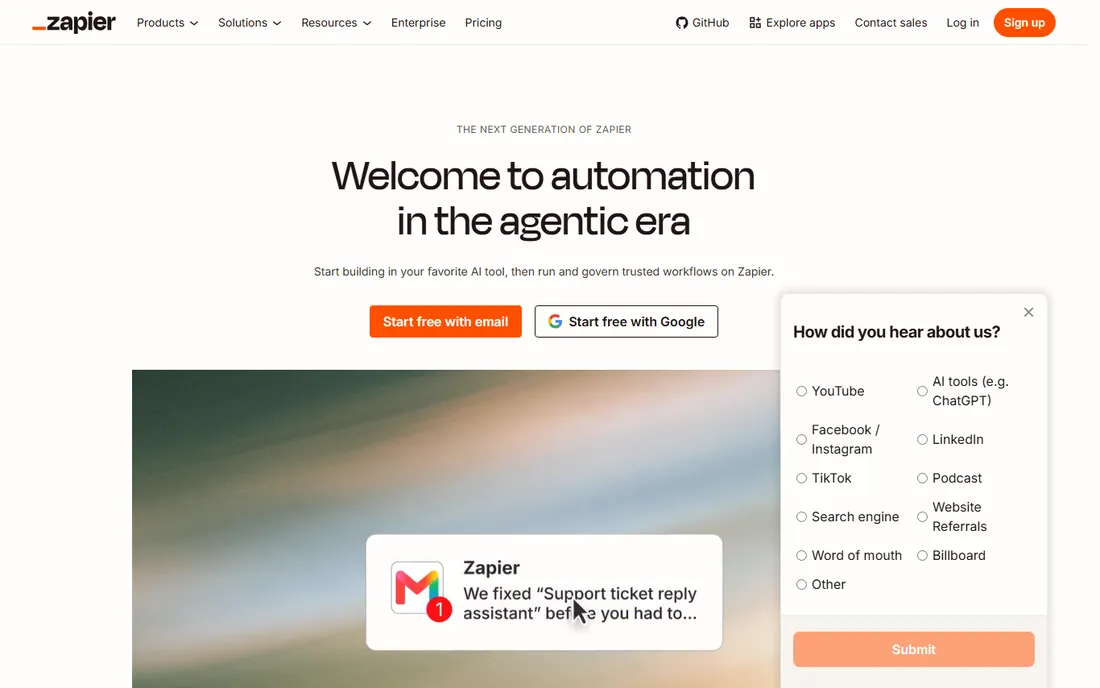
Zapier is the outlier on this list, and it earns its place because so much enterprise automation starts at the seams between SaaS apps. With connections to thousands of applications, Zapier lets teams build multi-step workflows (Zaps) that move data, trigger actions and apply logic across their stack, now extended with AI workflows, agents and MCP connections to tools like Claude and ChatGPT. Enterprise features include SSO with user provisioning, granular permission controls, observability across workflow runs and AI model opt-out. It will not replace an RPA suite for automating legacy desktop software, but for cloud-to-cloud automation it is the fastest path from idea to working workflow. Pricing is published and transparent: a free plan covers 100 tasks per month, and paid plans start with Professional at $19.99 per month on annual billing.
What we like- Published pricing with a genuinely useful free plan, thousands of app integrations, the fastest time to first working automation on this list
Watch out for- Not suited to UI-level automation of legacy desktop software, task-based pricing can surprise heavy users, complex branching workflows get harder to manage at scale
How we chose
We started from the platforms that enterprise buyers actually shortlist, then checked each vendor's homepage directly to confirm the product is current and purchasable, and opened the vendor's own pricing pages for every number on this page. Feature claims were checked against vendor documentation, product pages, and user reviews on G2, Capterra and Reddit. We favored platforms with broad automation coverage (attended and unattended automation, API and UI-level work, governance and audit trails) and weighted practical concerns like connector libraries, deployment options and how the vendor licenses the product. Nothing here comes from hands-on testing; it comes from reading what the vendors publish and what their users report.
How to choose
Start from the work, not the vendor. If the work lives in desktop applications without APIs, you need an RPA suite with attended and unattended bots: UiPath, Automation Anywhere or Blue Prism. If the work is really a broken process with approvals, exceptions and long-running cases, look at the platforms that model the process itself: Pega, Appian or Nintex. If most of your stack is cloud SaaS, Zapier or Power Automate will cover most of what you need at a fraction of the cost. Then apply the enterprise filters: governance and audit requirements, on-premises versus cloud deployment, connector needs, and who will build the automations (a central CoE, professional developers or business users). Finally, get the quote in writing with bot or user counts attached, because most enterprise automation pricing scales with consumption and the list price is only the starting point.
Frequently asked questions
What is the difference between RPA and enterprise automation?
RPA is one technique: software bots that interact with applications the way a person would, through the user interface. Enterprise automation is the broader practice, which adds API-based integrations, workflow orchestration, document understanding, decision rules and AI agents. Most platforms on this list now combine several of these.
Do these tools replace developers?
No. They change what developers spend time on. Citizen developers can build simple workflows, but complex, governed, production-grade automation still needs IT involvement for security, integration and maintenance.
How much does enterprise automation software cost?
Entry points range from free (Zapier, 100 tasks per month) to $15 per user per month (Power Automate Premium) to $25 per month (UiPath Basic). But enterprise programs are usually licensed by bots, users or consumption, and the real programs on this list are quote-based. Budget for implementation and maintenance, not just licenses.
Can small teams use these platforms?
Zapier and the entry tiers of UiPath and Power Automate are accessible to small teams. Blue Prism, Pega and Appian are designed for enterprise-scale programs and rarely make sense for small deployments.
Which platform should we pick if we already use Microsoft 365?
Power Automate is the natural first choice because of included licenses, the connector ecosystem and the on-premises gateway. Evaluate UiPath or Automation Anywhere alongside it if you need heavyweight unattended RPA or want to avoid deepening Microsoft dependence.
Sources we checked (11)
- https://www.uipath.com/pricing
- https://zapier.com/pricing
- https://www.microsoft.com/content/dam/microsoft/final/en-us/microsoft-brand/documents/Power-Platform-Licensing-Guide-April-2025.pdf
- https://www.uipath.com
- https://automationanywhere.com/
- https://www.microsoft.com/en-us/power-platform/products/power-automate/
- https://blueprism.com/
- https://pega.com/
- https://nintex.com/
- https://appian.com/
- https://zapier.com
Is your product missing or out of date?
We review this list regularly. Vendors can request a listing, send updated pricing or ask about featured placement.

Shihab Mia · Founder, Rankite
Shihab has 5+ years in B2B and SaaS SEO. He writes Rankite's software buying guides from pricing pages, documentation and public user reviews. More about Shihab.