How we make this list: we compare pricing pages, product documentation and public user reviews. Rankite is independent; if a vendor ever pays for a featured spot, that listing is clearly labeled Partner.
Key takeaways
- Teramind from $15 a user a month is the compliance-grade pick: screen recording, keystroke logging, and data loss prevention for regulated industries.
- ActivTrak is the analytics-first choice with a free plan for up to 3 people and paid plans from $10, focused on productivity insights rather than surveillance.
- Hubstaff at $4.99 a seat is the budget pick for remote and field teams, with screenshots, GPS tracking, and payroll built in.
- Veriato at $18 a user targets insider threat detection with behavioral analytics for security-conscious organizations.
- Time Doctor, Insightful, DeskTime, and Monitask cover the mid-market between $6 and $8 a user with different strengths in reporting and automation.
Quick comparison
| Tool | Best for | Starting price | Free plan |
|---|
 Teramind Teramind | compliance-grade monitoring and DLP | $15 per user/month | Free trial |
 ActivTrak ActivTrak | workforce analytics without surveillance defaults | Free plan; paid from $10/worker/month | Yes |
 Hubstaff Hubstaff | remote and field teams needing GPS plus screenshots | $4.99/seat/month (billed annually) | Free trial |
 Time Doctor Time Doctor | productivity ratings for BPOs and agencies | $6.67 per user/month (billed annually) | Free trial |
 Insightful Insightful | all-in-one monitoring for large teams | $8 per user/month (billed annually) | Free trial |
 Veriato Veriato | insider threat detection with behavior analytics | $18 per user/month | Free trial |
 InterGuard InterGuard | regulated industries needing content controls | $9.99 per user/month | Free trial |
 Controlio Controlio | real-time screen monitoring with cloud or on-premise | $7.99 per user/month | Free trial |
 DeskTime DeskTime | automatic time tracking without keystroke logging | $6.42 per user/month (billed annually) | Free trial |
 Monitask Monitask | budget screenshots and activity tracking | $6.49 per user/month | Free trial |
Is your product missing or out of date?
We review this list regularly. Vendors can request a listing, send updated pricing or ask about featured placement.
The best employee screen monitoring software
A study by the Massachusetts Institute of Technology found that 80% of companies are monitoring remote or hybrid workers (via Computerworld). Employee screen monitoring has moved from controversial exception to standard practice, and the market now spans everything from gentle productivity analytics to full surveillance with keystroke logging and screen recording.
The top employee monitoring software list splits into two philosophies. Workforce analytics tools like ActivTrak and Insightful measure productivity patterns to improve capacity planning and spot burnout. Surveillance tools like Teramind and Veriato record what employees do to prevent data loss and insider threats. The right category depends entirely on the problem you are solving, and the legal and cultural implications differ enormously.
Every tool below is real software with published pricing. None of this is theoretical: these are the products companies actually deploy, with the trade-offs buyers discover after purchase.
Starting price$15 per user/month
Free planFree trial
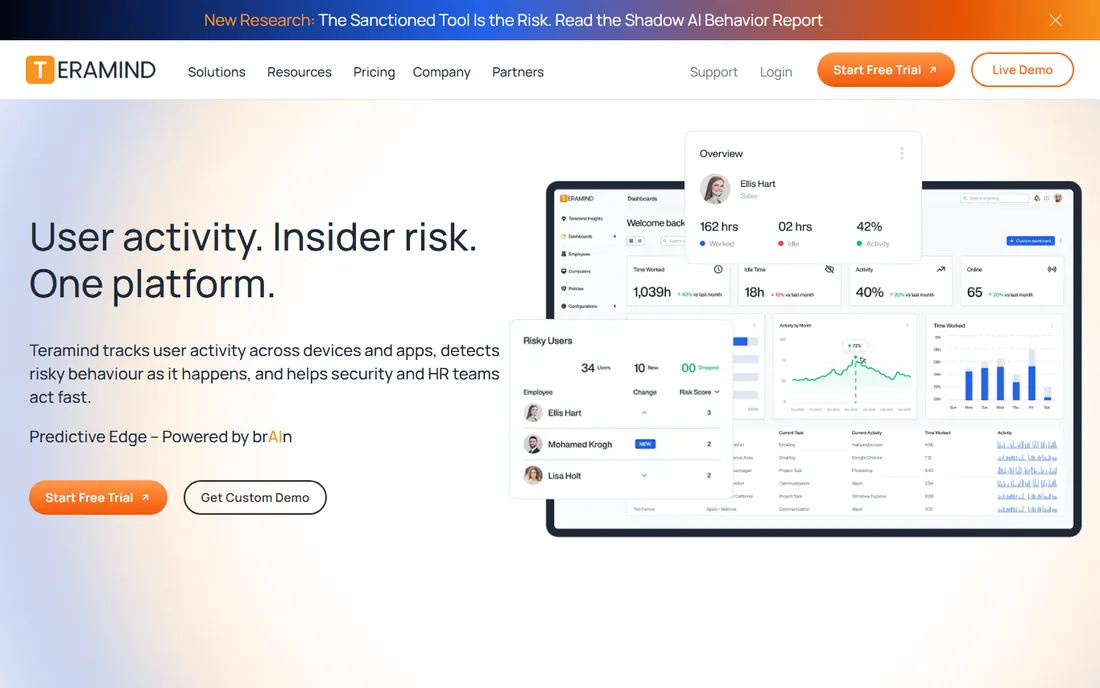
Teramind is the most comprehensive monitoring platform on this list and the most invasive. It records screens, logs keystrokes, tracks application and web usage, and layers data loss prevention rules that can block a file upload or USB transfer in real time. For financial services, healthcare, and government contractors with regulatory obligations, that combination is the point.
Pricing starts at $15 a user a month with a 5-seat minimum, scaling to $35 on higher tiers. Deployment options include cloud and on-premise. The honest catch is cultural: this level of surveillance damages trust, and research consistently shows tracked employees report higher stress and lower satisfaction. Deploy Teramind for compliance and security requirements, not for productivity curiosity.
What we like- Screen recording plus keystroke logging plus DLP in one
- Rule-based automation blocks risky actions
- On-premise option
Watch out for- 5-seat minimum
- The most invasive tool here, with cultural costs
Starting priceFree plan; paid from $10/worker/month
Free planYes
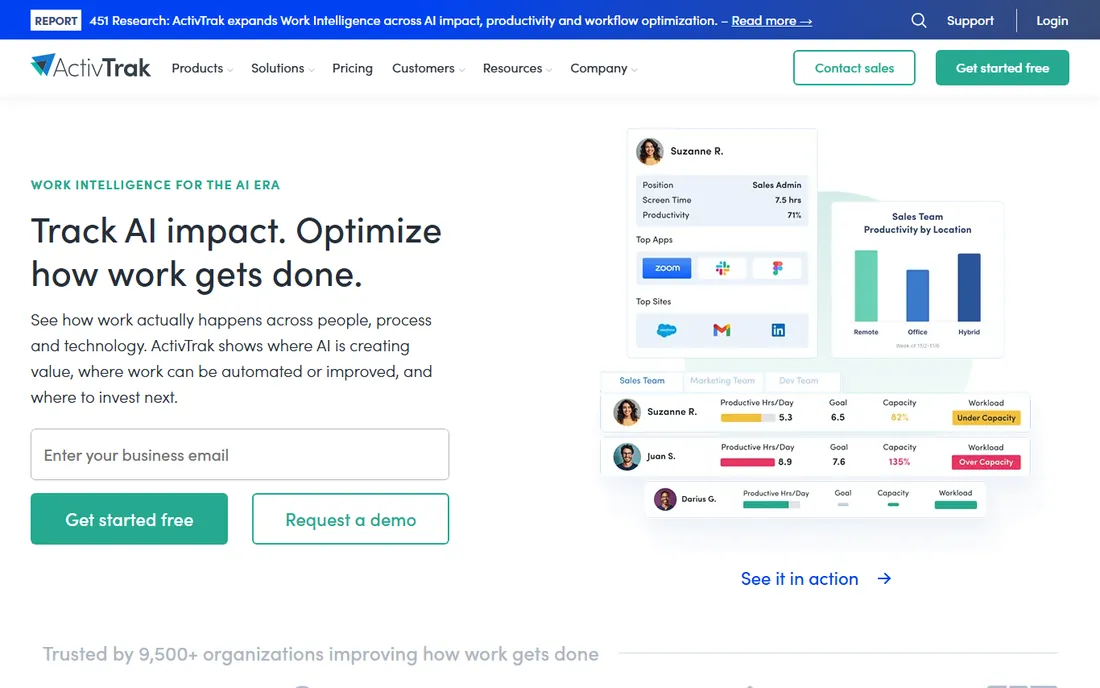
ActivTrak takes the opposite approach from Teramind: it measures work patterns without watching screens. The platform tracks application and website usage, classifies activity as productive or not, and surfaces insights on focus time, meeting load, and burnout risk. There is no keystroke logging and screenshots are an optional paid add-on rather than the default.
The free plan covers up to 3 people, which lets small teams evaluate seriously. Paid plans start at $10 a worker a month. ActivTrak fits organizations that want to understand how work happens: capacity planning, tool sprawl analysis, and coaching conversations backed by data. It is the right answer when the question is "how do we work better" rather than "what are they doing."
What we like- Free plan for up to 3 people
- No screenshots or keystroke logging by default
- Strong burnout and capacity analytics
Watch out for- Screenshots cost extra as an add-on
- Annual contracts on paid plans
#3
Hubstaff
Best for: remote and field teams needing GPS plus screenshots
Visit hubstaff.com
Starting price$4.99/seat/month (billed annually)
Free planFree trial
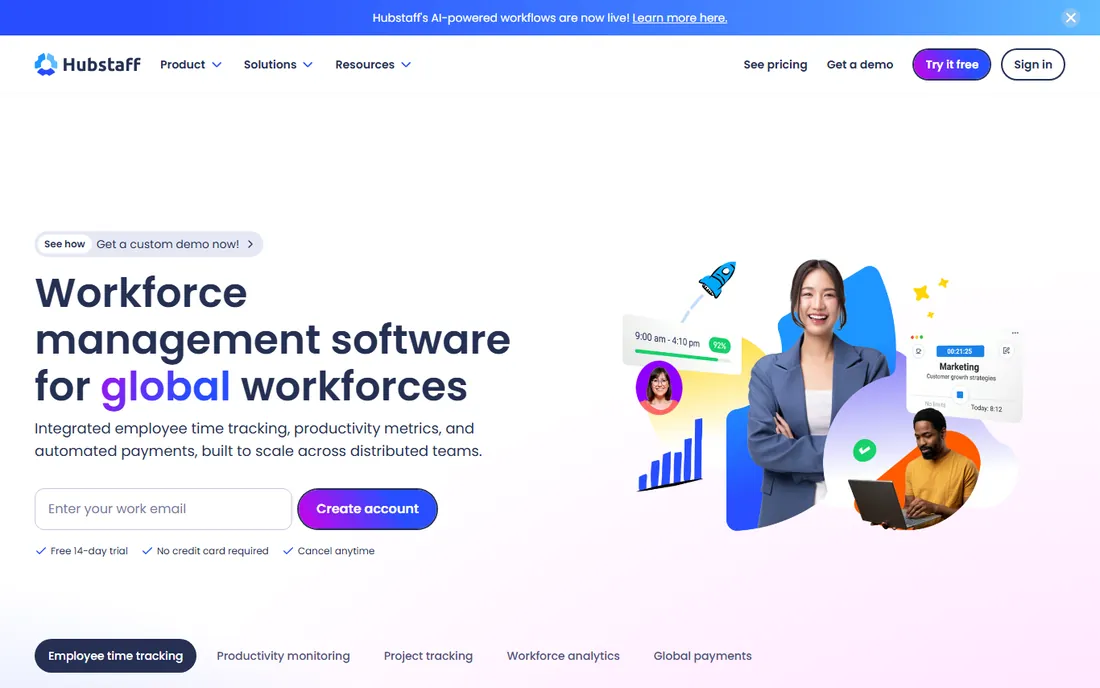
Hubstaff built its base with remote teams and freelancers: employees run a timer, the app captures screenshots at random intervals, tracks activity levels, and GPS follows field workers. Payroll automation and invoicing turn tracked hours into payments, which makes it popular with agencies managing contractors.
The $4.99-a-seat Starter plan is the lowest entry price here, with higher tiers adding more screenshots and integrations. The timer model is the limitation: it measures active tracked time rather than passive activity, and knowledge workers often resent the screenshot surveillance. For hourly remote teams, field services, and contractor payroll, Hubstaff's combination of tracking plus payments is unmatched at the price.
What we like- Cheapest credible option here
- GPS tracking for field teams
- Payroll and invoicing built in
Watch out for- Timer-based model requires employee action
- Screenshot culture annoys knowledge workers
Starting price$6.67 per user/month (billed annually)
Free planFree trial
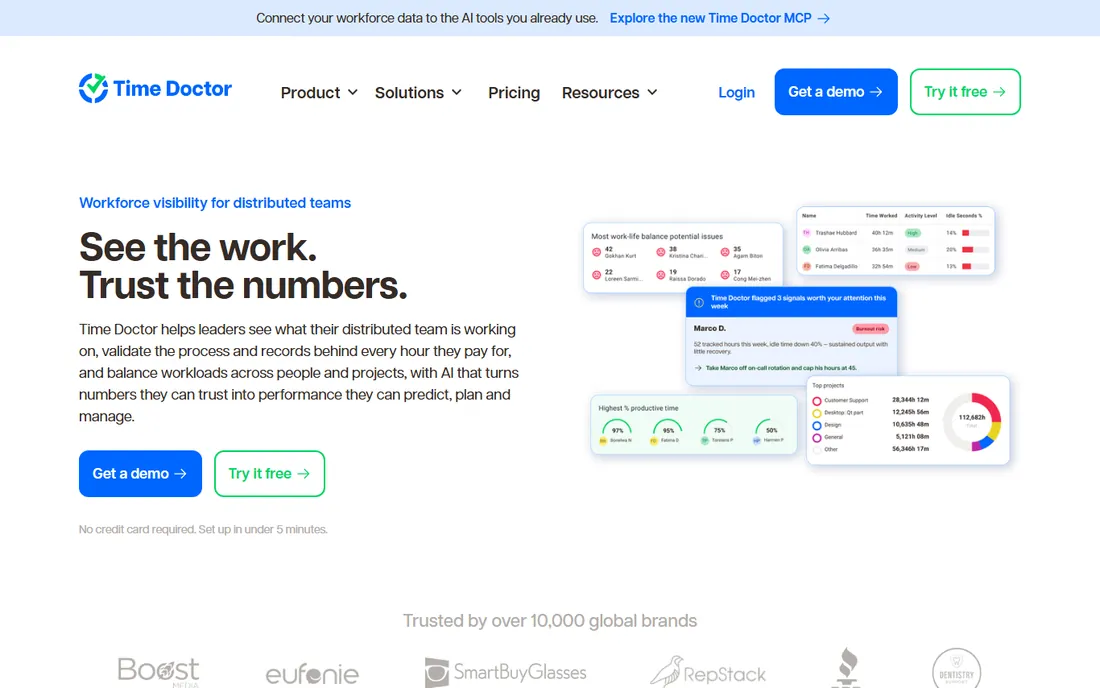
Time Doctor combines time tracking with productivity intelligence: every application and website gets a productivity rating, idle time triggers gentle reminders, and managers see who is focused versus distracted. BPOs, call centers, and agencies with billable hours use it to verify attendance and output across distributed teams.
Pricing at $6.67 a user a month billed annually undercuts most rivals. Like Hubstaff, it uses a timer model that requires employees to start tracking, which creates gaps when people forget. The productivity ratings help managers coach but can feel like judgment to the people being rated. It fits operations-heavy teams where hours verification matters more than deep analytics.
What we like- Productivity ratings per app and site
- Gentle nudges for distracted workers
- Payroll integrations
Watch out for- Timer-based like Hubstaff
- Ratings can feel judgmental to employees
Starting price$8 per user/month (billed annually)
Free planFree trial
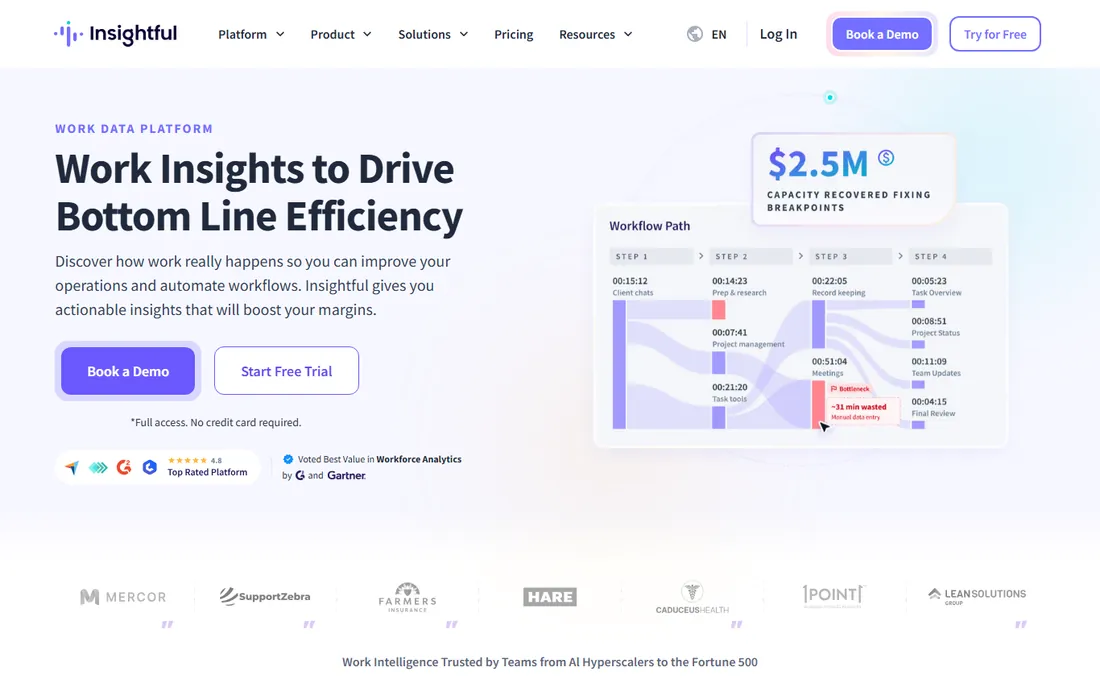
Insightful, formerly Workpuls, positions as the all-in-one: employee monitoring, attendance tracking, project time budgeting, and productivity analytics in a single platform. Large teams get screenshots, app tracking, and attendance data feeding project cost calculations, which connects monitoring to the P&L directly.
The $8-a-month annual price undercuts Teramind significantly for comparable screenshot coverage, and on-premise deployment suits security-conscious enterprises. The 7-day trial is short for a tool this broad. Insightful fits mid-market to enterprise teams that want one monitoring vendor covering attendance through project profitability rather than best-of-breed point tools.
What we like- Monitoring, attendance, and project budgeting in one
- On-premise option
- Competitive $8 price
Watch out for- 7-day trial is short for evaluation
- Interface density overwhelms small teams
#6
Veriato
Best for: insider threat detection with behavior analytics
Visit veriato.com
Starting price$18 per user/month
Free planFree trial
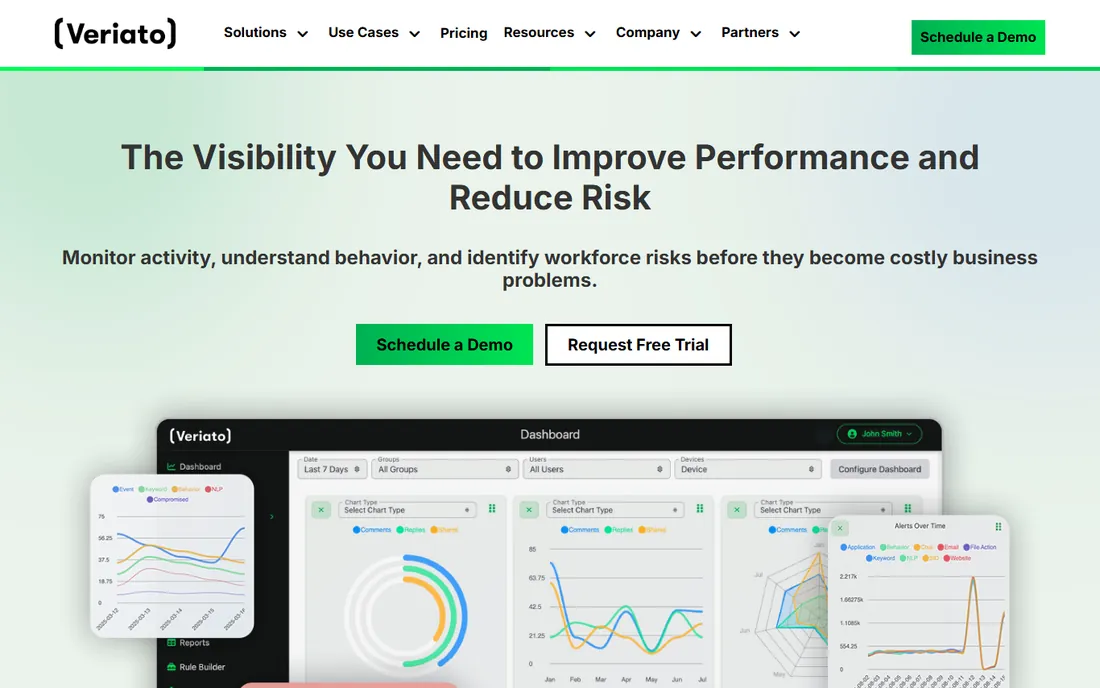
Veriato focuses on the security end of monitoring: behavioral analytics that establish baselines for each user and flag deviations suggesting insider threats, data theft, or policy violations. Screen recording captures activity as searchable video, and the platform serves regulated industries where audit trails are mandatory.
At $18 a user a month to start, it prices above the productivity tools and just below Teramind's higher tiers. Like all surveillance-grade tools, the cultural cost is real: employees who discover this level of monitoring respond with reduced trust. Deploy Veriato when the risk being managed is data exfiltration or insider threat, with clear policies and legal review, not as a productivity initiative.
What we like- Behavioral analytics flag risky patterns
- Video-like screen recording
- Strong for regulated industries
Watch out for- $18 entry is premium priced
- Surveillance depth has cultural costs
Starting price$9.99 per user/month
Free planFree trial
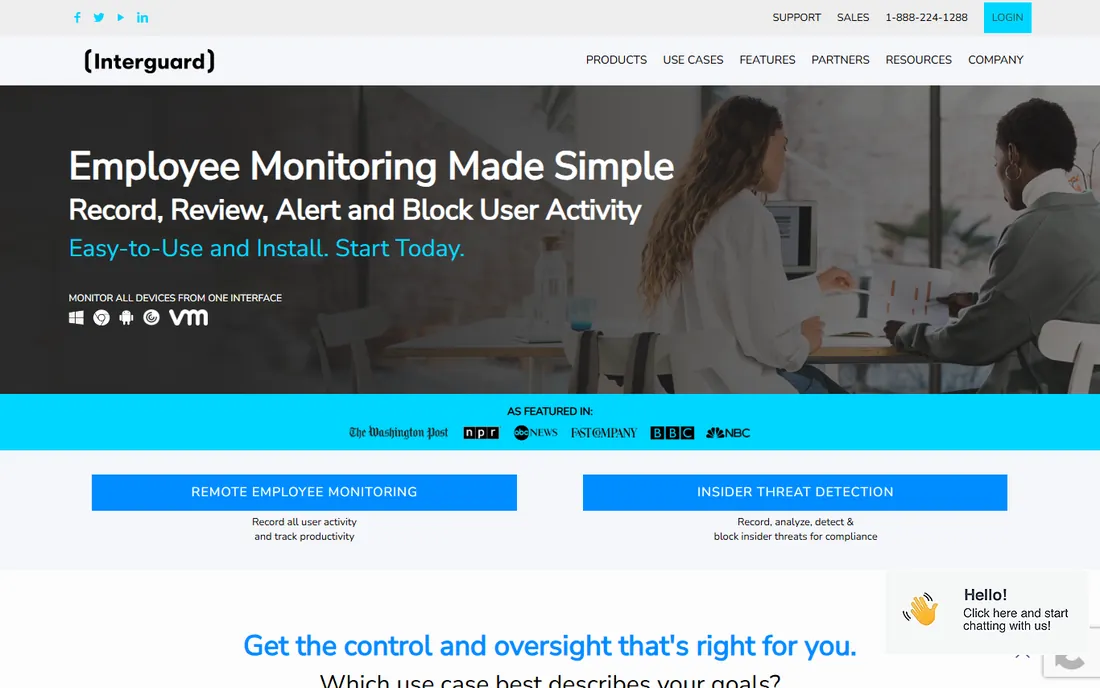
InterGuard combines employee monitoring with content filtering and data loss prevention for regulated industries. Screenshots, application tracking, website monitoring, and file activity feed into policies that can block risky actions. The $9.99-a-user price sits in the middle of the market.
It is a smaller vendor than Teramind or Veriato, which means less third-party validation and a smaller user community. The interface feels less modern than the leaders. But for mid-size companies in finance, healthcare, or legal services that need monitoring plus content controls without enterprise contracts, InterGuard covers the requirements at a fair price.
What we like- Content filtering plus monitoring in one
- Configurable screenshot capture
- File tracking
Watch out for- Smaller vendor with less analyst coverage
- Interface less modern than rivals
Starting price$7.99 per user/month
Free planFree trial
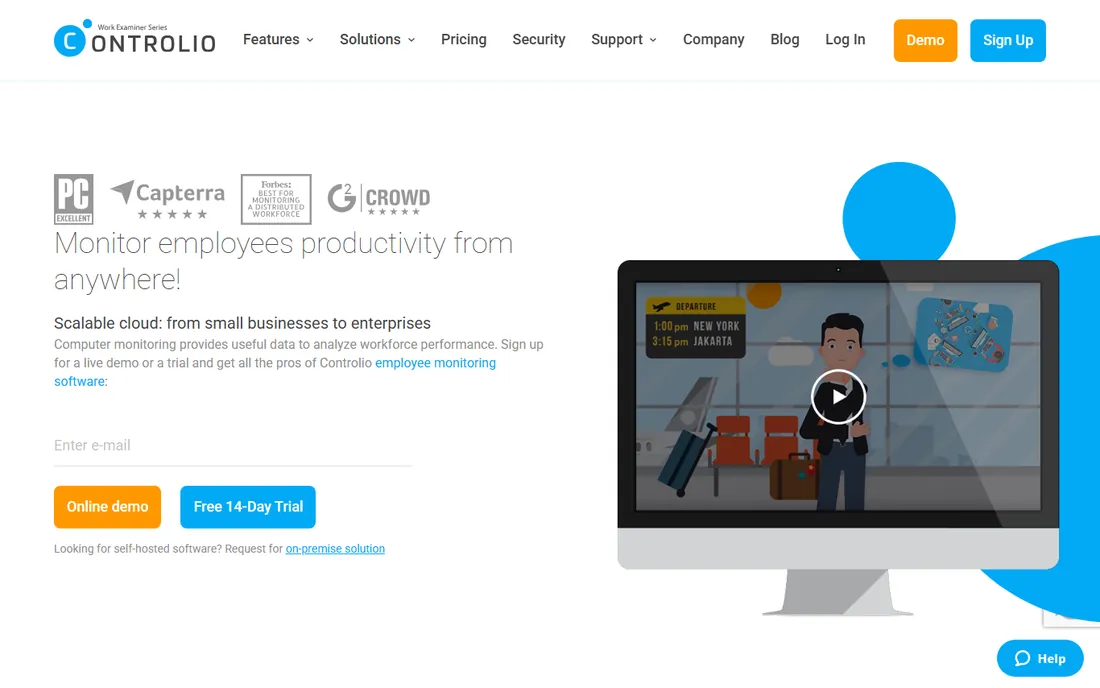
Controlio offers real-time screen monitoring: managers can watch employee screens live, alongside recorded history, keystroke logging, and application tracking. Deployment flexibility stands out, with cloud, private cloud, and on-premise options covering different security postures. The $7.99-a-user price is competitive for the feature depth.
Live screen viewing is the most controversial feature in this category, and its presence here is worth weighing seriously against team morale. The seat minimums on certain plans complicate small deployments. Controlio fits security-focused teams that need live visibility and deployment choice, with the cultural conversation handled explicitly before rollout.
What we like- Live screen viewing
- Cloud, private cloud, and on-premise options
- Keystroke logging included
Watch out for- 5-seat minimums on some plans
- Live viewing raises the creep factor
Starting price$6.42 per user/month (billed annually)
Free planFree trial
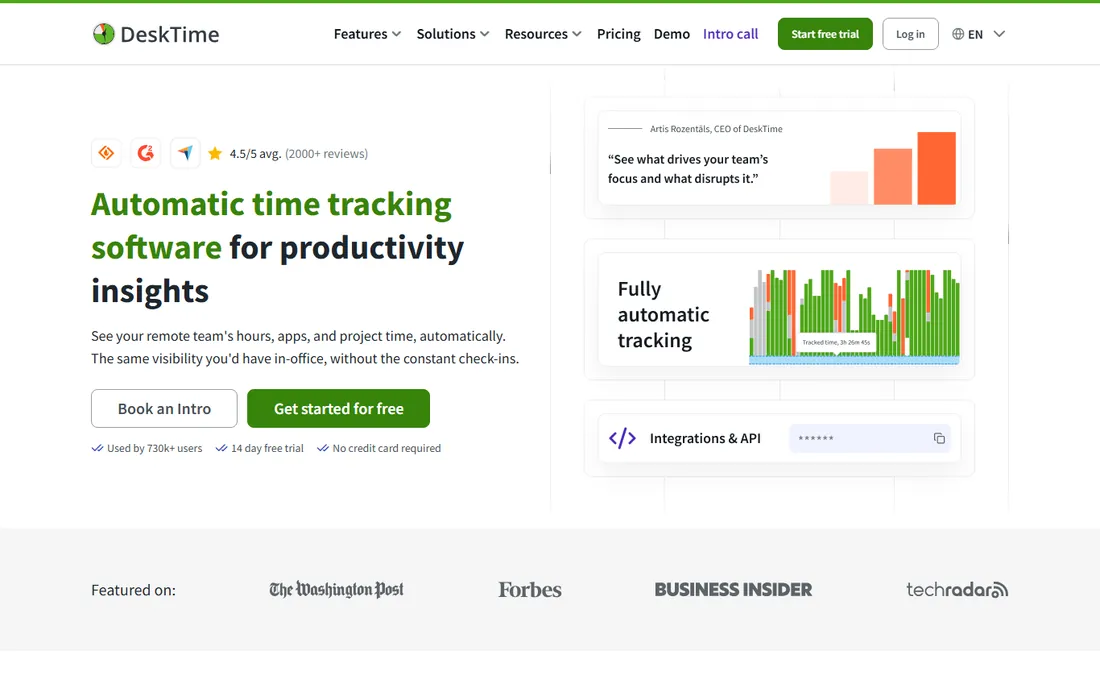
DeskTime takes the gentle path: fully automatic time tracking that categorizes applications and websites as productive or not, with project allocation and absence management, and explicitly no keystroke logging. Employees do not start timers or feel watched at the keystroke level; the tool measures work patterns instead.
At $6.42 a user a month billed annually, it prices with the mid-market productivity tools. The 14-day trial gives a fair evaluation window. DeskTime fits teams that want honest productivity data without surveillance: the monitoring equivalent of ActivTrak's philosophy at a lower price point. Security teams needing DLP or insider threat detection should look elsewhere.
What we like- Fully automatic tracking, no timers
- No keystroke logging by design
- Project time allocation
Watch out for- Less surveillance depth than Teramind-class tools
- Smaller ecosystem
Starting price$6.49 per user/month
Free planFree trial
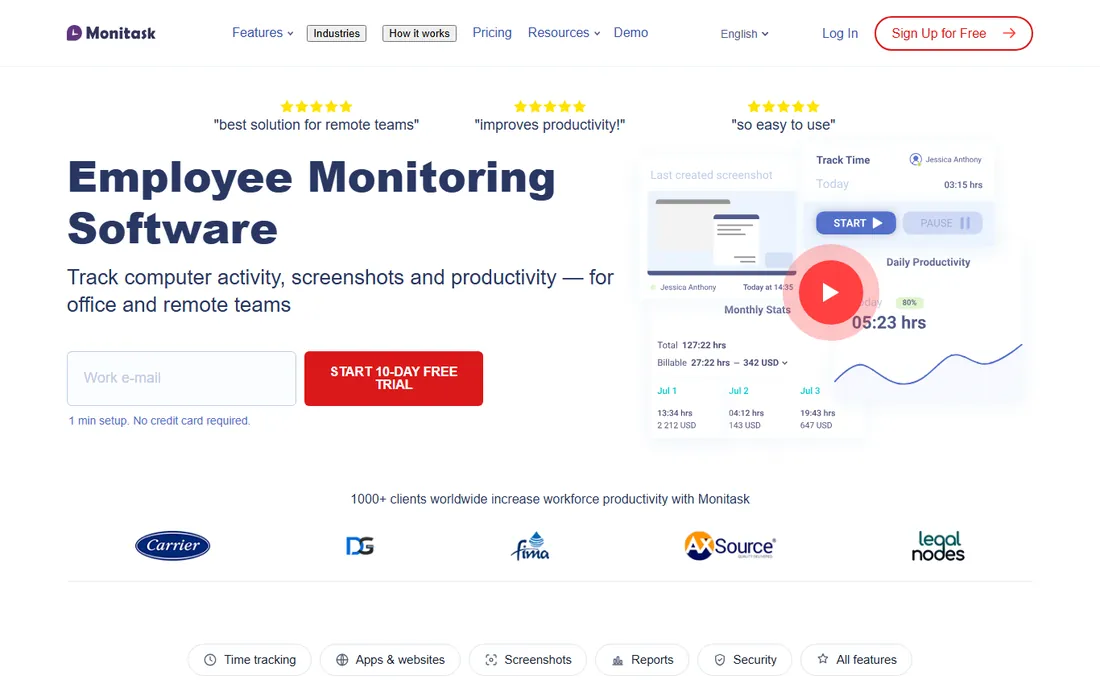
Monitask keeps it simple: screenshots, activity levels, application tracking, and timesheets at $6.49 a user a month. Small teams praise the straightforward setup and the absence of enterprise complexity. It does the core monitoring job without the analytics depth of ActivTrak or the security apparatus of Teramind.
That simplicity is the ceiling. Workforce analytics, DLP, and advanced reporting are absent or basic. But for a twenty-person remote team that wants to verify hours and see screenshots, Monitask delivers the essentials at a fair price with minimal fuss. It is the honest budget tool in a category full of enterprise upsells.
What we like- Simple screenshot and activity tracking
- Easy setup
- Well-reviewed by small teams
Watch out for- Feature depth lags the leaders
- Limited analytics sophistication
How we built this shortlist
We compared employee monitoring tools using vendor pricing pages, feature documentation, and review data from G2, Capterra, and business technology publications. We weighted monitoring depth, analytics quality, deployment options, pricing transparency, user minimums, and the balance between insight and intrusiveness. We did not run hands-on trials, so workflow details come from documentation and verified user reviews rather than our own use.
What to check before you deploy
Check the law in every jurisdiction where employees work. Monitoring regulations vary enormously: some US states require employee notice, EU works councils must be consulted, and several countries restrict keystroke logging or require explicit consent. Consult employment counsel before deploying anything beyond basic time tracking. The software vendor will not do this for you.
Tell employees what is being monitored, in writing, before it starts. Transparency is both a legal requirement in many places and a practical one everywhere: secret monitoring that gets discovered destroys trust permanently. Document exactly what is captured, who can see it, how long data is retained, and what decisions the data informs.
Match the tool's invasiveness to the actual problem. Productivity questions need analytics tools like ActivTrak or DeskTime. Security and compliance requirements need Teramind or Veriato. Deploying surveillance-grade tools for productivity curiosity is the most common and most damaging mistake in this category.
Test with a pilot group before company-wide rollout. Run the tool with volunteers for a month, review what the data actually shows, and adjust policies based on reality rather than assumptions. Pilots surface both technical issues and cultural reactions while they are still manageable.
Define data retention and access policies up front. Who can view individual screens versus aggregate reports? How long are recordings kept? What happens to the data when an employee leaves? Answer these in policy before the first screenshot is captured, because retroactive policy-making after a dispute never satisfies anyone.
The trust problem: what monitoring does to morale
The research on monitoring and morale points one direction. Tracked employees report higher stress, worse mental health, and less job satisfaction than untracked employees doing the same work. More than one in four tracked employees distrust their employer, and 36% of tracked employees are looking for a new job compared to 18% of untracked ones (SoftwareFinder). Monitoring does not appear to increase productivity: tracked and untracked employees report equal output.
None of this means monitoring is never justified. Regulated industries face real compliance obligations, and insider threats cause real damage. But it means the burden of proof sits with the employer. Every monitoring deployment should answer three questions: what specific risk or problem does this solve, why is monitoring the least invasive way to solve it, and how will we know if the cultural cost exceeds the benefit.
The practical middle ground most companies land on is analytics over surveillance: measure work patterns in aggregate, coach individuals on outcomes rather than keystrokes, and reserve deep monitoring for roles with genuine security requirements. Tools like ActivTrak and DeskTime exist precisely for this philosophy. If your deployment plan cannot survive being explained honestly to the team, reconsider the plan rather than hiding the tool.
Frequently asked questions
Is employee monitoring software legal?
It depends on jurisdiction. Many US states require employee notice, EU regulations require works council consultation and limit certain monitoring types, and some countries restrict keystroke logging. Always consult employment counsel before deploying.
Do employees know they are being monitored?
They should. Secret monitoring is illegal in many jurisdictions and destroys trust everywhere else. Best practice is written notice explaining what is captured, who sees it, and why, before the software is installed.
What is the difference between monitoring and workforce analytics?
Monitoring typically means surveillance: screenshots, keystroke logging, screen recording. Workforce analytics measures work patterns in aggregate: application usage, focus time, meeting load. The tools overlap but the philosophy and cultural impact differ greatly.
How much does employee monitoring software cost?
Prices in 2026 run from $4.99 a seat for Hubstaff to $18 a user for Veriato, with most tools between $6 and $10. Teramind starts at $15 with a 5-seat minimum. ActivTrak offers a free plan for up to 3 people.
Can monitoring software track remote workers' locations?
Some tools like Hubstaff include GPS tracking for field and mobile workers. Location tracking raises additional legal and cultural concerns: 75% of employees who are not currently location-tracked say they would refuse to share it (SoftwareFinder). Use it only where the job genuinely requires it.
Will monitoring make my team more productive?
Research suggests not directly: tracked and untracked employees report equal productivity. Monitoring helps with specific problems like compliance, time verification, and capacity planning. Productivity gains come from acting on the insights, not from the watching itself.
Sources we checked (6)
- https://rize.io/blog/best-remote-employee-monitoring-software
- https://www.webwork-tracker.com/blog/top-6-employee-monitoring-software
- https://www.businessnewsdaily.com/11143-best-employee-monitoring-software.html
- https://flowace.ai/blog/best-employee-monitoring-software-in-us/
- https://www.computerworld.com/article/3836836/electronic-employee-monitoring-reaches-an-all-time-high.html
- https://softwarefinder.com/resources/employee-tracking-returning-office
Is your product missing or out of date?
We review this list regularly. Vendors can request a listing, send updated pricing or ask about featured placement.

Shihab Mia · Founder, Rankite
Shihab has spent more than a decade helping SaaS and e-commerce brands grow through search. He writes Rankite's software buying guides from pricing pages, documentation and public user reviews. More about Shihab.