How we make this list: we compare pricing pages, product documentation and public user reviews. Ratings come from G2, Capterra or Trustpilot, with the date we checked them.
Key takeaways
- Proton Mail is the best all-round pick, with a free tier, end-to-end encryption, and a full suite behind it.
- Tuta suits privacy purists who want encrypted mail, calendar, and contacts under one roof at a low price.
- Virtru and Paubox suit businesses that must encrypt inside Gmail or Outlook without changing providers.
- Encryption only helps when both sides use it well: key handling, metadata, and recipient habits all matter.
Quick comparison
| Tool | Best for | Starting price | Free plan |
|---|
 Proton Mail Proton Mail | All-round encrypted mail | Free | Yes |
 Tuta Tuta | Low-cost encrypted suite | See website | Yes |
 StartMail StartMail | Private mail with PGP support | See website | Free trial |
 Hushmail Hushmail | Simple encrypted webmail | See website | No |
 Mailfence Mailfence | Encrypted mail plus office tools | See website | Yes |
 PreVeil PreVeil | Business-grade encrypted mail | See website | Free trial |
 Virtru Virtru | Encryption inside Gmail and Outlook | See website | Free trial |
 Paubox Paubox | Healthcare email encryption | See website | Free trial |
Is your product missing or out of date?
We review this list regularly. Vendors can request a listing, send updated pricing or ask about featured placement.
The best email encryption services
Starting priceFree
Free planYes
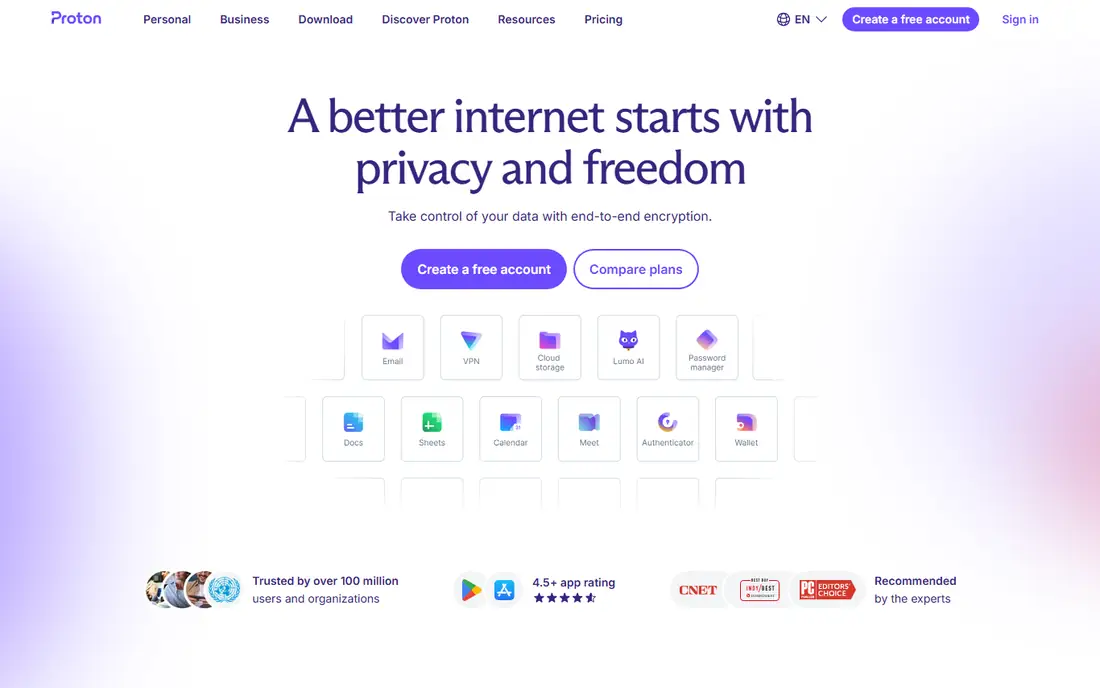
Proton Mail is the most complete encrypted mail service here, with end-to-end encryption between Proton users, a free tier that covers everyday use, and paid plans adding storage, custom domains, and extra addresses. It sits inside a wider Proton suite covering VPN, calendar, drive, and password management, which suits users who want one privacy vendor.
Encrypted search is limited by design, since the server cannot read message contents, and advanced features need paid plans. Proton also offers a bridge for desktop mail apps on paid plans, which helps users who prefer a traditional mail client over webmail. Proton Mail fits most people seeking private email: it is easy to adopt, credible on security, and free to start, with a clear upgrade path when storage or domains matter.
What we like- End-to-end encryption
- Free tier
- Large suite and strong reputation
Watch out for- Paid plans needed for more storage and custom domains
- Search is limited on encrypted mail
Starting priceSee website
Free planYes
Tuta, formerly Tutanota, encrypts mail, calendar, and contacts end to end, with a free tier and low-priced paid plans. Its clients are open source, which lets independent reviewers inspect the code, and its focus stays narrow: private communication rather than a broad suite. For users who want encryption across mail and calendar at minimal cost, Tuta is the value pick.
The ecosystem is smaller than Proton's, with fewer integrations and no VPN or drive bundle. Tuta fits privacy-focused individuals and small teams who prioritize encryption breadth and price over a large product family.
What we like- End-to-end encrypted mail, calendar, and contacts
- Low price
- Open source clients
Watch out for- Smaller ecosystem than Proton
- Fewer third-party integrations
Starting priceSee website
Free planFree trial
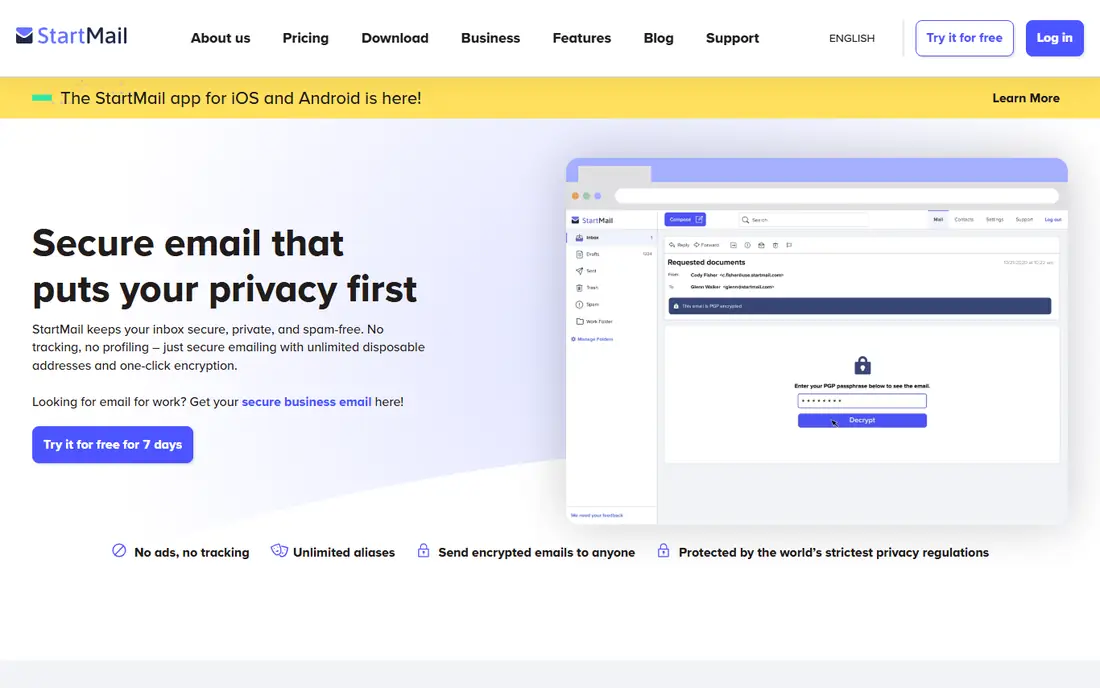
StartMail offers private email with PGP support, letting users exchange encrypted mail with any PGP-capable correspondent, not only fellow StartMail users. It blocks tracking pixels, keeps servers in the Netherlands, and avoids advertising-based revenue. That standards-based approach appeals to users who already understand PGP or want interoperability.
There is no free tier beyond a trial, and the feature set is narrower than Proton's suite. StartMail fits users who value PGP compatibility and a no-tracking policy, and who are comfortable paying for email from the start.
What we like- PGP encryption support
- No tracking
- Based in the Netherlands
Watch out for- No free tier beyond trial
- Smaller feature set than Proton
Starting priceSee website
Free planNo
Hushmail is one of the longest-running encrypted webmail services, offering passphrase-based encryption in a simple web interface. Businesses use its encrypted web forms to receive sensitive messages from customers without those customers needing an account. That form feature remains a distinctive, practical use case.
There is no free tier, and the interface feels dated beside Proton and Tuta. Hushmail fits users and small businesses that want straightforward encrypted webmail, or encrypted intake forms, without learning PGP or managing keys themselves.
What we like- Long-running service
- Simple webmail
- Encrypted forms for businesses
Watch out for- No free tier
- Smaller modern feature set
- Dated interface
Starting priceSee website
Free planYes
Mailfence combines encrypted email with calendar, contacts, and document tools, plus OpenPGP support for standards-based encryption. Its free tier covers basic mail use, and paid plans add storage and group features. The service is based in Belgium, which some users prefer for data protection reasons.
The interface is functional rather than polished, and heavy users will need a paid plan for storage. Mailfence fits users who want encrypted mail plus office tools in one account, with OpenPGP compatibility for correspondents outside the service.
What we like- Encrypted mail, calendar, and documents
- OpenPGP support
- Free tier
Watch out for- Interface is functional rather than polished
- Paid plans for full storage
Starting priceSee website
Free planFree trial
PreVeil provides end-to-end encrypted email and file sharing for businesses, with key management handled by the service so staff never manage keys directly. It targets compliance-sensitive industries, including defense and finance supply chains, and it works alongside existing email rather than replacing it entirely. That design lowers adoption friction for companies.
Pricing is business-grade and quote-based, and personal users will find better value elsewhere. PreVeil fits companies that must encrypt sensitive business email, prove compliance, and avoid burdening staff with key handling.
What we like- End-to-end encryption for business
- No key management burden
- Compliance focus
Watch out for- Business pricing
- Less suited to personal use
- Smaller consumer presence
Starting priceSee website
Free planFree trial
Virtru adds encryption, access controls, and revocation to Gmail and Outlook, so teams keep their existing mail provider and add protection on top. Senders can set expiry, revoke access after sending, and track opens, which matters for sensitive business documents. Audit trails support compliance reporting.
Pricing is business-focused and quote-based, and full protection depends on how recipients handle encrypted messages. Virtru also supports data loss prevention rules that can trigger encryption automatically when a message matches a sensitive pattern, which reduces reliance on staff remembering to encrypt. Virtru fits companies standardized on Google Workspace or Microsoft 365 that need encryption and control without migrating mailboxes.
What we like- Works inside Gmail and Outlook
- Access controls and revocation
- Audit trails
Watch out for- Quote-based business pricing
- Encryption depends on recipient setup
Starting priceSee website
Free planFree trial
Paubox is built for healthcare email, with HIPAA-focused encryption that works without forcing recipients into a portal to read messages. That recipient experience matters in healthcare, where patients and partners should not need new accounts to read a secure message. An email API lets developers add encryption to existing workflows.
The healthcare focus narrows its fit for general business use, and pricing is business-grade. Paubox fits clinics, insurers, and health vendors that must send protected health information by email and want the simplest possible recipient experience.
What we like- HIPAA-focused encryption
- No recipient portal needed
- Email API options
Watch out for- Healthcare focus narrows fit
- Business pricing
How we chose
We compared pricing pages, product documentation, and public user reviews for email encryption services that are actively sold in 2026. We favored services with real end-to-end or PGP-based encryption, a clear key handling model, and current availability. We left out discontinued services, and we checked that each listed service still sells and supports its product rather than relying on old listings.
Encryption is only as strong as its weakest habit
A good encryption service protects message contents in transit and at rest, but it cannot fix weak passwords, reused credentials, or careless forwarding. Use a strong, unique password, turn on two-factor authentication wherever offered, and treat any service that can reset your encryption password with caution, since that ability changes who can read your mail.
Understand what is and is not encrypted
End-to-end encryption hides message bodies, but metadata such as sender, recipient, subject, and timing often remains visible to the provider and to network observers. Attachments may also follow different rules from message bodies, so check whether attachments are encrypted in the same way. PGP-based services encrypt bodies for correspondents with keys, while portal-based services may encrypt only until the recipient opens the message. Read each vendor's model before assuming everything is hidden.
Pick the model that fits your correspondents
If your contacts already use the same service, end-to-end encryption works smoothly. If they use varied providers, PGP compatibility or a no-portal business service matters more. The best encryption is the one your recipients actually complete: a secure message nobody opens helps no one, and a portal that confuses recipients will push them toward insecure workarounds.
Compare key handling models
Key handling decides who can read your mail if something goes wrong. In a zero-access model, the provider cannot decrypt your messages even if asked, which is stronger but means a lost password can mean lost mail. In a managed-key model, the provider holds keys or recovery material, which makes recovery easier but adds a party that could access messages. Neither model is wrong in itself, but buyers should know which one they are choosing, since it changes both security and recovery.
Test before you migrate
Move one low-risk mailbox first and use it for two weeks before migrating a team. Send encrypted messages to your most common correspondents, test recovery, and confirm that mobile apps and desktop clients behave as expected. A short pilot catches portal friction, search limits, and import problems while they are still cheap to fix.
Plan for losing access
Encryption keys and account recovery are linked: lose the key and you may lose the mailbox. Save recovery codes in a password manager, set up recovery options before you need them, and export important messages periodically. Test recovery on a secondary account so a real lockout does not become permanent data loss.
Frequently asked questions
Does encrypted email hide everything from my provider?
No. End-to-end encryption hides message bodies, but metadata like sender, recipient, subject line, and timing often stays visible. Check each provider's model to see exactly what is encrypted and what is not.
Can I send encrypted mail to someone on Gmail?
Yes, with limits. PGP-based services can encrypt to any PGP user, and business tools like Virtru and Paubox handle recipients through links or built-in decryption. Full end-to-end encryption works smoothest when both sides use the same encrypted service.
Is a free encrypted mail plan enough?
For personal use, often yes. Proton Mail and Tuta free tiers cover everyday mail, while paid plans add storage, custom domains, and addresses. Businesses with compliance needs should budget for paid plans with support and audit features.
What happens if I forget my encryption password?
It depends on the service. Some providers cannot recover encrypted mail without the password, which is the point of end-to-end encryption. Save recovery codes and set up recovery options in advance, and test them before you rely on them.
Should businesses encrypt all email or only sensitive mail?
Most businesses encrypt sensitive mail by policy and leave routine mail unencrypted, since full encryption adds friction. Define which message types count as sensitive, such as health, financial, or legal content, and enforce encryption for those categories consistently.
Sources we checked (8)
- https://proton.me
- https://tuta.com
- https://www.startmail.com
- https://www.hushmail.com
- https://mailfence.com
- https://www.preveil.com
- https://www.virtru.com
- https://www.paubox.com
Is your product missing or out of date?
We review this list regularly. Vendors can request a listing, send updated pricing or ask about featured placement.

Shihab Mia · Founder, Rankite
Shihab has 5+ years in B2B and SaaS SEO. He writes Rankite's software buying guides from pricing pages, documentation and public user reviews. More about Shihab.