How we make this list: we compare pricing pages, product documentation and public user reviews. Rankite is independent; if a vendor ever pays for a featured spot, that listing is clearly labeled Partner.
Key takeaways
- Encryption is one of those categories where the free tools are better than the paid ones. VeraCrypt, BitLocker, and Cryptomator cover most needs for nothing.
- Full-disk encryption (BitLocker, FileVault, VeraCrypt) protects everything if the device is lost. File and folder tools (AxCrypt, Folder Lock) protect specific things you share or store.
- Cloud users should look at Cryptomator and NordLocker, which encrypt files before they reach Dropbox, Google Drive, or OneDrive.
- 7-Zip and Gpg4win handle the "send an encrypted file to someone" job without a subscription.
- For video files specifically, standard encryption tools work fine; dedicated video encryption software like Gilisoft's adds playback control.
Quick comparison
| Tool | Best for | Starting price | Free plan |
|---|
 VeraCrypt VeraCrypt | Free full-disk and container encryption | Free | Yes |
 BitLocker BitLocker | Built-in Windows drive encryption | See website | No |
 Cryptomator Cryptomator | Encrypting cloud storage | Free | Yes |
 AxCrypt AxCrypt | Simple file-by-file encryption | See website | Free trial |
 NordLocker NordLocker | Easy cloud-friendly encryption | See website | Free trial |
 7-Zip 7-Zip | Free encrypted archives | Free | Yes |
 Gpg4win Gpg4win | Email and file encryption standards | Free | Yes |
 Folder Lock Folder Lock | Password-protecting folders simply | See website | Free trial |
 FileVault FileVault | Built-in Mac drive encryption | See website | No |
 Gilisoft Video Encryptor Gilisoft Video Encryptor | Encrypting video files for sharing | See website | Free trial |
Is your product missing or out of date?
We review this list regularly. Vendors can request a listing, send updated pricing or ask about featured placement.
Starting priceFree
Free planYes
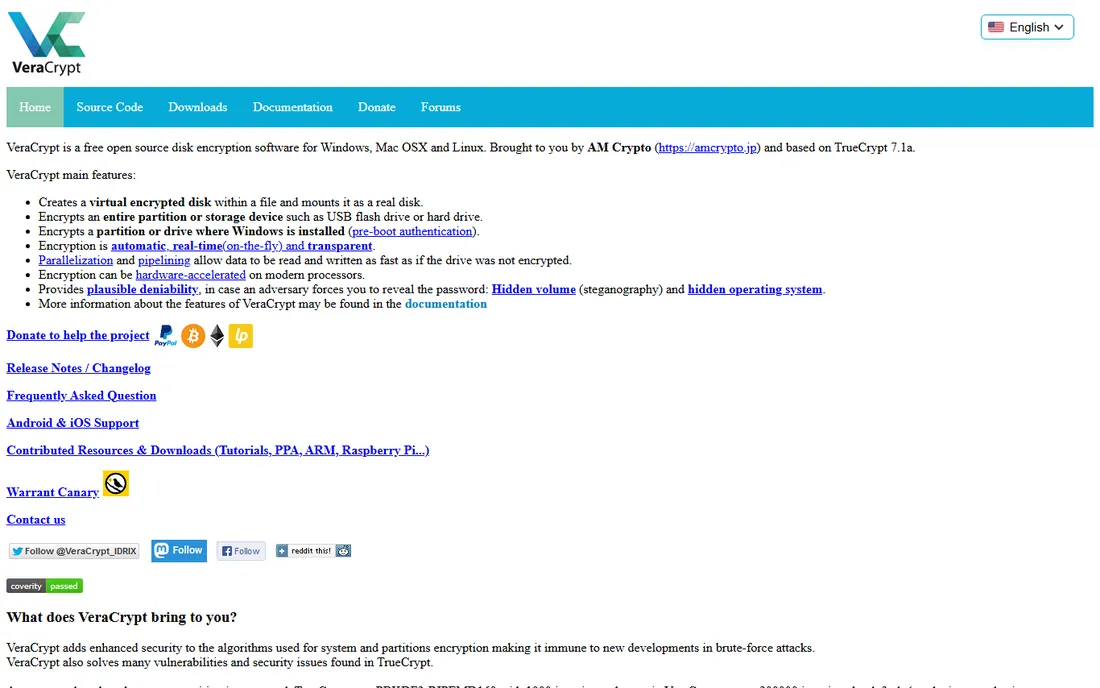
VeraCrypt is the successor to TrueCrypt and the gold standard of free encryption. It encrypts entire drives, partitions, or file containers with AES, Serpent, and other ciphers, and its hidden-volume feature lets you deny a second volume even exists. Being open source and independently audited, it carries trust that closed-source free tools cannot match.
The interface looks like security software from 2005 because it essentially is, and beginners can misconfigure volumes. There is no company to call for help. But for the best data encryption software at any price, VeraCrypt's combination of strength, audit history, and zero cost is unmatched.
What we like- Audited open-source encryption
- Hidden volumes for plausible deniability
- No cost, no account, no limits
Watch out for- The interface is dated and technical
- No official support channel
Starting priceSee website
Free planNo
BitLocker is the encryption most Windows users should just turn on. Available in Windows Pro, Enterprise, and Education editions, it encrypts the entire drive with minimal performance impact and integrates with the TPM chip for transparent decryption at boot. For businesses, Group Policy and Active Directory manage recovery keys centrally.
Two honest caveats. Windows Home users do not get it, which pushes some toward VeraCrypt. And if you back up your recovery key to a Microsoft account, Microsoft technically holds it, which bothers the privacy-conscious. For everyone else, enabling BitLocker is the highest-value security action that takes five minutes.
What we like- Already on your Windows Pro or Enterprise PC
- Integrates with TPM and Active Directory
- Zero extra cost
Watch out for- Not available on Windows Home
- Microsoft holds recovery keys if you use a Microsoft account
Starting priceFree
Free planYes
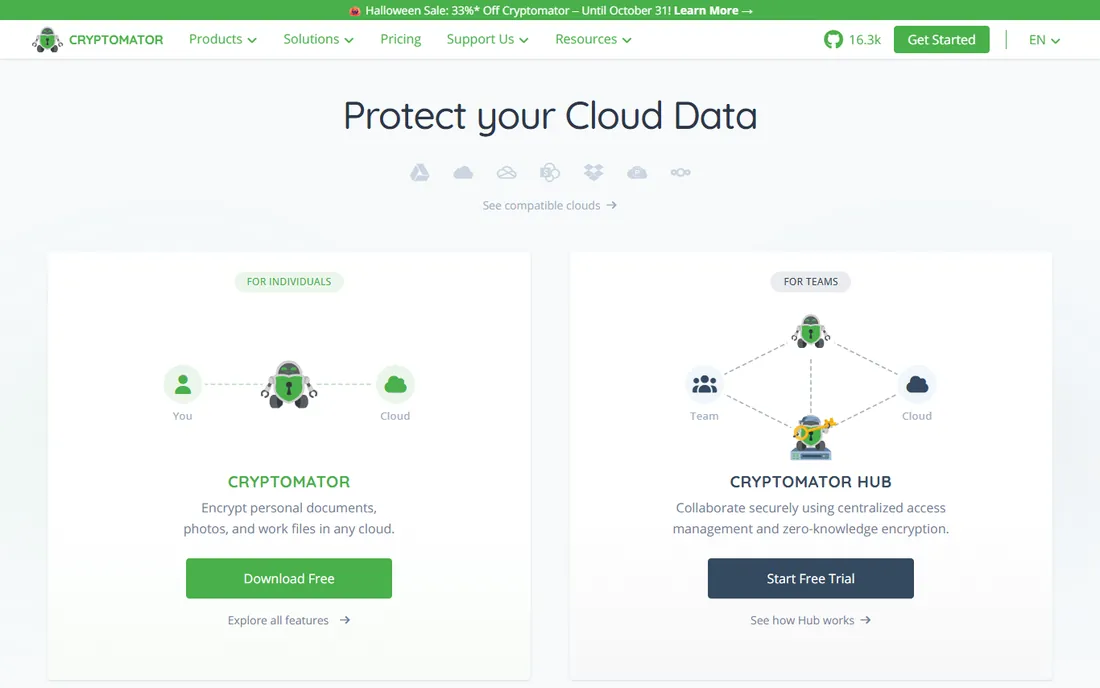
Cryptomator solves the cloud trust problem elegantly: it creates an encrypted vault inside your Dropbox, Google Drive, or OneDrive folder, so files are encrypted on your device before they ever reach the provider's servers. The provider sees only ciphertext. It is free and open source on desktop, which makes the security claims verifiable.
Because it encrypts file by file rather than as one container, syncing many small files can be slower than alternatives. The mobile apps cost a few dollars, which is fair. For anyone storing sensitive documents in the cloud, Cryptomator is the essential, free layer of protection.
What we like- Free and open source
- Encrypts files before cloud upload
- Works with any storage provider
Watch out for- File-by-file encryption is slower than disk encryption
- Mobile apps are paid
Starting priceSee website
Free planFree trial
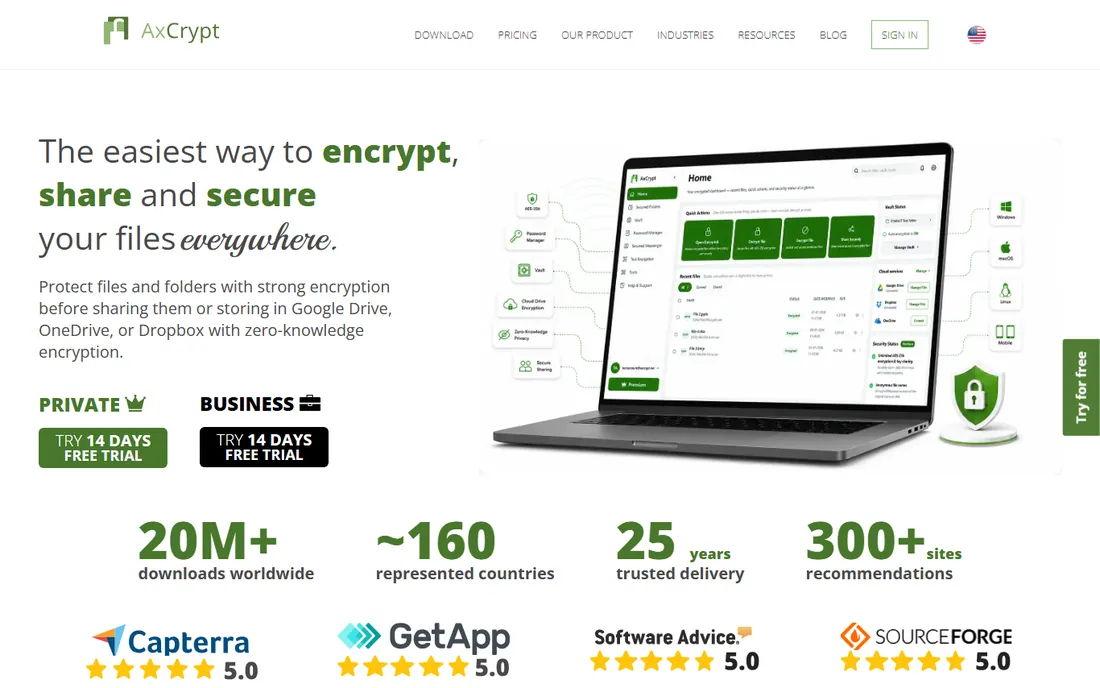
AxCrypt is encryption for people who do not want to think about encryption. Right-click a file, encrypt it with a password or your AxCrypt ID, and share it. Key sharing lets recipients open files without exchanging passwords over insecure channels, and the mobile apps keep the workflow going on phones.
The free tier is limited, and the Premium subscription gates the useful features, which feels like a lot in a category with strong free tools. It also targets files, not drives. But for the specific job of "encrypt this file and send it to someone," AxCrypt is the smoothest experience here.
What we like- Double-click simplicity for encrypting individual files
- Secure sharing with key sharing
- Good mobile apps
Watch out for- Subscription pricing for full features
- Less suited to whole-drive encryption
Starting priceSee website
Free planFree trial
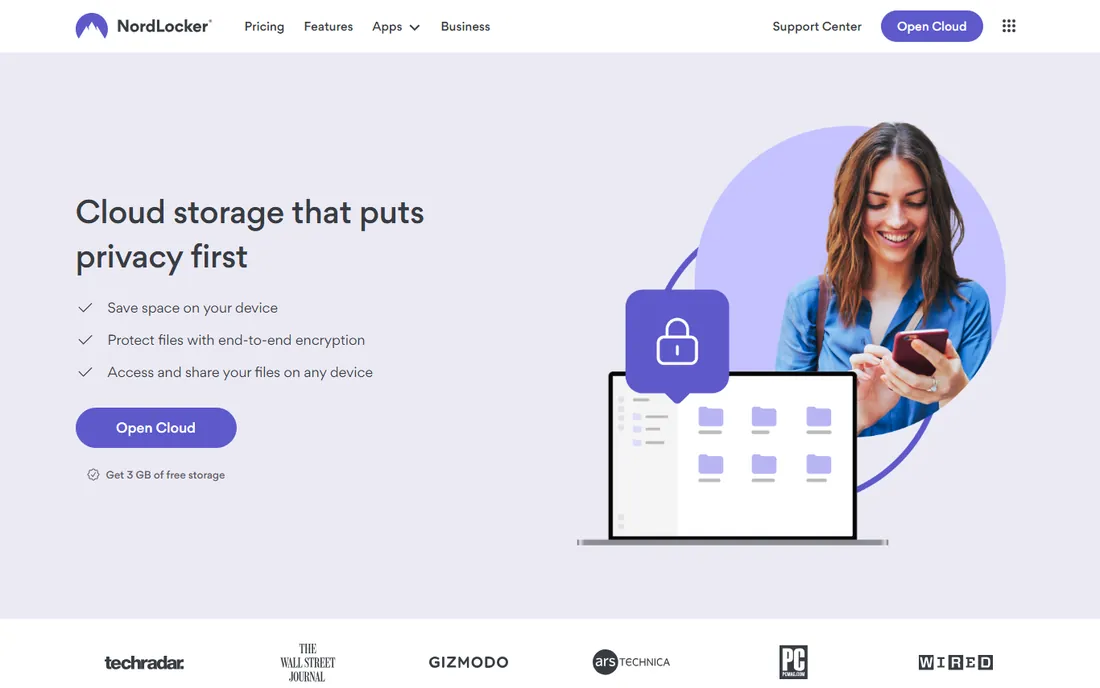
NordLocker wraps encryption in the friendliest interface on this list. Drag files into a locker, and they are encrypted locally with the option to sync through NordLocker's own encrypted cloud. Sharing uses public-key cryptography under the hood without exposing the complexity. The Nord brand gives it mainstream credibility.
The free tier is limited, and serious use needs a subscription. Being closed source, you trust Nord's implementation rather than verifying it. But for users who bounced off VeraCrypt's interface, NordLocker delivers real encryption with consumer-grade ease.
What we like- Very easy drag-and-drop lockers
- Optional encrypted cloud storage
- From the Nord security family
Watch out for- Paid plans for meaningful use
- Closed source, so trust rests on the brand
Starting priceFree
Free planYes
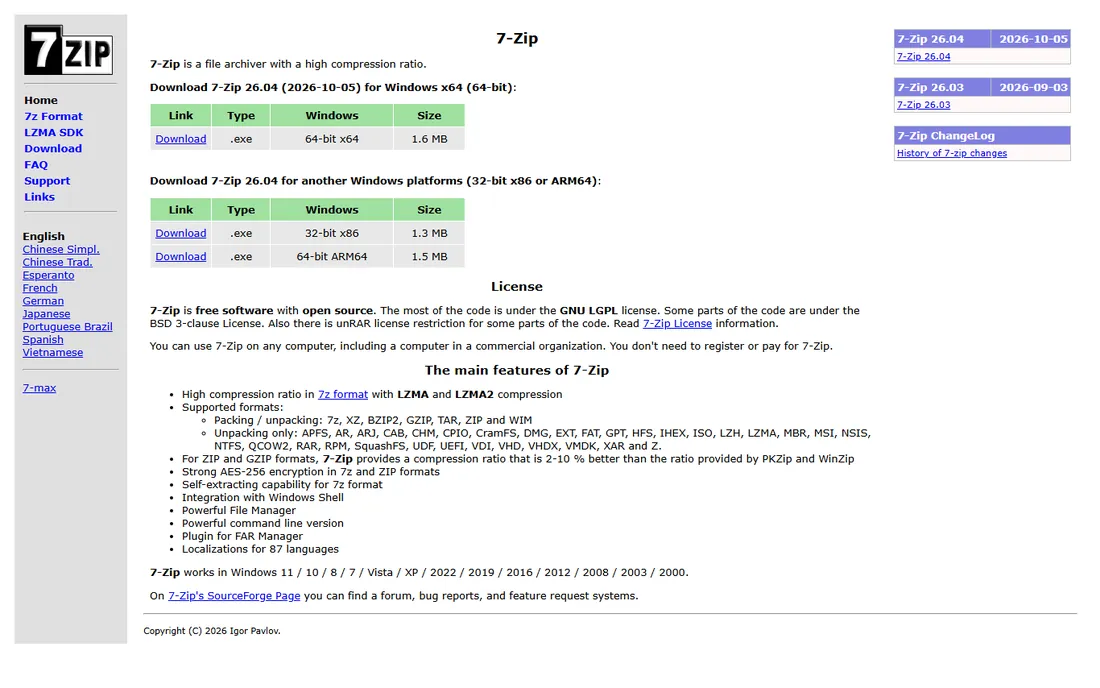
7-Zip is not marketed as encryption software, but its AES-256 encrypted archives are a legitimate answer to "send this securely." Right-click, add to archive, set a password, choose AES-256, and you have an encrypted file anyone can open with free software. It costs nothing, has no account, and will never upsell you.
The model is archive-based: you encrypt copies, not live files, so it suits sending and storing rather than working. There is no key management or cloud integration. But as a free, universal, no-excuses way to encrypt files, 7-Zip belongs in every toolkit.
What we like- Free and open source forever
- AES-256 encrypted archives
- Everyone can open them
Watch out for- Archive-based, not real-time encryption
- No cloud or sharing workflow
Starting priceFree
Free planYes
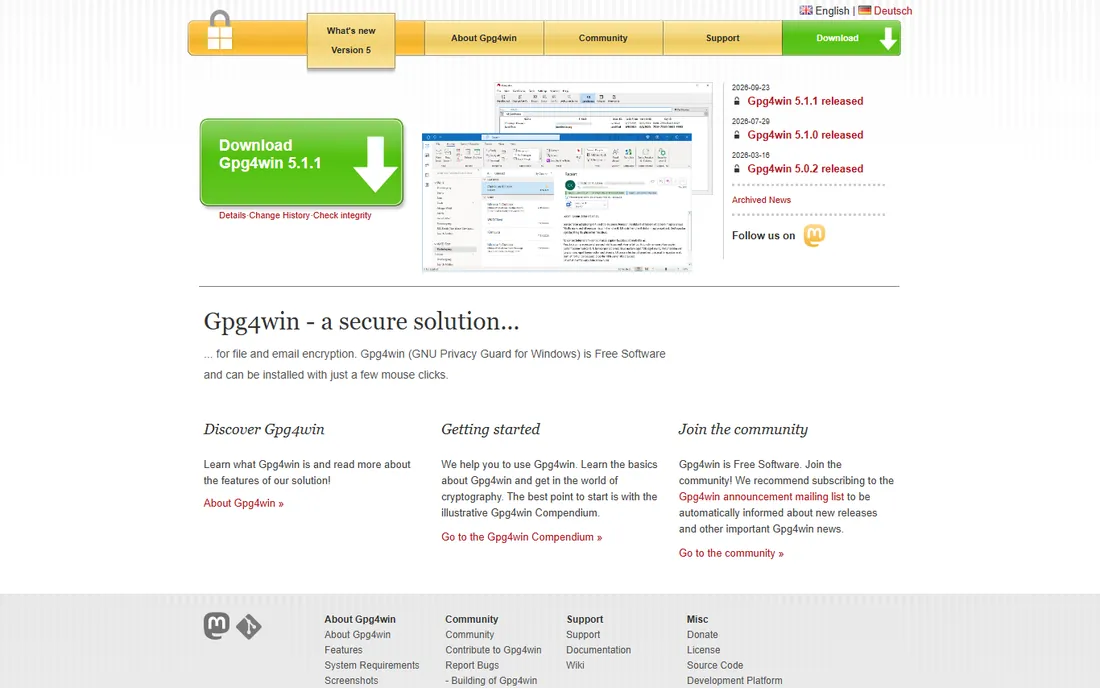
Gpg4win brings the OpenPGP standard to Windows for free. Kleopatra, its certificate manager, handles key creation and management with a graphical interface, and integration with Outlook covers encrypted email. For file encryption, it follows the public-key model: encrypt to someone's public key, and only their private key opens it.
The concepts (public keys, private keys, web of trust) are the hurdle; this is not double-click-and-done software. It is also Windows-only, with GPG Suite filling the Mac role. But for standards-based encryption that interoperates with the rest of the world, Gpg4win is the free reference implementation.
What we like- Free OpenPGP implementation for Windows
- The standard for encrypted email
- Kleopatra makes keys manageable
Watch out for- Public-key concepts confuse beginners
- Windows only
Starting priceSee website
Free planFree trial
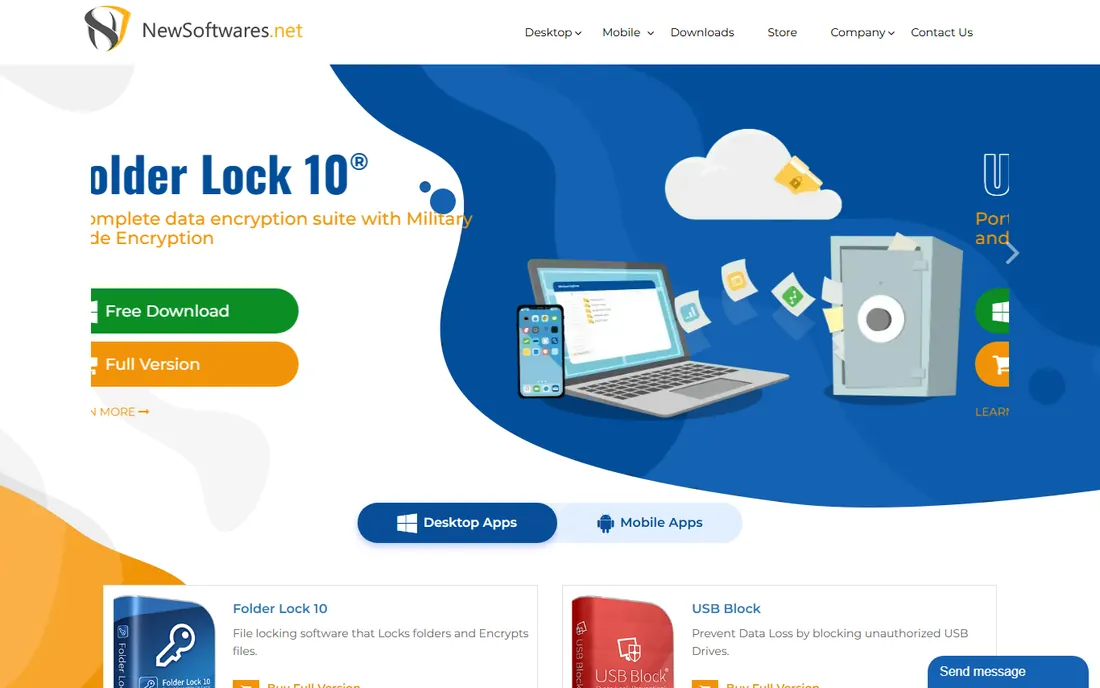
Folder Lock is the best folder encryption software for users who want the simplest possible experience. Lock, hide, or encrypt files and folders behind one master password, create portable lockers for USB drives, and use the bundled file shredder and history cleaner. The workflow needs no understanding of ciphers or keys.
It is paid software in a category where VeraCrypt and 7-Zip are free, which is a hard sell on pure security grounds. It is also Windows-only. The case for it is convenience: if you want folder protection without learning anything, Folder Lock delivers it in minutes.
What we like- Very simple lock-hide-encrypt workflow
- Portable lockers for USB drives
- Extra shredder and history tools
Watch out for- Paid software competing with free alternatives
- Windows only
Starting priceSee website
Free planNo
FileVault is Apple's answer to BitLocker and the right default for Mac users. It encrypts the entire startup disk with XTS-AES, decrypts transparently at login on Apple silicon and T2 Macs, and costs nothing extra. For a laptop that leaves the house, enabling FileVault is the single most effective theft protection available.
It is Mac-only, and you must handle the recovery key sensibly: lose both the password and the key and the data is gone. Institutional recovery keys exist for managed fleets. There is no reason for a Mac user to buy third-party full-disk encryption when FileVault is built in.
What we like- Built into every Mac
- XTS-AES encryption with minimal slowdown
- Recovery through iCloud or a key
Watch out for- Mac only
- Recovery key management needs attention
#10
Gilisoft Video Encryptor
Best for: Encrypting video files for sharing
Visit gilisoft.com
Starting priceSee website
Free planFree trial
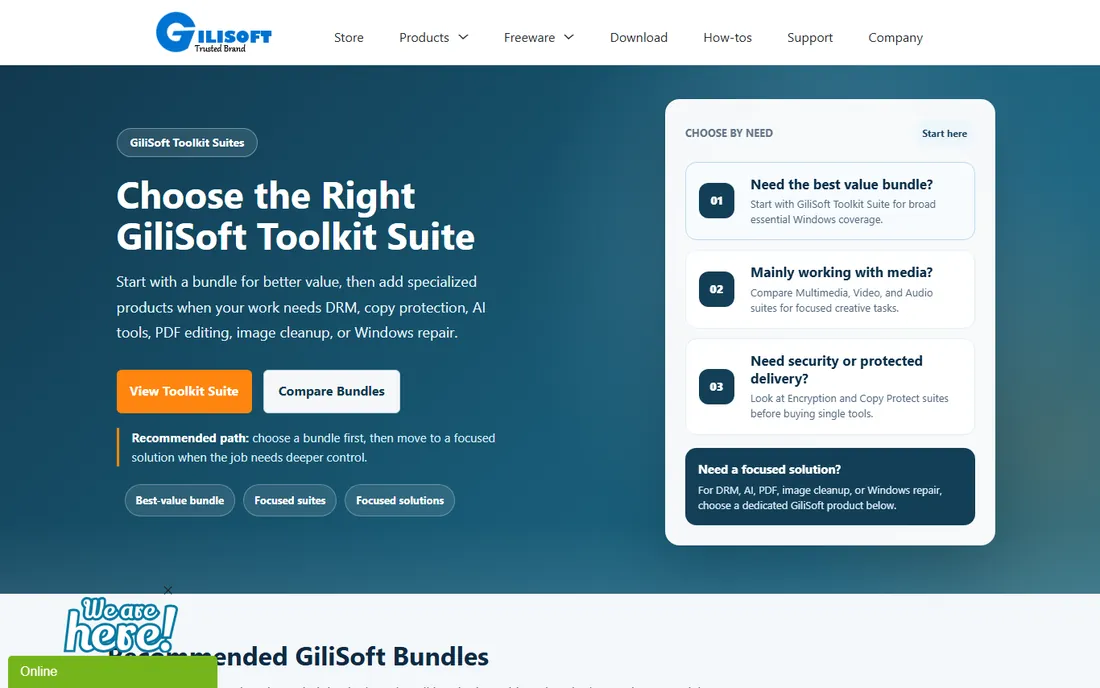
Gilisoft Video Encryptor targets a specific job: selling or sharing videos while controlling playback. It converts videos into encrypted executables that require a password to play, which suits course creators and distributors worried about piracy. As the most direct answer to best video encryption software queries, it fills a niche the general tools ignore.
For pure confidentiality, VeraCrypt or 7-Zip encrypt video files just as strongly. Gilisoft's value is the playback-control wrapper, not stronger crypto. The interface is dated and the trial is limited. Buy it when you need to distribute videos with access control, not when you just need files encrypted.
What we like- Encrypts videos into executable files with playback control
- Password protection per video
- Simple for non-technical sellers
Watch out for- Niche product with a dated feel
- Standard tools cover most encryption needs
How we chose
We reviewed vendor product pages, pricing pages, and documentation, plus security community discussions and public reviews. We weighted audit history and open-source transparency for security claims, checked platform coverage since encryption is OS-specific, and separated full-disk, file-level, and cloud encryption rather than ranking them as one thing. We did no hands-on testing and make no cryptographic guarantees; for high-stakes use, consult a security professional.
Folder encryption versus full-disk encryption
These solve different problems, and most people need to understand the difference before buying. Full-disk encryption (BitLocker, FileVault, VeraCrypt system encryption) protects everything when a device is lost or stolen. The thief gets hardware, not data. It does nothing once you are logged in; malware and other users on the machine see decrypted files.
File and folder encryption (AxCrypt, Folder Lock, Cryptomator, encrypted archives) protects specific data wherever it goes: in cloud storage, on a USB stick, in an email attachment. It works even on machines you do not control. The tradeoff is granularity: you must choose what to encrypt, and unencrypted files remain exposed.
The practical answer for most people is both: enable full-disk encryption on every device (it is free and built in), then add file-level encryption for the sensitive items you store in the cloud or share. That combination covers theft and sharing, the two realistic threats, without buying anything.
What to look for in the best data encryption software
Open source and audited beats marketing
Encryption is mathematics, and mathematics needs verification. Open-source tools with independent audits (VeraCrypt, Cryptomator) let experts check the implementation. Closed-source tools ask for trust. Trust the brand if you must, but prefer verifiable tools for anything that matters.
Match the tool to the threat
Lost laptop means full-disk encryption. Nosy cloud provider means Cryptomator. Sending a contract means 7-Zip or AxCrypt. Encrypted email means Gpg4win. Buying a generic "encryption suite" without naming the threat is how people end up protected against the wrong thing.
Do not lose the keys
Encryption without key management is a data-loss machine. Store recovery keys somewhere safe and separate: printed in a safe, in a password manager, with a trusted person. Every year, more data is lost to forgotten passwords than to attackers. The strongest cipher in the world cannot help you if you lose the key.
Check the performance cost
Modern AES encryption with hardware acceleration costs almost nothing on current CPUs, which is why full-disk encryption is a no-brainer. File-by-file cloud encryption adds sync overhead worth testing on your connection. If a tool noticeably slows your machine, something is wrong with the tool, not with encryption.
Frequently asked questions
What is the best free encryption software?
VeraCrypt is the best free option for full-disk and container encryption, Cryptomator for cloud storage, and 7-Zip for encrypted file sharing. All three are free and open source. Between them, they cover nearly every personal encryption need at zero cost.
Is BitLocker enough to protect my laptop?
For theft and loss, yes. BitLocker encrypts the entire drive, so a stolen laptop yields no readable data. It does not protect against malware on the running machine or anyone you give your logged-in laptop to. Combine it with a strong login password and sensible key backup.
How do I encrypt a video file?
For confidentiality, encrypt it like any file: VeraCrypt containers, 7-Zip AES-256 archives, or AxCrypt all work on video files. If you need playback control for distribution, dedicated best video encryption software like Gilisoft Video Encryptor wraps the video in a password-protected player.
Can encryption slow down my computer?
On modern hardware, barely. CPUs include AES acceleration instructions, so full-disk encryption typically costs single-digit percentage points of performance, often unnoticeable. Older machines without acceleration feel it more. File-level tools add minor overhead during encryption operations only.
What happens if I forget my encryption password?
Usually, you lose the data. That is the point of encryption. Some tools offer recovery keys (BitLocker, FileVault) that you should store safely when you enable them. Tools without recovery mechanisms (VeraCrypt, 7-Zip archives) offer no way back. Back up keys before you need them.
Sources we checked (10)
- https://veracrypt.fr
- https://www.microsoft.com
- https://cryptomator.org
- https://axcrypt.net
- https://nordlocker.com
- https://www.7-zip.org
- https://www.gpg4win.org
- https://www.newsoftwares.net
- https://www.apple.com
- https://www.gilisoft.com
Is your product missing or out of date?
We review this list regularly. Vendors can request a listing, send updated pricing or ask about featured placement.

Shihab Mia · Founder, Rankite
Shihab has spent more than a decade helping SaaS and e-commerce brands grow through search. He writes Rankite's software buying guides from pricing pages, documentation and public user reviews. More about Shihab.