How we make this list: we compare pricing pages, product documentation and public user reviews. Ratings come from G2, Capterra or Trustpilot, with the date we checked them.
Key takeaways
- Khan Academy Kids is the strongest free app on this list: a full early curriculum for ages 2 to 8 with no ads, no subscriptions, and no in-app purchases.
- PBS Kids Games and Duolingo ABC are also completely free and ad free, covering games with trusted characters and early reading respectively.
- Starfall, Lingokids, and Sago Mini World are freemium: a useful free layer with a subscription behind it, so check what is actually included before you hand over the tablet.
- Every app here should be set up by an adult, used with your child nearby, and checked for ads, purchases, and data settings before regular use.
Quick comparison
Is your product missing or out of date?
We review this list regularly. Vendors can request a listing, send updated pricing or ask about featured placement.
The best educational apps for 4 year olds free
Starting priceFree
Free planYes
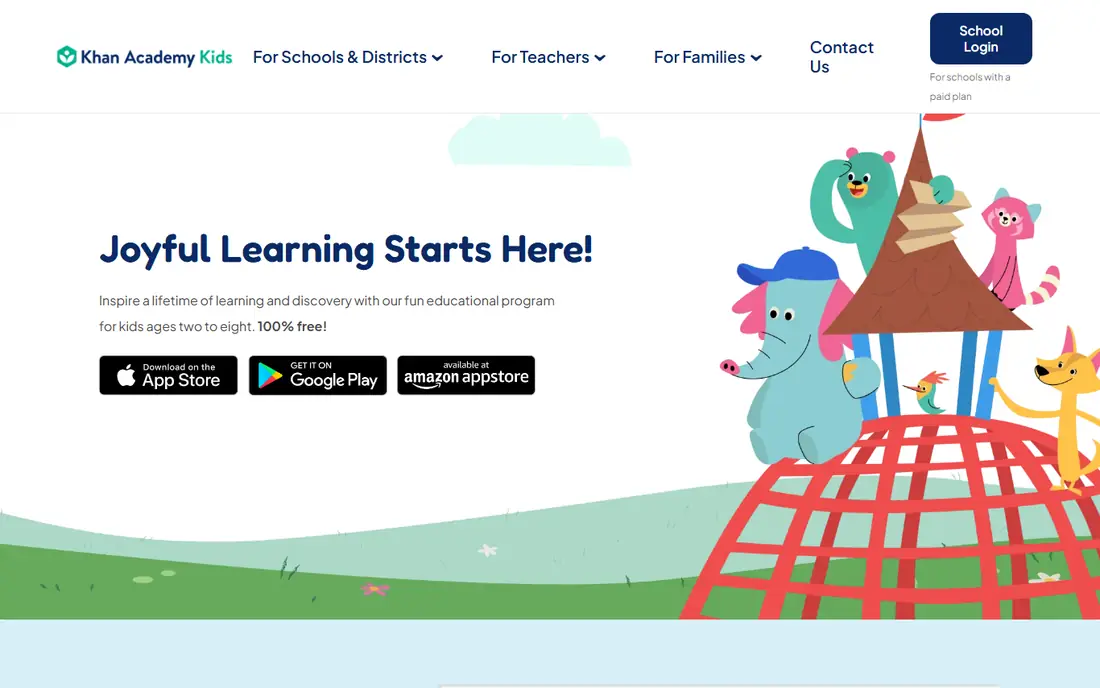
What we like- Khan Academy Kids covers early reading, phonics, maths, logic, stories, and social emotional learning for ages 2 to 8 in one app, and it is completely free: no ads, no subscriptions, and no in-app purchases, because Khan Academy is a nonprofit. Activities adapt to the child, a library of books and videos supports story time, and a set of activities can be saved for offline use on trips. If you install one app from this list, install this one.
Watch out for- Most of the library needs an internet connection, so download the offline set before travel. Parents get progress information, but the reporting is lighter than paid curriculum apps. The app asks an adult to set up the account, which is good practice but one more step.
Starting priceFree
Free planYes
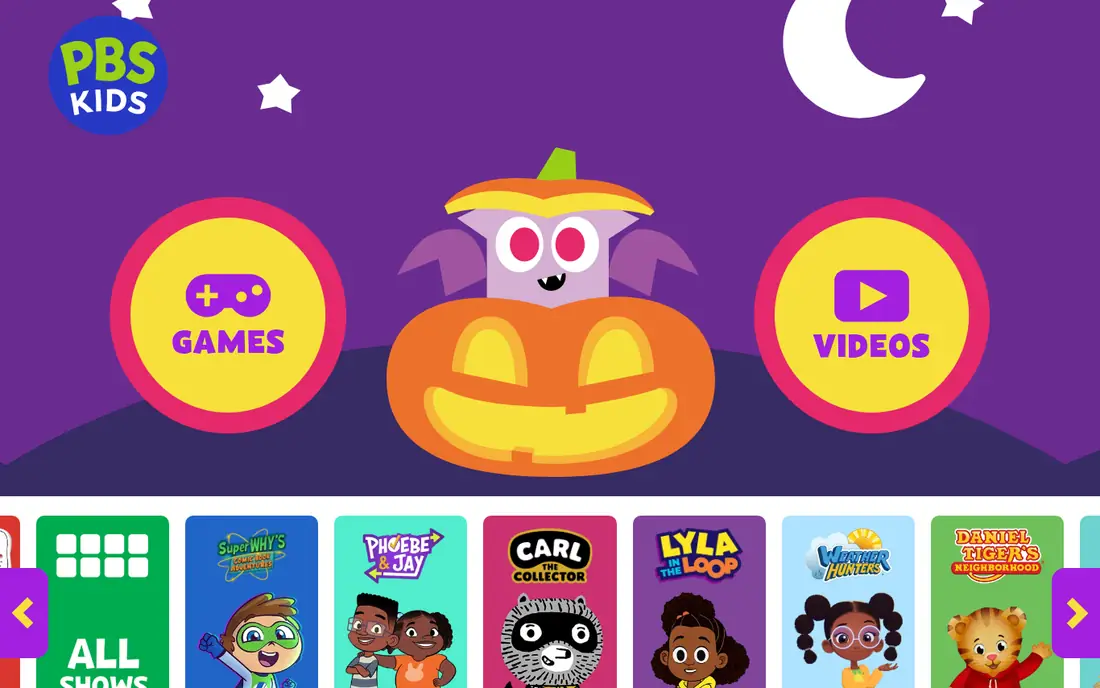
What we like- PBS Kids Games bundles a large set of free games about maths, reading, science, art, and social skills, starring characters from PBS shows such as Daniel Tiger and Wild Kratts. PBS is a public broadcaster, so the app carries no ads and no purchase prompts, and games can be picked by the skill they practise. Many games can be downloaded for offline play once you have set them up at home.
Watch out for- It is a games collection rather than a sequenced curriculum, so learning paths are up to the adult choosing. Content and availability can differ outside the US, so check your country's app store. Each game does something different, which means quality and difficulty vary across the set.
Starting priceFree
Free planYes
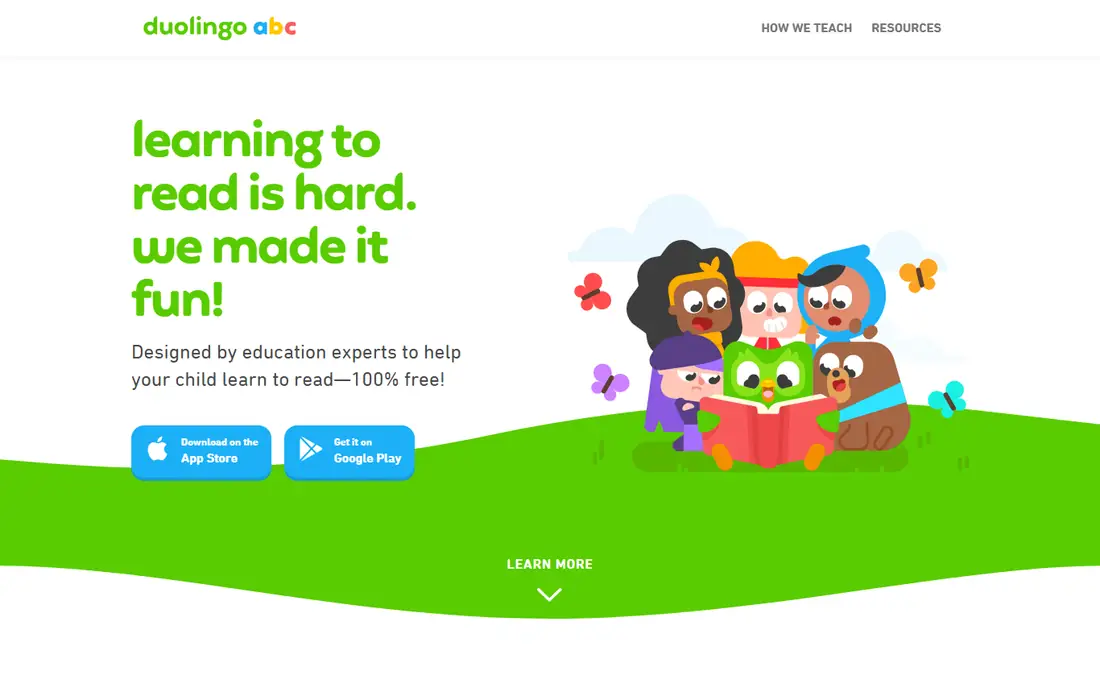
What we like- Duolingo ABC teaches early English reading through phonics, sight words, letter tracing, vocabulary, and short interactive stories, in lessons built for children around ages 3 to 8. It is free with no ads and no in-app purchases, and lessons work offline once downloaded. For a four year old starting to connect sounds and letters, it is the most focused free tool here.
Watch out for- It teaches English reading only, so children learning in another language at home need a companion app. The lessons are short and structured, which suits phonics practice but offers less open ended play. Spoken instructions are in English, so preview them together if your child is learning English as an additional language.
Starting priceFree
Free planYes
What we like- Starfall has taught early reading for years with a clear phonics sequence, songs, and simple interactive books, and a solid part of the site and app is free with no advertising aimed at children. Its calm pace suits four year olds who like repetition. Schools and homeschool families use it widely, so worksheets and guidance around it are easy to find.
Watch out for- The full library sits behind a paid membership, and the free layer is a sample rather than the whole program. The design feels plain next to newer apps, which matters little to children but may to adults. Some content works best in a browser, so test your device before relying on it offline.
Starting priceFree
Free planYes
What we like- ScratchJr lets young children snap together simple coding blocks to make characters move, jump, and tell stories, teaching sequencing and problem solving without needing to read. It is free, carries no ads or purchases, and runs on the device. Although it is pitched at ages 5 to 7, many four year olds enjoy it with an adult beside them, which makes it a good shared activity.
Watch out for- It is officially aimed a little older than four, so expect to sit with your child and help at first. It teaches coding thinking only, so it complements rather than replaces reading and maths apps. Projects stay on the device, and sharing options are limited by design.
Starting priceFree
Free planYes
What we like- Lingokids offers songs, games, and activities across early literacy, maths, and everyday topics for ages 2 to 8, presented as playful episodes rather than lessons. The free layer gives a real taste each day, and the app is ad free with content reviewed for child safety. It also includes early English exposure, which families raising bilingual children often want.
Watch out for- The free layer is limited, and the full library needs a subscription, so manage expectations before your child finds a locked favourite. Content rotates, and favourites can move behind the paywall. Progress tracking and offline downloads are subscription features.
Starting priceFree
Free planYes
What we like- Moose Math, from Duck Duck Moose, now part of Khan Academy, teaches counting, addition, shapes, and simple problem solving through mini games set in a playful town, aimed at ages 2 to 5. It is free with no ads and no in-app purchases, matching the safety standard of the top of this list. A simple parent report shows which skills your child has practised.
Watch out for- It covers early maths only, and a confident four year old will finish its range sooner than the all round apps. The app is older, so check it runs well on your current device. There is no broader curriculum or reading content inside.
Starting priceFree
Free planYes
What we like- Sago Mini World gathers dozens of gentle mini games about exploring, building, and pretending, designed for preschoolers with no failure states, no ads, and no pressure mechanics. It is excellent for open ended play and confidence with a touchscreen, and new scenes arrive with updates. The art and humour appeal strongly to this age group.
Watch out for- Sago Mini World is a subscription product with free sample content, so the free label needs care: most of the world opens only when you pay. Its learning is exploratory rather than curricular, so pair it with a reading or maths app. Download sizes are large when you fetch many scenes for offline play.
How we chose
We required every app here to offer a genuinely usable free layer for a four year old, and we checked 2026 parent guides and the apps' own pages for ad policy, in-app purchases, and age fit. Apps with no ads and no purchases rank above freemium products, and freemium entries state plainly what the free layer does and does not include. We excluded apps whose free version is only a short trial of a paid curriculum, and games built around advertising or loot style mechanics. Age guidance blends each publisher's stated range with how the activity actually plays.
How to choose the right educational app for your 4 year old
Start with the free trio. Khan Academy Kids for the all round curriculum, Duolingo ABC for reading, and PBS Kids Games for character led play cover most of what a four year old needs from a screen, at no cost and with no ads. Add ScratchJr when your child wants to make things move, and Moose Math for number practice. Only consider a subscription, such as Lingokids or Sago Mini World, after you have watched your child use the free layer for a week and know exactly which locked content is pulling you.
Set the device up before the first session. Create the account yourself, use a nickname where possible, disable in-app purchases in the store settings, turn on any parent gate the app offers, and download content for offline use if you plan to hand the tablet over in a car or plane. Sit with your child for the first sessions: at four, co playing and talking about what is on screen is where much of the learning happens. Keep sessions short, agree the stopping point in advance, and balance app time with books, drawing, building, and outdoor play, which remain the core of learning at this age.
Frequently asked questions
Are these apps really free?
Khan Academy Kids, PBS Kids Games, Duolingo ABC, ScratchJr, and Moose Math are completely free with no ads and no in-app purchases. Starfall, Lingokids, and Sago Mini World are freemium: a free layer exists, and a subscription opens the full library.
Are free kids apps safe for privacy?
The apps at the top of this list come from nonprofits and public broadcasters with strong records, no third party advertising, and no chat features. Still check each app's privacy policy, set up accounts with your own details, and use device level controls. US rules under COPPA limit data collection from children under 13, but your settings are the practical protection.
How much screen time should a 4 year old have?
Health guidance for this age generally suggests keeping recreational screen time modest, around an hour a day of high quality content for preschoolers, and favouring shared use. Short app sessions with an adult nearby, balanced with active play and reading together, fit that guidance better than long solo sessions.
Can these apps teach my child to read?
They can support reading readiness: phonics, letter sounds, vocabulary, and story exposure. Duolingo ABC and Starfall focus most directly on early reading skills. Apps work best alongside reading aloud together every day, which remains the strongest driver of early literacy.
What should I avoid in kids apps?
Avoid apps with third party ads, autoplay video feeds, open chat, public profiles, and purchase prompts designed for children to tap. Also avoid any app that asks for payment details before showing what the free layer contains, and check reviews for reports of charges.
Sources we checked (0)
Is your product missing or out of date?
We review this list regularly. Vendors can request a listing, send updated pricing or ask about featured placement.

Shihab Mia · Founder, Rankite
Shihab has 5+ years in B2B and SaaS SEO. He writes Rankite's software buying guides from pricing pages, documentation and public user reviews. More about Shihab.
 Khan Academy Kids
 PBS Kids Games
 Duolingo ABC
 Starfall
 ScratchJr
 Lingokids
 Moose Math
 Sago Mini World