How we make this list: we compare pricing pages, product documentation and public user reviews. Rankite is independent; if a vendor ever pays for a featured spot, that listing is clearly labeled Partner.
Key takeaways
- Atticus is the best all-round choice for most self-publishers, with a $147 one-time price and both ebook and print formatting in one tool.
- Vellum produces the prettiest ebooks in the business, but the $199.99 price and Mac-only requirement limit who can use it.
- Scrivener remains the best value for writers who want drafting and formatting together, at $59.99 with a generous 30-day trial.
- Kindle Create is free and purpose-built for Amazon, making it the obvious pick if Kindle is your only sales channel.
- Draft2Digital and Reedsy Book Editor cost nothing upfront, which makes them ideal for first-time authors testing the waters.
Most self-published ebooks look self-published. Bad margins, broken table of contents, chapter headings that drift across pages. Readers notice, even if they cannot name the problem. The fix is not talent. It is using a tool that was designed for ebook formatting instead of wrestling with Word.
The nine tools below cover every serious approach: dedicated formatters, writing apps with export built in, and free options from Amazon and the aggregators. Prices range from free to $199.99, and the right pick depends on where you sell and how you work.
Quick comparison
| Tool | Best for | Starting price | Free plan |
|---|
 Atticus Atticus | One-time purchase that does ebooks and print | $147 one-time | No |
 Vellum Vellum | Beautiful ebooks for Mac users | $199.99 one-time (Ebooks) | Yes |
 Scrivener Scrivener | Writing and formatting without switching apps | $59.99 one-time | Free trial |
 Kindle Create Kindle Create | Free Amazon-only formatting | Free $0 | Yes |
 Designrr Designrr | Converting existing content into ebooks | $29 per month | Free trial |
 Draft2Digital Draft2Digital | Free formatting bundled with distribution | Free (10% royalty share) | Yes |
 Kotobee Kotobee | Interactive and educational ebooks | $150 one-time (Basic) | Yes |
 Reedsy Book Editor Reedsy Book Editor | Free formatting in your browser | Free $0 | Yes |
 Jutoh Jutoh | Technical users who want EPUB control | See website | Yes |
Is your product missing or out of date?
We review this list regularly. Vendors can request a listing, send updated pricing or ask about featured placement.
Top Ebook Creation Software for Self-Publishers
#1
Atticus
Best for: One-time purchase that does ebooks and print
Visit atticus.io
Starting price$147 one-time
Free planNo
Atticus has become the default recommendation in self-publishing communities for a reason. One payment of $147 buys both ebook and print formatting, and because it runs in the browser, Windows users get the same experience as Mac users. The theme library covers the styles most genres need, and the preview shows exactly how the book will look on Kindle and in print.
The honest trade-off is polish versus flexibility. Vellum still produces more distinctive designs, and Atticus themes can start to look familiar if you read widely in your genre. There is also no free plan, so you are committing $147 on reputation alone, though the 30-day refund policy softens that. For authors who want one tool that handles the whole interior, it is the safest buy.
What we like- $147 one-time payment with no subscription
- Handles both ebook and print interior formatting
- Browser-based, so it works on any computer
Watch out for- No free plan, only a 30-day refund window
- Style options are narrower than Vellum
Starting price$199.99 one-time (Ebooks)
Free planYes
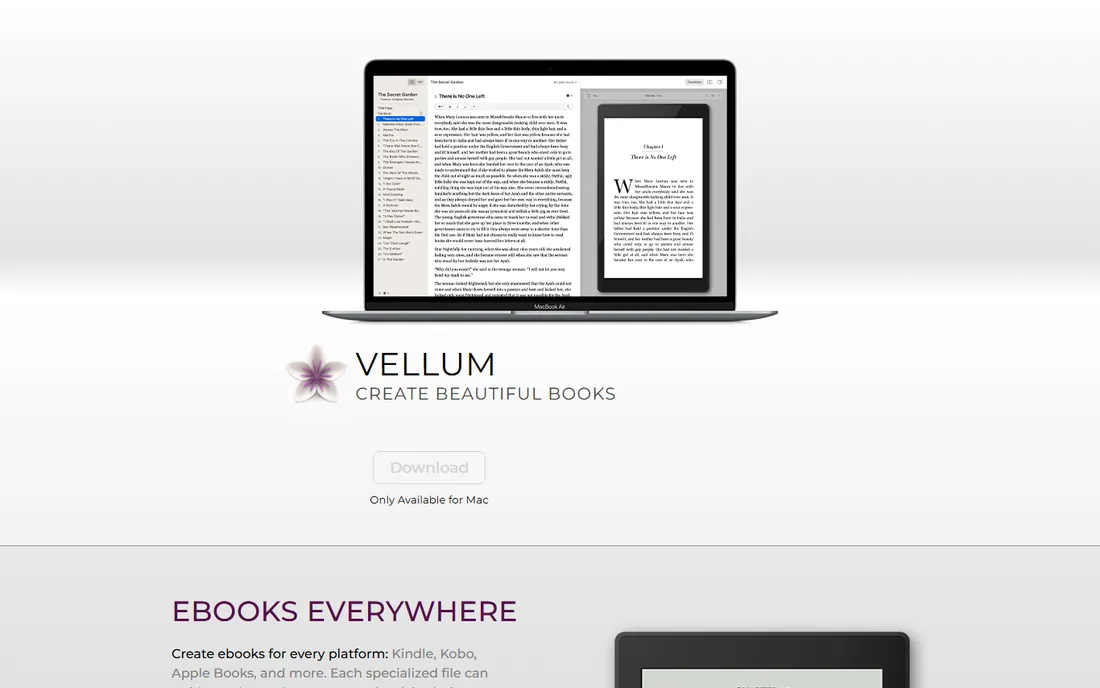
Vellum's reputation rests on output quality. Books formatted in Vellum look like they came from a traditional publisher: balanced ornaments, proper chapter styling, clean typography on every device. The pricing is $199.99 for the Ebooks package as a one-time purchase, and you can download the app free and format your entire book before paying a cent. You only pay when you generate the final files.
The Mac-only limitation is real and disqualifies a large share of writers. The price is also the steepest in this guide. But if you write on a Mac and your book's presentation matters, for example in romance, fantasy, or any genre with strong visual branding, Vellum's output justifies the cost. Professionals format client books in it for the same reason.
What we like- Produces the most professional-looking ebooks in this category
- Free download lets you format before paying
- One-time pricing
Watch out for- Mac only, which excludes most writers
- $199.99 is the highest price here
Starting price$59.99 one-time
Free planFree trial
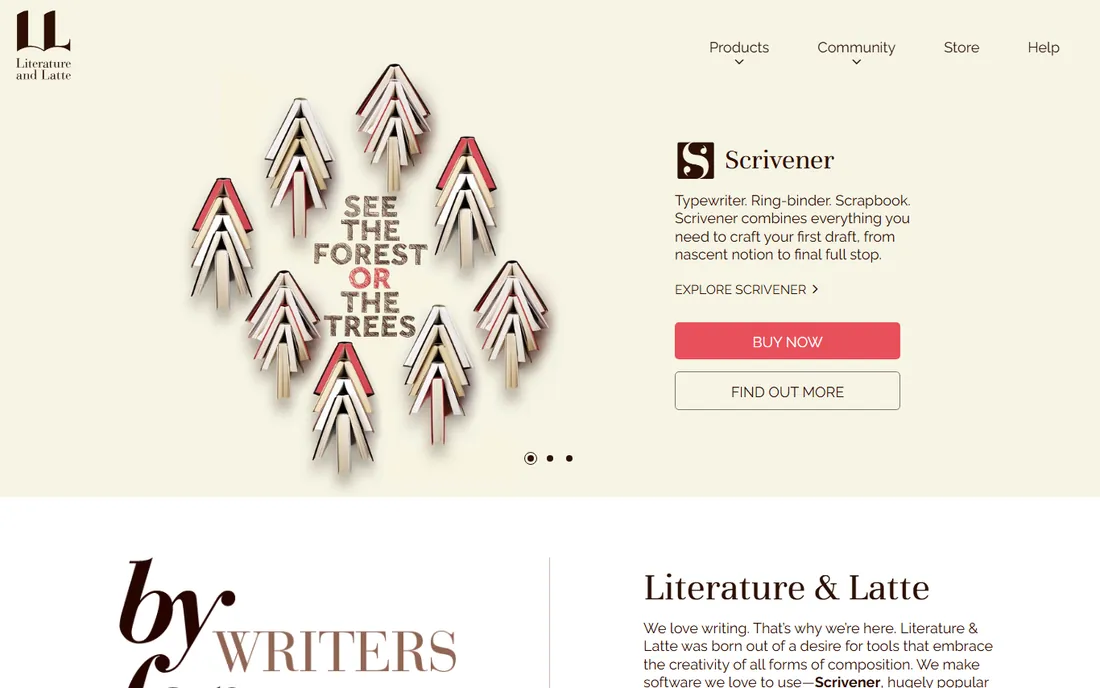
Scrivener is where the book gets written and, for many authors, where it gets formatted too. The compile feature turns your manuscript into EPUB, Kindle, and PDF files with control over every structural element. At $59.99 one-time, it costs less than a single month of some subscriptions, and the 30-day trial only counts days you actually open the app.
Compile is powerful but not friendly. New users routinely spend an evening learning how section layouts and formats interact. The resulting ebooks are clean and correct, but they lack the design flair of Vellum or Atticus output. If you already write in Scrivener, learning compile is worth it. If you only need formatting, a dedicated tool will be faster.
What we like- Full writing environment plus compile-to-ebook in one app
- $59.99 one-time is excellent value
- 30-day trial counts only days you use it
Watch out for- The compile feature has a real learning curve
- Formatting polish lags behind dedicated tools
Starting priceFree $0
Free planYes
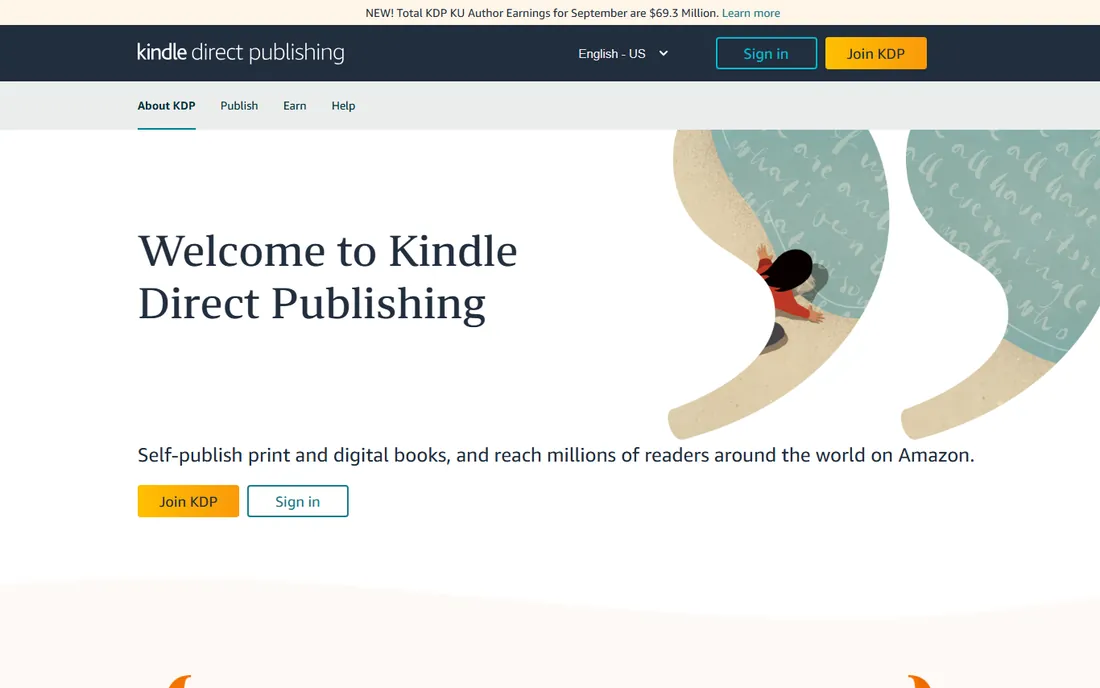
If Amazon is your only sales channel, stop reading and download Kindle Create. It is free, it is made by Amazon, and it produces files that behave correctly on Kindle devices and apps. You can build reflowable ebooks from Word documents or PDFs, or create fixed-layout books for illustrated and children's titles.
The limitation is the obvious one: Kindle Create is an Amazon tool. Your EPUB will be fine for Kindle but you will want another tool if you sell on Apple Books, Kobo, or Google Play. Design options are also basic. But free is free, and for Kindle-exclusive authors, nothing else on this list matches the price-to-correctness ratio.
What we like- Completely free with no catch
- Built by Amazon for Kindle output
- Handles reflowable and fixed-layout books
Watch out for- Output is optimized for Kindle, not other retailers
- Design options are limited
Starting price$29 per month
Free planFree trial
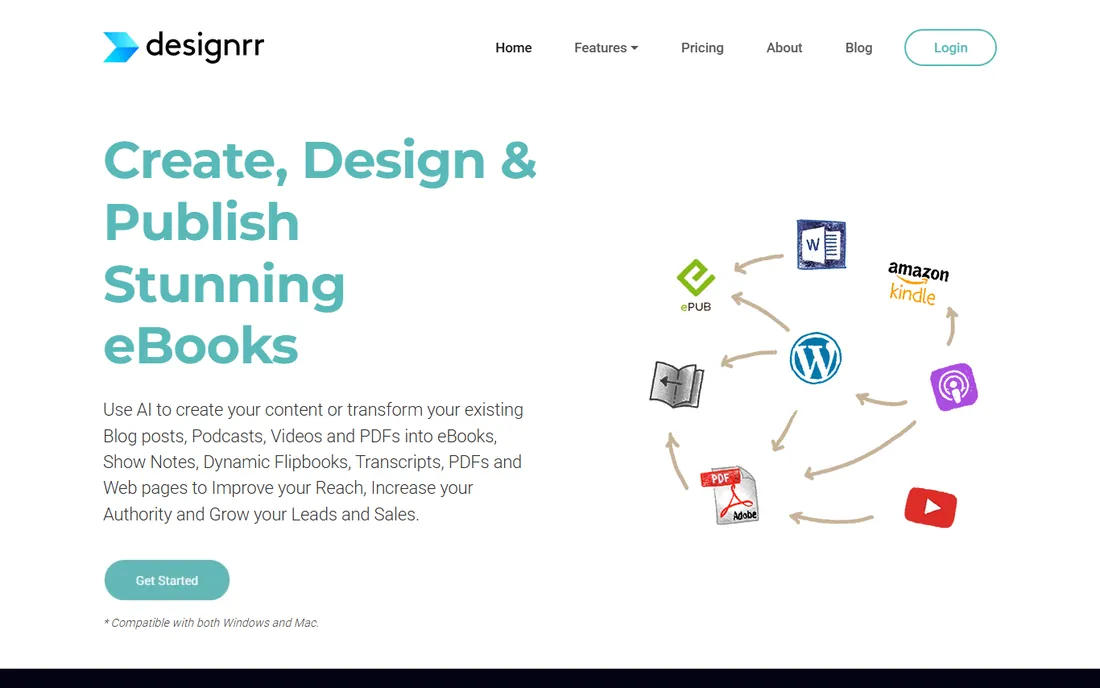
Designrr serves a different buyer than the rest of this list. It is built for coaches, marketers, and bloggers who turn existing content into ebooks, usually lead magnets and short nonfiction. Import a blog post or a document, pick a template, and you have a designed PDF or EPUB in under an hour. Pricing starts at $29 a month with a 7-day free trial.
Novelists should look elsewhere. The templates are designed for business content, and the subscription model stings if you publish one book a year. But for someone producing a new lead magnet every month, the speed is worth the price. Nobody else on this list converts a podcast episode into an ebook.
What we like- Imports from Word, Google Docs, URLs, and even podcasts
- Fast path from content to finished ebook
- 7-day free trial
Watch out for- Monthly subscription is expensive for occasional use
- Output suits lead magnets more than novels
Starting priceFree (10% royalty share)
Free planYes
Draft2Digital's deal is simple: format your book free, and they take 10% of royalties on copies sold through their distribution. You keep 100% of what you sell direct. The formatting itself is genuinely good, clean EPUBs with proper navigation and sensible defaults, produced from a Word upload in minutes.
Note that some authors have reported newer account fees, including an activation fee and an annual maintenance charge for low-earning accounts, so check the current terms before signing up. The formatting options are also limited: you get Draft2Digital's house style, not a custom design. For wide-distribution authors who want formatting and publishing handled together, the trade is still attractive.
What we like- Formatting is free when you distribute through them
- Clean, professional EPUB output
- Handles wide distribution to all major retailers
Watch out for- The 10% royalty share applies to distributed sales
- Formatting control is limited compared to paid tools
Starting price$150 one-time (Basic)
Free planYes
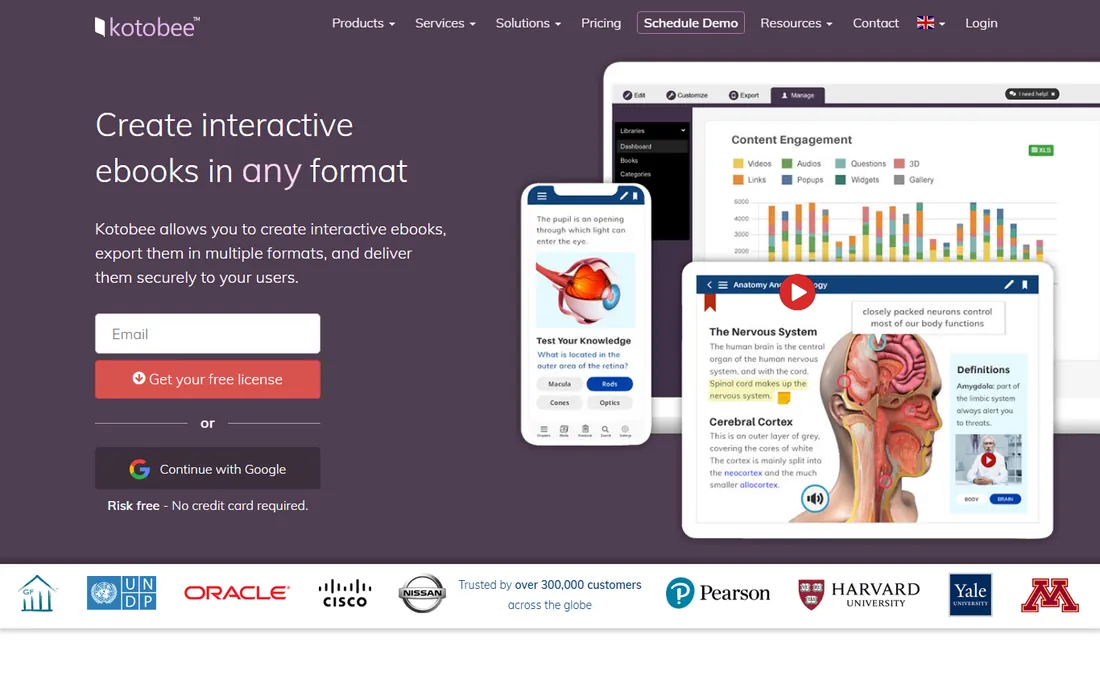
Kotobee is the specialist pick. Where other tools produce static ebooks, Kotobee handles interactive content: embedded quizzes, video, and rich media suited to textbooks, training manuals, and children's books. The Basic single-user license is $150 one-time, and a free version lets you explore before committing.
For a standard novel or memoir, this is more tool than you need, and the interface reflects its education-publishing audience. But if your book needs to do things a normal ebook cannot, like interactive exercises or multimedia, Kotobee is one of the few options that does not require a developer. That niche is exactly why it belongs on this list.
What we like- Supports interactive elements like quizzes and video
- $150 one-time Basic license
- Free version for trying the workflow
Watch out for- Overkill for standard novels
- Interface targets educators and publishers more than indie authors
Starting priceFree $0
Free planYes
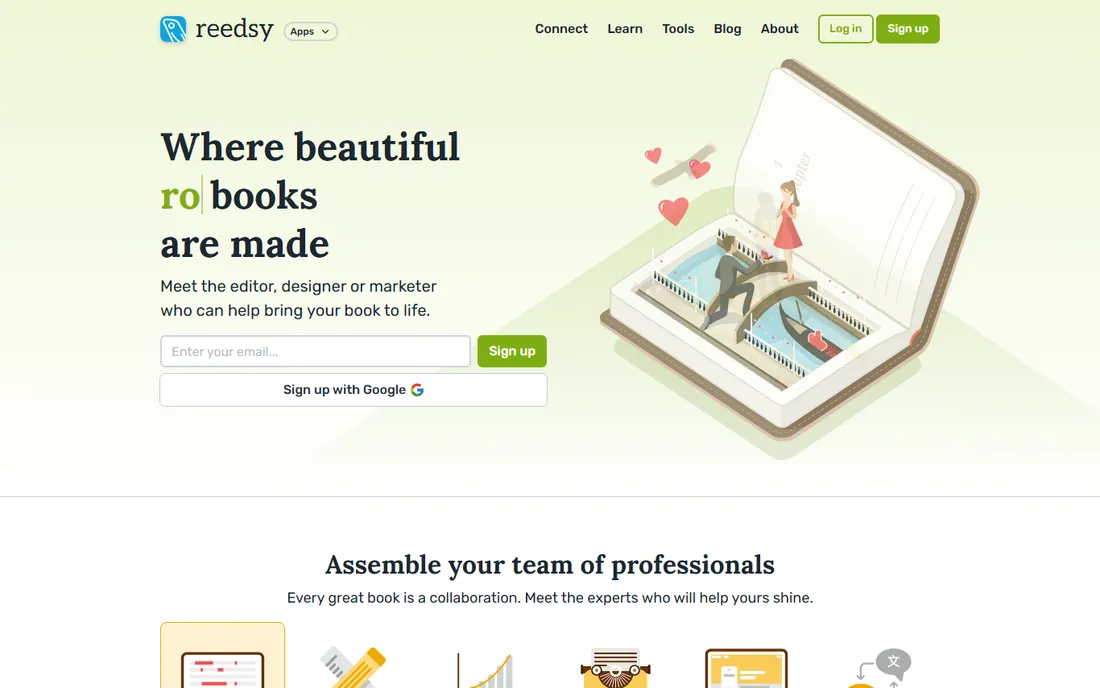
Reedsy's free book editor is one of publishing's best-kept secrets. It runs in the browser, costs nothing, and produces clean EPUBs and print-ready PDFs that hold up against paid tools. Write or paste your manuscript, apply chapter styling, and export. For a first-time author with no budget, it removes every excuse for a badly formatted book.
The limitation is creative control. You get Reedsy's design sensibility, which is tasteful but not customizable in the way Atticus or Vellum allow. The tool also nudges you toward Reedsy's marketplace of editors and designers, which is fine if you need them and ignorable if you do not. As a free formatter, it is unmatched.
What we like- Completely free with professional output
- Runs in the browser on any device
- Exports EPUB and print-ready PDF
Watch out for- Style customization is limited
- Tied to the Reedsy ecosystem
Starting priceSee website
Free planYes
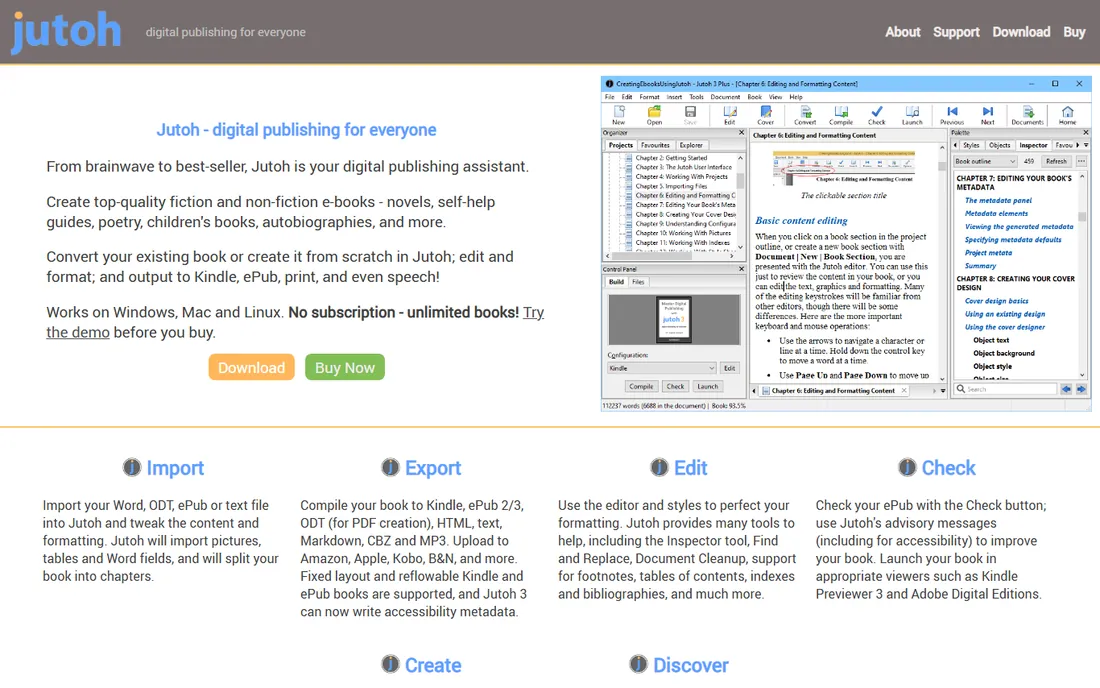
Jutoh is for the author who wants to see under the hood. It gives direct control over EPUB structure, metadata, and styling that consumer tools hide. The free demo lets you evaluate the workflow, and it handles complex documents, footnotes, and nonfiction apparatus better than most.
The price of that control is a technical interface that assumes you are comfortable with the details. Casual users will find Atticus or Reedsy far more pleasant. Jutoh's pricing is also not clearly published, so check the vendor's site. If you have ever wanted to hand-tweak your EPUB's CSS, this is your tool.
What we like- Deep control over EPUB internals
- Free demo to evaluate
- Handles complex documents well
Watch out for- Interface feels technical and dated
- Pricing is not clearly published
Most formatting disasters come from Word, not from ebook tools. Authors style headings by making text big and bold instead of using heading styles, then wonder why the table of contents is empty. The fix takes ten minutes: apply real heading styles in your manuscript before importing it anywhere. Every tool on this list rewards clean source files and punishes messy ones.
Images cause the second most common problem. Oversized images break layouts on small screens, and images without proper sizing look fine on a laptop but terrible on a phone. Keep images under 1200 pixels wide and let the formatting tool handle the rest. Kindle Create and Vellum both handle image sizing gracefully if you do not fight them.
The third trap is previewing on only one device. An ebook that looks perfect in a desktop preview can have widowed headings or broken tables on an e-ink Kindle. Preview on at least two real devices, or use the emulators the tools provide. Atticus and Kindle Create both have solid preview modes. Use them.
Match the tool to your publishing plan, not to your aspirations. If you are publishing one novel on Amazon, Kindle Create costs nothing and does the job. Paying $147 for Atticus makes sense when you publish across retailers or also need print interiors. The most expensive tool is only worth it if you will use what it offers.
Consider your operating system early. Vellum's Mac-only status has ended more purchase deliberations than any feature comparison. Atticus, Reedsy, and Designrr run in the browser and sidestep the issue entirely. Scrivener and Kotobee have Windows versions. Check compatibility before you fall in love with a tool.
Count the books, not the features
A $147 one-time tool costs $147 per book if you publish once, and $29 per book if you publish five. Subscription tools invert this: Designrr at $29 a month rewards fast, frequent publishing and punishes slow writers. Estimate your publishing pace over the next two years before choosing between one-time and subscription pricing.
Decide how much design matters
Genre fiction with strong branding benefits from Vellum-level polish. Nonfiction and memoir do fine with clean, simple formatting from Reedsy or Draft2Digital. Readers forgive plain formatting in a great book. They do not forgive broken formatting in any book. Prioritize correctness first, beauty second.
How we chose
We compared vendor pricing pages, feature documentation, and export capabilities for dedicated ebook formatters, writing apps with ebook export, and free tools from major platforms. We checked public reviews on G2, Capterra, and self-publishing communities including Reddit's author forums, focusing on output quality and ease of use. We weighted one-time versus subscription pricing, platform compatibility, and whether each tool serves both ebook and print. This comparison is based on research, not hands-on testing.
Frequently asked questions
What is the cheapest way to format an ebook professionally?
Kindle Create and Reedsy Book Editor are both free and produce professional results. Kindle Create is best for Amazon-only authors, while Reedsy exports standard EPUBs for all retailers. Draft2Digital is also free if you distribute through them.
Do I need different software for print books?
Some tools handle both. Atticus, Scrivener, and Reedsy Book Editor all export print-ready PDFs alongside ebooks. Vellum offers print formatting as a separate purchase. If you only need ebooks, any tool on this list works.
Can I format an ebook on Windows?
Yes. Atticus, Reedsy Book Editor, and Designrr run in the browser. Scrivener, Kotobee, Kindle Create, and Jutoh have Windows versions. Only Vellum is Mac-only.
Will these tools work for children's picture books?
Kindle Create supports fixed-layout books for illustrated titles. Kotobee handles interactive children's content. For standard picture books, check that your chosen tool supports fixed layouts, since reflowable EPUBs will rearrange your pages.
How long does ebook formatting take?
With a clean manuscript, expect one to three hours in a dedicated tool like Atticus or Vellum. Your first book takes longer as you learn the software. Messy source files can double the time, which is why cleaning up your Word document first matters so much.
Sources we checked (9)
- https://www.atticus.io
- https://vellum.pub
- https://www.literatureandlatte.com
- https://kdp.amazon.com
- https://designrr.io
- https://draft2digital.com
- https://www.kotobee.com
- https://reedsy.com
- https://www.jutoh.com
Is your product missing or out of date?
We review this list regularly. Vendors can request a listing, send updated pricing or ask about featured placement.

Shihab Mia · Founder, Rankite
Shihab has spent more than a decade helping SaaS and e-commerce brands grow through search. He writes Rankite's software buying guides from pricing pages, documentation and public user reviews. More about Shihab.