How we make this list: we compare pricing pages, product documentation and public user reviews. Ratings come from G2, Capterra or Trustpilot, with the date we checked them.
Key takeaways
- DocuSign remains the standard most clients recognize, but its entry plan limits envelopes, so check volume before you pay.
- PandaDoc has the most generous free signing tier for sales teams, with document creation, proposals, and payments in the same tool.
- signNow is the best value for teams with many users, since plans include unlimited users rather than charging per seat.
- Dropbox Sign and SignWell give simple signing at a fair price, with free tiers for occasional senders.
- Zoho Sign is the natural pick inside the Zoho ecosystem, with a free plan for five documents per month and certificate-based signing options.
Quick comparison
| Tool | Best for | Starting price | Free plan |
|---|
 DocuSign DocuSign | Companies whose clients expect the market-standard signature tool | $11 per month | Free trial |
 Adobe Acrobat Sign Adobe Acrobat Sign | Teams that already live in Acrobat and PDF workflows | See website | No |
 PandaDoc PandaDoc | Sales teams that create proposals, quotes, and contracts before signing | $19 per user per month | Yes |
 Dropbox Sign Dropbox Sign | Teams already using Dropbox for storage and sharing | $15 per user per month | Yes |
 signNow signNow | Budget teams that need many users without per-seat fees | $8 per user per month | Free trial |
 Zoho Sign Zoho Sign | Small businesses already using Zoho CRM, Books, or other Zoho apps | $10 per user per month | Yes |
 SignWell SignWell | Freelancers and small teams that want plain, affordable signing | $10 per month | Yes |
 Signeasy Signeasy | Field and mobile teams that sign on the go and store contracts | $10 per user per month | Free trial |
Is your product missing or out of date?
We review this list regularly. Vendors can request a listing, send updated pricing or ask about featured placement.
The best e-signature software
#1DocuSign
Best for: Companies whose clients expect the market-standard signature tool4.5/5 on
G2 (2,896 reviews, checked Oct 2026)
Visit docusign.com
Starting price$11 per month
Free planFree trial
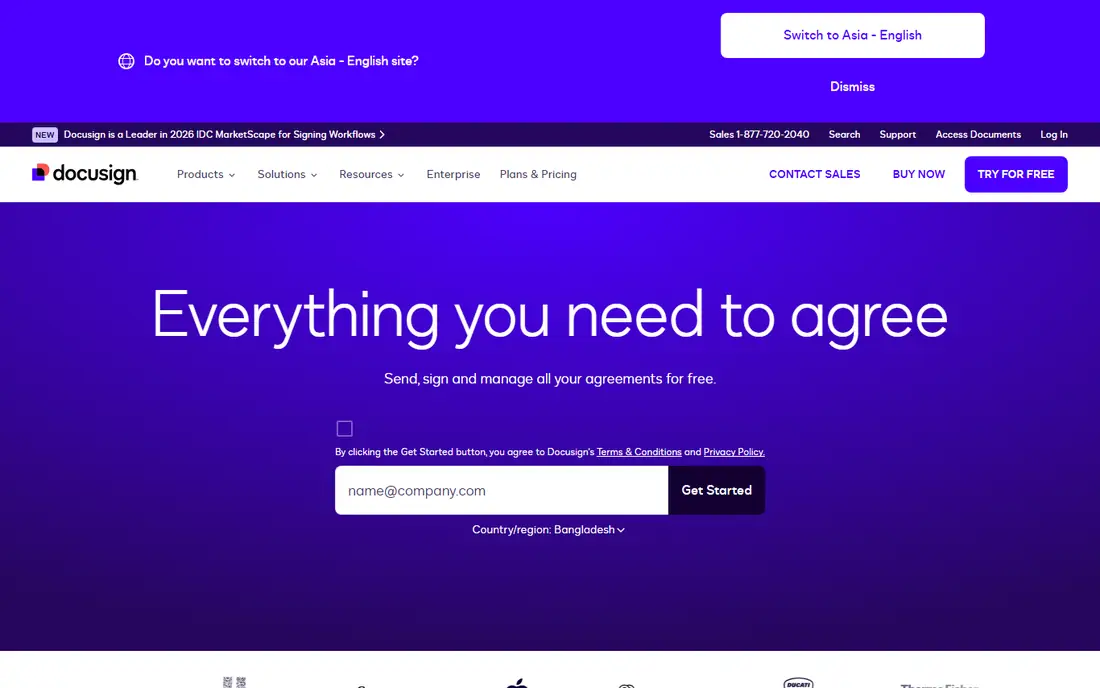
DocuSign is the name most clients already know, and that recognition has practical value. When a counterparty receives a DocuSign envelope, they rarely ask what it is or whether it is valid, which removes friction from deals, hiring, and vendor agreements. Its audit trail records who signed, when, and from where, and its compliance coverage suits regulated industries better than most rivals. The newer agreement management tools extend that beyond signing into storage, analysis, and renewals.
The cost is the catch. The Personal plan at $11 per month covers only a handful of envelopes, so a team sending dozens of documents monthly will need a higher tier quickly. DocuSign is worth the premium when signatures must be beyond question or clients demand it. For routine internal documents, a cheaper tool will do the same job without the brand premium.
What we like- Widely recognized by clients and legal teams
- Strong audit trails and compliance coverage
- Large integration library
Watch out for- Entry plan allows only a small number of envelopes per month
- Price rises steeply on higher tiers
- Agreement management features add cost
#2Adobe Acrobat Sign
Best for: Teams that already live in Acrobat and PDF workflows4.4/5 on
G2 (1,072 reviews, checked Oct 2026)
Visit adobe.com
Starting priceSee website
Free planNo
Adobe Acrobat Sign makes sense when PDFs are already your workflow. You can send a document for signature directly from Acrobat, collect signatures from multiple signers at once, and track status without leaving the PDF tools your team uses daily. Integrations with Microsoft 365, Teams, Salesforce, and Workday keep signing inside the apps where work already happens, and audit trails and storage through Adobe Document Cloud or connected drives round out the system.
Pricing is the hard part to compare, because Acrobat bundles and standalone Sign Solutions are priced differently, so check the current Adobe page for your team size. Acrobat Sign suits a business that already pays for Acrobat and wants signing as part of that bundle. A business that only needs signatures should compare signNow or Dropbox Sign first, since they are simpler and cheaper for that single job.
What we like- Signing inside Acrobat on desktop and mobile
- No usage caps on Acrobat for teams plans
- Strong Microsoft, Salesforce, and Workday integrations
Watch out for- Standalone Sign Solutions pricing is quote-based
- More complex than a pure signing tool
- No free plan for sending
#3PandaDoc
Best for: Sales teams that create proposals, quotes, and contracts before signing4.7/5 on
G2 (3,621 reviews, checked Oct 2026)
Visit pandadoc.com
Starting price$19 per user per month
Free planYes
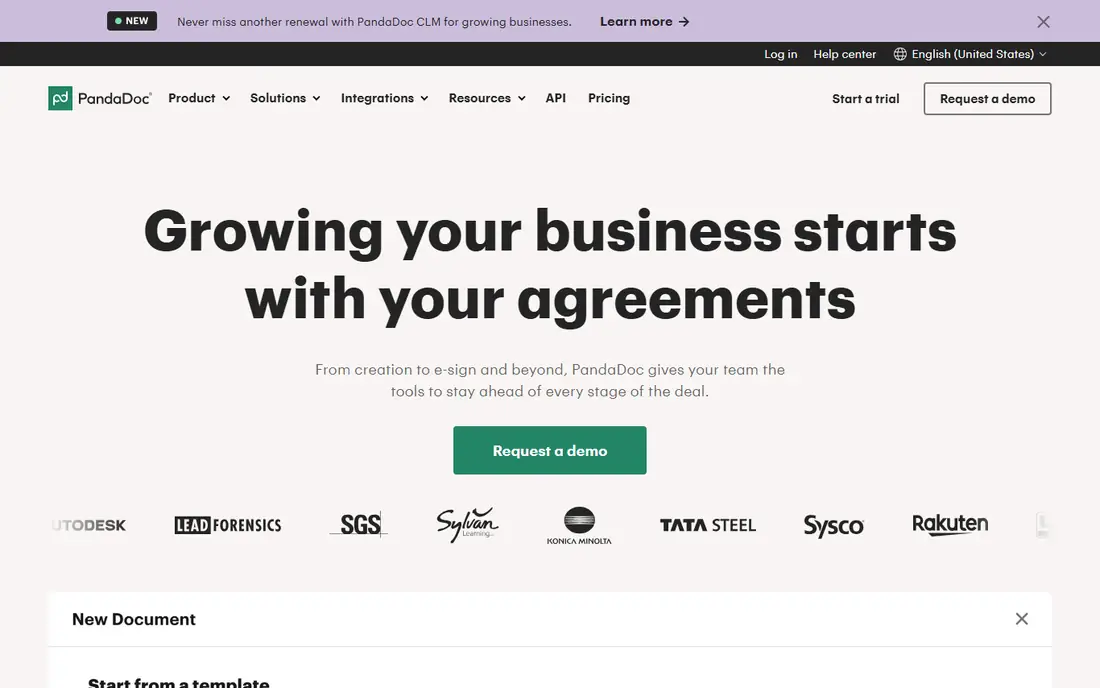
PandaDoc differs from the pure signing tools here because you build the document inside it, not just upload a finished PDF. Proposal templates, pricing tables, and payment collection sit next to the signature, so a sales team can send a quote, see what the prospect read, and collect payment from the same document. Its free plan covers 60 documents per year, which is five per month, enough for many small teams to run without paying.
The free limits matter: two recipients per document, no bulk sending, and no payment collection. The Starter plan at $19 per user per month removes the sending cap and opens the full template library. Choose PandaDoc when your team writes proposals before it signs them. Choose a simpler tool when you only need to sign finished PDFs.
What we like- Built-in document editor with templates
- Free plan covers 60 documents per year
- Pricing tables, payments, and document analytics
Watch out for- Free plan allows only two recipients per document
- More tool than needed for simple signing
- Paid plans are per seat
#4Dropbox Sign
Best for: Teams already using Dropbox for storage and sharing4.7/5 on
G2 (2,283 reviews, checked Oct 2026)
Visit dropbox.com
Starting price$15 per user per month
Free planYes
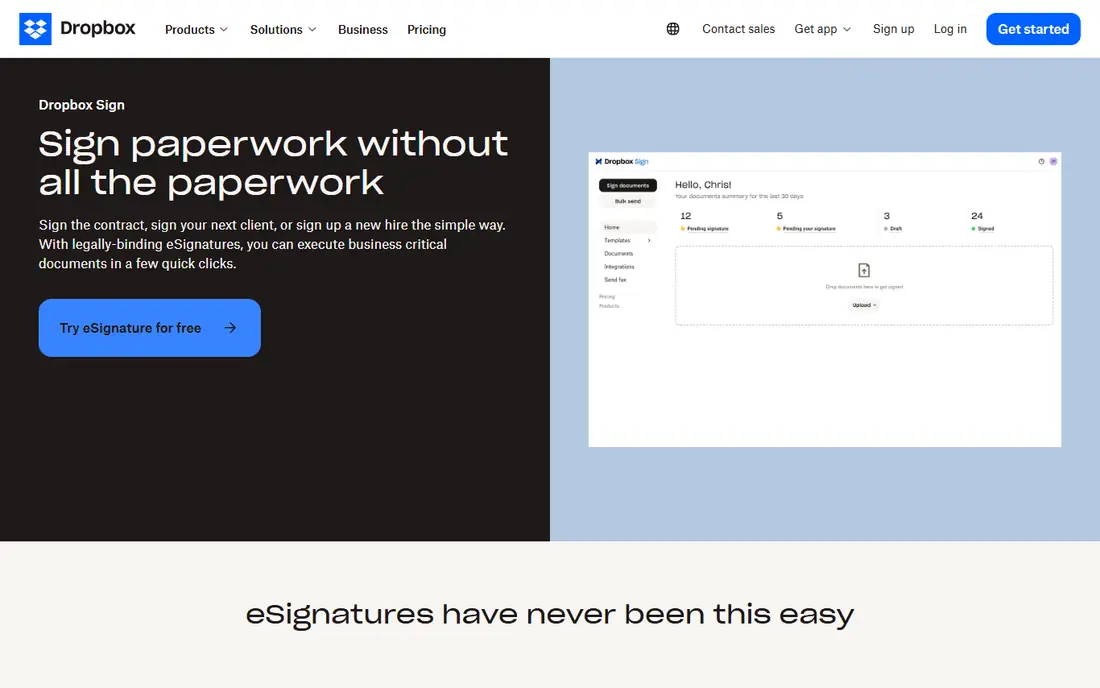
Dropbox Sign, formerly HelloSign, keeps signing deliberately simple. Templates cover common forms such as NDAs and tax documents, automated reminders chase slow signers, and mobile-friendly signing lets clients sign from a phone without an account. Paid plans offer unlimited signature requests, which removes the envelope anxiety that DocuSign entry plans create. Its API is also well regarded for embedding signing into your own product.
The free plan covers three sends per month, so it suits occasional senders rather than a sales team. Dropbox Sign is the natural pick if your files already live in Dropbox, since signed documents land in the same storage. If you do not use Dropbox, SignWell or signNow offer similar simplicity at a lower price.
What we like- Clean, simple signing experience
- Unlimited signature requests on paid plans
- Strong API for embedding signing
Watch out for- Best value inside Dropbox
- Fewer enterprise features than DocuSign
- Free plan covers three sends per month
#5signNow
Best for: Budget teams that need many users without per-seat fees4.6/5 on
G2 (1,772 reviews, checked Oct 2026)
Visit signnow.com
Starting price$8 per user per month
Free planFree trial
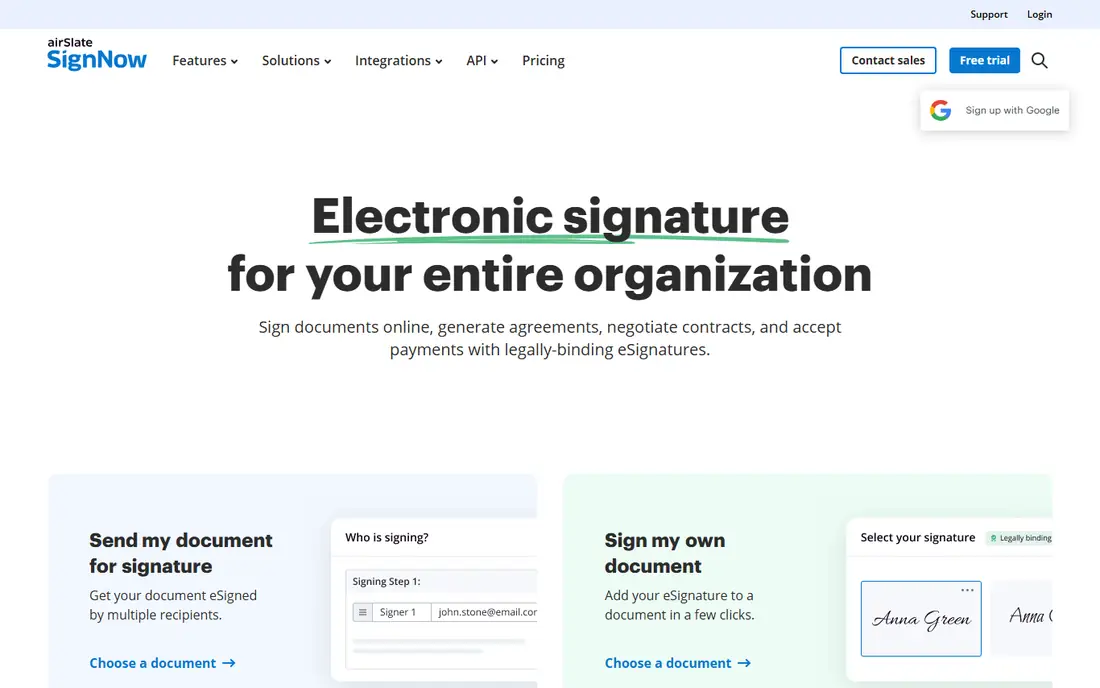
signNow, from airSlate, wins on a pricing model that other vendors avoid: unlimited users on every plan. Most rivals charge per seat, which discourages company-wide adoption, while signNow lets a whole organization sign without counting heads. The Business plan starts at $8 per month billed annually, with unlimited templates, role-based signing order, custom branding, and a solid API. Higher tiers add bulk sending, payments, and advanced workflows.
The trade-off is polish and a free tier. There is no free-forever plan, only a seven-day trial, so you must pay to keep using it. The interface is capable rather than beautiful, which matters little for internal documents and more for client-facing proposals. For a team with many senders and a tight budget, signNow is the best value in this list.
What we like- Unlimited users on all plans
- Low entry price at $8 per month billed annually
- Unlimited templates and conditional workflows
Watch out for- No free-forever plan, only a trial
- Interface is functional rather than polished
- Advanced features sit on higher tiers
#6Zoho Sign
Best for: Small businesses already using Zoho CRM, Books, or other Zoho apps4.4/5 on
G2 (64 reviews, checked Oct 2026)
Visit zoho.com
Starting price$10 per user per month
Free planYes
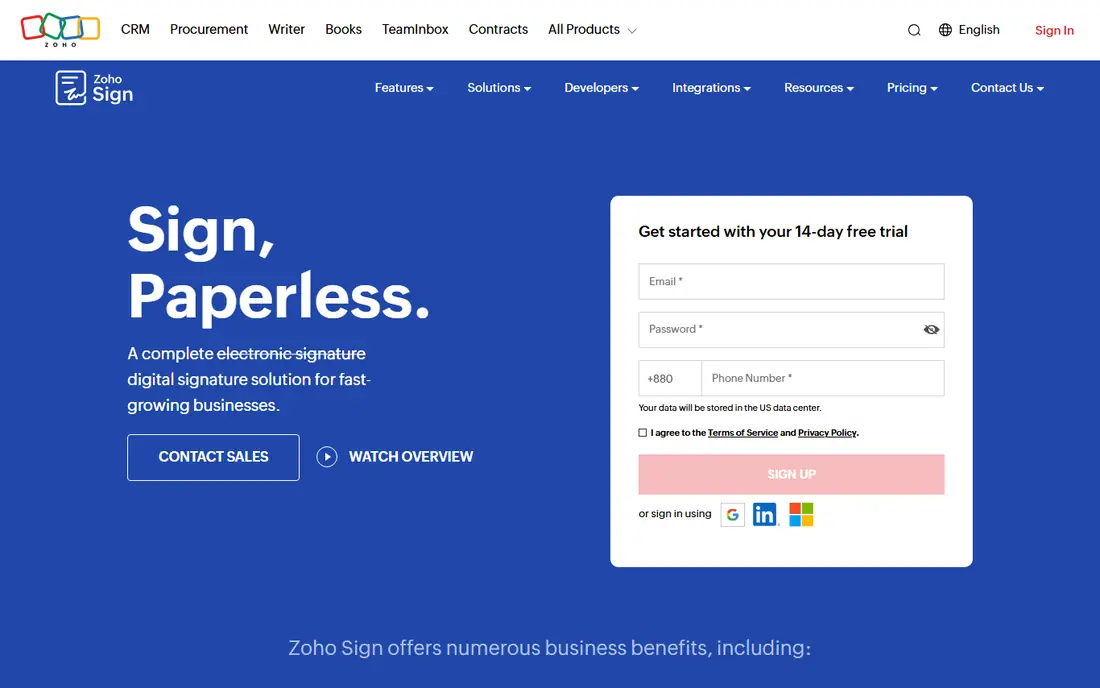
Zoho Sign is the affordable, ecosystem play in this list. Its free plan lets an individual send or sign up to five documents per month, and paid plans start at $10 per user per month. Inside Zoho, signing plugs into CRM, Books, and other apps, so a contract can move from a CRM record to a signed document without exporting files. Higher tiers add bulk send, SignForms for self-service signing, blockchain timestamping, and qualified electronic signatures for regulated transactions.
Outside Zoho, the advantage fades. A team on Google Workspace or Microsoft 365 will find similar integrations elsewhere, and the interface feels utilitarian next to PandaDoc. Choose Zoho Sign when your business already runs on Zoho and you want signing at the lowest total cost. Otherwise, compare SignWell for simplicity or signNow for team-wide value.
What we like- Free plan for five documents per month
- Deep Zoho app integrations
- Certificate-based and qualified signatures on higher tiers
Watch out for- Best value inside Zoho
- Interface is less polished than DocuSign
- API pricing is per document on some plans
#7SignWell
Best for: Freelancers and small teams that want plain, affordable signing4.8/5 on
G2 (532 reviews, checked Oct 2026)
Visit signwell.com
Starting price$10 per month
Free planYes
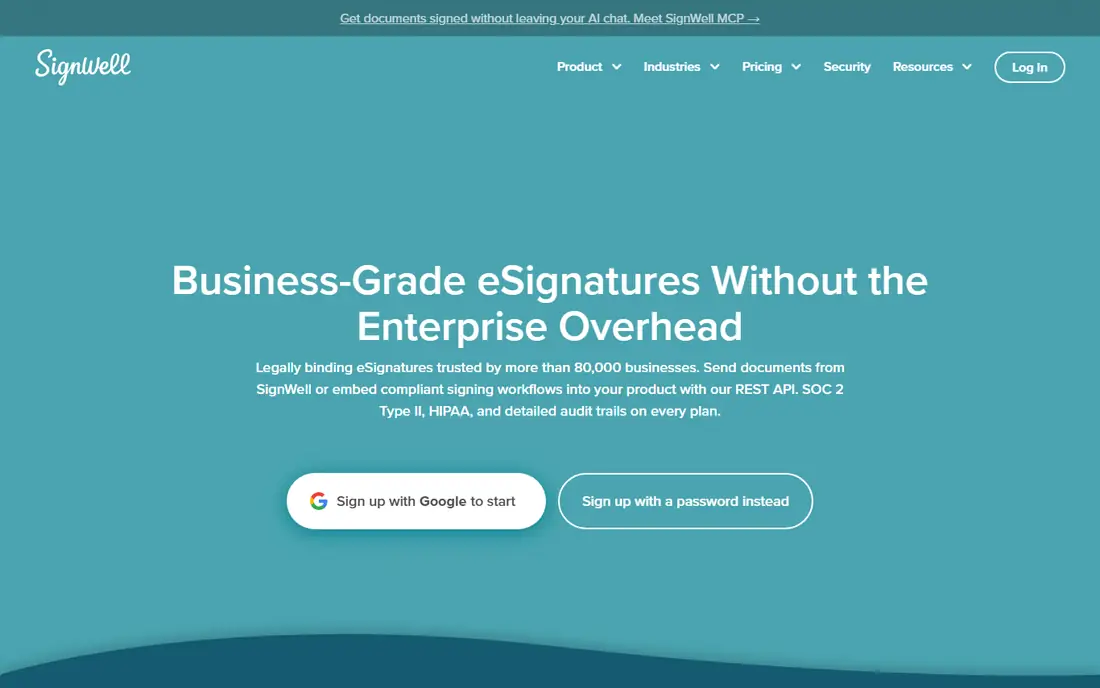
SignWell does one job well: send a document, get it signed, and keep a proper record. Its free plan covers three documents per month, and paid plans from $10 per month add templates, workflows with signing order and conditional logic, and an API for embedding signing. Every completed document includes an audit trail with timestamps, IP addresses, and signer records, compliant with ESIGN, UETA, and eIDAS, which covers the legal basics for US and EU business.
The limit is scale and ecosystem. SignWell integrates natively with a smaller set of apps than DocuSign, relying on Zapier for the rest, and it lacks the agreement management depth of DocuSign or PandaDoc. For a freelancer or small team sending a handful of contracts monthly, that simplicity is a strength, not a weakness. SignWell is the tool to pick when you want signing without learning a platform.
What we like- Free plan for three documents per month
- Clear audit trails with timestamps and IP records
- API and Zapier integrations
Watch out for- Smaller integration library than DocuSign
- Fewer enterprise features
- Paid plans rise with team features
#8Signeasy
Best for: Field and mobile teams that sign on the go and store contracts4.7/5 on
G2 (782 reviews, checked Oct 2026)
Visit signeasy.com
Starting price$10 per user per month
Free planFree trial
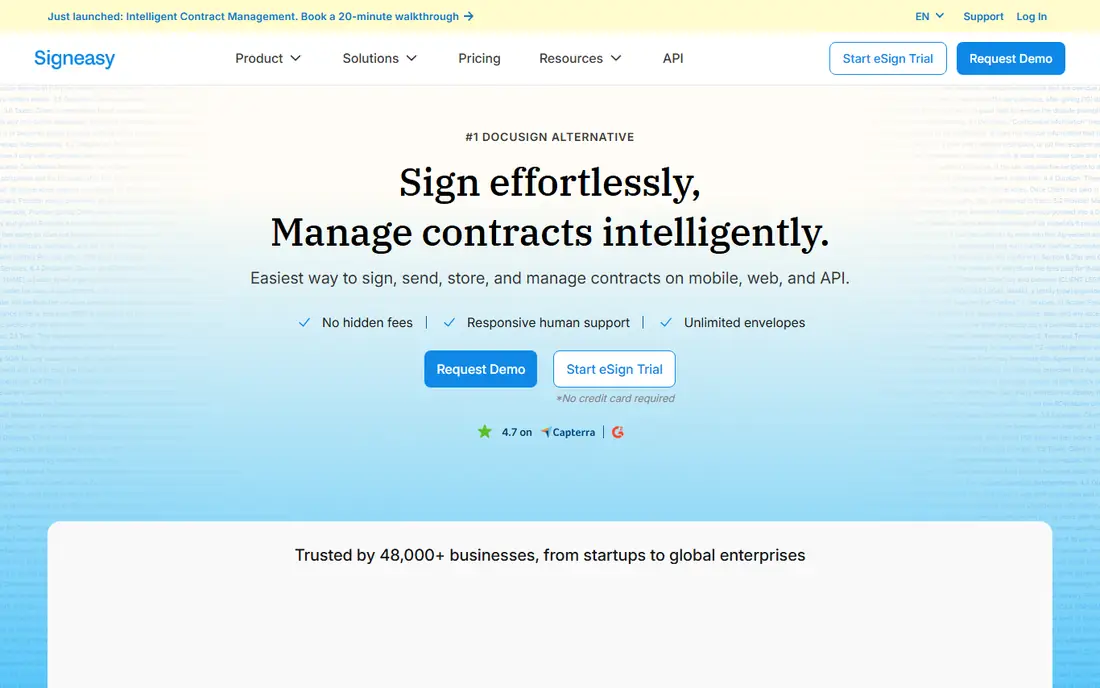
Signeasy positions itself as contract management, not just signing, with a repository, renewal reminders, and AI insights on higher tiers. Its mobile experience is a genuine strength: field teams can prepare, send, and sign contracts from a phone, with integrations for Google, Microsoft, and HubSpot keeping documents in the apps teams already use. Paid plans offer unlimited envelopes, which suits teams with steady signing volume.
The entry Personal plan at $10 per user per month billed annually is competitive, but there is no free-forever tier, only a trial. Brand recognition also lags DocuSign, so a cautious client may ask what Signeasy is. Choose Signeasy when mobile signing and contract storage matter together, and choose DocuSign when client recognition is the deciding factor.
What we like- Strong mobile signing experience
- Contract repository with renewal reminders
- Unlimited envelopes on paid plans
Watch out for- No free-forever plan
- AI insights sit on higher tiers
- Smaller brand recognition than DocuSign
How we chose
We compared pricing pages, product documentation, and public reviews on G2 and Capterra, and we checked each vendor homepage to confirm the product still exists and offers e-signatures for US businesses. We favored tools with a clear free or trial option, a published entry price, and an audit trail that meets ESIGN and UETA standards, rather than tools that only offer a signature image. Where pricing sources disagreed, we used the most recent comparable figure and marked the rest for a check on the vendor pricing page.
We also weighed envelope limits over headline price. A $10 plan that allows five envelopes costs more per signed document than a $19 plan with unlimited sends, once volume rises. That is why this list pairs price with free plan and envelope notes, so a buyer can match the plan to real monthly volume instead of the cheapest monthly rate.
Buying for your actual volume
Count envelopes before you compare prices
Look at the last three months of signed documents and count envelopes, signers per document, and templates reused. A solo freelancer sending three contracts monthly can run free on PandaDoc, Dropbox Sign, Zoho Sign, or SignWell. A sales team sending fifty documents monthly needs unlimited sends, which points to Dropbox Sign, signNow, or Signeasy paid plans. The cheapest plan on paper is rarely the cheapest plan at your volume.
Test the signer experience, not just the sender dashboard
Send yourself a test document and sign it on a phone. Check whether the signer needs an account, how fields appear on a small screen, and whether reminders work without your intervention. A signing flow that confuses clients will cost deals, no matter how good the sender dashboard looks. The best tools here need no account for recipients and guide signers field by field.
Check legality for your document type
Electronic signatures are legally valid for most business documents in the US under ESIGN and UETA, but some documents, such as wills and certain court filings, have exceptions. If you handle regulated or high-value agreements, confirm that your chosen tool offers the right signature type, identity verification, and audit trail, and check with legal counsel for your state. Do not assume every signature type suits every document.
Frequently asked questions
Are electronic signatures legally binding in the US?
Yes, for most business documents, under the federal ESIGN Act and state UETA laws, provided the signer consents and the process keeps an audit trail. Some documents have exceptions, including wills, adoption papers, and certain court documents, so check your document type and state rules. All tools in this list provide audit trails, but higher tiers add identity verification for sensitive agreements.
What is an envelope, and why does it matter?
An envelope is the container for one signing transaction, usually one document sent to one or more signers. Entry plans often limit envelopes per month, so a team sending many contracts can hit the cap quickly. Unlimited-envelope plans from Dropbox Sign, signNow, and Signeasy remove that worry, while DocuSign entry plans need careful volume counting.
Can recipients sign without creating an account?
Yes, on all tools in this list, recipients can sign from an email link without creating an account. Senders need an account and a paid or free plan, depending on volume. That no-account signing is essential for client work, since asking a client to register before signing will delay or lose deals.
What is the difference between an electronic signature and a digital signature?
An electronic signature is a broad term for any mark showing agreement, including a typed name or drawn signature. A digital signature uses cryptographic certificates to prove identity and detect changes after signing. Zoho Sign and other tools in this list offer certificate-based options on higher tiers for regulated or high-value transactions.
Do I need a free plan or a paid plan?
Use a free plan if you send five or fewer documents monthly and need only basic templates and reminders. PandaDoc covers 60 documents per year, Zoho Sign covers five per month, and SignWell and Dropbox Sign cover three per month. Move to paid when you need more recipients, bulk sending, branding, payments, or integrations with your CRM.
How do I store signed documents safely?
Keep signed PDFs and their audit trails in the same system, with access controls and backups, rather than scattered across email inboxes. Most tools here store completed documents and offer integrations with Google Drive, Dropbox, or OneDrive. Export a copy to your own storage each quarter, so you keep records even if you switch vendors later.
Sources we checked (9)
- https://www.docusign.com
- https://www.adobe.com/sign
- https://www.pandadoc.com
- https://www.dropbox.com/sign
- https://signnow.com
- https://www.zoho.com/sign/
- https://signwell.com
- https://signeasy.com
- https://rankite.com/blog/best-free-esignature-software
Is your product missing or out of date?
We review this list regularly. Vendors can request a listing, send updated pricing or ask about featured placement.

Shihab Mia · Founder, Rankite
Shihab has 5+ years in B2B and SaaS SEO. He writes Rankite's software buying guides from pricing pages, documentation and public user reviews. More about Shihab.