How we make this list: we compare pricing pages, product documentation and public user reviews. Ratings come from G2, Capterra or Trustpilot, with the date we checked them.
Key takeaways
- Shopify leads on overall ease plus app depth, with the largest app store and the smoothest checkout for small stores.
- WooCommerce leads on control and cost for WordPress users, since the plugin is free and you choose your own hosting.
- Wix and Squarespace suit small stores that value design and simplicity over large catalogs and complex operations.
- BigCommerce suits growing stores that need strong built-in features without buying many apps.
- Square Online suits sellers who already use Square in person and want online and offline sales in one system.
- Transaction fees matter as much as monthly prices: compare the total cost at your real sales volume, not just the plan price.
Quick comparison
| Tool | Best for | Starting price | Free plan |
|---|
 Shopify Shopify | Overall ease and apps | From 39 dollars per month | Free trial |
 WooCommerce WooCommerce | WordPress control | Free plugin | Free |
 Wix Wix | Design-first small stores | See website | Free plan |
 Squarespace Squarespace | Design and content | See website | Free trial |
 BigCommerce BigCommerce | Built-in features | From 29 dollars per month | Free trial |
 Square Online Square Online | In-person plus online | Free plan | Free plan |
 Ecwid Ecwid | Add a store to any site | Free plan | Free plan |
 Shift4Shop Shift4Shop | Free with payments | Free plan | Free plan |
Is your product missing or out of date?
We review this list regularly. Vendors can request a listing, send updated pricing or ask about featured placement.
Picking an e-commerce platform is a decision you live with for years, since moving a store means moving products, customers, orders, and search rankings. Small businesses need different things than large ones: low starting cost, a checkout customers trust, and tools that work without a developer. The eight platforms below cover the full range, from free plugins to full hosted stores, and the right pick depends on your catalog size, your technical comfort, and where you already sell.
How we chose
We started from the platforms small businesses actually use in 2026, drawing on vendor pricing pages, small business guides, and app store depth. We favored platforms with reliable checkout, mobile-friendly stores, payment options, and clear pricing, and we excluded marketplace-only selling such as Amazon or Etsy as a primary store, since this list is about platforms you control. Prices in this category change with promos and billing periods, so where a figure is not confirmed on a vendor page, we use "See website" and flag the gap.
Buying guide
Start with your catalog and sales channels. A store with under 100 products and mostly social traffic needs different tools than a store with 5,000 SKUs selling on Google, Instagram, and a physical shop. List your must-have channels before you compare features, since some platforms charge extra for multi-channel selling.
Next, calculate total cost at your real volume. Add the monthly plan, payment processing fees, app subscriptions, and any transaction fees the platform charges on top of payment processing. A cheap plan with a 2 percent transaction fee can cost more than a pricier plan with no extra fee once sales grow.
Then test the checkout on a phone. Most small-store traffic is mobile, so a slow or confusing mobile checkout loses sales that no feature list can win back. Finally, check how you leave. Export tools for products, customers, and orders vary, and a platform that locks your data makes a future move painful.
Frequently asked questions
How much does it cost to run a small online store?
Expect a monthly plan from free to about 39 dollars, plus payment processing near 2.9 percent plus 30 cents per order. Apps, themes, and transaction fees add more, so budget 50 to 150 dollars a month all-in for a typical small store.
Is Shopify worth it for a very small store?
Yes, if you want reliability and apps without technical work. The Basic plan near 39 dollars a month is more than free options, but the checkout, app store, and support save time that small owners often value more than the price gap.
Is WooCommerce really free?
The plugin is free, but hosting, a domain, security, and payment setup cost money, typically 10 to 30 dollars a month for small stores. WooCommerce suits WordPress users who want control and are comfortable managing those pieces.
Can I sell on Instagram and Google from these platforms?
Yes, most platforms here offer social and Google sales channels, though setup depth varies. Shopify and BigCommerce lead on channel breadth, while simpler builders cover the main channels with less configuration.
What happens if I outgrow my platform?
Most platforms here scale to larger catalogs and higher traffic, though costs rise. BigCommerce and Shopify scale furthest without replatforming, while Wix and Squarespace suit smaller stores that may need to move if they grow very large.
Sources
- Vendor pricing and feature pages for Shopify, WooCommerce, Wix, Squarespace, BigCommerce, Square Online, Ecwid, and Shift4Shop
- Third-party 2026 comparisons of e-commerce platforms for small businesses
- Small business guides on payment processing fees and total cost of ownership
#1Shopify
Best for: Overall ease and apps4.4/5 on
G2 (5,144 reviews, checked Oct 2026)
Visit shopify.com
Starting priceFrom 39 dollars per month
Free planFree trial

Shopify is the default recommendation for most small businesses, and its strength is the combination of ease and depth. Setup takes hours, not weeks, the checkout is fast and trusted by shoppers, and the app store covers almost every need, from email marketing to subscriptions to print on demand. Sales channels for Instagram, Facebook, Google, and TikTok are built in, so a small store can sell in many places from one dashboard.
The costs need watching. The Basic plan starts near 39 dollars a month, and using an outside payment provider adds transaction fees on top of processing fees. Apps also add up: a store with five paid apps can easily double its monthly bill. Shopify suits small businesses that want reliability, the widest app choice, and a checkout that converts, and that accept app costs as part of the price.
What we like- Largest app store
- Trusted checkout
- Strong sales channel integrations
Watch out for- Transaction fees without Shopify Payments
- App costs add up
- Theme customization needs code for deep changes
Starting priceFree plugin
Free planFree
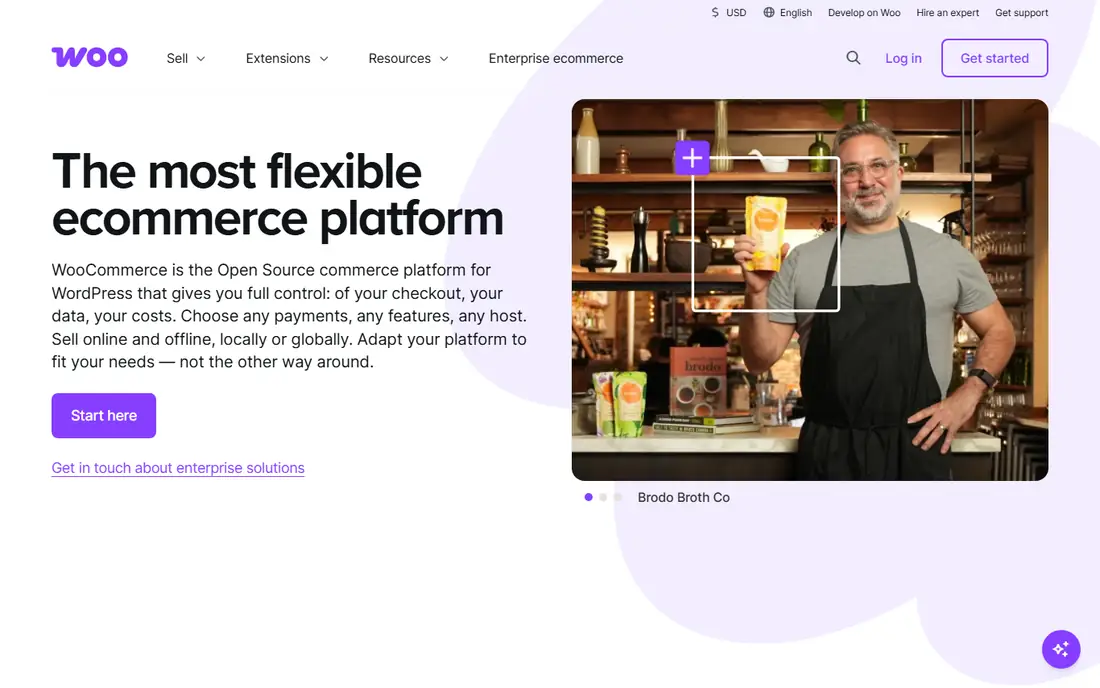
WooCommerce turns a WordPress site into a full store, and its appeal is control. The core plugin is free, you choose your hosting, and you own your data outright, with thousands of extensions for payments, shipping, memberships, and subscriptions. For businesses already on WordPress, adding WooCommerce keeps content and commerce in one place.
The trade-off is responsibility. You manage hosting, security, backups, and updates, or you pay someone to do it, and setup takes longer than a hosted platform. Extension quality varies, so testing matters. WooCommerce suits WordPress users, technical owners, and businesses that want full control and low software costs in exchange for more setup work.
What we like- Free core plugin
- Full control over hosting and data
- Huge extension library
Watch out for- You manage hosting, security, and updates
- Setup takes longer
- Quality varies by extension
#3Wix
Best for: Design-first small stores4.2/5 on
G2 (1,888 reviews, checked Oct 2026)
Visit wix.com
Starting priceSee website
Free planFree plan
Wix appeals to design-first small businesses that want a beautiful store without code. The drag-and-drop editor gives more layout freedom than most rivals, templates cover many niches, and built-in tools handle email marketing, bookings, and basic analytics. A free plan lets you build before paying, though selling needs a paid e-commerce plan.
E-commerce depth trails Shopify: large catalogs, complex shipping rules, and advanced discounting are weaker, and plan prices vary by region, so confirm your local price. Moving a store off Wix is also difficult. Wix suits small stores with modest catalogs that value design freedom and an all-in-one builder over advanced commerce features.
What we like- Drag-and-drop design freedom
- Many templates
- Built-in marketing tools
Watch out for- E-commerce features trail Shopify
- Plan prices vary by region
- Moving off Wix is hard
Starting priceSee website
Free planFree trial
Squarespace is the pick for businesses where content and design lead, such as makers, photographers, and boutique brands. Templates are consistently polished, blogging and portfolio tools are strong, and the checkout is clean and mobile-friendly. Commerce plans add inventory, discounts, and abandoned cart recovery as you move up tiers.
The app ecosystem is far smaller than Shopify, and advanced features such as complex shipping rules and marketplace integrations are limited. Lower commerce plans also add transaction fees. Squarespace suits small brands that sell a focused range, publish content, and value design polish over commerce depth.
What we like- Beautiful templates
- Strong content and blogging tools
- Clean checkout
Watch out for- App ecosystem is smaller
- Advanced commerce features are limited
- Transaction fees on lower plans
Starting priceFrom 29 dollars per month
Free planFree trial
BigCommerce takes the opposite approach from Shopify: more features built in, fewer apps needed. Product options, customer groups, built-in blogging, and multi-channel selling come standard, and BigCommerce charges no extra transaction fees on top of payment processing. The Standard plan starts near 29 dollars a month, undercutting Shopify Basic on headline price.
Theme and app choice is smaller, design freedom is lower, and the admin takes longer to learn. BigCommerce suits growing stores that want strong built-in features, clean pricing without extra transaction fees, and room to scale without replatforming.
What we like- Strong built-in features
- No extra transaction fees
- Good multi-channel selling
Watch out for- Theme and app choice is smaller than Shopify
- Learning curve is steeper
- Design freedom is lower
#6Square Online
Best for: In-person plus online4.2/5 on
G2 (482 reviews, checked Oct 2026)
Visit squareup.com
Starting priceFree plan
Free planFree plan
Square Online is the natural pick for sellers who already use Square readers in person. Online and offline sales, inventory, and customer data live in one system, so a shop, market stall, and website stay in sync without extra tools. A free tier lets small sellers start with no monthly cost, paying only processing fees.
Design options are more limited than Wix or Squarespace, and advanced features such as abandoned cart recovery and custom domains need paid plans. The system also centers on Square payments. Square Online suits cafes, boutiques, and market sellers who want one system for in-person and online sales at the lowest starting cost.
What we like- Free starting tier
- Unified in-person and online sales
- Simple setup
Watch out for- Design options are limited
- Advanced features need paid plans
- Square-centric payments
#7Ecwid
Best for: Add a store to any site4.7/5 on
G2 (405 reviews, checked Oct 2026)
Visit ecwid.com
Starting priceFree plan
Free planFree plan
Ecwid is different from the other platforms here: instead of building a new site, it adds a store to a site you already have, whether WordPress, Wix, Squarespace, or a plain HTML page. The free tier covers small catalogs, and paid plans add more products, sales channels, and automation. That makes Ecwid the cheapest path to selling for businesses with an existing website.
Design control is limited compared with full builders, and the free tier caps product counts. Advanced features such as abandoned cart emails and POS integration need higher plans. Ecwid suits businesses with an existing site that want to add selling without rebuilding, and small sellers testing online sales.
What we like- Adds a store to any existing website
- Free tier for small catalogs
- Multi-channel selling
Watch out for- Design control is limited
- Free tier caps products
- Advanced features need higher plans
Starting priceFree plan
Free planFree plan
Shift4Shop offers a full e-commerce store free when you use Shift4 payment processing, with no monthly fee and no extra transaction fees on that plan. Built-in features cover products, discounts, shipping, and SEO tools that other platforms charge apps for, which makes the free tier unusually complete for a small store.
The catch is the payment lock-in: the free plan requires Shift4 processing, and switching processors moves you to a paid plan. Theme choice is smaller than Shopify, and support quality varies in owner reports. Shift4Shop suits US small businesses happy to use Shift4 payments who want a full store with no monthly fee.
What we like- Full store free with Shift4 payments
- No transaction fees on that plan
- Strong built-in features
Watch out for- Free plan requires Shift4 payment processing
- Theme choice is smaller
- Support varies
Is your product missing or out of date?
We review this list regularly. Vendors can request a listing, send updated pricing or ask about featured placement.

Shihab Mia · Founder, Rankite
Shihab has 5+ years in B2B and SaaS SEO. He writes Rankite's software buying guides from pricing pages, documentation and public user reviews. More about Shihab.