How we make this list: we compare pricing pages, product documentation and public user reviews. Ratings come from G2, Capterra or Trustpilot, with the date we checked them.
Key takeaways
- Square Online is the easiest free way for beginners to start selling online.
- Weebly suits beginners who want a simple website with a store attached.
- Big Cartel is the pick for artists and makers selling small collections.
- GoDaddy fits beginners who want a website, domain, and store from one provider.
- Shopify is the best beginner platform for those who plan to grow seriously.
Quick comparison
| Tool | Best for | Starting price | Free plan |
|---|
 Weebly Weebly | simple site plus store | See website | See website |
 Big Cartel Big Cartel | artists and makers | See website | See website |
 GoDaddy GoDaddy | all-in-one beginner bundle | See website | See website |
 Square Online Square Online | free and easy start | See website | See website |
 Shopify Shopify | beginners planning to grow | See website | See website |
 Wix Wix | drag-and-drop simplicity | See website | See website |
 Ecwid Ecwid | add selling to any site | See website | See website |
Is your product missing or out of date?
We review this list regularly. Vendors can request a listing, send updated pricing or ask about featured placement.
Starting priceSee website
Free planSee website
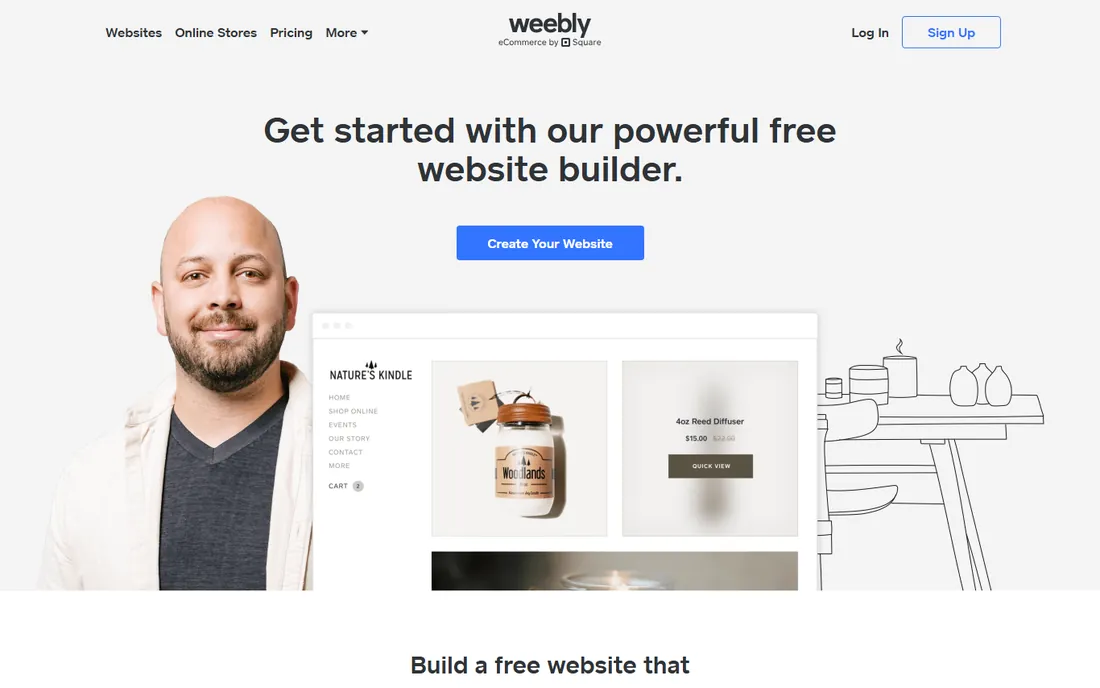
Weebly has long been a beginner favorite: drag-and-drop website building with an integrated store, requiring zero technical skill. Square's ownership means payments are native and the free tier is genuinely useful. Small businesses needing a simple online presence with selling capability get running fast.
Templates feel dated next to Wix or Squarespace. Ecommerce features are basic compared with Shopify. But for absolute beginners who want the gentlest learning curve, Weebly remains one of the easiest starts in ecommerce. Its blog tools are also decent, which helps beginners who plan to drive traffic with content.
What we like- Very easy drag-and-drop
- Affordable
- Square payments built in
Watch out for- Design options dated
- Ecommerce features basic
Starting priceSee website
Free planSee website
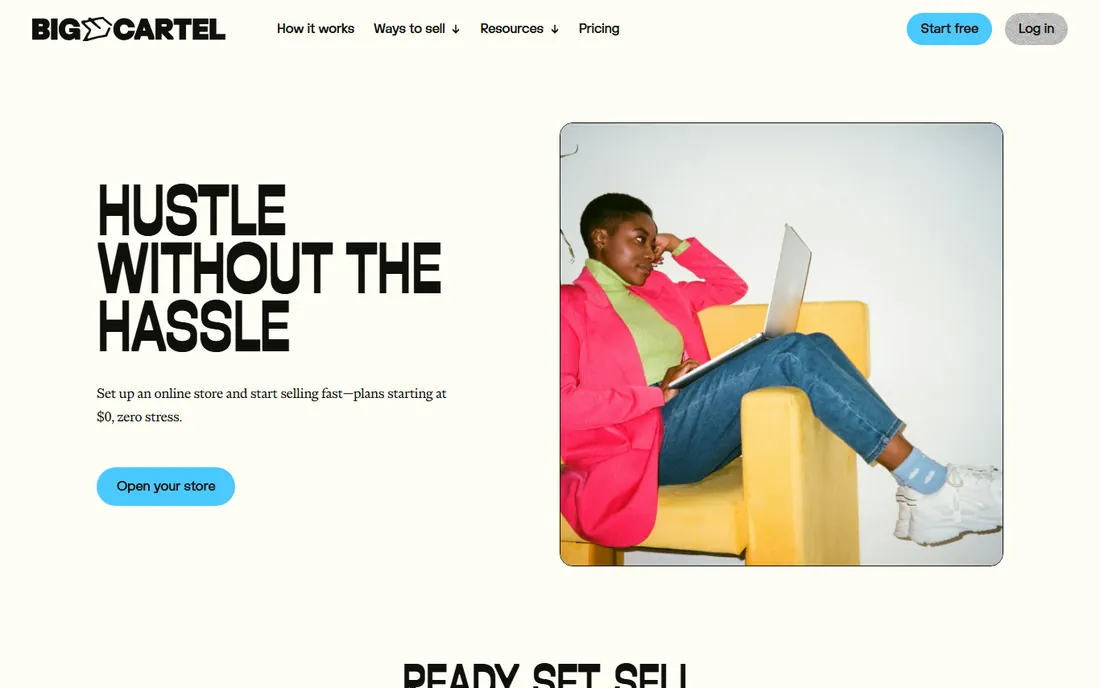
Big Cartel serves independent artists, crafters, and makers with a deliberately simple store: list products, take payments, done. The free tier covers very small shops, and paid plans stay cheap. No bloat, no complexity, no features you will never use.
It is intentionally limited: inventory tools, marketing features, and integrations are minimal. Large catalogs do not fit. But for creatives selling a small collection who find Shopify overwhelming, Big Cartel's restraint is the point. The product pages look clean and the checkout stays out of the way, which is all a small art shop needs.
What we like- Built for independent artists
- Simple and affordable
- Free tier for tiny shops
Watch out for- Limited features
- Not for large catalogs
Starting priceSee website
Free planSee website
GoDaddy bundles everything a beginner needs: domain registration, website builder with ecommerce, and marketing tools from one account. The AI-assisted builder generates a starting site quickly. Beginners who want one vendor and one bill find it convenient.
Ecommerce features are shallower than dedicated platforms. Upsells for add-ons are frequent. But for beginners who value having domain, hosting, and store under one roof with phone support, GoDaddy simplifies vendor management. One support number for every problem has real value when you are starting out alone.
What we like- Domain, site, and store from one vendor
- AI-assisted building
- Simple
Watch out for- Ecommerce depth limited
- Upsells common
Starting priceSee website
Free planSee website
Square Online (built on Weebly's technology after Square's acquisition) lets beginners start selling free: build the store, list products, and pay only transaction fees. Integration with Square's point-of-sale unifies online and in-person selling. Restaurants and retailers with physical locations benefit most.
The free plan carries higher transaction fees. Design customization is limited. But as a zero-upfront-cost start, Square Online is unmatched: beginners can validate their idea before spending anything on software. If you already take payments with Square in person, the unified inventory and reporting make it the obvious choice.
What we like- Free plan to start selling
- Integrates with Square POS
- Easy setup
Watch out for- Transaction fees on free plan
- Customization limited
Starting priceSee website
Free planSee website

Shopify is beginner-friendly despite its power: guided setup, endless tutorials, and a support ecosystem that answers every question. Beginners who plan to grow choose Shopify to avoid replatforming later. The checkout and mobile experience are excellent from day one.
It costs more than Weebly or Big Cartel, and tiny hobby shops may not need its depth. But for beginners treating their store as a real business from the start, Shopify's combination of simplicity now and scale later is compelling. The trial period lets you build the full store before paying anything.
What we like- Easy to start, scales infinitely
- Huge support resources
- Best checkout
Watch out for- Costs more than simpler options
- Overkill for tiny hobby shops
Starting priceSee website
Free planSee website
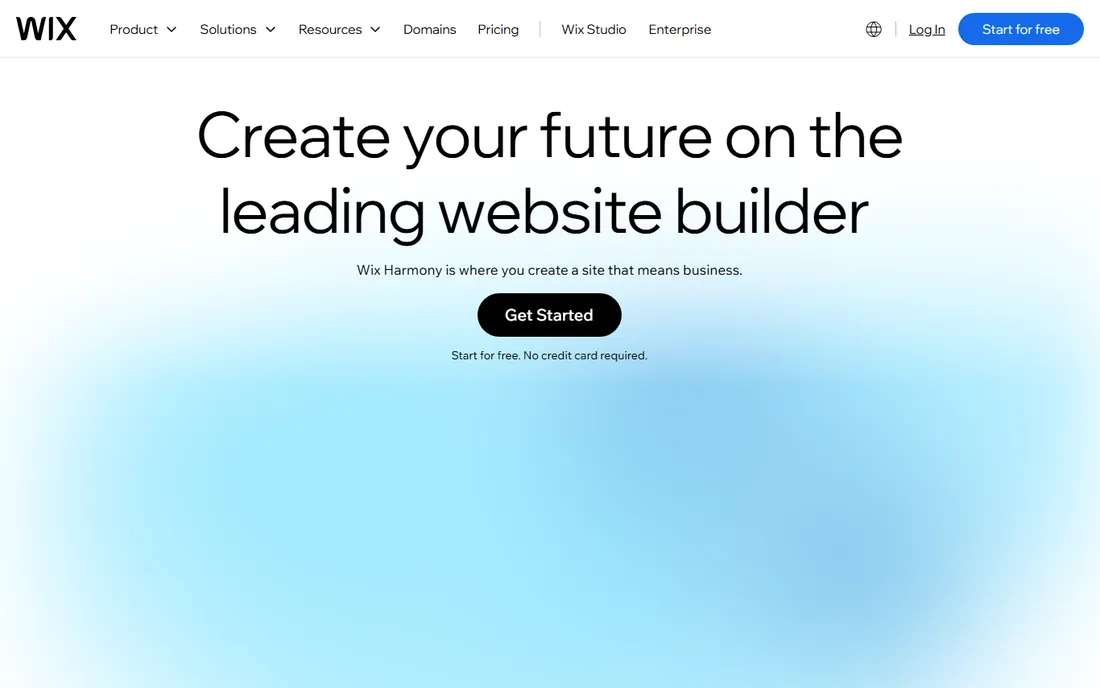
Wix's drag-and-drop editor is the most intuitive in the industry: place anything anywhere, with hundreds of templates. Beginners build genuinely attractive stores without skills. The AI builder creates a starting site from a few answers. For visually-driven beginners, it is the most fun platform to use.
Commerce depth is basic next to Shopify. Large catalogs and complex operations strain it. But for beginners whose priority is a beautiful store they can build themselves this weekend, Wix delivers. The ADI (artificial design intelligence) builder can generate a complete starting site from a few questions.
What we like- Most intuitive visual editor
- Beautiful templates
- AI site builder
Watch out for- Ecommerce features basic
- Scaling limits
Starting priceSee website
Free planSee website
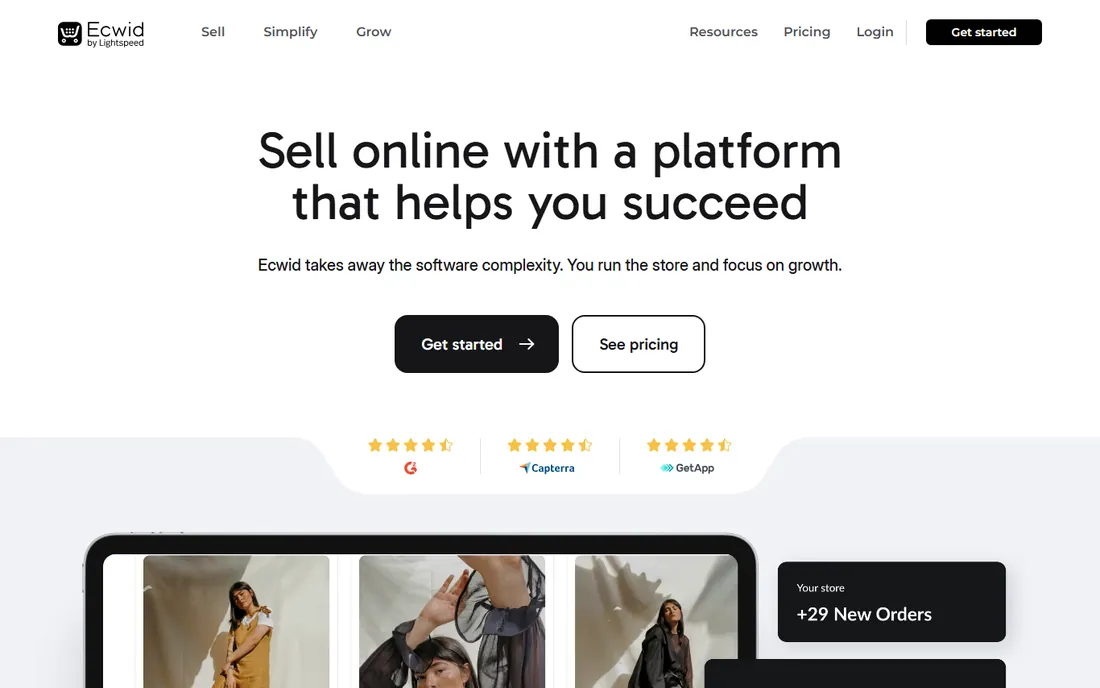
Ecwid lets beginners add a store to whatever they already have: a blog, a Wix site, a Facebook page. The free tier covers small catalogs, and multichannel selling extends reach. Beginners with an existing online presence start selling without rebuilding anything.
It is not a website builder, so the overall experience depends on the host site. Advanced features are limited. But for beginners who already have a site or social following, Ecwid is the fastest path from audience to revenue. Bloggers and content creators monetize existing traffic without a separate store project.
What we like- Works with any existing website
- Free tier
- Sell on social too
Watch out for- Not a full website builder
- Experience tied to host site
What to check before you buy
Start with your ambition level. Testing an idea: Square Online's free plan or Big Cartel. Small side business: Weebly, Wix, or GoDaddy. Serious business from day one: Shopify. Existing site or audience: Ecwid. Matching the platform to your ambition avoids both overpaying for power you do not need and outgrowing a platform that cannot keep up.
Then consider your products. Physical goods needing shipping: check shipping integrations. Digital products: confirm delivery features. Services with booking: look at appointment tools. A platform perfect for t-shirts may frustrate for digital downloads; match capabilities to what you actually sell. Write down your top five requirements before comparing platforms; it keeps the evaluation honest.
Finally, test the actual building experience. Every platform here offers a free trial or free plan. Spend an hour building a test store before committing. The interface you enjoy using is the one you will maintain; a powerful platform you dread opening will cost you in neglected listings, stale content, and missed optimizations. Your future self, updating products at 11pm, will thank you for choosing usability.
Mistakes beginners make
The most common mistake is choosing on price alone: the cheapest platform that cannot do what you need costs more in workarounds. Second is ignoring transaction fees, which dwarf subscription differences at volume. Third is overbuilding: beginners often buy apps and features for problems they do not have yet. Start simple, add complexity when revenue justifies it.
A fourth mistake is neglecting the unglamorous basics: shipping settings, tax configuration, return policies, and contact pages. Beginners polish the homepage and forget the checkout experience, then wonder why visitors do not convert. And a fifth: launching with poor product photography. On every platform, good photos outsell good themes; invest in decent lighting and a clean background before upgrading your plan.
Frequently asked questions
What is the easiest e-commerce platform for a complete beginner?
Square Online and Weebly are the easiest: free starts, guided setup, minimal decisions. Big Cartel is simplest for tiny artist shops. Wix offers the most intuitive visual building. All four let non-technical beginners launch without outside help.
Can I start an online store for free?
Yes. Square Online, Weebly, Big Cartel, Wix, and Ecwid all offer free tiers or plans. You pay transaction fees on sales but nothing upfront. Free plans have limits (product counts, features, branding), but they are genuine starting points, not demos. Treat the free plan as your validation phase; upgrade when sales justify it.
How long does it take to set up a beginner store?
A basic store can go live in a day: choose a template, add products with photos and descriptions, connect payments, set shipping. Polishing (copywriting, photography, policies) takes longer. Budget a weekend for a respectable launch, a week for a polished one. Do not let perfection delay your first sale; you can improve the store while it earns.
Do I need a business license to sell online?
Requirements vary by location and what you sell. Many places allow small-scale selling without special licenses, but tax collection obligations often apply. Check your local regulations and consult a professional; platform choice does not change legal requirements. Sorting this out early prevents unpleasant surprises later.
What sells best for beginner stores?
Niche products with clear audiences outperform generic goods. Handmade items, specialized hobby supplies, and products solving specific problems do well. Avoid competing head-on with Amazon on commodity products; beginners win on uniqueness, curation, and personal brand. Your unfair advantage is taste and specificity, not price. A narrow catalog aimed at people you understand beats a broad catalog aimed at everyone. Start narrow, earn trust, then expand deliberately based on what your customers actually ask for.
How do beginners get their first customers?
Start with your existing network: friends, social followers, and communities you already belong to. Then expand to one marketing channel you can sustain: SEO content, social media, or marketplaces. Beginners spread themselves thin across five channels; depth in one beats breadth in five. Paid ads can work but learn organic first so you understand your customer. Talk to your first fifty customers personally; their words become your best marketing copy.
When should I upgrade from a beginner platform?
Upgrade when you hit real limits: product count caps, missing integrations, transaction fees exceeding a better plan's cost, or features you need for growth. Many successful stores run on "beginner" platforms for years; upgrade on evidence, not ambition.
How we chose
We selected e-commerce platforms suited to beginners that appear consistently in beginner ecommerce guides and software comparisons. Each vendor's site was checked to confirm the product is current in 2026. Pricing details come from vendor pages where published. No hands-on store building was conducted for this guide; the focus is documented ease of use and beginner-relevant capabilities.
Sources we checked (10)
- https://www.weebly.com
- https://www.bigcartel.com
- https://www.godaddy.com
- https://www.squareup.com
- https://www.shopify.com
- https://www.wix.com
- https://www.ecwid.com
- https://sourceforge.net/software/compare/Big-Cartel-vs-GoDaddy-Website-Builder-vs-Weebly/
- https://www.techjockey.com/blog/best-ecommerce-website-builders/amp
- https://press.farm/best-ecommerce-website-builders/
Is your product missing or out of date?
We review this list regularly. Vendors can request a listing, send updated pricing or ask about featured placement.

Shihab Mia · Founder, Rankite
Shihab has 5+ years in B2B and SaaS SEO. He writes Rankite's software buying guides from pricing pages, documentation and public user reviews. More about Shihab.