How we make this list: we compare pricing pages, product documentation and public user reviews. Ratings come from G2, Capterra or Trustpilot, with the date we checked them.
Key takeaways
- No single tool answers every store question, so most growing stores pair a store-native report with a behavior or attribution tool.
- Mixpanel and Kissmetrics answer different questions: Mixpanel tracks what users do inside a product, while Kissmetrics ties campaigns to paying customers.
- Triple Whale is the strongest choice for a Shopify brand spending heavily on ads, because it unifies attribution, profit, and media decisions.
- Metorik is the clearest profit and reporting tool for WooCommerce and Shopify stores that want fast segments without a data warehouse.
- Hotjar, now part of Contentsquare, adds the qualitative layer: heatmaps and recordings that explain why a page underperforms, not just that it does.
Quick comparison
| Tool | Best for | Starting price | Free plan |
|---|
 Mixpanel Mixpanel | Event and funnel analysis for growing stores | See website | Yes |
 Shopify Analytics Shopify Analytics | Native sales reporting for Shopify stores | See website | No |
 Triple Whale Triple Whale | Attribution and profit for ad-heavy Shopify brands | $219 per month | No |
 Metorik Metorik | Profit, segments, and reports for WooCommerce and Shopify | See website | Free trial |
 Hotjar Hotjar | Heatmaps and recordings that explain behavior | $0 | Yes |
 Kissmetrics Kissmetrics | Campaign-to-customer revenue reporting | $99 per month | Yes |
 WooCommerce Analytics WooCommerce Analytics | Built-in reports for WooCommerce stores | $0 | Yes |
Is your product missing or out of date?
We review this list regularly. Vendors can request a listing, send updated pricing or ask about featured placement.
#1Mixpanel
Best for: Event and funnel analysis for growing stores4.5/5 on
G2 (1,375 reviews, checked Oct 2026)
Visit mixpanel.com
Starting priceSee website
Free planYes
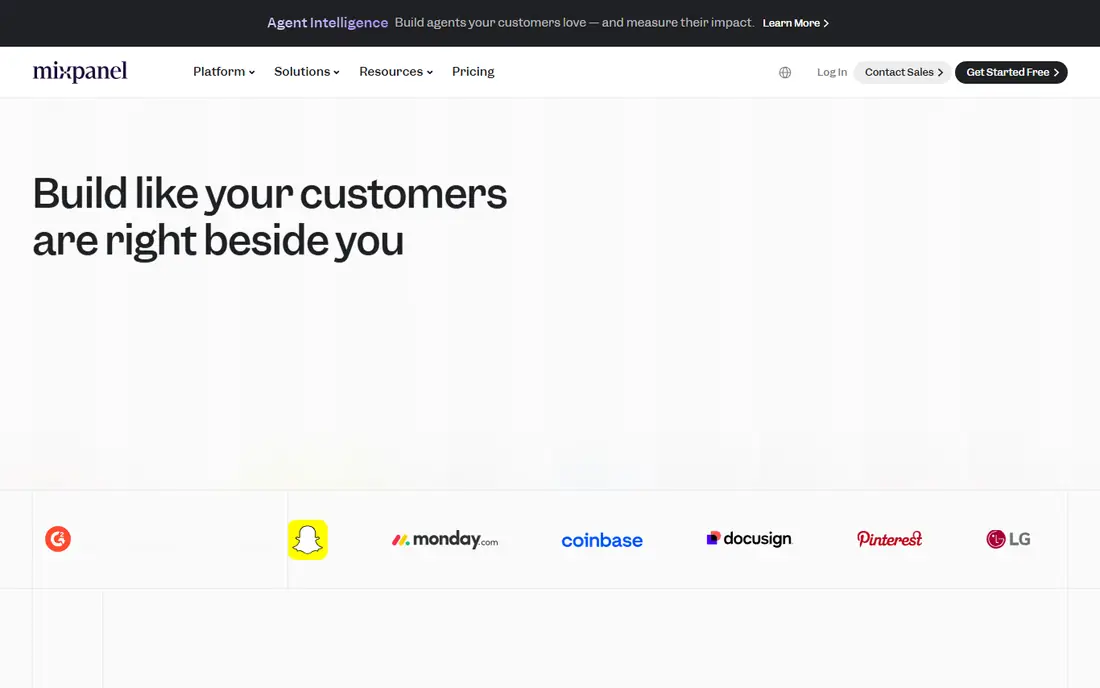
Mixpanel is a product analytics tool that fits an e-commerce team once basic sales reporting is no longer enough. Instead of only counting sessions and orders, it tracks the events that lead to an order: product views, add-to-cart actions, checkout steps, and repeat purchases. Funnels show exactly where shoppers drop off, cohorts show whether a campaign brings repeat buyers or one-time discount hunters, and retention reports show whether a product or offer keeps customers coming back. That event model suits stores with an app, a subscription, or a complex checkout.
The cost of that flexibility is planning. A team that tracks every click without a naming plan ends up with messy data and confusing reports, so event design should come before a full rollout. Pricing is usage-based, with a free tier plus paid plans that scale with events and features, so a buyer should check the current pricing page against expected monthly event volume. Mixpanel fits a store that wants to understand behavior across the journey, not just revenue by channel, and is willing to invest a day in clean tracking.
What we like- Fast funnel, cohort, and retention reports
- Flexible event tracking
- Free tier for early-stage teams
Watch out for- Pricing is usage-based and can climb with event volume
- Setup needs careful event planning
#2
Shopify Analytics
Best for: Native sales reporting for Shopify stores
Visit shopify.com
Starting priceSee website
Free planNo

Shopify Analytics is the default starting point for any Shopify store, because it is already there. Sales over time, traffic sources, conversion by channel, top products, and customer reports live in the same admin where orders are managed, with no tracking code to install beyond the store itself. For a new store, that built-in view answers the daily questions: what sold, where traffic came from, and which products are moving. Dashboards are fast, exports are simple, and the learning curve is close to zero.
Limits appear as the store grows. Report depth increases with higher Shopify tiers, so a Basic store sees less than an Advanced or Plus store. Attribution stays at a channel level rather than a full customer journey, and profit reporting needs cost data and often a separate tool. Shopify Analytics is best treated as the store truth for orders and revenue, paired with a specialist tool for attribution, behavior, or profit. A Shopify merchant should master these native reports before paying for a second analytics platform.
What we like- Built into Shopify with no extra setup
- Sales, traffic, and customer reports in one place
- Deeper reports on higher plans
Watch out for- Only useful inside Shopify
- Attribution and profit depth are limited compared with specialist tools
#3Triple Whale
Best for: Attribution and profit for ad-heavy Shopify brands4.5/5 on
G2 (482 reviews, checked Oct 2026)
Visit triplewhale.com
Starting price$219 per month
Free planNo
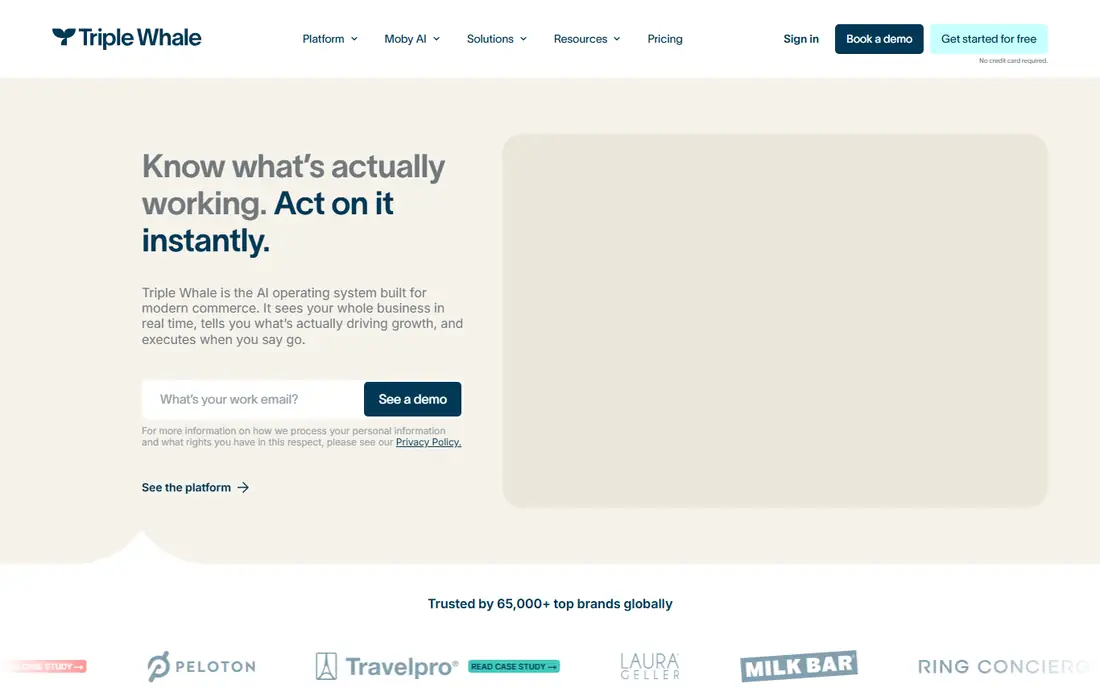
Triple Whale is built for the Shopify brand that spends real money on Meta, Google, TikTok, and other channels and can no longer trust each platform to grade its own homework. It pulls Shopify orders, ad spend, and customer data into one view, so a team can compare blended return on ad spend, new versus returning customer revenue, and contribution after costs. Attribution, marketing mix modeling, and incrementality tools sit alongside an AI assistant that suggests budget moves, which helps a media buyer act on a single trusted number instead of reconciling five dashboards.
That power has a price floor. Third-party pricing summaries list Triple Whale from $219 per month, with no permanent free plan, which makes it a poor fit for a store with low volume or minimal ad spend. Setup also rewards clean connections: ad accounts, Shopify, and cost inputs must be correct before the numbers can be trusted. For a brand spending thousands per month on ads, the time saved in reporting and the clarity on which channels truly drive profitable orders can justify the cost quickly. For a small store, Shopify Analytics plus a free behavior tool is the better start.
What we like- Unified attribution across ad platforms and Shopify
- Profit and lifetime value views
- AI recommendations for media decisions
Watch out for- Entry price is high for a small store
- Value depends on ad spend volume and clean data connections
#4
Metorik
Best for: Profit, segments, and reports for WooCommerce and Shopify
Visit metorik.com
Starting priceSee website
Free planFree trial
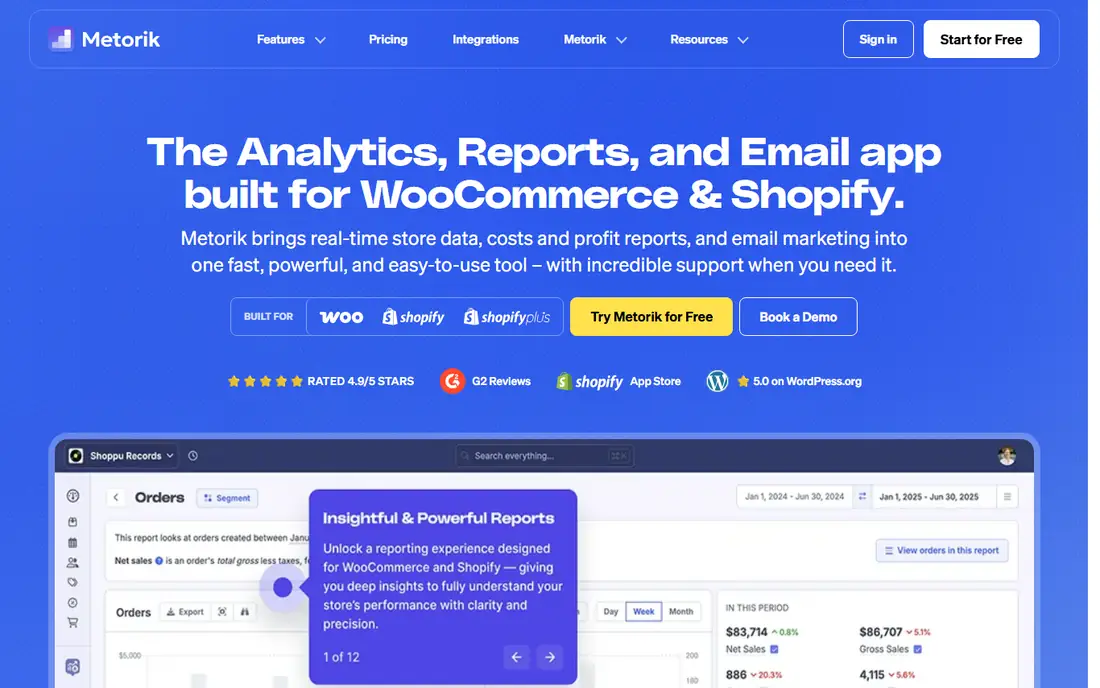
Metorik answers the questions a store owner asks every week: which customers are most valuable, which products actually make money after costs, and which segments deserve an email. It connects to WooCommerce or Shopify in a few clicks, then offers real-time reports, deep segmentation, scheduled digests, and clean CSV exports without a data warehouse. Ad costs from Google, Meta, TikTok, and other platforms, plus shipping costs from tools such as ShipStation, feed into profit views, so revenue is not mistaken for profit. An included email tool can send targeted campaigns to the segments built in Metorik.
The scope is narrow by design. Metorik does not serve BigCommerce, Magento, or custom storefronts, and there is no permanent free plan, only a 30-day trial with no card required. Pricing is order-volume based, so a buyer should check the current pricing page against monthly order count. For a WooCommerce or Shopify store that wants fast, readable profit and customer reporting without hiring an analyst, Metorik is one of the clearest tools in this guide. For a store on another platform, it is simply not an option.
What we like- Fast segments and custom reports
- Profit tracking with ad and shipping costs
- Scheduled reports and exports
Watch out for- Only for WooCommerce and Shopify
- No permanent free plan, only a 30-day trial
#5Hotjar
Best for: Heatmaps and recordings that explain behavior4.3/5 on
G2 (345 reviews, checked Oct 2026)
Visit hotjar.com
Starting price$0
Free planYes
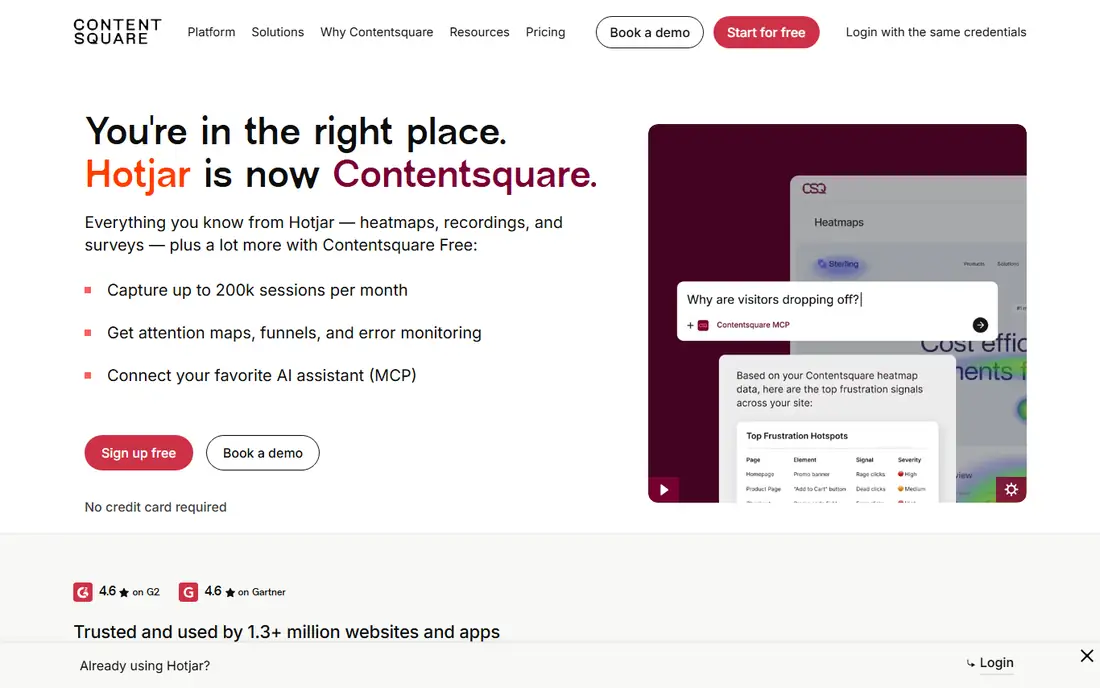
Hotjar is now part of Contentsquare, and new users sign up for Contentsquare Free rather than a classic Hotjar account, according to the Hotjar homepage. The core value is unchanged: heatmaps show where visitors click and scroll, recordings show how real sessions unfold, and surveys capture why a visitor left without buying. That qualitative view explains the numbers other tools report. A funnel may show a checkout drop, but a recording shows the form field, error message, or confusing step that caused it.
Free access is generous for a small store, with Contentsquare Free listing up to 200,000 sessions per month, heatmaps, attention maps, funnels, and error monitoring, plus a survey response allowance. Paid tiers raise session, response, and feature limits for larger sites. Hotjar does not replace sales or attribution analytics, and it should not be used to watch individual visitors in a way that breaches privacy expectations. Used on key pages such as the homepage, product pages, and checkout, it is the fastest way to turn a vague conversion problem into a specific fix.
What we like- Heatmaps, recordings, and surveys in one place
- Free plan through Contentsquare
- Useful for checkout and landing page fixes
Watch out for- New accounts now sign up through Contentsquare, not classic Hotjar
- Session and response limits apply on free plans
#6Kissmetrics
Best for: Campaign-to-customer revenue reporting4.1/5 on
G2 (168 reviews, checked Oct 2026)
Visit kissmetrics.io
Starting price$99 per month
Free planYes
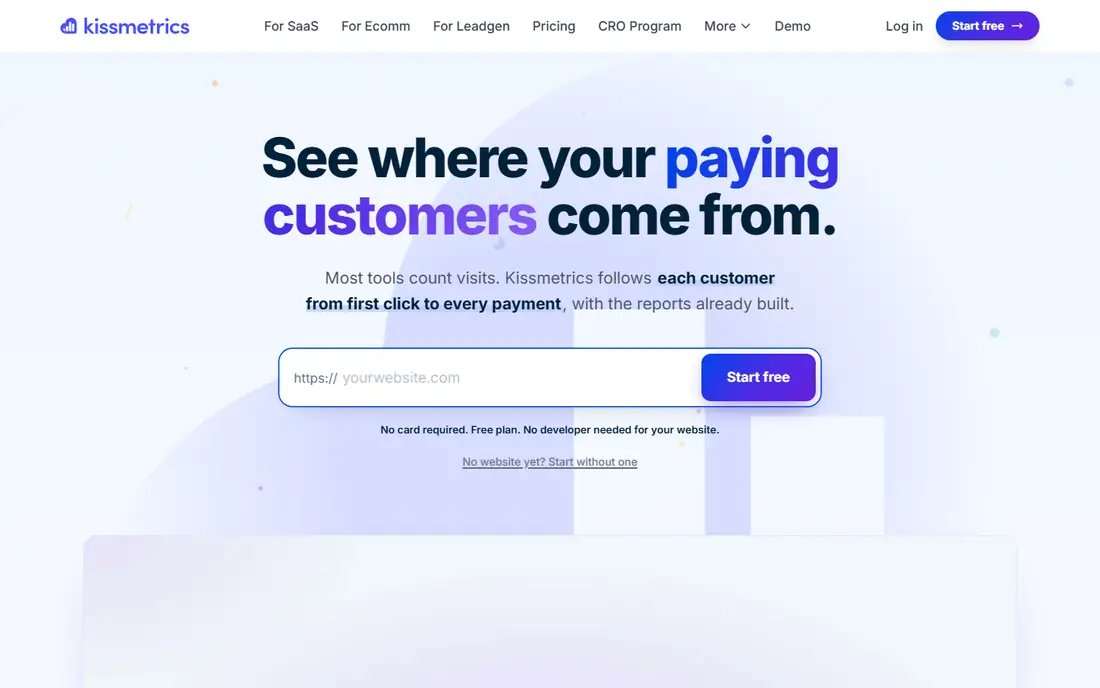
Kissmetrics is built for marketers who want to know which campaigns brought the customers who actually paid, not just which ads claimed a click. It keeps one record per person across devices, from first click through every payment, so a podcast link that opened a sale and a brand search that closed it can both be credited correctly. Ready-made reports answer common budget questions without building custom dashboards, and a plain-language chat can open the relevant report for a follow-up question. Installation is pitched at about five minutes with AI help, plus plugins for WordPress and Shopify.
The free plan covers tracking, dashboards, live view, funnels, and activity reports at 100,000 events per month with three seats, while the full Performance report, populations, and higher volume sit on Growth from $99 per month. Kissmetrics does not offer heatmaps or session recordings, so teams that need that view should pair it with Hotjar. For a store where campaign budget decisions depend on customer revenue rather than session counts, Kissmetrics gives a cleaner answer than a session-based tool alone.
What we like- One record per customer across devices
- First-touch and last-touch campaign reports
- Free plan with 100,000 events per month
Watch out for- Growth features such as the full Performance report need a paid plan
- No heatmaps or recordings
Starting price$0
Free planYes
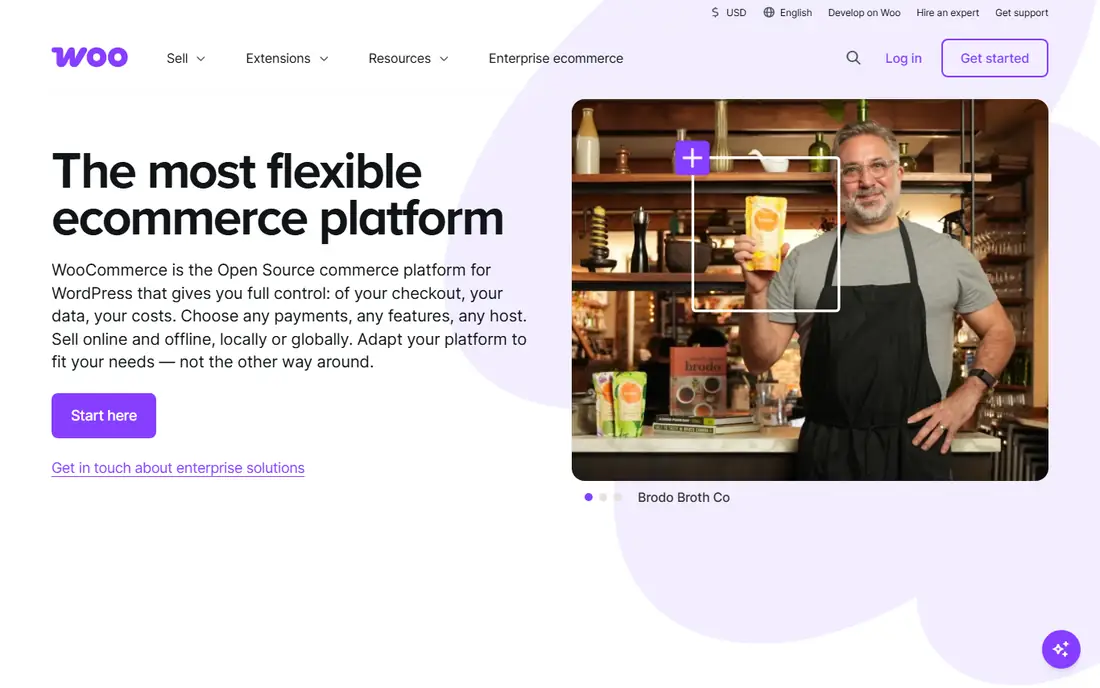
WooCommerce Analytics is the free, built-in reporting layer for any WooCommerce store, and for many small stores it is enough. Revenue, orders, products, categories, coupons, taxes, downloads, and customer reports are available in the WordPress admin, with filters by date, product, and customer type and exports for further analysis. Because it reads store data directly, order and product numbers match the store record without a tracking mismatch. Extensions can add advanced reporting, and third-party tools such as Metorik can layer profit and segmentation on top.
Out of the box, WooCommerce Analytics is weaker on attribution and profit than a specialist tool. It does not explain which campaign brought a profitable customer, and cost data needs extra setup or an extension. A WooCommerce merchant should use these native reports as the daily store truth, then add Kissmetrics or Mixpanel for journey analysis and Metorik for profit when volume justifies the cost. Starting free and adding tools one at a time keeps the analytics stack honest and affordable.
What we like- Free and built into WooCommerce
- Revenue, product, order, and customer reports
- Extensible with paid extensions
Watch out for- Limited attribution and profit depth out of the box
- Advanced analysis needs extensions or a second tool
How we chose
We compared tools on vendor pricing pages, documentation, and public reviews on G2, Capterra, and Reddit, with a focus on store platform fit, attribution model, profit tracking, behavior depth, and pricing transparency. A tool made this list only if it is available today, serves e-commerce stores directly, and has a free plan, a free trial, or a native store report that a merchant can use without a separate purchase. We did not claim hands-on testing, and where a vendor does not publish a simple starting price, we list See website rather than repeating a third-party estimate as a vendor fact.
How to build an analytics stack without overpaying
Start with the store truth, then add one layer at a time. Every store should have native reporting from Shopify or WooCommerce, plus a clear record of orders, revenue, and product performance. The next layer depends on the biggest unknown: if the unknown is which ads drive profitable orders, add an attribution tool; if it is where shoppers drop off, add behavior analytics; if it is whether orders make money after costs, add profit tracking. Adding all three at once creates conflicting numbers and a high monthly bill before any question is answered.
Define one decision each tool must support, and check it in a trial with real data. For attribution, compare blended return, new customer cost, and contribution after costs across two weeks. For behavior, watch funnels and recordings on the checkout and top product pages. For profit, reconcile one week of Metorik or Triple Whale profit against accounting records. If a tool cannot support its decision in that trial, cancel it before the trial ends. Keep a simple data dictionary for events and campaigns, because clean naming is what makes every analytics tool useful over time.
Frequently asked questions
What is the best free e-commerce analytics tool?
For a Shopify store, Shopify Analytics is the best free starting point because it is built in and matches order data. For a WooCommerce store, WooCommerce Analytics plays the same role. Mixpanel, Hotjar through Contentsquare, and Kissmetrics all offer free tiers that add behavior or customer-level analysis on top of native reports.
Do I need Triple Whale if I already use Shopify Analytics?
Not unless ad spend and attribution are the main problem. Shopify Analytics covers sales and channel reporting well, while Triple Whale adds unified attribution, profit views, and media recommendations across ad platforms. A store with low ad spend will get more value from native reports and a behavior tool first.
How do I know which tool to trust when numbers differ?
Numbers differ because each tool counts differently: ad platforms claim their own conversions, session tools count visits, and customer tools count people. Pick one store truth for revenue, usually Shopify or WooCommerce orders, then use other tools for their specific job, such as attribution or behavior. Reconcile a known week of orders against each tool before trusting a new dashboard.
Is Mixpanel or Kissmetrics better for e-commerce?
Mixpanel is better for event funnels, cohorts, and retention inside a product or store journey. Kissmetrics is better for tying campaigns to paying customers and comparing first-touch versus last-touch credit. Many teams use one for behavior and the other for campaign revenue, but a small store should start with one and add the second only when the question is clear.
Can analytics tools track profit, not just revenue?
Yes, with cost inputs. Triple Whale and Metorik combine revenue with ad, shipping, and product costs to show profit and contribution. Native store reports alone usually show revenue, so profit requires either cost fields in the store or a specialist tool that imports those costs.
What should I check before paying for an analytics tool?
Check event or session limits, platform fit, attribution model, data export, privacy controls, and support hours. Run a trial with real store data, confirm that revenue matches the store record, and confirm the price at your actual volume, not the entry tier. Cancel promptly if the tool does not answer its assigned decision.
Sources we checked (7)
- https://mixpanel.com
- https://www.shopify.com
- https://www.triplewhale.com
- https://metorik.com
- https://www.hotjar.com
- https://www.kissmetrics.io
- https://woocommerce.com
Is your product missing or out of date?
We review this list regularly. Vendors can request a listing, send updated pricing or ask about featured placement.

Shihab Mia · Founder, Rankite
Shihab has 5+ years in B2B and SaaS SEO. He writes Rankite's software buying guides from pricing pages, documentation and public user reviews. More about Shihab.