How we make this list: we compare pricing pages, product documentation and public user reviews. Rankite is independent; if a vendor ever pays for a featured spot, that listing is clearly labeled Partner.
Key takeaways
- Google Drive and OneDrive win by ecosystem: choose the one matching the productivity suite you already pay for.
- Dropbox remains the simplest pure file-sharing experience, and Box leads for enterprise content governance.
- ShareFile and Egnyte serve regulated and file-heavy industries that need more control than consumer tools offer.
- WeTransfer, Smash and DocSend solve sending, not storing: pick them for delivery, not as a file home.
Quick comparison
| Tool | Best for | Starting price | Free plan |
|---|
 Google Drive Google Drive | Google Workspace teams | Free | Yes |
 Dropbox Dropbox | Simple, reliable file sharing | Free | Yes |
 Box Box | Enterprise content management | Free | Yes |
 ShareFile ShareFile | Secure client file sharing | See website | Free trial |
 OneDrive OneDrive | Microsoft 365 teams | Free | Yes |
 Egnyte Egnyte | File-heavy industries with governance needs | See website | Free trial |
 WeTransfer WeTransfer | Sending large files simply | Free | Yes |
 DocSend DocSend | Sharing pitch decks with tracking | See website | Free trial |
 Hightail Hightail | Creative team file sharing | See website | Free trial |
 Smash Smash | Free large file transfers | Free | Yes |
Is your product missing or out of date?
We review this list regularly. Vendors can request a listing, send updated pricing or ask about featured placement.
Starting priceFree
Free planYes
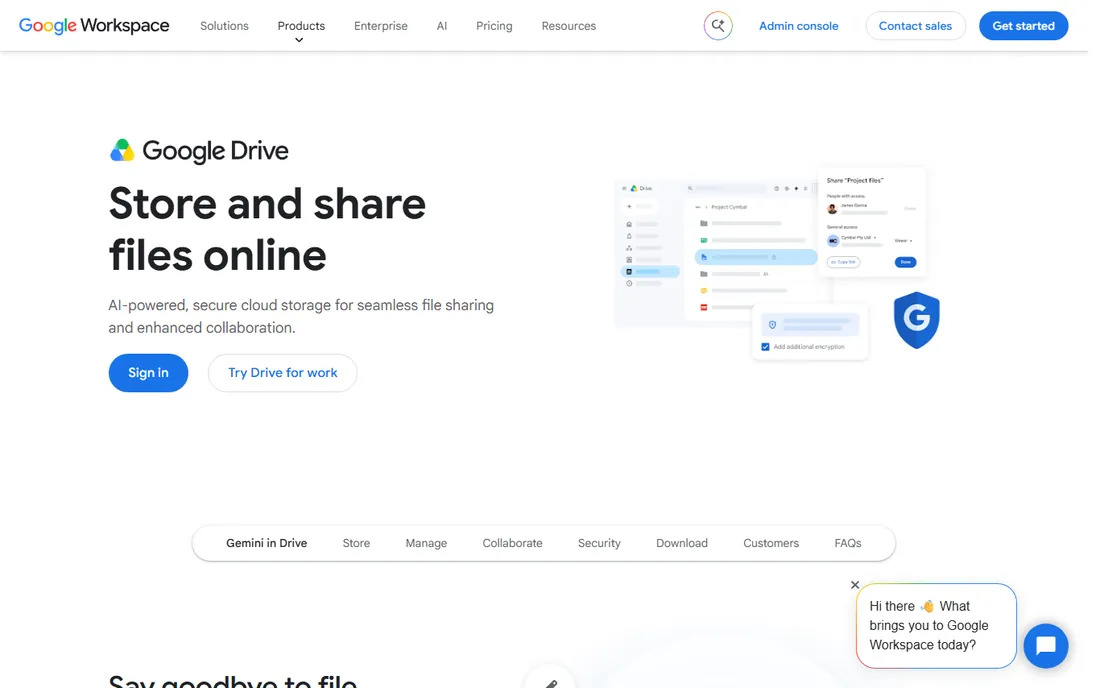
Google Drive is where most teams already keep their files, because it comes with Workspace. Sharing is a link or an email away, Docs/Sheets/Slides collaborate in real time, and 15GB free covers personal use. For organizations on Google, Drive is infrastructure, not a decision.
The familiar pain is permission sprawl: years of shared links nobody remembers granting. Desktop sync has quirks with very large file sets. And Drive is genuinely better inside Google's world; Microsoft-centric teams get less. But for the Google ecosystem, nothing else is worth considering.
What we like- Included with Workspace
- Real-time Docs collaboration
- Generous free storage
Watch out for- Sharing permission sprawl is common
- Desktop sync quirks
- Best inside Google
Starting priceFree
Free planYes
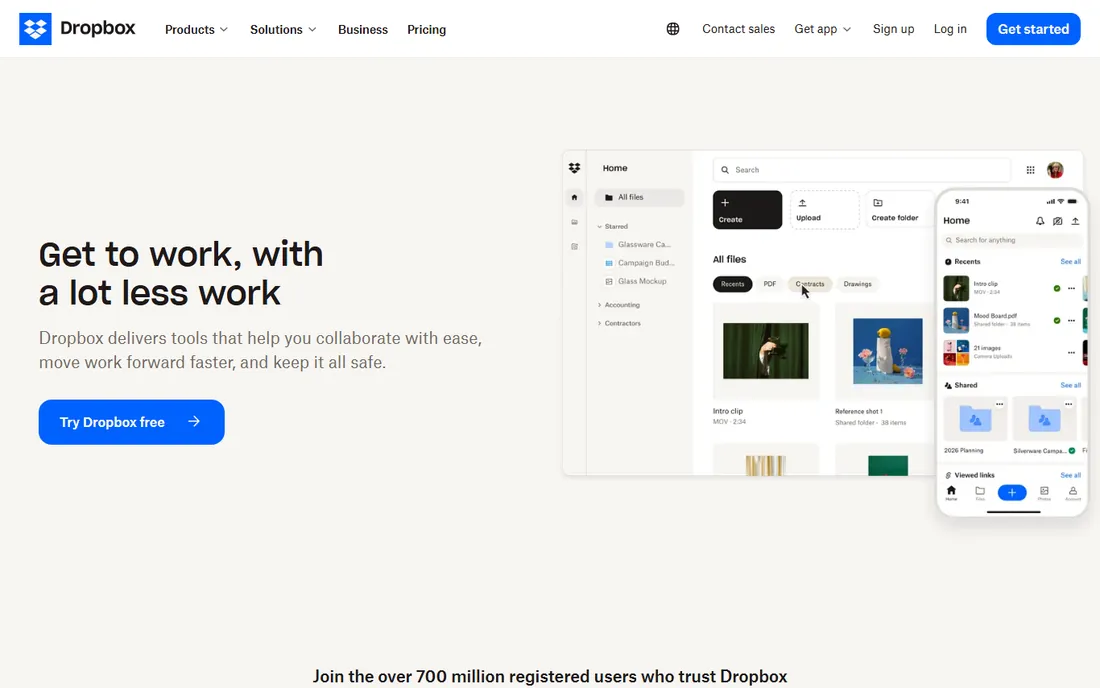
Dropbox invented this category and still syncs better than anyone. Files appear on every device quickly and reliably, shared links just work, and the interface stays simple. Creative teams, freelancers and small businesses that live in files rather than documents keep choosing it.
The free tier's 2GB is stingy, and paid plans cost more than Google or Microsoft equivalents. Real-time document collaboration trails the suite vendors. But for the core job, files that sync perfectly and share easily, Dropbox remains the benchmark.
What we like- The most reliable sync in the business
- Simple sharing anyone understands
- Broad integration support
Watch out for- Free tier is only 2GB
- Pricing is premium
- Collaboration features trail Google
Starting priceFree
Free planYes

Box grew up serving enterprises with compliance needs, and it shows in governance: granular permissions, retention policies, e-discovery support and certifications that regulated industries require. Business plans include unlimited storage, which matters for file-heavy organizations.
The interface reflects its enterprise heritage, and pricing sits at the premium end. Simple sharing needs do not require Box. But for organizations where content governance is the requirement rather than the nice-to-have, Box is the enterprise standard.
What we like- Strong governance and compliance
- Unlimited storage on business plans
- Excellent admin controls
Watch out for- Interface feels enterprise
- Pricing is premium
- Overkill for simple sharing
Starting priceSee website
Free planFree trial
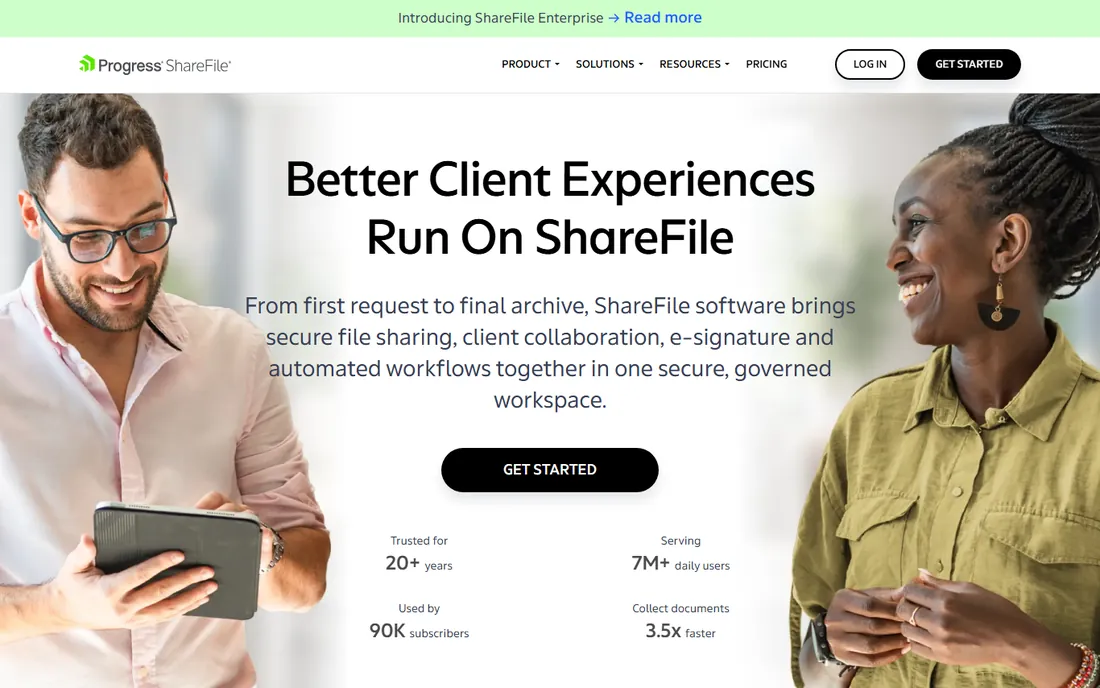
ShareFile, from Citrix, targets professionals who share files with clients: accountants, lawyers, financial advisors. Branded client portals, secure sharing and built-in e-signature cover the client-service workflow. Security and compliance features suit regulated professions.
Pricing is quote-based and the interface shows its age. General teams get better value elsewhere. But for client-facing secure sharing in professional services, ShareFile's purpose-built workflow beats generic storage.
What we like- Built for client-facing sharing
- Strong security and compliance
- E-signature included
Watch out for- Pricing by quote
- Interface is dated
- Best for specific industries
Starting priceFree
Free planYes
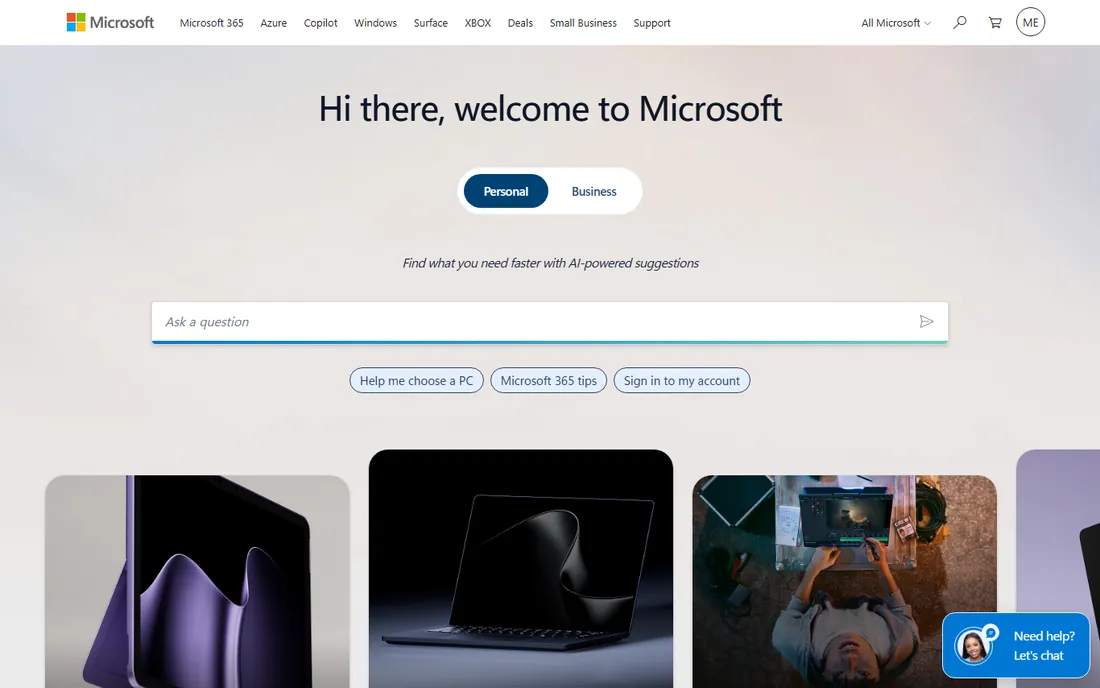
OneDrive follows the Microsoft bundling playbook: 1TB per user with Microsoft 365, deep Office integration, and SharePoint behind it for team sites. For the enormous Microsoft installed base, it is the default and usually sufficient.
The sharing experience confuses users more than Google's or Dropbox's, and very large synced libraries can strain the client. Outside Microsoft 365 the value thins. But when the organization already pays for 365, OneDrive's terabyte and Office integration settle the question.
What we like- Included with Microsoft 365
- Deep Office integration
- 1TB on business plans
Watch out for- Sharing UX confuses some users
- Best inside Microsoft
- Sync issues on large libraries
Starting priceSee website
Free planFree trial

Egnyte serves industries where files are enormous and governance is mandatory: architecture, engineering, construction, media. The platform handles large files and volumes gracefully while providing the permissions, auditing and compliance controls enterprises require. Hybrid storage options suit firms with on-premises investments.
It is quote-priced and more complex than simple sharing needs justify. The ecosystem is smaller than the giants'. But for file-heavy industries with real governance requirements, Egnyte's architecture fits better than consumer tools grown enterprise.
What we like- Handles huge files and volumes well
- Strong governance
- Good for AEC and media
Watch out for- Pricing by quote
- Complexity exceeds simple needs
- Smaller ecosystem
Starting priceFree
Free planYes

WeTransfer solves one problem beautifully: getting a large file to someone. No account, no setup, just upload and share the link. Creatives sending proofs, videos and assets use it daily. The free tier covers files up to 2GB.
It is not storage; links expire, which is the point for sending but useless for keeping. Larger transfers and customization need Pro. For delivery rather than storage, WeTransfer's simplicity is unmatched.
What we like- Dead simple large file sending
- No account needed for basic use
- Pleasant experience
Watch out for- Not storage, just sending
- Free tier limits
- Pro needed for more
Starting priceSee website
Free planFree trial
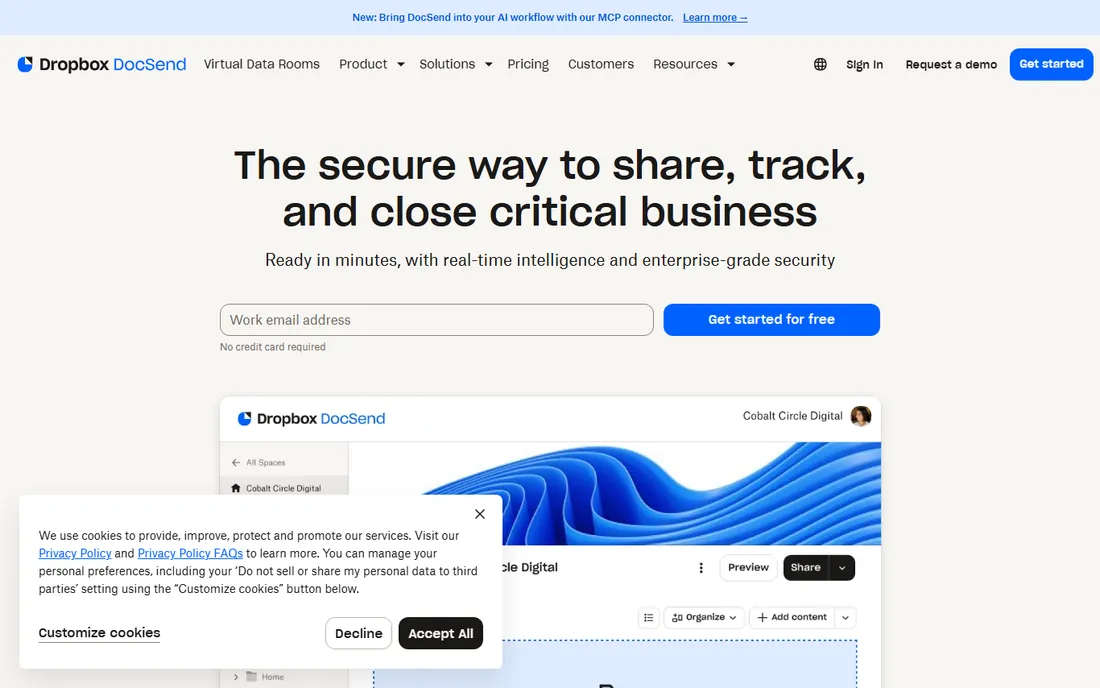
DocSend, now part of Dropbox, answers the founder's question: who actually read the deck? Page-by-page analytics, link expiration, password protection and one-click NDAs make it the standard for sharing fundraising materials and sensitive documents. The intelligence changes follow-up strategy.
It is a niche tool at per-user pricing, overkill for general file sharing. But for anyone sending documents where knowing engagement matters, investors, board members, prospects, DocSend's tracking justifies itself.
What we like- See who views what and for how long
- Link controls and NDAs
- Fundraising staple
Watch out for- Niche use case
- Pricing per user
- Now part of Dropbox
Starting priceSee website
Free planFree trial
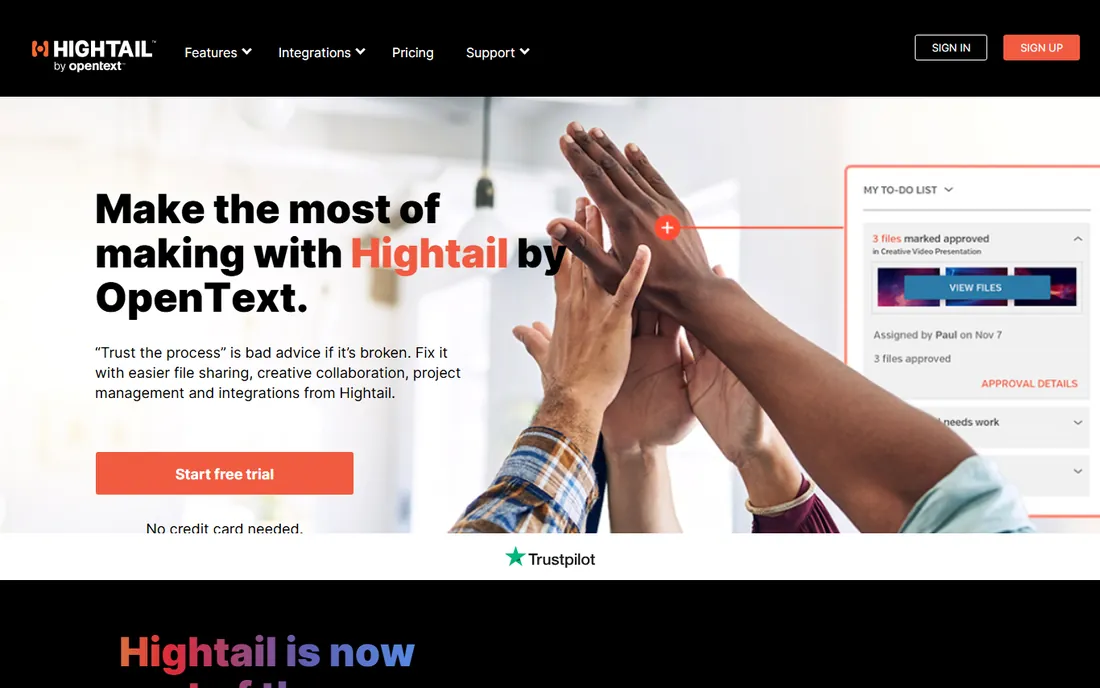
Hightail, now part of OpenText, targets creative teams sharing large files for review. Version tracking, comments on files and approval workflows suit agencies and production teams. Large file support handles the media sizes creatives actually move.
The profile is smaller than the giants, pricing is quote-based, and development moves steadily rather than fast. But creative workflows with review cycles get more from Hightail's purpose-built features than from generic storage.
What we like- Built for creative review workflows
- Large file support
- Now part of OpenText
Watch out for- Smaller profile than rivals
- Pricing by quote
- Innovation pace is modest
Starting priceFree
Free planYes
Smash takes WeTransfer's concept further on generosity: the free tier has no file size limits, which is remarkable. Files send simply, previews look decent, and paid plans add customization and branding. For free large transfers, it is the most generous option available.
Like WeTransfer it is sending, not storage. The company is smaller with fewer business features. But when the need is moving a huge file for free right now, Smash is hard to beat.
What we like- Generous free large transfers
- No size limits on free tier
- Simple
Watch out for- Not storage
- Smaller company
- Fewer business features
How we chose
We covered cloud storage platforms, secure client sharing and file-sending tools, since buyers search the category term for all three. Each product was verified as currently offered. Pricing came from vendor pages where published and was marked honestly where it was not. We weighed sync reliability, sharing controls, governance, storage value and fit for different uses. No vendor paid for placement and we claimed no hands-on testing.
Storage vs sending
These are different jobs. Storage platforms like Drive, Dropbox, Box and OneDrive keep files organized, synced and accessible long-term. Sending tools like WeTransfer, Smash and DocSend deliver files to someone else, often with expiration and tracking.
Most organizations need both: a storage home and a sending method. The storage choice usually follows the productivity suite. The sending choice follows the use case: simple delivery favors WeTransfer or Smash, tracked sensitive sharing favors DocSend. Buying storage for a sending problem, or vice versa, wastes money.
What to check before you choose
Audit sharing permissions before migrating. Years of accumulated shared links and folder permissions carry security risk. A new platform is the right moment to clean house. Check admin tools for permission reporting during the trial.
Test sync with your real file set. Large files, deep folder trees and special characters separate reliable sync from marketing claims. Run the trial with actual work data, not a clean test folder. And verify compliance needs early: retention, e-discovery, data residency and certifications are knockout criteria for regulated industries.
Security practices that actually matter
Sharing documents widely creates risk, and most breaches come from ordinary habits rather than sophisticated attacks. The first habit to fix is link sharing. Anyone-with-the-link URLs are convenient and dangerous: they get forwarded, posted in chats and indexed in ways nobody intended. Default to people-specific sharing, use link sharing only for genuinely public material, and set expiration dates on links that must be open. Every platform here supports these controls; the problem is that teams never turn them on.
The second habit is permission hygiene. Folders accumulate editors over time as people join projects and never leave them. A quarterly access review, removing people who no longer need folders, takes an hour and closes the most common over-sharing vector. Admins should check who has external sharing enabled and whether guests still need access after projects end. The platforms with the best admin consoles make this review painless; the ones without it make it a manual chore, which is why it never happens.
Encryption and compliance deserve honest treatment. All major platforms encrypt data in transit and at rest. The differences that matter are customer-managed keys, regional data residency and certifications like SOC 2 and HIPAA. Regulated businesses should verify these before migrating, not after. And two-factor authentication for every user is non-negotiable; a shared document account without it is an open door.
Finally, think about the offboarding flow. When someone leaves, their shared documents need an owner, their external shares need review, and their account needs deprovisioning. The platforms with strong admin tooling automate most of this. Test the flow before you need it. Document security is mostly process, and the platform's job is to make the right process the easy one.
Frequently asked questions
What is the best document sharing platform?
Google Drive suits Google Workspace teams, OneDrive suits Microsoft 365 teams, Dropbox offers the simplest pure sharing experience, and Box leads enterprise governance. The best choice follows the existing productivity ecosystem and compliance needs.
Is Google Drive or Dropbox better?
Drive offers better value with 15GB free and real-time document collaboration, especially inside Google Workspace. Dropbox offers more reliable sync and simpler sharing. Workspace teams should use Drive; file-centric teams often prefer Dropbox.
How do I share large files for free?
WeTransfer's free tier handles files up to 2GB without an account. Smash offers no file size limits on its free tier. Both are sending tools with expiring links, not permanent storage.
What is the most secure file sharing platform?
Box, ShareFile and Egnyte lead on enterprise security with granular permissions, audit trails and compliance certifications. For client-facing sharing in regulated professions, ShareFile's purpose-built controls stand out. Security depends as much on configuration as on the platform.
Can I track who views my shared documents?
DocSend provides page-by-page analytics showing who viewed what and for how long, with link controls and NDA options. Standard storage platforms offer basic view notifications but not DocSend's depth. Use DocSend when engagement intelligence matters.
Sources we checked (10)
- https://drive.google.com
- https://www.dropbox.com
- https://www.box.com
- https://www.sharefile.com
- https://www.microsoft.com
- https://www.egnyte.com
- https://wetransfer.com
- https://www.docsend.com
- https://www.hightail.com
- https://fromsmash.com
Is your product missing or out of date?
We review this list regularly. Vendors can request a listing, send updated pricing or ask about featured placement.

Shihab Mia · Founder, Rankite
Shihab has spent more than a decade helping SaaS and e-commerce brands grow through search. He writes Rankite's software buying guides from pricing pages, documentation and public user reviews. More about Shihab.