How we make this list: we compare pricing pages, product documentation and public user reviews. Ratings come from G2, Capterra or Trustpilot, with the date we checked them.
Key takeaways
- Digital work instructions replace paper binders with step-by-step guidance on tablets and screens at the workstation.
- Version control matters most, because an outdated instruction on the floor can cause rework or a quality failure.
- The best tool for a plant depends on whether you need simple visual steps, data capture, or full app building.
- Offline access is essential in areas with weak Wi-Fi, so test it on the actual shop floor before buying.
- Quote-only pricing is common, so ask for the full cost including implementation, devices, and training.
Quick comparison
| Tool | Best for | Starting price | Free plan |
|---|
 Dozuki Dozuki | Standard work and training | See website | No |
 Tulip Tulip | No-code frontline apps | $100 per interface/month | Free trial |
 VKS VKS | Visual assembly instructions | See website | Yes |
 Poka Poka | Multi-plant frontline knowledge | See website | No |
 SwipeGuide SwipeGuide | Fast visual instruction authoring | See website | No |
 SafetyCulture SafetyCulture | Checklists plus instructions | $24 per seat/month | Yes |
 Operations1 Operations1 | Deep SOP and variant control | See website | No |
 Augmentir Augmentir | Skill-based operator guidance | See website | No |
Is your product missing or out of date?
We review this list regularly. Vendors can request a listing, send updated pricing or ask about featured placement.
The best digital work instructions software
#1Dozuki
Best for: Standard work and training4.4/5 on
G2 (210 reviews, checked Oct 2026)
Visit dozuki.com
Starting priceSee website
Free planNo
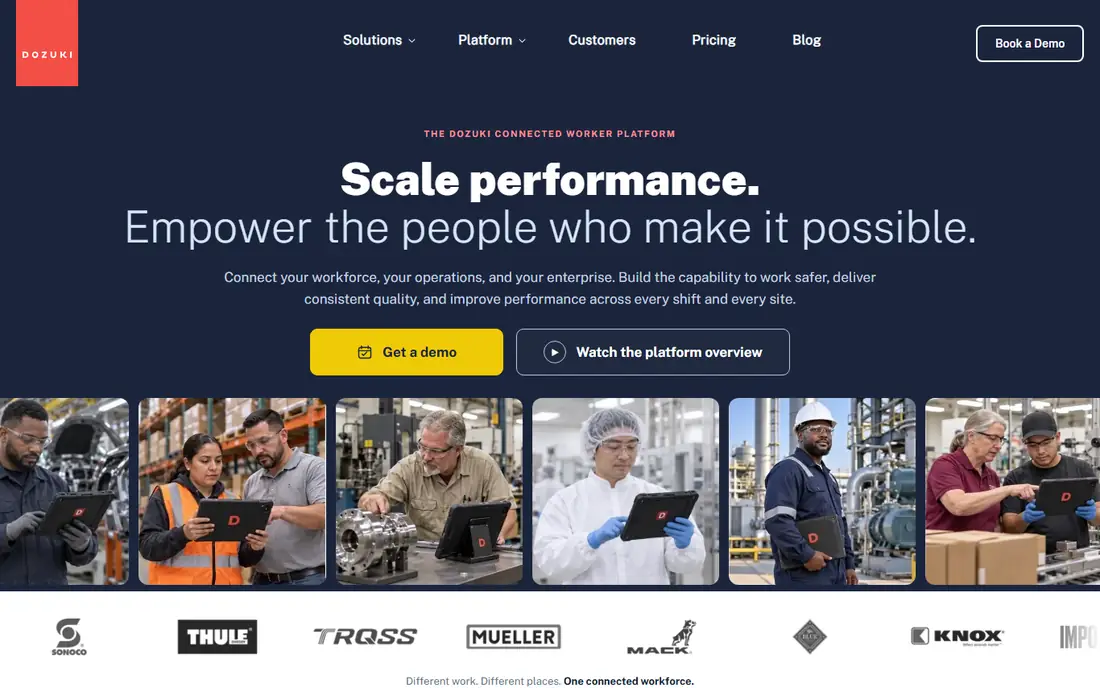
Dozuki fits manufacturers that want to standardize work across teams, shifts, and locations. Approved procedures are distributed instantly when updated, and revision history shows exactly what changed and when. Training modules turn those procedures into a program, with records of who was trained to the current standard and automatic retraining when a procedure changes. That link between instruction and training is the main reason quality teams choose Dozuki.
The pricing model is the main complaint in public reviews. Dozuki is sold as a suite, so a team that only needs authoring may pay for training and other features it does not use yet. Pricing is quoted, which makes budgeting slower. Dozuki suits manufacturers that need document control, approvals, and training records together, not a team that only wants a simple visual guide.
What we like- Versioned procedures with approvals
- Training tracking
- Feedback from within procedures
Watch out for- Quote-only pricing
- Less flexible for teams that need only part of the suite
#2Tulip
Best for: No-code frontline apps4.5/5 on
G2 (37 reviews, checked Oct 2026)
Visit tulip.co
Starting price$100 per interface/month
Free planFree trial
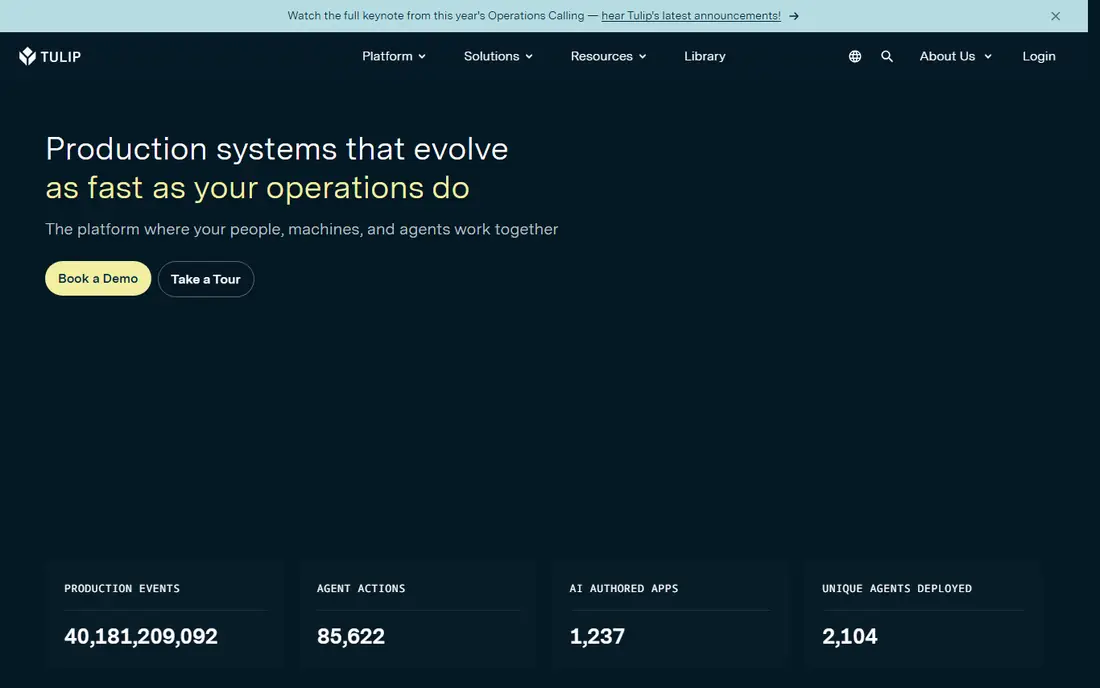
Tulip is different from a pure instruction tool, because it lets manufacturers build frontline apps that include work instructions, data capture, quality checks, and machine connections. A team can guide an operator through assembly steps, capture measurements at each step, and track results against KPIs in one app. That flexibility suits regulated manufacturers and complex assembly where instructions alone are not enough, and where data at each step matters for quality.
The flexibility requires builders. A plant without someone who can design apps will get less value, and may need Tulip support or a partner to start. Pricing starts at $100 per interface per month, with a minimum number of interfaces on some plans, so the entry cost is higher than a simple instruction tool. Tulip fits manufacturers with engineering or operations staff who can build and maintain apps.
What we like- No-code app builder
- Machine and device integrations
- Analytics built in
Watch out for- Needs in-house builders for best results
- Interface minimums raise entry cost
#3VKS
Best for: Visual assembly instructions4.7/5 on
G2 (19 reviews, checked Oct 2026)
Visit vksapp.com
Starting priceSee website
Free planYes
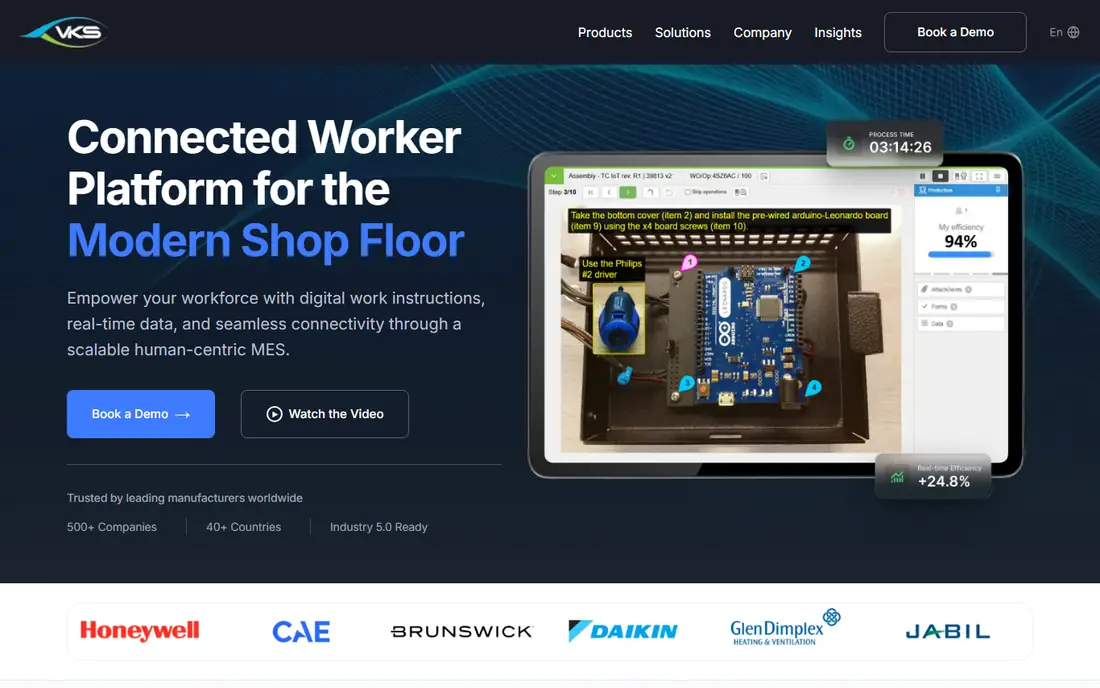
VKS focuses on visual work instructions for assembly and manufacturing, with images, video, and clear steps at each workstation. Operators can capture data inside a step, such as a measurement, a photo, or a checkbox, which gives quality teams a record tied to the exact step where work happened. Connected features can link instructions to shop-floor data and smart forms, which helps traceability. A free Lite tier lets a small team try visual instructions before committing to a paid plan.
Paid pricing is quoted for Pro and Enterprise, so buyers need a sales conversation to compare total cost. The review base is also smaller than Dozuki or Tulip, which means fewer public case studies to check. VKS fits manufacturers that want visual, step-based guidance with data capture, and that value a free starting tier for a pilot line.
What we like- Visual step-by-step guidance
- In-step data capture
- Free Lite tier to start
Watch out for- Enterprise pricing is quoted
- Smaller review base than larger rivals
#4Poka
Best for: Multi-plant frontline knowledge4.6/5 on
G2 (229 reviews, checked Oct 2026)
Visit poka.io
Starting priceSee website
Free planNo
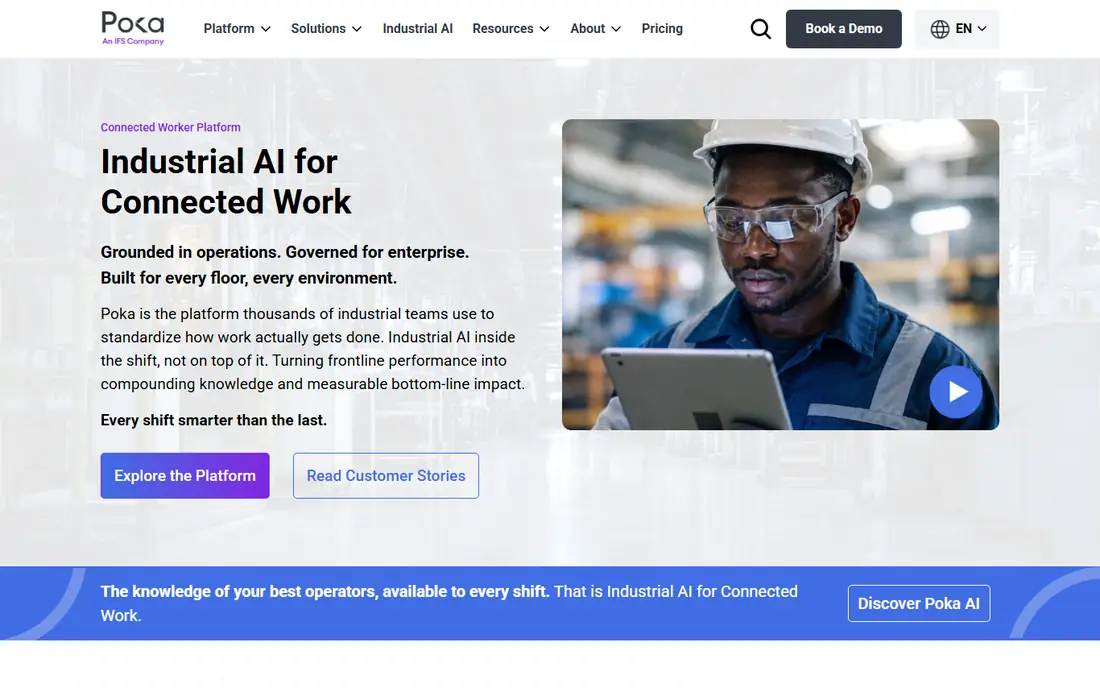
Poka helps manufacturers share knowledge across plants, with multimedia instructions, training content, and frontline communication in one platform. A best practice created in one plant can be shared to others, with local language and format needs handled in the system. That standardization matters for food, beverage, and light manufacturing firms with several sites that otherwise drift apart in how work is done. Frontline workers can also ask questions and share tips inside the platform.
Pricing is quoted, and Poka is now part of the IFS stack, so buyers should confirm the product roadmap and integration plans during evaluation. That ownership can bring deeper enterprise integration, but it also means checking that the standalone Poka experience remains a priority. Poka fits multi-plant manufacturers that need consistent instructions and shared frontline knowledge, not a single-line shop.
What we like- Multimedia instructions
- Frontline knowledge sharing
- Multi-plant standardization
Watch out for- Quote-only pricing
- Now part of a larger stack, so roadmap checks matter
Starting priceSee website
Free planNo
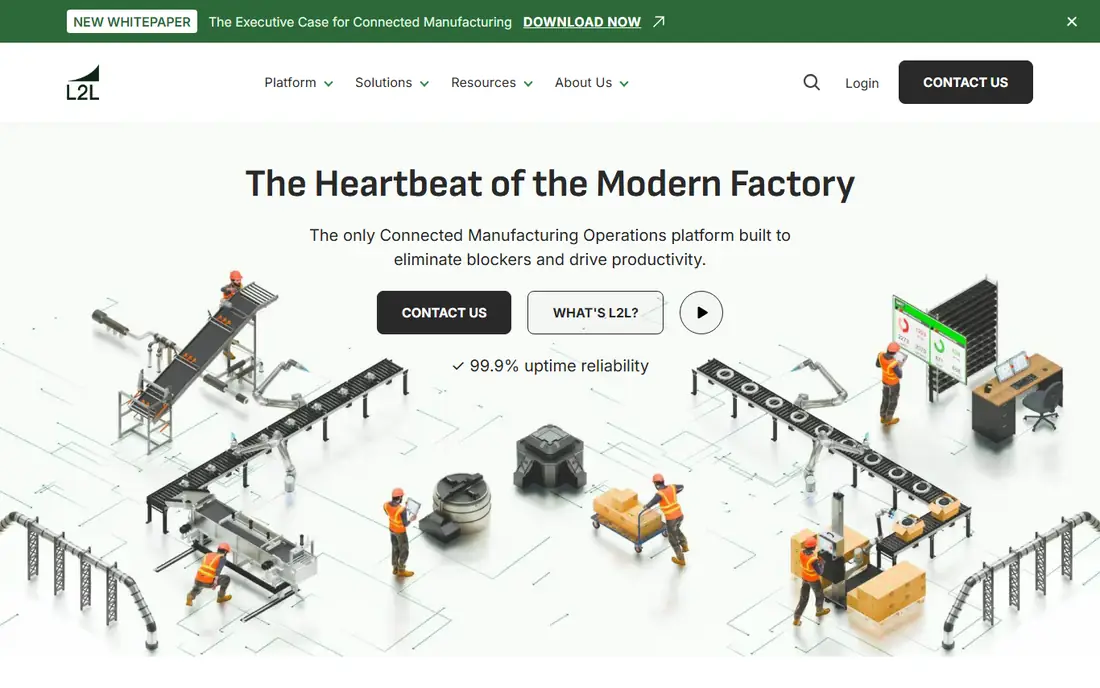
SwipeGuide is built for speed. Non-technical authors can create visual, step-by-step instructions quickly, and operators view them on mobile devices at the workstation. That low authoring barrier helps plants where engineers are busy and supervisors or senior operators need to document work themselves. The mobile-first design also suits field service and maintenance teams that work away from a fixed workstation.
The cost structure is per site, which can be high for a small firm with one site and a limited budget. Data capture and app-building depth are also thinner than Tulip or VKS, so plants that need measurements at every step may need another tool. SwipeGuide fits teams that need to digitize many instructions fast, with authors who are not software specialists.
What we like- Fast authoring
- Mobile-first delivery
- Easy for non-technical authors
Watch out for- Pricing is per site and can be high for small firms
- Fewer data capture features than Tulip
Starting price$24 per seat/month
Free planYes
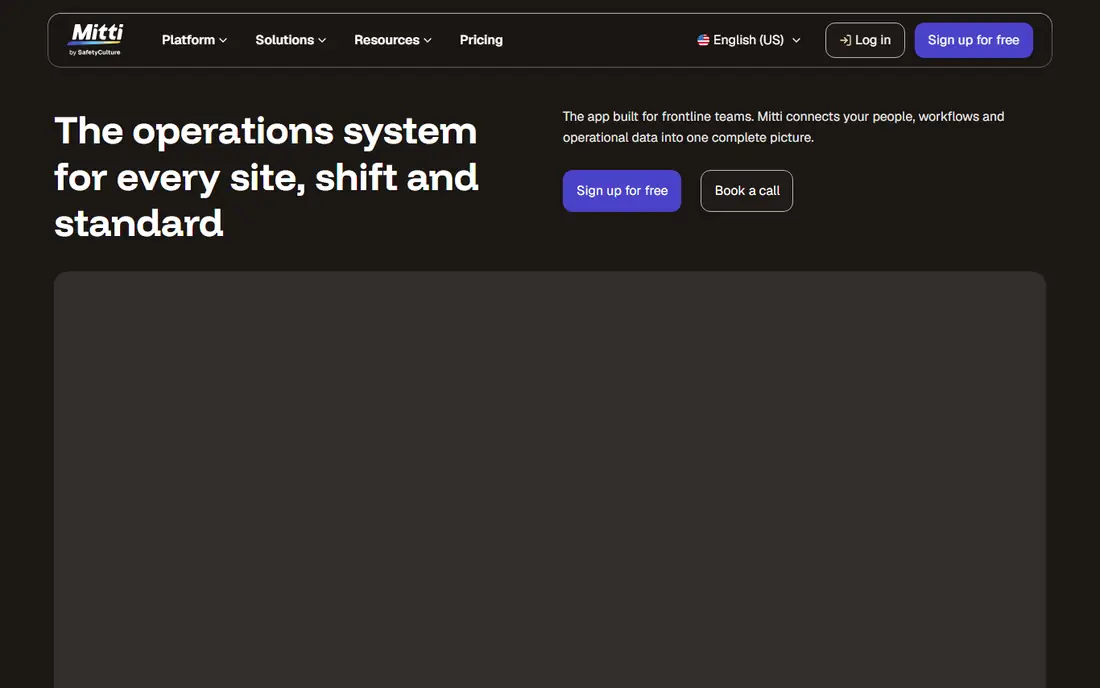
SafetyCulture, formerly known for iAuditor, gives frontline teams mobile checklists, inspections, and work instructions in one platform. A team can attach instructions to a checklist, capture issues with photos, and track corrective actions. The free plan for up to 10 seats makes it easy for a small team to start, and Premium at $24 per seat per month adds deeper features. Offline use on mobile helps teams in warehouses, construction sites, and plants with patchy connectivity.
The platform is broader than a dedicated work instruction tool, so complex assembly guidance with in-step data capture and machine integration is less deep than Tulip or VKS. SafetyCulture fits teams whose main need is inspections, audits, and standard operating procedures delivered on mobile, with instructions as part of that workflow rather than the sole focus.
What we like- Free plan up to 10 seats
- Mobile checklists and inspections
- Offline mobile use
Watch out for- Instructions are part of a broader platform
- Less deep for complex assembly
Starting priceSee website
Free planNo
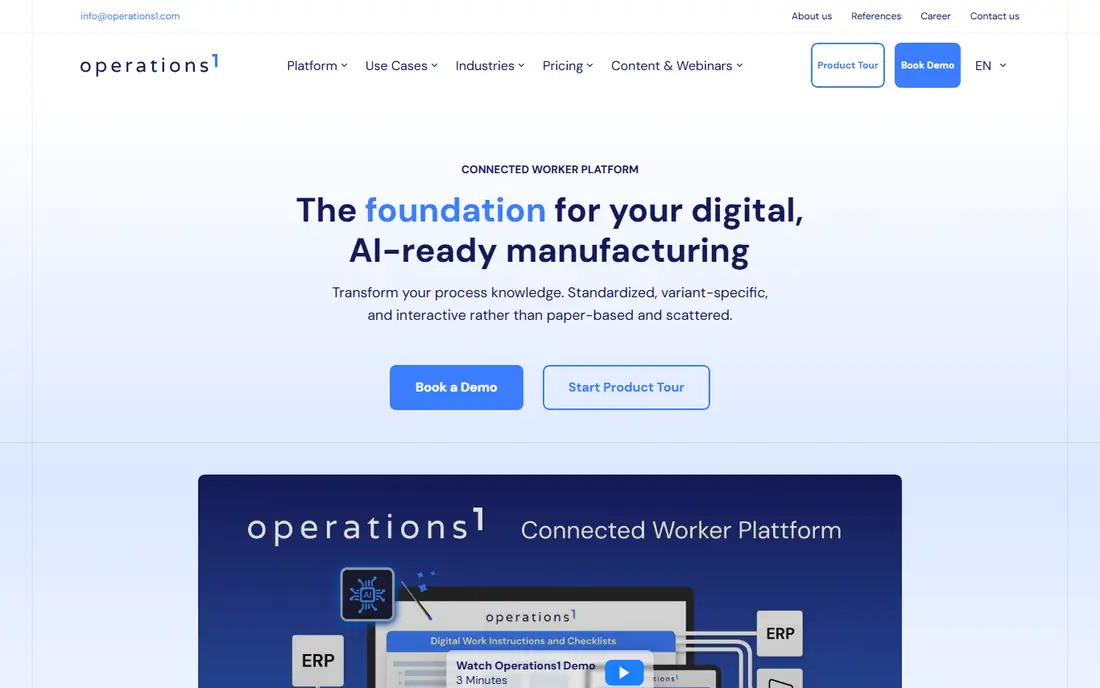
Operations1 focuses on deep process documentation, with digital work instructions, SOP control, and variant management for products that change by customer or configuration. Teams can manage many variants of a procedure without duplicating whole documents, which reduces errors when a variant changes. Full offline execution on mobile helps operators in areas without reliable connectivity, and process collaboration tools let teams review and approve changes.
The documentation-first approach rewards teams that invest in authoring discipline, and it can feel heavy for a team that only needs a few simple guides. Pricing is quoted, so total cost requires a sales conversation. Operations1 fits manufacturers with complex, variant-heavy processes that need tight document control, not a team looking for a quick visual guide tool.
What we like- Strong SOP documentation
- Variant control
- Full offline mobile execution
Watch out for- Quote-only pricing
- Documentation-first approach needs authoring discipline
#8Augmentir
Best for: Skill-based operator guidance4.4/5 on
G2 (24 reviews, checked Oct 2026)
Visit augmentir.com
Starting priceSee website
Free planNo
Augmentir adds a skill layer to work instructions, adapting guidance to each operator's experience and skill level. A new operator sees more detailed steps and support, while an experienced operator sees a shorter path. That approach can reduce training time and errors, especially in plants with high turnover or many temporary workers. Performance insights help managers see where operators struggle and which steps need clearer instructions.
The system works best when skills data is accurate and kept current, which requires ongoing effort from supervisors. Pricing is quoted, and the platform is more than a simple instruction authoring tool, so small teams may find it more than they need. Augmentir fits larger manufacturers with varied operator skill levels, where personalized guidance can improve quality and onboarding speed.
What we like- Guidance adapts to operator skill level
- AI-assisted content
- Performance insights
Watch out for- Quote-only pricing
- Value depends on skills data quality
How to run a pilot on the shop floor
Pick one line or one workstation with a clear quality problem, such as rework, slow training, or frequent questions to supervisors. Digitize the top five procedures for that line, and run them on the actual devices operators will use, in the actual lighting and connectivity conditions. Measure rework, training time, and supervisor interruptions before and after. A pilot in an office will not reveal device, glove, glare, or Wi-Fi problems that appear on the floor.
Control versions from day one
Name one owner for each procedure, set an approval step for changes, and make sure old versions cannot stay on a device after an update. Train operators to report unclear steps from inside the procedure where the tool allows it, and review that feedback weekly. Version control is not paperwork for its own sake, it is what prevents an operator from following an instruction that engineering already changed.
How we chose
We compared pricing pages, product documentation, and public reviews on G2, Capterra, and Reddit, focusing on authoring speed, version control, data capture, offline use, and fit for different plant sizes. We favored tools with a clear manufacturing focus and a track record on the shop floor, and we included a broader checklist platform because many frontline teams use it for instructions. Prices are often quoted in this category, so we used See website where a public starting price could not be confirmed.
Frequently asked questions
What is digital work instructions software?
It is software that delivers step-by-step work guidance on screens or tablets at the workstation, replacing paper binders. Instructions can include images, video, warnings, and data capture fields. Version control, approvals, and usage records help quality teams prove that operators followed the current standard.
Do operators need tablets for every workstation?
Not always, but a device at or near the workstation is needed for digital instructions to work. Some plants use shared tablets, wall screens, or rugged devices depending on the environment. Test device type, gloves, glare, and connectivity on the actual floor before buying devices in bulk.
How does version control work?
An approved version is published to operators, and older versions are removed or marked as outdated. Changes go through review and approval, with a history of what changed and who approved it. That history supports audits and helps trace a quality issue to the instruction version in use at the time.
Can digital instructions work offline?
Many tools offer offline execution on mobile, but the depth varies. Some allow full step completion offline with later sync, while others only allow viewing. Test offline behavior on your floor, including what happens when a procedure updates while a device is offline.
How long does it take to digitize existing procedures?
Time depends on procedure count, media quality, and authoring skill. A simple visual guide can be created in hours, while a complex assembly procedure with photos, videos, and data fields can take days. Start with high-impact procedures, and reuse photos and videos from training materials where possible.
Is this software only for large factories?
No, small manufacturers can start with a free or low-cost tier for one line, then expand. The key is to pick a tool that fits current authoring capacity and device budget. Large factories benefit more from multi-plant standardization, integrations, and skills tracking, but the core value of clear, current instructions applies at any size.
Sources we checked (8)
- https://www.dozuki.com
- https://www.tulip.co
- https://www.vksapp.com
- https://www.poka.io
- https://www.swipeguide.com
- https://www.safetyculture.com
- https://www.operations1.com
- https://www.augmentir.com
Is your product missing or out of date?
We review this list regularly. Vendors can request a listing, send updated pricing or ask about featured placement.

Shihab Mia · Founder, Rankite
Shihab has 5+ years in B2B and SaaS SEO. He writes Rankite's software buying guides from pricing pages, documentation and public user reviews. More about Shihab.